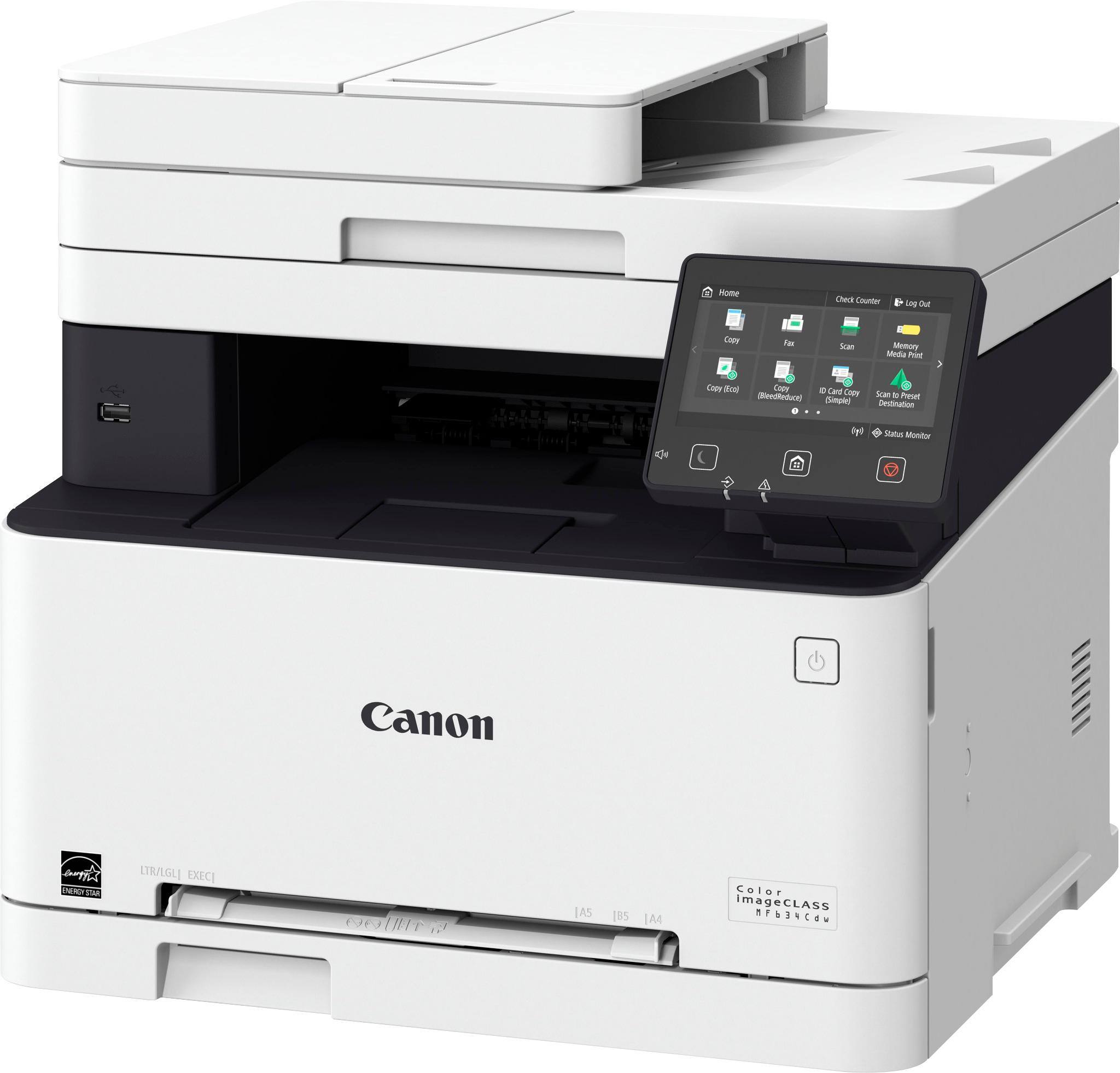
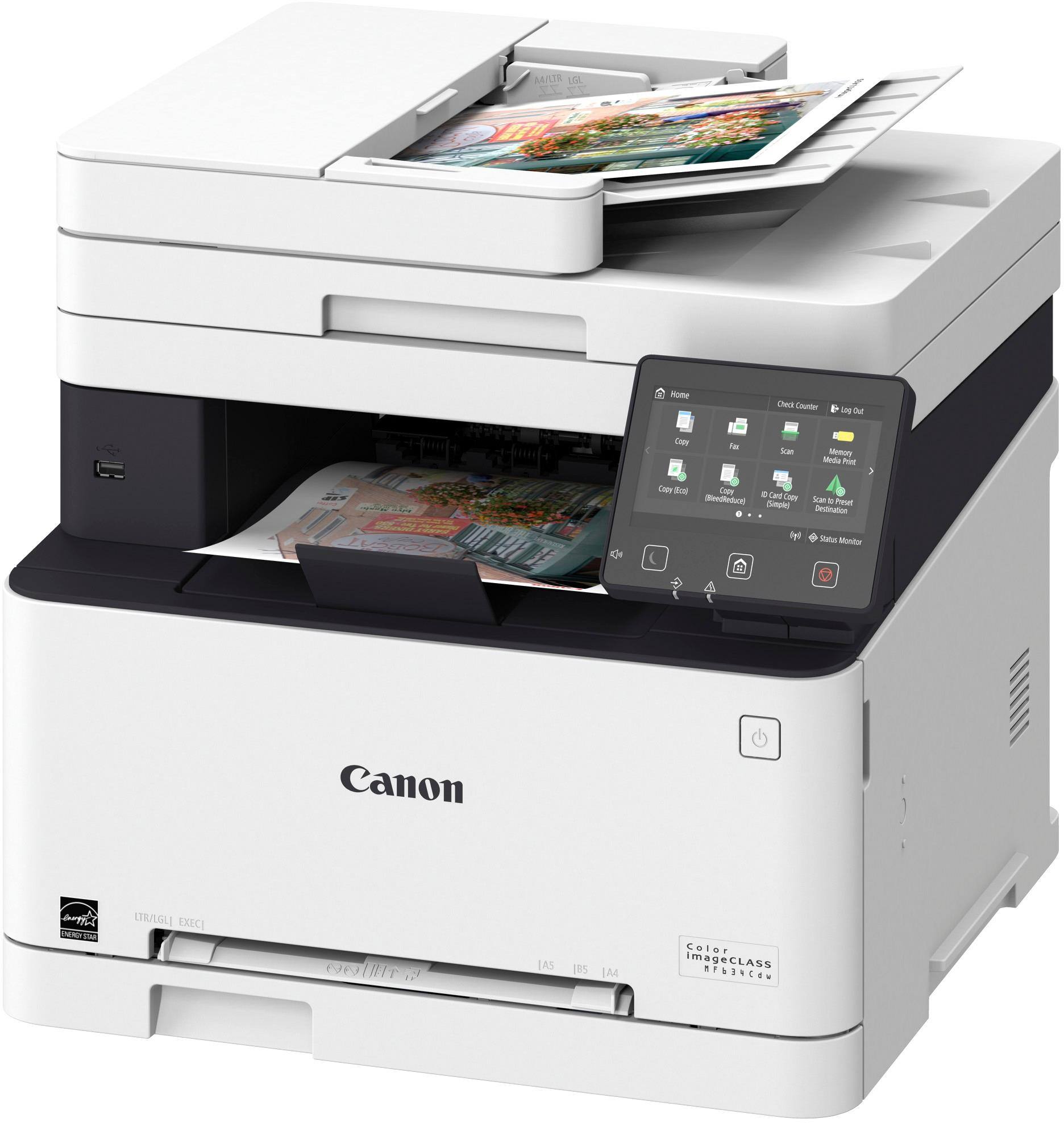
A:AnswerI don't believe it can. I have this printer, and while you can change the paper size in the tray (and in the single-sheet feeder), there is really no way to accommodate two paper sizes at once.
If your software can request a different paper size for each sheet printed, you might be able to get the printer to switch between the drawer and waiting for a single sheet to be fed through the bypass, but personally, I don't see that being an effective way to do this. You would be better off looking for a printer that has 2 paper drawers - one for legal and one for letter.
A:AnswerWhile this printer is a really great printer, one of the best I have owned, I would say no because it does not have a straight pass-thru printing path. I also need to use card stock to print so I also purchased a Canon PIXMA TS9120 (at discount it was $99.00). The Pixma does have straight-thru printing and has no issues with card stock whatsoever. So I use the laser for fast printing with multiple copies and scanning while I use the other for card stock and photo printing which it is excellent at both of those. If you have to have only one printer and need to print card stock, I would look at the Pixma. Both of these printers have excellent print quality and far superior to the Epson and HP that I owned prior to this. I have fast become a Canon supporter after purchasing these.
A:AnswerUnfortunately there are many reports on the web about this otherwise-excellent printer not scanning and/or not printing from a Mac. There seem to be software bugs related to using wifi vs a usb cable. Also hangs which require power cycling the printer every so often. Almost everybody says the print quality is excellent, but many say the software is LTA.