A:AnswerDVD has the assorted drivers and software for scanning, etc. May be better to go to the Canon website and download the drivers, though. Couldn't get the scanner to work with the DVD drivers on my wife's computer, but using the ones from the website it works fine.
WiFi sets up easily without the DVD, but since mine is so close to the router, I just used a network cable.
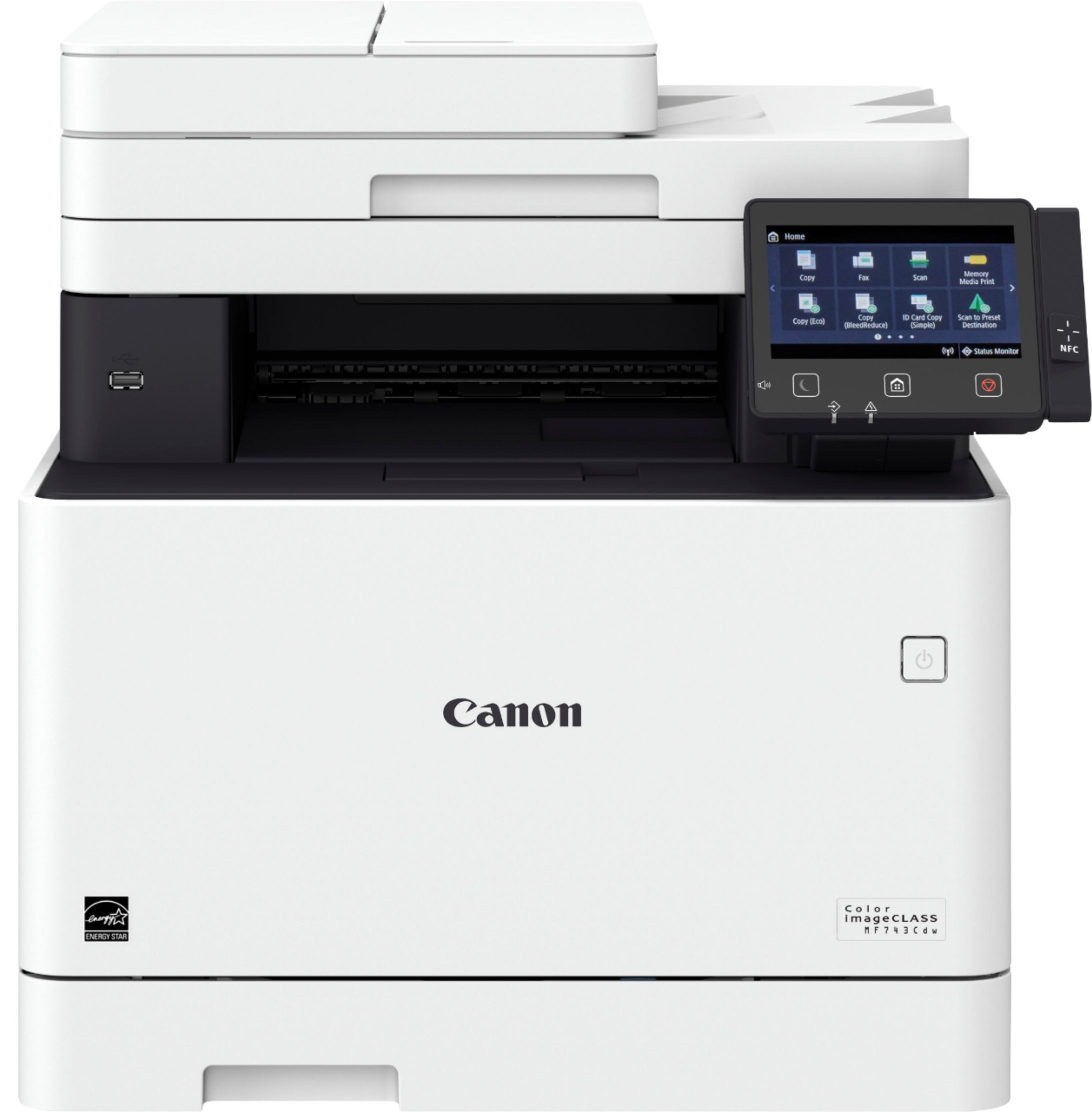
A:AnswerNo. Sorry but it won’t. At least in my experience. The wifi keeps dropping off and you have to go manually restart the printer. It automatically shuts itself off and I cannot find any info to stop this from happening. I have found it very unreliable for wifi printing.
A:AnswerIt came with everything I needed to set it up wirelessly. I don't recall specifically on the cables included other than the power cable. But for sure plenty of toner. The description says how many sheets... maybe 1500ish each? I use this for personal use so did not purchase extra toner, as the starter pack will last me months!
A:AnswerYep! My printer is in a different room than the PC I have my scans sent to. Both the printer and PC are connected wirelessly to different mesh units.