A:Answer500 pages per week is not a problem, in my experience. The print set up does gives an option to save the toner by reducing the print quality which works great for text and images, not so much for QR codes and bar codes.
A:AnswerThis will print up to 11 x 14. It will NOT print legal up to 11 x 17.
As for print quality mentioned in the other answer, there are Color corrections available in the Printer Display menu. Read the Manual provided by Canon online and do some research on Amazon and Canon forums. I have found that you can INCREASE black content in the Printer menu. Each color can be individually changed and Gama and boldness. Or you can have the Printer do the color corrections automatically.
A:AnswerI have had this printer for over a month and printed approx 50 pages and have not had this issue at all. I would suggest trying a different paper, even though you have used the one you have in other printers before. If different brand and weight of paper produce the same result, call Canon support, you are within warranty period.
A:AnswerAbsolutely,
You just need to download the appropriate driver from cannon. Very simple process.
I purchased this printer and it is perfect in every way.
Thank you Cannon.
A:Answer1) CD/DVD Covers...... It can print CD/DVD label sheets, it cannot print directly on to CD/DVD.
2) Staples ..... what?? no, it cannot staple. to get that sort of feature you will need to spend thousands of dollars on an office copier.
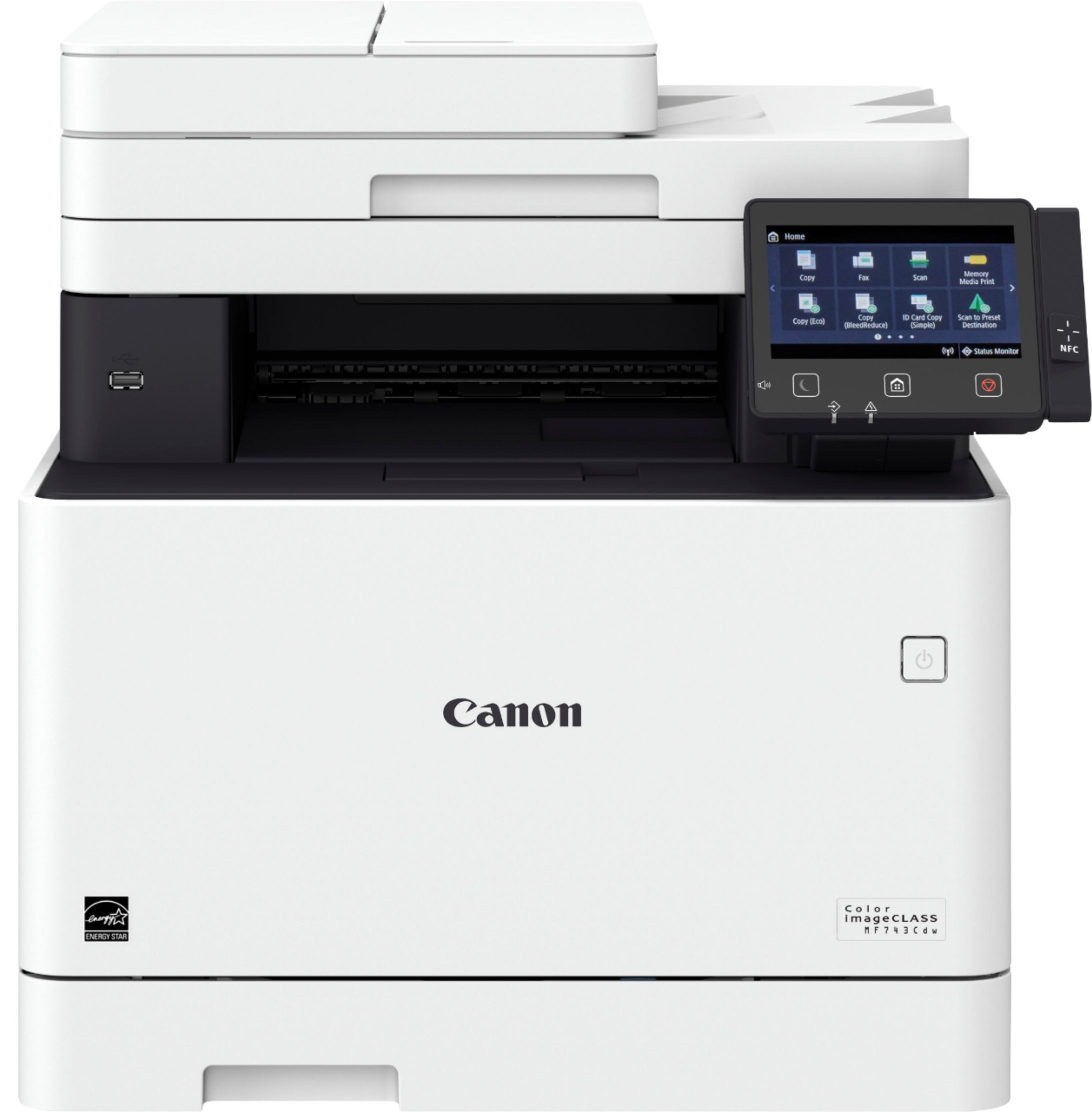
3) USB ...... There is a single USB port on the front in order to connect a camera or other device.