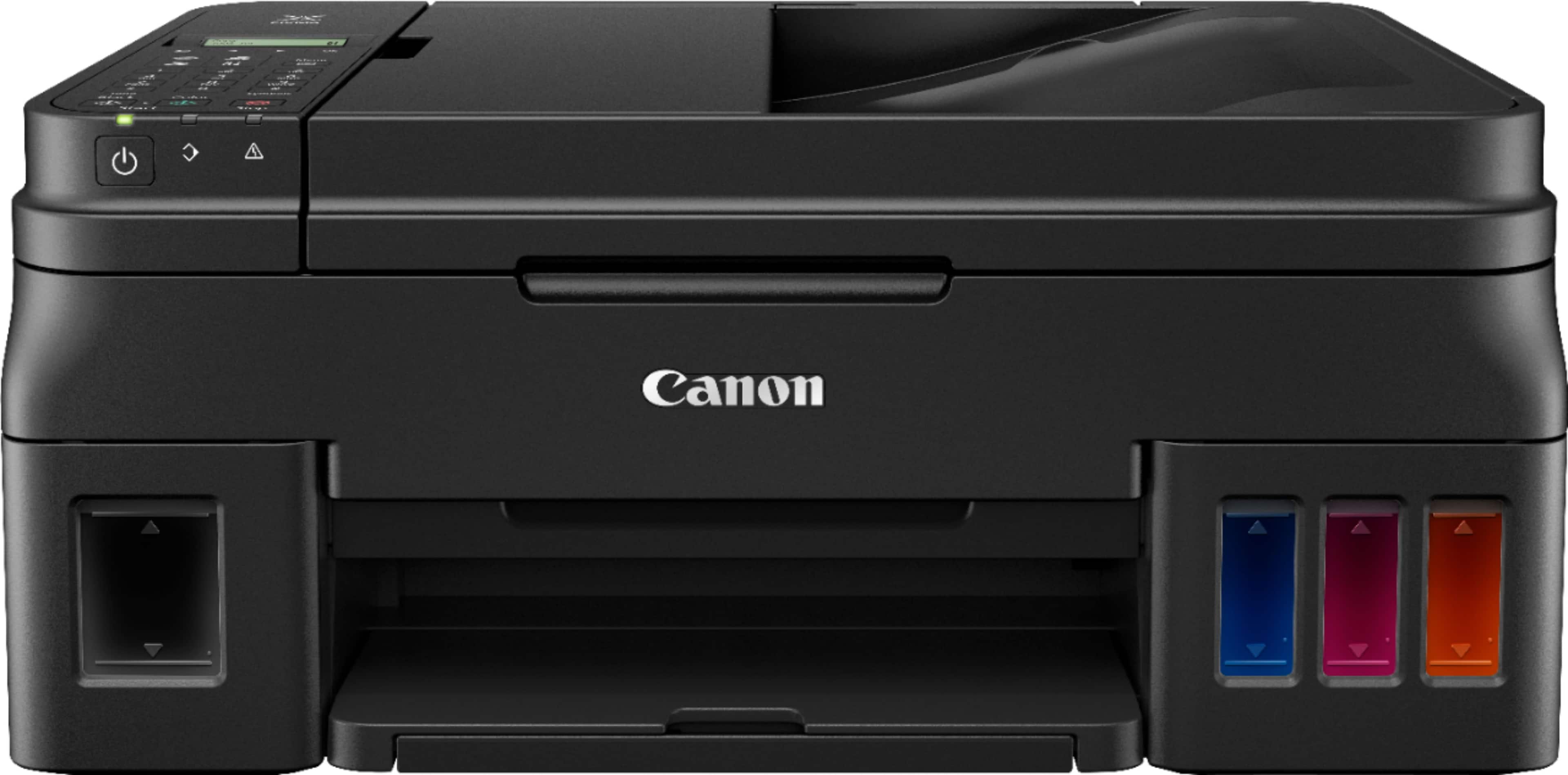
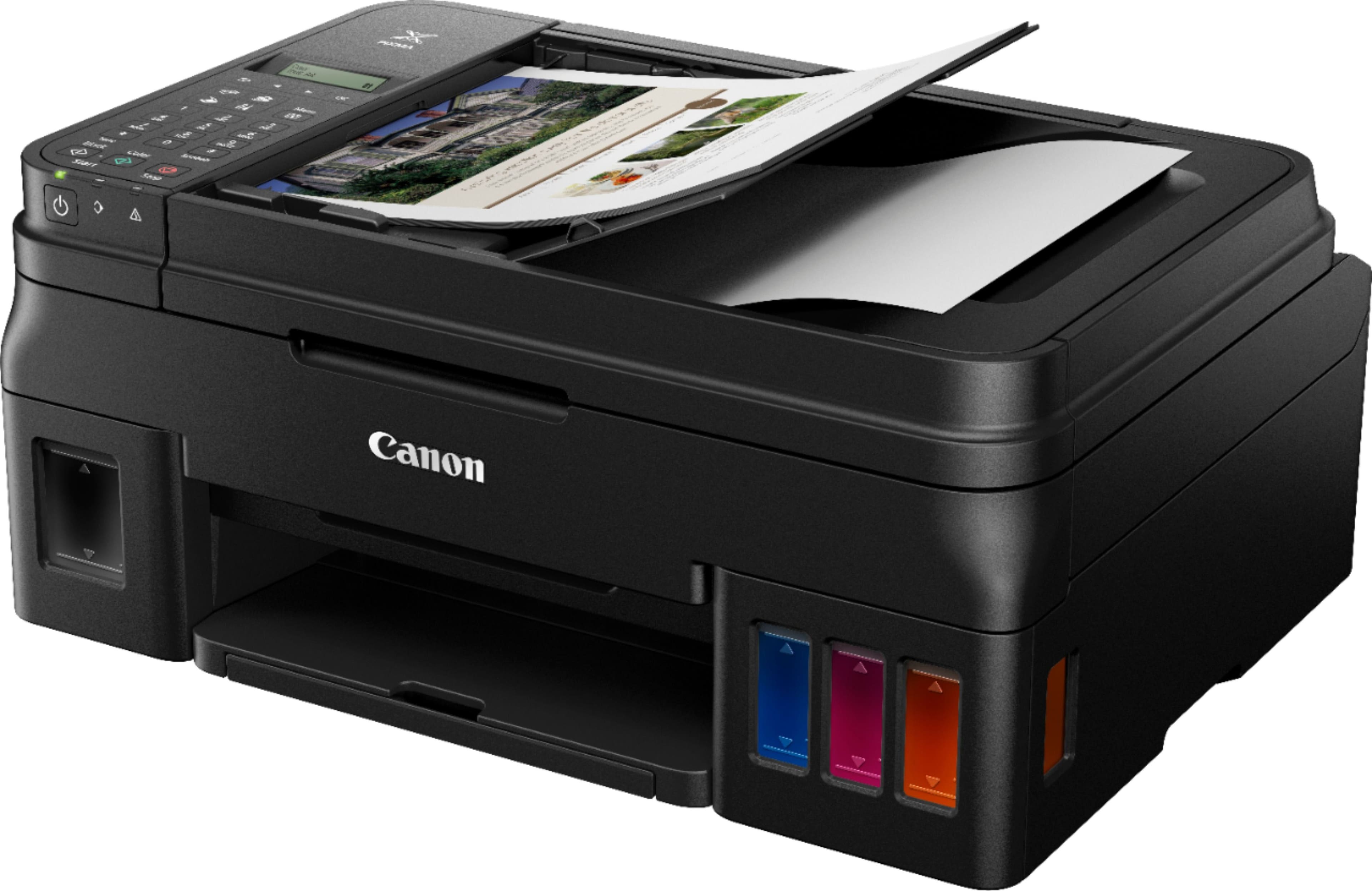
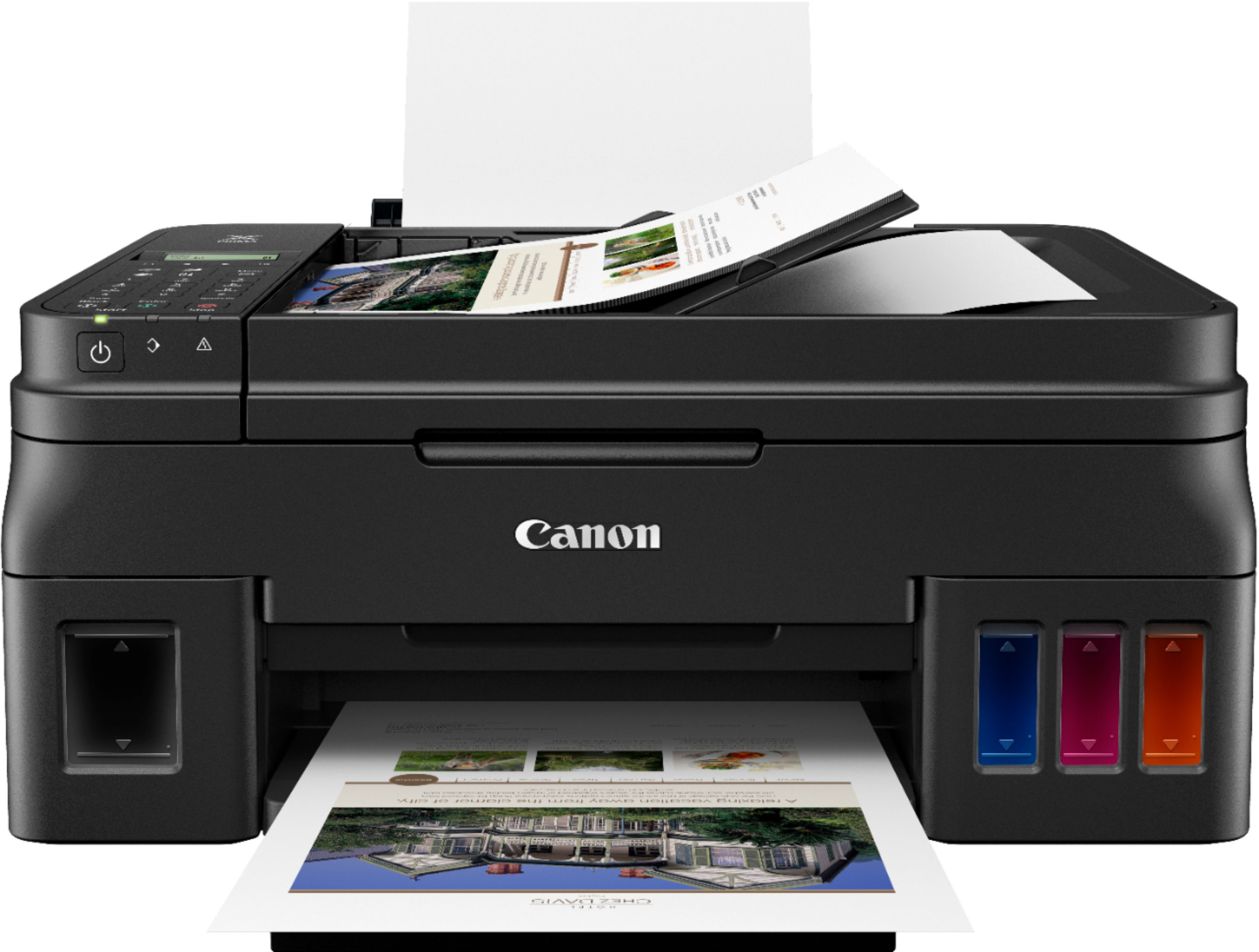
A:AnswerYes, this printer can be used with a USB connection and is the way I am using it. Two cautions if you have not bought this yet. The specifications on Best Buy say it has a touch screen. It does not and the screen is not backlit making it hard to read in low light. The specs also say it is auto duplexing. It is not. Duplexing is manual. I have only had this for about 3 weeks and the printing is fine but color is slow.
A:AnswerYes and yes. I use the various digital options usually to send straight to email or text instead of fax though. The scanner is incredible and refilling the ink was so easy! I love this machine so far...
A:AnswerThere is no flash receptacle on the printer. I recommend installing an app from the Windows 10 app store named "Windows Scan." It will do OCR, as well as giving you full 'save as' and 'save to' options.
A:AnswerYes but you have to flip the paper manually after printing the first page(s) and select a continue button on your computer to finish the print job.