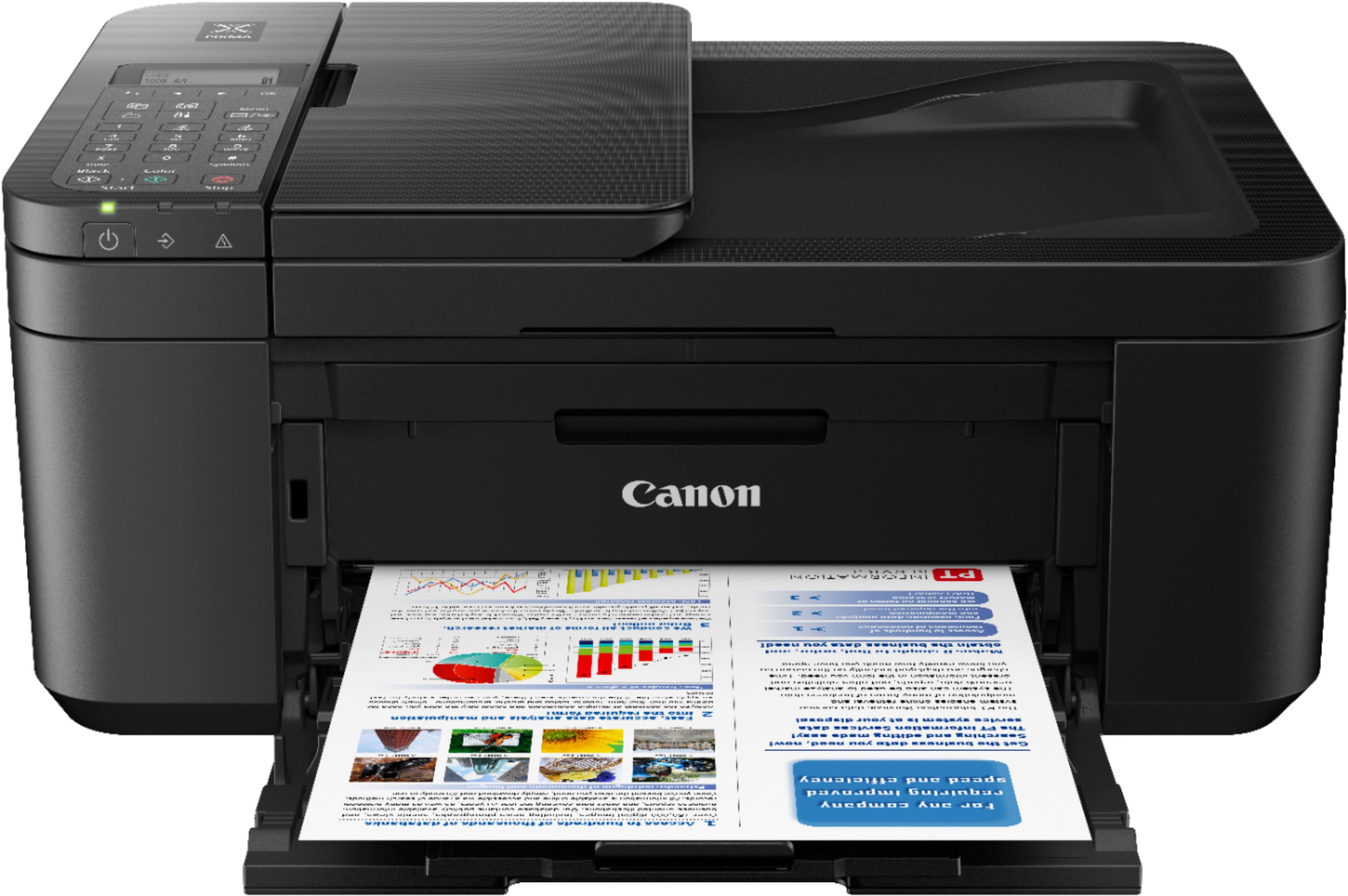
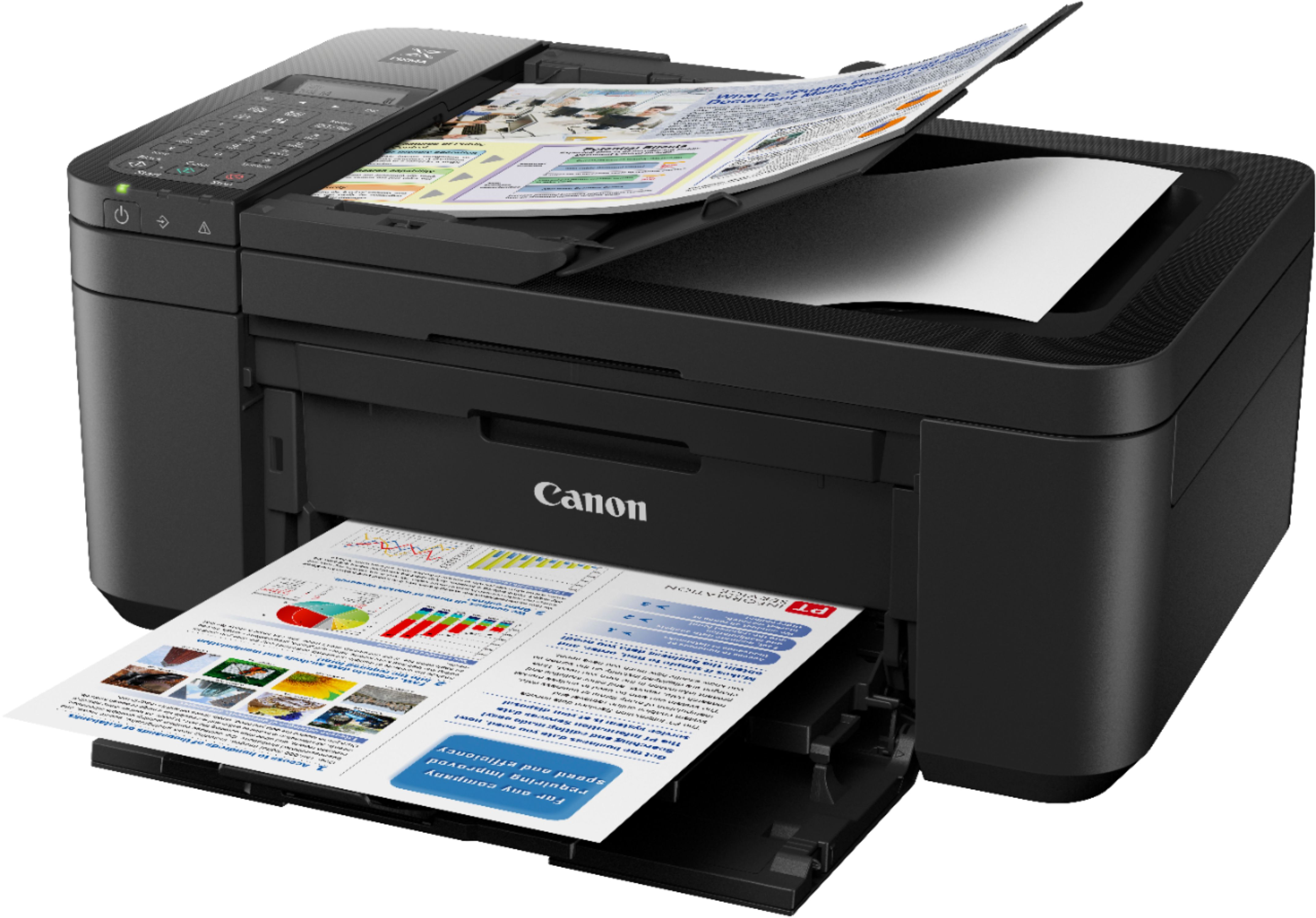
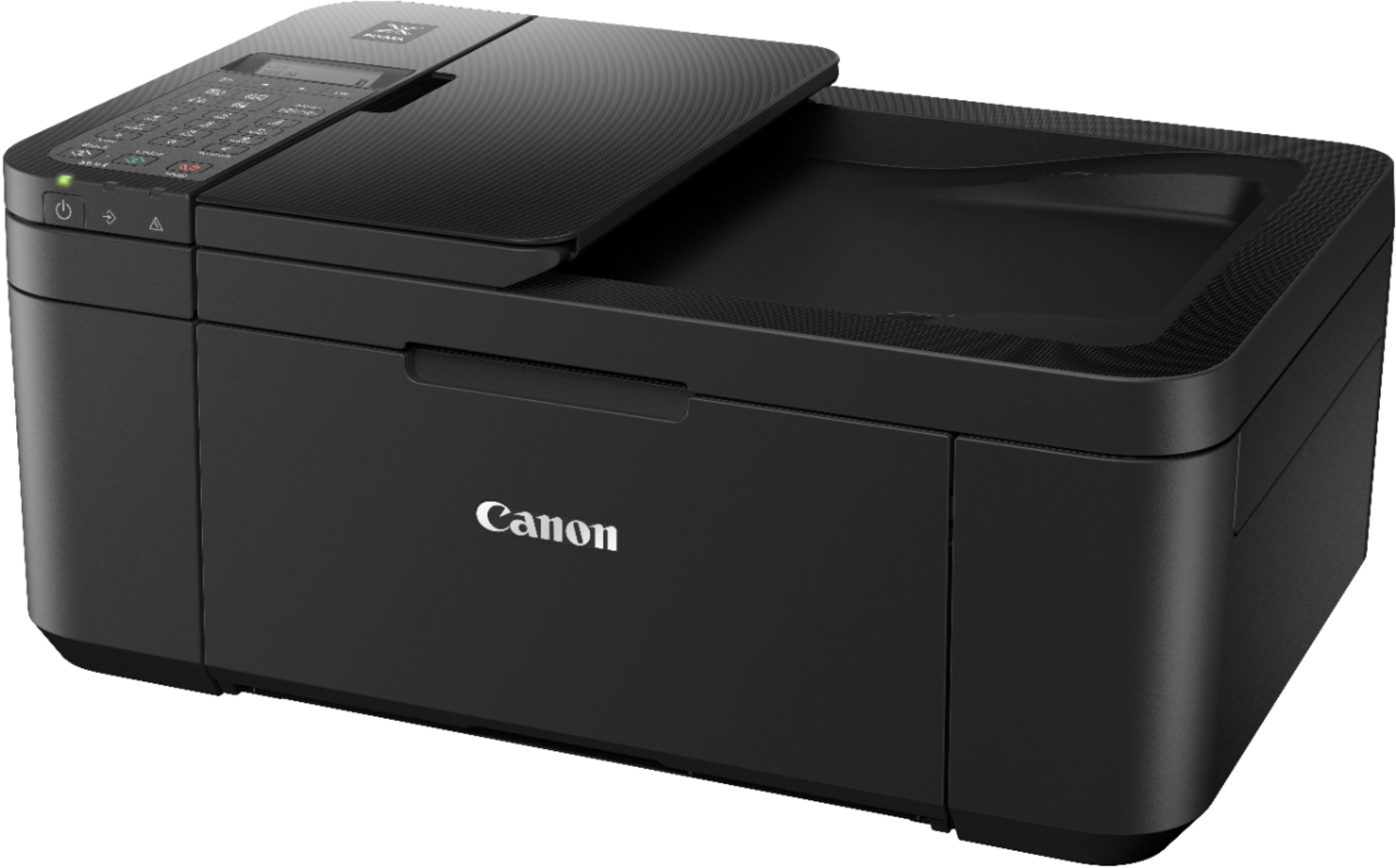
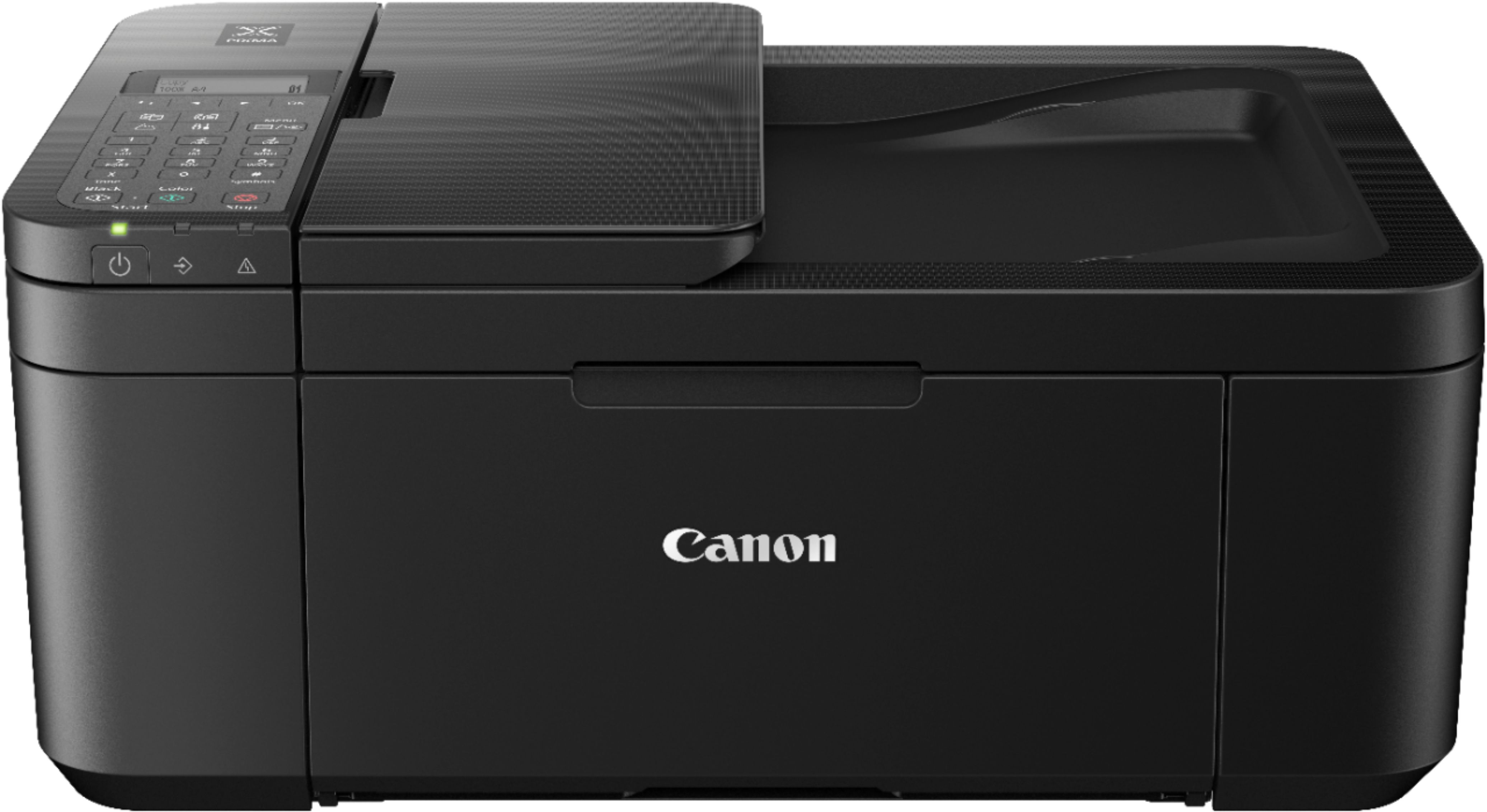
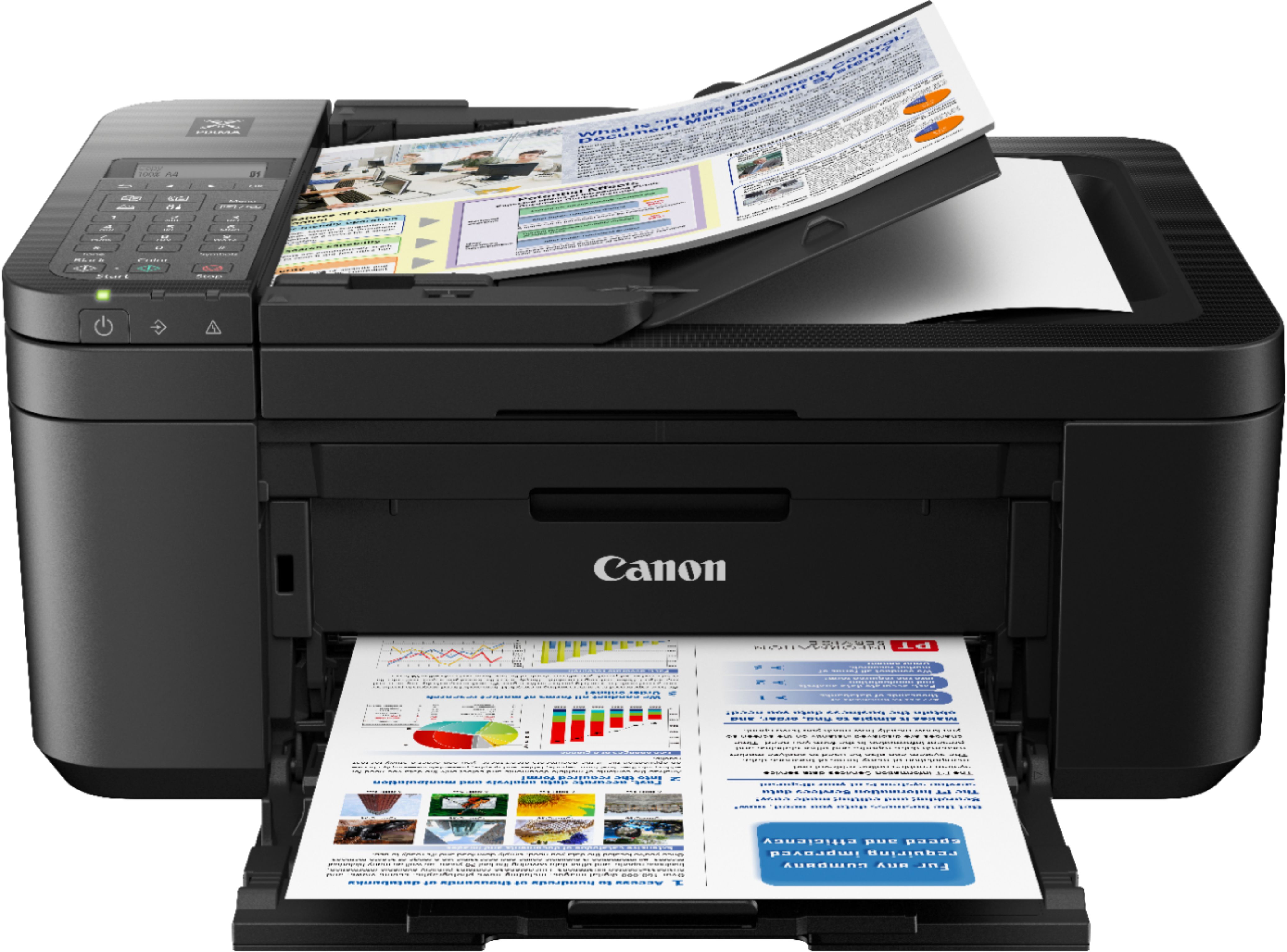
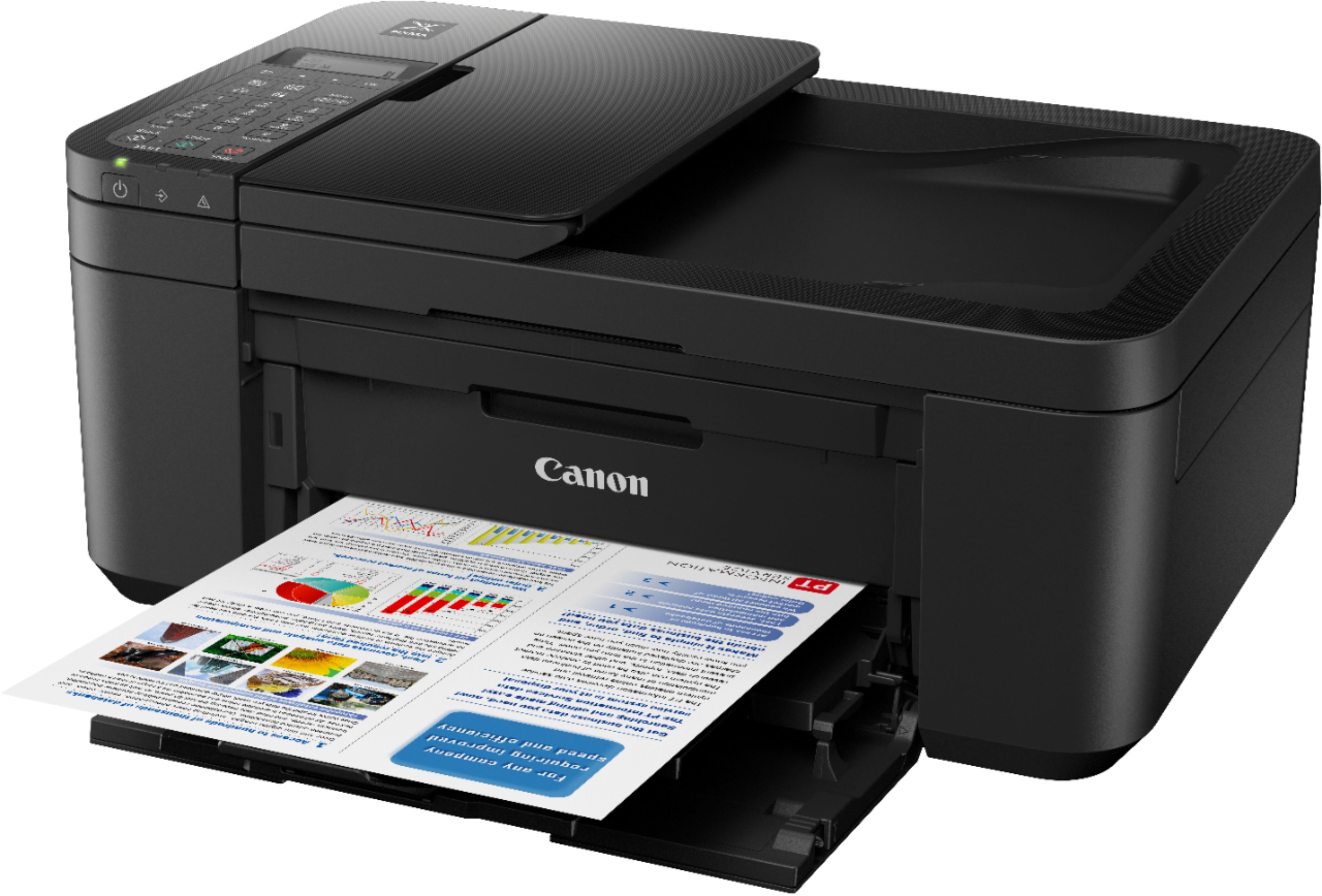
A:AnswerFront... Bottom area. You need to pull down compartment door to open. There are two shelves. Top shelf is where printed document comes out. Bottom shelf is where you load blank paper.
A:AnswerI don’t know why it wouldn’t be compatible with a Dell. I believe it can print photos, although I probably wouldn’t use it for that purpose. If I were printing photos on my own I probably would have gotten a much better quality printer or just keep printing them at a store where you know that quality’s solid and you can always enlist the help of a technician if need be.
A:AnswerMake sure that the paper tray is down. Then above the word Canon there is an indentation. Put your fingers on that indentation and pull down. The toner cartridges are in there.