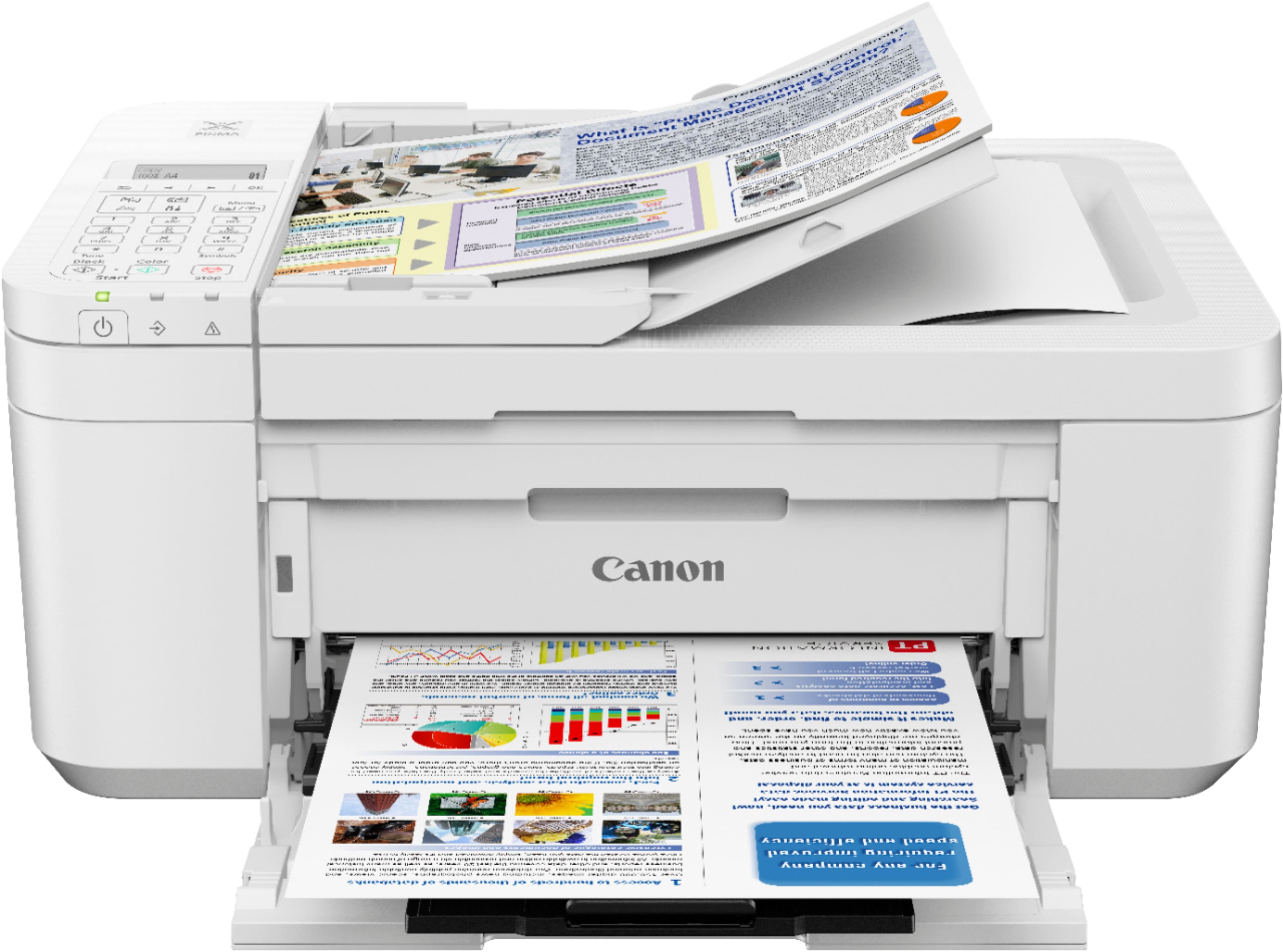
A:AnswerYes, it does have a scanner but, since it wasn't a feature I needed, I'm not sure about the fax. I did receive a telephone line cord as an accessory so I'm assuming yes.
A:AnswerYes,I only have an iPad and it was set up pretty easy although I had to call the help center, it only took less than 10 minutes. The instruction book didn’t help much it was more confusing to me that’s why I called the help fast and easy. T. M.
A:AnswerYes, there is a Canon print app in the Play Store that you need to install and then you can print as long as you are connected to the same wifi network as the printer. Took maybe 5 minutes, tops, to set up on my pixel 3.
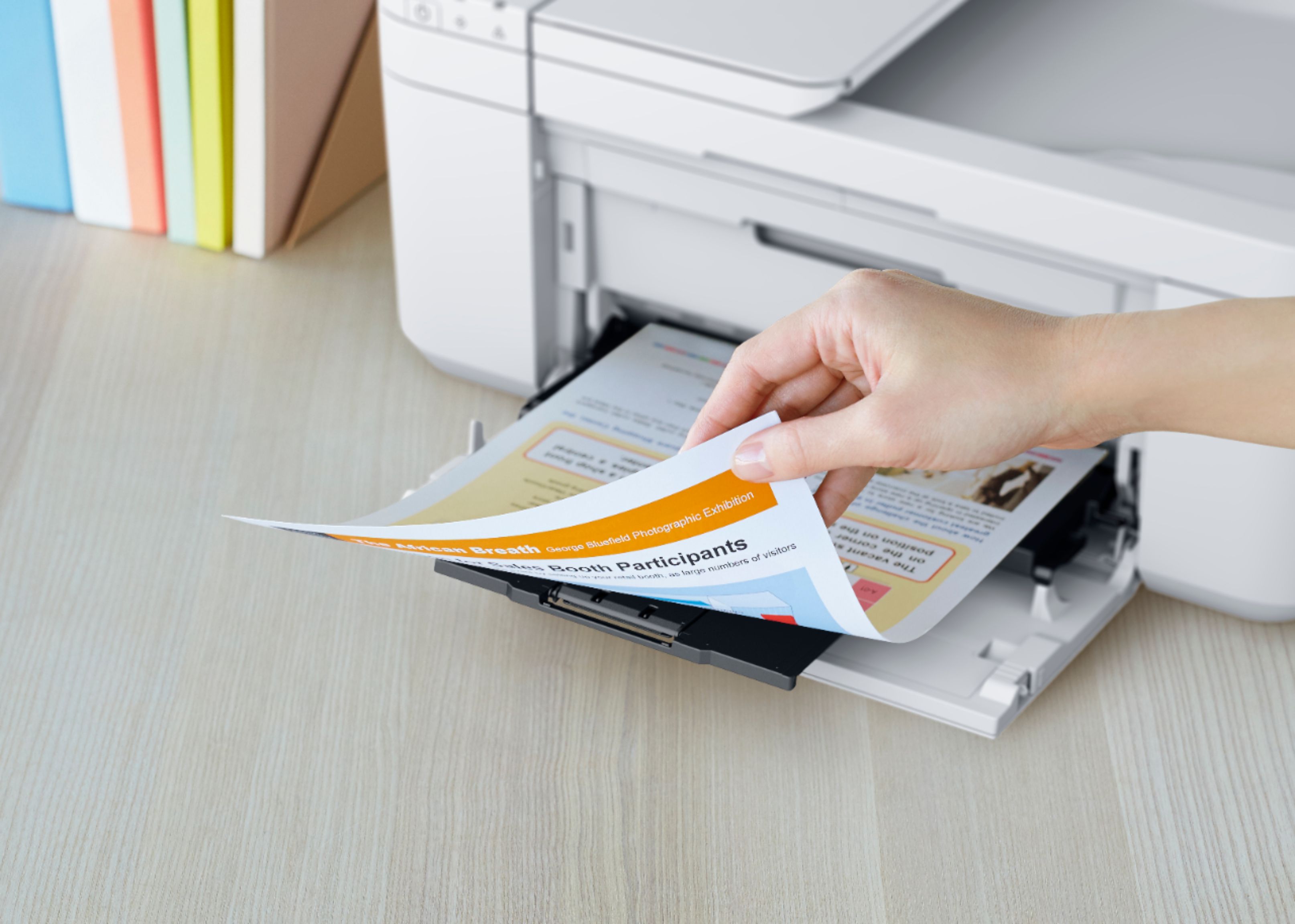
A:AnswerI don't know what you mean by automatically but it does print on both sides, but not at the same time.
It prints one side then automatically takes the sheet back and prints on the other side.
You don't have to do anything.
A:AnswerI went from Epson to the Canon TR4520. It is supposed to do all in one just like my old Epson, however it is not as user friendly. I was able to get it on my home network so that I can print from my phone as long as my phone is also on the network. Not sure if that answers your question. But that's all I've been able to set up so far.