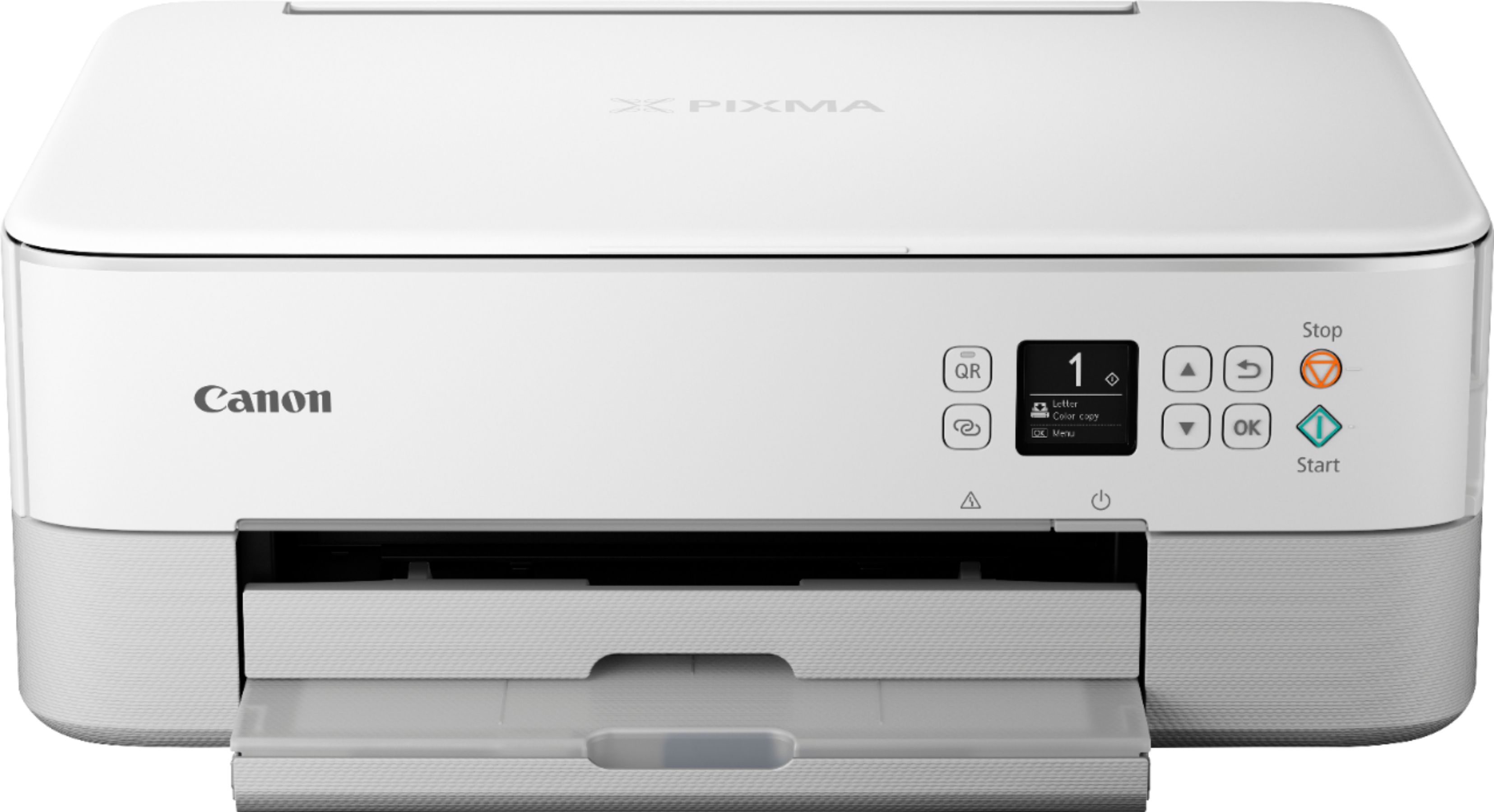
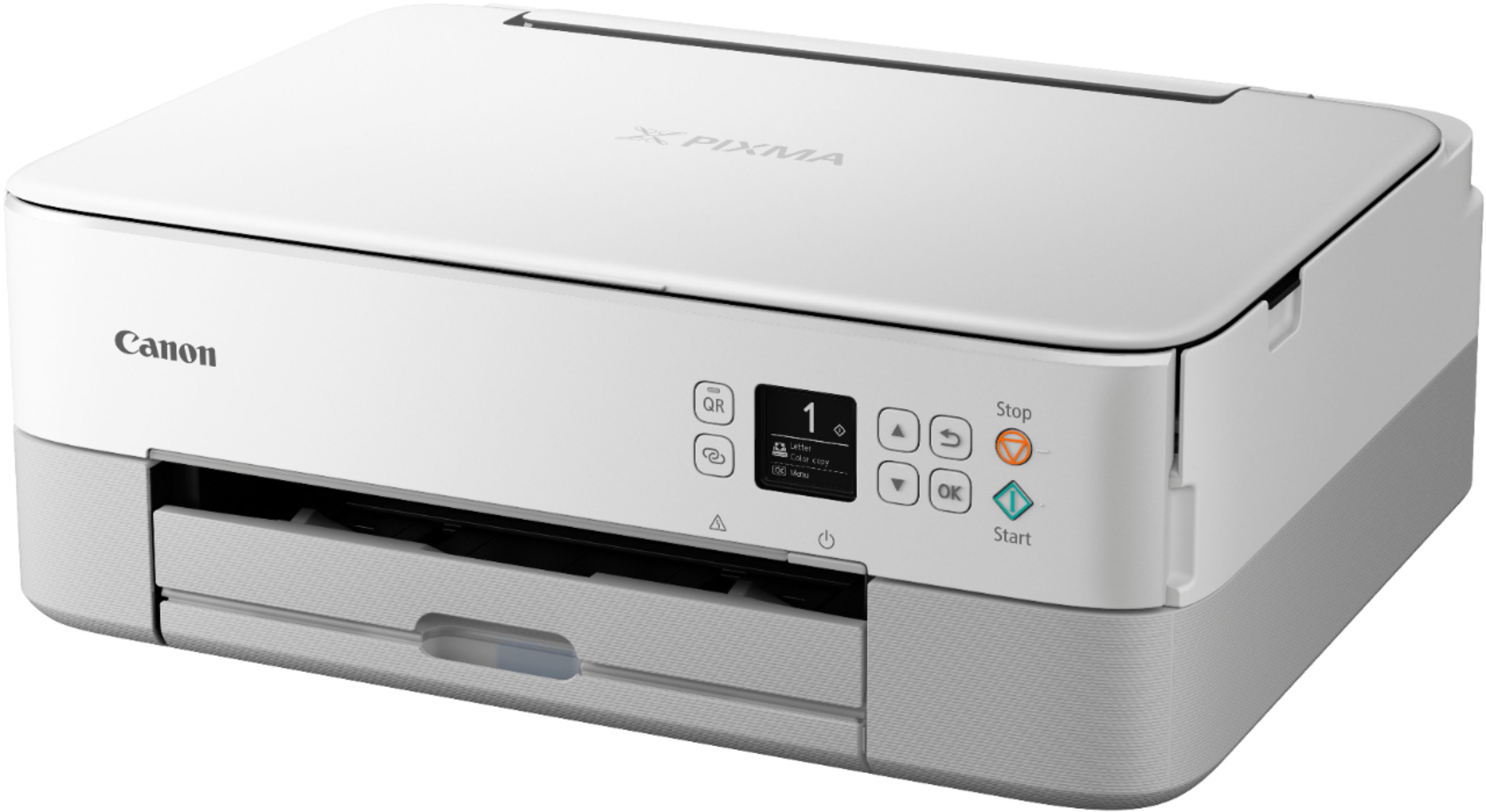
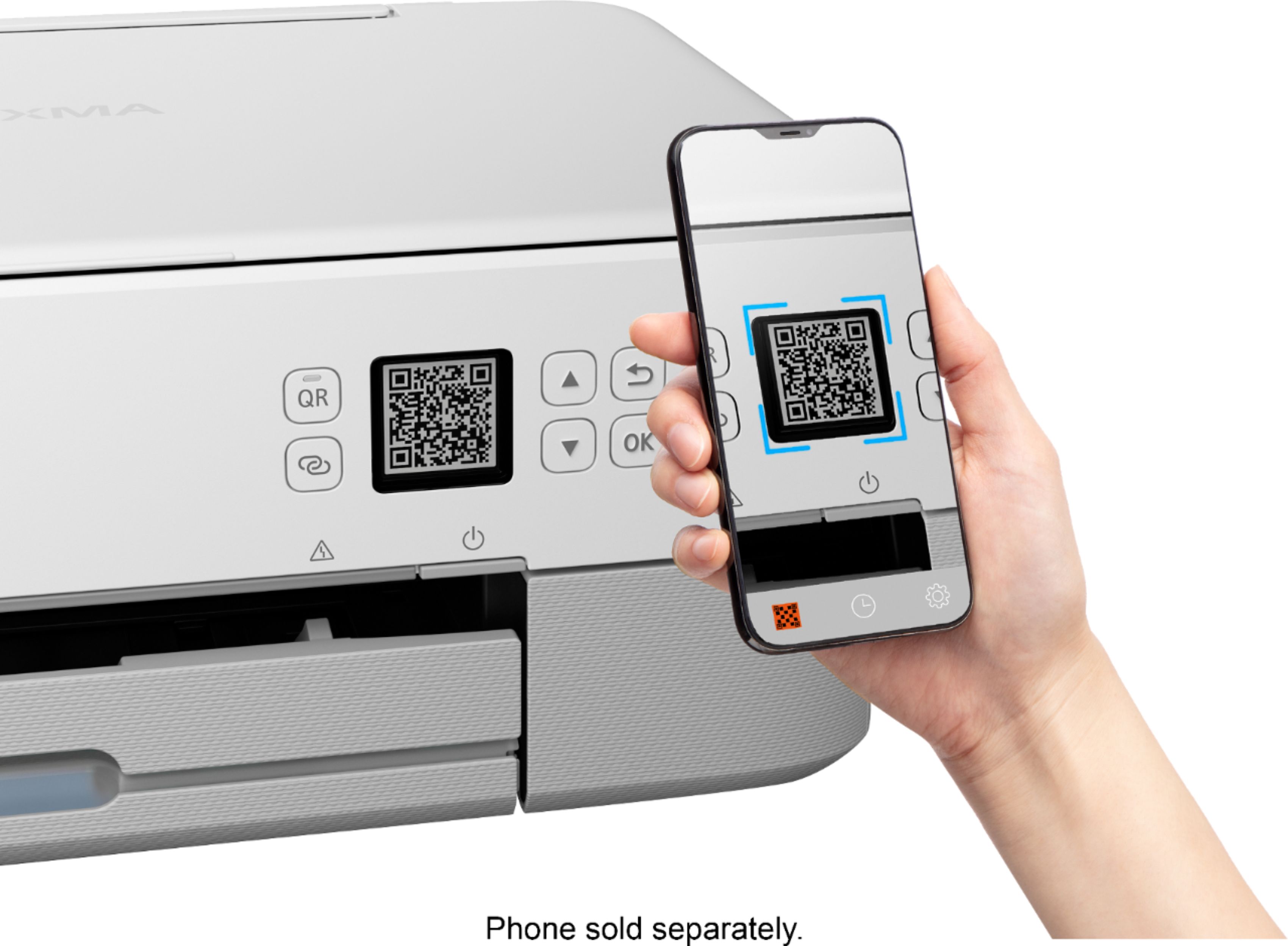
A:AnswerYes, but I would advise you to download the manuals if you purchase it. I like the printer, but it's frustrating to install it if you're not a techno wizard
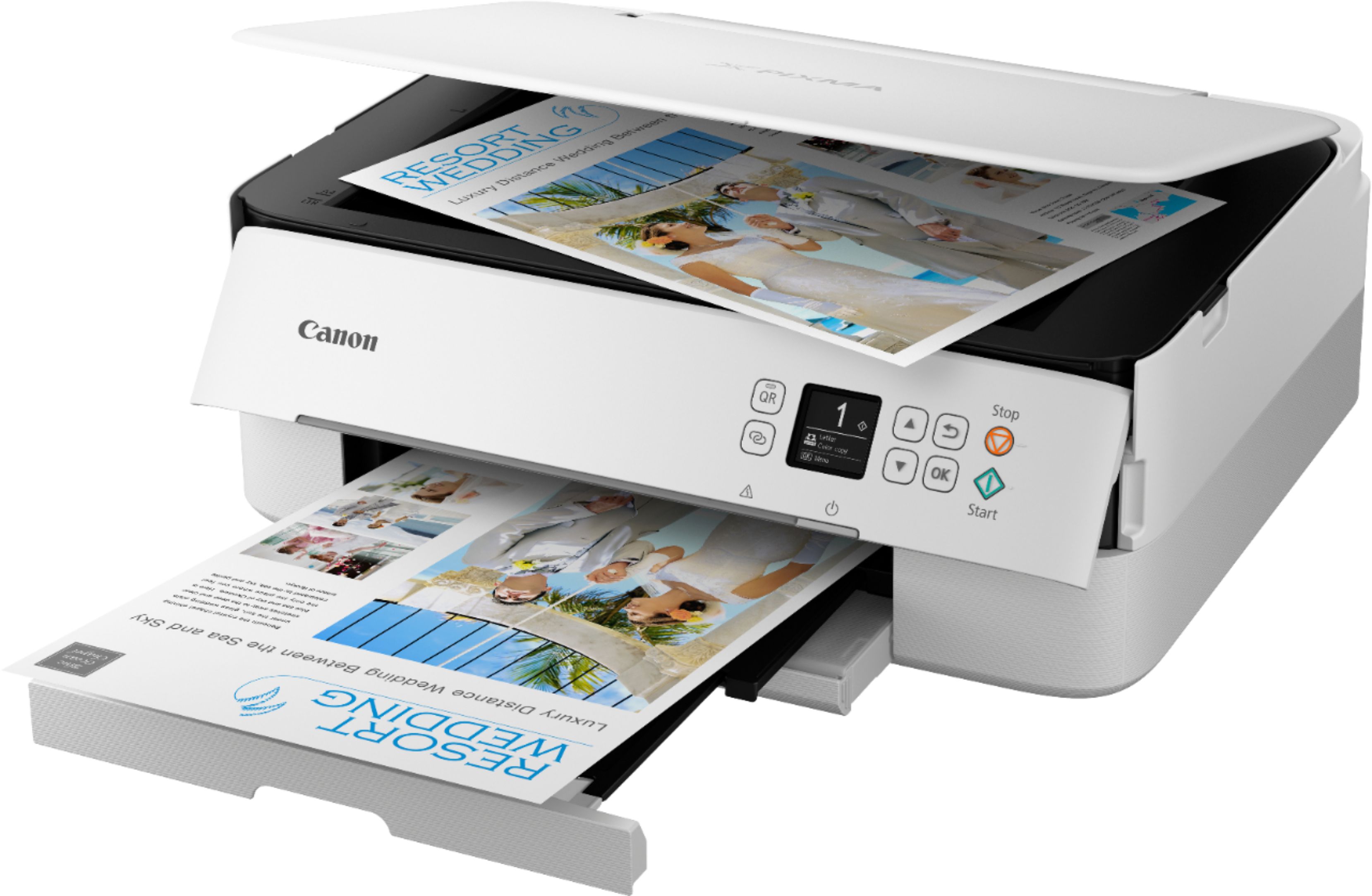
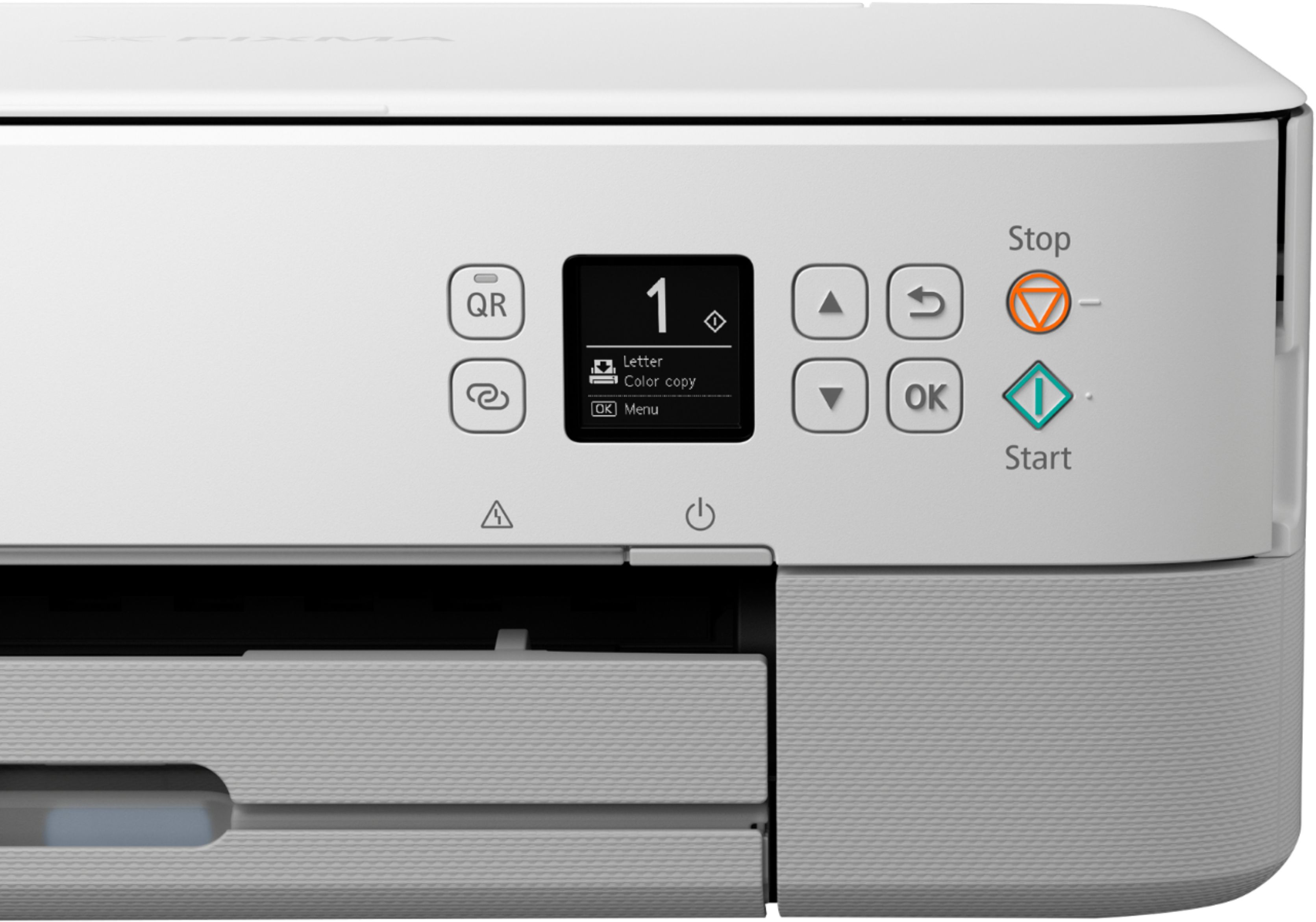
A:AnswerIn the settings before you start making copies theres an option where you can chose how many copies of a document it can print. It can copy up to 99 pages.
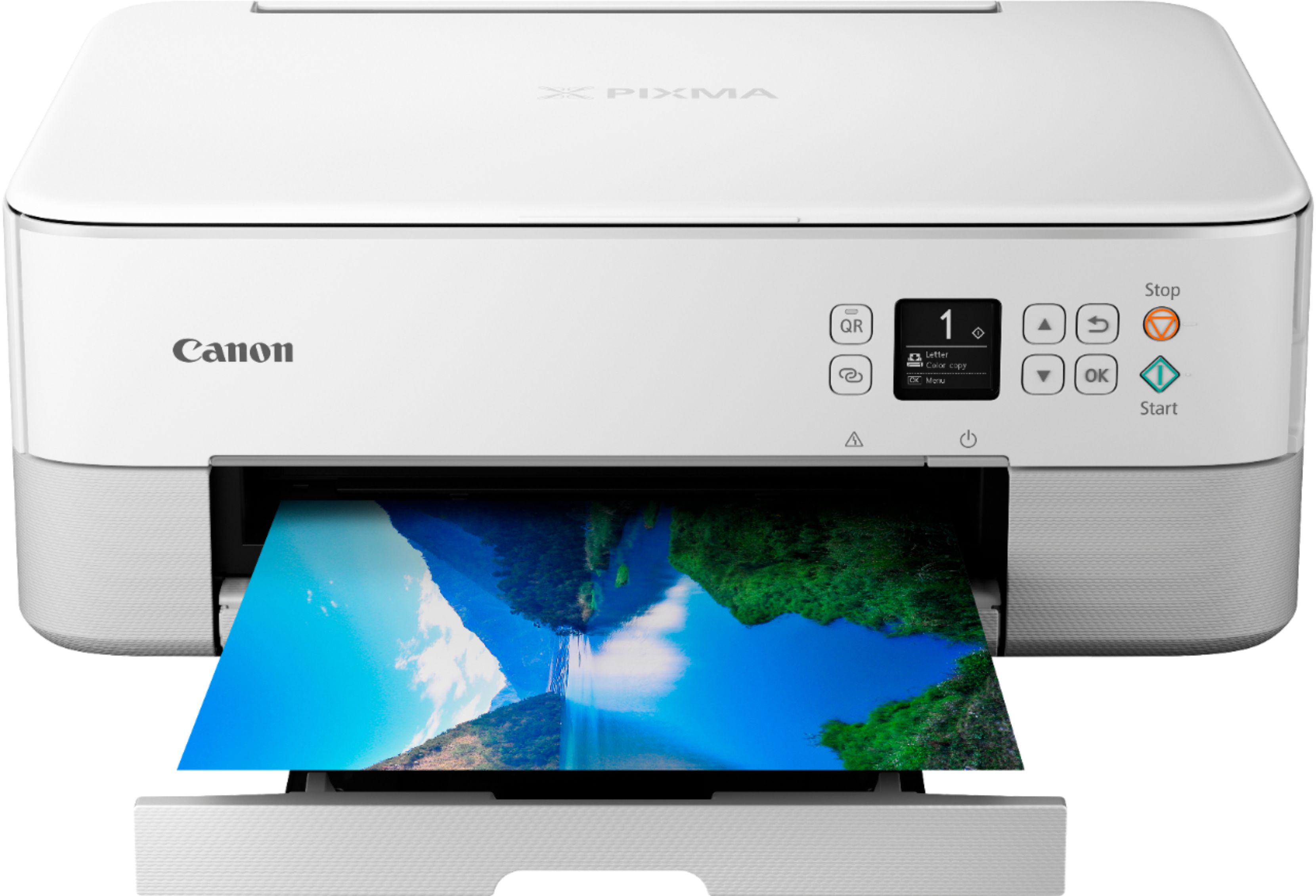
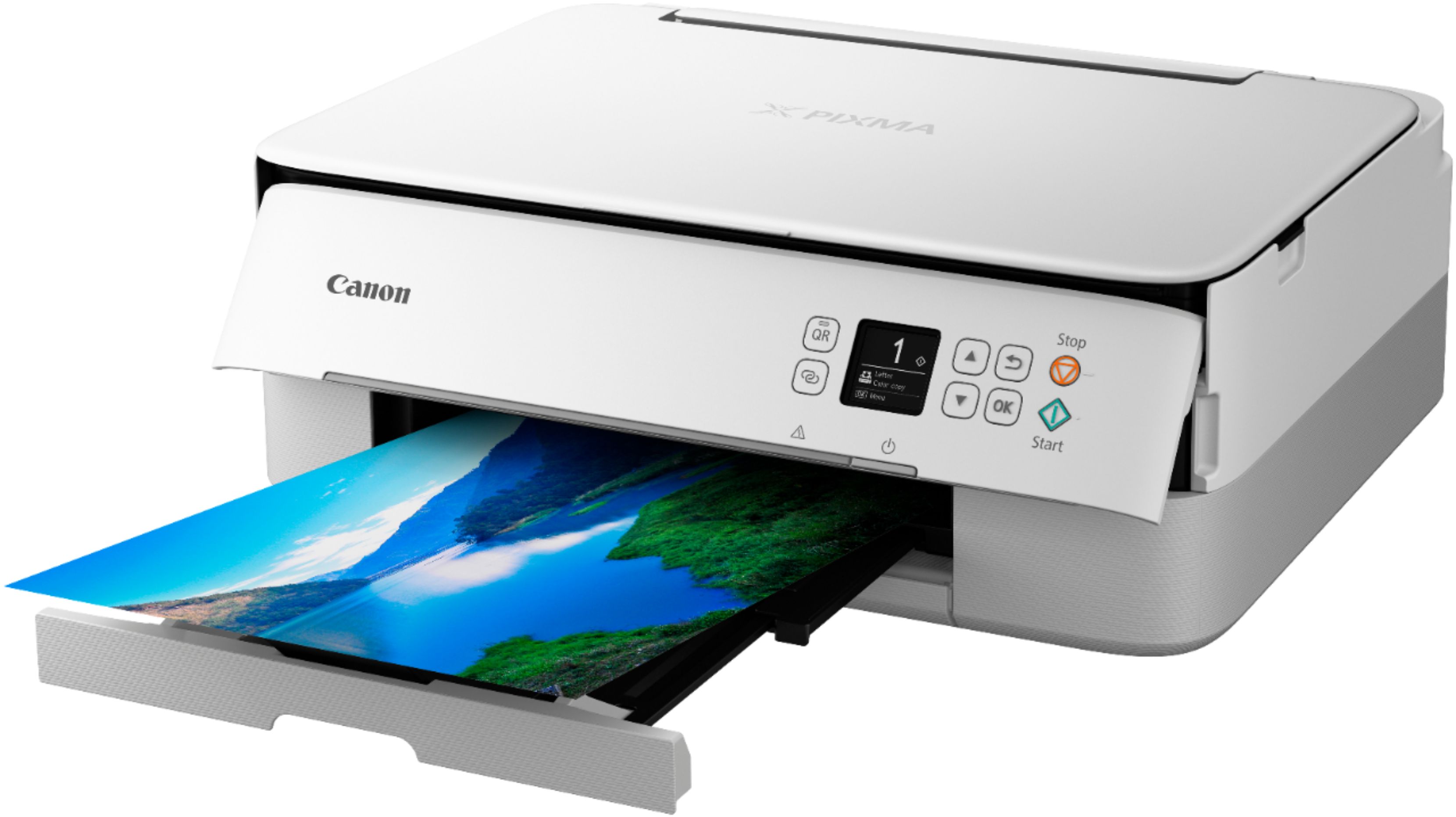
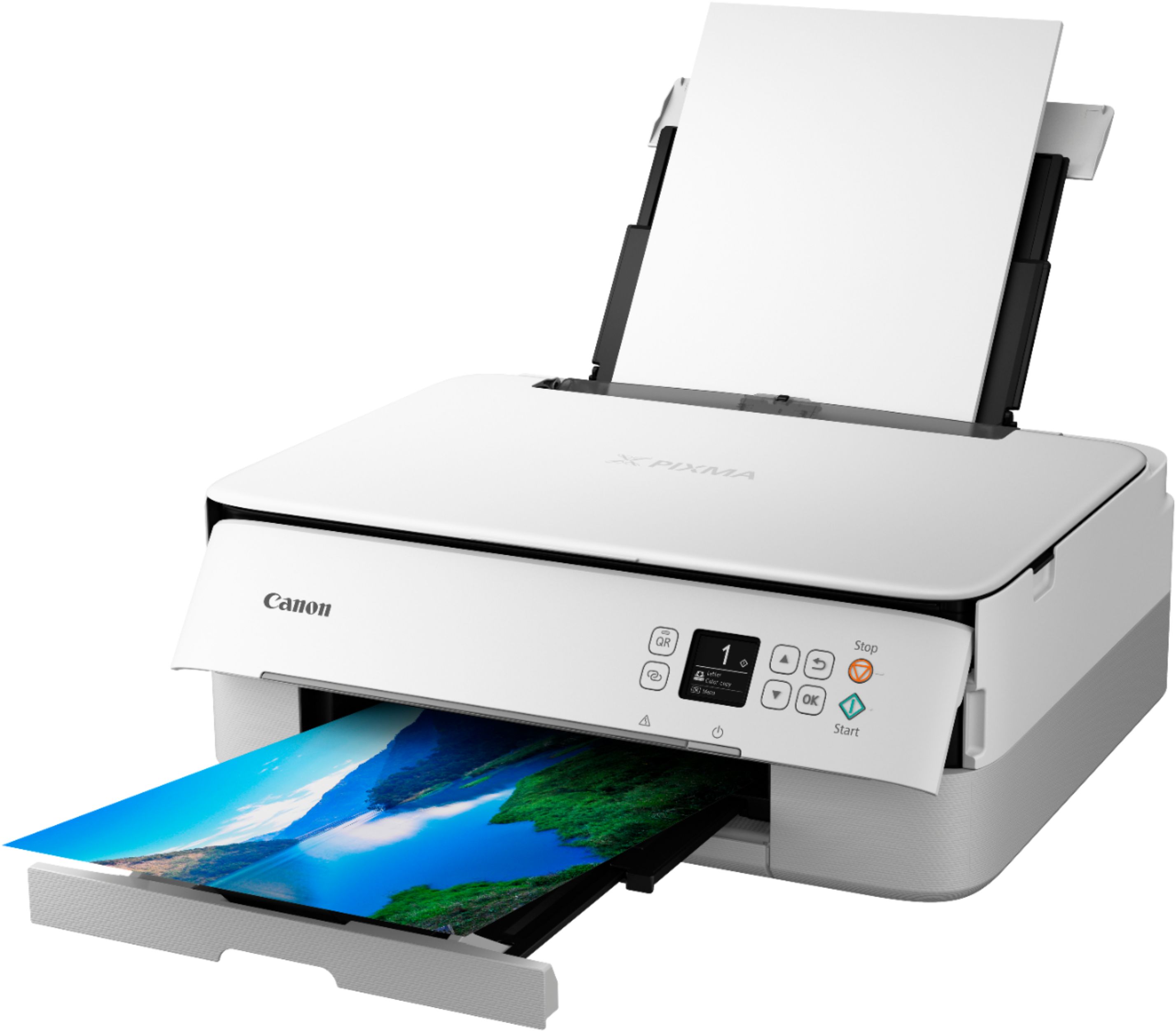
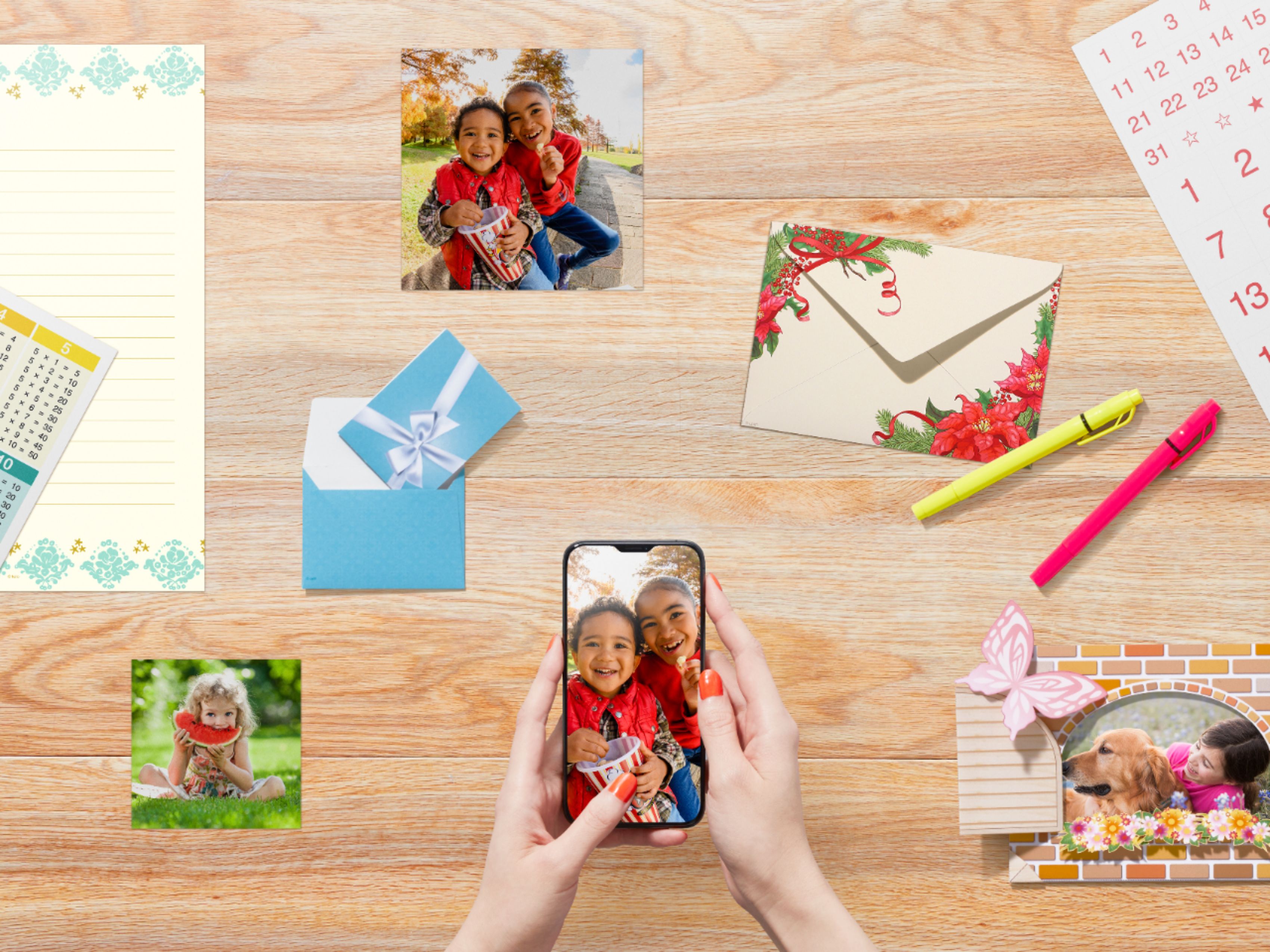
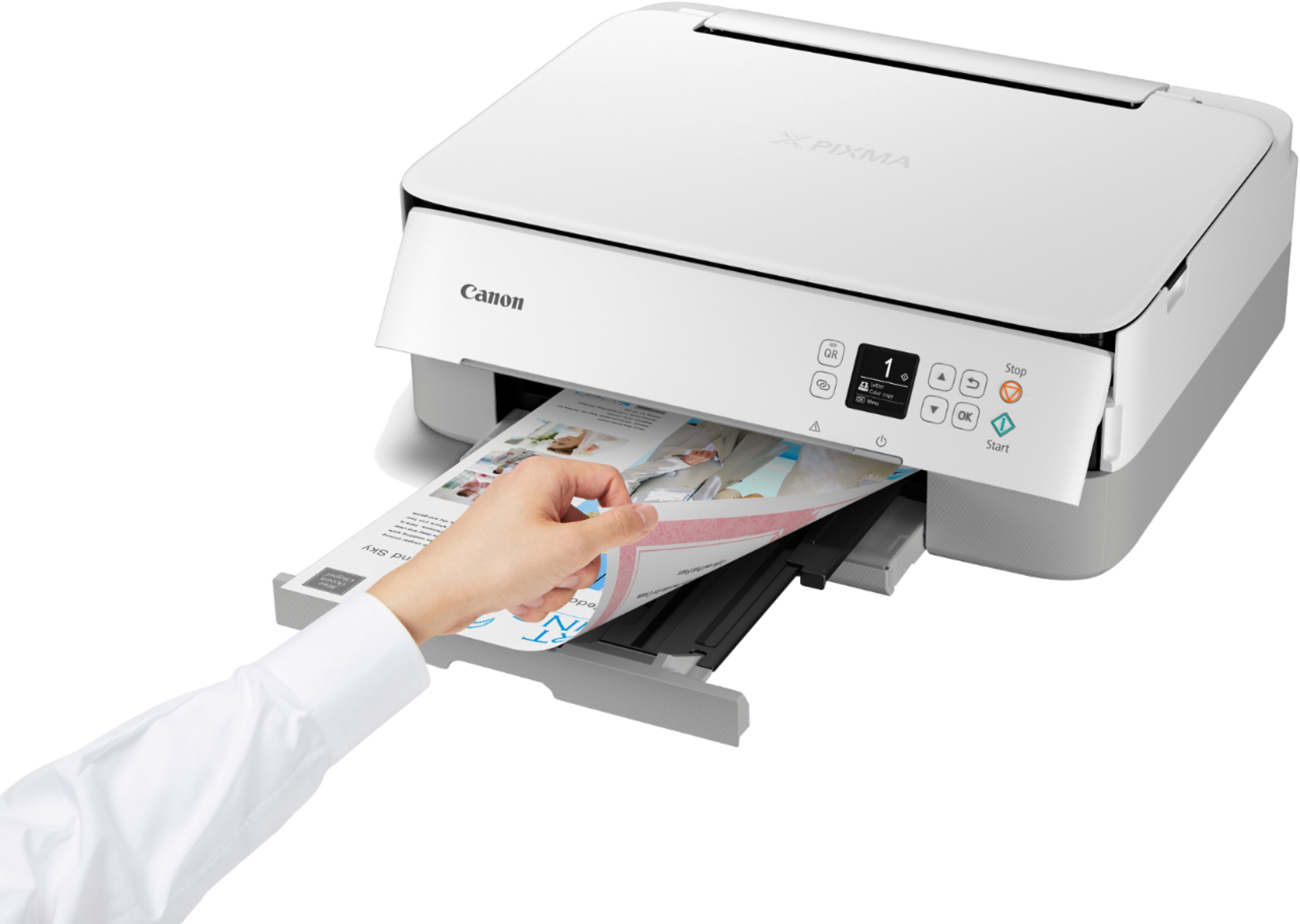
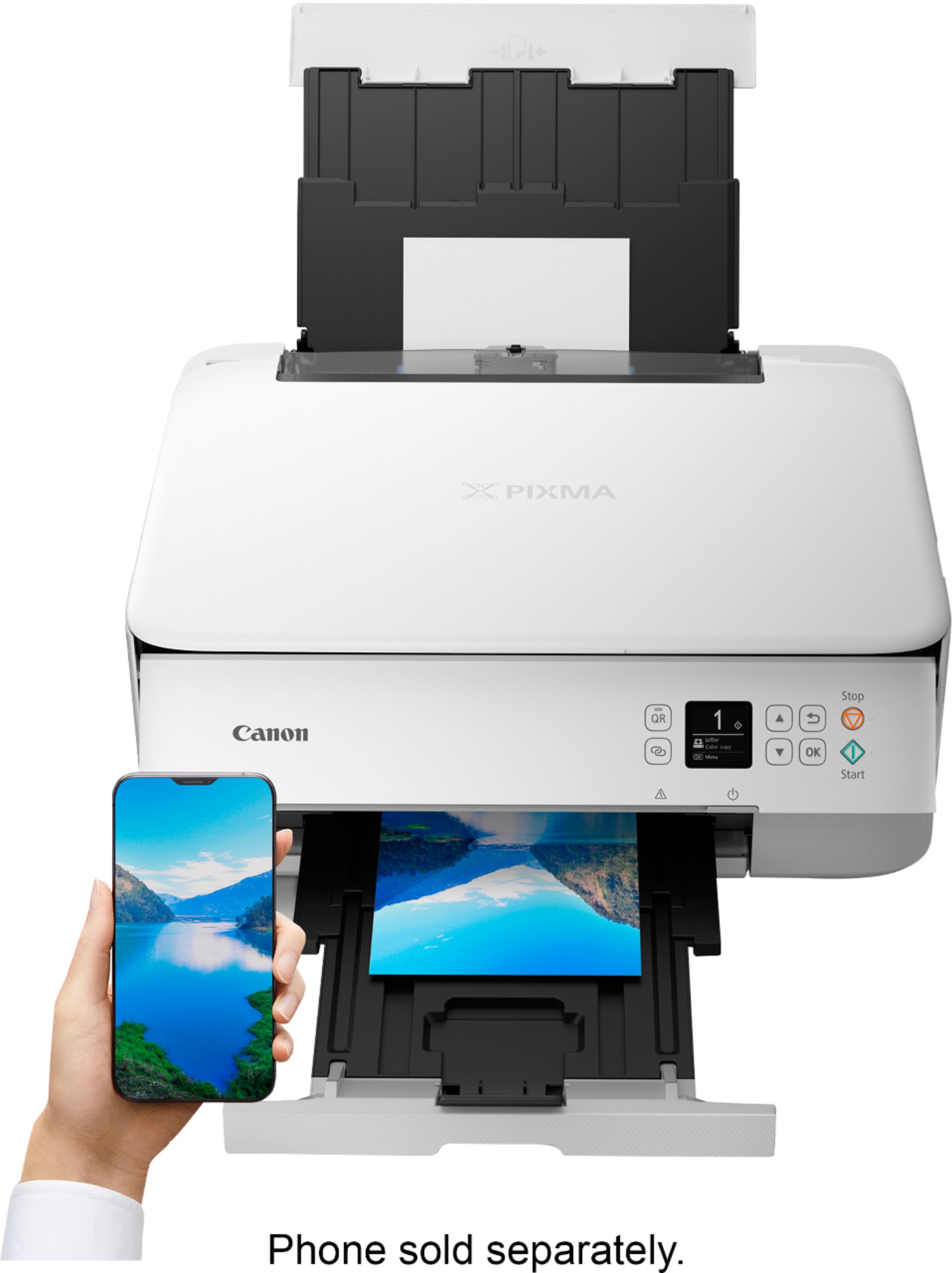
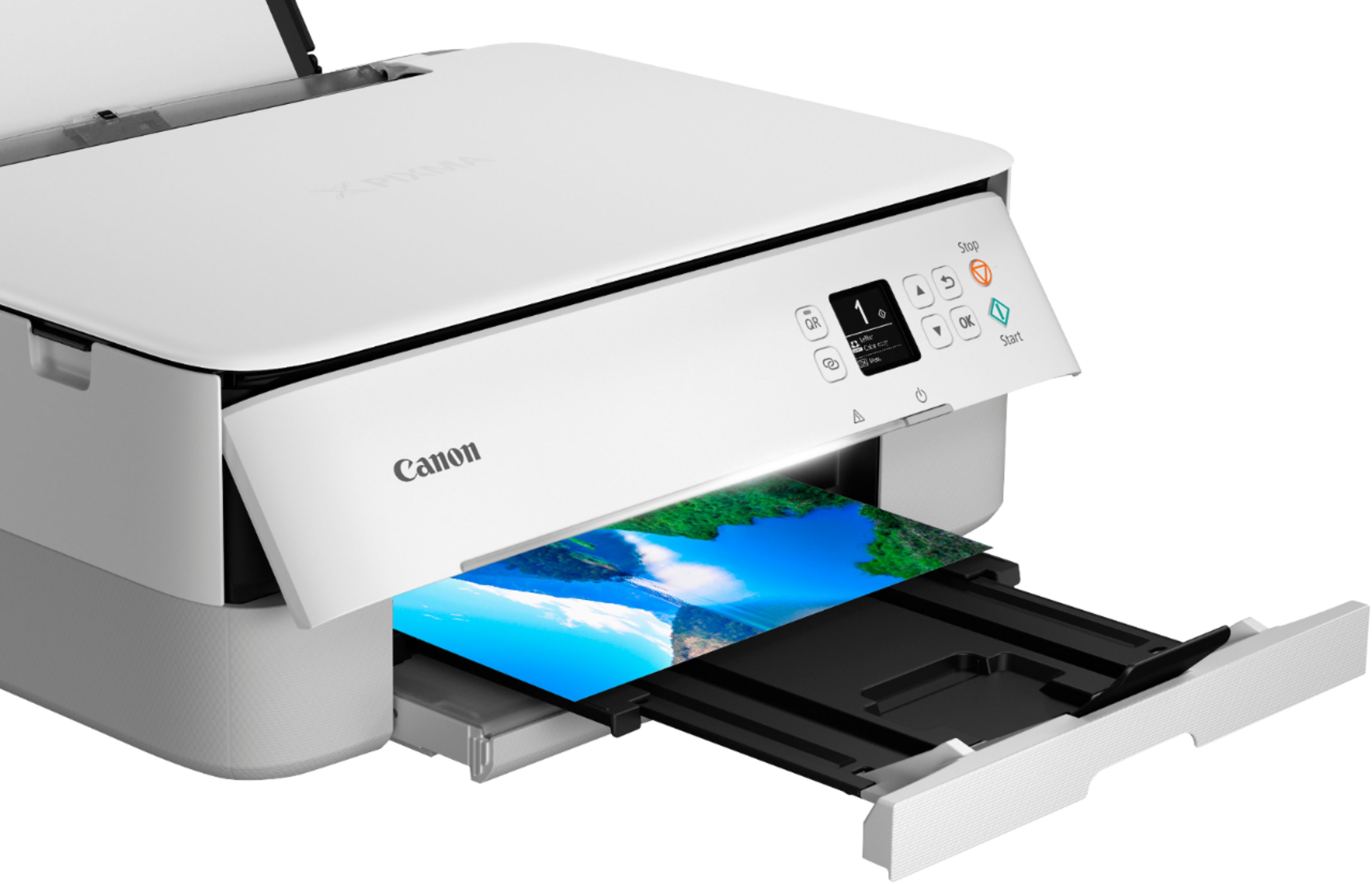
A:AnswerThis printer prints excellent quality pictures. To achieve the optimum print quality use the Canon photo paper. I have two other printers that I was using for pictures, but neither of them would print borderless photos. This Canon printers borderless photos with excellent quality.