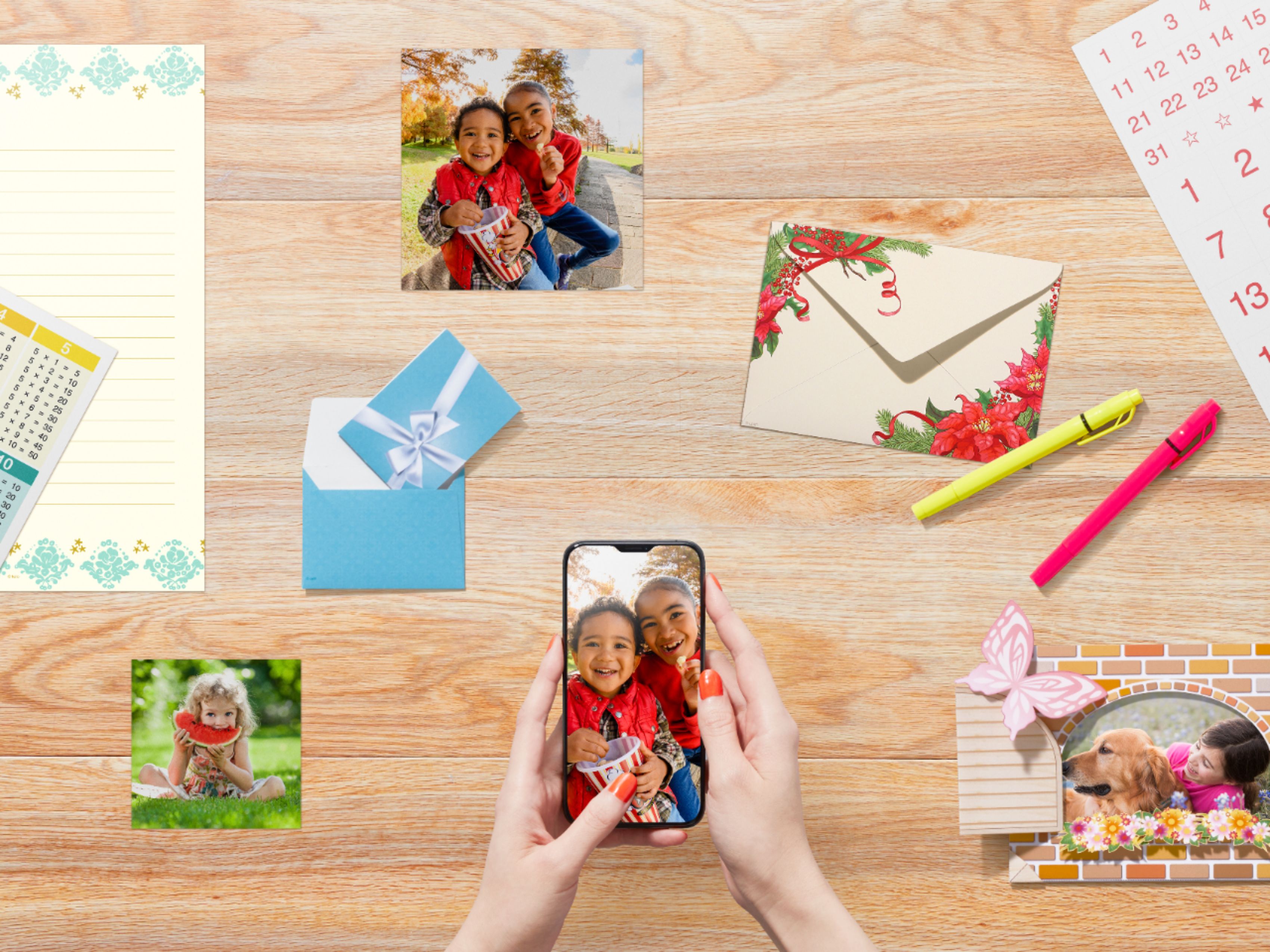
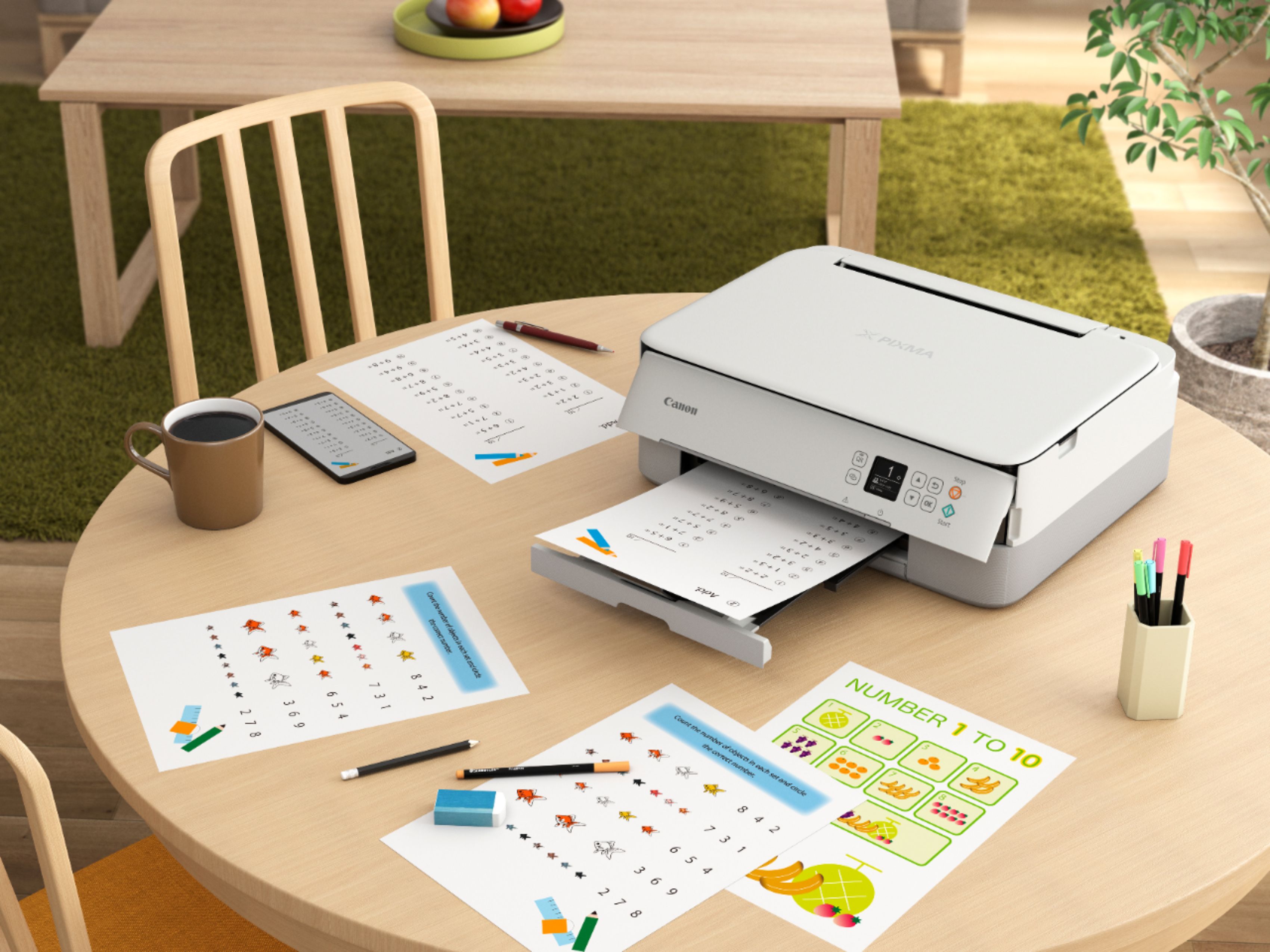
A:AnswerI have mine set up near my MacBook Air, but if they are both connected to the same WiFi and you have it set up to print to the device, you should not need to be in the same space or even the same room. As long as it is on, it should print.
A:AnswerFrom the user manual, page 188 available online:
Maximum scanning size A4/Letter, 8.5 x 11.7 in. (216 x 297 mm)
Optical resolution (horizontal x
vertical)
1200 x 2400 dpi *
* Optical Resolution represents the maximum sampling rate based on ISO
14473.
Gradation (Input / Output) Gray: 16 bit/8 bit
Color: RGB each 16 bit/8 bit
I hope this helps.
A:AnswerPasswords are personal. They must be created along with a user name if the product or site so requires. This product does not require a password. Should you purchase one, upon opening the package, you must copy the url address on the instruction card on to the address line of your computer's browser and then simply follow the instructions to download the software. Once installed, your printer is ready to print, scan, etc. from the printer or from your computer.
A:AnswerHi CuriousM,
I know for sure it will work with your operating system (windows 8.1), but when you hook it up to your Ideapad, it will tell you to download software and drivers, which it will provide to you as you install it. I originally intended to connect my Canon TS6420 wirelessly, but was having problems with my Wifi, so it's connected straight to my computer. I love this darn thing, and is easy to operate. I hope this helps you!
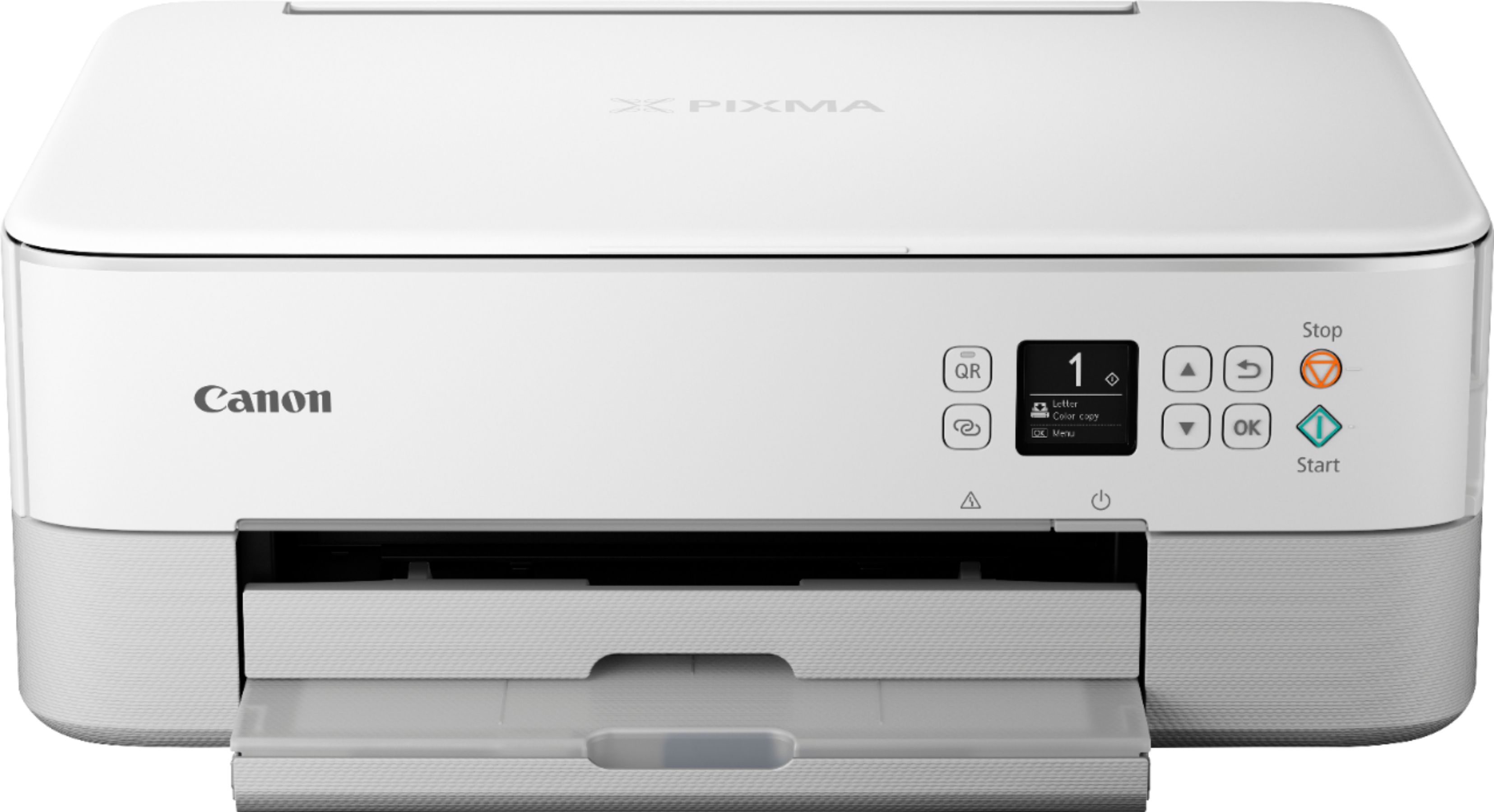
A:AnswerYes.
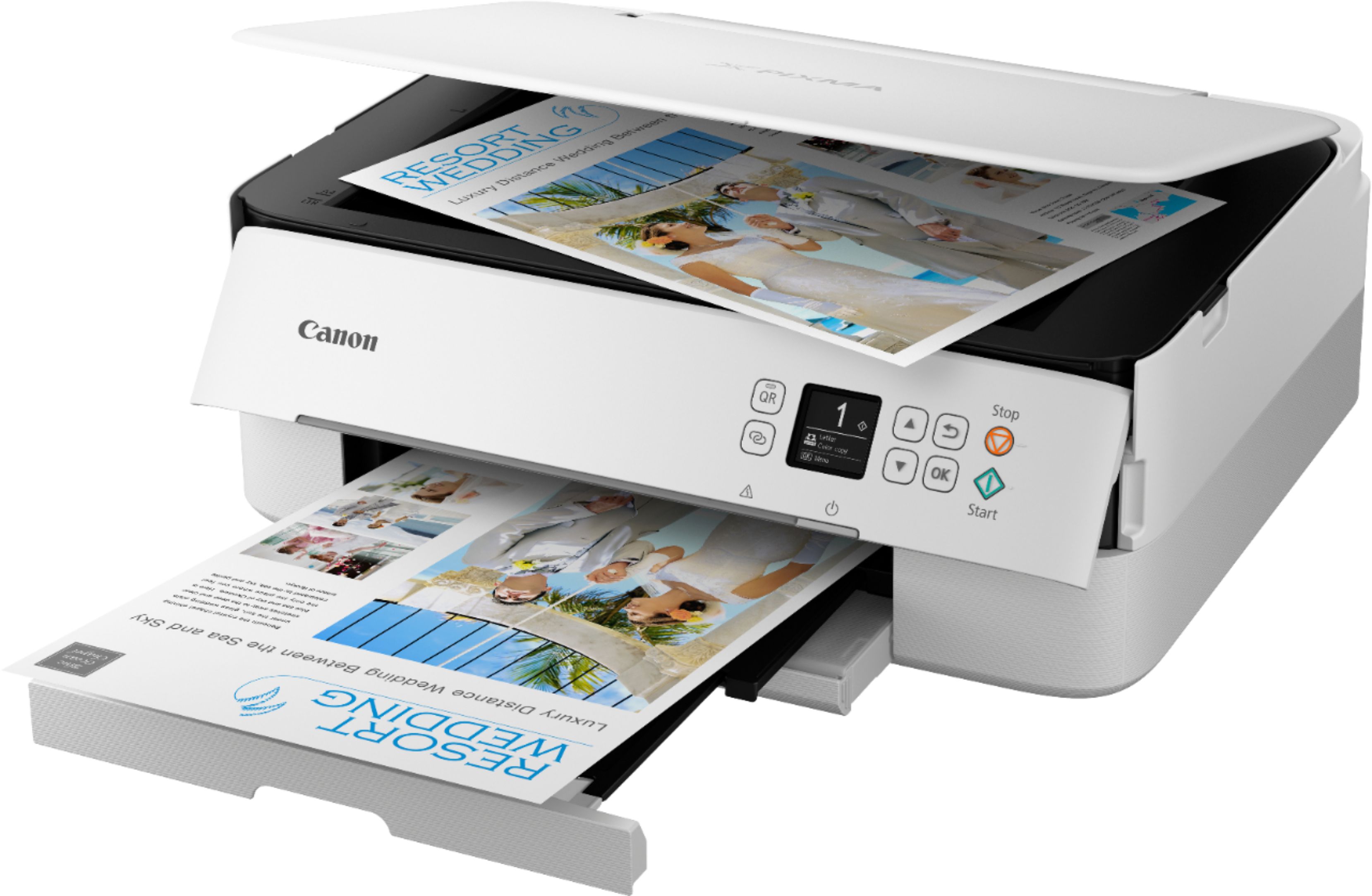
You can make copies of paper documents and you can also make copies of photos. The difference is whether you load plain paper or photo paper.