A:AnswerYes. It works with Samsung smart phones and tablets. It works with mine. The documentation also covers printing from other Android devices as well as Apple phones and tablets. You must first download the Canon printer app from the Play store.
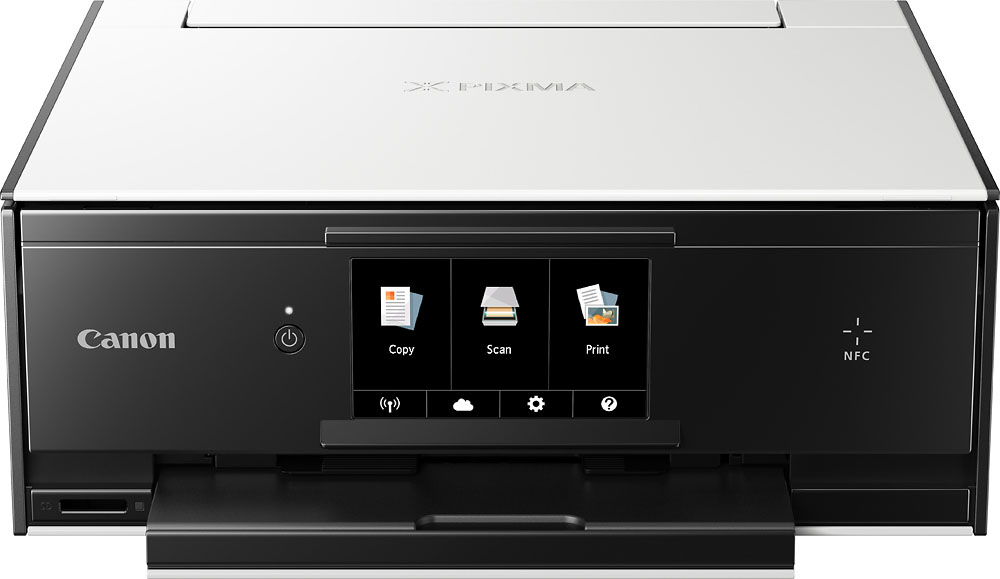
A:AnswerI am pretty sure the black and white refers to the color of the outer casing of the printer. You can print in JUST black and white even tho it is good doing color
A:AnswerRemove tray. Remove front cover. Side guides all the way out. Front guide retracted. Load paper. Gently move front guide forward until paper reaches the back stop. Replace front cover. Insert tray and print.
A:AnswerThere are plenty on ebay & amazon. Just type in the search box "Canon TS9020 ink cartridges." I've compared photo quality with genuine vs generic inks and I can't tell the difference.
A:AnswerYes:). I was able to get mine connected. I connected it before anything else after reading that it can cause issues if it is not connected first.
A:AnswerThis printer prints labels on traditional label sheets(ex. Avery label sheets), which are the size of letter paper, and prints CD labels on a CD using the unique feature that the TS9020 supports.