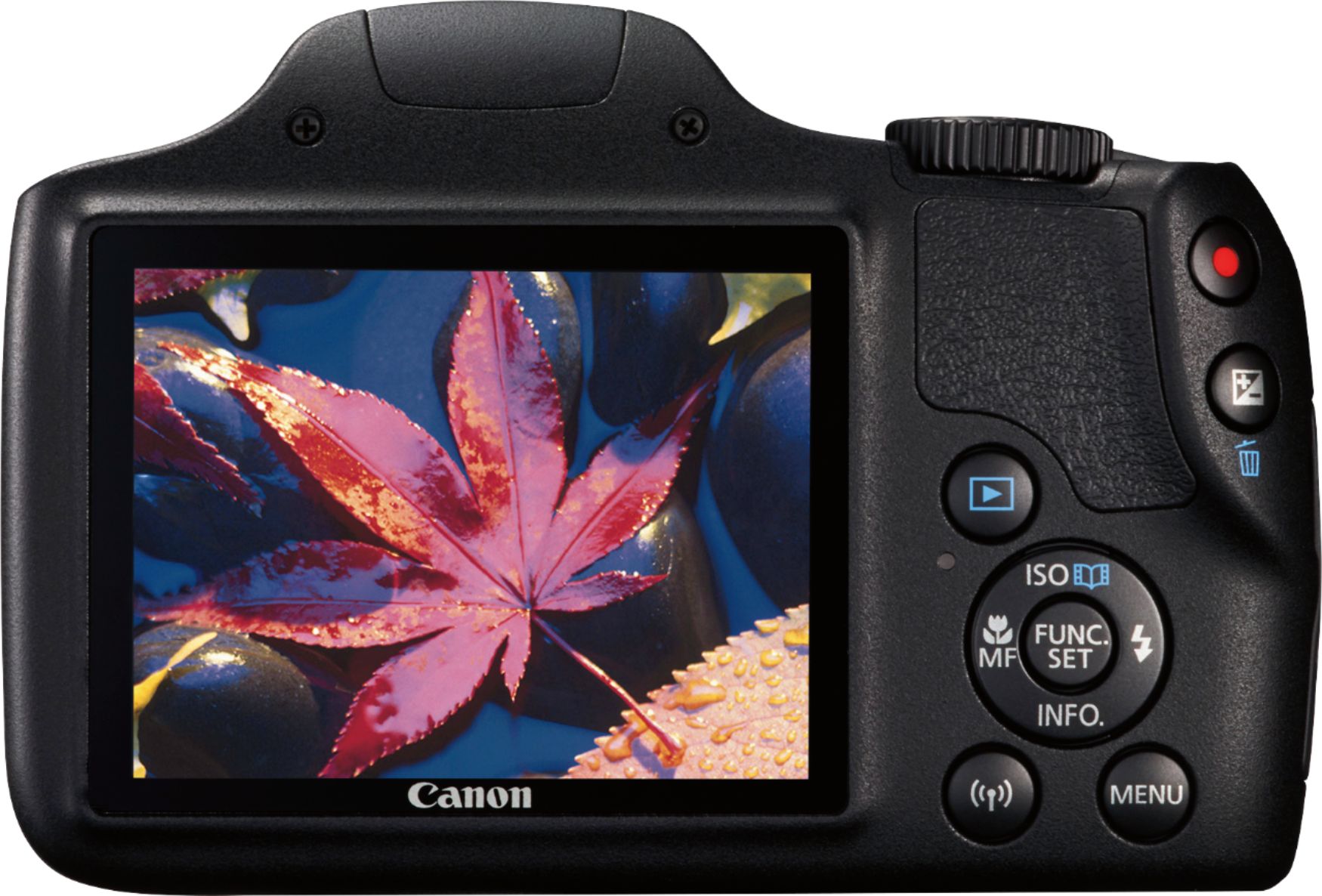
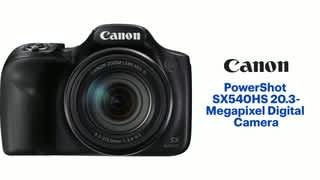
A:Answer Yes, With the interval timer, you can set the shooting interval and number of shots, so that the camera takes individual shots repeatedly according to your interval until your specified number of shots are taken. Select an option to set (hours : minutes : seconds / number of shots). Press < > to display [ ].
Set the desired number, then press < >. (Returns to [ ].)
Interval Can be set in a range of [00:00:01]–[99:59:59].
No. of shots Can be set in a range of [01]–[99]. To keep the interval timer on indefinitely until you stop it, set [00].
For more info see Canon RF manual page 244