A:AnswerYou have to go online and download it. And, sorry to say, the manual is not very user friendly. It took lots of trial and error to figure out what I was doing, even with the manual.
A:AnswerI don't think the battery would last long enough to take a 1 hour video. But when it takes one video, it will be one big continuous file on the SD card. From start to stop
A:AnswerCertainly. Buy a USB card reader, take the card out of the camera and put it in the card reader, and insert the card in your computer.
Card readers are about $6. This is what I do
A:AnswerYes, your pictures should be great. I took a picture of hills, probably 5-6 miles across the river from our placer and it looks good. Have also taken pictures of the Beartooth Mountains from our house; we are probably 65 miles away! REALLY!! I can zoom in and get a pretty good picture.
A:AnswerNothing said in the instructions .. I looked on the web ..
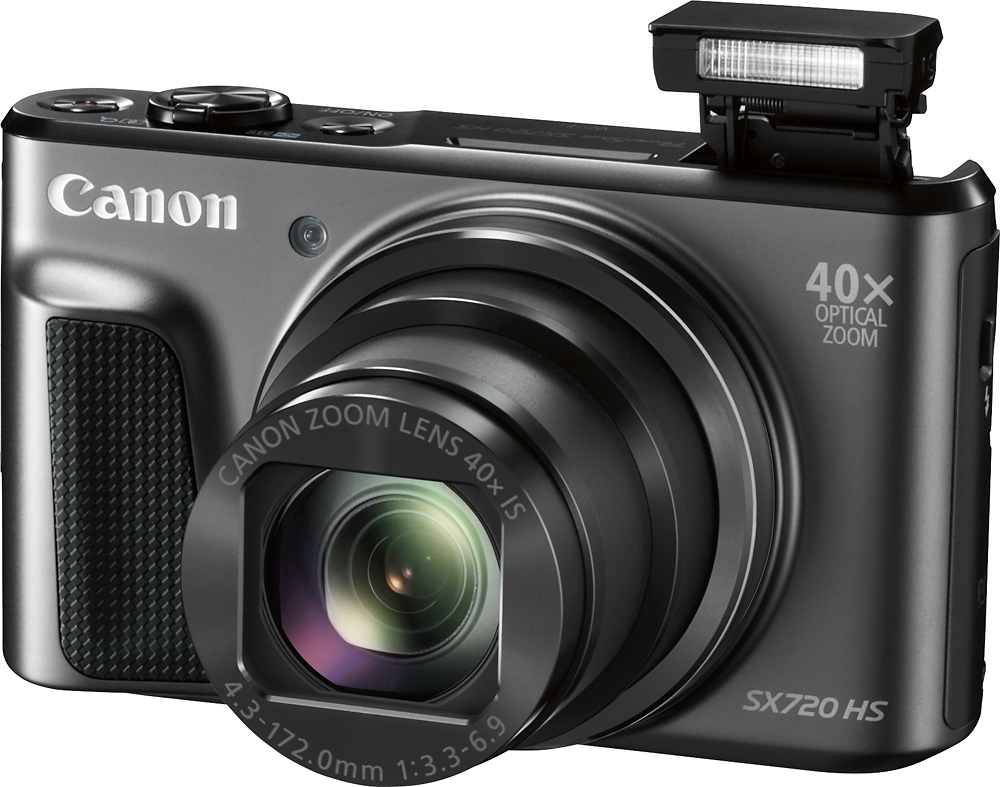
Regarding the flash ..."It consists of a glass tube filled with xenon gas which emits a short and very bright flash of white light when a high voltage is applied. Usually, xenon flashes are brighter than the LED flashes found in most camera phones"
A:AnswerWhen you set up the camera you put in all data concerning time, date and time zone. Date will then appear in lower right hand corner of picture. Enter thru the menu in the camera icon section.
A:AnswerWe do not have a Kindle, but with the wifi ability one would think so.
My wife has used her IPhone to receive her photos with the wifi feature on the camera.
It was through our wifi network.
She had to use the Cannon customer service to make it happen at first, but now it is easy for her.
They were very helpful in getting the camera and telephone to talk to each other.
Call Cannon directly, they are nice to work with.