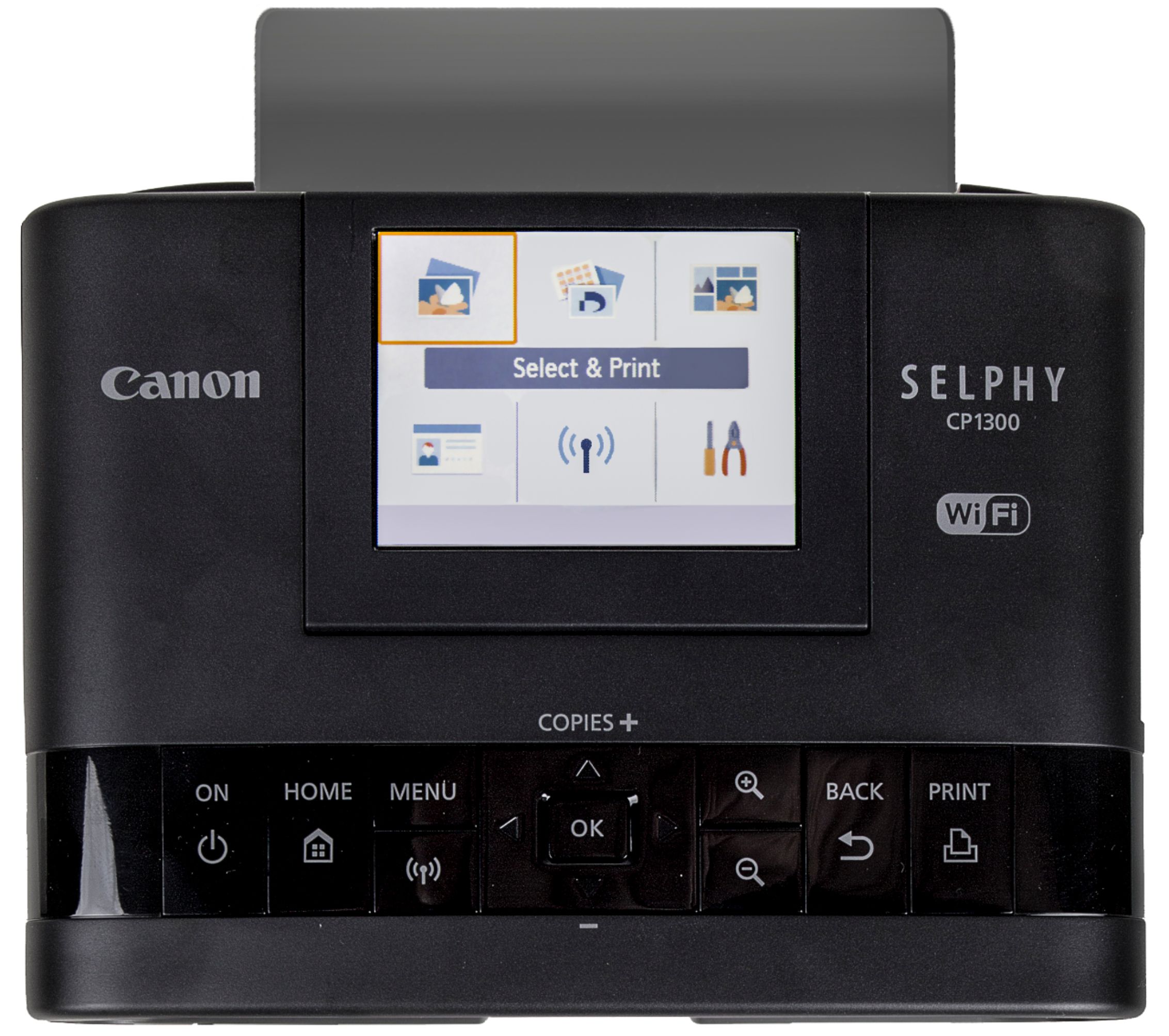
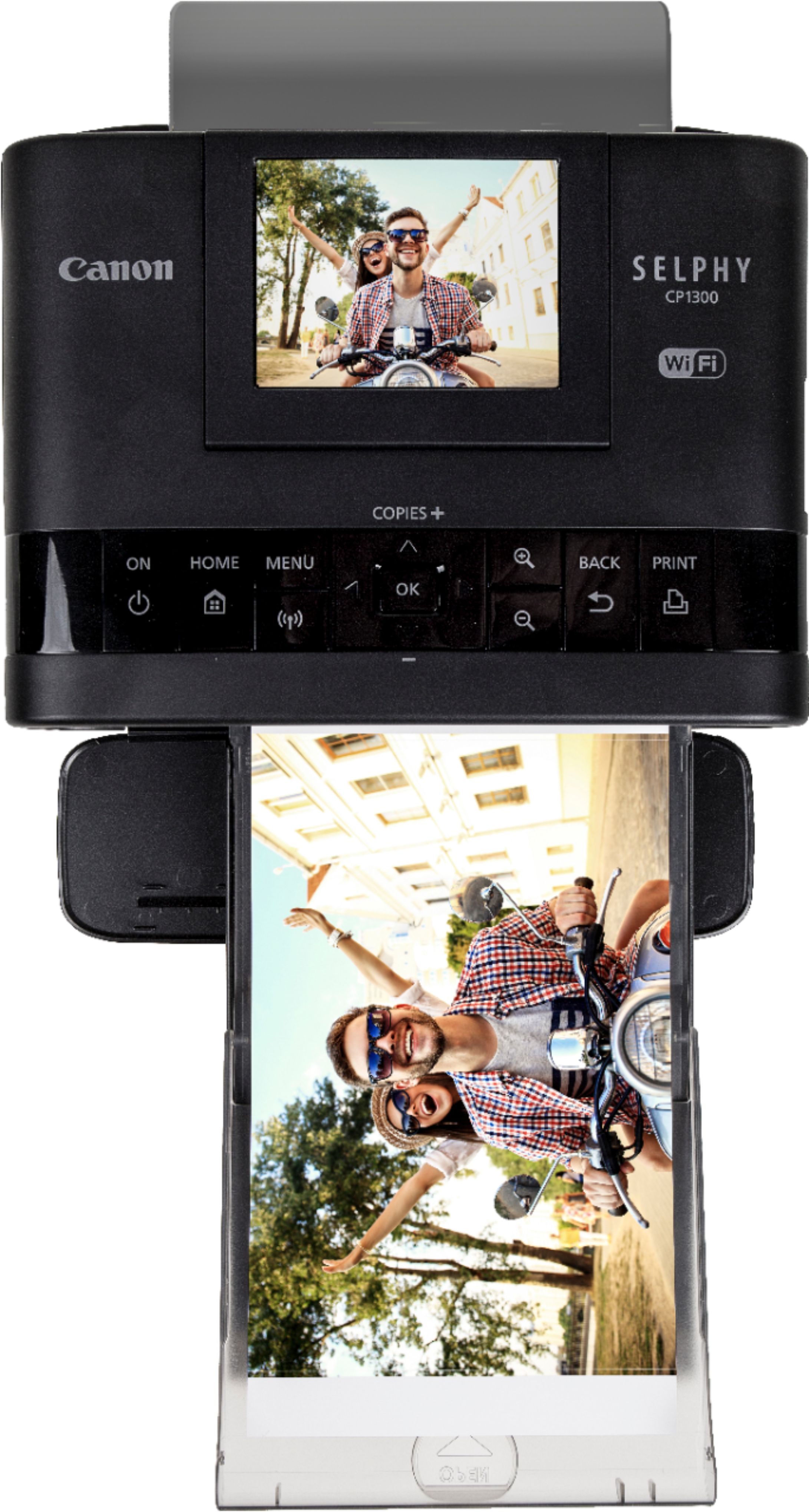
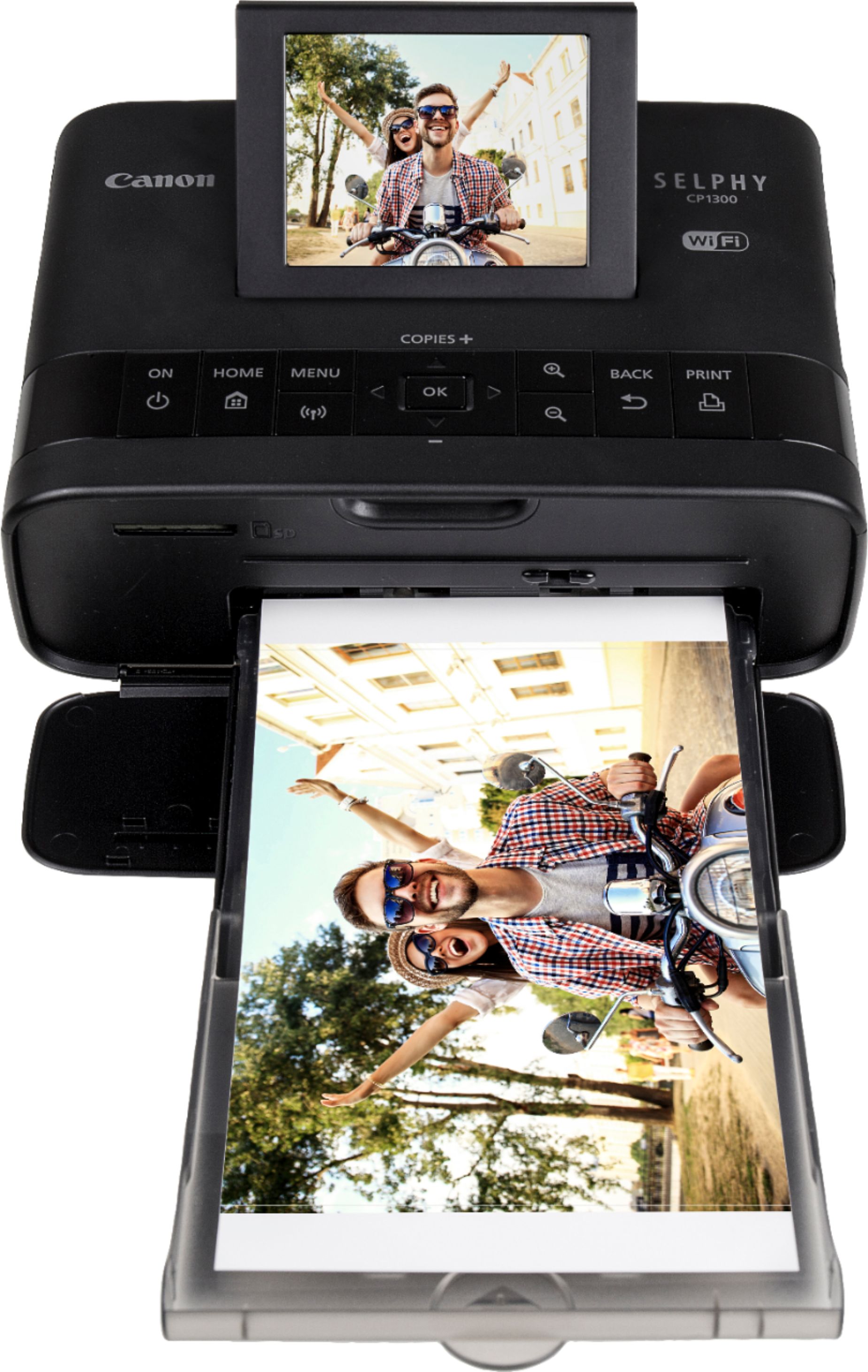
A:AnswerYou can connect with any device that has a Wifi option, so any brand phone, tablet or computer will work. You just turn on Wifi, push the wifi button on the printer and then select the printer on your device. Once connected, you go to the photo, choose print on your device, and choose that printer. You can also password protect it.
You can also insert an SD card. (We use a micro SD with adapter. ) No phone app required.
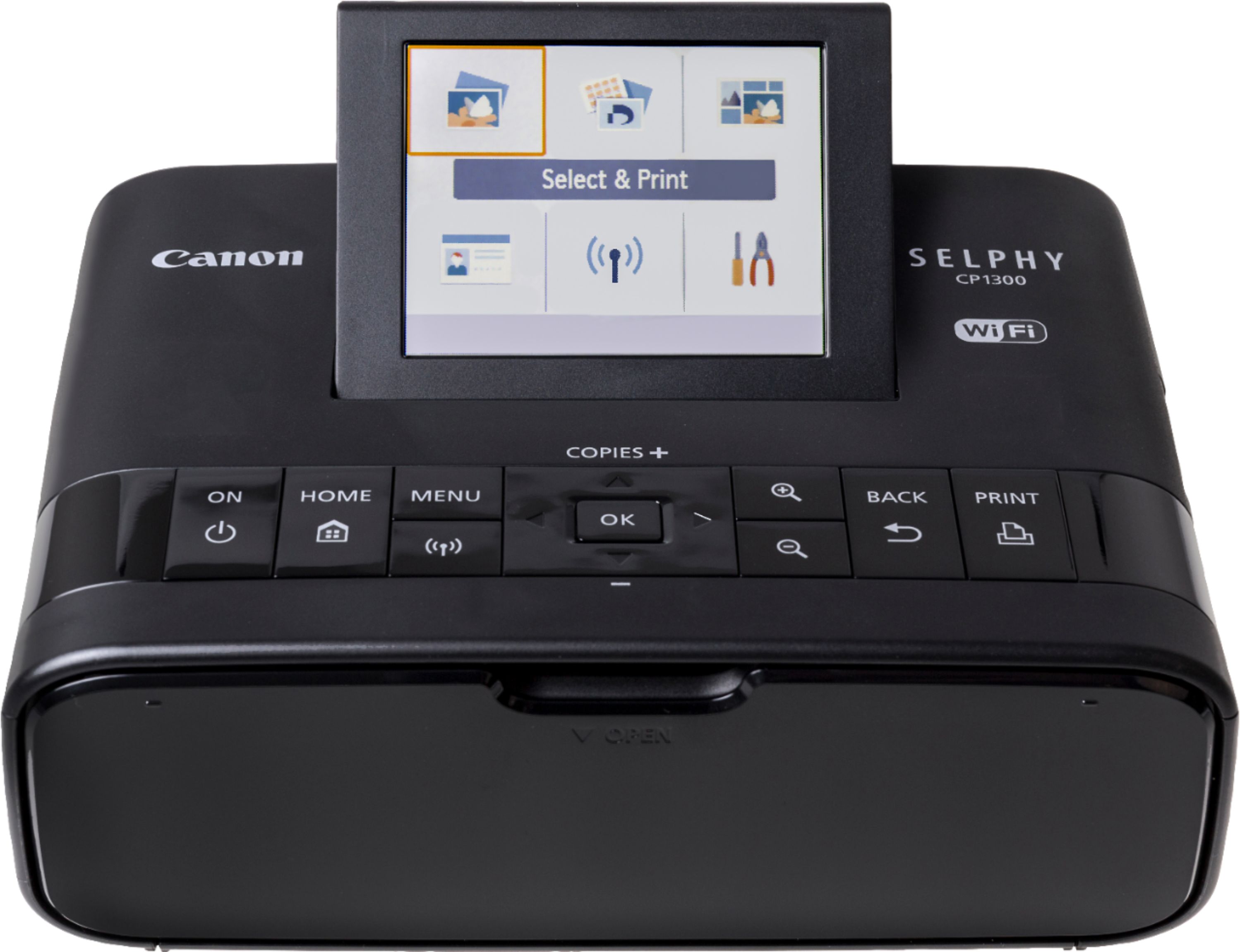
A:AnswerYes you can print wirelessly either by direct connection to the WiFi this printer can emit, or by connecting both your camera (or phone, etc) and the printer to the same WiFi connection (i.e. your home WiFi).
A:AnswerYou can connect with any device that has a Wifi option, so any brand phone, tablet or computer will work. You just turn on Wifi, push the wifi button on the printer and then select the printer on your device. Once connected, you go to the photo, choose print on your device, and choose that printer. You can also password protect it.
You can also insert an SD card. (We use a micro SD with adapter. ) No phone app required.
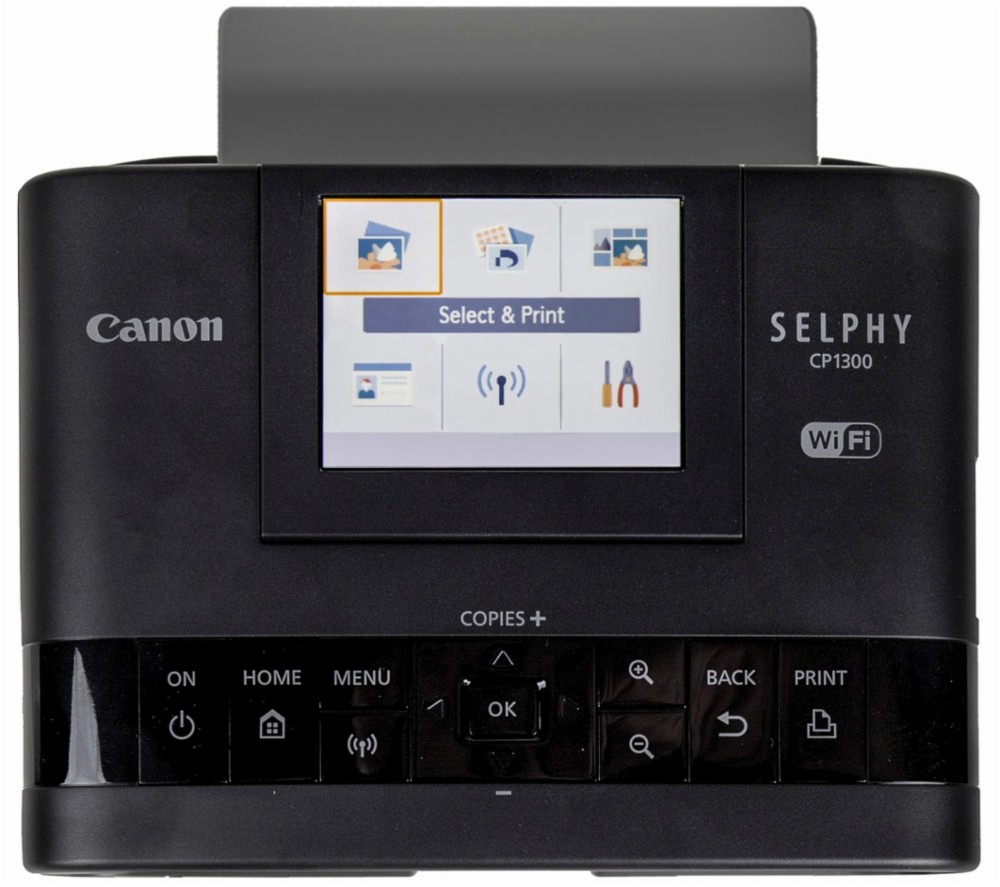
A:AnswerYes, this can be used to print by usb connection, over WiFi, or by inserting a SD card. Printer has a screen for control and/or previewing photos to print from an inserted SD card.
A:AnswerYes, connects to WiFi to AirPrint direct from iPad, or you can download the “Canon Print” app from the App Store to print.
These are both referred to in the set-up instructions included with the printer
A:AnswerYou can connect with any device that has a Wifi option, so any brand phone, tablet or computer will work. You just turn on Wifi, push the wifi button on the printer and then select the printer on your device. Once connected, you go to the photo, choose print on your device, and choose that printer. You can also password protect it.
You can also insert an SD card. (We use a micro SD with adapter. ) No phone app required.
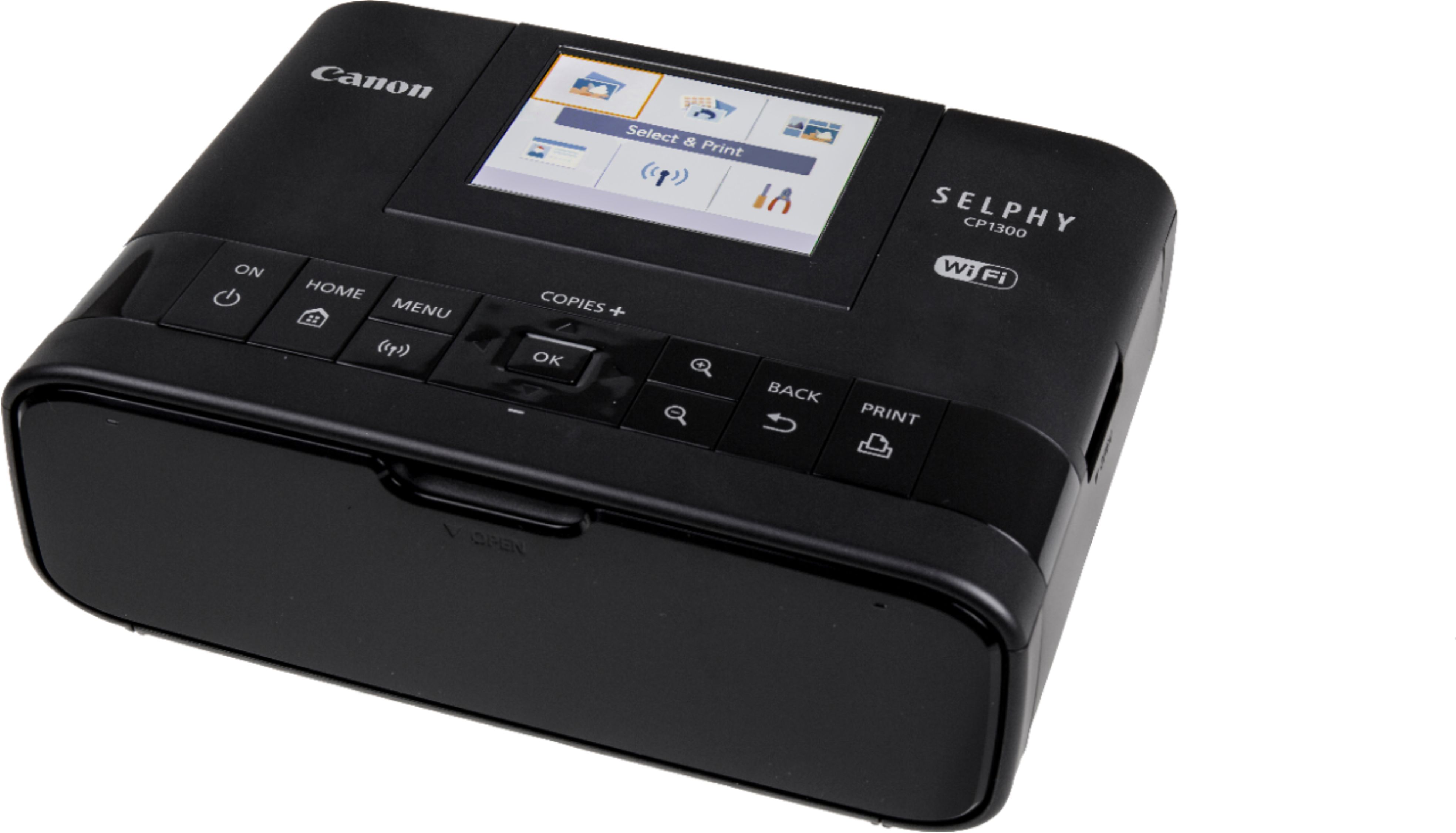
A:AnswerNo . Takes forever to find the download for this printer . You get it finally all set up and it wants an update . Then your model is no longer there anymore . I have been at this 5 hours now trying to find a app so I can print my pictures .
A:AnswerCameras have never used SIM cards, that's what a phone uses to connect to the wireless provider's service.
So you should either have an SD card, micro SD, or the one that Olympus uses. (I can't remember what it's called.) anyway, you can insert an SD card into the printer, or use a micro SD with the SD card adapter. The full size Olympus one won't fit.