A:AnswerThis camcorder records in a file format called H.264 and DVDs use an older format called MPEG2. You can buy a standalone DVD recorder (Panasonic, for example). You can connect a cable from the camcorder to the DVD recorder and then record on a blank DVD. A used DVD recorder on eBay would not be expensive. A DVD recorder looks like a VCR.
I have a lot of experience with this so send another message if you want more details.
Richard Baim
Adobe Certified Expert & Instructor
A:AnswerWe returned this camera after a couple of uses bc the quality of the videos weren't very clear. From what I remember you could take a screenshot of the video but I don't remember being able to just take pics.
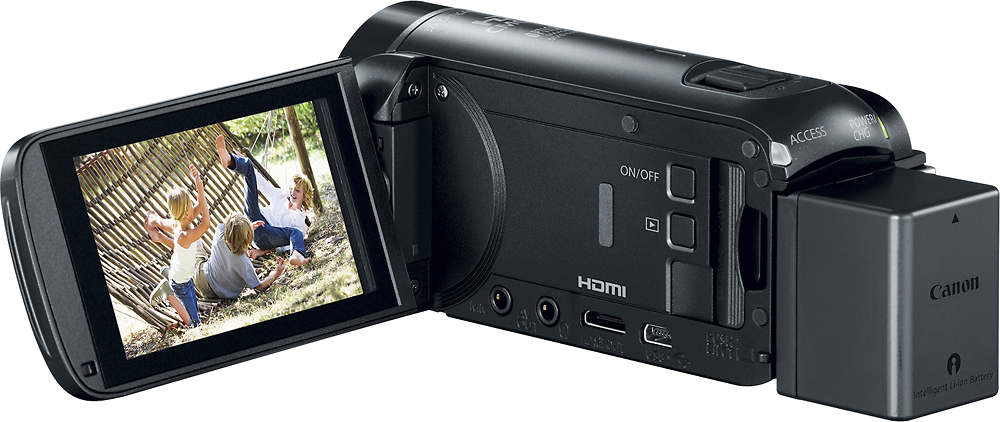
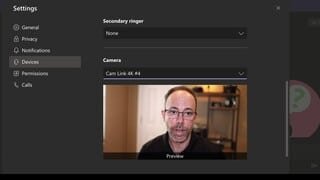
A:AnswerNo, the camera has a USB port and comes with a cable, but it is only for data transfer and doesn't live stream to a computer. The only way you could do this is if you bought one of the HDMI to USB adapter such as the Elgato CamLink. Extra cost may not be worth it...
A:AnswerNot without an adapter. The camera's output is HDMI for live TV and USB for downloading recorded material from memory card. You would need an adapter to convert these outputs to old-style component output (yellow RCA plug composite video, red/white RCA plugs for audio), which is probably what your older analogue devices expect.
A:Answerit does. I use it on My MAC, with a video capture device. You will need to adjust the settings so that the camera doesn't automatically shut down. In addition, you may have to take it off "demo" mode as well.
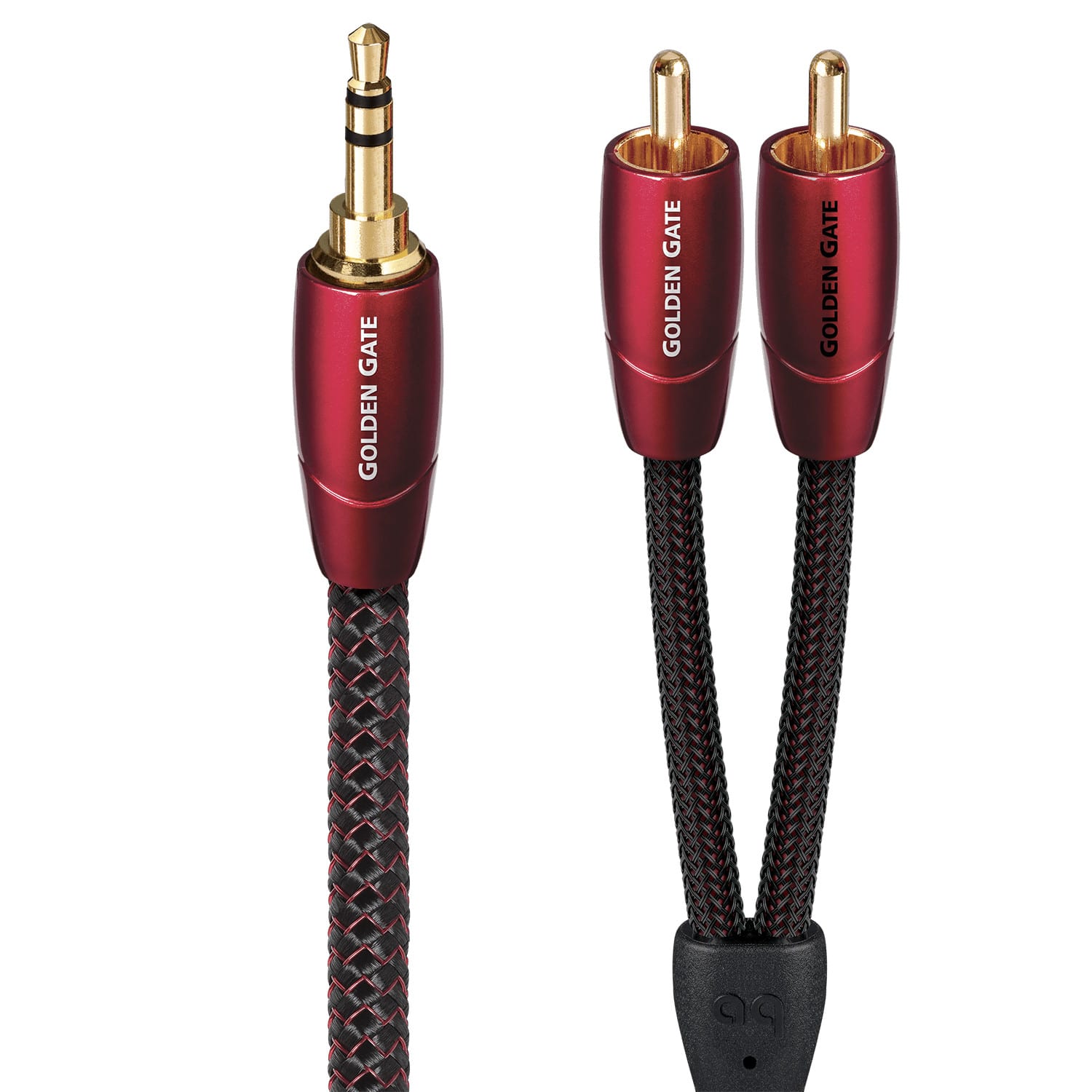
A:AnswerNo, there is not RCA ports on the camcorder. If you want to use a RCA plug for the aux microphone input, you can purchase an adapter from Best Buy for less than $10.00. This is a very versatile camera and without compare for the purchase price. We used the pictured cord to feed sound to the camcorder from our soundboard .
A:AnswerExcellent if you are outdoors. The light level will be bright enough to engage the shutter mechanism, which snapshots each frame quickly to eliminate motion blur. Probably not good for indoor sports like basketball unless in a very brightly lit arena... you will get motion blur because the light isn't bright enough for the shutter to operate.
A:AnswerShould be. You Mac shouldn’t be concerned about the type of camera, more concerned about the type of signal. Also going to depend on what video software you are using.