A:Answersalcarnahan,
Yes, any of our systems is fully upgradable, as we do not use proprietary parts in our builds.
Also, please note, that modifying the configuration over time does *not* void the warranty or free lifetime technical support that we at CLX provide.
Thank you!
A:AnswerHello!
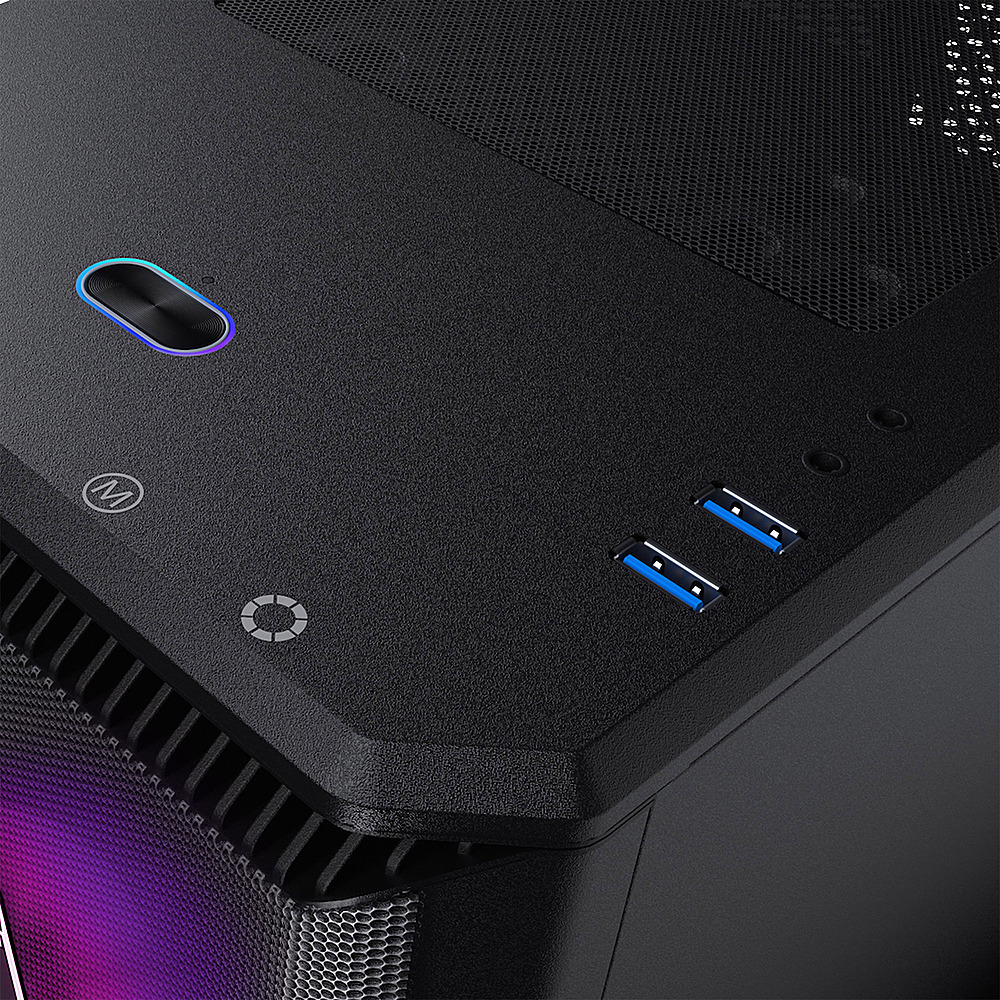
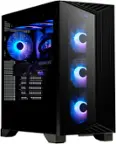
With this specific case, there are buttons near the power button for adjusting the Mode and Color of the RGB lighting. They're really well-hidden, though.
On the top of the case at the front, there's a slight overhang of the top panel. The buttons are underneath the overhang.
There are faint icons on the top that label each of the buttons. Two of the buttons are for controlling the RGB lights, one on the far left is some kind of restart button.
The attached image shows the two icons which indicates the location of the two RGB buttons.
A:AnswerRowe,
Thank you for your inquiry!
This would be something our Friendly Support Team would be able to help you with.
Please contact them, toll-free, at 855.490.2569.
Thank you again!
A:AnswerFish,
Thank you for choosing CLX!
With regard to the GPU temperature, we place protective foam in our systems to support the video card during transit. Please make certain that any internal protective foam has been removed from the system. If it has been already, or if its removal does not alleviate the concern you have, please do not hesitate to contact our Friendly Customer Support Team, we will gladly assist you.
You may reach our Support Team either by sending email to [email protected], or by calling us toll-free at 855.490.2569.
Thank you again!
A:AnswerFish,
Thank you for asking!
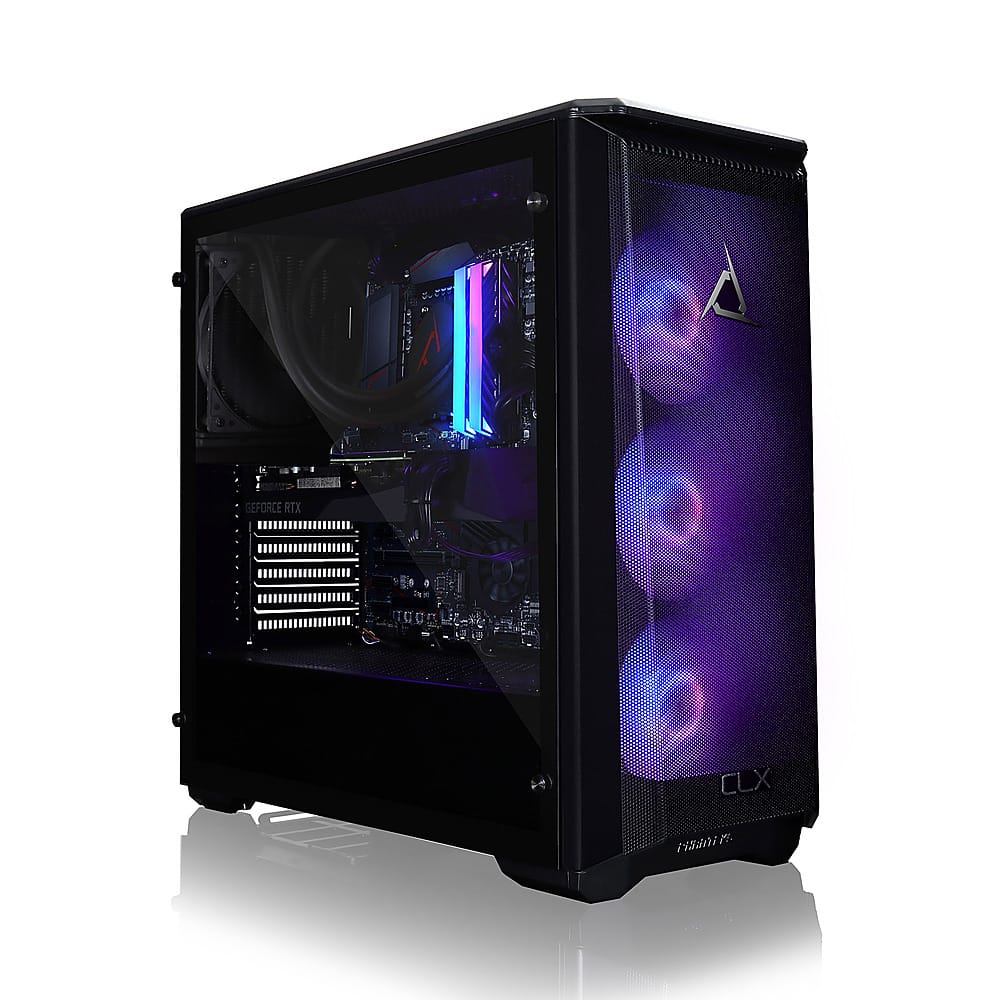
The dimensions of this chassis (HxWxD) are: 18.3 in. x 8.3 in. x 18.5 in.
If you have any additional questions, regarding this, or any of our offerings here at Best Buy, please feel free to contact our Friendly Customer Support Team, toll-free, at 855.490.2569; we're happy to help!