A:AnswerHi Lauren,
I honestly have to take my glasses off when wearing these, but I do have quite a big head and I have very thick glasses. I'd recommend the Void Elite series if you want to keep your glasses on!
If you have anything else we can help with, please reach out: support.corsair.com
-Art
A:AnswerHi,
The headset wouldn't be dolby certified, but it does play 7.1 content with the included dongle.
If you have any other questions, please reach out: support.corsair.com
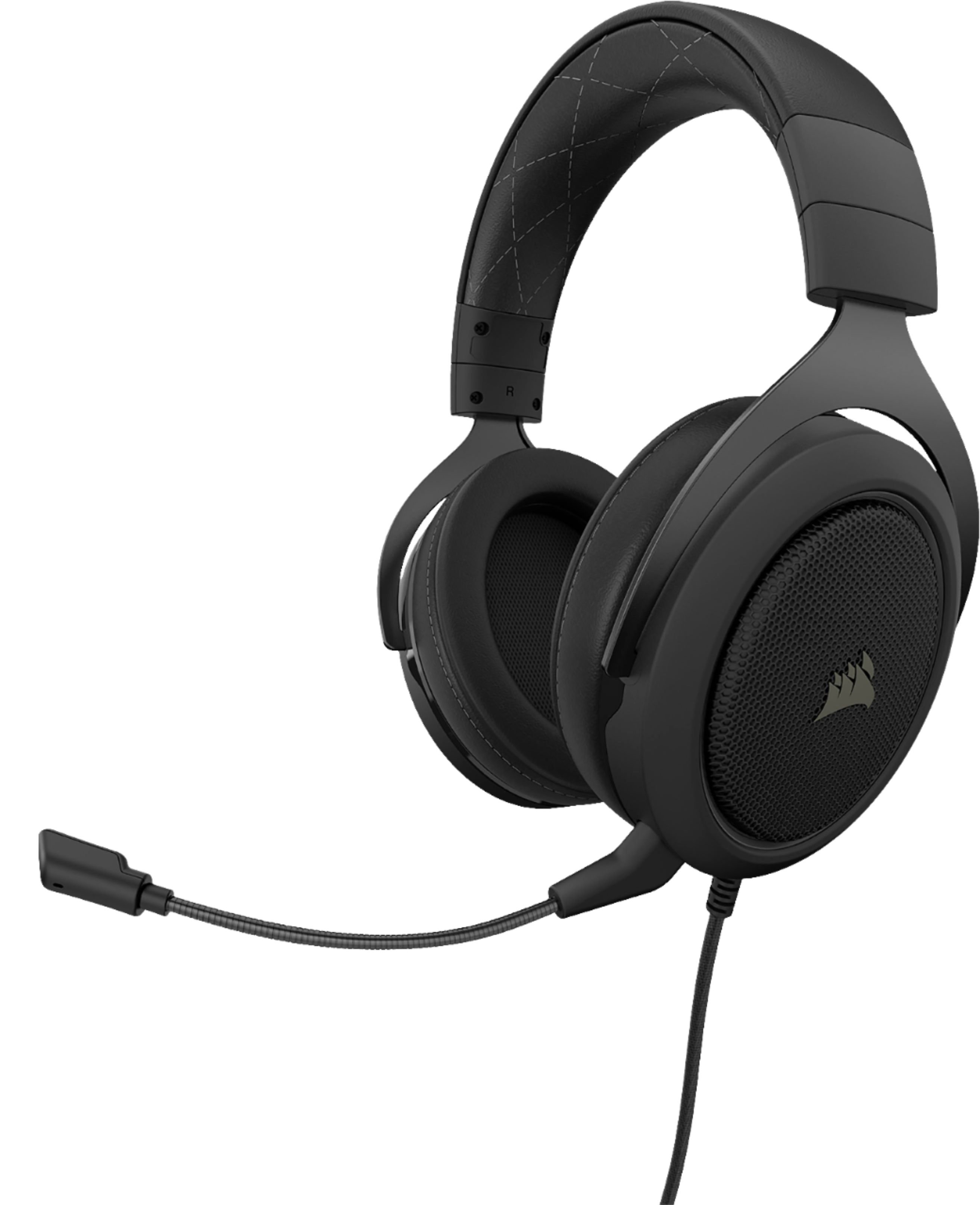
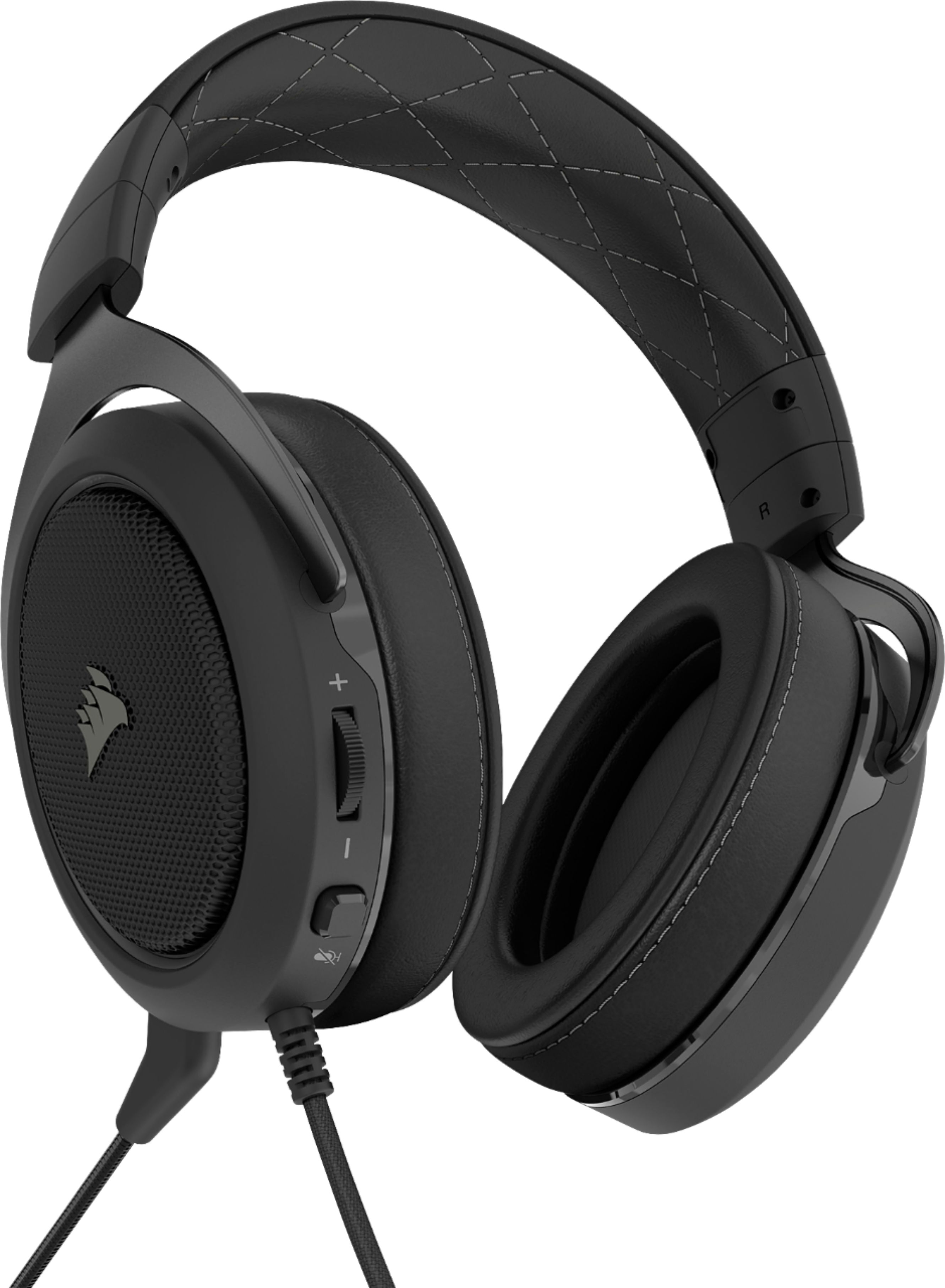
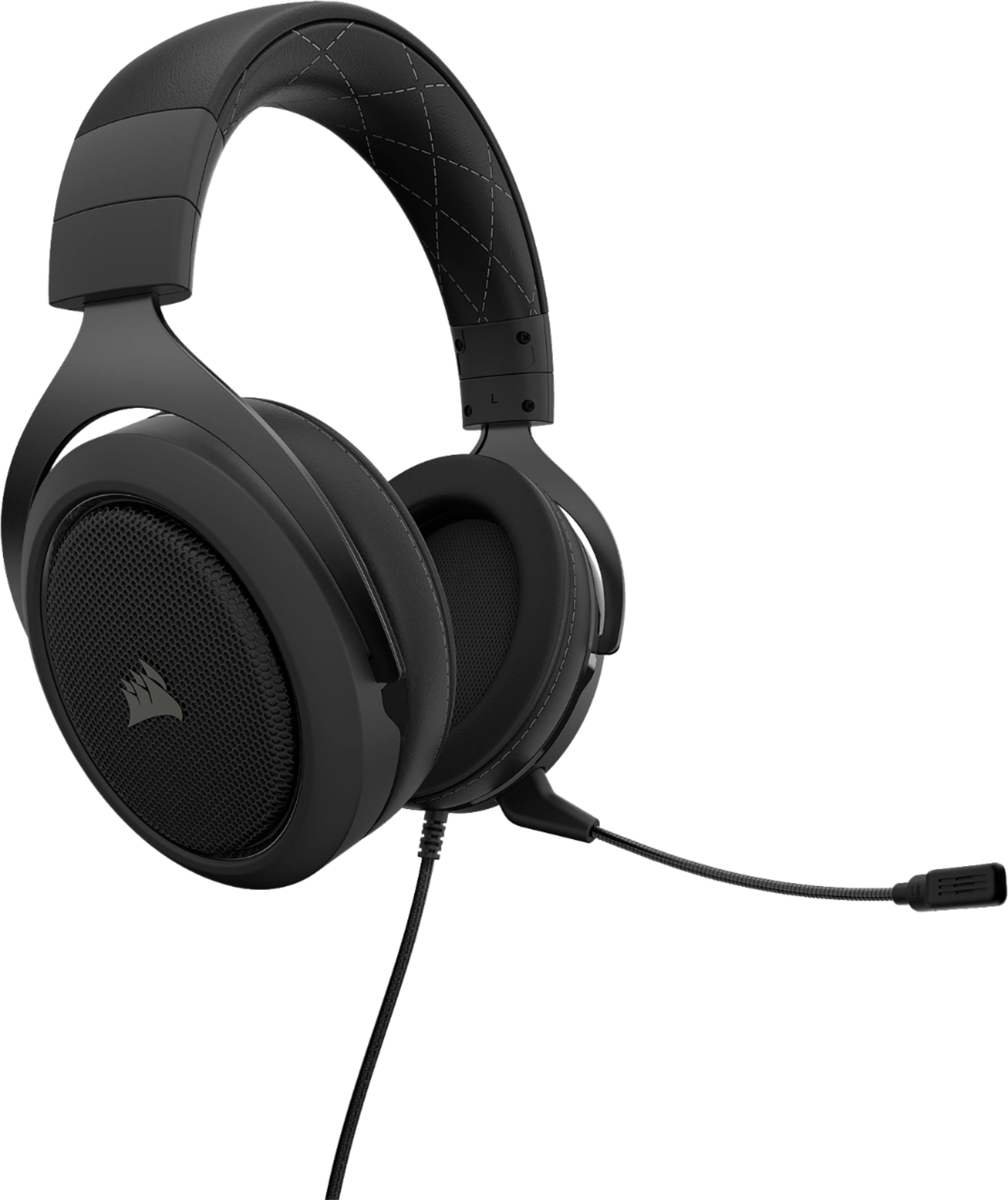
A:AnswerThere is a button on the back of the left headphone, next to the volume dial, with an icon next to it that references a muted mic. If the button is pushed down, it is muted. If the button is up, you can speak perfectly fine. Note that the volume dial is only for your device’s audio, it doesn’t make your voice louder or more quiet.
A:AnswerHi Trevin,
The amount of sound blocked can vary depending on the fitment once you wear them on and can be affected by glasses as well. Also, the kind of noise in your environment can also change how much sound can come through. If you can, we recommend trying them on in-person to get firsthand experience.
-Brian
A:AnswerHi Tausif,
If you're referring to the headsets mic and audio playback, you should be able to do that by default. If you need configuring for your use case, contact our support team: support.corsair.com
-Brian
A:AnswerI think this depends on the laptop. My wife said she needed an adapter but her computer does not have the "headset" jack. My computer does have the headset/headphone jack which works with this headset.
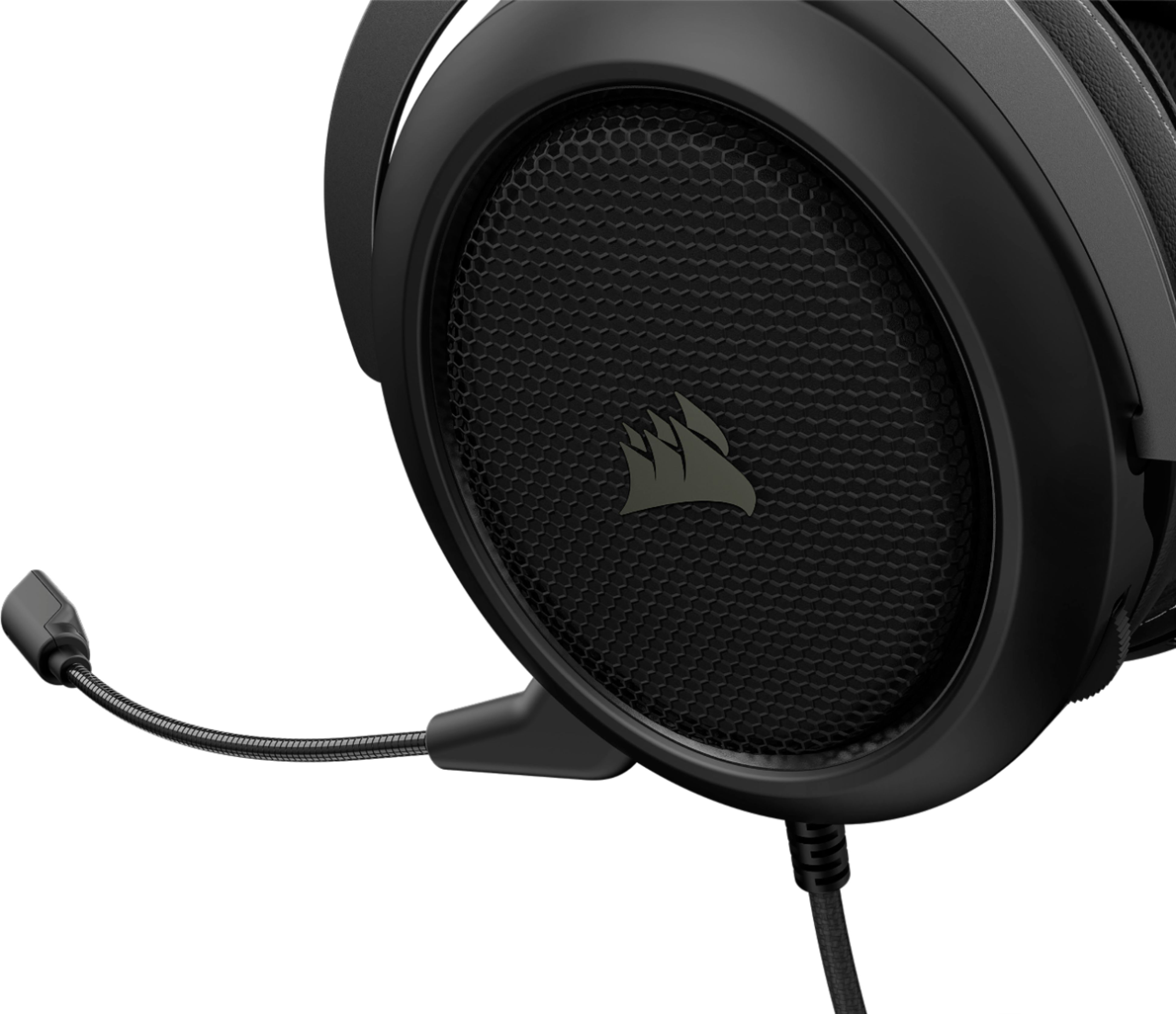
My wife said she likes that you can remove the microphone (it is detachable).
A:AnswerHi Chris,
It would depend on the model of VR headset you are using and if there's proper clearance while you are wearing it. We recommend trying on in-person to determine if this will fit you properly. If you'd like assistance, please feel free to reach out to our support team: support.corsair.com
-Brian