Questions & Answers
- Model:
- CL-8930002
- |
- SKU:
- 6229602
Highly rated by customers for: Ease of use, Brightness, LED Lighting
Page Showing 1-11 of 11 questions
Q: QuestionAre these led strips compatible with Corsairs iCue software?
Asked by Jarbo.
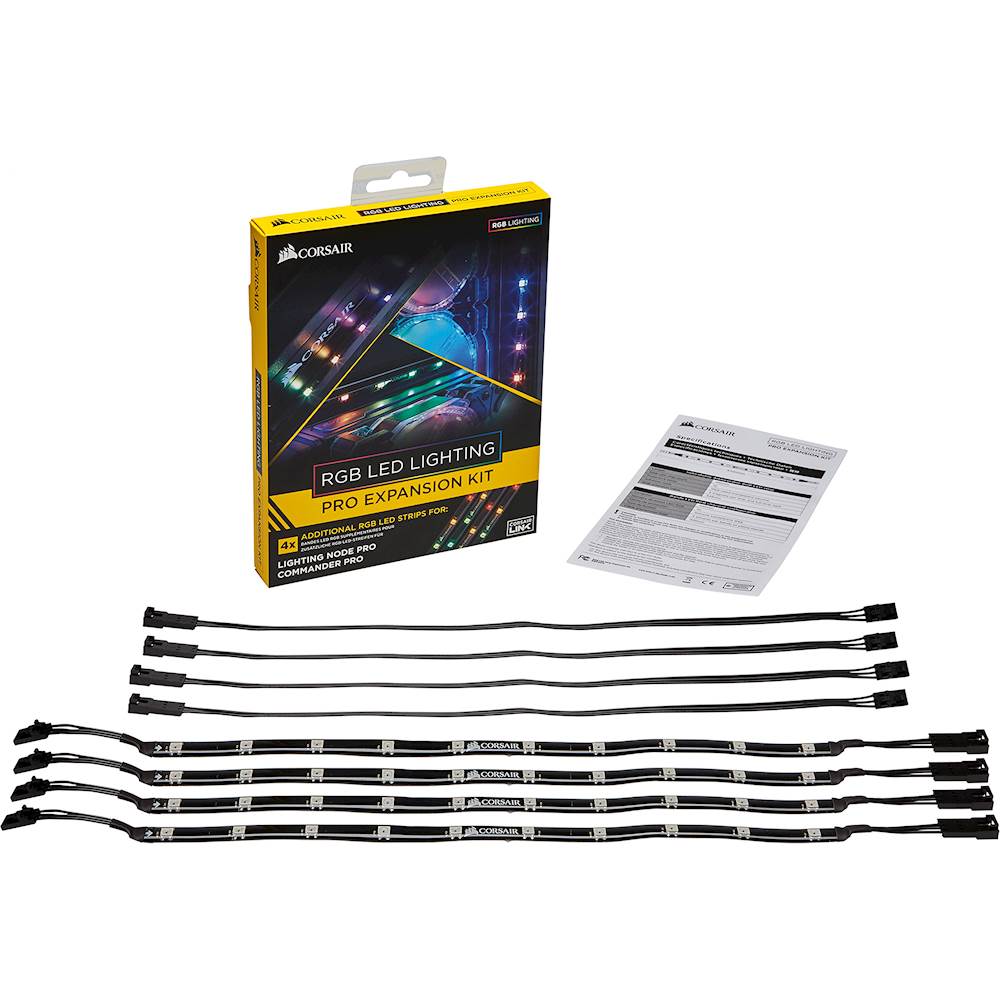
- A:Answer Yep, you'd use these on a lighting node pro or commander pro only.
Answered by Corsair

Q: QuestionCan this kit be used as an add on to the Corsair 220T case that has the 'Core' controller or do you have to buy a commander pro?
Asked by RGBNewbie.
- A:Answer Hi, You'd have to use a Commander Pro or Lighting Node Pro. If you have any other questions, please reach out: support.corsair.com
Answered by Corsair

Q: QuestionIf I buy the LS100 Smart Lighting Strip Starter Kit can I plug all of those led bars into slot 1 and then all of these led strips into port 2, connected to each other?
Asked by John.
- A:Answer Hi, You cannot, 2 different product lines. If you have anything else we can help with, please reach out: support.corsair.com -Art
Answered by Corsair

Q: QuestionDo these lights flash to music? Are they sound responsive?
Asked by Liam8506.
- A:Answer The lights themselves are not, however, in conjunction with the controller and the iCue software, they can be.
Answered by TABINGAM
Q: QuestionDo you have to have the corsair node to use these in your pc?
Asked by Anonymous.
- A:Answer You need either the Lighting Node Pro or the Commander Pro. I have the Commander Pro and these lights worked flawlessly.
Answered by Kyle
Q: QuestionHello my question is that I currently have the lightening node pro with four strands. How many stands can I sling together with the ICue software? It appears that it is only 6???
Asked by TheBoiledOwl.
- A:Answer Hi TheBoiledOwl, Please contact our support team, we'd be happy to help you with your set up! support.corsair.com
Answered by Corsair

Q: QuestionI have one open led slot on my commander pro. Do you need 1 or 2 slots to install it all?
Asked by Tommy.
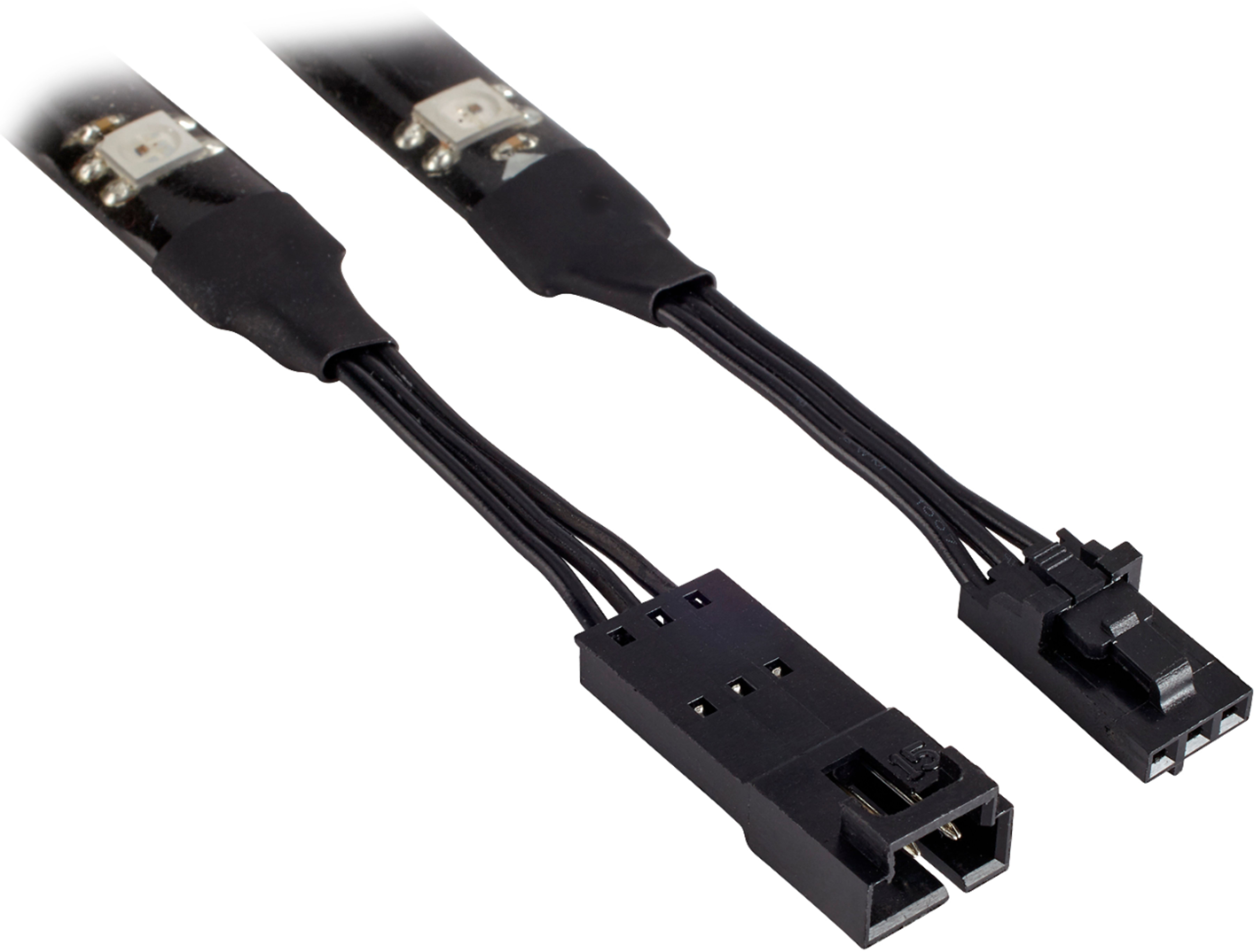
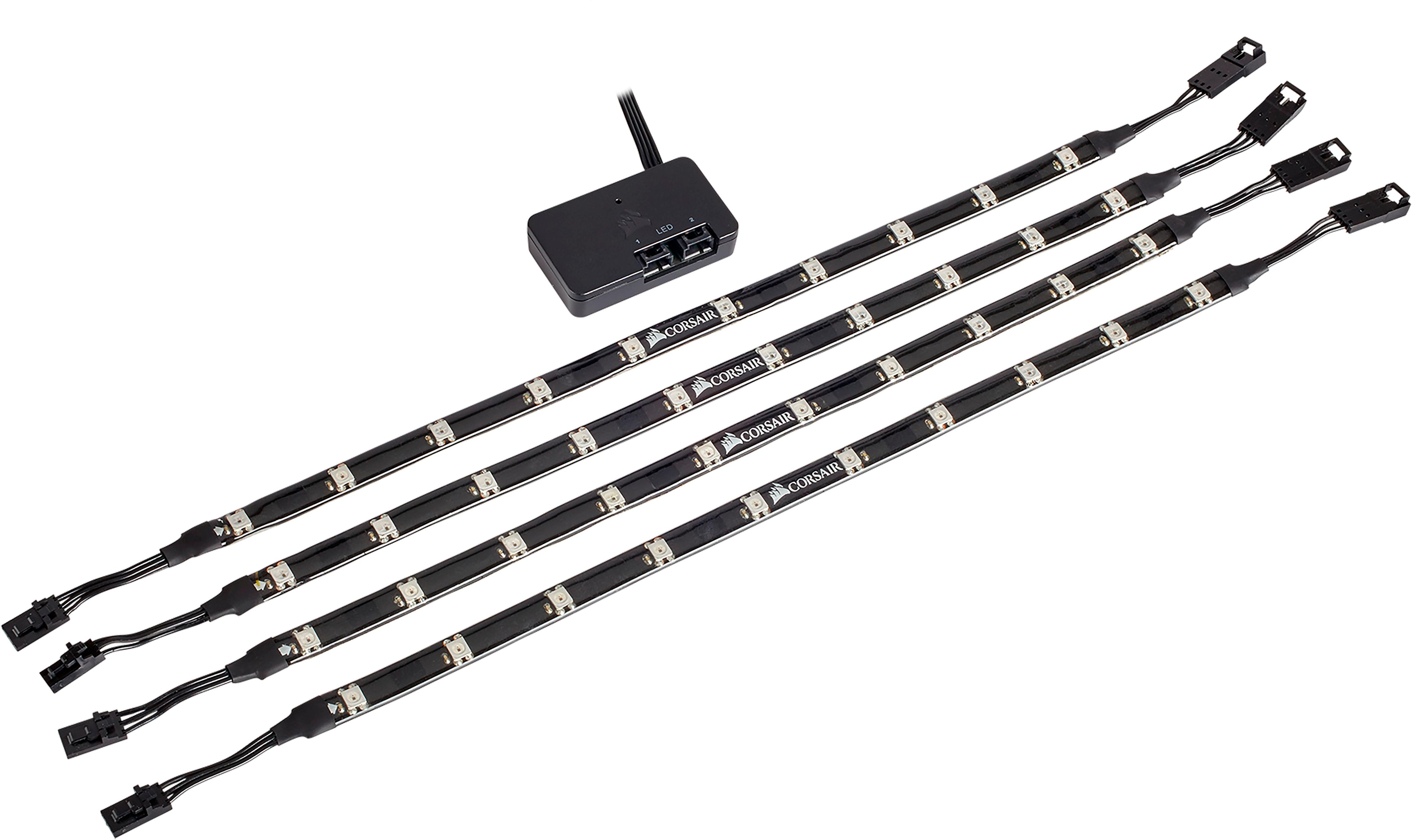
- A:Answer You can use one led slot and daisy chain the strips together for one straight run or you could run 2 individual slots and daisy chain however many to each run
Answered by ElBarto
Q: QuestionDoes this just plug into the motherboard, or will I need another accessory?
Asked by Clarkson.
- A:Answer No it does not. You need the lighting node pro or lighting core
Answered by Daniel
Q: QuestionIf I own the Node Pro that came with the LL RGB fans, will this also work with these lighting PROs without having to purchase the full kit - Just purchasing the extensions?
Asked by Josh.
- A:Answer Hello Josh, Yep! You'd just use the empty LED channel port. If you have anything else we can help with, please reach out: support.corsair.com -Art
Answered by Corsair

Q: QuestionIs there extensions that are sold separately? Love to have a wire coming out of pc to my desk lso I can use a led strip there and still have itesk synchronized
Asked by Riley.
- A:Answer I tried to find some myself and couldn't find anything anywhere other than ebay listings. You might be able to contact Corsair directly but they had nothing listed on the site I could find. I ended up just waiting and getting a second set purely for decorating my desk and having more extensions.
Answered by Daniel
Q: QuestionCan i connect these directly to my msi motherboard that has a corsair rgb headed?
Asked by Alexis.
- A:Answer Short answer: No. Detailed answer: They would probably function and showcase a rainbow pattern stored on the strips themselves but the strips are expensive just for a rainbow mode considering they are designed to work with the iCUE software Corsair has. To use iCUE software and properly interface with the strips beyond the basic color stored on the strips you will need to use the Lighting Node PRO. It is 20~ USD more but worth it as it has two plugins for strips giving you more flexibility in placement and utilization. Each port on the Lighting Node PRO can handle 6 strips so you can easily get another set down the road to add more lights (even outside the case if you use the extensions they include). Each LED on the strip is programmable in iCUE and you can set multiple profiles linked to games and other software, as well as store a color set in the hardware for when you're shutting down, starting up, or just using an environment other than windows. Hope this wasn't too verbose or confusing but tldr spend a little more for your first set and get a Lighting Node PRO so that you can customize the heck out of them.
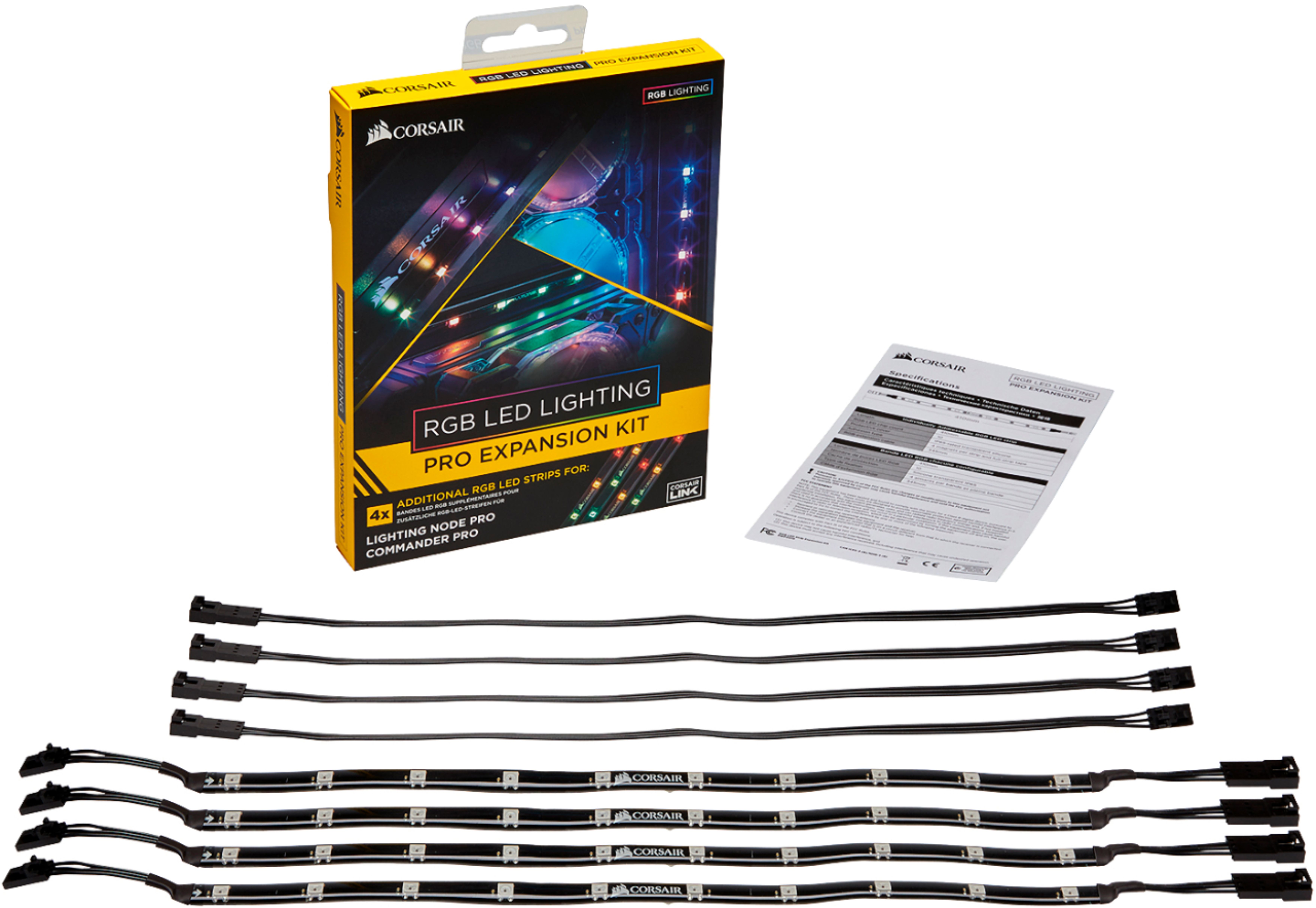
I would recommend:
Answered by Daniel
Page 1, Showing 1-11 of 11 questions
Most-viewed items
- $449.99$449.99The price was $899.99
- $329.99$329.99The price was $469.99
- $449.99$449.99The price was $649.99
- $99.99$99.99The price was $129.99
- $1,149.00$1,149.00The price was $1,299.00