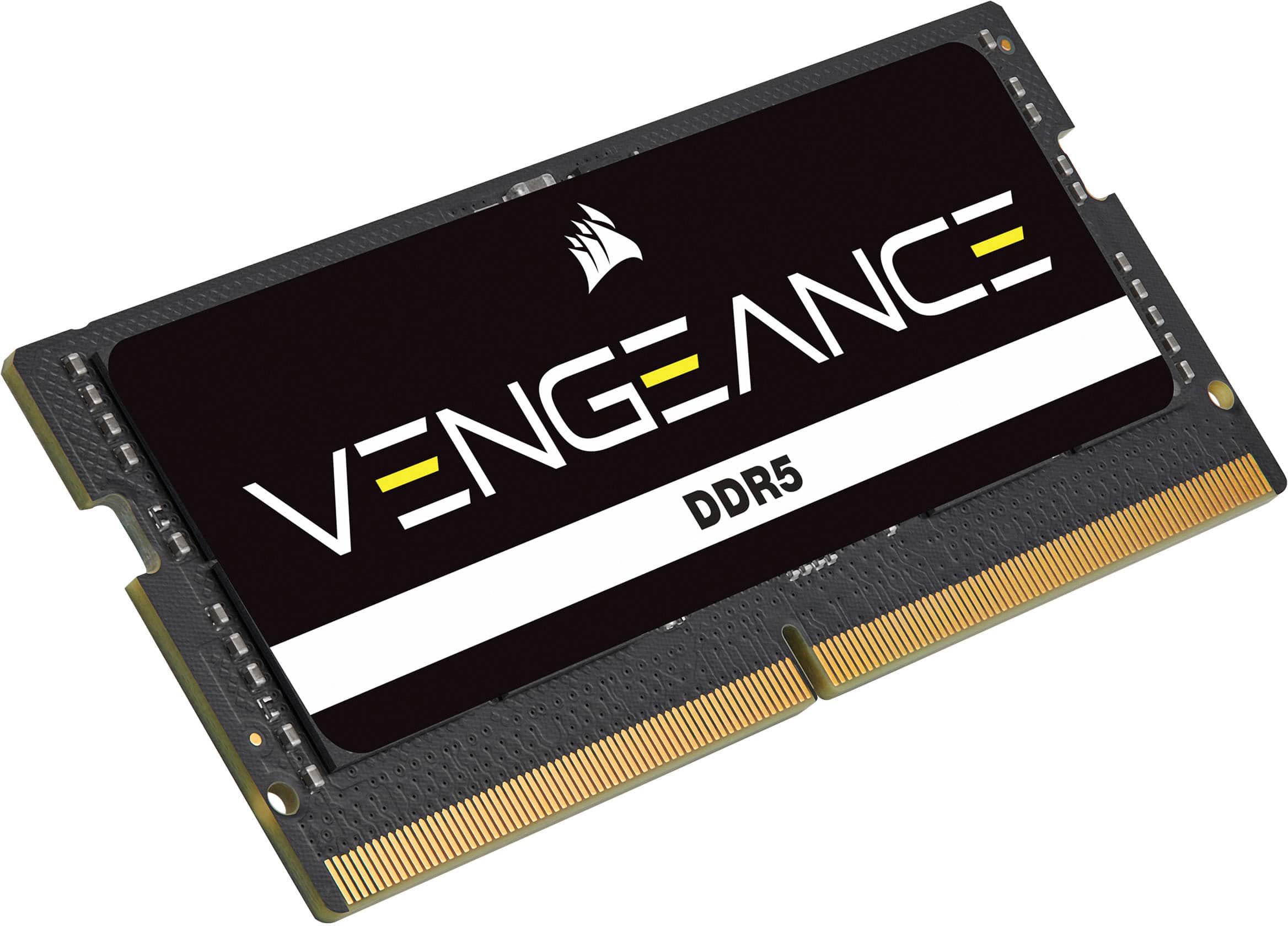
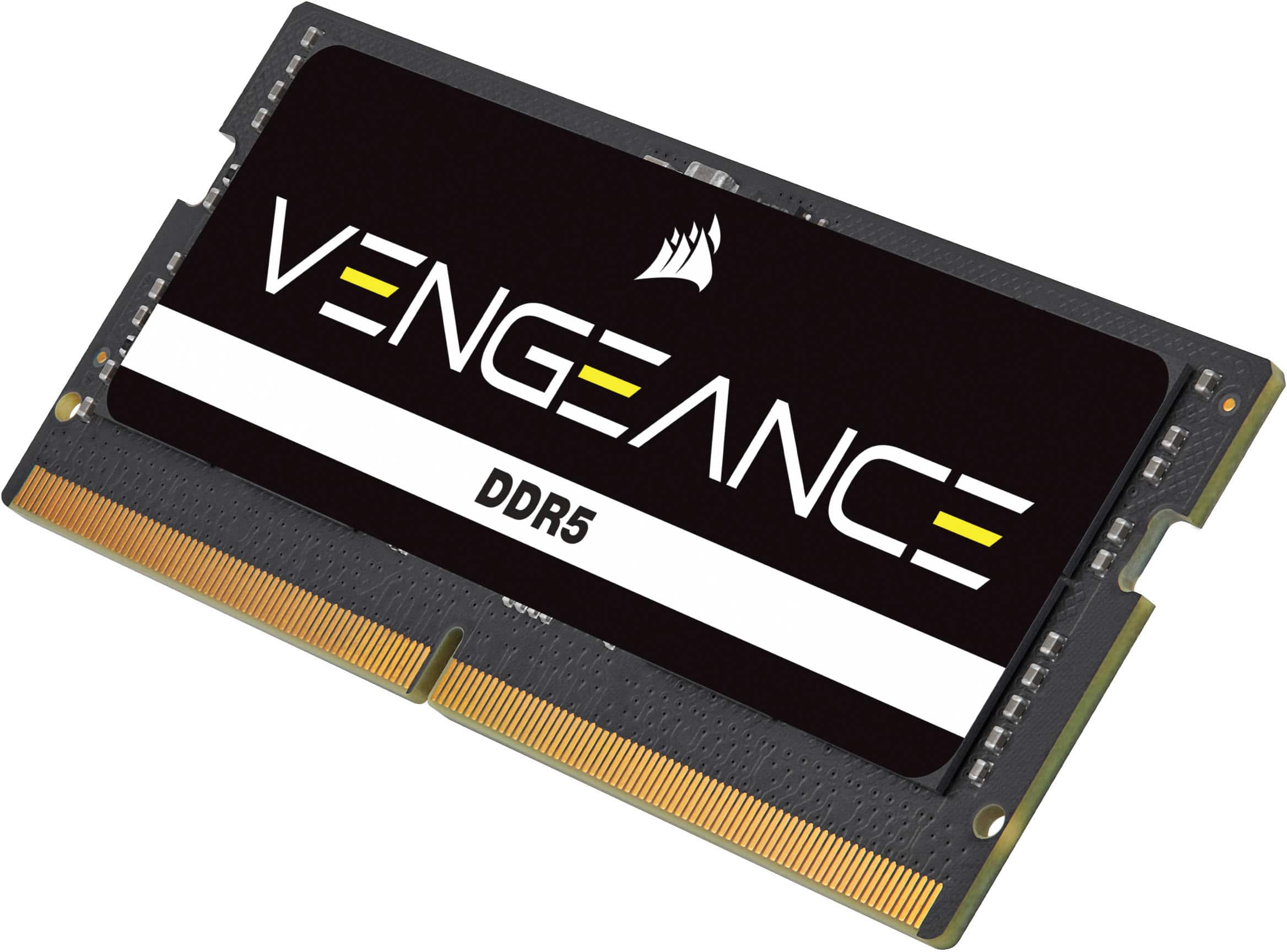
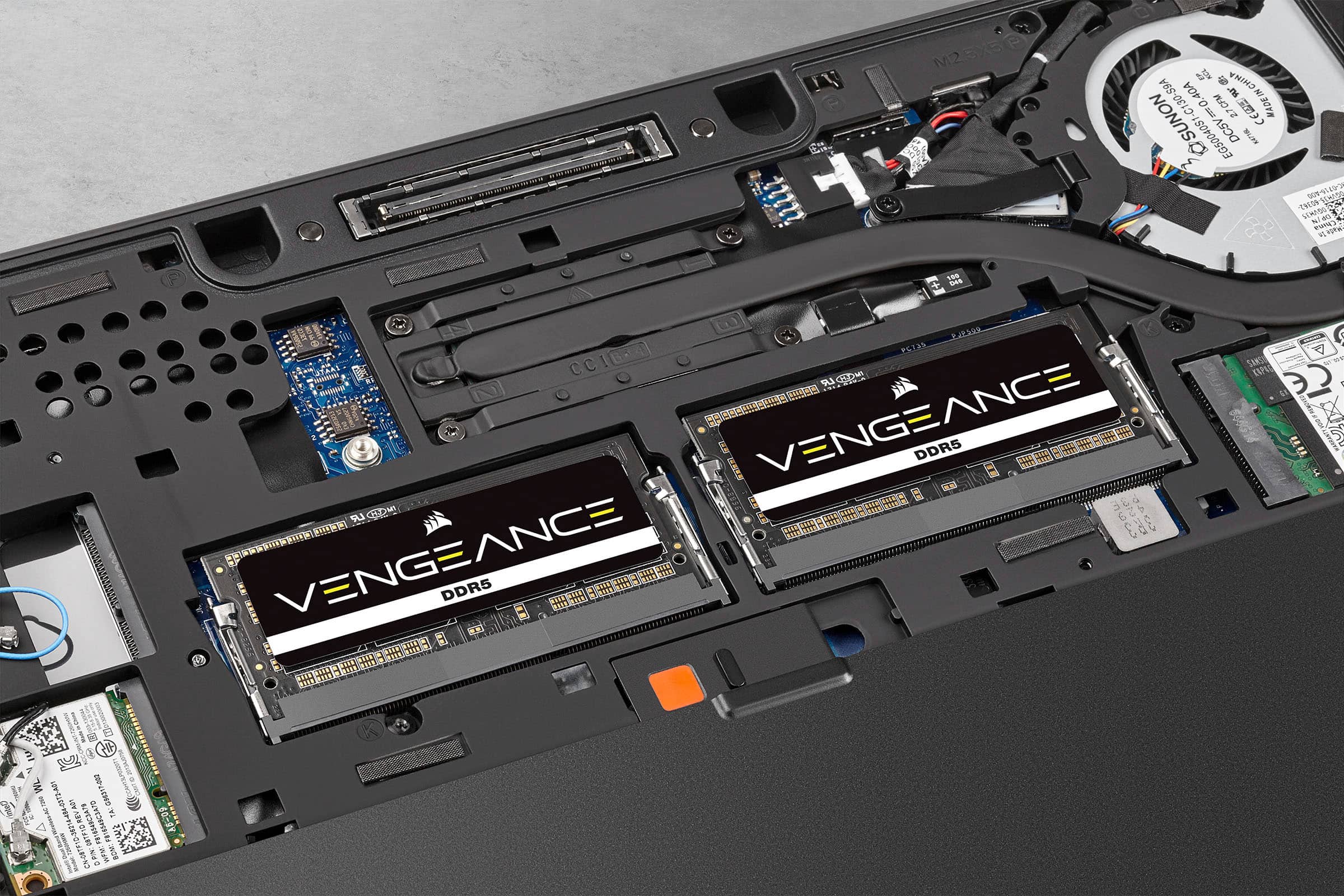
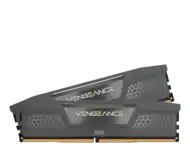
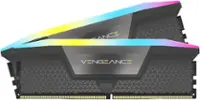
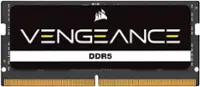
A:AnswerNo, it is a single stick of 16GB. If you have a slot free, just insert it. I had 8GB installed, and added this 16GB to the free slot for a total of 24GB. Just make sure your computer requires DDR5 RAM.
A:AnswerHello Krishu,
Please confirm with Geek Squad if they'd be the ones installing to avoid any compatibility issues with what you already have in the system.
-Art
A:AnswerHello,
This would be a memory kit but you'd first need to check compatibility with your system/motherboard. Self-install would be required but GeekSquad may be able to help although you'd have to contact them separately.
-Art
A:AnswerHi,
Running two 16GB memory modules vs one 32GB memory module would be ideal. Certain applications and games are optimized for dual-channel memory and provide better performance results. With that said, if you are planning on installing two memory modules - make sure you are purchasing a two module memory kit as that'll verify compatibility between each other. Please feel free to contact support via our website with your exact laptop model to verify compatibility - we'd be happy to assist.
-Albert
A:AnswerHello,
mixing/matching any memory may give you issues, but the other memory module is being replaced then you'd just have to confirm compatibility within your system's manual's QVL as that lists modules/kits tested to be compatible.
-Art
A:AnswerHello,
That'd be your computer that's single/dual/triple/quad channel, this is a single 16gb module, please refer to your manual for more information and compatibility lists.
-Art
A:AnswerHello,
Please confirm with your specific model's manual's QVL as it'd list kits tested to be compatible with your system. If there is anything you may still need help with, don't hesitate reaching out directly right on our site at any time.
-Art
A:AnswerI ran into issues with this ram stick. I went with Cruical ram sticks instead as it seems they are most compatible for most gaming laptops. Not only it comes in 4800mhz speeds it can also come in 5200-5600 speeds.
Buy them on Amazon as Best Buy does not carry Cruical ram.
A:AnswerHi,
Assuming your exact laptop model is G15RE-A362GRY-PUS, yes, this memory module is compatible. If you have any additional questions, please feel free to reach to support via our website and we'll happily assist you.
-Albert