A:AnswerHi there,
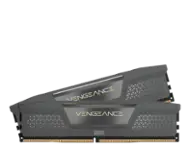
You would want to choose the speed that's best supported by your system. If you can run 3200 stable without issues, this will be the faster speed to choose.
-Brian
A:AnswerBest way to find out is googling “compatible ram for my xyz computer”, you’ll start seeing recommendations right away. Or just go to the computer maker website, search under Support and enter you computer service tag and there u should find accessories RAM and will show what is compatible.
Good luck.
A:AnswerIt most certainly should, one quick way of finding out is look up in YouTube, there is always someone doing a tutorial on the item being researched.
A:AnswerHello, I have an HP Pavillion Desktop with the Ryzen 5 series card so I assume the motherboards are the same. I purchased these to upgrade my RAM and it just clicked right in with no issues, after taking out the old RAM of course.
A:AnswerHi there,
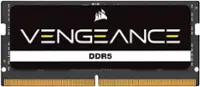
This kit of memory is for desktop systems, you would need to find compatible laptop memory for your system. We recommend reaching out to HP to ensure that you find a memory where the speed and capacity are supported by your laptop.
-Brian
A:AnswerThe question you should be asking is can it work in the motherboard you installed the ryzen 2600 on. Not enough information. We need to know what kind of motherboard you have.
A:AnswerHi Henry,
This memory is for desktop computers, not laptops. Please contact support and provide your laptop information, they'll be happy to identify a compatible memory kit: support.corsair.com
-Albert
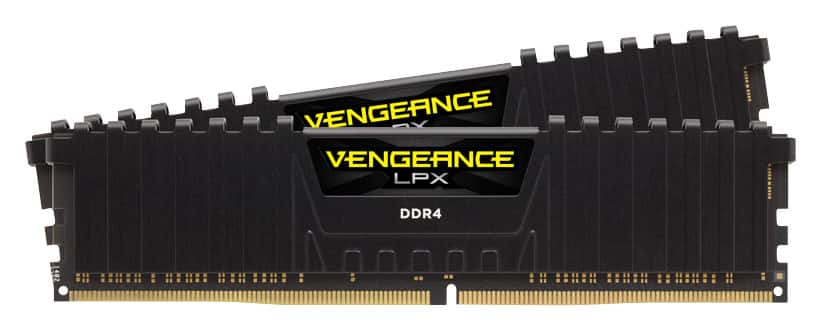
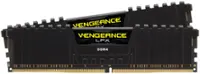
A:AnswerOf you use the same amount of effort in a search engine that was used asking this question. You would have the answer. It is low profile memory. The specs are posted. With a ruler you can find out if it will work or conflict with your CPU cooler.