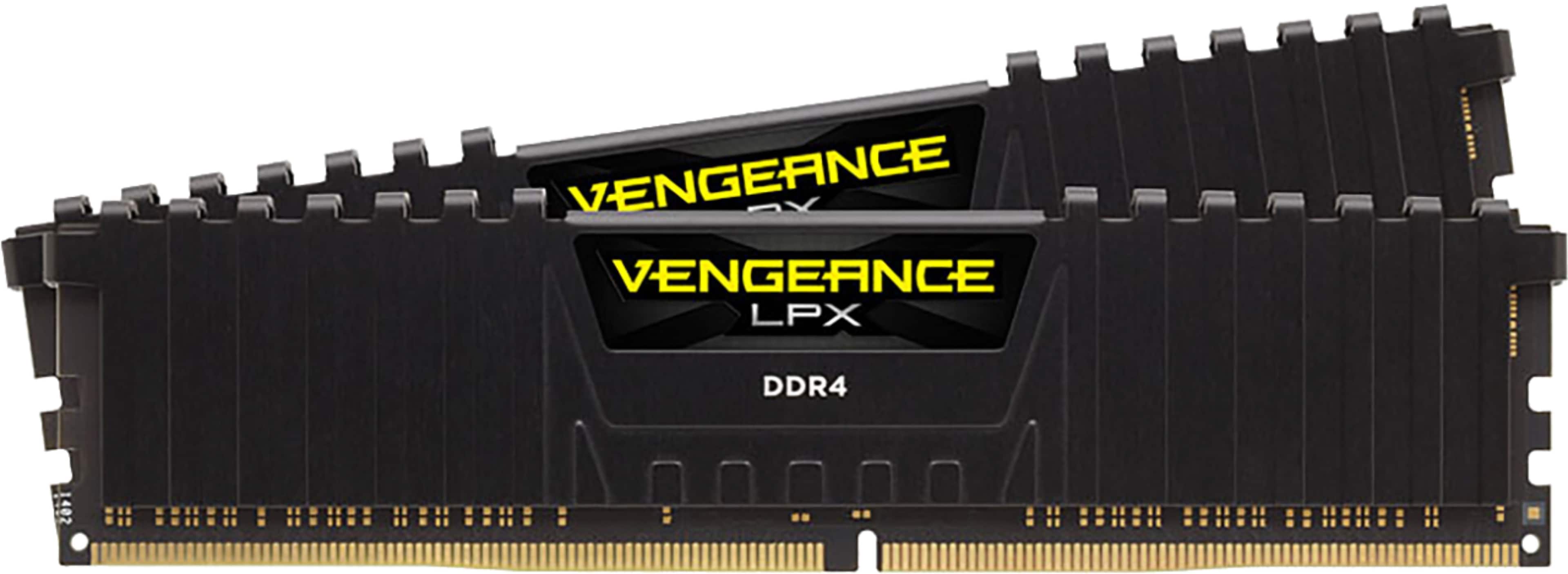
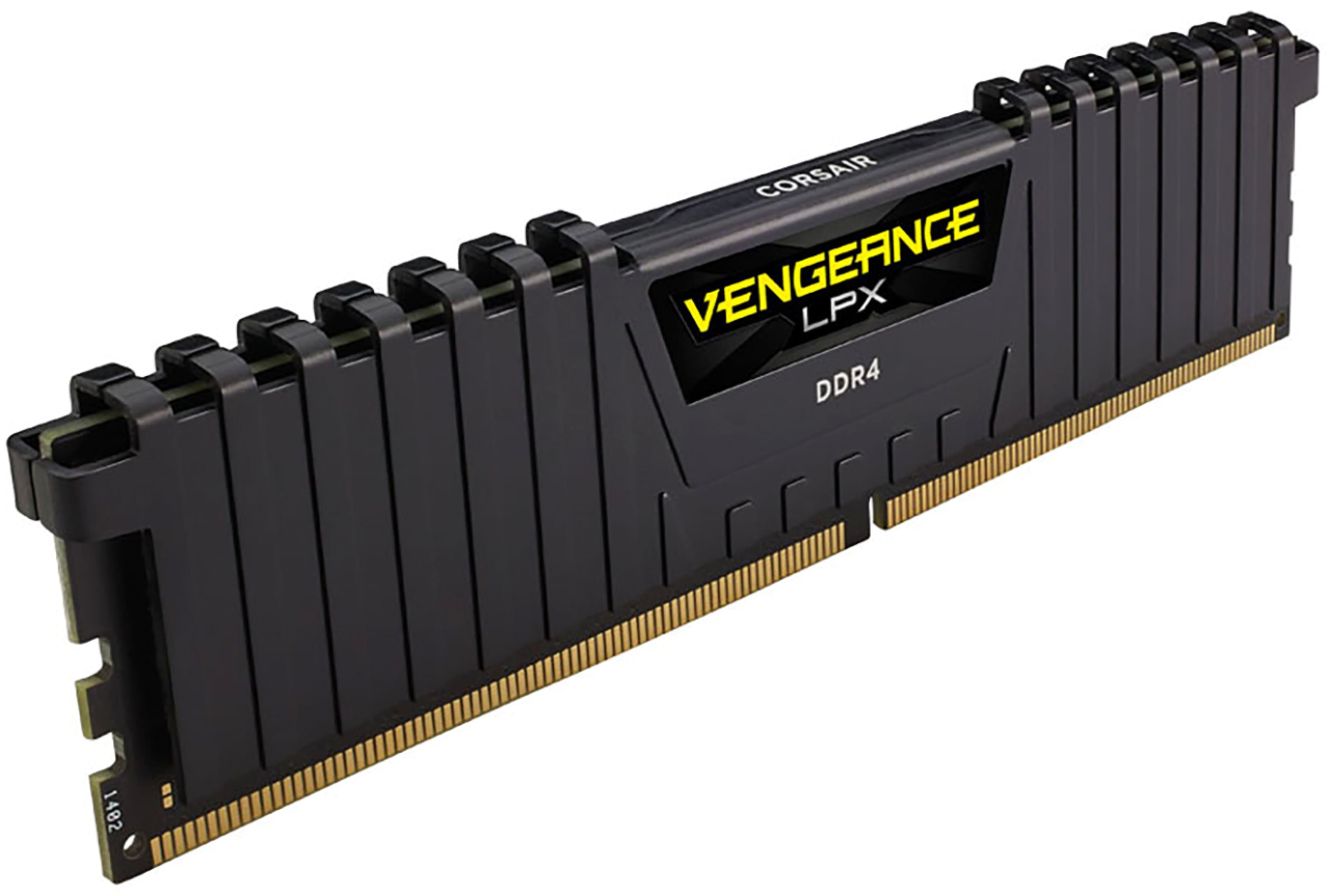
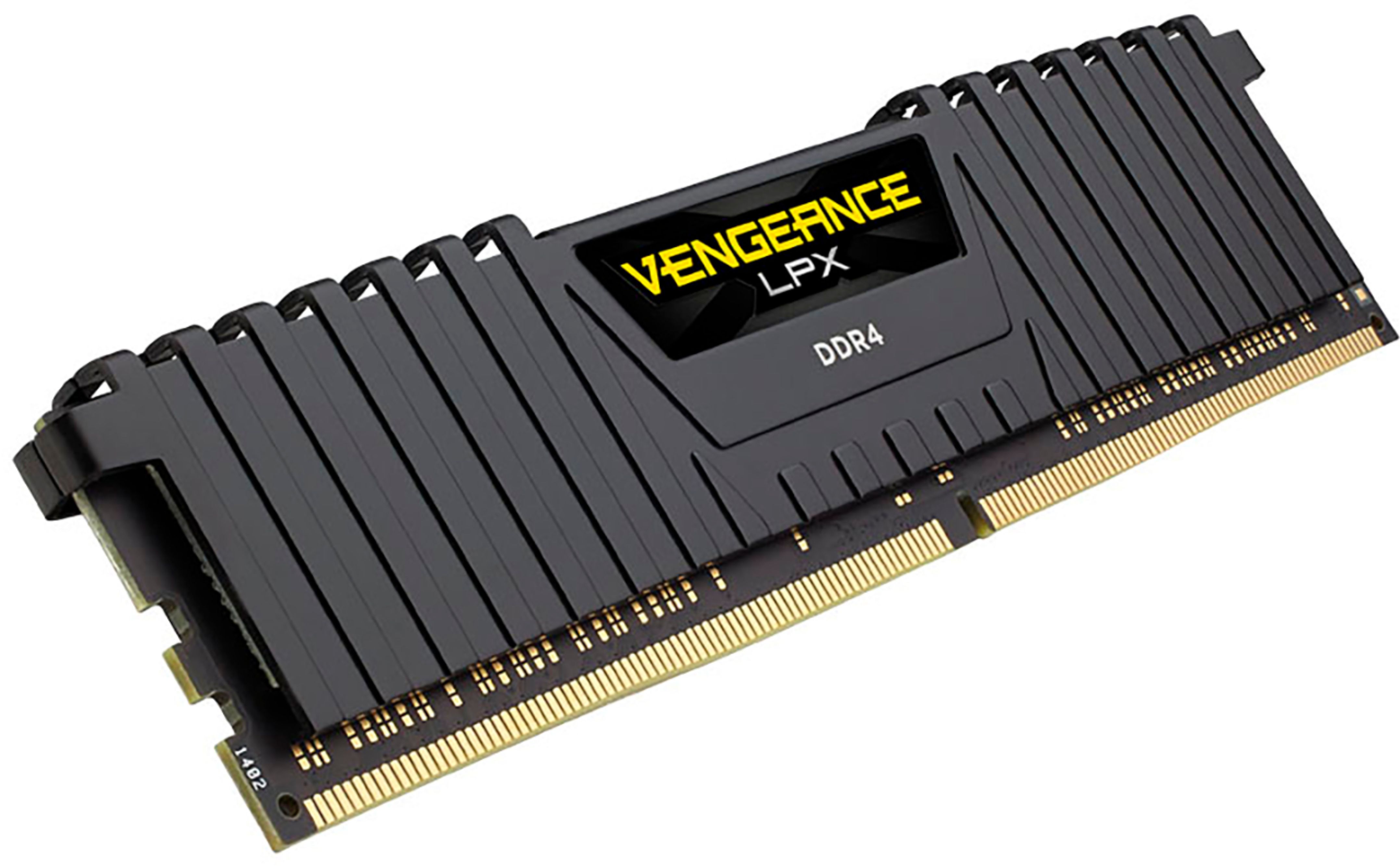
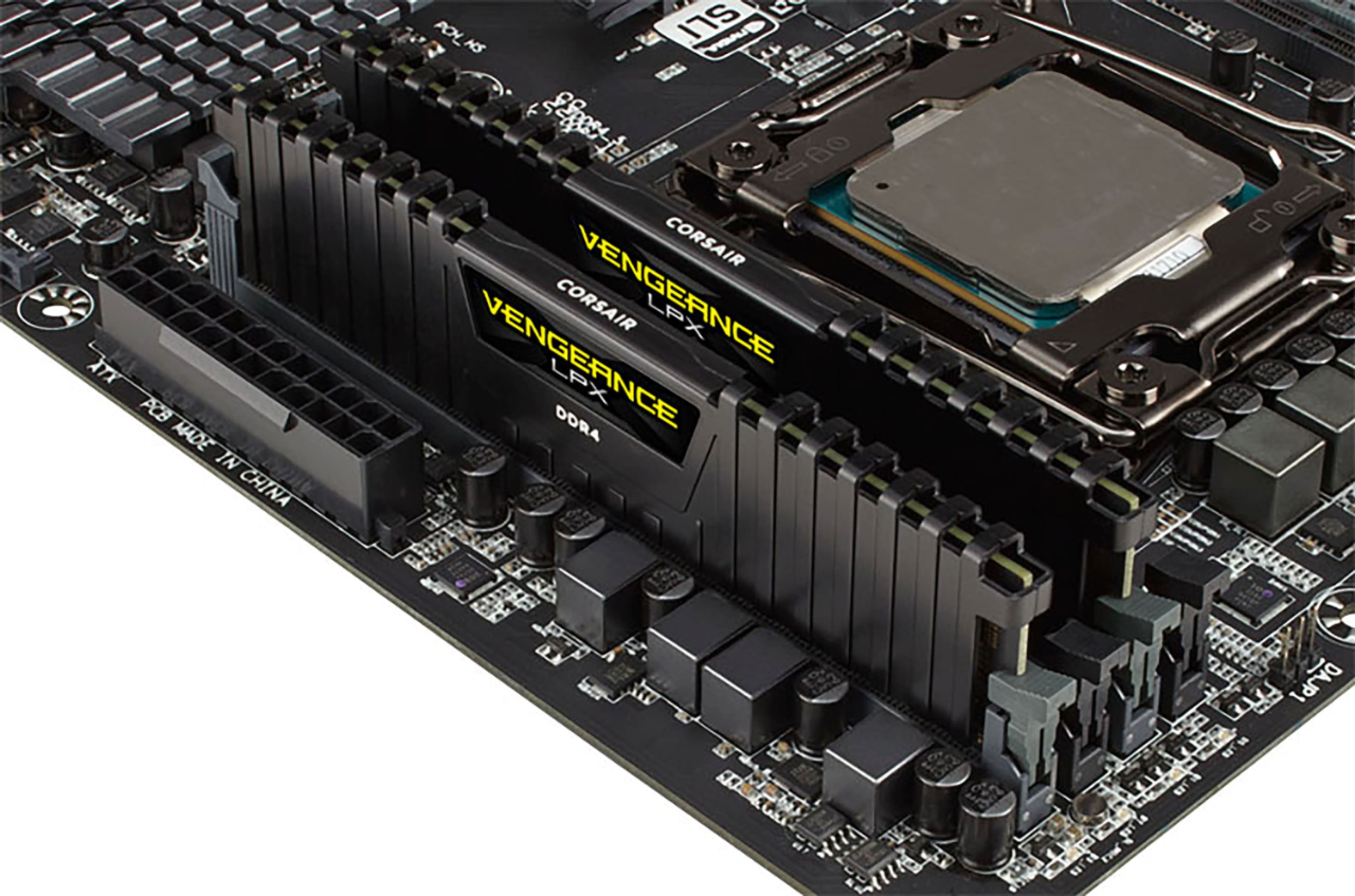
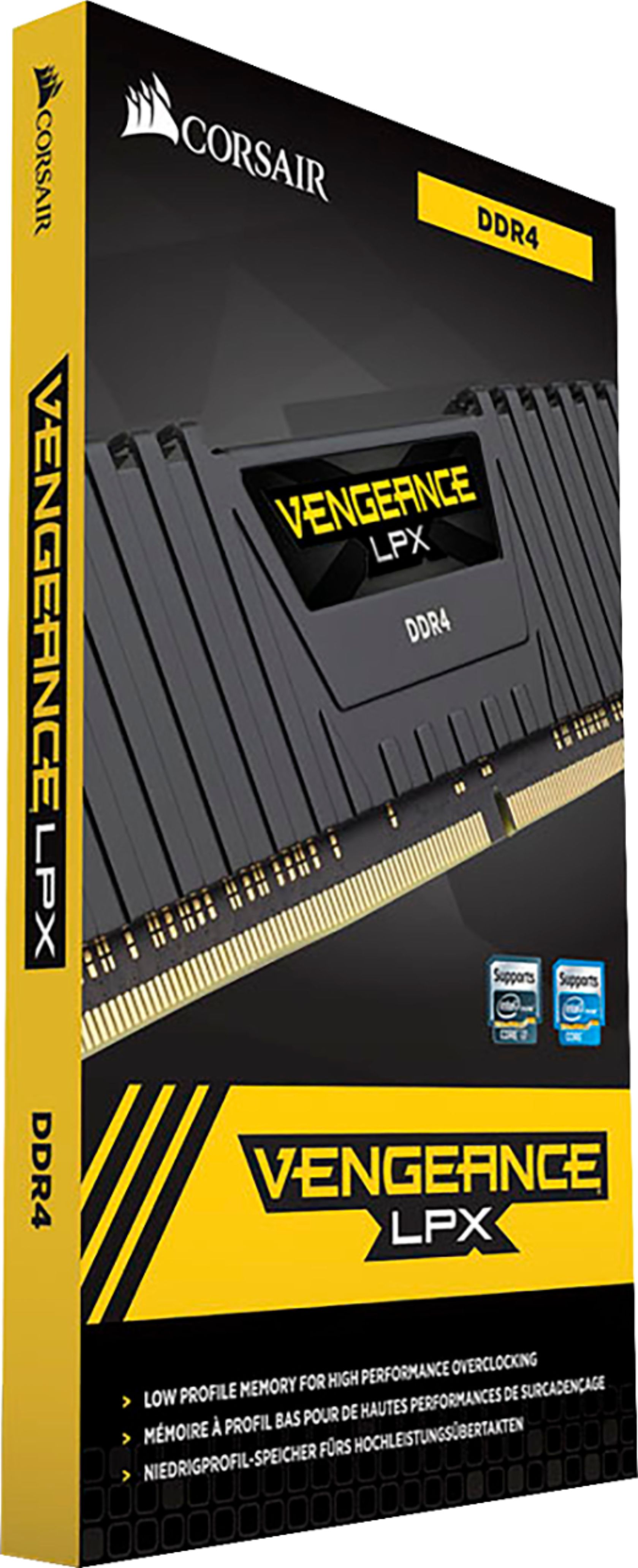
A:Answer RAM is Random Access Memory, so it is just that, there are no compatability requirements, and a CPU does not have to match with RAM, they are separate entities, companies that make computers put this into your heads, but as long as you have matching, even mismatching RAM and it fits into your motherboard, you are good.
Your motherboard does dictate the slots you put them into. Say you have four empty slots for RAM, your motherboard will say slot 1, slot 3, slot 2, slot 4, but google or read your physical manual for the motherboard to see where they go, so like, if counting left to right, the second bank is where my first stick goes, then skip a bank, then the next, thats configuration one for my motherboard, but it depends on your motherboard, so look at the physical manual it tells you that stuff. Good luck!