A:AnswerYes it can, however your motherboard may throttle the RAM's internal clock to be compatible with your system. I have it in my MSI PRO B550M it will also depend on your memory clock configuration in the BIOS setup.
A:AnswerHello Ryan,
We recommend checking with CyberPowerPC to determine and ensure that your motherboard supports the speed and capacity of this memory kit prior to purchasing.
-Brian
A:AnswerThis will definitely not fit. The laptop utilizes 260 pin SO-DIMM style DDR4 RAM, where these are 288 pin standard DDR4 RAM sticks. If you're looking to upgrade RAM on this laptop then make sure it's 260 pin SO-DIMM DDR4 and verify the mounting style as well to be sure.
A:AnswerHi Cora,
Yes, this memory kit is compatible with that CPU. I suggest checking your motherboard's specifications to see if it is fully compatible with this memory kit. If you require additional assistance, please feel free to reach out: support.corsair.com
-Albert
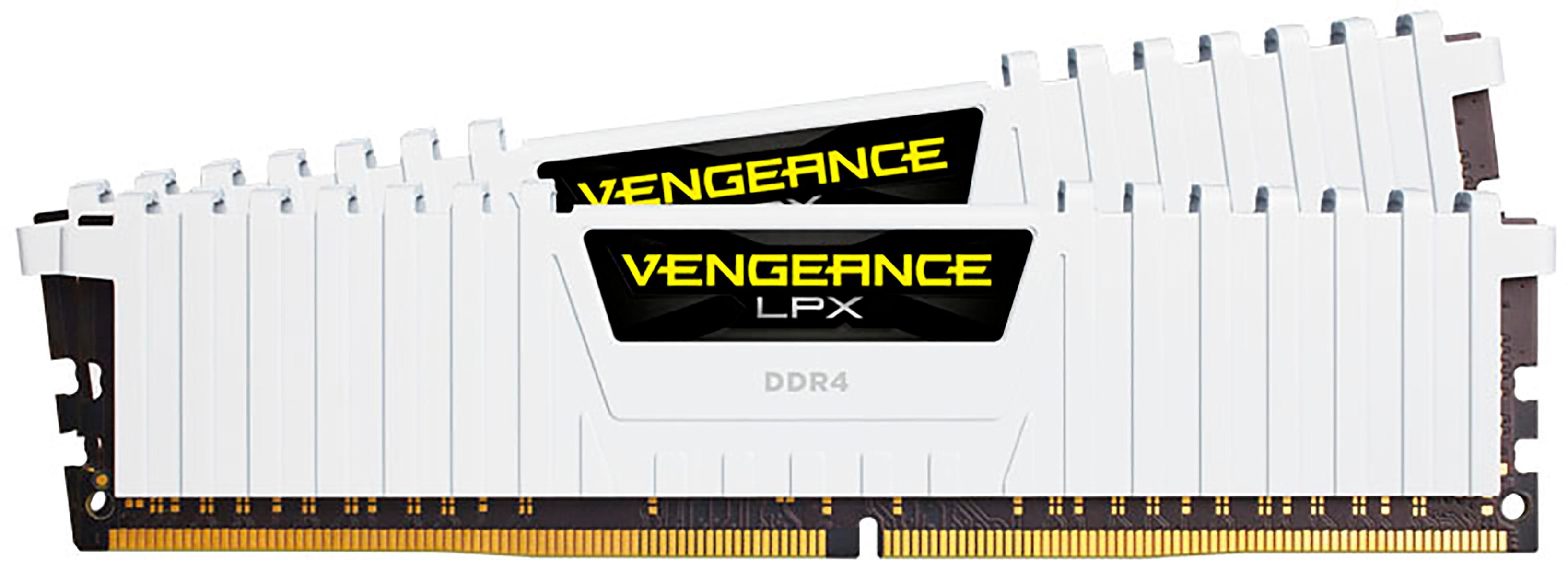
A:AnswerHi Frank,
This memory kit would not work with that system since it requires DDR3 memory. Please get in touch with us, so we may suggest a suitable memory kit for you: support.corsair.com
-Albert

A:AnswerNeed to check motherboard specs, another thing to check make sure the g series ryzens will work with it I have a gigabyte a520m DS3H board and this and the 5 3400g does not work with it
A:AnswerIt most certainly should, one quick way of finding out is look up in YouTube, there is always someone doing a tutorial on the item being researched.
Good luck.