A:AnswerHi,
I'm seeing either 2666 or 3200 being recommended for the system, please confirm with your system's manual but 3000MHz may also be fine and that would make this kit perfect to use.
If you have anything else we can help with, please reach out: support.corsair.com
-Art
A:AnswerHi Jett,
Would depend on the rest of your components, this is just the memory kit.
If you have anything else we can help with, please reach out: support.corsair.com
-Art
A:AnswerHi,
Yes, this memory kit is compatible with that motherboard/CPU combo. After installation, please enable memory profile in BIOS to utilize the kit's rated 3000 MHz speed. If you have any additional questions, we'd be happy to help: support.corsair.com
-Albert
A:AnswerHi,
That's correct. You have a laptop/AIO and this is a desktop memory kit.
If you have any other questions, please reach out: support.corsair.com
A:AnswerHi zman,
This kit should have no issues in that system. If you run into any problems or have other questions please reach out: support.corsair.com
A:AnswerAsus website will have all the specs on what you can run. Go off your cpu first then compare with the mobo.
Ram size is 3 parts tho
Os
Cpu
Motherboard
A:AnswerIt's ddr4 desktop ram. As long as your motherboard is DDR4 compatible it should work. Check the motherboard specs to make sure they're compatible.
A:AnswerHi Tommy
Yes, this memory kit will work with that motherboard/CPU combo. After installation, please enable memory profile in BIOS to utilize the rated 3000 MHz speed. If you have any additional questions, we'd be happy to help: support.corsair.com
-Albert
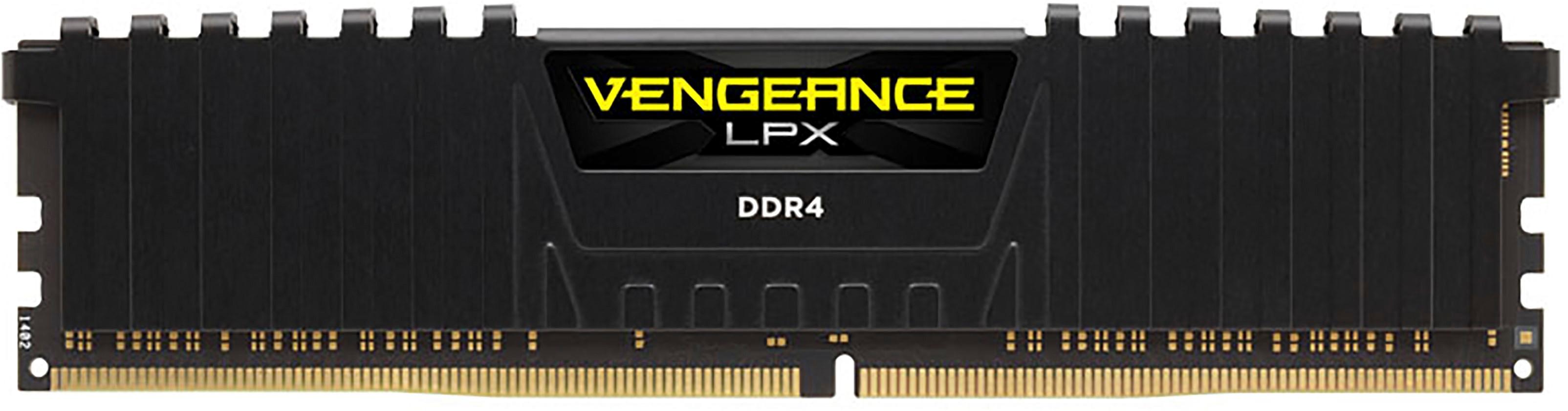
A:AnswerYes it will. Its doubtful based off the specs you have listed that the ram is incompatible with your motherboard. Next time be sure to include your motherboard model when asking but yes it will work.
To remove existing ram press down on the tab at the bottom of the ram stick to release it. (Some motherboards have a tab at the top as well you'll need to release)
To install you will install the opposite of removing. You need to make sure to orient the ram correctly per the notch in the bottom center. It needs to lign up with the slot in the motherboard ram slot. Once you are sure its lined up press firmly until the tabs snap back up and this will lock the ram in place.
You'll then need to boot the pc into bios and verify the ram speed is correct. Likely you will be able to click the correct XMP profile that matches the speed listed, save, exit, and be done with it.
A:AnswerHi,
Yes, this memory kit is compatible with that desktop. Please enable XMP in BIOS after installation. Feel free to let us know if you have any additional questions: support.corsair.com
-Albert
A:AnswerIt worked great with my Prime B450 Plus, no issues.
I did update the BIOS after I got the system to POST on the bench.
I am confident in Asus’ product line that they’ll work, if you verify they are on the QVL for your motherboard and have The LATEST BIOS.