A:AnswerHi,
Yes, this memory kit is compatible with that motherboard. Depending on what PC you're installing this into, physical clearance would need to be considered as well. If you have any additional questions, we'd be happy to help: support.corsair.com
-Albert
A:AnswerHi Nate,
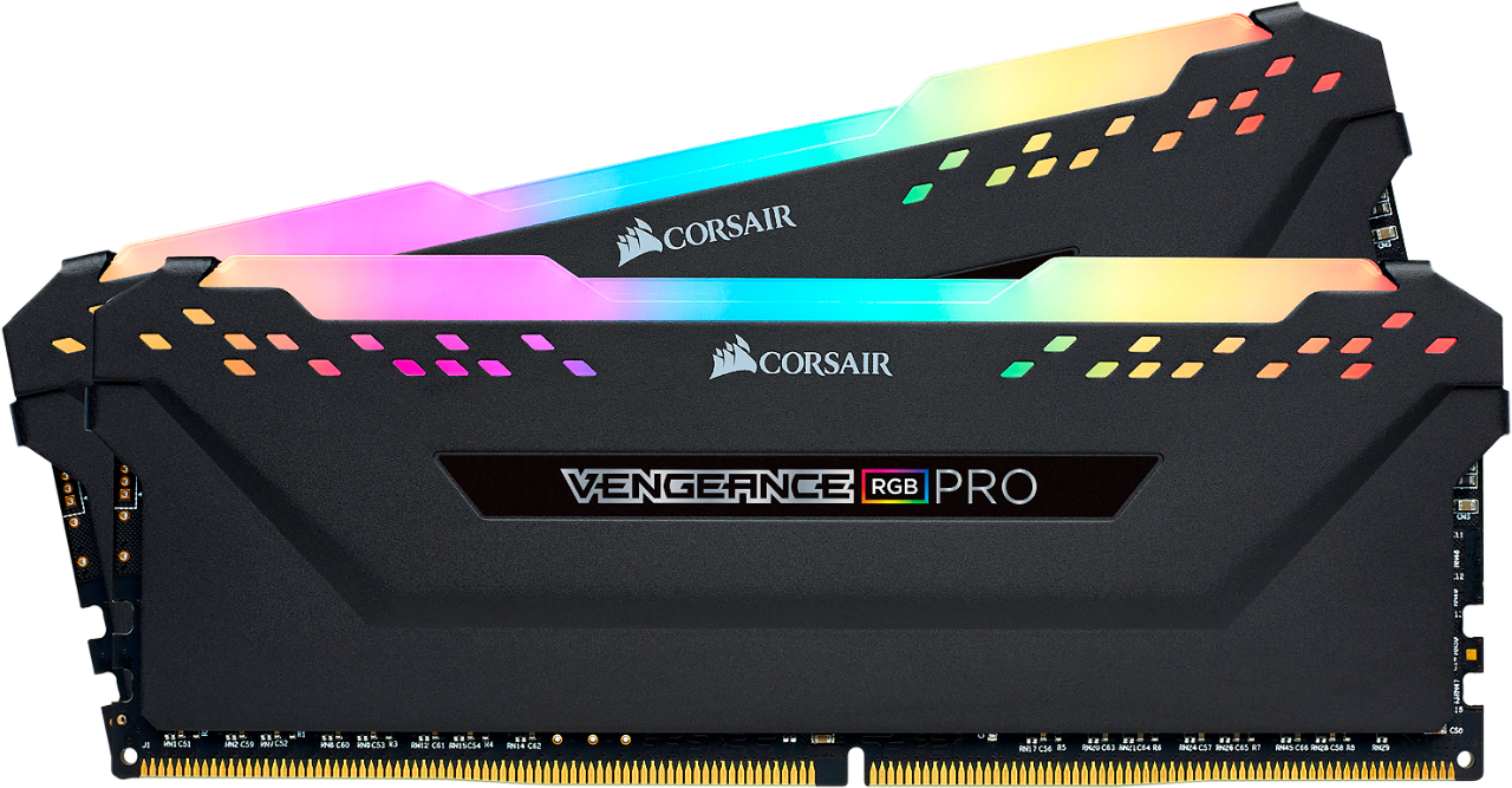
Unfortunately, this memory kit is not compatible with that motherboard. I suggest looking at our DDR3 memory kits. The VENGEANCE RGB PRO memory line is DDR4. Feel free to let us know if you have any additional questions: support.corsair.com
-Albert

A:AnswerHi,
Yes, this memory kit is compatible with your PC. Please enable XMP in BIOS after installation. Feel free to let us know if you have any additional questions: support.corsair.com
-Albert

A:AnswerThis memory is DDR4 and would be incompatible with your motherboard which requires DDR3. We recommend that you contact your motherboard manufacturer to ensure you are looking for the correct DDR3 memory kit for your system.
-Brian
A:AnswerHi Chase,
Please reach out to our support team and they'll be happy to help you determine which kit works best for your system: support.corsair.com
-Brian
A:AnswerHi,
Seems like 3000MHz is not specifically supported: https://www.asrock.com/MB/AMD/A320M-HDV%20R4.0/index.asp#Specification
If you have anything else we can help with, please reach out: support.corsair.com
-Art
A:AnswerHello,
2 as the title mentions! 2PK, 8GB each module, for a total of a 16gb kit.
If you have anything else we can help with, please reach out: support.corsair.com
-Art
A:AnswerHi,
You'd want to get a kit that fits the parameters for compatibility for the motherboard: https://www.asus.com/us/Motherboards/PRIME-H310M-D/specifications/
If you have anything else we can help with, please reach out: support.corsair.com
-Art
A:AnswerHello,
That would depend on the motherboard you use as well, please refer to its manual.
If you have anything else we can help with, please reach out: support.corsair.com
-Art
A:Answeri have those too i cannot find a match for them. How many sticks do you have? I have mine paired with a 8700K and ASUS z390 MObo. had them also in my Gigabyte AB350M- ds3h with no compatibility issues. Google me. OptimusBananas if you have more questions.
A:AnswerYoull have to research your motherboard manual and look for the memory model number to see if its verified on the Vendor List of the motherboard.
example:CMW16GX4M2C3200C16 should show up on that list if its compatible....
RanDr
A:AnswerHello,
I'm afraid you'd have to confirm with your motherboard's manual. If you have more questions thereafter, please contact us: support.corsair.com
-Art