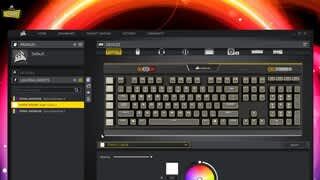
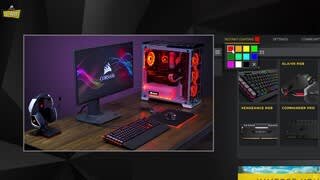
A:AnswerYou have to download the Corsair Link app from the corsair website. Click on Support then the Downloads tab and look for Corsair Link 4.
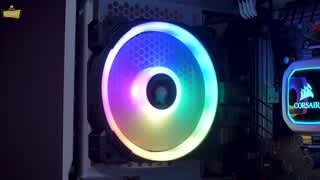
From there you should be able to set your preferred RGB profile.
A:AnswerTry adding one stick of ram and boot the pc. If you’ve troubles with it booting again. Try the other stick of ram. If it doesn’t boot after trying both sticks of ram. Unfortunately you could have a bad kit. If trying one stick works boot the system, power off, then add the other stick of ram. You can vaildate that both sticks of ram are working by checking the bios
A:AnswerHi Ed,
Shouldn't be an issue with the kit, although I don't see it listed as optimized for AMD on our end. I'm thinking it would work as well as it does on the B350M motherboard.
If you have any other questions please reach out: support.corsair.com
A:AnswerHi,
I'm afraid we don't stock any of our kits by version numbers, the only way to know for sure which version it is is to have it physically in front of you to verify. Please reach out to us if you have any other questions: support.corsair.com
A:AnswerThat depends on how many DIMM slots you have on your motherboard. If you have two additional slots for the memory sticks then yes, you would be able to have 32GB.
A:AnswerI have a similar ASRock board running a second gen i7-2600K and it needs DDR3 ram. So, make sure to match your ram to motherboard requirements. The Ram you are currently looking at is DDR4 so not compatible.