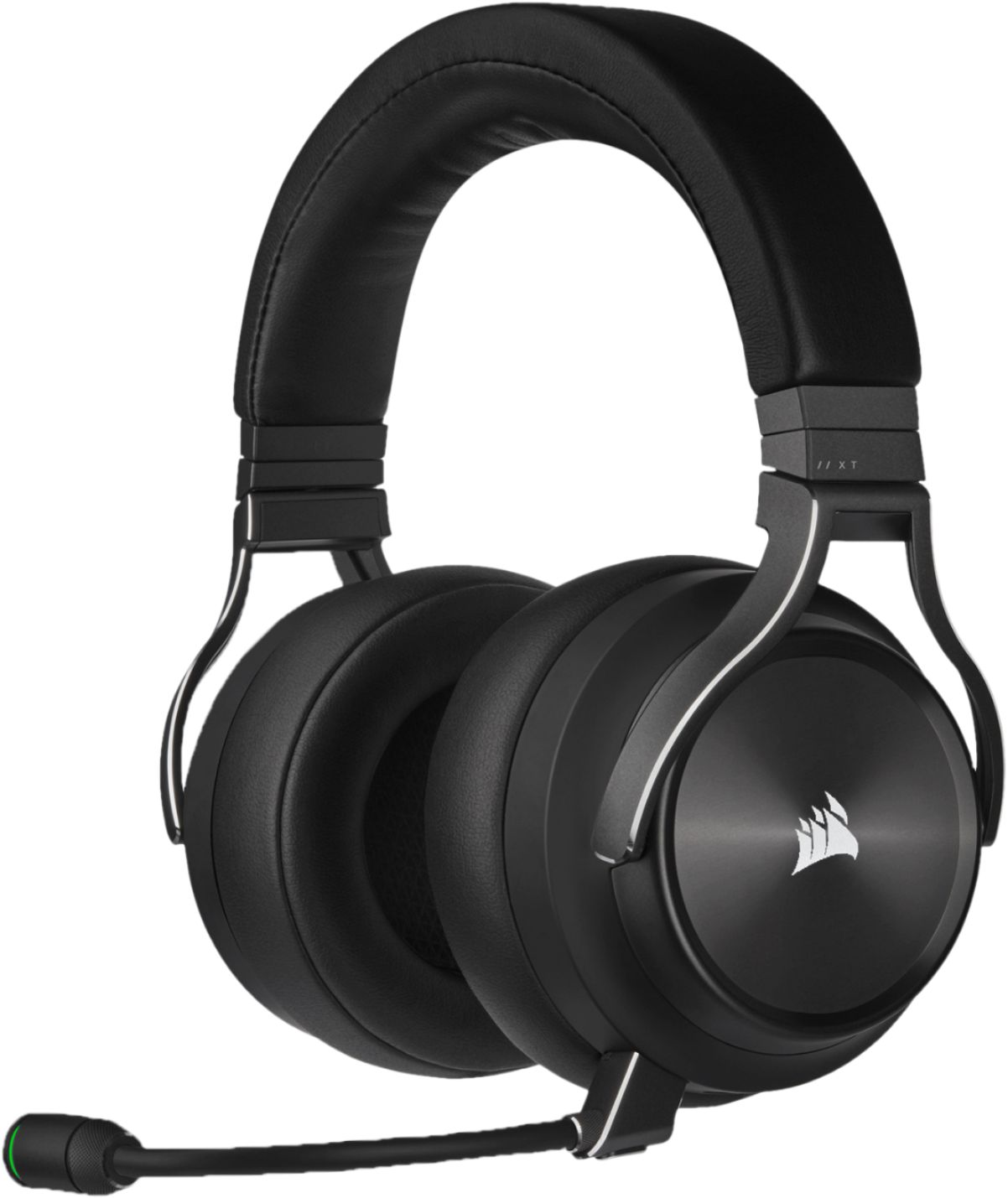
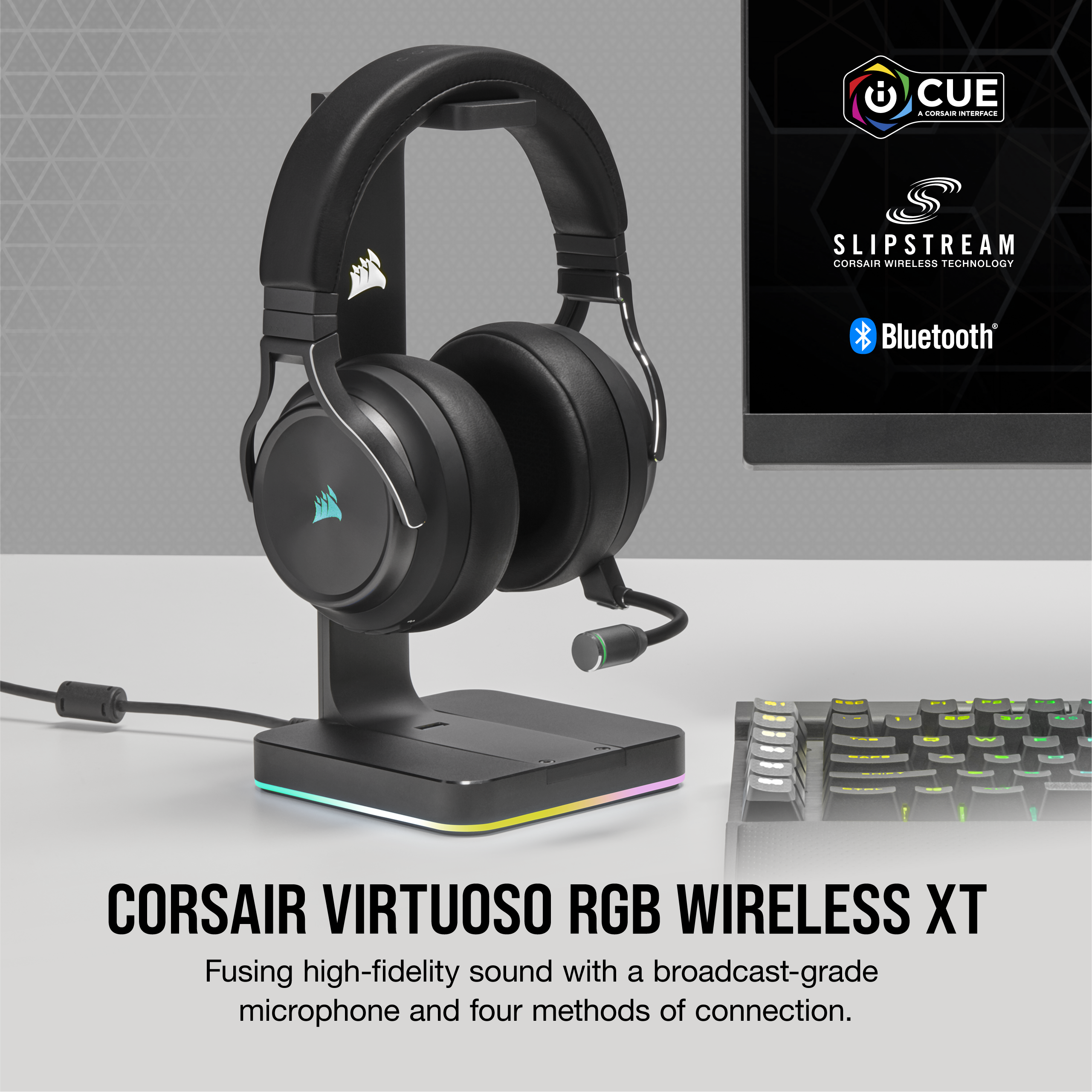
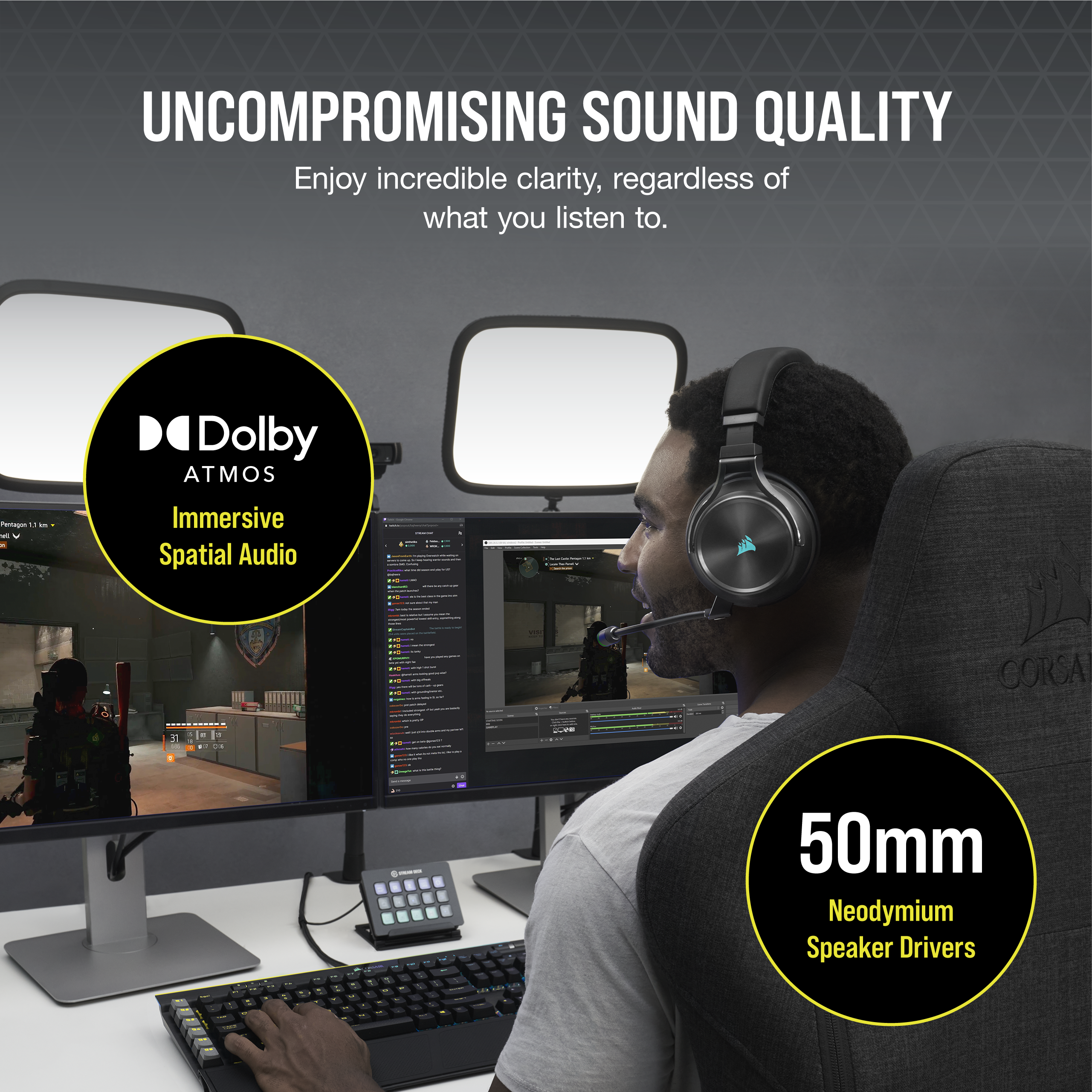
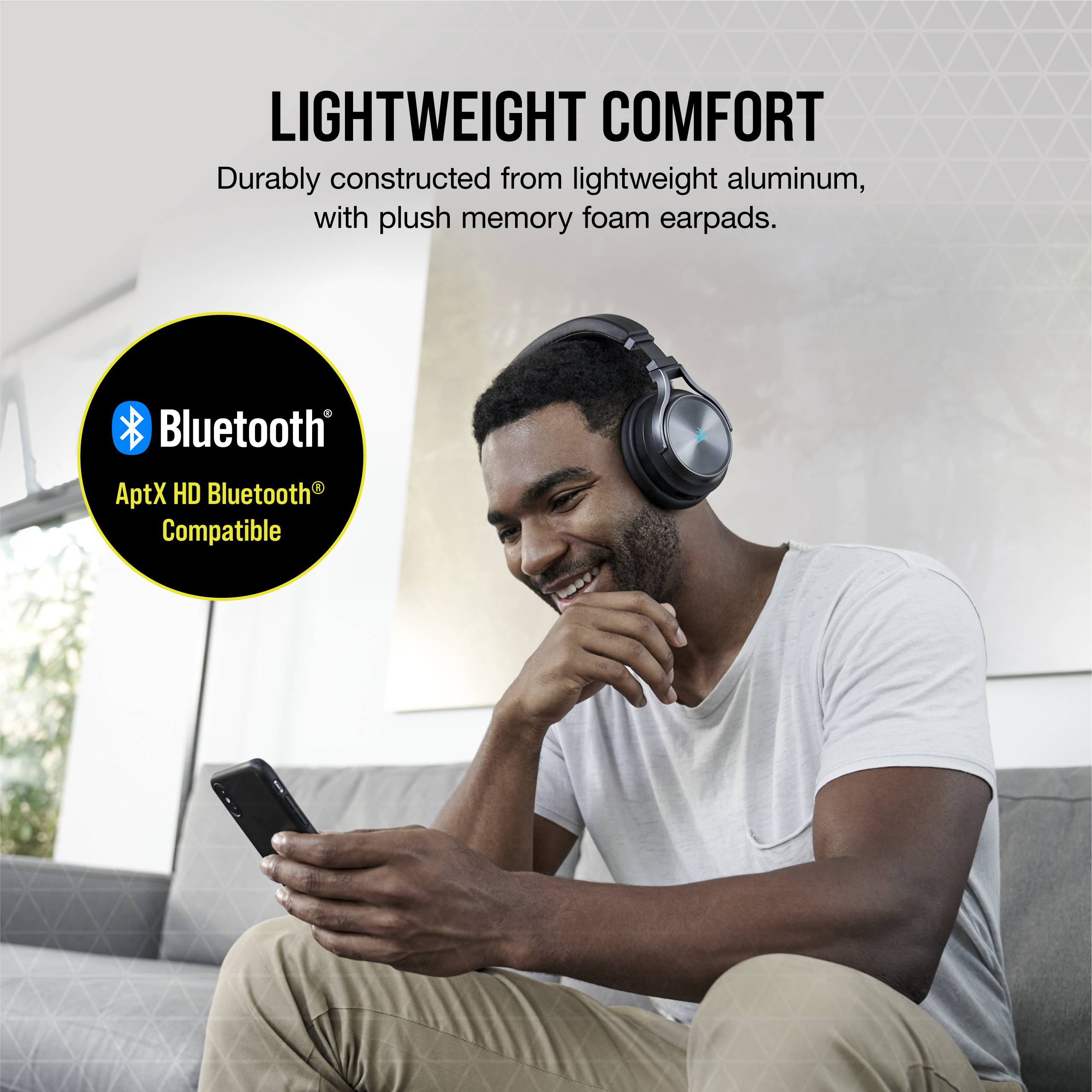
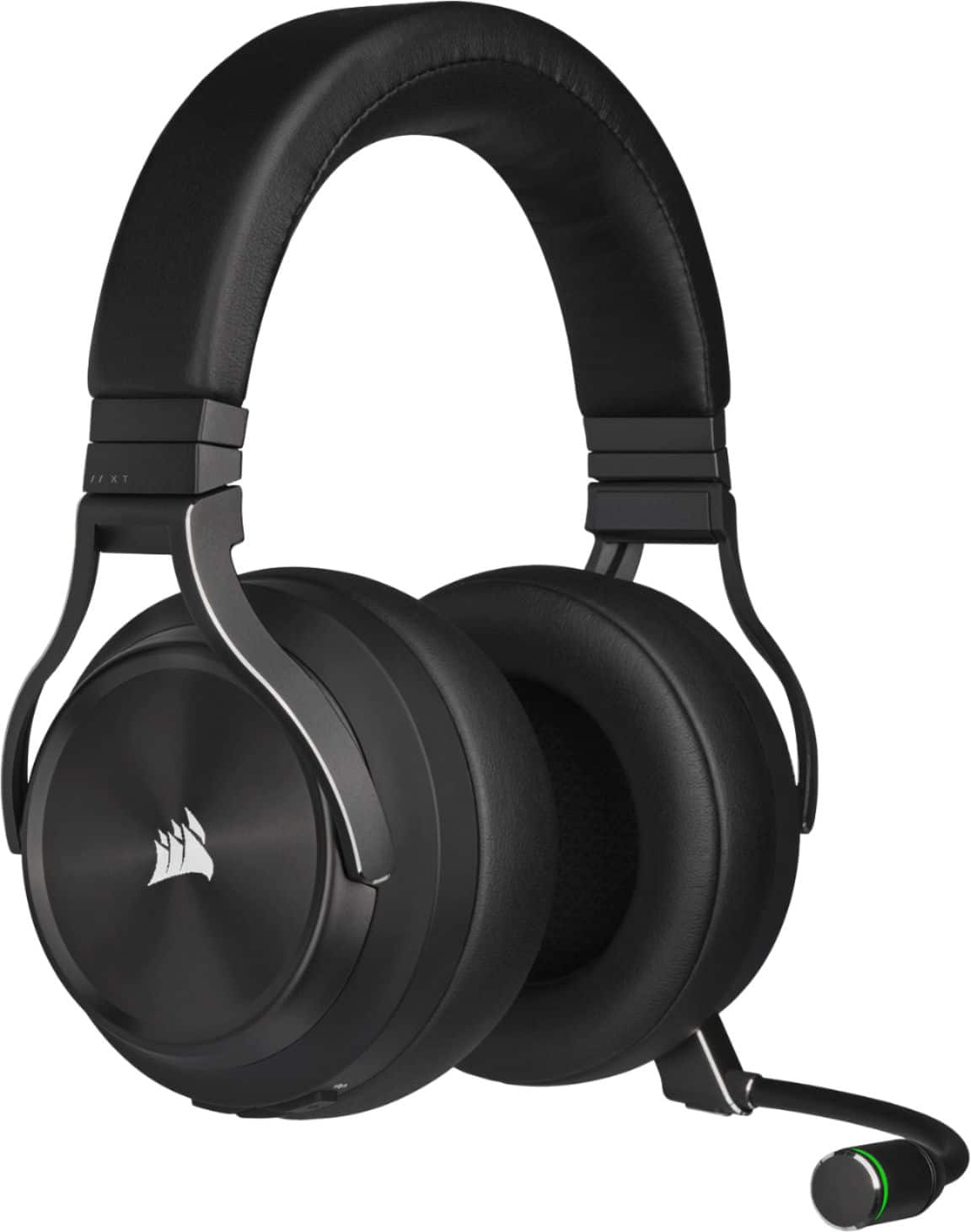
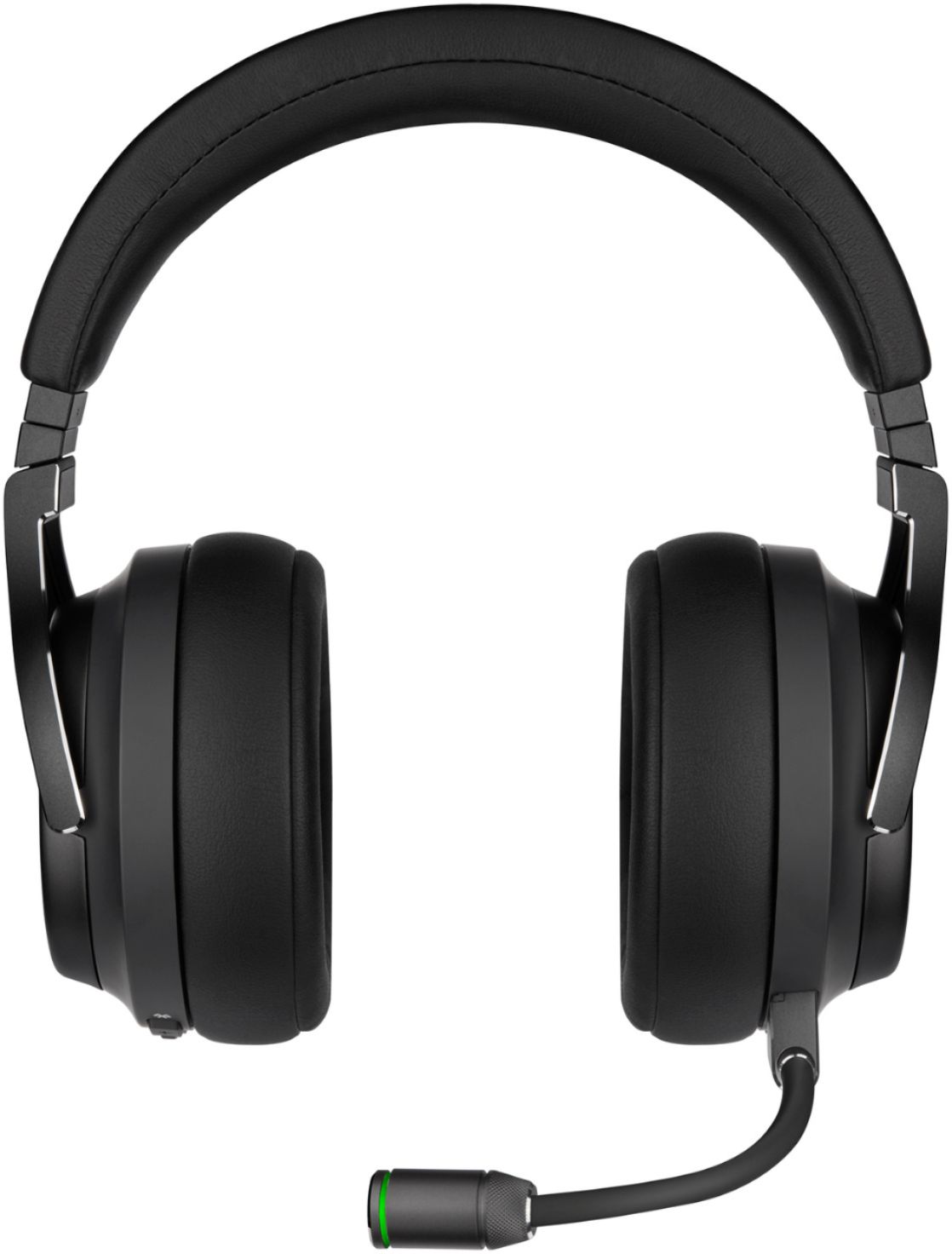
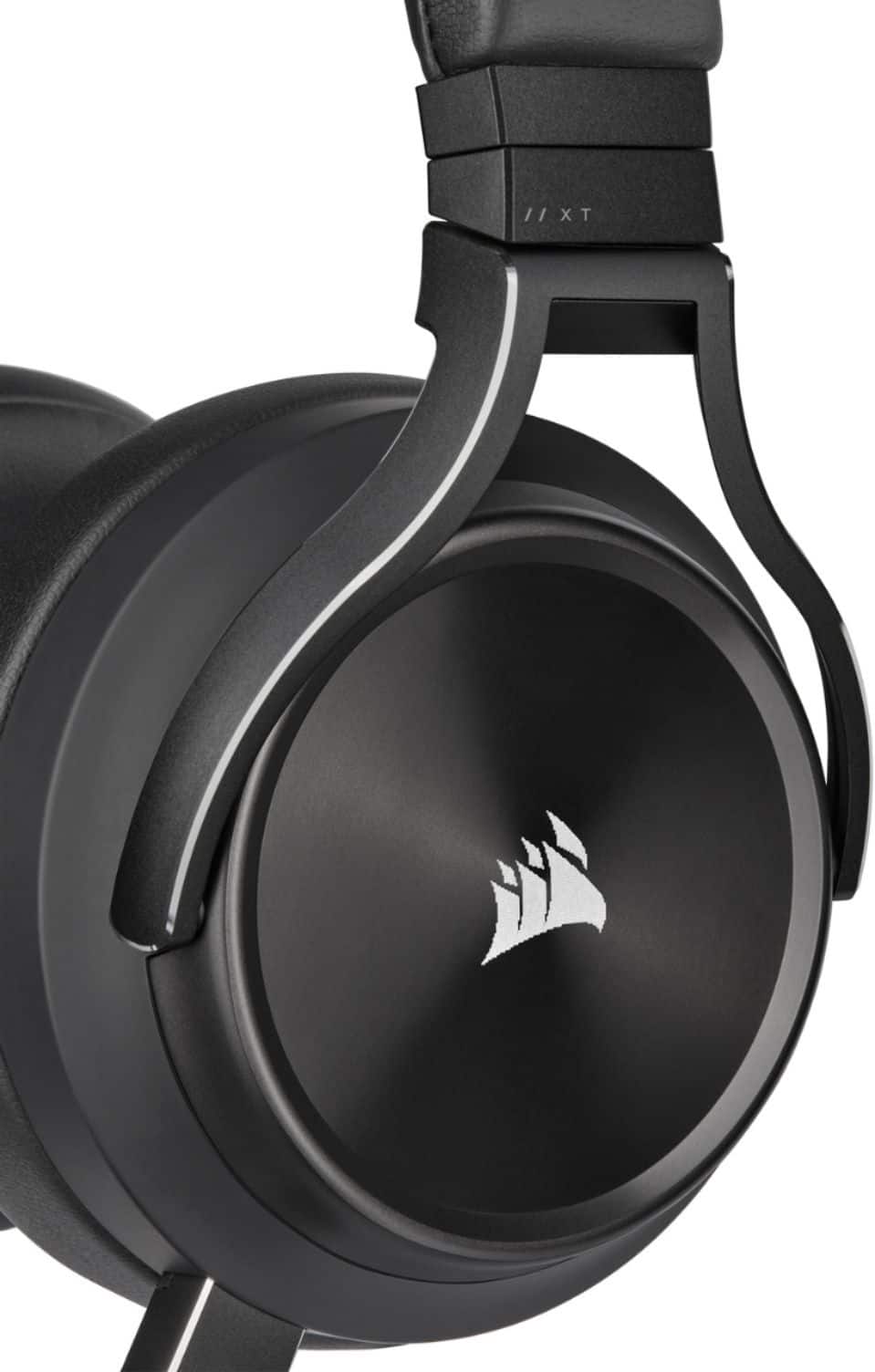
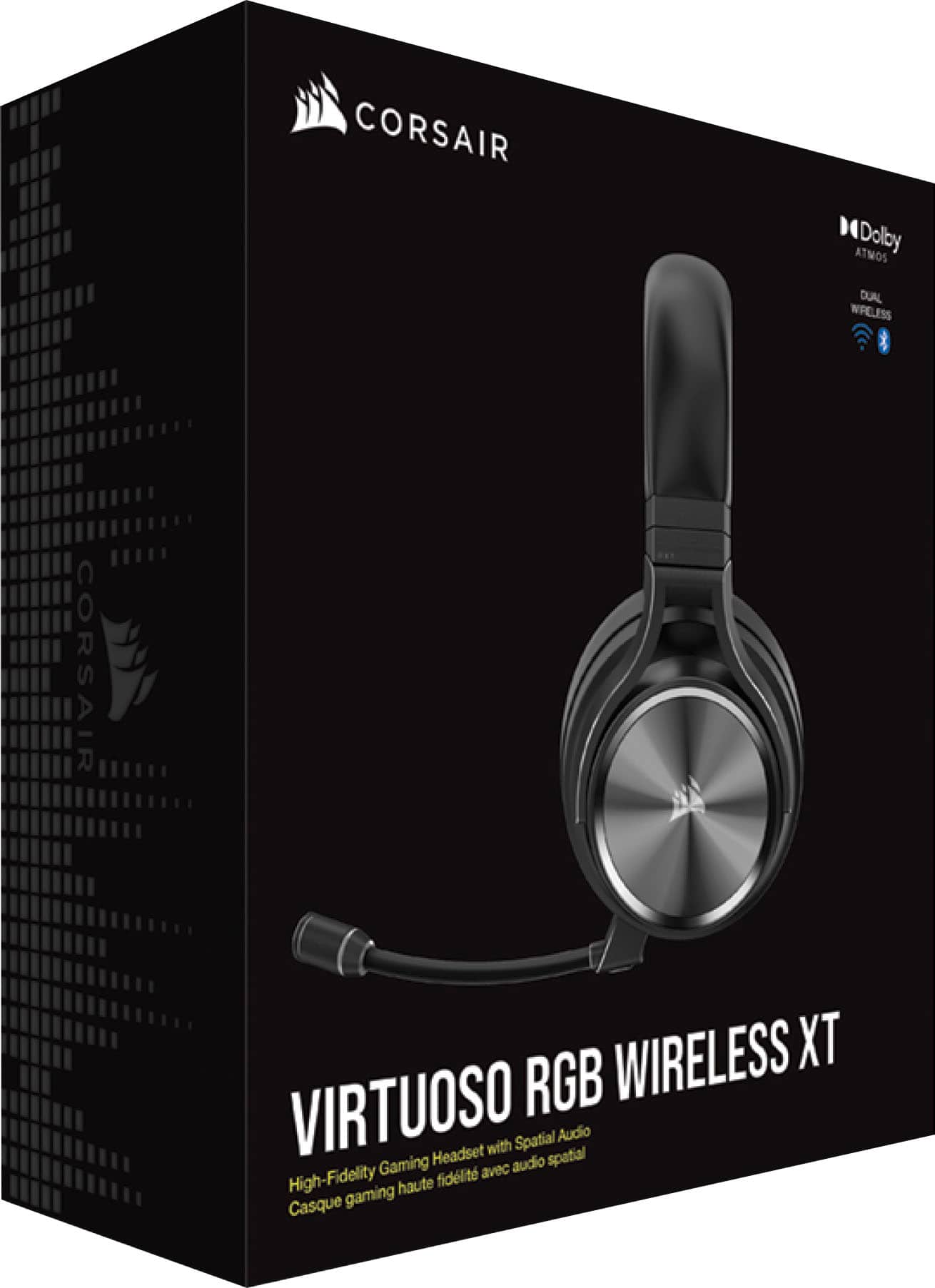
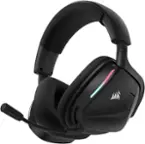
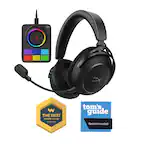
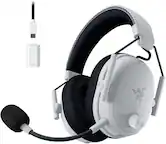
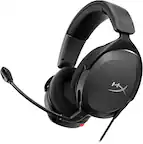
A:AnswerIt will be able to utilize doubly atmos through your phones Bluetooth capability. I recommend using Amazon music because they have a better equalizer than most music apps.
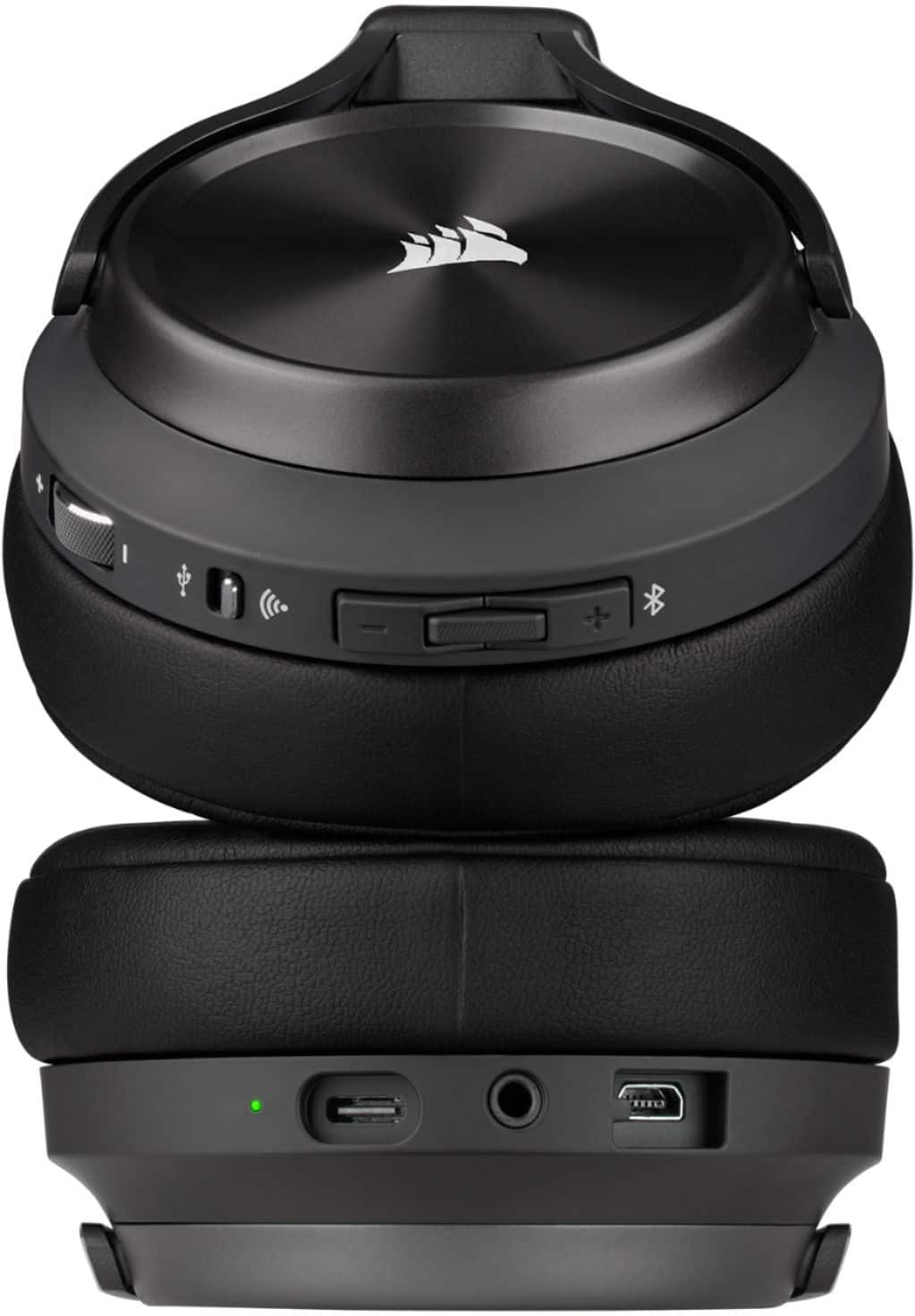
A:AnswerVirtuso will not disappoint you i promise. You could connect these badboys to your ps5 using the usb wireless receiver to hear game and chat while your phone is still connected to it with Bluetooth to hear notification on coming from your phone or listenning to background music while your gaming on your ps5. This has 50mm driver and they also sound amazing. If you are a competitive gamer, then id throw away those A50 and get a A40.
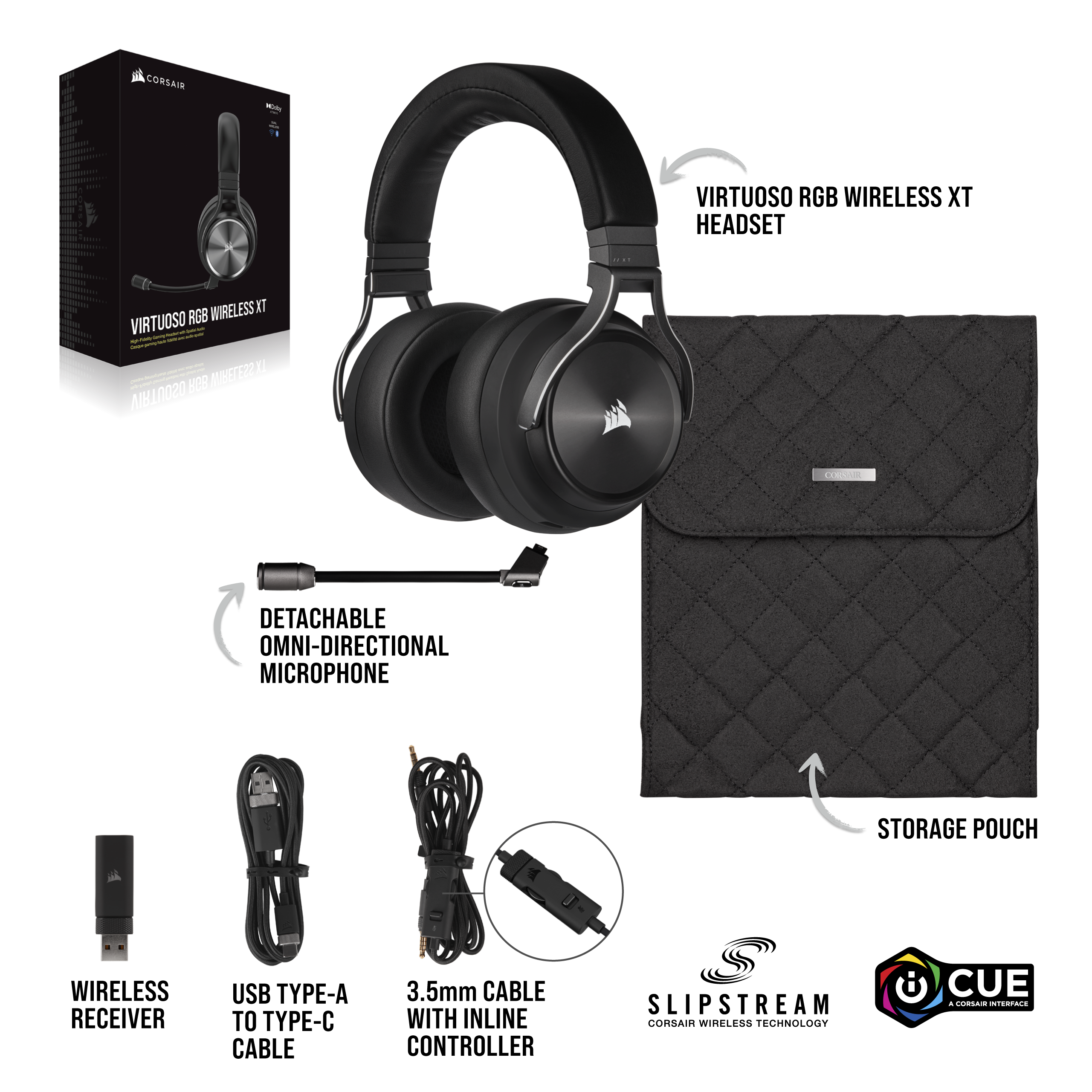
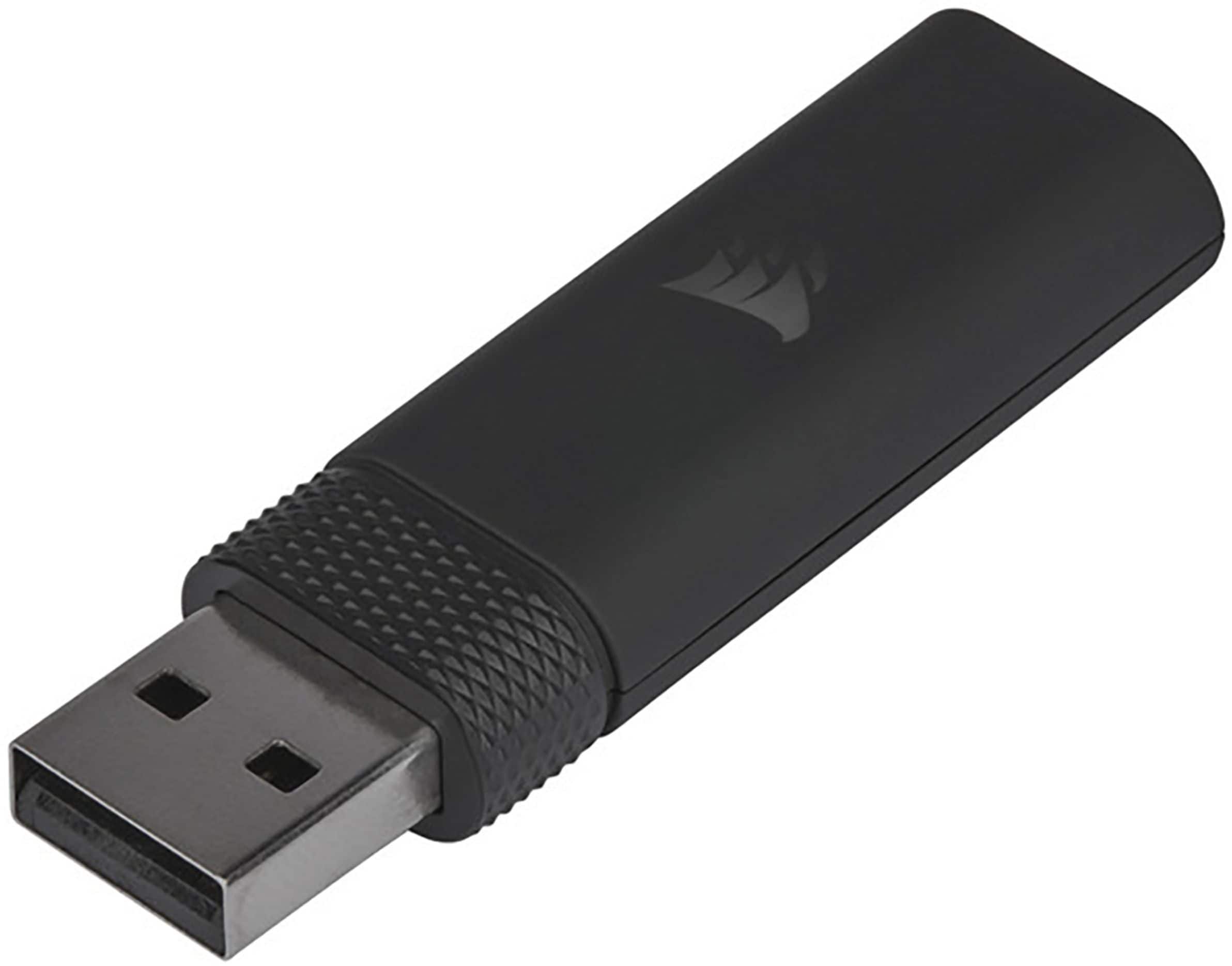
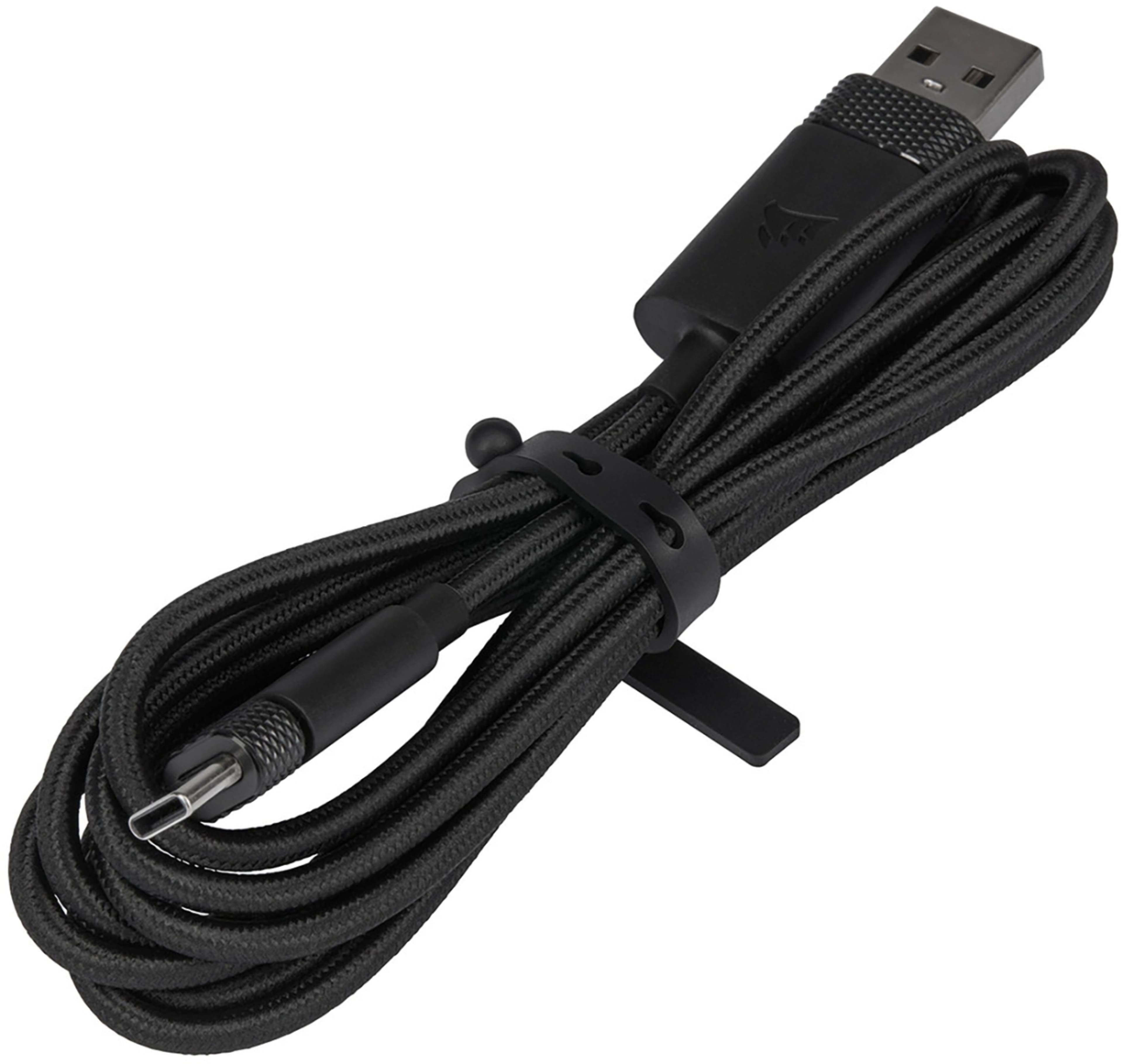
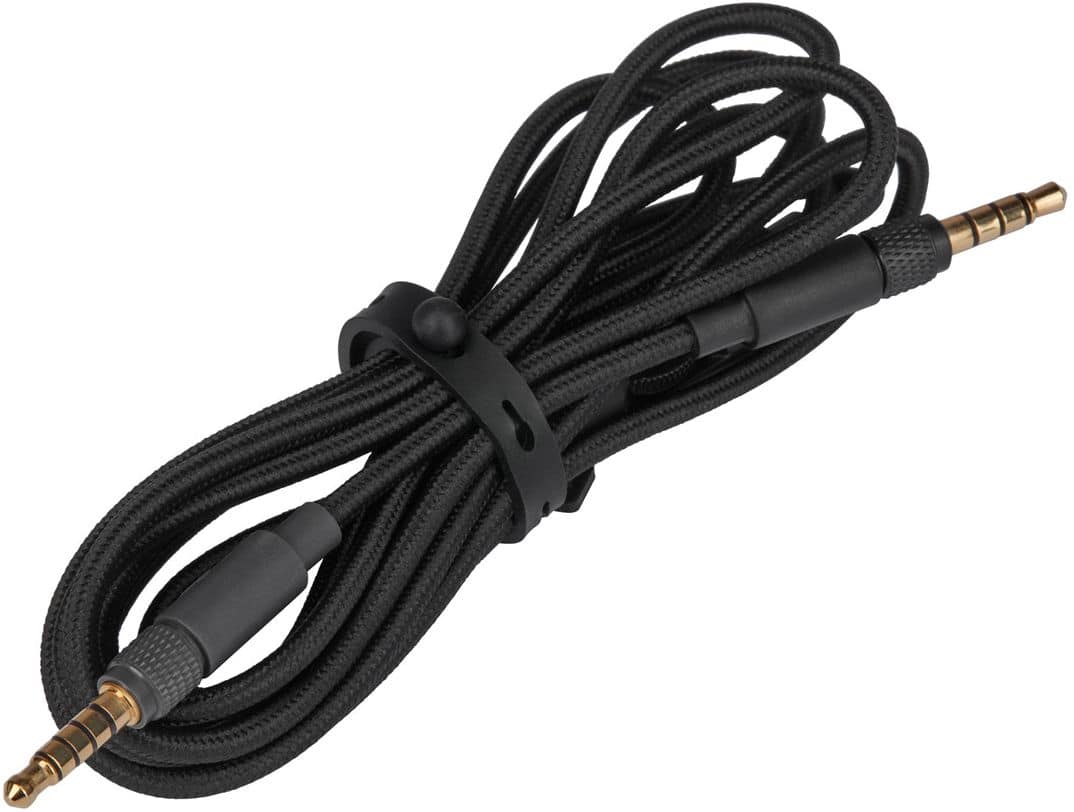
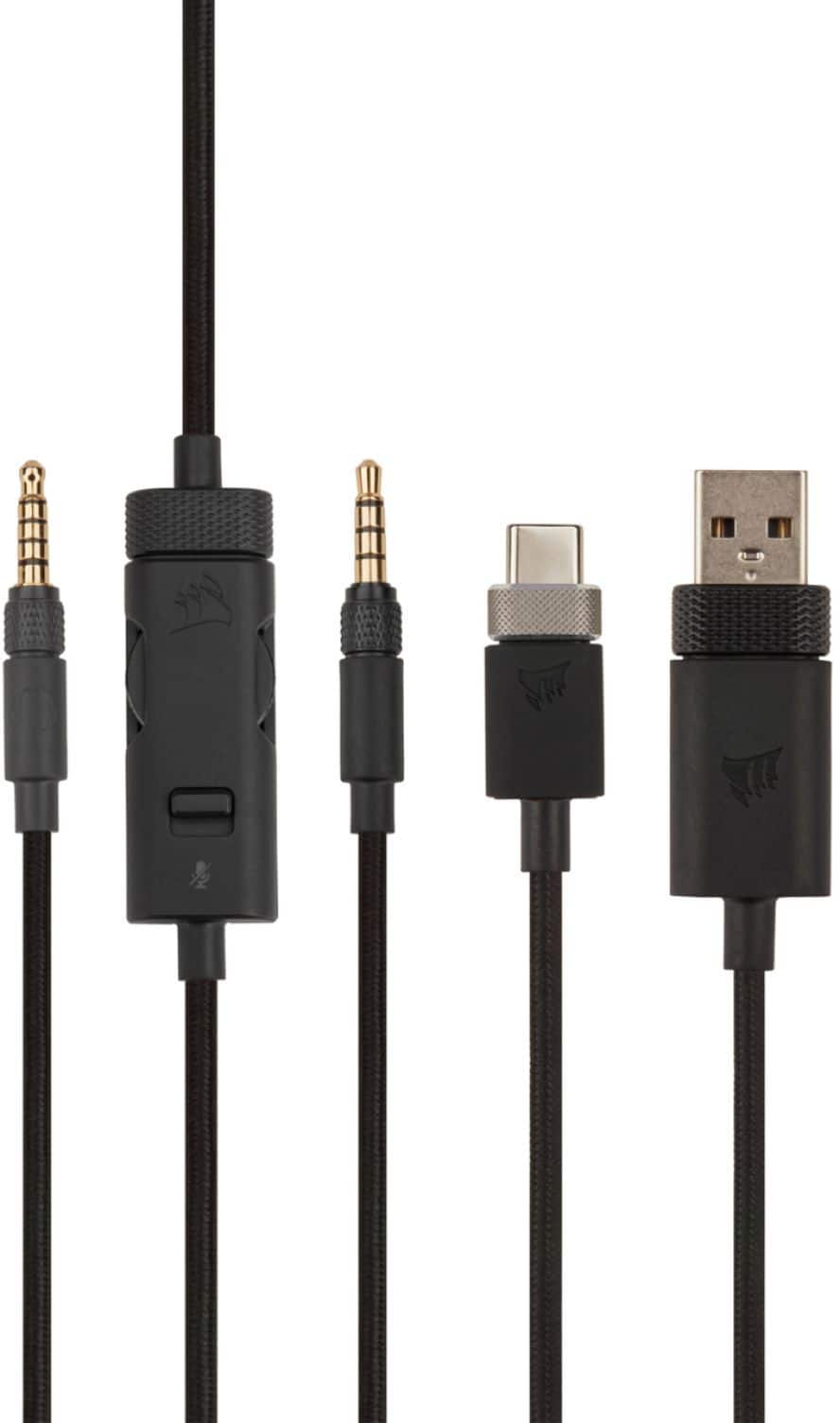
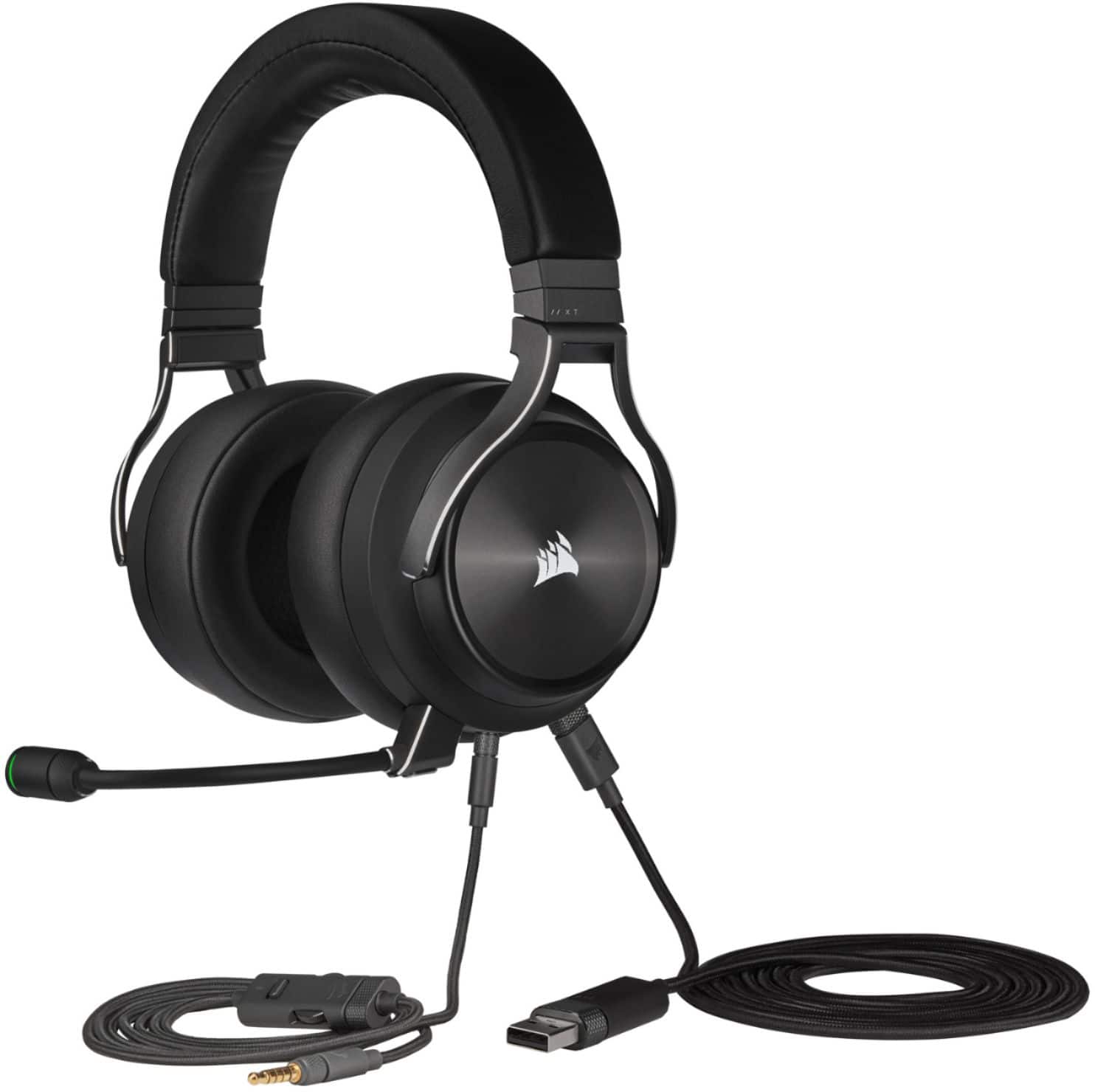
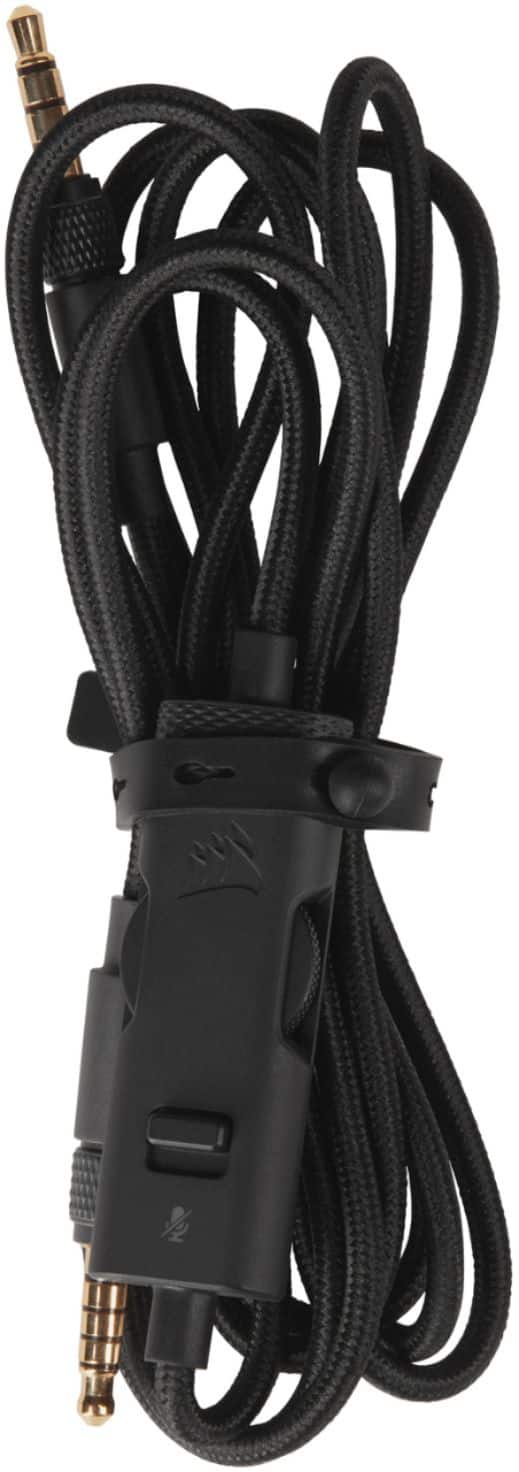
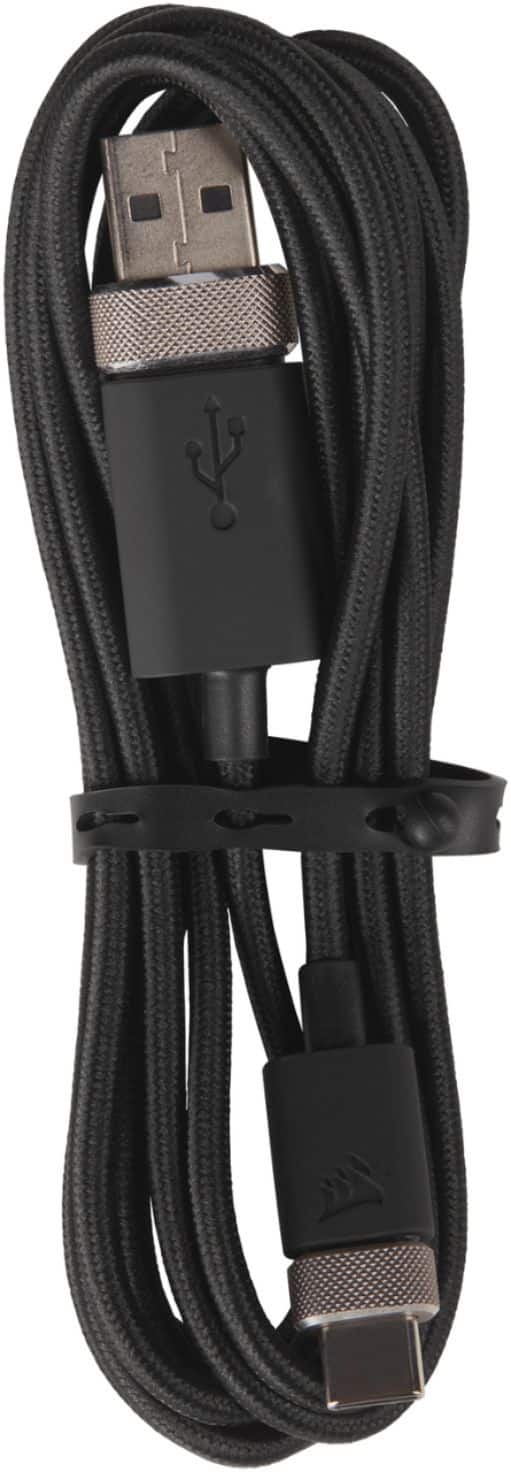
A:AnswerIt comes with USB-C to USB-A cable for USB connection. USB-C plug into the headset and USB-A to host device. It also comes with 3.5mm cable for regular 3.5mm connection.
A:AnswerHi,
I suggest performing a soft reset:
1. Make sure your headset is currently unplugged.
2. Make sure your headset is powered on.
3. Hold the Mute button on the headset down for about 15 seconds.
4. Switch the headset off and then back on.
5. Test your headset and see if the issue is resolved.
If the issue persists, please contact us - we'd be happy to help in getting this resolved: support.corsair.com
-Albert
A:AnswerYou can use the Corsair ICUE software and adjust everything you need and more. You can also control the RGB on the headset through the software. Very ways to install and use!
A:AnswerHi Chan,
The VIRTUOSO XT works with Xbox via 3.5mm connection. If you have any additional questions, we'd be happy to help: support.corsair.com
-Albert