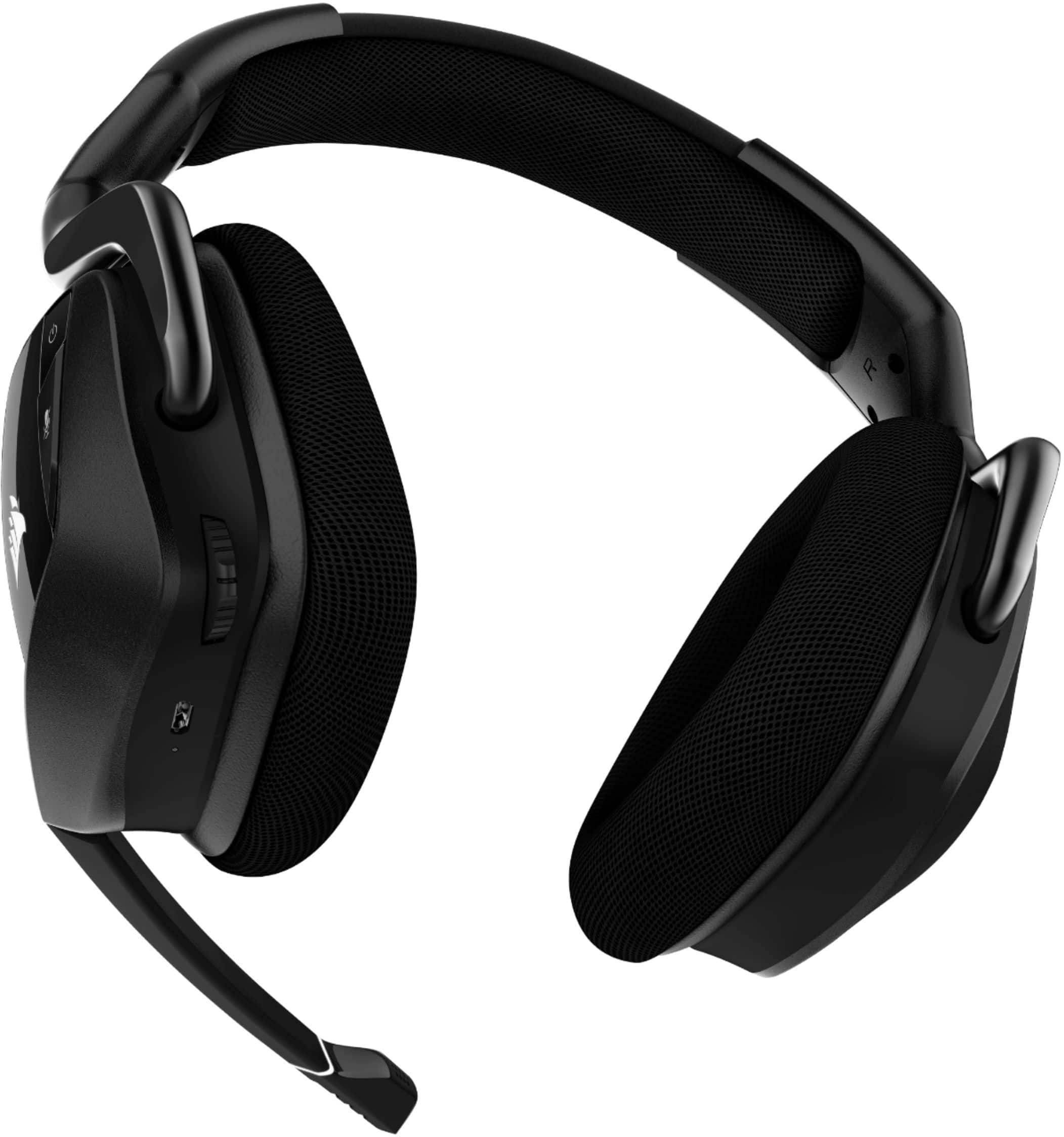
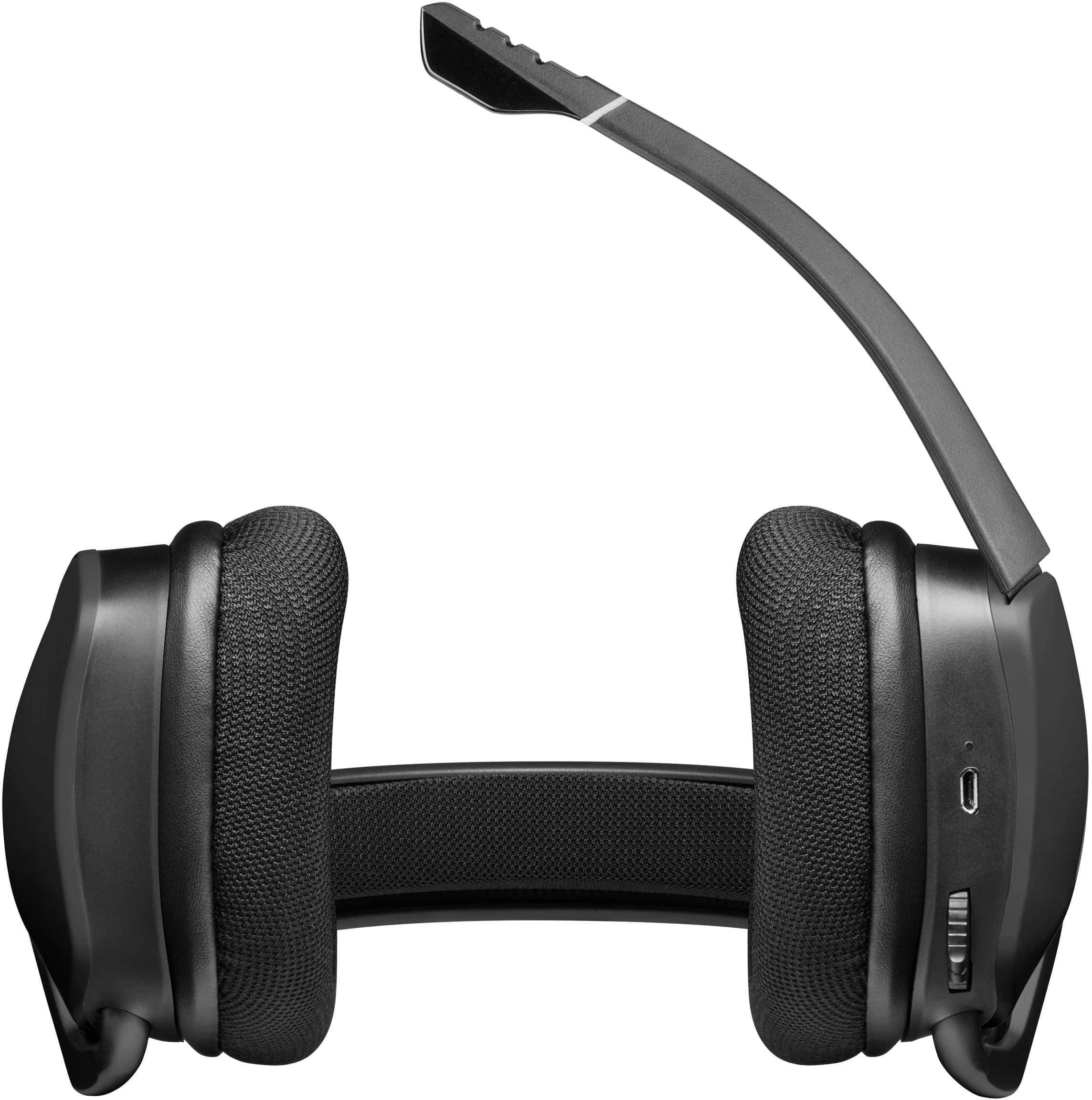
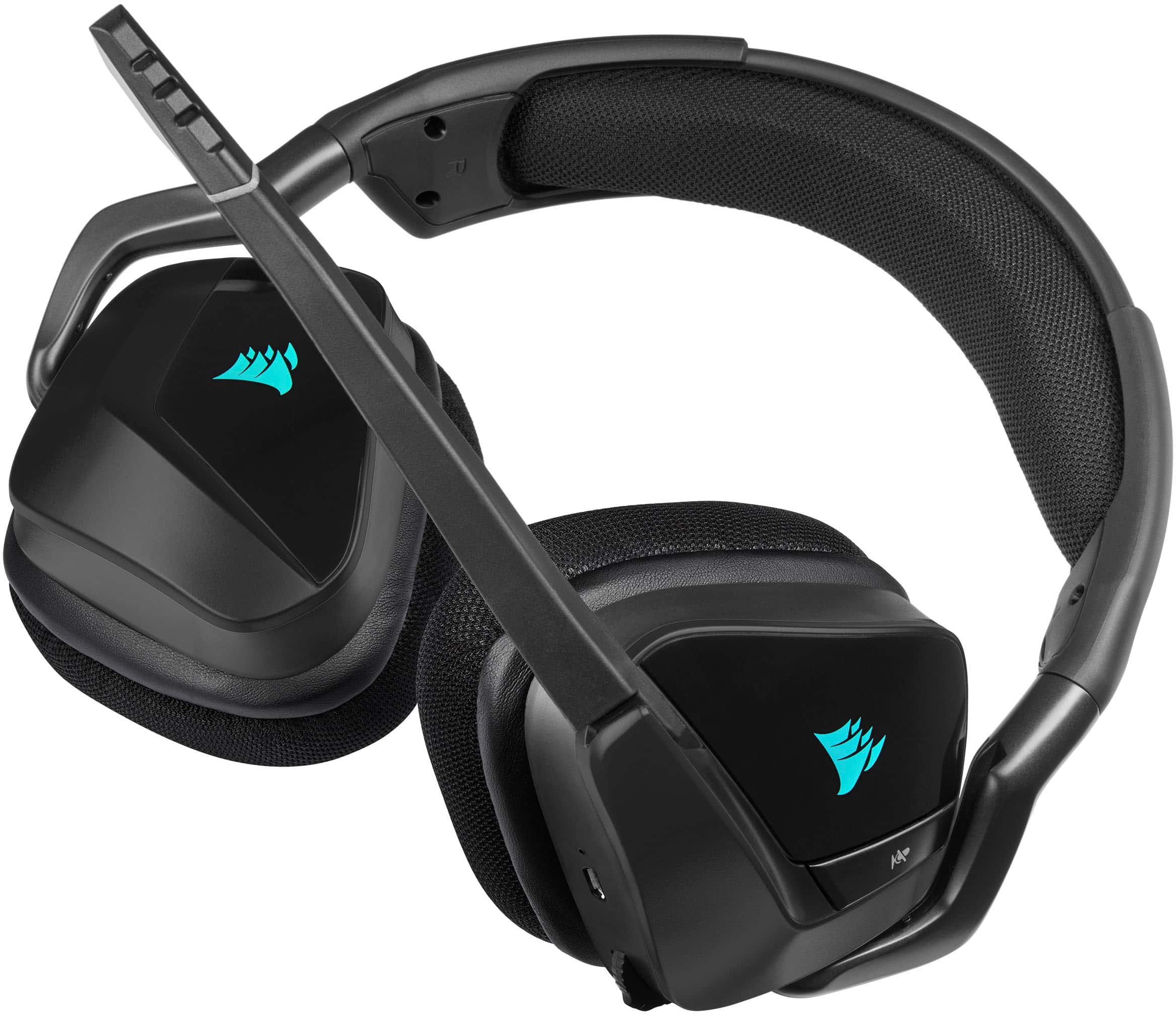
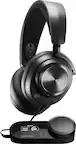
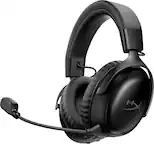
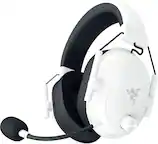
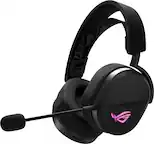
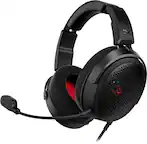
A:AnswerYou probably have the volume from the headset on low try turning them up or down to see if it changes but keep music or something running so you can pinpoint it.
A:AnswerUsually if the headset or mic doesn't work is usually it not considered a default headset. Make sure the sound settings and whichever VOIP software your using are both set to cosair. Discord is famous for mixing it up on you. Usually after most discord updates i have to go back and reset it.
A:Answer(very late response) yes 7.1 is hardware in the headset its not software base only when it software base (you have to install an app) would that effect 7.1 or any audio quality.