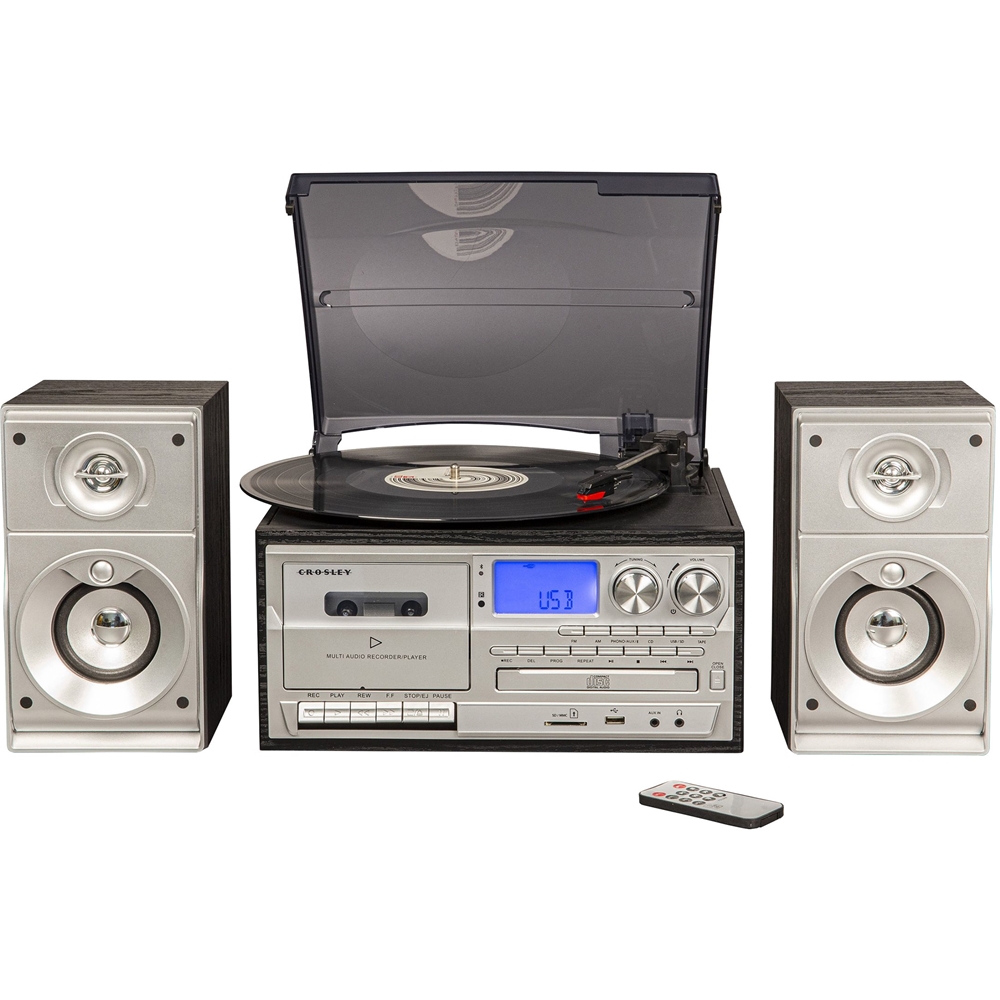
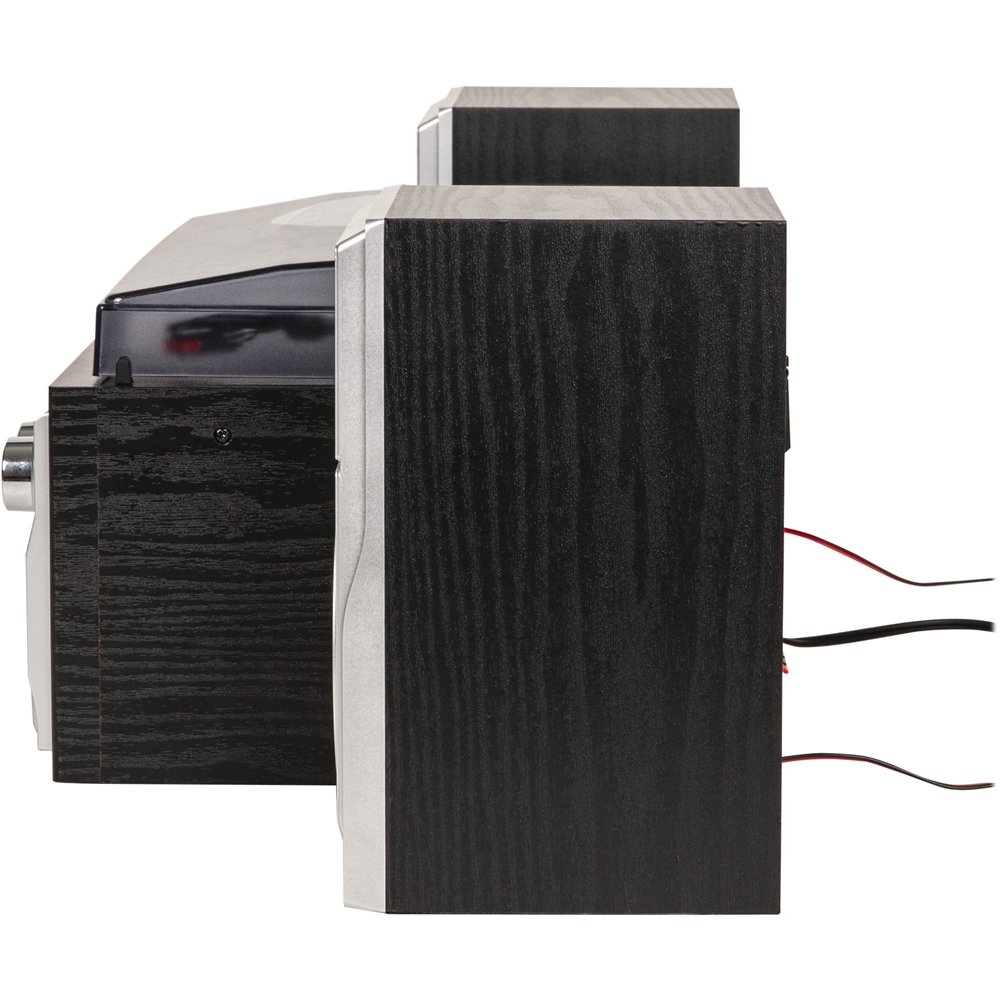
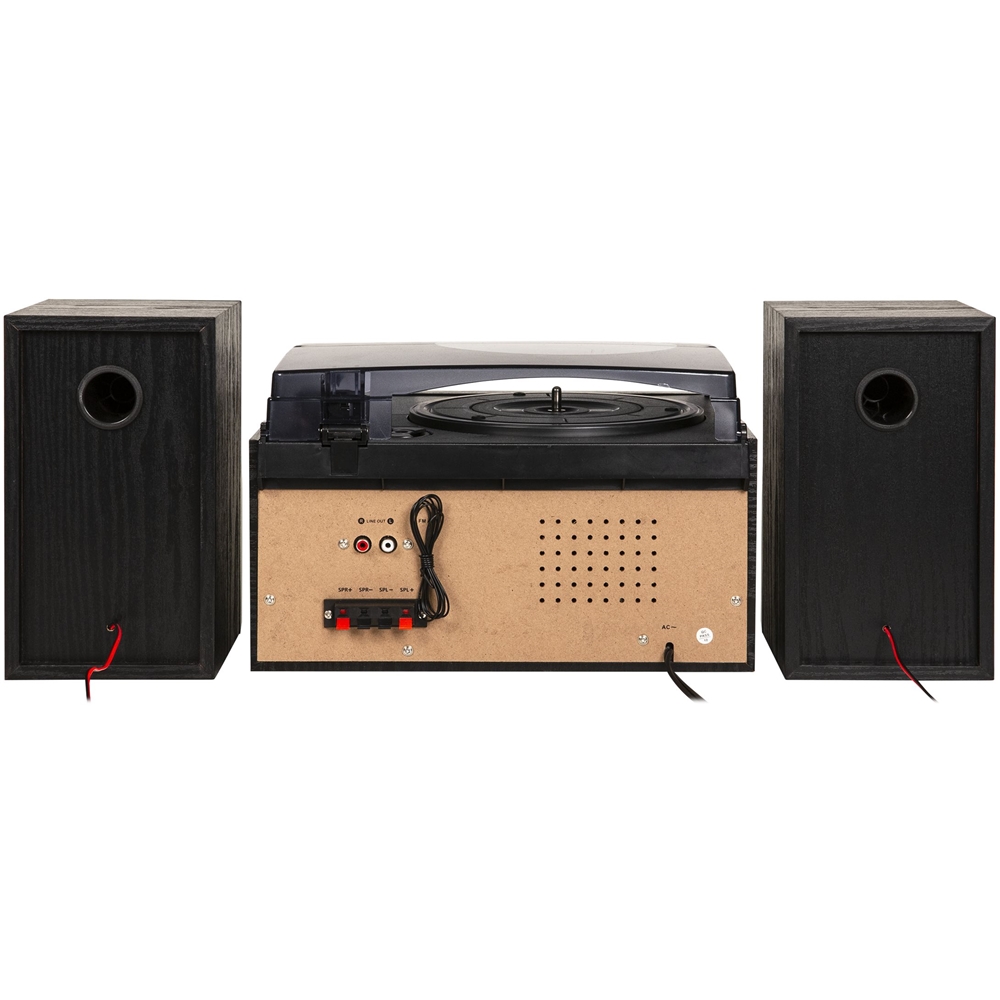
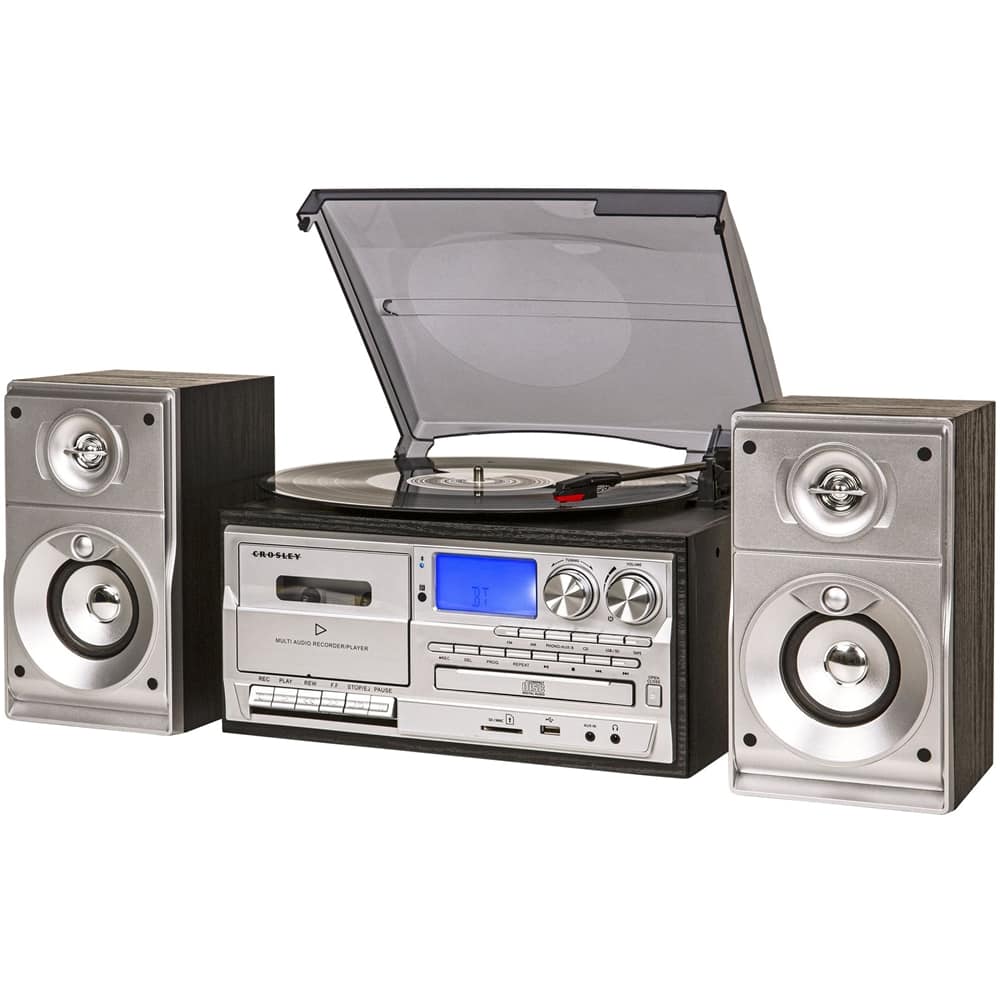
A:AnswerThank you for contacting Crosley Support. Please contact us via our website crosleyradio.com. You will need your model number. Kindest regards,
A:AnswerThank you for contacting Crosley Brands. We recommend the Ridgemont (CR7010A-BK) as it has all the functions you're looking for, doesn't have external speakers, and has RCA outputs. Kindest regards,
A:AnswerThank you for contacting Crosley Brands. Here is a link to the manual: https://res.cloudinary.com/crosbit/image/upload/manual/CR704B_-_Musician.pdf. This is only for the CR704B. If your unit is not the CR704B, please contact us via our website so we can get you the correct manual. Kindest regards,
A:AnswerThank you for contacting Crosley Brands. This item only has a Bluetooth receiver and can't transmit to speakers. If you want to hook up other speakers, you will need to use the RCA output. Kindest regards,
A:AnswerThank you for contacting Crosley Brands. This item is not able to burn CD's. Currently we do not have a unit capable of burning CD's. Kindest regards,
A:AnswerThank you for contacting Crosley Brands. Sometimes this is because the cassettes are not angled quite right to let the door close properly. Kindest regards,
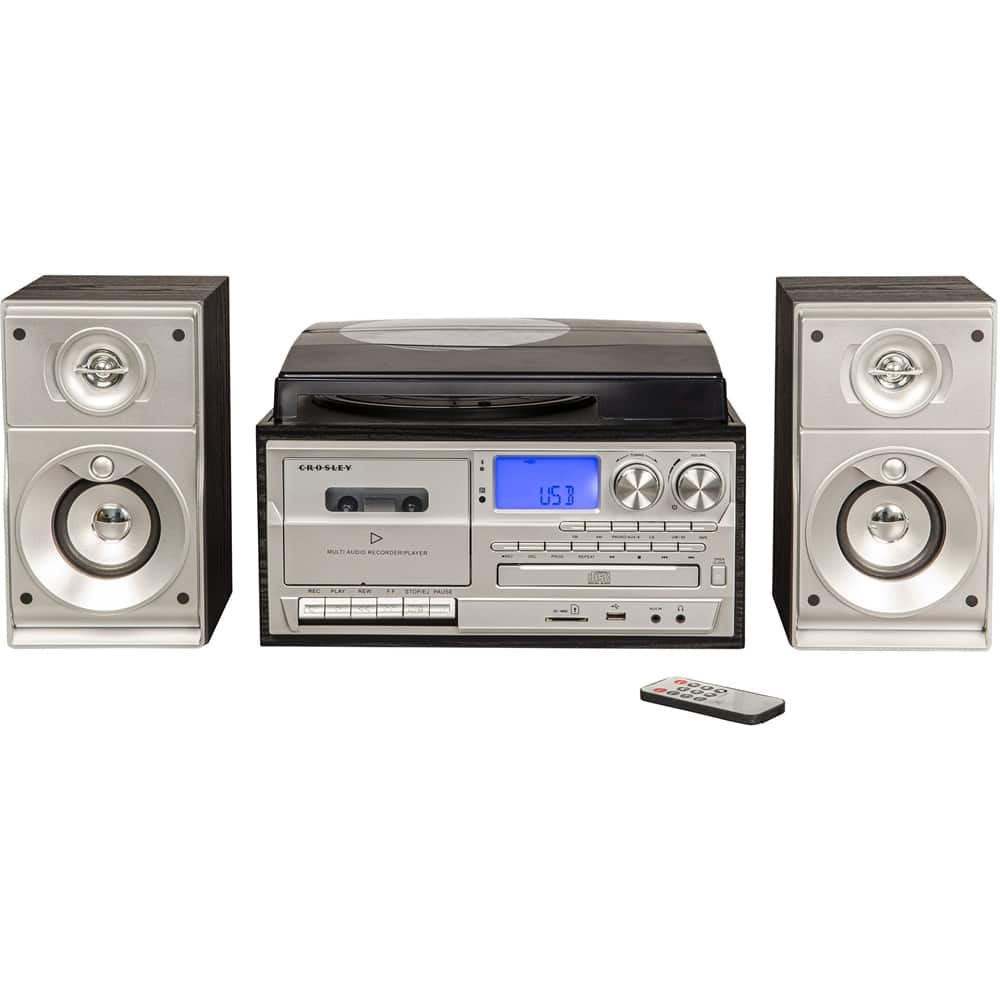
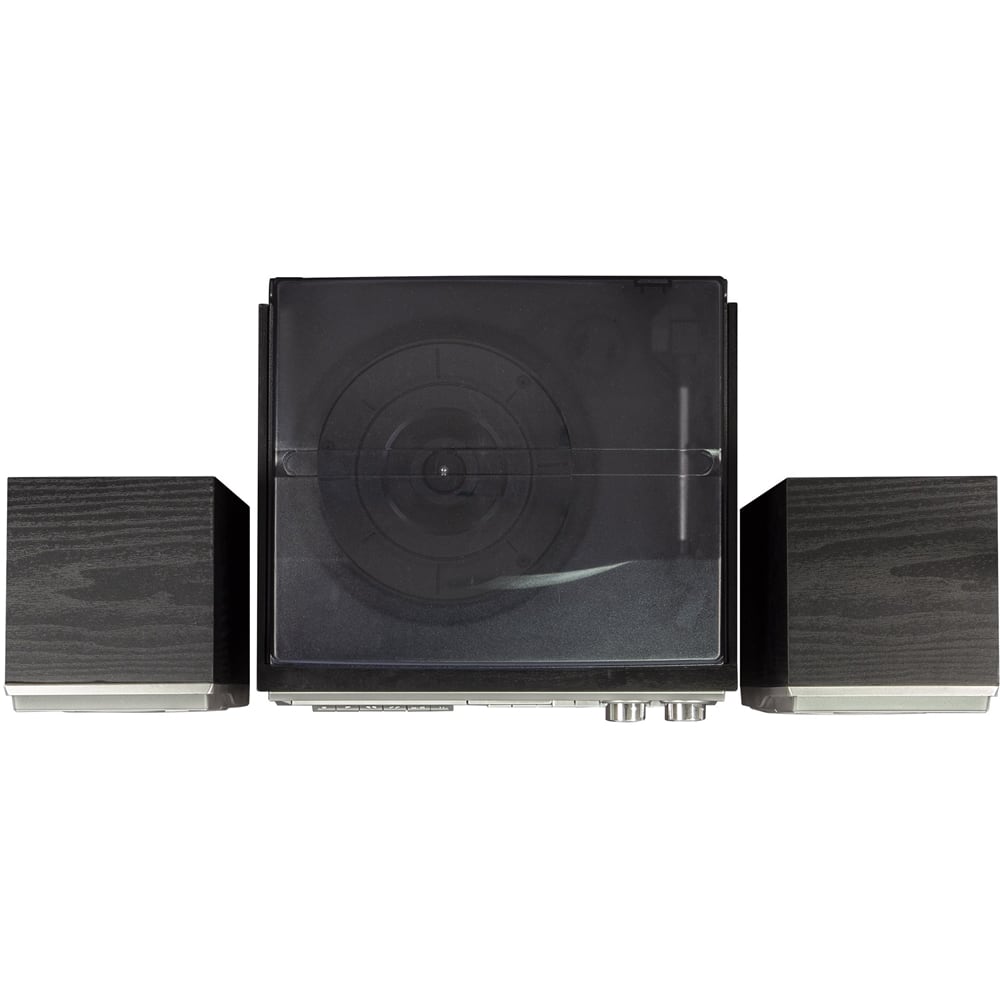
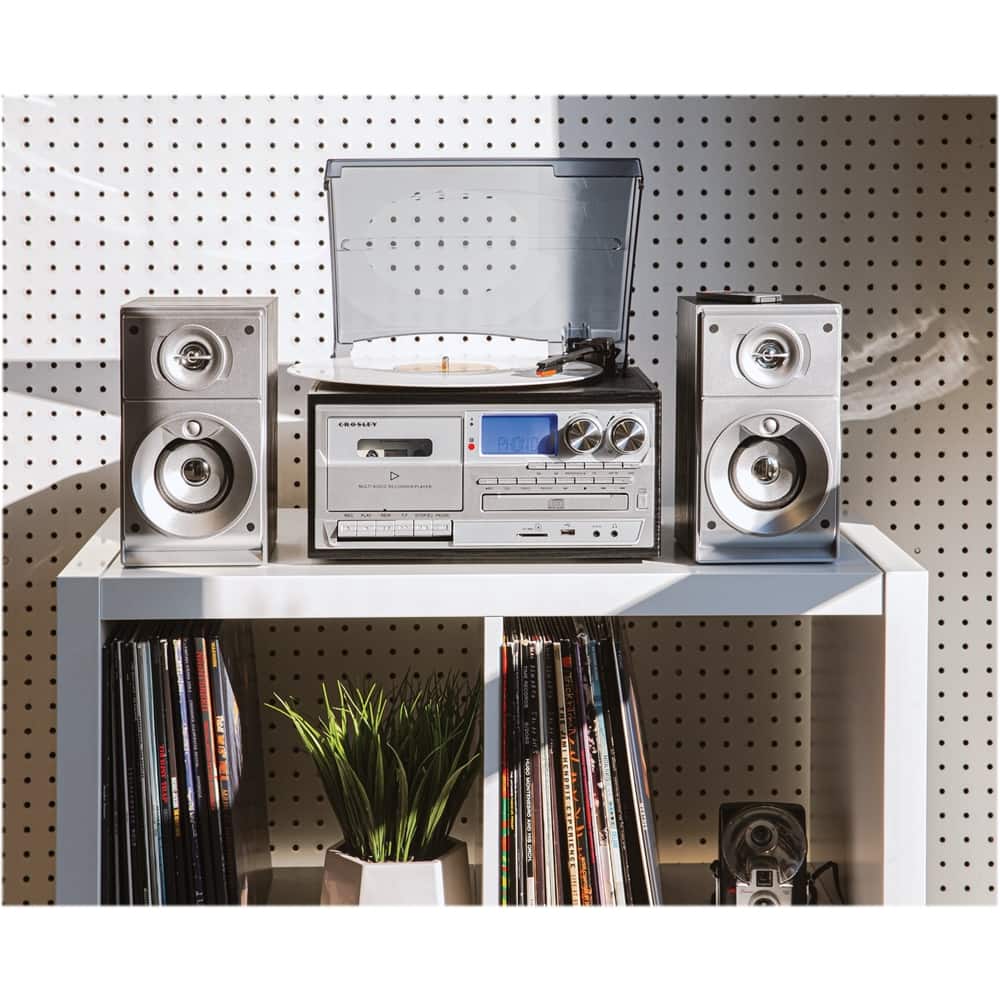
A:AnswerThank you for contacting Crosley Brands. This item has a turntable, record player, CD player, and AM/FM radio, along with some other features. Kindest regards,
A:AnswerThank you for contacting Crosley Brands. You can plug up a USB flash drive to the USB, but not your computer. However, you can record to the USB from the cassette and then put that recording onto your computer. Kindest regards,
A:AnswerThank you for contacting Crosley Brands. This item does have an AUX input on the front of it. If you have something plugged up to the AUX input, it will override your turntable. Kindest regards,
A:AnswerMy record player ws already paired with my phone, but wouldn't connect, so I unpaired and paired with it again, which worked for me. Not sure if this will work for everone, but it sure is more hepful than Crosley's answer.