A:AnswerThank you for reaching out to us. Unfortunately, this depends on what you are trying to get out of your monitors and what your preferences are as to why we are not able to suggest what monitor to use. If you have any further questions or concerns then please do not hesitate to give our tech support agents a call for any assistance; we're always happy to help. Tech Support: (855) 888-2039 [email protected] Hours of Operation: Monday - Friday: 8:30AM - 6:00PM PST Saturday: 9:30AM - 3:00PM PST -CyberPowerPC Support
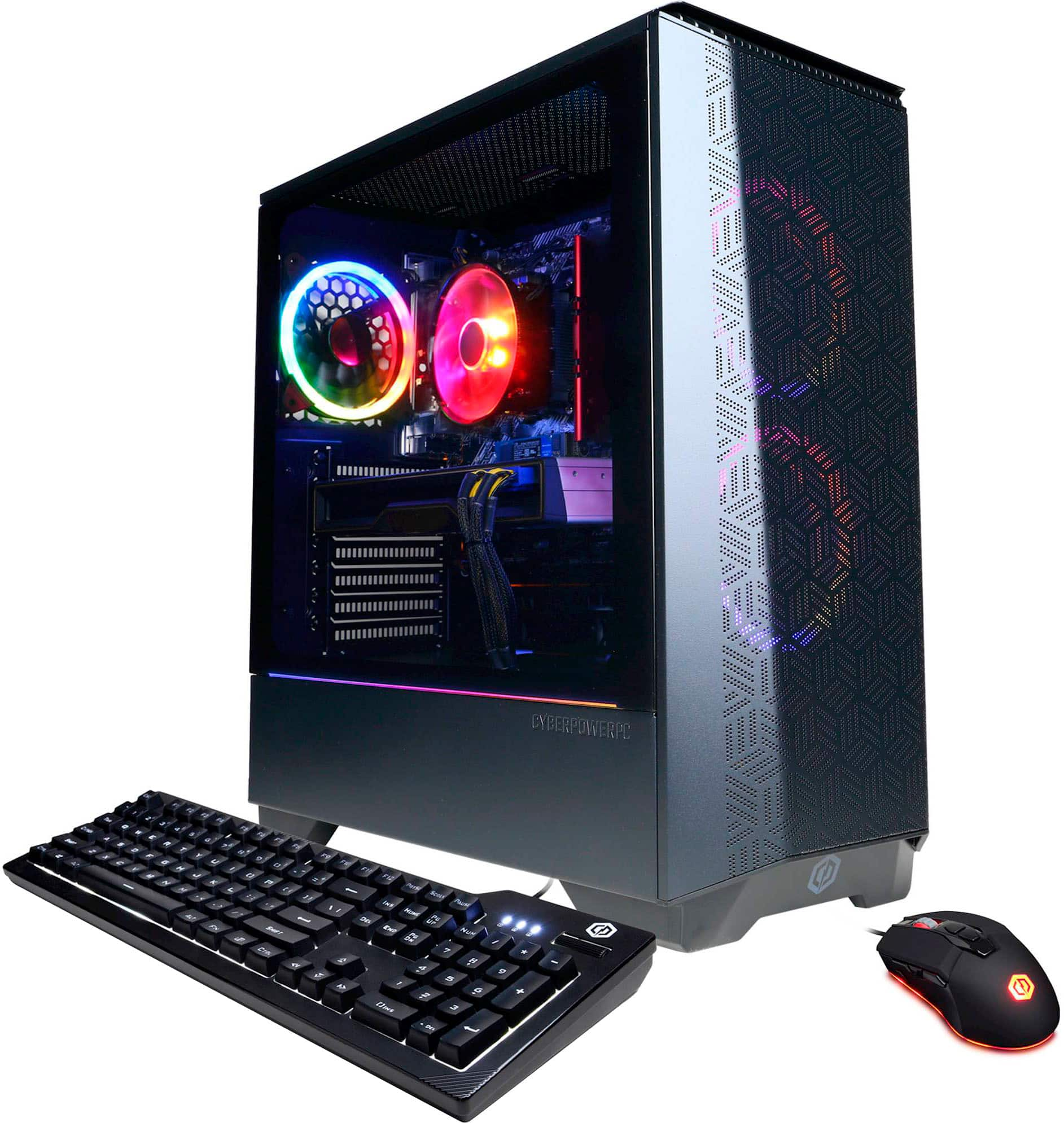
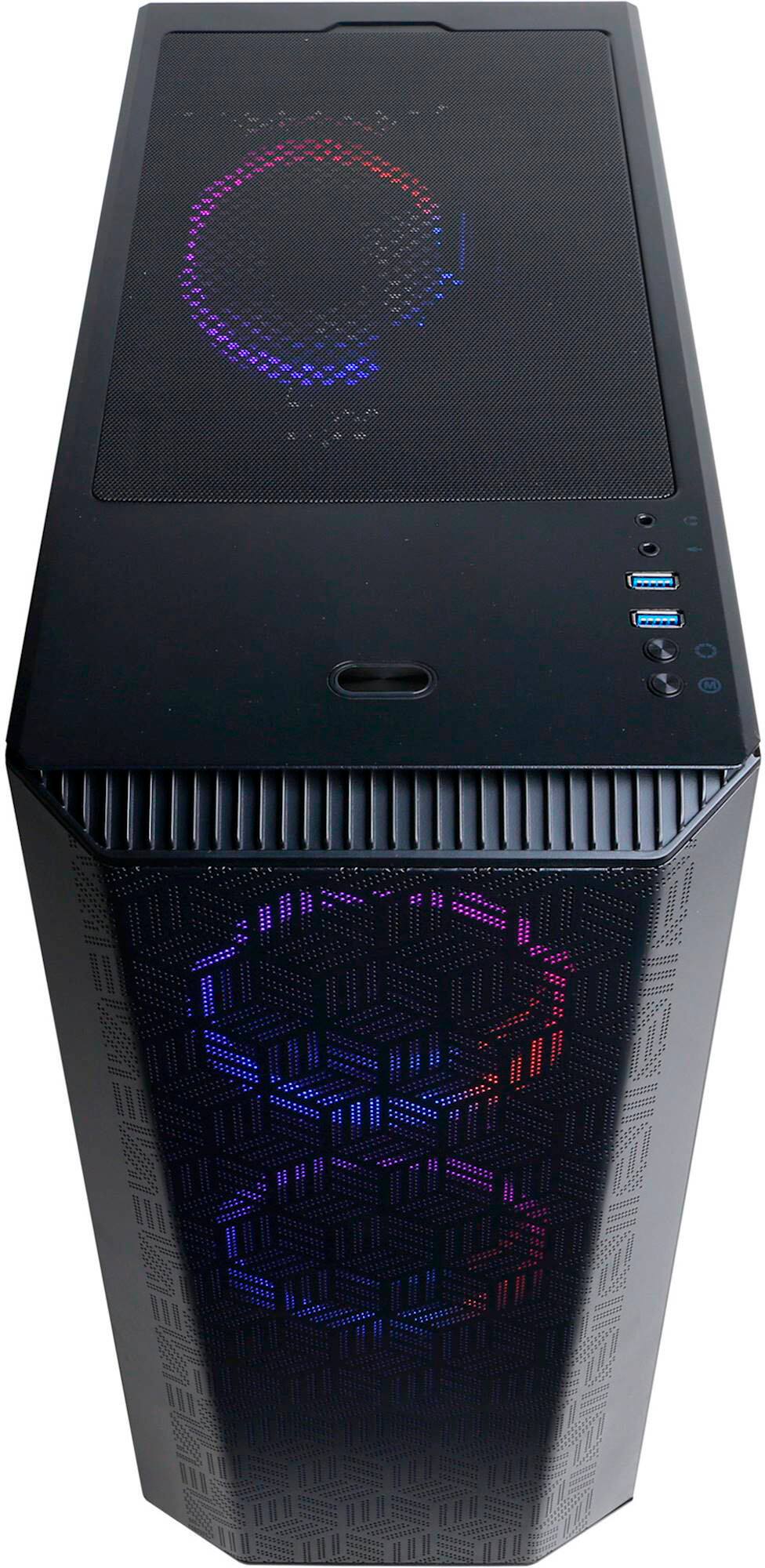
A:AnswerThank you for reaching out to us. For this system and case, you should not see high temps. The case has two front intake fans that are not blocked and one rear exhaust fan. If you have any further questions or concerns then please do not hesitate to give our tech support agents a call for any assistance; we're always happy to help. Tech Support: (855) 888-2039 [email protected] Hours of Operation: Monday - Friday: 8:30AM - 6:00PM PST Saturday: 9:30AM - 3:00PM PST -CyberPowerPC Support
A:AnswerThank you for reaching out to us. This all depends on what you are looking to get out of your monitor, this is all personal preference which we are not able to suggest you which monitor will be good for you. If you have any further questions or concerns then please do not hesitate to give our tech support agents a call for any assistance; we're always happy to help.
Tech Support:
(855) 888-2039
[email protected]
Hours of Operation:
Monday - Friday: 8:30AM - 6:00PM PST
Saturday: 9:30AM - 3:00PM PST
-CyberPowerPC Support
A:AnswerThank you for reaching out to us. Yes, this system will either connect with an ethernet cable or you can connect through WiFi. If you have any further questions or concerns then please do not hesitate to give our tech support agents a call for any assistance; we're always happy to help. Tech Support: (855) 888-2039 [email protected] Hours of Operation: Monday - Friday: 8:30AM - 6:00PM PST Saturday: 9:30AM - 3:00PM PST -CyberPowerPC Support
A:AnswerThank you for reaching out. For further assistance on this matter, please contact our tech support team at your earliest convenience; we're always happy to help. Tech Support: (855) 888-2039 [email protected] Hours of Operation: Monday - Friday: 8:30AM - 6:00PM PST Saturday: 9:30AM - 3:00PM PST -CyberPowerPC Support
A:AnswerThank you for reaching out to us. Yes, this system allows you to use the Oculus Quest 2. If you have any further questions or concerns then please do not hesitate to give our tech support agents a call for any assistance; we're always happy to help.
Tech Support:
(855) 888-2039
[email protected]
Hours of Operation:
Monday - Friday: 8:30AM - 6:00PM PST
Saturday: 9:30AM - 3:00PM PST
-CyberPowerPC Support
A:AnswerThank you for reaching out to us. The manufacturer, model, and specifications of the components included with this system may vary depending on what was currently available at the time the PC was built. If you have any further questions or concerns then please do not hesitate to give our tech support agents a call for any assistance; we're always happy to help. Tech Support: (855) 888-2039 [email protected] Hours of Operation: Monday - Friday: 8:30AM - 6:00PM PST Saturday: 9:30AM - 3:00PM PST -CyberPowerPC Support
A:AnswerIt comes with one 8 gb 3200 mhz team t-force vulcan z stick, but the timing on it is CL 16 - 20 - 20 - 40, so i couldnt find the same one to upgrade.
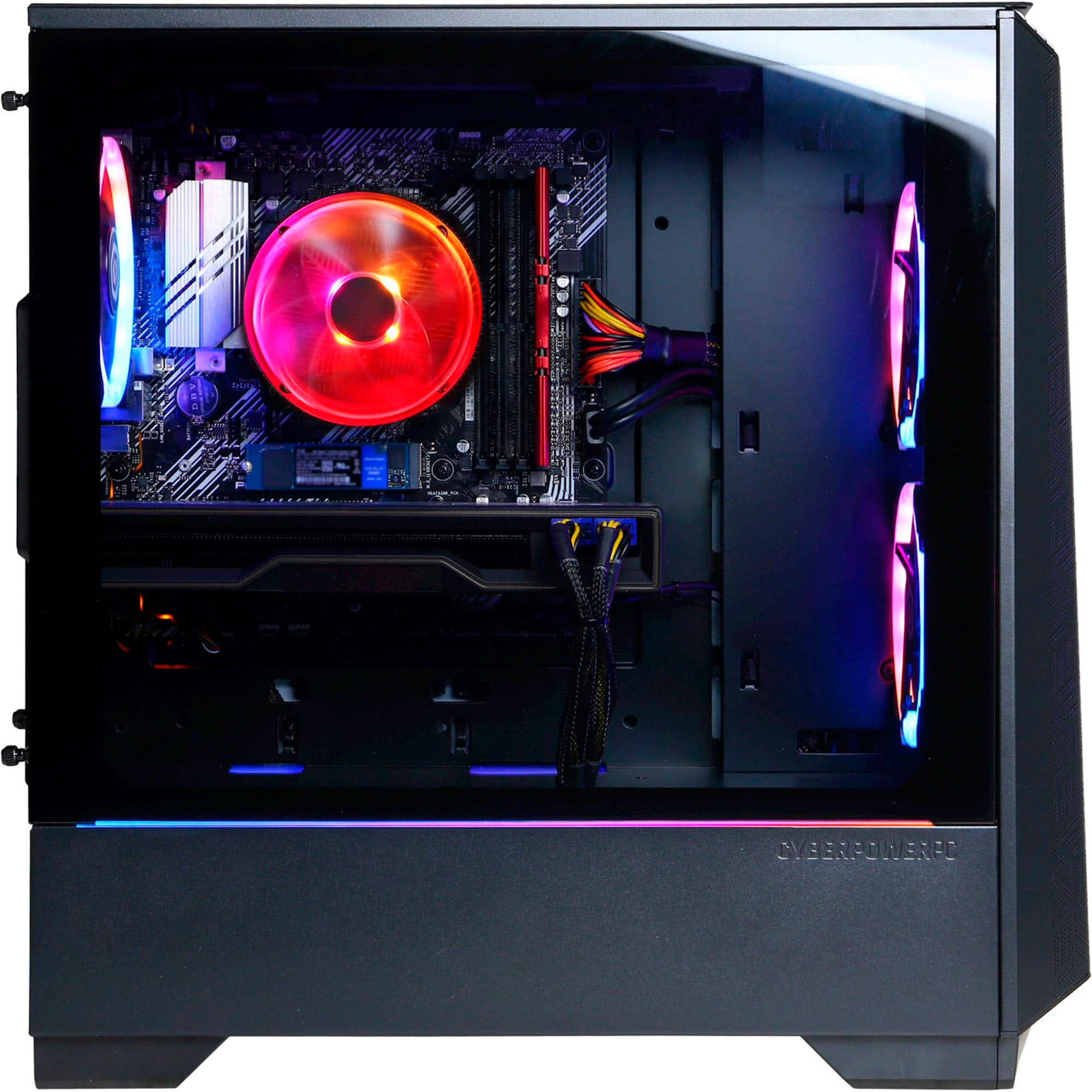
A:AnswerBest to move the stock SSD to the secondary slot under the graphics card and add the new SSD to the primary. Will need the added standoff / Screw as mine did not come with extra hardware.