A:AnswerThank you for reaching out to us. This PC should be able to run --- as it does meet the minimum system requirements. However, the amount of FPS you receive in-game will vary depending on the resolution and refresh rate of your display, in-game graphics settings, as well as your network connection. It is always recommended that you check the system requirements of the game you would like to play before making your purchase. If you have any further questions or concerns then please do not hesitate to give our tech support agents a call for any assistance; we're always happy to help.
Tech support:
(888)937-5582
-CyberpowerPC Support
A:AnswerThank you for reaching out to us. This PC should be able to run Farm Simulator as it does meet the minimum system requirements. However, the amount of FPS you receive in-game will vary depending on the resolution and refresh rate of your display, in-game graphics settings, as well as your network connection. It is always recommended that you check the system requirements of the game you would like to play before making your purchase. If you have any further questions or concerns then please do not hesitate to give our tech support agents a call for any assistance; we're always happy to help.
Tech support:
(888)937-5582
-CyberpowerPC Support
A:AnswerWe are sorry to hear about your experience and apologize for any inconvenience this may have caused. We always recommend you contact us as soon as you run into any issues with your PC as we are usually able to resolve it over the phone. If you haven't already, please contact our tech support agents at your earliest convenience so we can look into the matter further.
Tech Support:
(855) 888-2039
[email protected]
Hours of Operation:
Monday - Friday: 8:30AM - 6:00PM PST
Saturday: 9:30AM - 3:00PM PST
A:Answerwe are sorry to hear about your experience and apologize for any inconvenience this may have caused. We always recommend you contact us as soon as you run into any issues with your PC as we are usually able to resolve it over the phone. If you haven't already, please contact our tech support agents at your earliest convenience so we can look into the matter further.
Tech Support:
(855) 888-2039
[email protected]
Hours of Operation:
Monday - Friday: 8:30AM - 6:00PM PST
Saturday: 9:30AM - 3:00PM PST
A:AnswerThank you for reaching out to us. This PC should be able to run Red Dead Redemption 2 as it does meet the minimum system requirements. However, the amount of FPS you receive in-game will vary depending on the resolution, MODs and refresh rate of your display, in-game graphics settings, as well as your network connection. It is always recommended that you check the system requirements of the game you would like to play before making your purchase. If you have any further questions or concerns then please do not hesitate to give our tech support agents a call for any assistance; we're always happy to help.
Tech support:
(888)937-5582
-CyberpowerPC Support
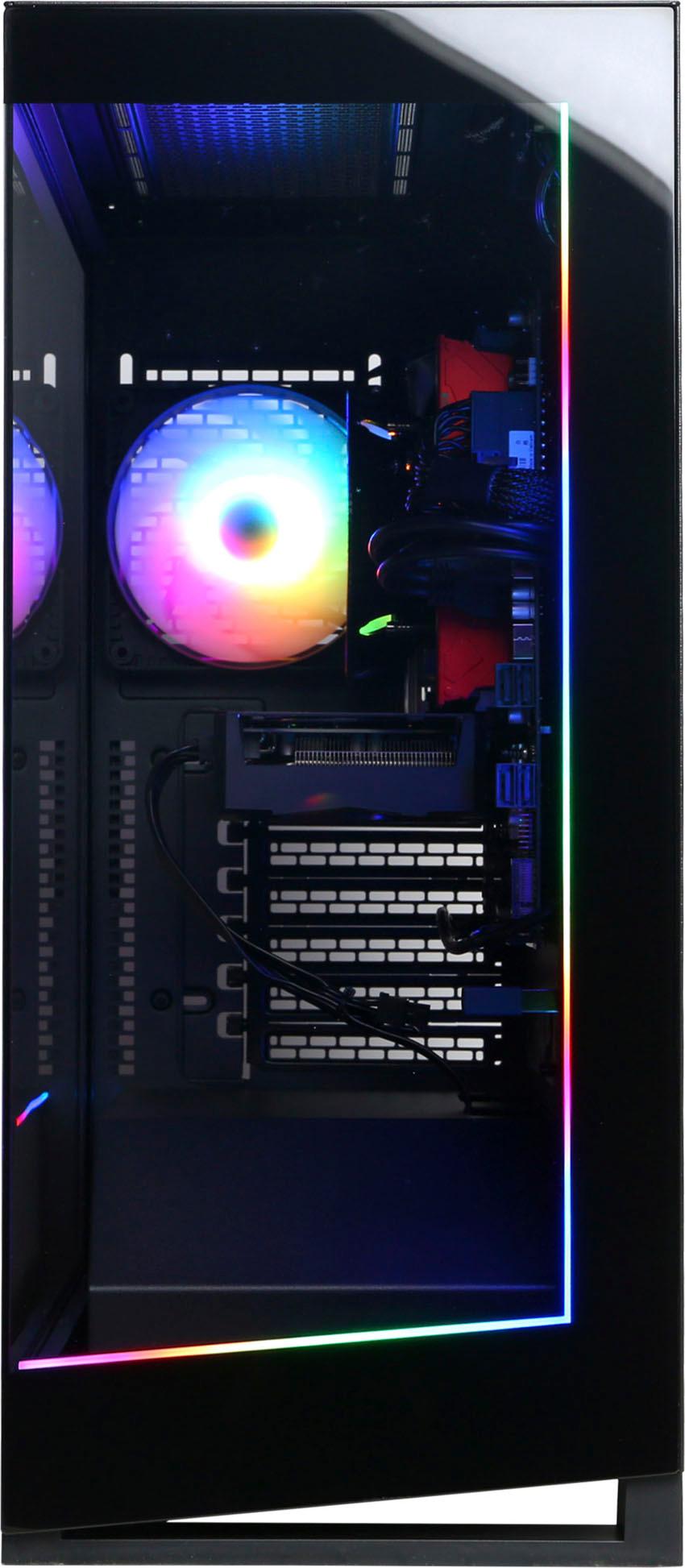
A:AnswerThank you for reaching out to us. This PC should be able to run Rainbow Six Siege as it does meet the minimum system requirements. However, the amount of FPS you receive in-game will vary depending on the resolution and refresh rate of your display, in-game graphics settings, as well as your network connection. It is always recommended that you check the system requirements of the game you would like to play before making your purchase. If you have any further questions or concerns then please do not hesitate to give our tech support agents a call for any assistance; we're always happy to help.
Tech support:
(888)937-5582
-CyberpowerPC Support
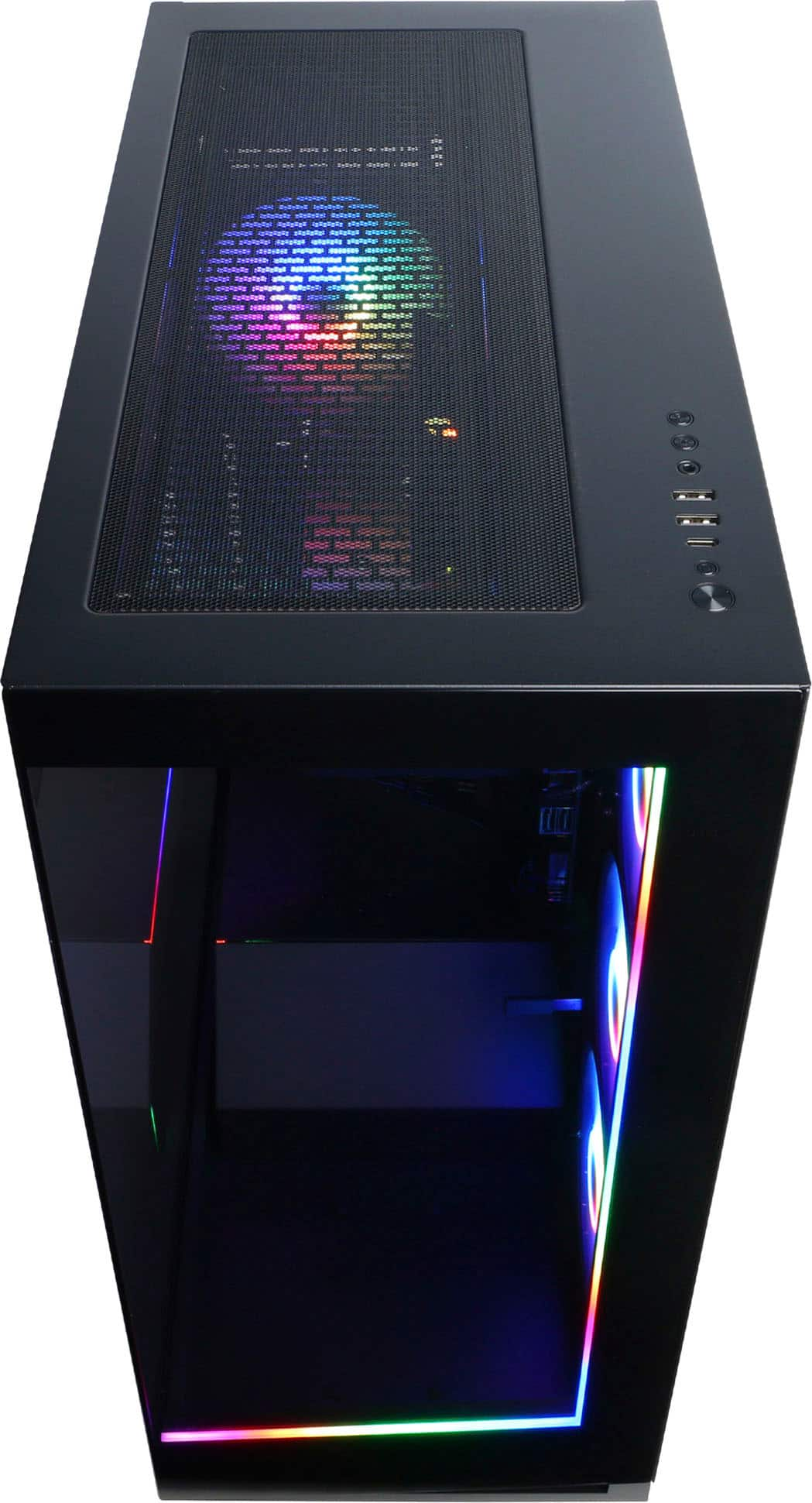
A:Answerholy, what game are you playing? You meet the requirements, but you might need to play that game at 1080p on lower to medium settings since the GPU in this computer is a little bit slower. I Think you should be able to play it. If you're not sure you can use this site to see if your computer can run it. It's always worked for me.
https://technical.city/en/can-i-run-it
A:AnswerWe are sorry to hear about your experience and apologize for any inconvenience this may have caused. We always recommend you contact us as soon as you run into any issues with your PC as we are usually able to resolve it over the phone. If you haven't already, please contact our tech support agents at your earliest convenience so we can look into the matter further.
Tech Support:
(855) 888-2039
[email protected]