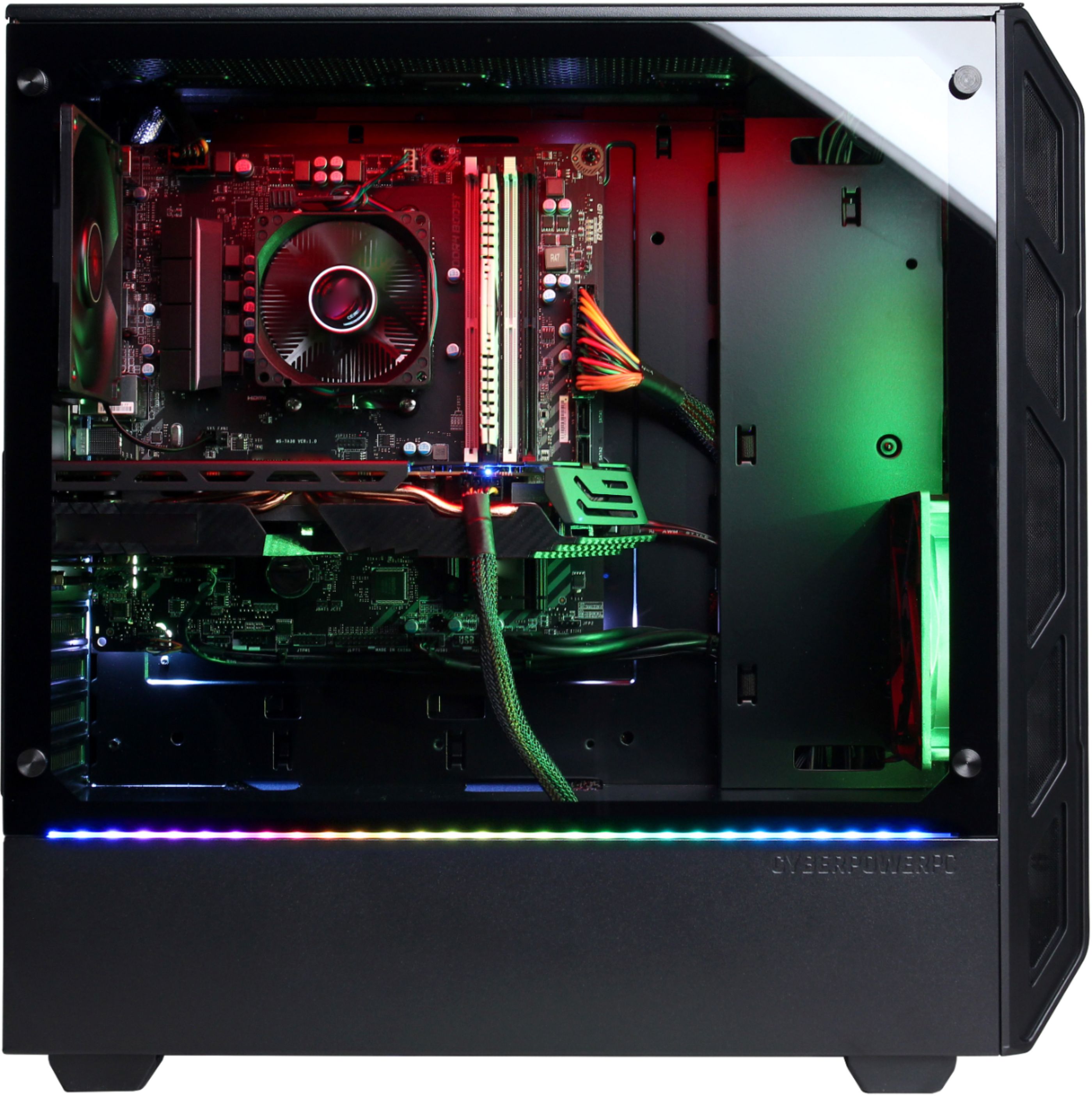
A:AnswerIf they are connected to the motherboard then it is possible is that same board has fan control software. If you have any further questions or concerns then please do not hesitate to give our tech support agents a call for any assistance; we're always happy to help.
Tech support:
(888)937-5582
- CyberpowerPC Support
A:AnswerYou can however you will need to replace the motherboard so it can support crossfire. If you have any further questions or concerns then please do not hesitate to give our tech support agents a call for any assistance; we're always happy to help.
Tech support:
(888)937-5582
- CyberpowerPC Support
A:AnswerSometimes yes but i have mine on top of my desk but only when i run big games but with amd radeon chill and performance monitoring that it comes with u can turn down your fan speed and its only the two fans on the video card that make the noise the other fan are quit i play farcry 5 totalwar warhammer 1 and 2 ,state of decay 2 all new games without any issues.
A:Answeryou can use this monitor for gaming. If you have money you can invest for better gaming monitor like 144hz or 60hz monitor , gaming monitor. if you want save money you can use this monitor for gaming.
A:AnswerWe strongly recommend you get in touch with Best Buy or look in your email as they tend to send the vouchers via email. unfortunately we do not know much of the procedure as this is a promotion done by Best Buy and not us.
Tech support:
(888)937-5582
- CyberpowerPC Support
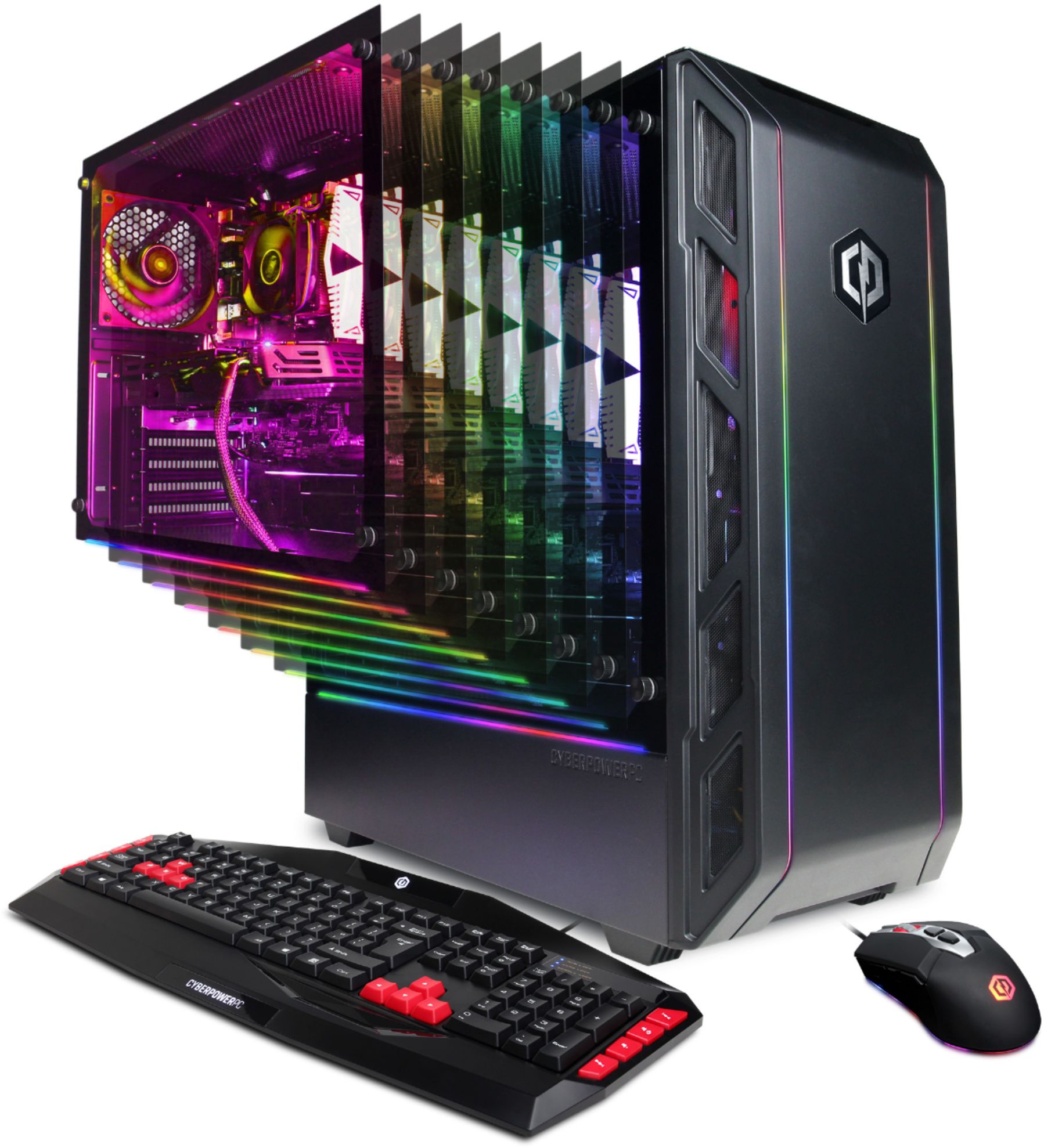
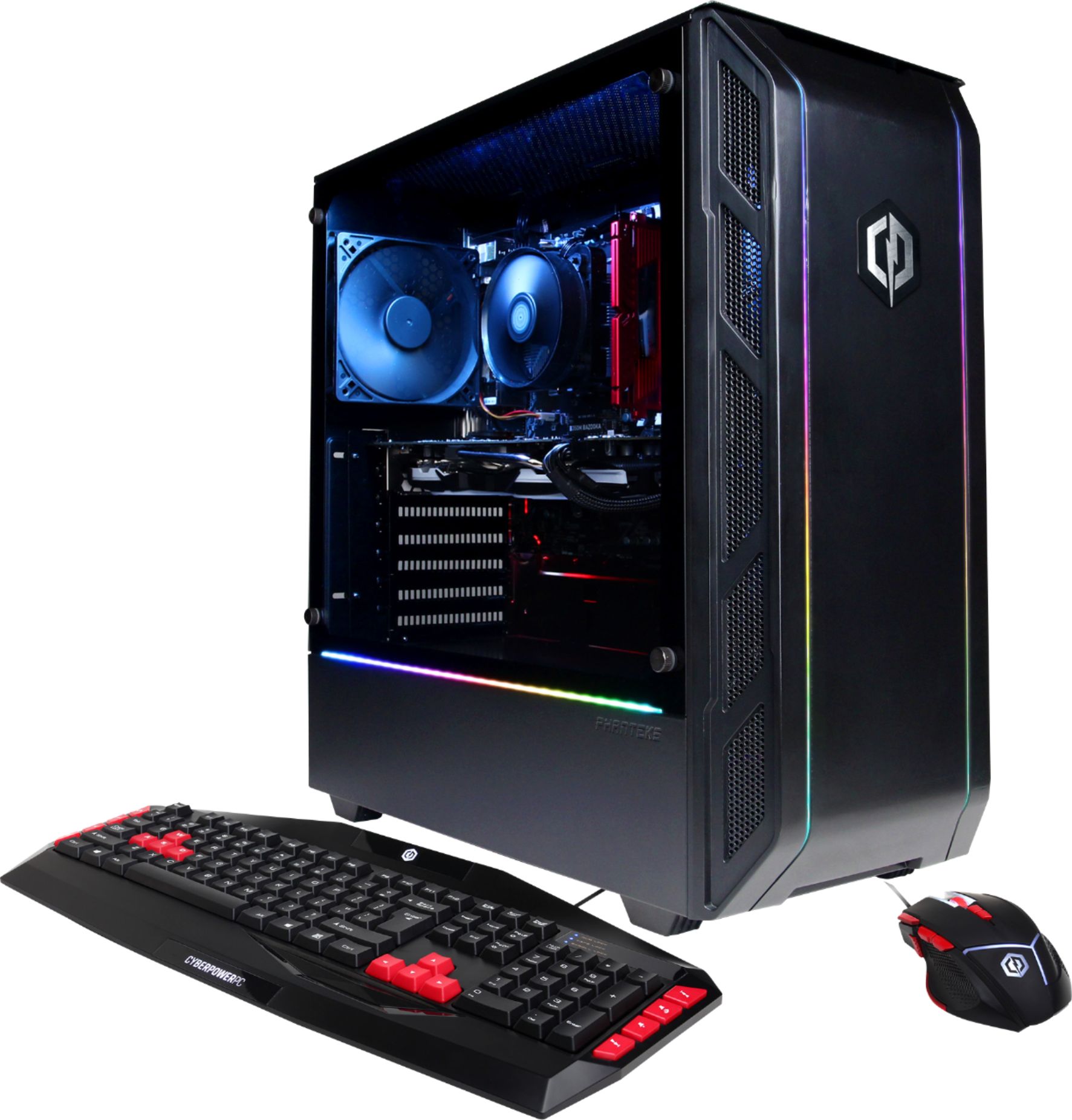
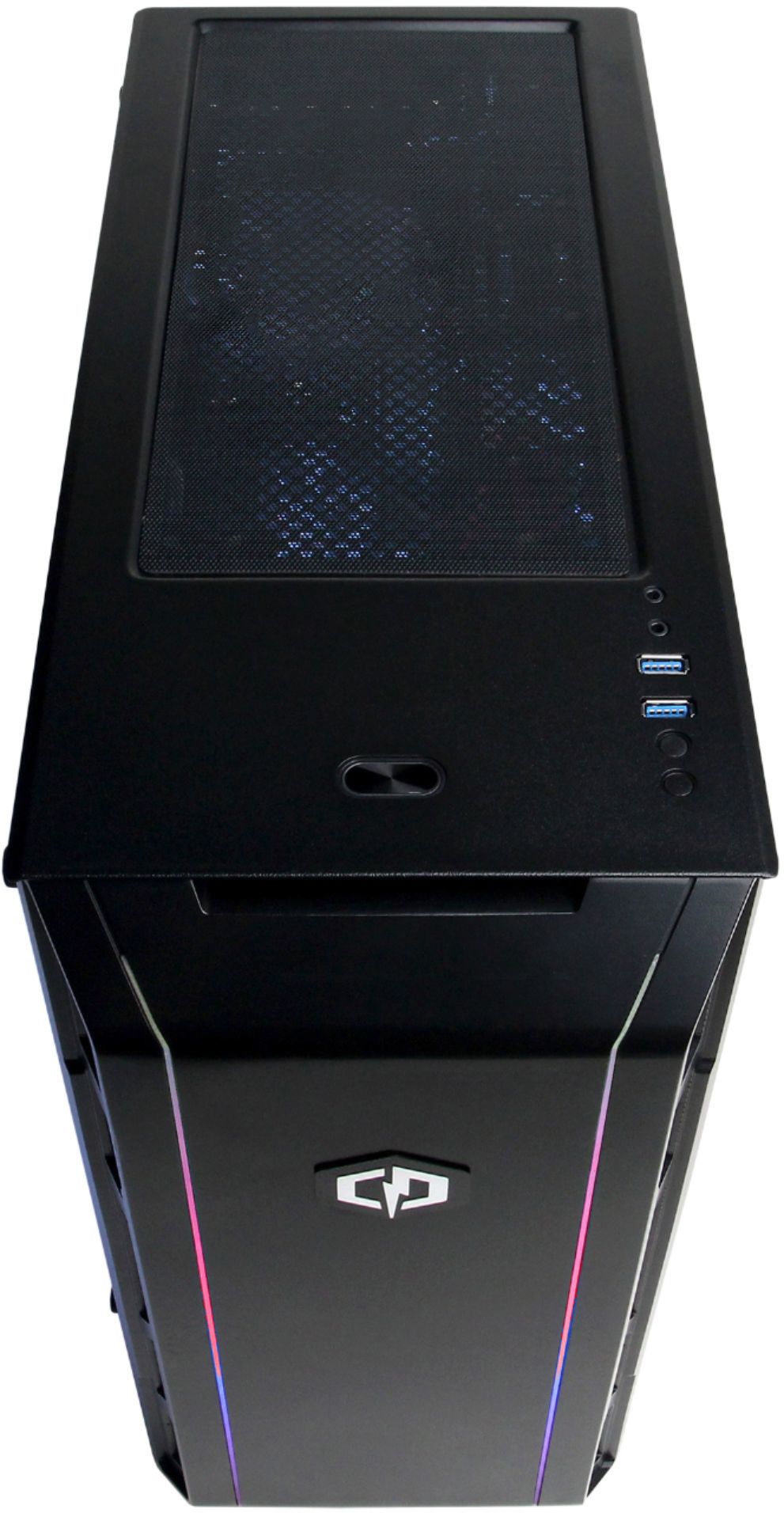
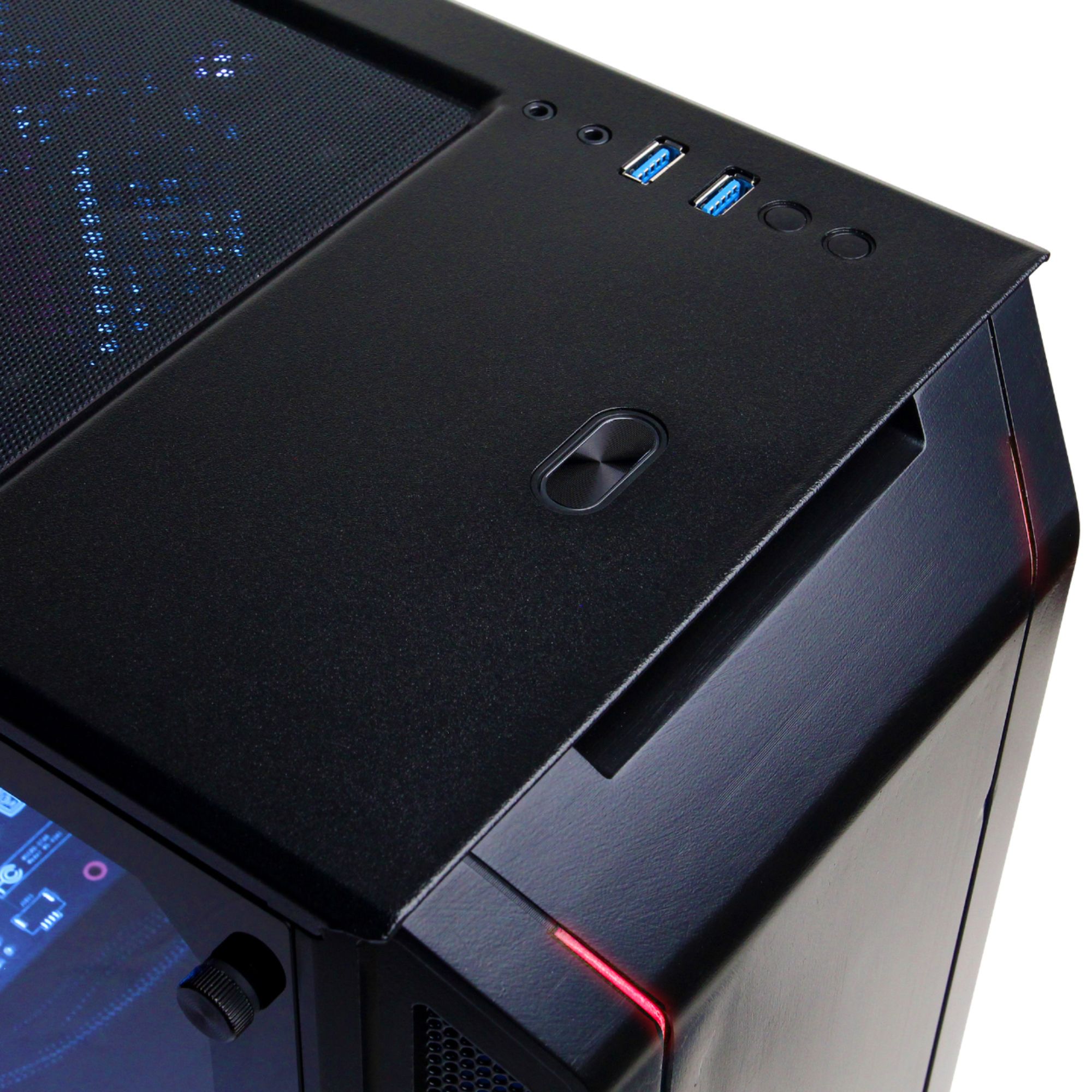
A:AnswerThis model uses the Phanteks Eclipse P350X case. If you have any further questions or concerns then please do not hesitate to give our tech support agents a call for any assistance; we're always happy to help.
Tech support:
(888)937-5582
- CyberpowerPC Support
A:AnswerThis model uses the Phanteks Eclipse P350X case. If you have any further questions or concerns then please do not hesitate to give our tech support agents a call for any assistance; we're always happy to help.
Tech support:
(888)937-5582
- CyberpowerPC Support
A:AnswerHi Ethan, I bought this pc and the front fan should always be on although at lower rpm when not under full load. I’d check to make sure the fan is properly connected, if it is then it may need adjusting in the bios or fan is dead.
A:AnswerThere are not LEDs in the inside of the case. The only LEDs are on the outside of the PC as accents. If you have any further questions or concerns then please do not hesitate to give our tech support agents a call for any assistance; we're always happy to help.
Tech support:
(888)937-5582
- CyberpowerPC Support
A:AnswerYes it does. I am currently running a 4k monitor through the display port and have a 10+ year old monitor as a second through the old pin connection. There are at least 2 HDMI/Display Port outputs on the back that I saw. Hope this helps
A:AnswerAttempt to remove the front panel and reinstall it right after. There are some pins that need to make contact with the case to allow the front LEDs to power on. If you have any further questions or concerns then please do not hesitate to give our tech support agents a call for any assistance; we're always happy to help.
Tech support:
(888)937-5582
- CyberpowerPC Support
A:AnswerThe PC can easily game, however when it comes to streaming it may vary on how intensive you wish to push it. But with a fast and stable internet connection the Pc will be able to stream. If you have any further questions or concerns then please do not hesitate to give our tech support agents a call for any assistance; we're always happy to help.
Tech support:
(888)937-5582
- CyberpowerPC Support
A:AnswerInstead of pressing the button for the LED you want to hold it and it should start cycling the lights. As for the front panel LEDs, try pushing in the front panel to ensure its sitting flush to the rest of the case. You can try to remove the front panel and putting it back as it lights up by making contact to a certain pin. If you have any further questions or concerns then please do not hesitate to give our tech support agents a call for any assistance; we're always happy to help.
Tech support:
(888)937-5582
- CyberpowerPC Support
A:Answeryou can buy external disc drive and connect it via USB .https://www.bestbuy.com/site/searchpage.jsp?st=disc+drive+external&_dyncharset=UTF-8&_dynSessConf=&id=pcat17071&type=page&sc=Global&cp=1&nrp=&sp=&qp=category_facet%3DSAAS~Optical+Drives~abcat0504005&list=n&af=true&iht=y&usc=All+Categories&ks=960&keys=keys