A:AnswerThank you for reaching out to us. This PC should be able to run --- as it does meet the minimum system requirements. However, the amount of FPS you receive in-game will vary depending on the resolution and refresh rate of your display, in-game graphics settings, as well as your network connection. It is always recommended that you check the system requirements of the game you would like to play before making your purchase. If you have any further questions or concerns then please do not hesitate to give our tech support agents a call for any assistance; we're always happy to help.
Tech support:
(888)937-5582
-CyberpowerPC Support
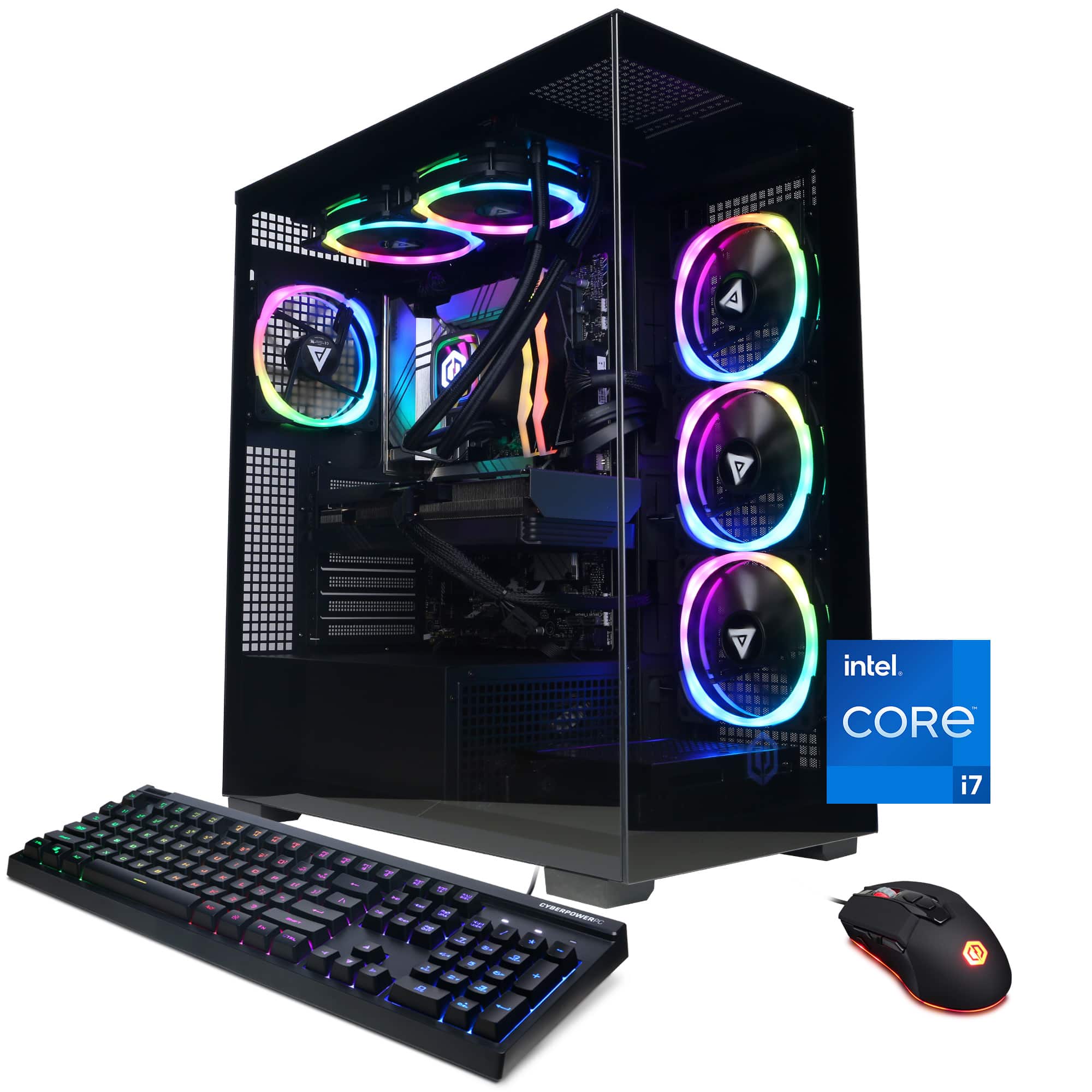
A:AnswerThank you for reaching out to us. This PC should be able to run Roblox as it does meet the minimum system requirements. However, the amount of FPS you receive in-game will vary depending on the resolution and refresh rate of your display, in-game graphics settings, as well as your network connection. It is always recommended that you check the system requirements of the game you would like to play before making your purchase. If you have any further questions or concerns then please do not hesitate to give our tech support agents a call for any assistance; we're always happy to help.
Tech support:
(888)937-5582
-CyberpowerPC Support
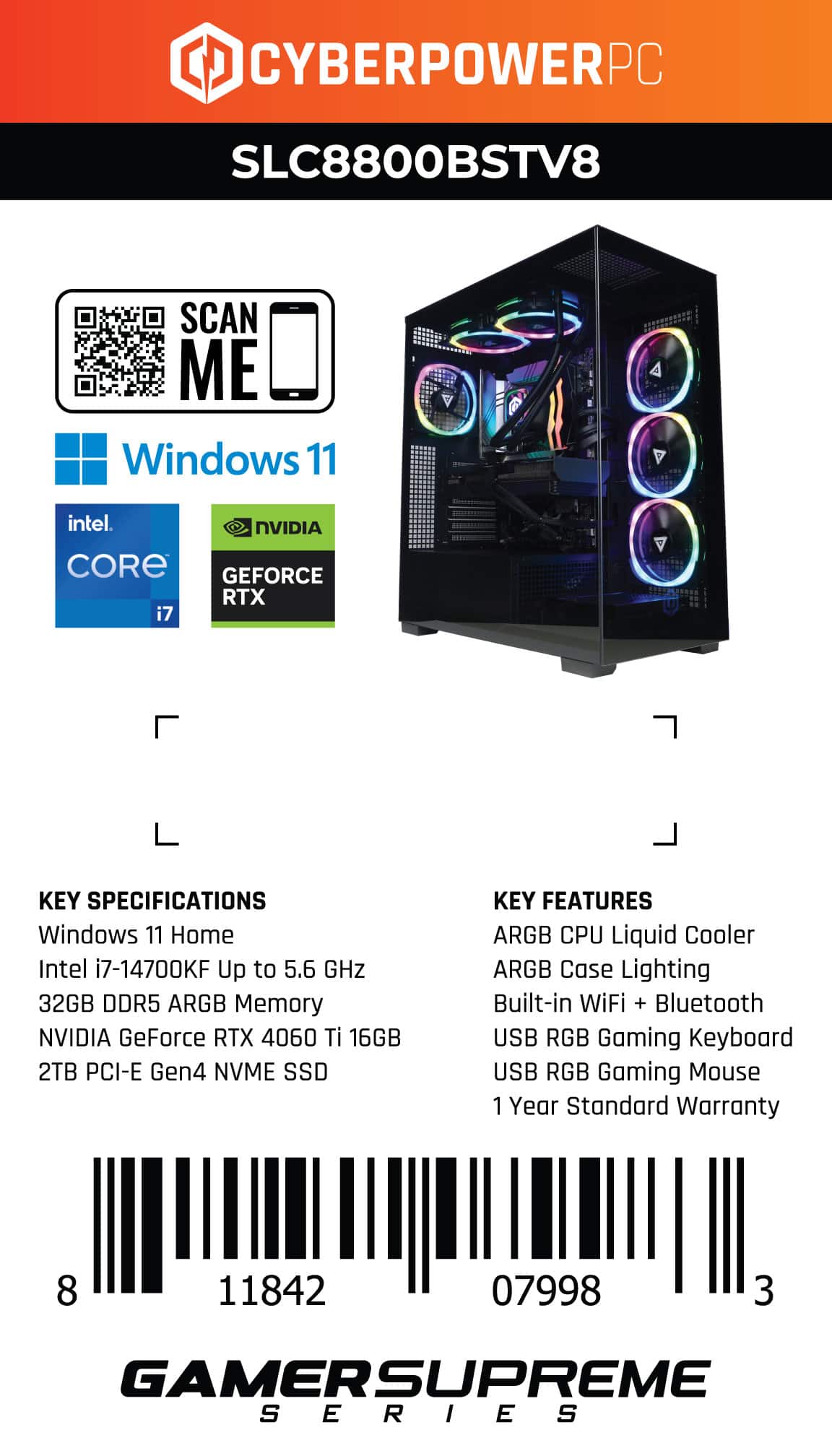
A:AnswerHi you can hook up the monitors to all available display ports or hdmi on the video card, If your monitor does not support the available connections you can purchase a adapter. If you have any further questions or concerns then please do not hesitate to give our tech support agents a call for any assistance; we're always happy to help.
Tech support:
(888)937-5582
-CyberpowerPC Support
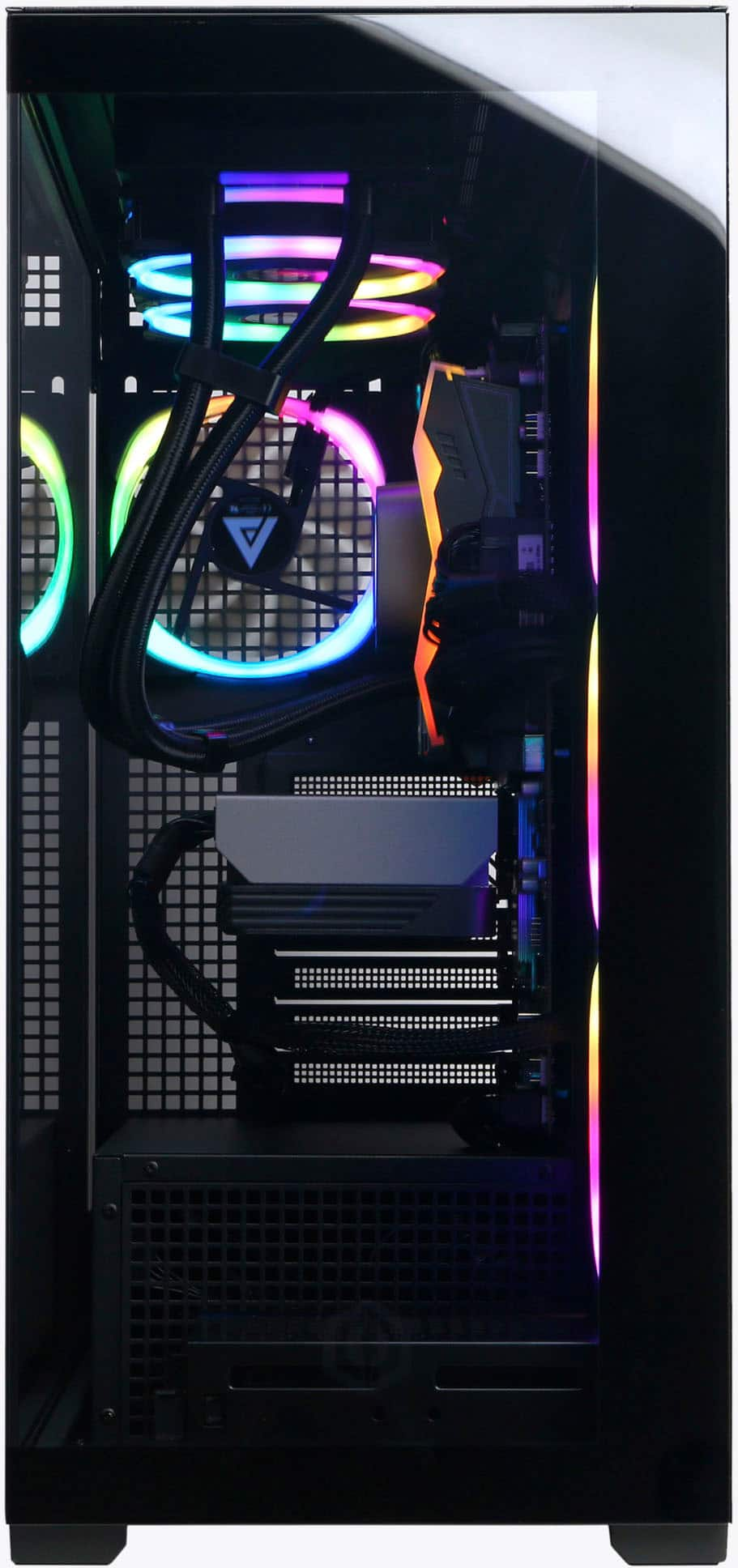
A:AnswerThank you for reaching out to us. The manufacturer, model, and specifications of the components included with this system may vary depending on what was currently available at the time the PC was built.
A:AnswerThank you for reaching out to us. Unfortunately the manufacturer, form factor, specifications, and number of M.2 slots available on the motherboards included with this system may vary depending on what was currently available at the time the PC was built.
A:Answerthere should be some software on your pc called "gigabyte control center" from there you can change all your rgb settings and mess with your cpu and other hardware setting there as well
A:AnswerWe are sorry to hear about your experience with the WIFI card and apologize for any inconvenience this may have caused. We always recommend you contact us as soon as you run into any issues with your PC as we are usually able to resolve it over the phone. If you haven't already, please contact our tech support agents at your earliest convenience so we can look into the matter further.
Tech Support:
(855) 888-2039
[email protected]
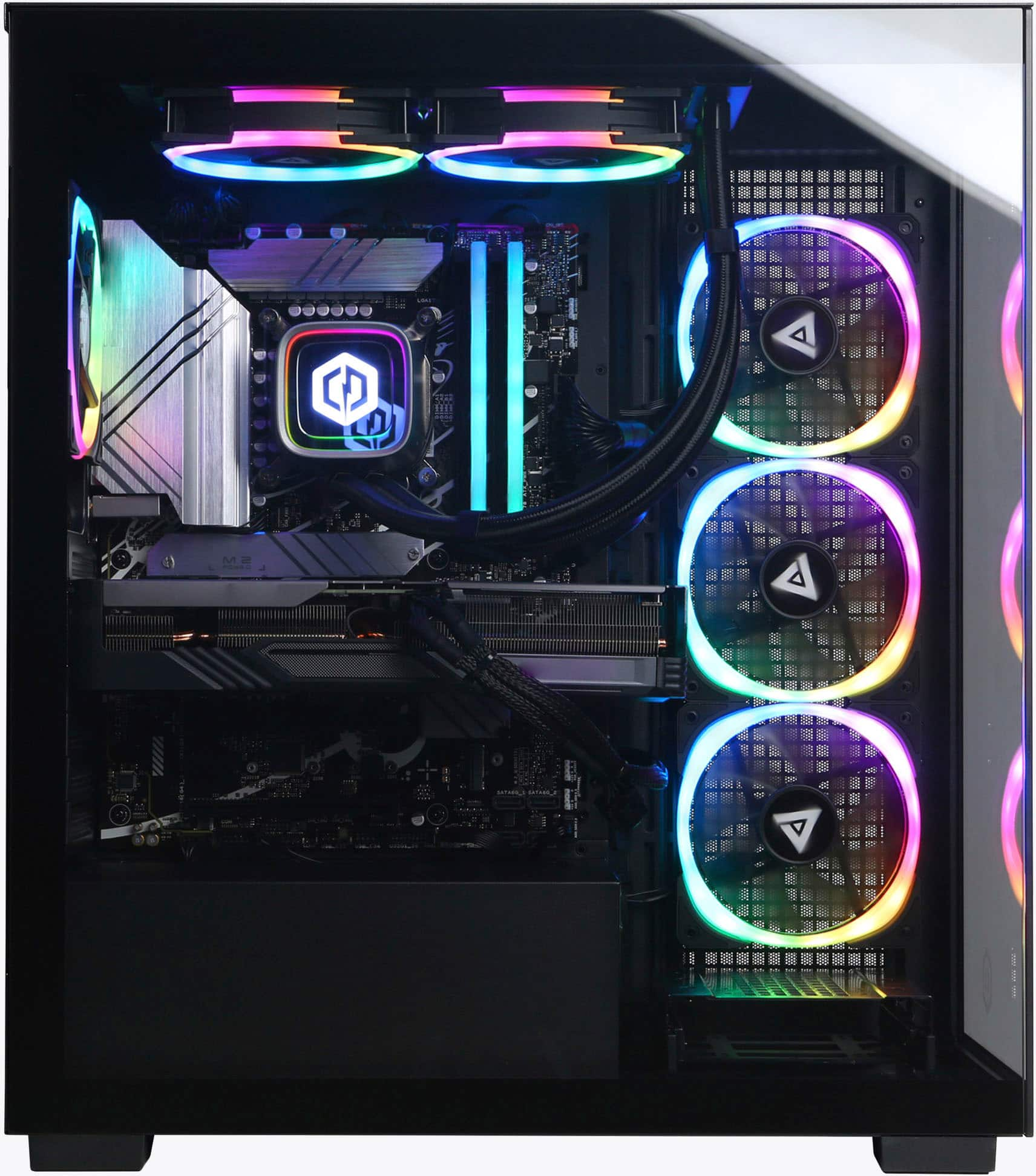
A:AnswerThank you for reaching out to us. The RGB lights in the system are fully customizable. And controlled by the Motherboard RGB controlling software.