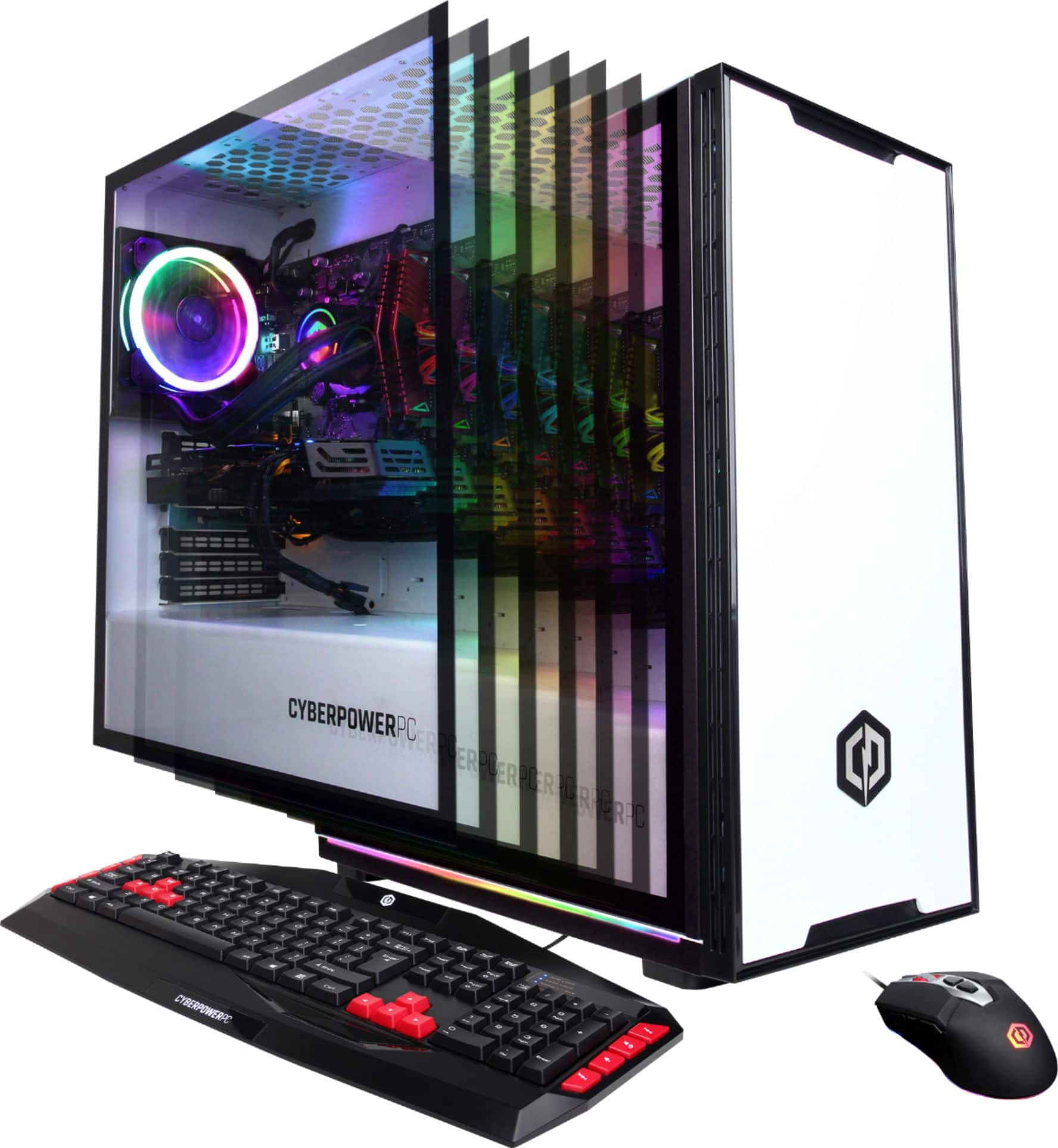
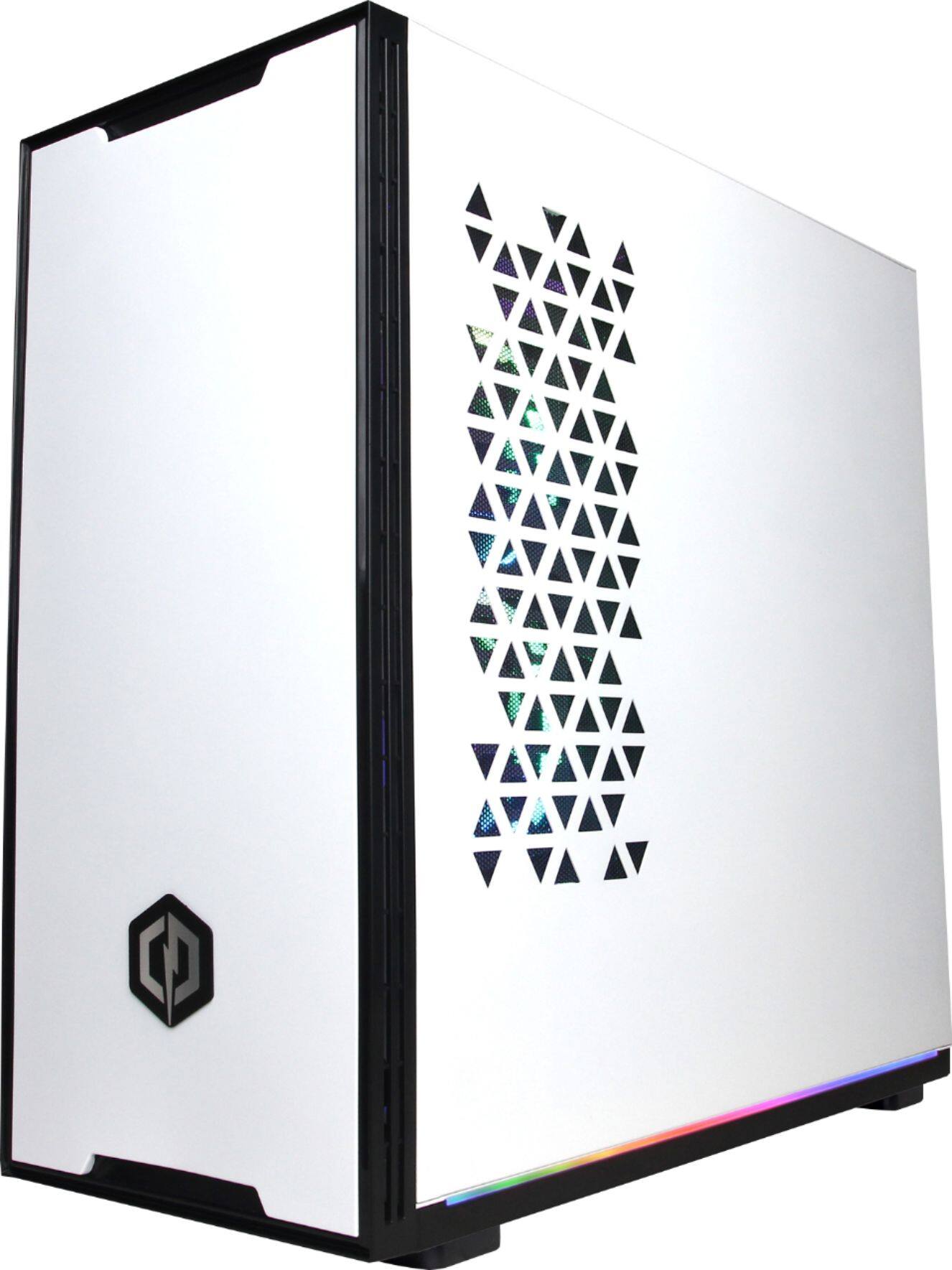
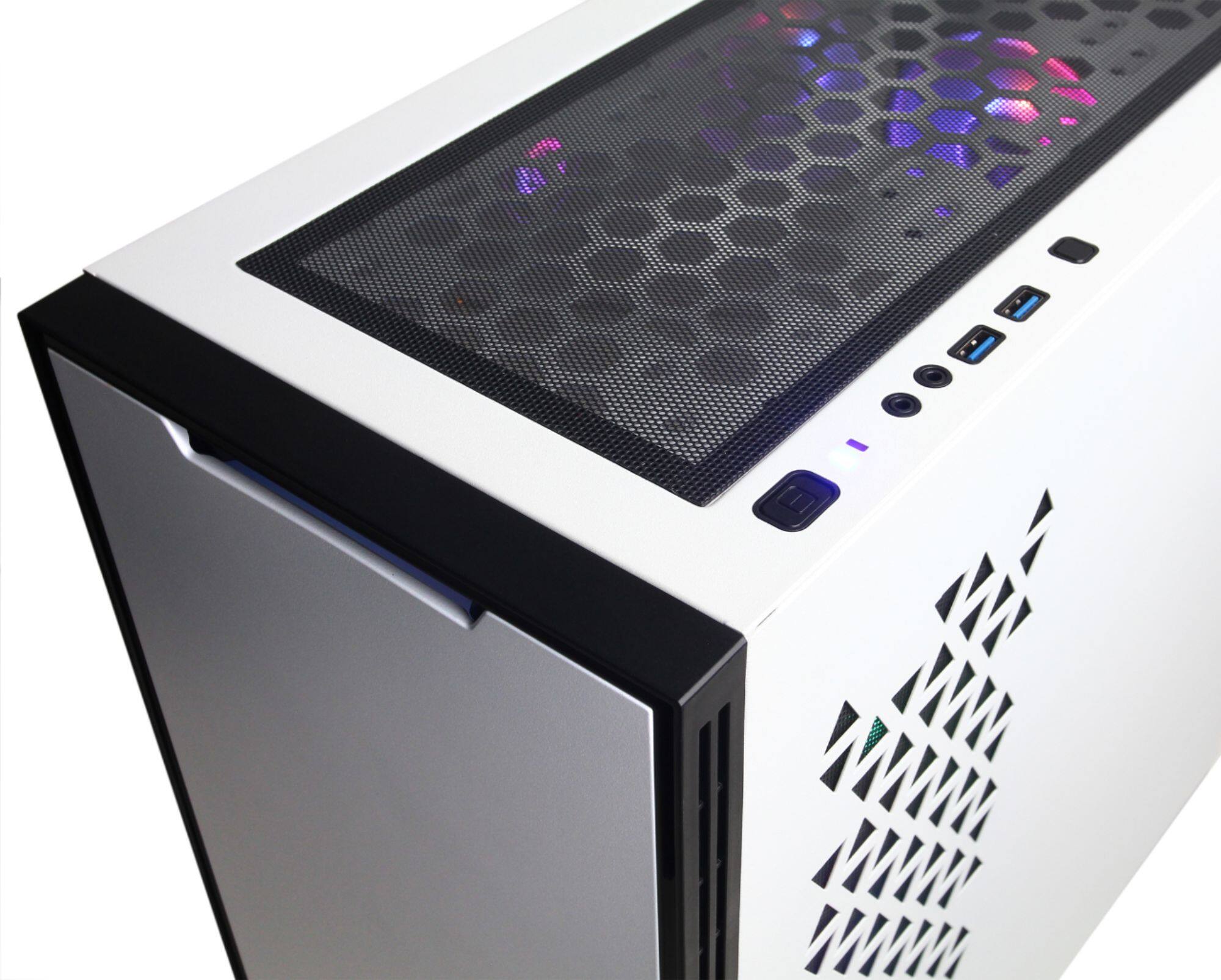
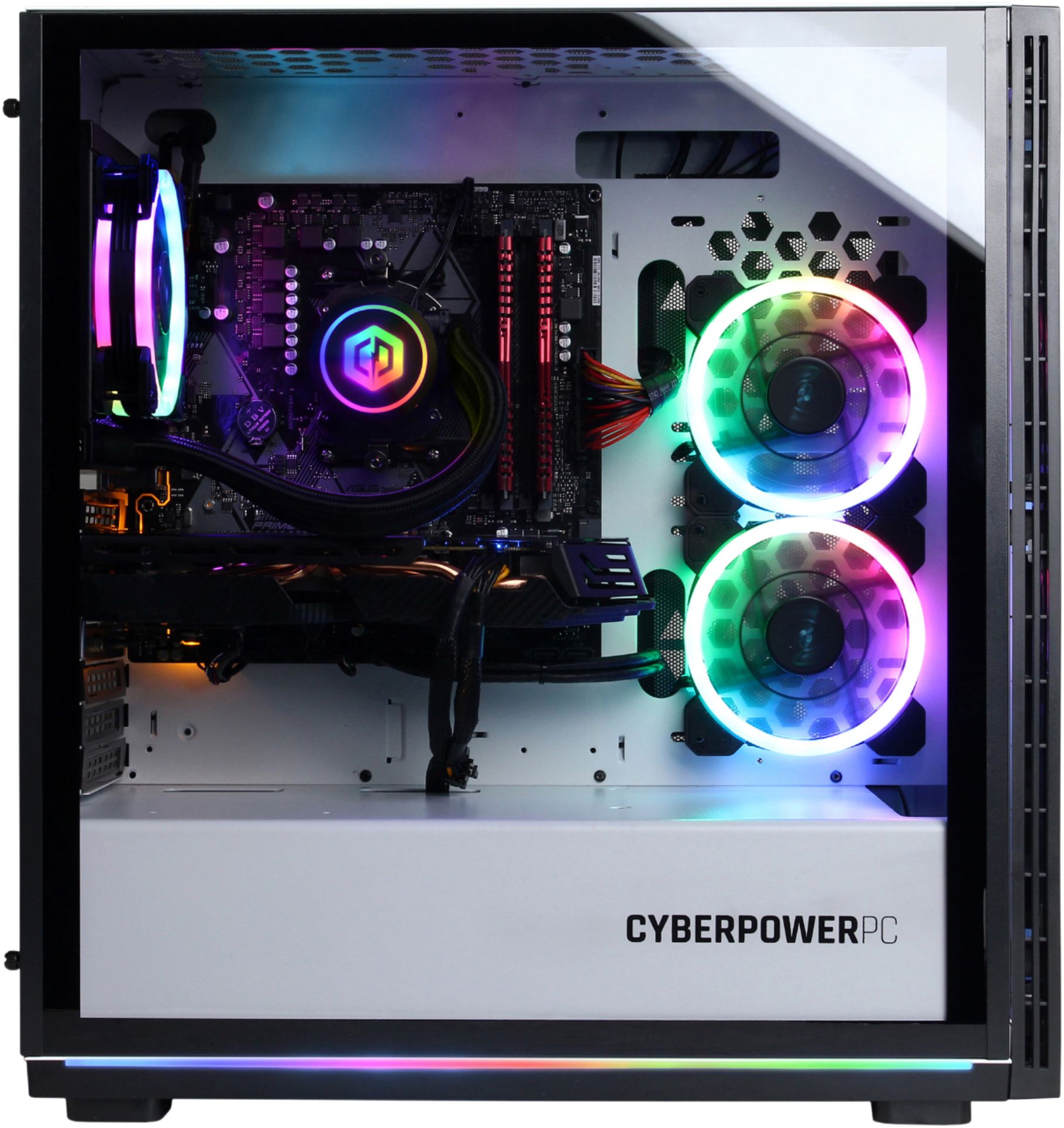
A:AnswerWhen I went into Best Buy i was referred to someone who was known on the team for streaming and having knowledge of the equipment that someone would need to stream, because that's what I went in looking for. This is the PC he then referred me to. I can't say for certain as I have not tested it myself, but this may be enough to answer your question.
A:AnswerThanks for reaching out Nacho. The power supply voltage is US based at 110v/115v. To be on the safe side, we recommend you get a power converter, as the power supply unit may or may not support 220v. If you have any further questions or concerns then please do not hesitate to give our tech support agents a call for any assistance; we're always happy to help.
Tech support:
(888)937-5582
-CyberpowerPC Support
A:AnswerThanks for reaching out Francisco. This PC's voltage is set to the United States voltage of 110v/115v. It depends on if the power supply unit supports the 220v. If you have any further questions or concerns then please do not hesitate to give our tech support agents a call for any assistance; we're always happy to help.
Tech support:
(888)937-5582
-CyberpowerPC Support
A:AnswerThanks for reaching out Fran. This PC's voltage is set to the United States voltage of 110v/115v. It depends on if the power supply unit supports the 220v. If you have any further questions or concerns then please do not hesitate to give our tech support agents a call for any assistance; we're always happy to help.
Tech support:
(888)937-5582
-CyberpowerPC Support
A:AnswerOpen the other side of the computer and plug in the connections. They did include a insert saying you need to connect everything. They do this to prevent damage in shipping.
A:AnswerThanks for reaching out Ervin. There should be some thumbscrews you can remove in order to take off the glass panel on the PC. If you have any further questions or concerns then please do not hesitate to give our tech support agents a call for any assistance; we're always happy to help.
Tech support:
(888)937-5582
-CyberpowerPC Support
A:AnswerSo I don't know if your is similar to my issue but on mine the monitor would turn off but the computer was still on while playing games. After a return and some research I discovered that the temperature sensor on the graphics card wouldn't turn the fans on to a higher speed until the monitors lost signal. You would need to go to the Radeon setting, game tab, global settings then scroll down and on the fan settings you need to change it from automatic to manual. There is a graph with points that shows power of the fans and temperature in Celsius. The way I have mine set is that it would use 50% power at 30 degrees Celsius and 100% at 48 degrees Celsius. Hope this helps.
A:AnswerThank you for reaching out. You should be able to play and record gameplay on the computer with the appropriate software. You would only need a capture card if you plan on recording from another source. If you have any further questions or concerns then please do not hesitate to give our tech support agents a call for any assistance; we're always happy to help.
Tech support:
(888)937-5582
-CyberpowerPC Support
A:AnswerThis was made the way it is no open slots. I had to us an external DVD drive on it just to add what I like. You can talk with the Greek Square about it, they may be able to help you more
A:AnswerParts on these will vary as you can read in the Q&A section but mine came equipped w a Gigabyte mobo, XFX RX390 card [8GB] , Thermaltake PSU [600W], Geil RAM [2 x 8GB], Adata SSD [256GB] and Seagate HD [2TB].
A:AnswerPlug said monitors into the graphics card ports. (not the motherboard ports) and in settings choose "extend display" then all you have to do is drag what you want where on whatever monitor.
A:AnswerThanks for reaching out. If you experiencing crashing with your PC, please feel free to contact our our tech support agents for further assistance.
Tech support:
(888)937-5582
-CyberpowerPC Support
A:AnswerThanks for reaching out peet. Please make sure you are connected to the video card and not the motherboard. If you are still experiencing this issue, then please do not hesitate to give our tech support agents a call for any assistance; we're always happy to help.
Tech support:
(888)937-5582
-CyberpowerPC Support
A:AnswerThanks for reaching out Dvsgetz. You should be able to put as many monitors as the available ports on the video card. If you have any further questions or concerns then please do not hesitate to give our tech support agents a call for any assistance; we're always happy to help.
Tech support:
(888)937-5582
-CyberpowerPC Support
A:AnswerThe Connectors for the LED's may have been disconnected. Its as easy as taking the metal side plate off and re-attaching them. And to answer the other question you had, just sign into your Microsoft account.