Winter SaleEnds 1/19. Limited quantities. No rainchecks.Shop now

Skip to contentGo to Product SearchGo to Footer
Main Content

Questions & Answers

Your price for this item is $619.99
Page Showing 21-40 of 96 questions
  • QuestionSomebody that ones this pc how muck FPS does it run on all low setting on Fortnite.

    Asked by Bob.

    • Answer Thank you for reaching out to us Bob. The amount of FPS you receive in-game will vary depending on the resolution and refresh rate of your display, in-game graphics settings, as well as your network connection. It is always recommended that you check the system requirements of the game you would like to play before making your purchase. If you have any further questions or concerns then please do not hesitate to give our tech support agents a call for any assistance; we're always happy to help. Tech support: (888)937-5582 -CyberpowerPC Support

      Answered by CyberPowerPC Brand Expert

  • QuestionI’m disappointed this one because I like to get more hard drive space in this one can I get this one for upgrade the drivers more space on it Can I run all games though steam With this like no man sky

    Asked by DMC123.

    • Answer Thanks for reaching out DMC123. You should be able to add additional hard drives to give you more storage space depending how many extra bays or mounts the case allows. If you have any further questions or concerns then please do not hesitate to give our tech support agents a call for any assistance; we're always happy to help. Tech support: (888)937-5582 -CyberpowerPC Support

      Answered by CyberPowerPC Brand Expert

  • QuestionIs This A Good PC Because I Don't Know Anything About PCs And Im Looking To Purchase One.

    Asked by Skillx.

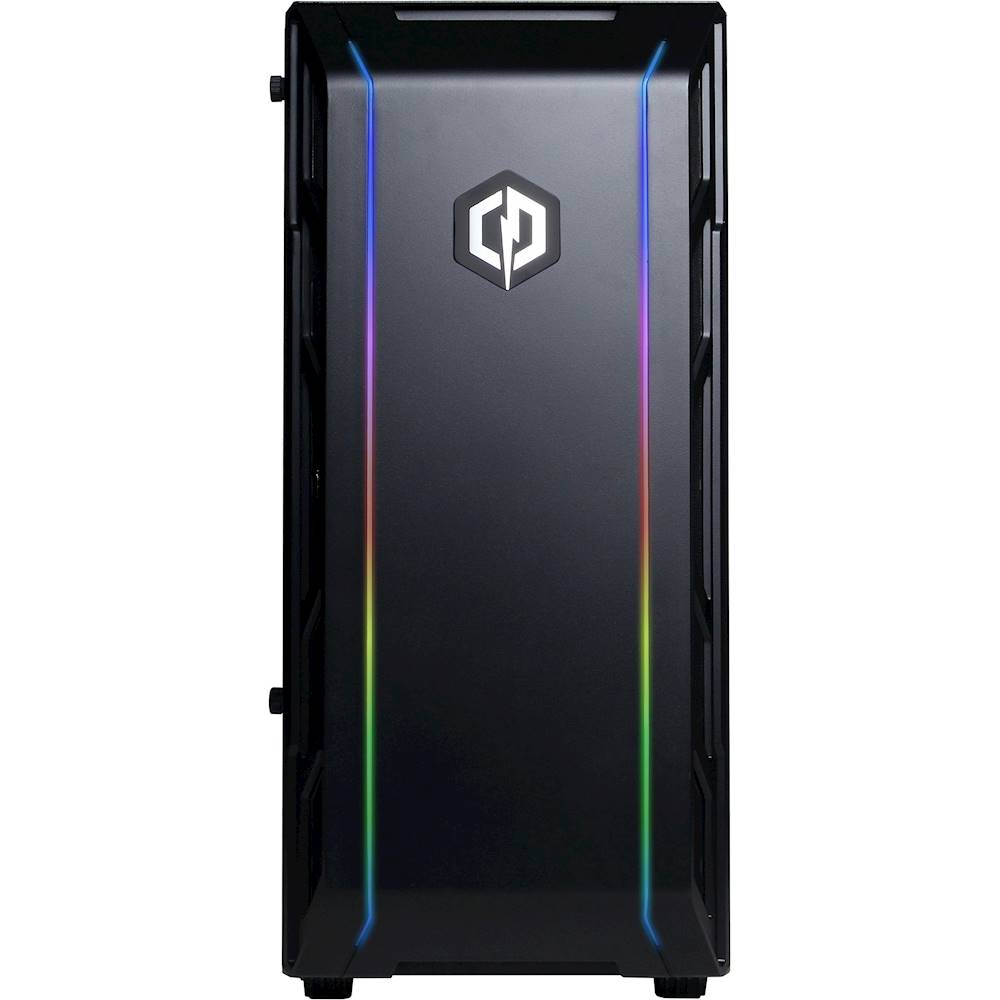
    • Answer TL;DR Go for it, it's a great PC that'll give you good gaming performance out of the box. Just grab another stick of RAM and you'll be set. Just don't expect to pull off any 1440p-Ultra settings in newer games I'd say this is a pretty solid PC. The only thing that could be improved is having another 8GB stick of RAM to keep you ready for newer Triple-A titles that are starting to pull about 10GB of RAM. Just take the serial number off the one that comes pre-installed and buy an identical stick. Other than that, I'd say go for it. This PC should provide good performance in 1080p gaming. It also comes with a 480GB SSD which should be a hard requirement for building any PC nowadays. I'd put any games you really love or special programs that need speed here and leave everything else on a Hard Drive if you buy one. Not to mention, its CPU, the Ryzen 5 1600AE is socket AM4 which means you could easily upgrade to a 2600 or 3600 if you feel like you need more power. All this can be done without too much technical know-how.
      Answered by AedenSpear

  • QuestionCan you put more ram in this build???

    Asked by Ron.

    • Answer Thank you for reaching out to us Ron. You should be able to add more RAM to this system, however, it is always recommended that you check for compatibility before making your purchase on new hardware. If you have any further questions or concerns then please do not hesitate to give our tech support agents a call for any assistance; we're always happy to help. Tech support: (888)900-5180 -CyberpowerPC Support

      Answered by CyberPowerPC Brand Expert

  • QuestionWhat BRAND is the RAM? so i can upgrade.

    Asked by james.

    • Answer Thank you for reaching out to us James. The best way to purchase more RAM for the PC would be to look up the serial number on the side of the RAM online and purchase the exact same stick. It is always recommended that you have matching sticks of RAM inside your PC to avoid incompatibility issues. If you have any further questions or concerns then please do not hesitate to give our tech support agents a call for any assistance; we're always happy to help. Tech support: (888)900-5180 -CyberpowerPC Support

      Answered by CyberPowerPC Brand Expert

  • QuestionHow many monitors can run at one time

    Asked by Jvlego.

    • Answer Thank you for reaching out to us Jvlego. This system should be able to support multiple monitors, however, please make sure all display cables are plugged directly into the graphics card located below the pink, green, and blue audio ports. If you have any further questions or concerns then please do not hesitate to give our tech support agents a call for any assistance; we're always happy to help. Tech support: (888)900-5180 -CyberpowerPC Support

      Answered by CyberPowerPC Brand Expert

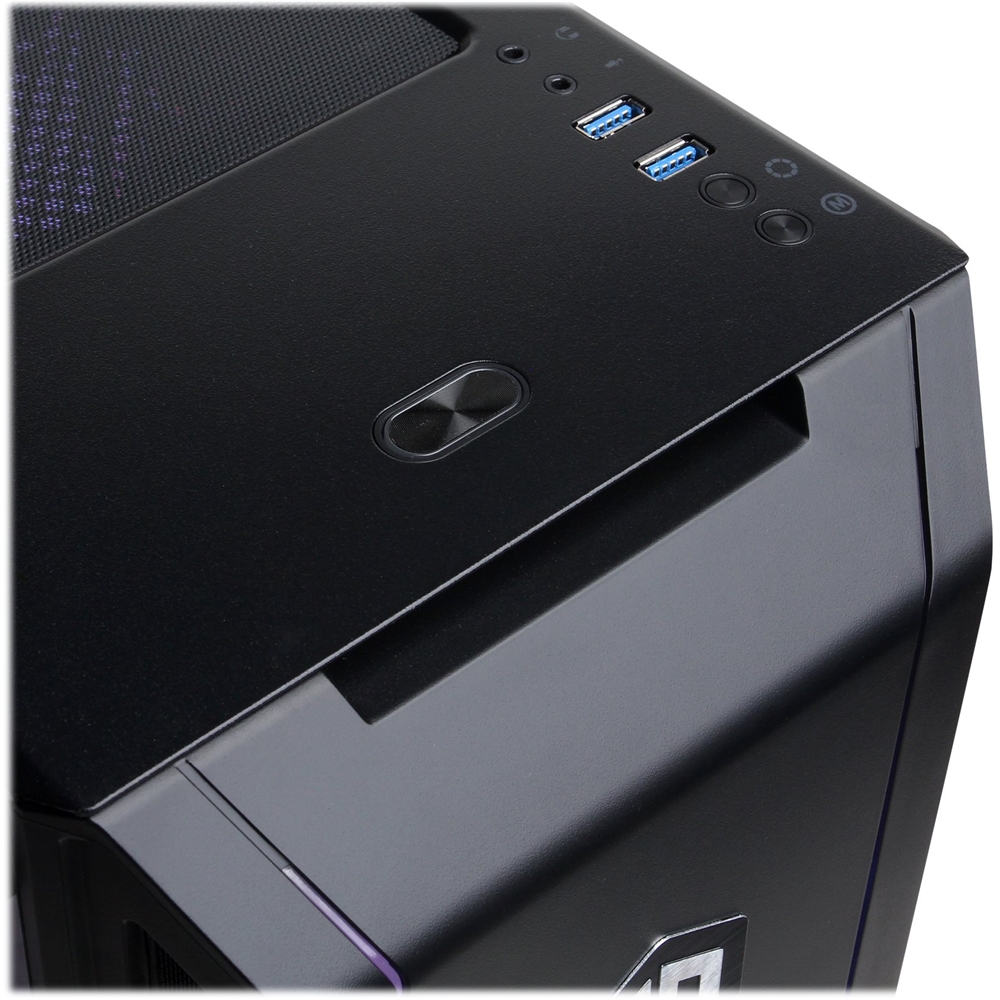
  • QuestionWhat is the name of the motherboard and what usb ports are 3.0 or 3.1? Also what is most powerful amd processor that I can put in there?Is there also a windows listener key included with this build

    Asked by JonBt25.

    • Answer Thank you for reaching out to us JonBt25. Please feel free to contact our tech support team at your earliest convenience for further assistance on this matter, we're always happy to help. Tech Support: (888)937-5582 [email protected] Hours of Operation: Monday - Friday: 8:30AM - 6:00PM PST Saturday: 9:30AM - 3:00PM PST -CyberPowerPC Support

      Answered by CyberPowerPC Brand Expert

  • QuestionDoes this pc have space for more ram to add in later, thanks hope to here back.

    Asked by Silas.

    • Answer Thank you for reaching out to us Silas. This system should be able to support additional RAM, however, it is always recommended that you check for compatibility before making your purchase on new hardware. If you have any further questions or concerns then please do not hesitate to give our tech support agents a call for any assistance; we're always happy to help. Tech support: (888)900-5180 -CyberpowerPC Support

      Answered by CyberPowerPC Brand Expert

  • QuestionCan this PC handle oculus link with the oculus quest?

    Asked by Andrew.

    • Answer Thank you for reaching out to us Andrew. This PC should be able to run The Oculus Quest Link as it does meet the minimum system requirements. However, the amount of FPS you receive in-game will vary depending on the resolution and refresh rate of your display, in-game graphics settings, as well as your network connection. It is always recommended that you check the system requirements of the game you would like to play before making your purchase. If you have any further questions or concerns then please do not hesitate to give our tech support agents a call for any assistance; we're always happy to help. Tech support: (888)937-5582 -CyberpowerPC Support

      Answered by CyberPowerPC Brand Expert

  • QuestionI am thinking on getting a better graphics card but I am not too sure on how to pick one out for this pc but other then that it is an amazing pc

    Asked by Ayden.

    • Answer Would 100% buy faster and more ram before anything. On that note i would also recommend upgrading the cpu before you get a new gpu.

      Answered by Stoctane

  • QuestionHow much FPS can this pc handle on high graphics on fortnite

    Asked by FortniteGamer21.

    • Answer Thank you for reaching out to us FortniteGamer21. This PC should be able to run Fortnite as it does meet the minimum system requirements. However, the amount of FPS you receive in-game will vary depending on the resolution and refresh rate of your display, in-game graphics settings, as well as your network connection. It is always recommended that you check the system requirements of the game you would like to play before making your purchase. If you have any further questions or concerns then please do not hesitate to give our tech support agents a call for any assistance; we're always happy to help. Tech support: (888)937-5582 -CyberpowerPC Support

      Answered by CyberPowerPC Brand Expert

  • QuestionWhat's the mother board spec?

    Asked by Ruben.

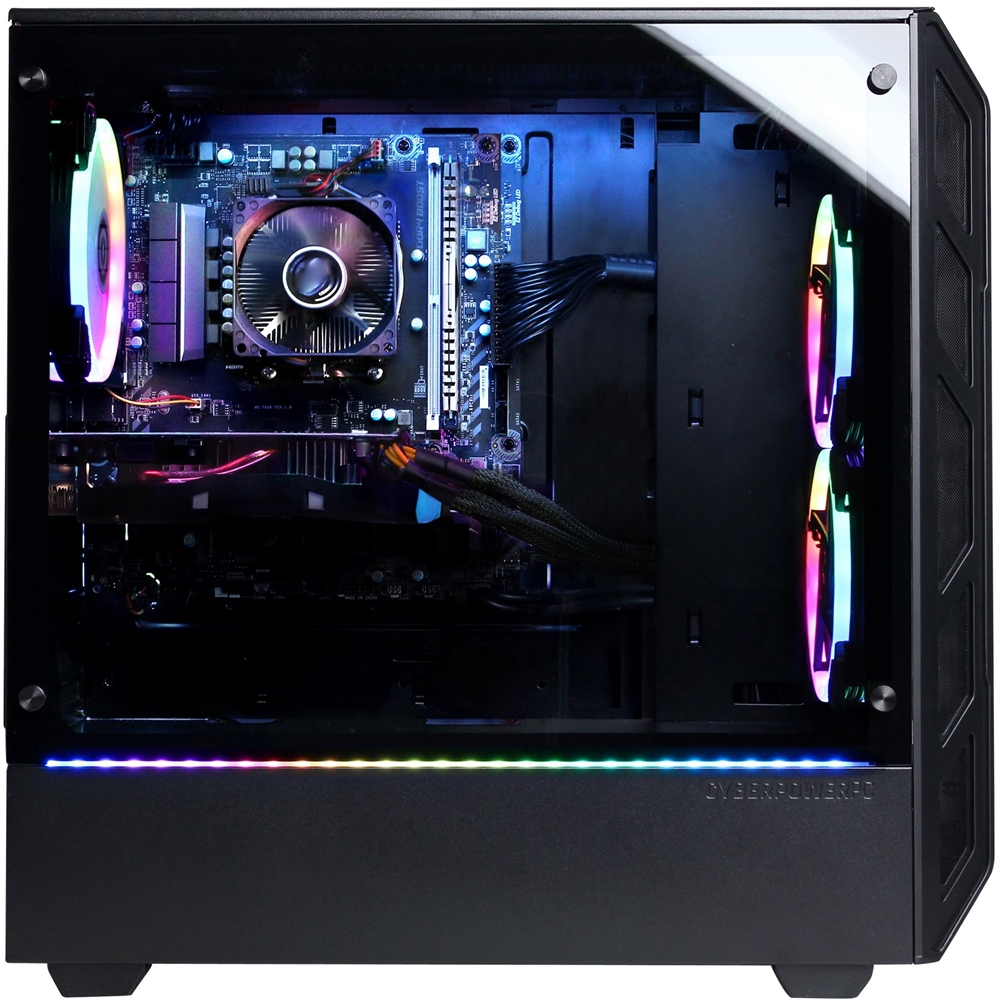
    • Answer Thank you for reaching out to us Ruben. This system should include an A320M chipset motherboard. If you have any further questions or concerns then please do not hesitate to give our tech support agents a call for any assistance; we're always happy to help. Tech support: (888)900-5180 -CyberpowerPC Support

      Answered by CyberPowerPC Brand Expert

  • Questioncan 140mm cpu fan work and i going to give a fan that is 140mm and it is called Noctua NH-D15 chromax. Black, 140mm Dual-Tower CPU Cooler (Black) and it does not work find me a simpler one plz and thx

    Asked by baron.

    • Answer Thank you for reaching out to us Baron. The case included with this system should fit 120mm and 140mm fans. If you have any further questions or concerns then please do not hesitate to give our tech support agents a call for any assistance; we're always happy to help. Tech support: (888)900-5180 -CyberpowerPC Support

      Answered by CyberPowerPC Brand Expert

  • QuestionI want a pc that can run all the total war games can this one do that I whanau run them at medium to high fps I've never had a pc if this one cant do that can you recommend 1

    Asked by Lucifer.

    • Answer Thank you for reaching out to us Lucifer. It is always recommended that you check the minimum system requirements for the games you wish to play before making your purchase on a new PC. If you have any further questions or concerns then please do not hesitate to give our tech support agents a call for any assistance; we're always happy to help. Tech support: (888)900-5180 -CyberpowerPC Support

      Answered by CyberPowerPC Brand Expert

  • QuestionI've played on ps4 I whanau play on pc but I want one that can play the total war games and others if this cant play them can you recommend 1

    Asked by Lucifer.

    • Answer I play games on ultra setting with no slow down. It pushes ur monitors limits.

      Answered by Killusion

  • Questionwould this PC be able to play mount and blade banner lord? would it be able to run the recommended specs?

    Asked by Templar.

    • Answer Thank you for reaching out to us Templar. This PC should be able to run Mount & Blade II: Bannerlord as it does meet the minimum system requirements. However, the amount of FPS you receive in-game will vary depending on the resolution and refresh rate of your display, in-game graphics settings, as well as your network connection. It is always recommended that you check the system requirements of the game you would like to play before making your purchase. If you have any further questions or concerns then please do not hesitate to give our tech support agents a call for any assistance; we're always happy to help. Tech support: (888)937-5582

      Answered by CyberPowerPC Brand Expert

  • Questionif i put a corsair cooling in there is there enough watts

    Asked by Anonymous.

    • Answer Thank you for reaching out to us. This system should include a 600 watt power supply. If you have any further questions or concerns then please do not hesitate to give our tech support agents a call for any assistance; we're always happy to help. Tech support: (888)900-5180 -CyberpowerPC Support

      Answered by CyberPowerPC Brand Expert

  • Questionwhat corsair cooling that can fit in here and what is the price of it thx

    Asked by baron.

    • Answer Thank you for reaching out to us Baron. This system should be compatible with most 120mm fans. If you have any further questions or concerns then please do not hesitate to give our tech support agents a call for any assistance; we're always happy to help. Tech support: (888)900-5180 -CyberpowerPC Support

      Answered by CyberPowerPC Brand Expert

  • Questionwhat kind of case is it

    Asked by baron.

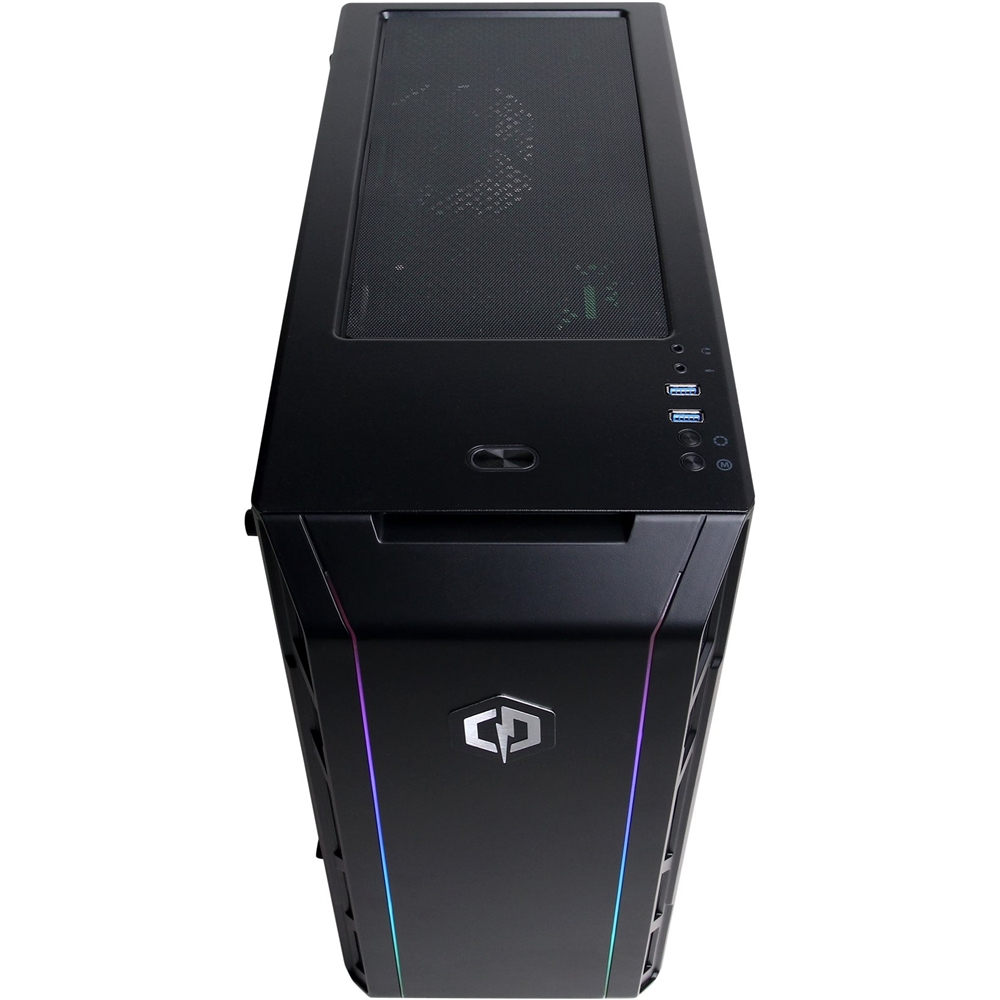
    • Answer Thank you for reaching out to us Baron. The case included with this system should be similar to the Phanteks P400. If you have any further questions or concerns then please do not hesitate to give our tech support agents a call for any assistance; we're always happy to help. Tech support: (888)900-5180 -CyberpowerPC Support

      Answered by CyberPowerPC Brand Expert

  • Questioncan this pc run gta 5 good?

    Asked by mike.

    • Answer Thank you for reaching out to us Mike. This PC should be able to run GTA 5 as it does meet the minimum system requirements. However, the amount of FPS you receive in-game will vary depending on the resolution and refresh rate of your display, in-game graphics settings, as well as your network connection. It is always recommended that you check the system requirements of the game you would like to play before making your purchase. If you have any further questions or concerns then please do not hesitate to give our tech support agents a call for any assistance; we're always happy to help. Tech support: (888)937-5582 -CyberpowerPC Support

      Answered by CyberPowerPC Brand Expert