Black Friday is hereShop new DoorbustersShop now

Main Content

Questions & Answers

Your price for this item is $1,234.99
Clearance
The comparable value price is $1,299.99
Page Showing 141-160 of 226 questions
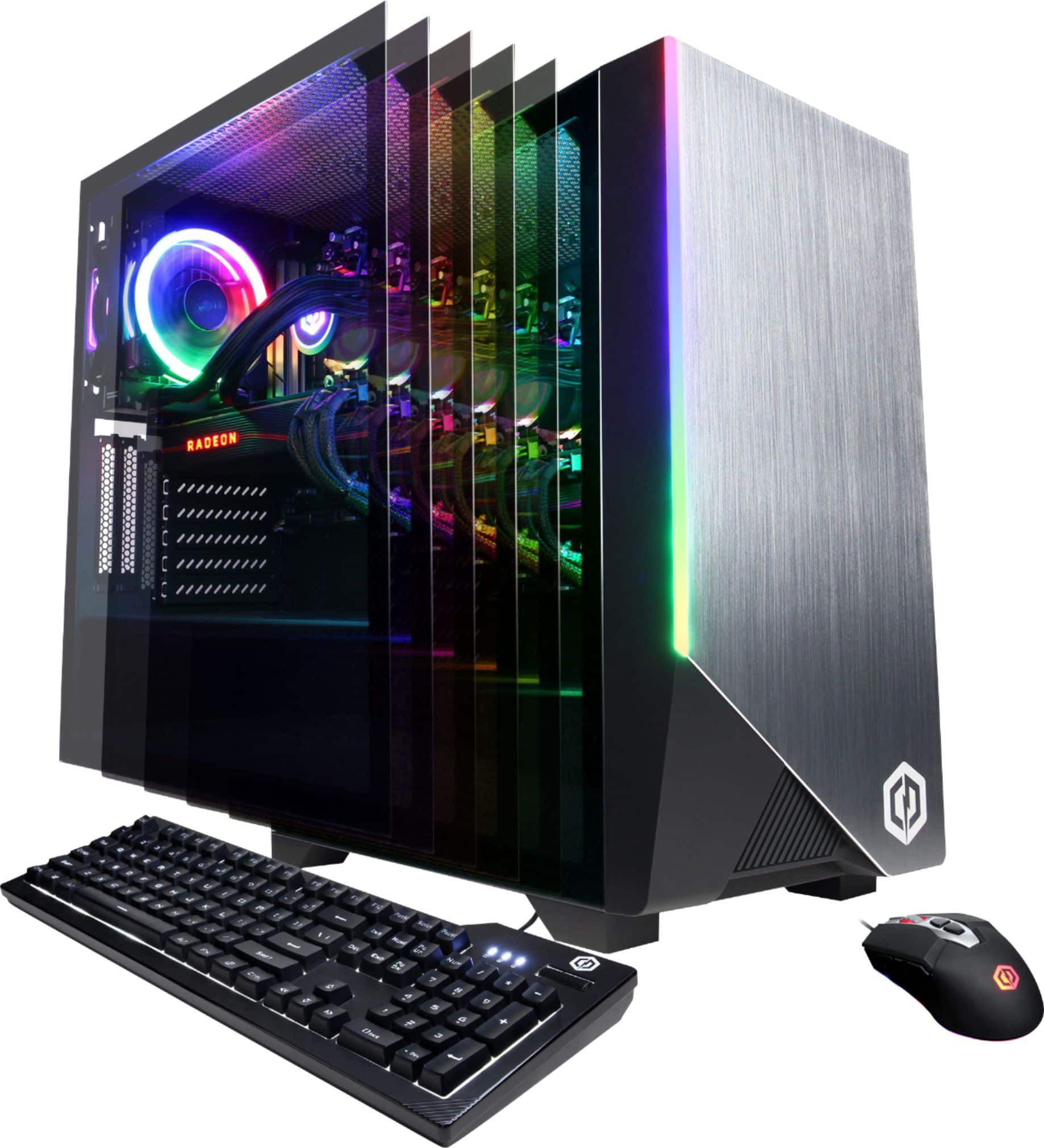
  • QuestionIs this PC liquid cooled?

    Asked by Connor.

    • Answer Thank you for reaching out to us Connie. The processor included with this system should be liquid cooled. If you have any further questions or concerns then please do not hesitate to give our tech support agents a call for any assistance; we're always happy to help. Tech support: (888)937-5582 -CyberpowerPC Support
      Answered by CyberPowerPC Brand Expert

  • QuestionWhat is the model of motherboard and power supply, and what is its power in watts?

    Asked by Alex.

    • Answer Thank you for reaching out to us Alex. This system should include a B550AM chipset motherboard and an 800 watt power supply. Unfortunately the manufacturer, form factor, and specifications of the components included with this system may vary depending on what was currently available at the time the PC was built. If you have any further questions or concerns then please do not hesitate to give our tech support agents a call for any assistance; we're always happy to help. Tech support: (888)937-5582 -CyberpowerPC Support
      Answered by CyberPowerPC Brand Expert

  • QuestionWhat size fans are in the system?

    Asked by Charlie.

    • Answer Thank you for reaching out to us Charlie. This system should include 120mm fans. If you have any further questions or concerns then please do not hesitate to give our tech support agents a call for any assistance; we're always happy to help. Tech support: (888)937-5582 -CyberpowerPC Support
      Answered by CyberPowerPC Brand Expert

  • QuestionI would like to replace the 240gb ssd. How do I remove the 240gb ssd from the tower? I can’t tell if it’s screwed on to the computer tower. I tried moving it on all directions but it won’t budge.

    Asked by Blasterxp.

    • Answer Thank you for reaching out to us Blasterxp. Please feel free to contact our tech support team at your earliest convenience for further assistance on this matter, we're always happy to help. Tech Support: (888)937-5582 [email protected] Hours of Operation: Monday - Friday: 8:30AM - 6:00PM PST Saturday: 9:30AM - 3:00PM PST -CyberPowerPC Support

      Answered by CyberPowerPC Brand Expert

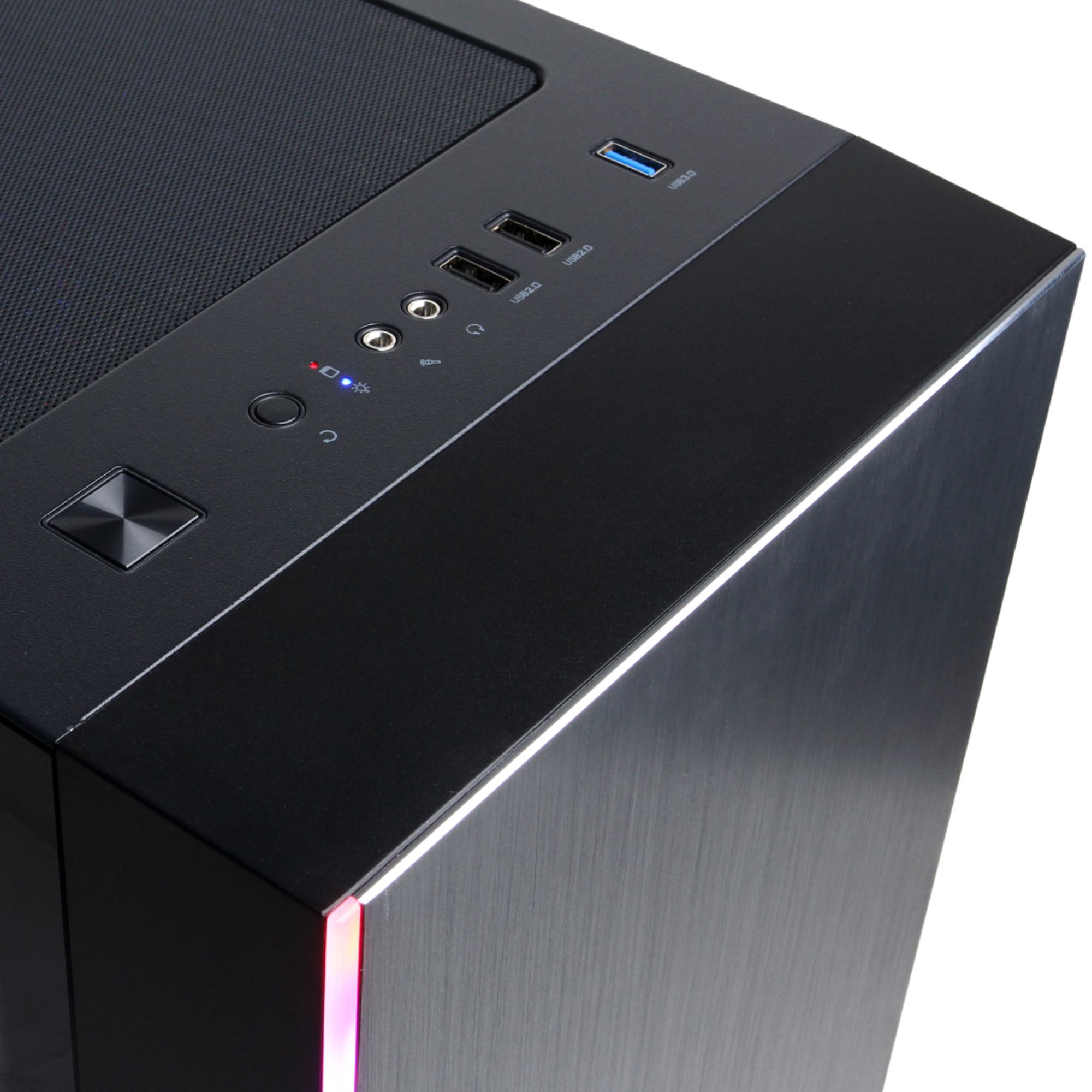
  • QuestionWhat chipset and PSU are in this system?

    Asked by Daniel.

    • Answer Thank you for reaching out to us Daniel. This system should include a B550AM chipset motherboard and an 800 watt power supply. If you have any further questions or concerns then please do not hesitate to give our tech support agents a call for any assistance; we're always happy to help. Tech support: (888)937-5582 -CyberpowerPC Support
      Answered by CyberPowerPC Brand Expert

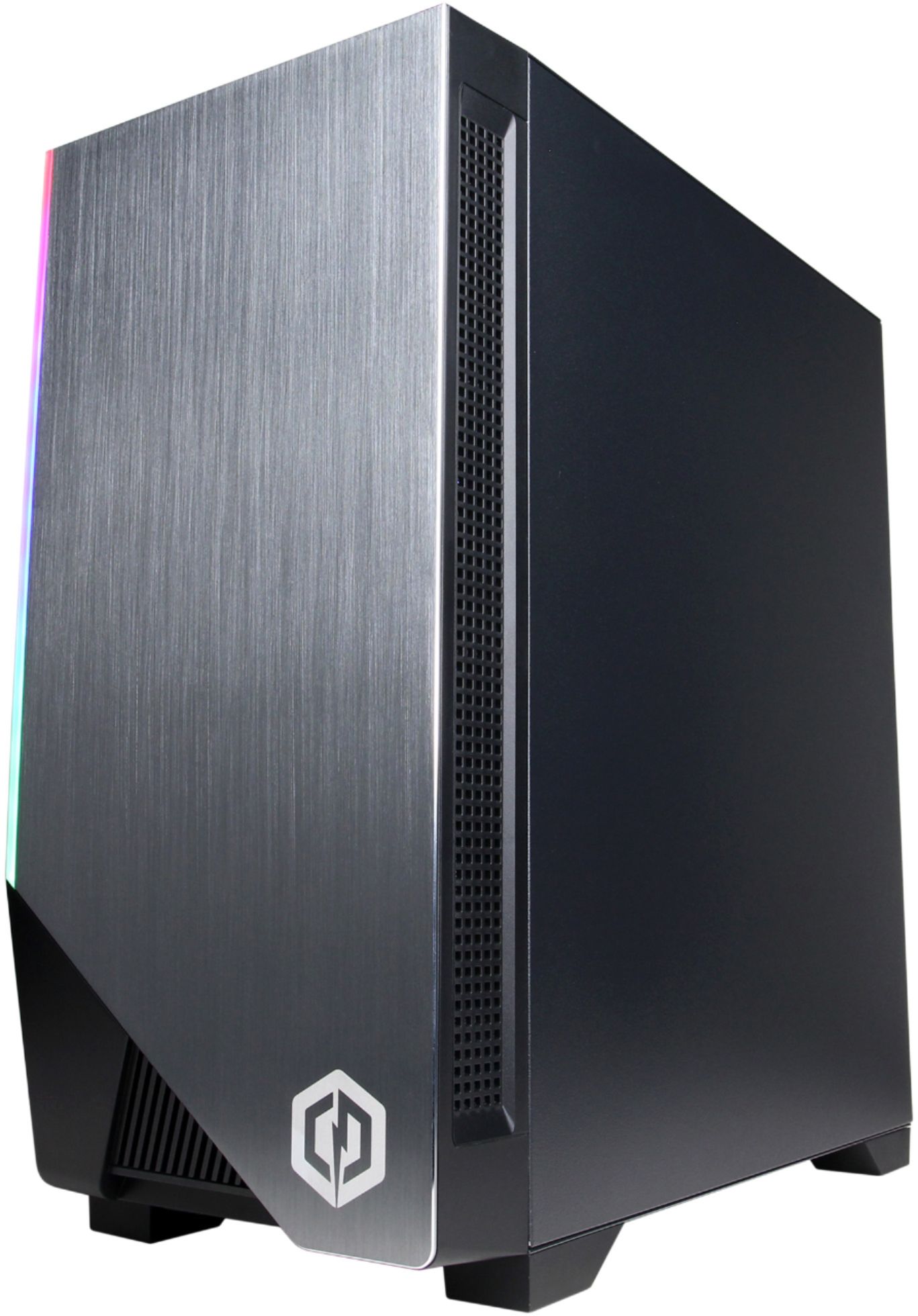
  • QuestionI bought this PC and since I've had it, it's always had the rainbow rgb. but then when i did the update, its on color cycle. Does anyone know why or how I can change this?

    Asked by cjm30.

    • Answer Thank you for reaching out to us cjm30. You should be able to control the color of the RGB lighting by using the motherboards software installed on your PC. If you have any further questions or concerns then please do not hesitate to give our tech support agents a call for any assistance; we're always happy to help. Tech support: (888)937-5582 -CyberpowerPC Support
      Answered by CyberPowerPC Brand Expert

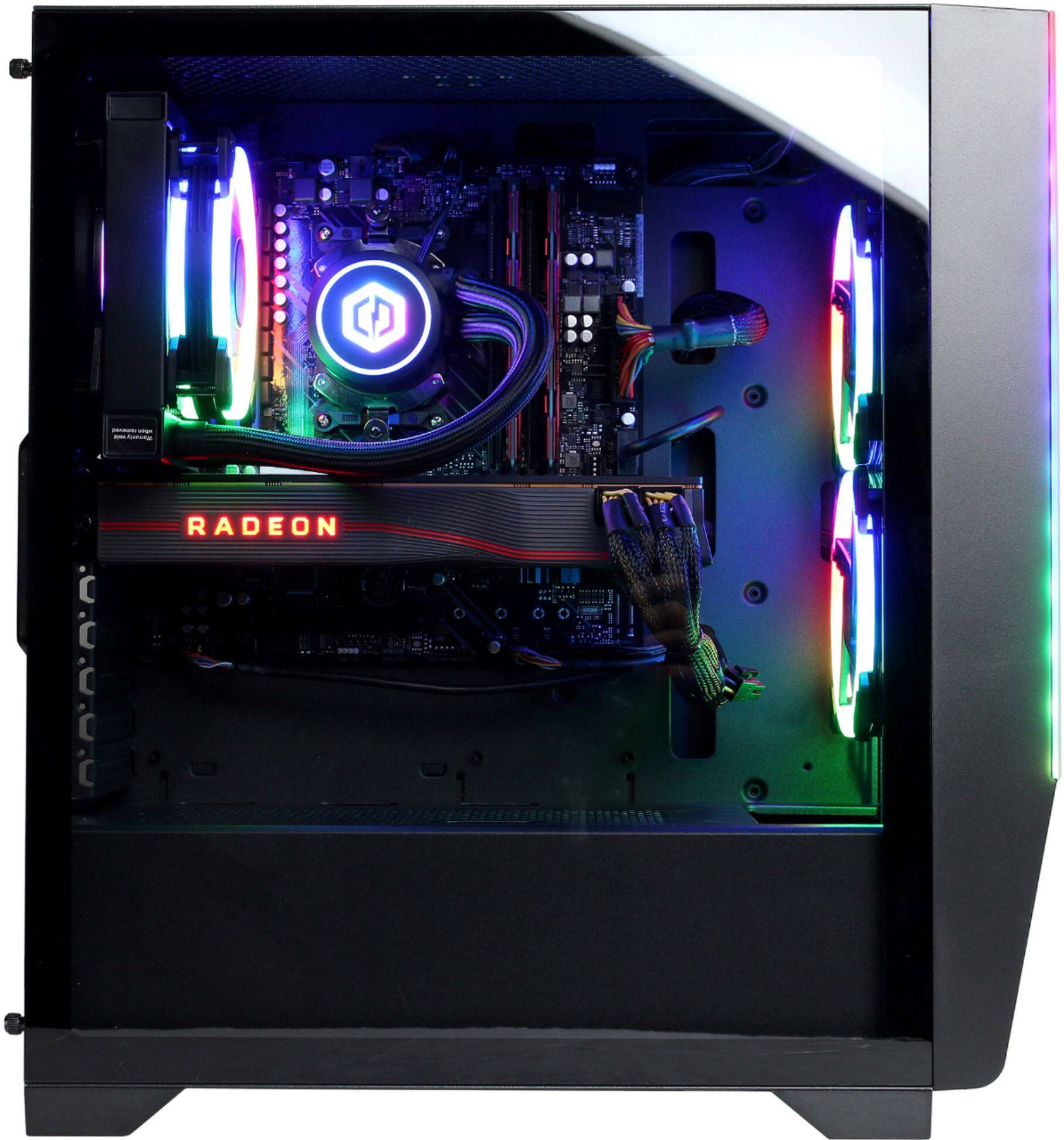
  • Question1. Can you add extra case fans to the pc? 2. What type is the ram

    Asked by Braden.

    • Answer Thank you for reaching out to us Braden. You may add additional fans to this PC if you would like more airflow, also this system should include 16gb of DDR4 RAM. If you have any further questions or concerns then please do not hesitate to give our tech support agents a call for any assistance; we're always happy to help. Tech support: (888)937-5582 -CyberpowerPC Support
      Answered by CyberPowerPC Brand Expert

  • QuestionHow do I get the RGB lighting within the glass encased hard-drive to come on and/or illuminate....as advertised?

    Asked by AG420.

    • Answer Thank you for reaching out to us AG420. Please feel free to contact our tech support team at your earliest convenience for further assistance on this matter, we're always happy to help. Tech Support: (888)937-5582 [email protected] Hours of Operation: Monday - Friday: 8:30AM - 6:00PM PST Saturday: 9:30AM - 3:00PM PST -CyberPowerPC Support

      Answered by CyberPowerPC Brand Expert

  • Question2 questions: -What is a safe temp range for this build? (What would be too hot?) -Is there a good replacement control center to the Radeon Settings application?

    Asked by JC.

    • Answer Thank you for reaching out to us JC. Any temps above 95c will be considered overheating. Unfortunately there aren't any recommended software to replace the Radeon control panel. If you have any further questions or concerns then please do not hesitate to give our tech support agents a call for any assistance; we're always happy to help. Tech support: (888)937-5582 -CyberpowerPC Support

      Answered by CyberPowerPC Brand Expert

  • QuestionWhy isn't my graphics card spinning. And should there be two wires loose?

    Asked by Hello.

    • Answer Thank you for reaching out to us. Please feel free to contact our tech support team at your earliest convenience for further assistance on this matter, we're always happy to help. Tech Support: (888)937-5582 [email protected] Hours of Operation: Monday - Friday: 8:30AM - 6:00PM PST Saturday: 9:30AM - 3:00PM PST -CyberPowerPC Support

      Answered by CyberPowerPC Brand Expert

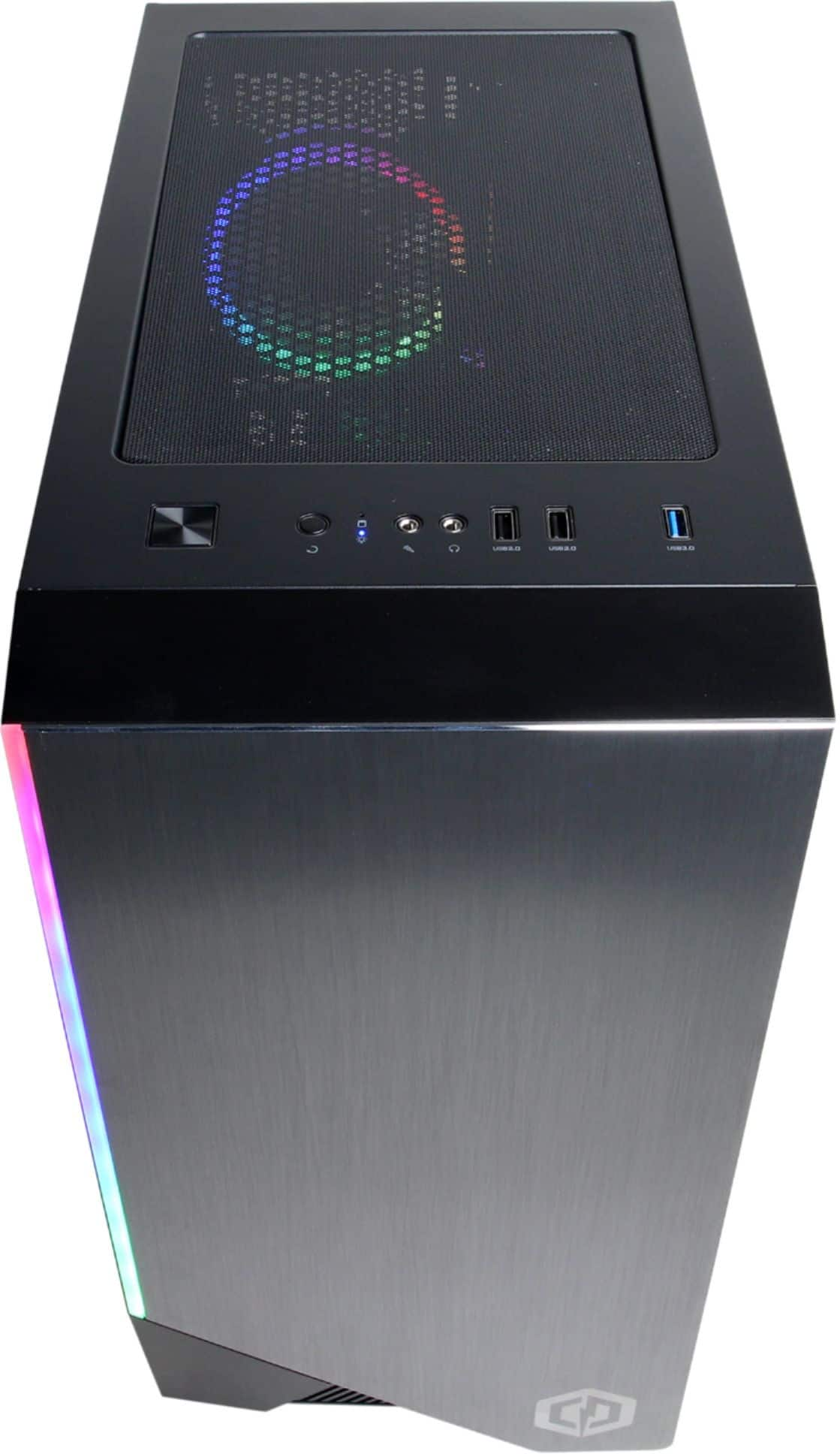
  • QuestionI have several questions: 1. How do I access the BIOS menu because when I do try the monitor says no signal? 2. Motherboard HDMI does not read signal for a monitor? 3. How do I change the RGB settings on the case? Thank you for your help!

    Asked by dddddddddaaaaaaakkkkkk.

    • Answer This seems to be a problem that occurs with Dell monitors. If you picked up the Dell monitor that was on sale the se2717hr like I did the monitor has timing issues while booting before Windows takes over. Just switch monitors or connect your hdmi to a TV and enter Bios that way. You can change the RGB in the bios.

      Answered by Jess

  • QuestionDoes this pc support additional ram and ssd upgrades?

    Asked by Rick.

    • Answer There are 2 empty ram slots, it would depend on the power, but there's an empty pcie, so I'd recommend m.2

      Answered by Tenzen

  • QuestionIf I buy online today can I pick up tomorrow?

    Asked by Hosea.

    • Answer Thank you for reaching out to us Hosea. We recommend getting in contact with Best Buy directly for further assistance on this matter.

      Answered by CyberPowerPC Brand Expert

  • QuestionWhat is the motherboard and does it have NVME drive?

    Asked by Anonymous.

    • Answer The MB is ASRock 550bm it is a proprietary board for this particular rig. Yes there is a slot for an nvme, it does not come with one though.

      Answered by DaEmOnYs

  • QuestionWhat brand/model is the motherboard?

    Asked by Anonymous.

    • Answer Thank you for reaching out to us. This system should include a B550AM chipset motherboard. Unfortunately the manufacturer, form factor, and specifications of the motherboards included with this system may vary depending on what was currently available at the time the PC was built. If you have any further questions or concerns then please do not hesitate to give our tech support agents a call for any assistance; we're always happy to help. Tech support: (888)937-5582 -CyberpowerPC Support

      Answered by CyberPowerPC Brand Expert

  • QuestionWhat Intel Core is this PC. I am looking for a Intel Core i9

    Asked by Fernando04.

    • Answer Thank you for reaching out to us Fernando04. Unfortunately this system does not include an Intel processor, this system should include an AMD Ryzen 7 3700X processor. If you have any further questions or concerns then please do not hesitate to give our tech support agents a call for any assistance; we're always happy to help. Tech support: (888)937-5582 -CyberpowerPC Support

      Answered by CyberPowerPC Brand Expert

  • Questionwhat is the model number for this computer

    Asked by dhiok.

    • Answer Thank you for reaching out to us Dhiok. The model number for this system should be the SLC7200BST. If you have any further questions or concerns then please do not hesitate to give our tech support agents a call for any assistance; we're always happy to help. Tech support: (888)937-5582 -CyberpowerPC Support

      Answered by CyberPowerPC Brand Expert

  • QuestionDoes it have liquid cooling?

    Asked by dvs.

    • Answer Thank you for reaching out to us dvs. This system should have a liquid cooled processor. If you have any further questions or concerns then please do not hesitate to give our tech support agents a call for any assistance; we're always happy to help. Tech support: (888)937-5582 -CyberpowerPC Support

      Answered by CyberPowerPC Brand Expert

  • Questionis this item offer a mouse pad

    Asked by Cheng.

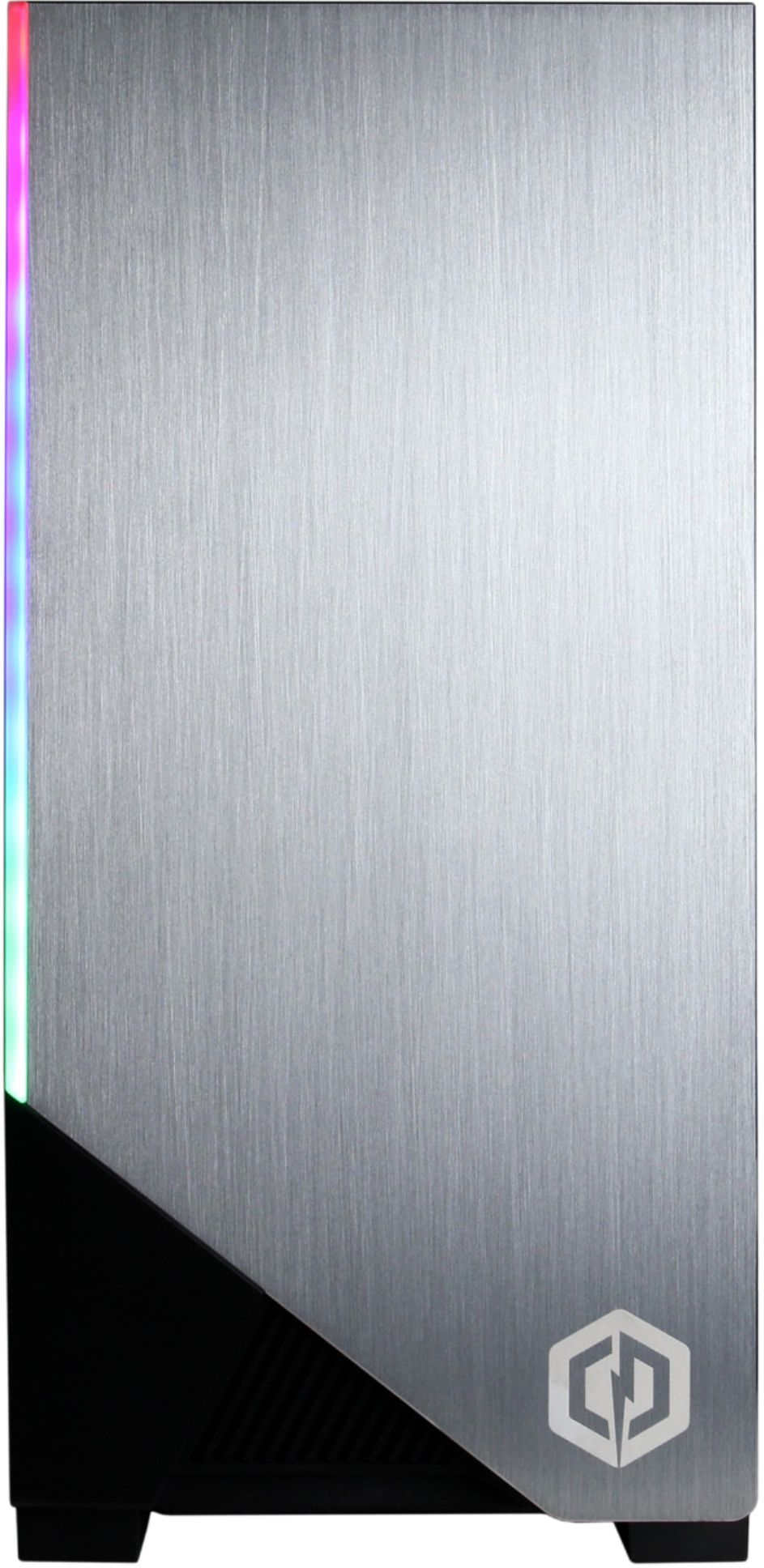
    • Answer This computer does not offer a mouse pad, it does however include a mouse and keyboard.

      Answered by Brayitan

  • QuestionCan I play rust on this computer?

    Asked by Michelle.

    • Answer Thank you for reaching out to us Michelle. This PC should be able to run Rust as it does meet the minimum system requirements. However, the amount of FPS you receive in-game will vary depending on the resolution and refresh rate of your display, in-game graphics settings, as well as your network connection. It is always recommended that you check the system requirements of the game you would like to play before making your purchase. If you have any further questions or concerns then please do not hesitate to give our tech support agents a call for any assistance; we're always happy to help. Tech support: (888)937-5582 -CyberpowerPC Support

      Answered by CyberPowerPC Brand Expert