Questions & Answers
- Model:
- SLC10120CPG
- |
- SKU:
- 6306244
Highly rated by customers for: Performance
Page Showing 1-8 of 8 questions
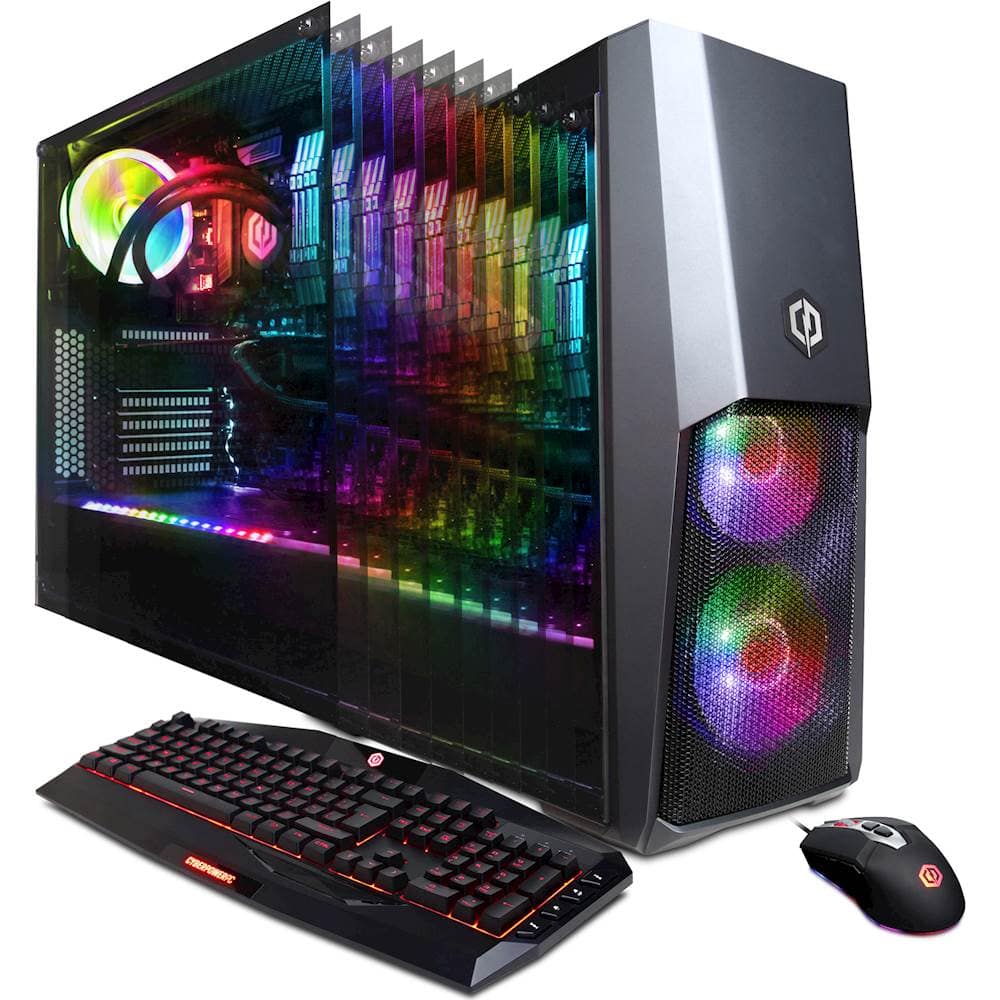
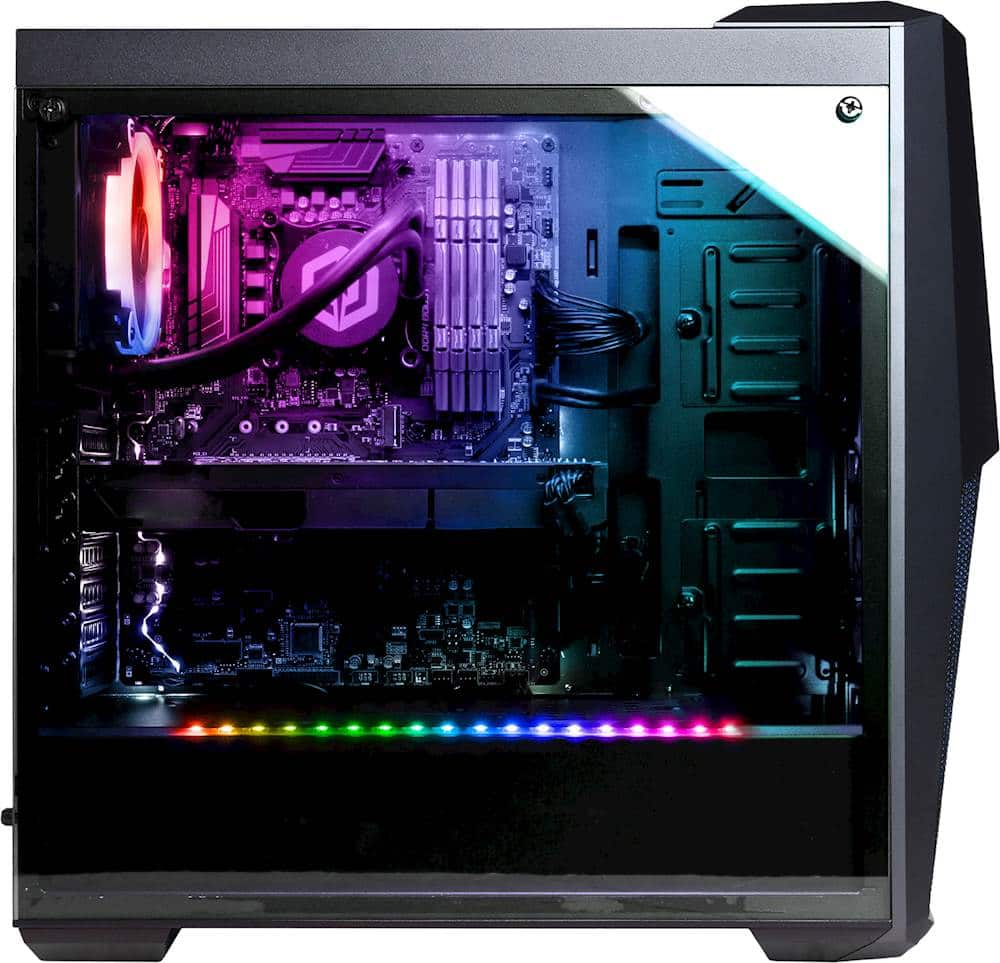
Q: QuestionMotherboard gen? z370 or z390? Form factor? m-itx, m-atx, atx, e-atx? SLI compatible? CPU power delivery? 8x 12x 16x? m.2 ports? Power supply wattage? Full, semi, non modular? 2x16gb or 4x8gb ram? nvme or sata SSD? Blower Style GPU or Multi Fan?
Asked by Robert.
- A:Answer Thanks for reaching out Robert. The motherboard should be a Z370 chipset ATX. It should be SLI compatible if you are using the two same graphics cards. The CPU should be a 8-pin molex with 4x8GB RAM for a totally of 32GB. It has a SATAIII SSD. It should be a multi-fan GPU, however, again it may vary. If you have any further questions or concerns then please do not hesitate to give our tech support agents a call for any assistance; we're always happy to help. Tech support: (888)937-5582 -CyberpowerPC Support
Answered by CyberPowerPC Brand Expert

Q: QuestionSo this build comes with a random name brand 2080ti? And also what ram sticks are installed on this system, does the name brand vary as well?
Asked by Yani.
- A:Answer Thanks for reaching out Yani. The brand may vary for each component based on what is available at time of assembly. However, it will come with the parts you see. If you have any further questions or concerns then please do not hesitate to give our tech support agents a call for any assistance; we're always happy to help. Tech support: (888)937-5582 -CyberpowerPC Support
Answered by CyberPowerPC Brand Expert

Q: QuestionCan this computer run vr
Asked by Adam.
- A:Answer Thanks for reaching out Adam. This PC should be able to run VR as it meets the minimum requirements to run VR. Please be aware you may need to utilize the other display ports as the HDMI will be taken by the VR. If you have any further questions or concerns then please do not hesitate to give our tech support agents a call for any assistance; we're always happy to help. Tech support: (888)937-5582 -CyberpowerPC Support
Answered by CyberPowerPC Brand Expert

Q: QuestionI was wondering if all the parts in this desktop are actually real...because I had once bought a desktop in my country and it only lasts a few weeks and something goes wrong...Everybody told me not to buy a desktop online. It's always better to DIY one.
Asked by malik.
- A:Answer Thanks for reaching out Malik. The parts are all real. It is your preference if you want to purchase a pre-built PC or rather build your own. If you have any further questions or concerns then please do not hesitate to give our tech support agents a call for any assistance; we're always happy to help. Tech support: (888)937-5582 -CyberpowerPC Support
Answered by CyberPowerPC Brand Expert

Q: QuestionI want to replace the 7200 drive with a SSD what mounting kit for a 2.5 ssd drive do I need?
Asked by David.
- A:Answer Thank you for reaching out. For further assistance on this matter, please contact our tech support team at your earliest convenience; we're always happy to help. Tech Support: (855) 888-2039 [email protected] Hours of Operation: Monday - Friday: 8:30AM - 6:00PM PST Saturday: 9:30AM - 3:00PM PST -CyberPowerPC Support
Answered by CyberPowerPC Brand Expert

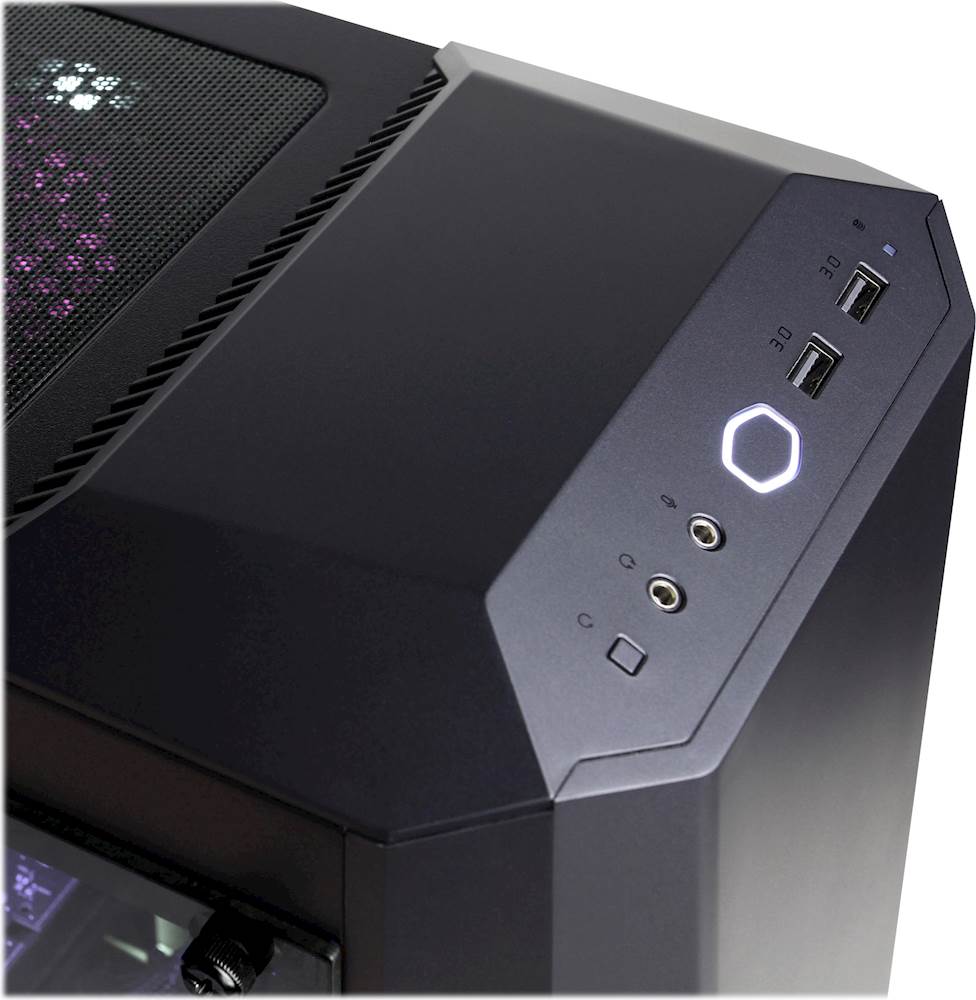
Q: QuestionHow do you change the colors of the desktop? One reviewer mentioned a remote, but I didn't receive a remote. Other videos have mentioned a button on the top of the desktop with a logo that looks like a sun, but I don't have that either.
Asked by Confused.
- A:Answer Thank you for reaching out to us. You should be able to change the color of the RGB lighting on the software preinstalled on your PC. If you have any further questions or concerns then please do not hesitate to give our tech support agents a call for any assistance; we're always happy to help. Tech support: (888)937-5582 -CyberpowerPC Support
Answered by CyberPowerPC Brand Expert

Q: QuestionHow do you change the colors being displayed?
Asked by Brandon.
- A:Answer Thank you for reaching out to us Brandon. You should be able to change the color of the lighting by pressing the reset button on top of the PC towards the front. If you have any further questions or concerns then please do not hesitate to give our tech support agents a call for any assistance; we're always happy to help. Tech support: (888)937-5582 -CyberpowerPC Support
Answered by CyberPowerPC Brand Expert

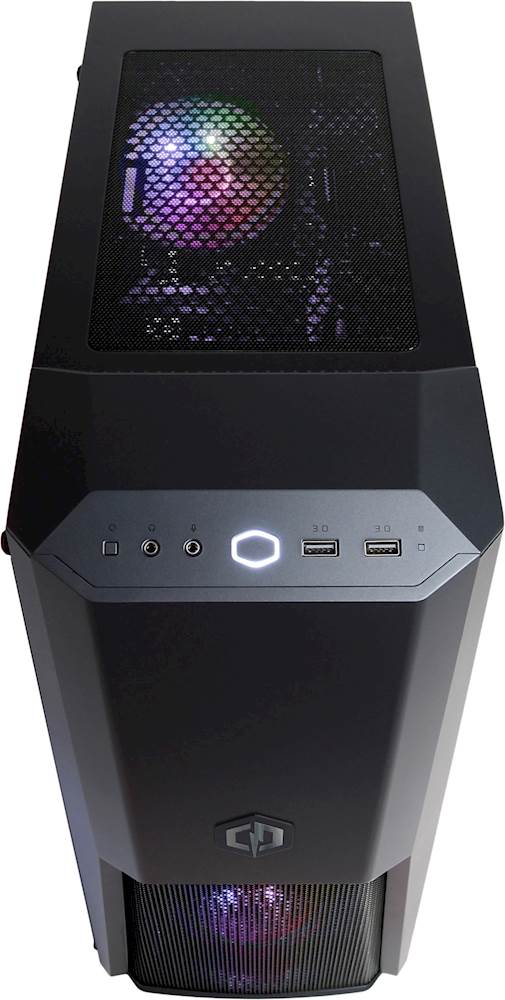
Q: QuestionLooking at the description, you list this computer as only having 1 PS/2 port and 8 SS USB ports. Mine came with 6 USB ports and 2 PS/2 ports. The keyboard and mouse included with the desktop are USB, but the port called out on the desktop are PS/2..why??
Asked by Stefanie.
- A:Answer Thank you for reaching out to us Stefanie. Unfortunately the manufacturer, form factor, and type of ports available on the motherboards included with this system may vary depending on what was currently available at the time the PC was built. Most peripherals are now connected by USB and no longer use PS/2, however, the PS/2 ports are available to you in the case you need them. If you have any further questions or concerns then please do not hesitate to give our tech support agents a call for any assistance; we're always happy to help. Tech support: (888)937-5582 -CyberpowerPC Support
Answered by CyberPowerPC Brand Expert

Page 1, Showing 1-8 of 8 questions
Most-viewed items
- $149.00$149.00The price was $399.00
- $329.99$329.99The price was $469.99
- $159.99$159.99The price was $179.99
- $122.00$122.00The price was $129.99
- $449.99$449.99The price was $649.99
- $59.99$59.99The price was $169.99
- $129.95$129.95The price was $199.99










