Questions & Answers
- Model:
- SFG9EX
- |
- SKU:
- 6306261
Highly rated by customers for: Performance, Case Size, RAM
Page Showing 21-32 of 32 questions
Q: QuestionWho is the maker of the geforce rtx 2080 ti card
Asked by Casemakerman.
- A:Answer Thanks for reaching out Casemakerman. The brand of the card may vary with each system, however it will be a NVIDIA GeForce RTX 2080Ti. If you have any further questions or concerns then please do not hesitate to give our tech support agents a call for any assistance; we're always happy to help. Tech support: (888)937-5582 -CyberpowerPC Support
Answered by CyberPowerPC Brand Expert

Q: QuestionWhat sound card is used in this build?
Asked by Intermixt.
- A:Answer Thanks for reaching out. Unfortunately, this PC may not come with a sound card. If you have any further questions or concerns then please do not hesitate to give our tech support agents a call for any assistance; we're always happy to help. Tech support: (888)937-5582 -CyberpowerPC Support
Answered by CyberPowerPC Brand Expert

Q: QuestionCan I upgrade Windows from Home to PRO in this computer?
Asked by Noe.
- A:Answer Actually, once you purchase the computer and activate Windows 10 Home, you would be able to upgrade to 10Pro through Microsoft (maybe $50 or so more I think)
Answered by OldGamerGuy
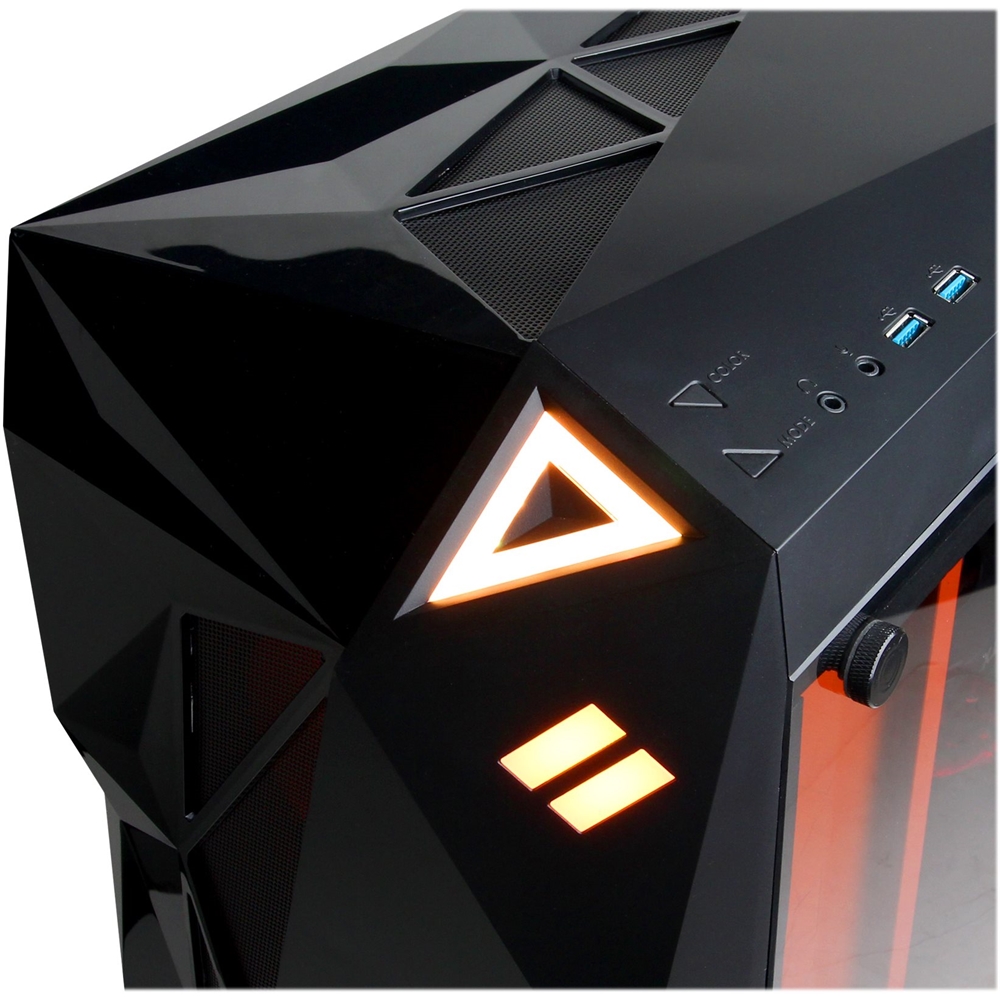
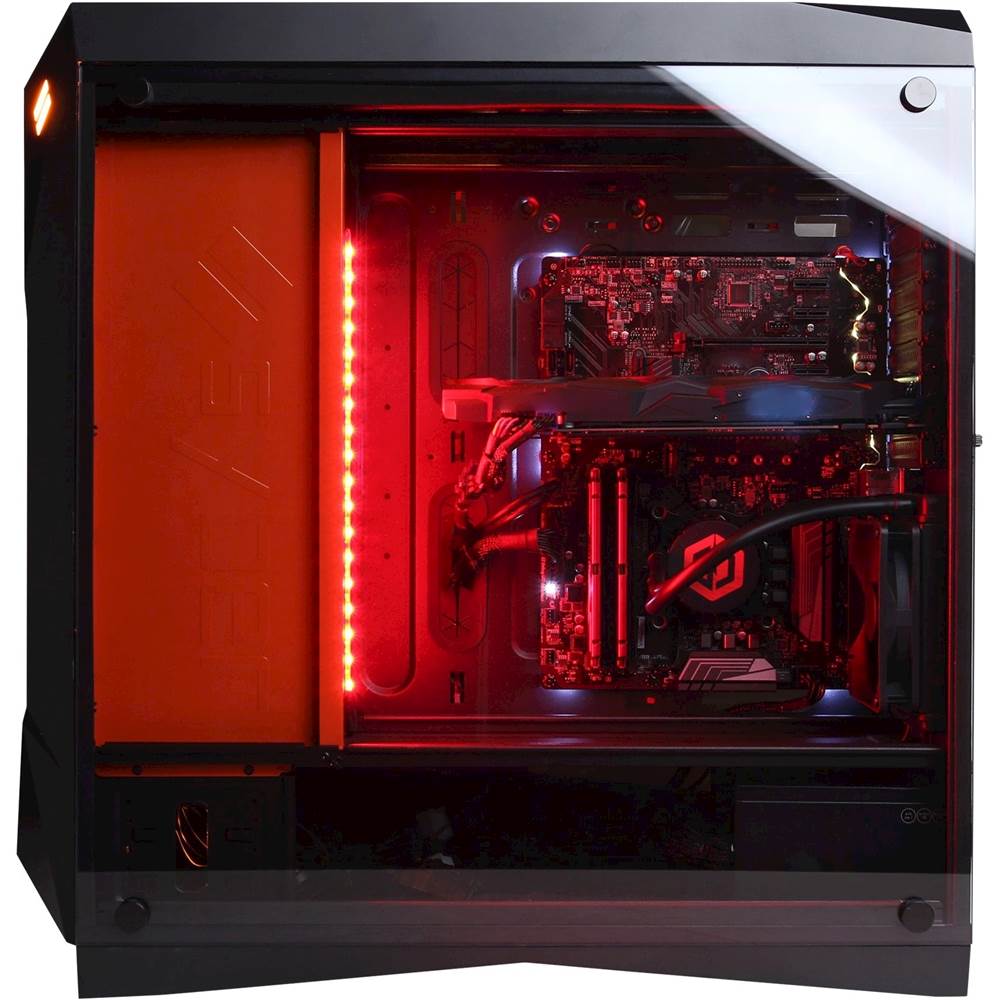
Q: QuestionAre the case lights full RGB or just red? Can the red lights be turned off?
Asked by Dmoney12.
- A:Answer Multiple colors, yes, it can be turned off
Answered by demmoman
Q: QuestionDoes the PC have space for a 4k 60 Pro Elgato Capture Card?
Asked by Biohazard75.
- A:Answer Yes, it does
Answered by demmoman
Q: QuestionWhen will this be available for order again?
Asked by OldGamerGuy.
- A:Answer Thanks for reaching out OldGamerGuy. Please contact your local BestBuy in regards to future restocks on this system. -CyberpowerPC Support
Answered by CyberPowerPC Brand Expert

Q: QuestionWhat speed (MHz) is the DDR4 ram? Does the 1TB SSD that is included use M.2 or Sata? Which Brand is the mother board? Which Brand is the 2080Ti? Which GB is each stick of DDR4 RAM? is it 2x 16GB or 4x 8GB? Which PSU (power supply unit) does this use?
Asked by Jay.
- A:Answer Thanks for reaching out Jay. The brand may vary with each system. However, it should have x2 16GB DDR4 2400Mhz RAM and the SSD should be SATA. Although the brands may vary, it should have a RTX 2080Ti as well as a Z390 chipset motherboard. It should have a 850 watt power supply unit. If you have any further questions or concerns then please do not hesitate to give our tech support agents a call for any assistance; we're always happy to help. Tech support: (888)937-5582 -CyberpowerPC Support
Answered by CyberPowerPC Brand Expert

Q: QuestionWhy does it say order now ready in a couple of days? They are running min of two weeks out. Bait and switch.
Asked by Paul.
- A:Answer Thanks for reaching out. There is a chance they may need to get it from another store as it is not ready or not in stock. Please contact your local BestBuy in regards to the system. -CyberpowerPC Support
Answered by CyberPowerPC Brand Expert

Q: QuestionWhat motherboard, liquid cooler and power supply is used? Also, what type and how many USB ports? Can I have this machine built in a different case and pay difference if any?
Asked by njline.
- A:Answer Thanks for reaching out njline. Unfortunately, this configuration is as is and cannot be changed. However, although the brand may vary on the motherboard, it should be a Z390 chipset. Again, the brands may vary however it should be a 850 watt power supply unit, and the liquid cooling shown is a CoolerMaster MasterLiquid Lite 240, however it can vary. If you have any further questions or concerns then please do not hesitate to give our tech support agents a call for any assistance; we're always happy to help. Tech support: (888)937-5582 -CyberpowerPC Support
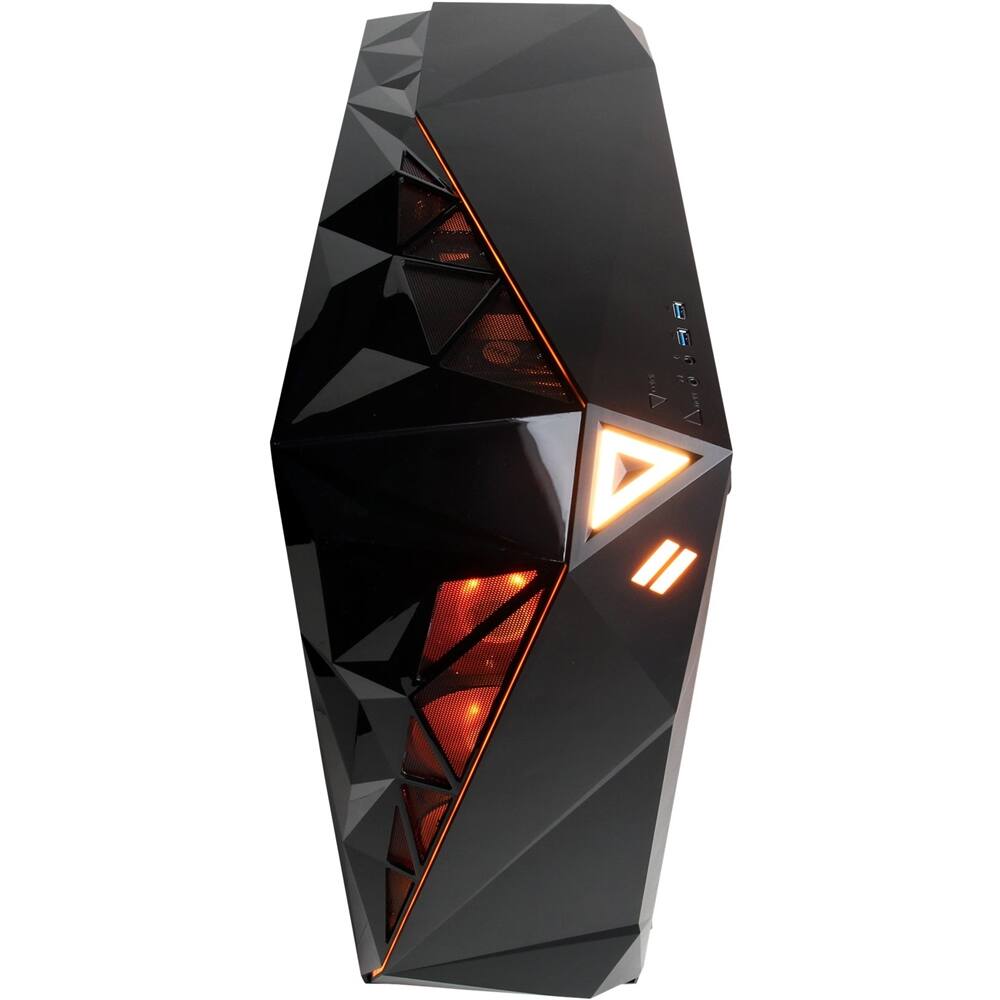
Answered by CyberPowerPC Brand Expert

Q: QuestionIs this Pc capable of 240Hz (I have a 240Hz monitor) and If so what cable would I need? DVI or HDMI? Or another type? Also what other cables will I need to purchase as this is my first PC.
Asked by Mwilson34.
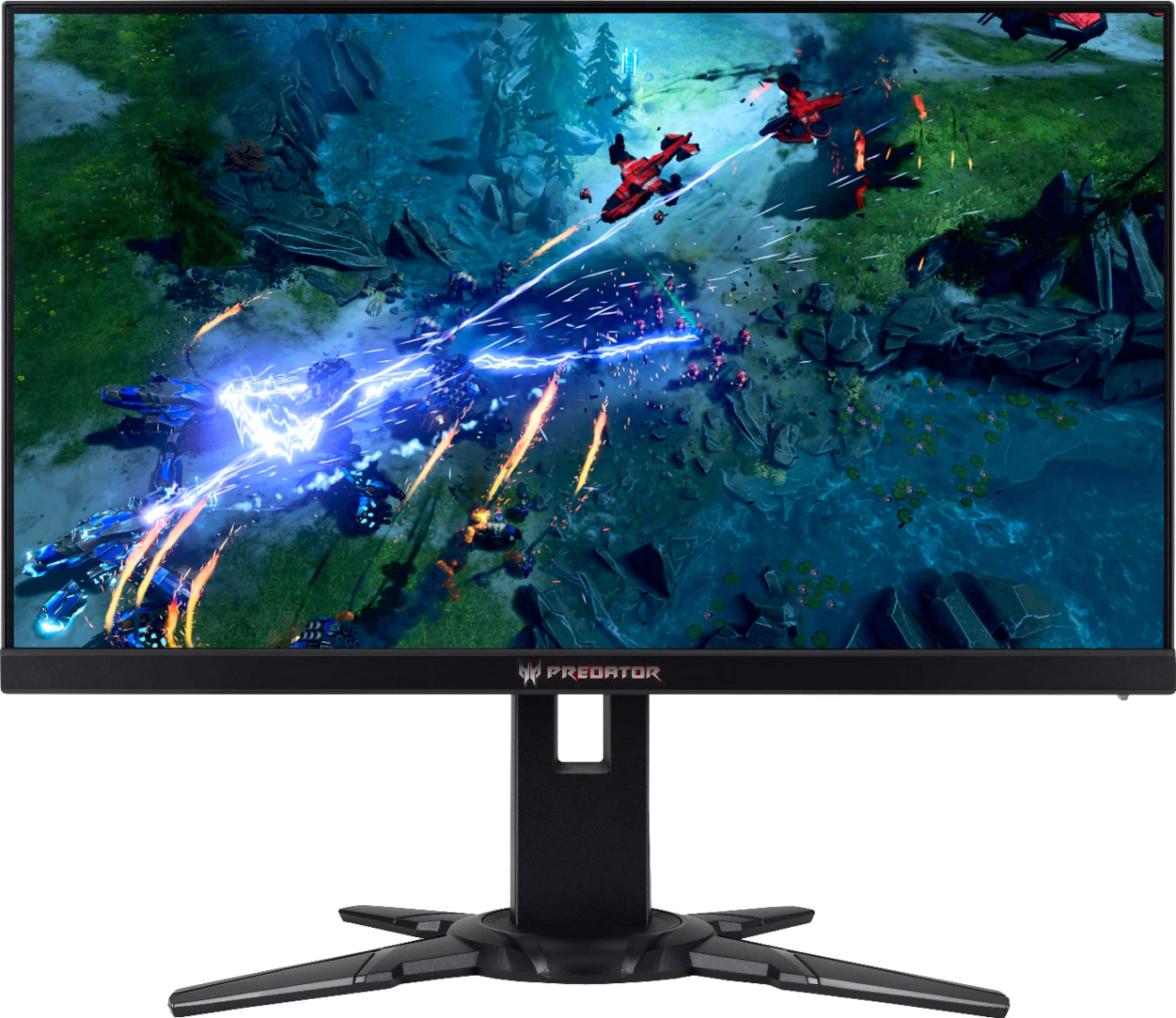
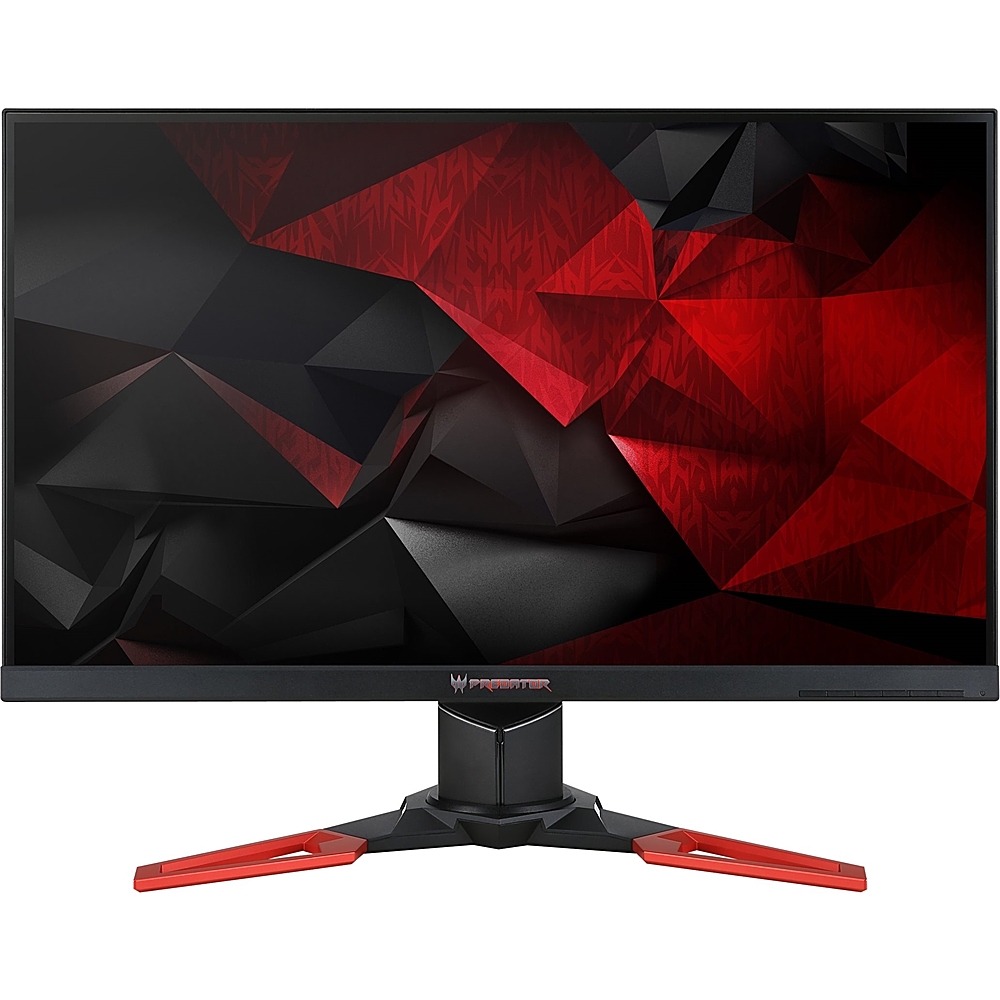
- A:Answer Most computer monitors don't go up to 240Hz because it is not really useful on a normal sized screen you would have as a monitor. So my point here is, are you sure you are using a computer monitor? if so try playing a game with it set to 240Hz on the screen you are using and then do the same game and all settings besides making it run at 120Hz or even less and you will notice you cant see a difference. If you are in fact using a flat screen or other TV style as a monitor you should be aware that there is a VERY BIG difference between a TV of any kind VS a actual computer monitor with the main issue being the screen or TV response rate which is measured in a value followed by "ms" that tells you how mast the image will actually appear on the screen. Computer monitors have MUCH MUCH faster response times. Even lower end monitors will out perform any TV screen in pretty much every aspect of performance. In any case though the answer is still going to be the same, you wont even be able to see a difference from 120Hz to 240Hz. The biggest noticeable change is going from 60Hz to 120Hz which is really only there to help a TV not have whats called ghosting where an image has a blur from fast moving images or of a fast moving object. This doesn't happen much if at all on a monitor due to how everything gets processed from the game software to the GPU and down whatever form of connection you have from the GPU to the screen in use. Yes this is the long version, but it doesn't make sense until it is broken down into blocks of information that fit together as they are described. I hope I helped you out or at least help someone else out with this information. I have added some recommended monitors for you to see the difference of high end monitors vs the specs you can find on whatever screen you currently are using.
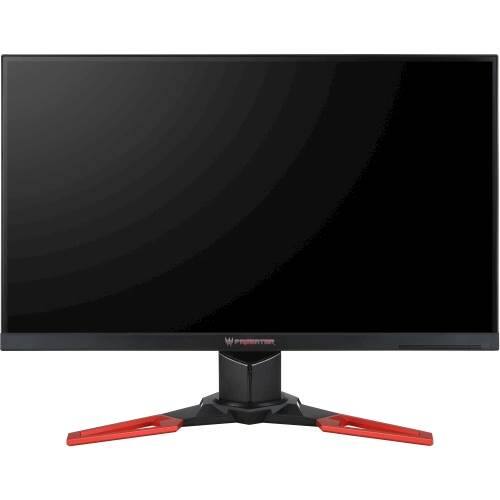
I would recommend:
Answered by Bigleague
Q: QuestionIs the motherboard SLI capable and are there M.2 slots for SSDs on this particular machine?
Asked by OldComputer.
- A:Answer I can't confirm whether or not the motherboard supports SLI, but this PC does include an m.2 slot.
Answered by CommunityAnswer
Page 2, Showing 21-32 of 32 questions
Best-selling Best Buy
- Tech Fest Deal$99.00