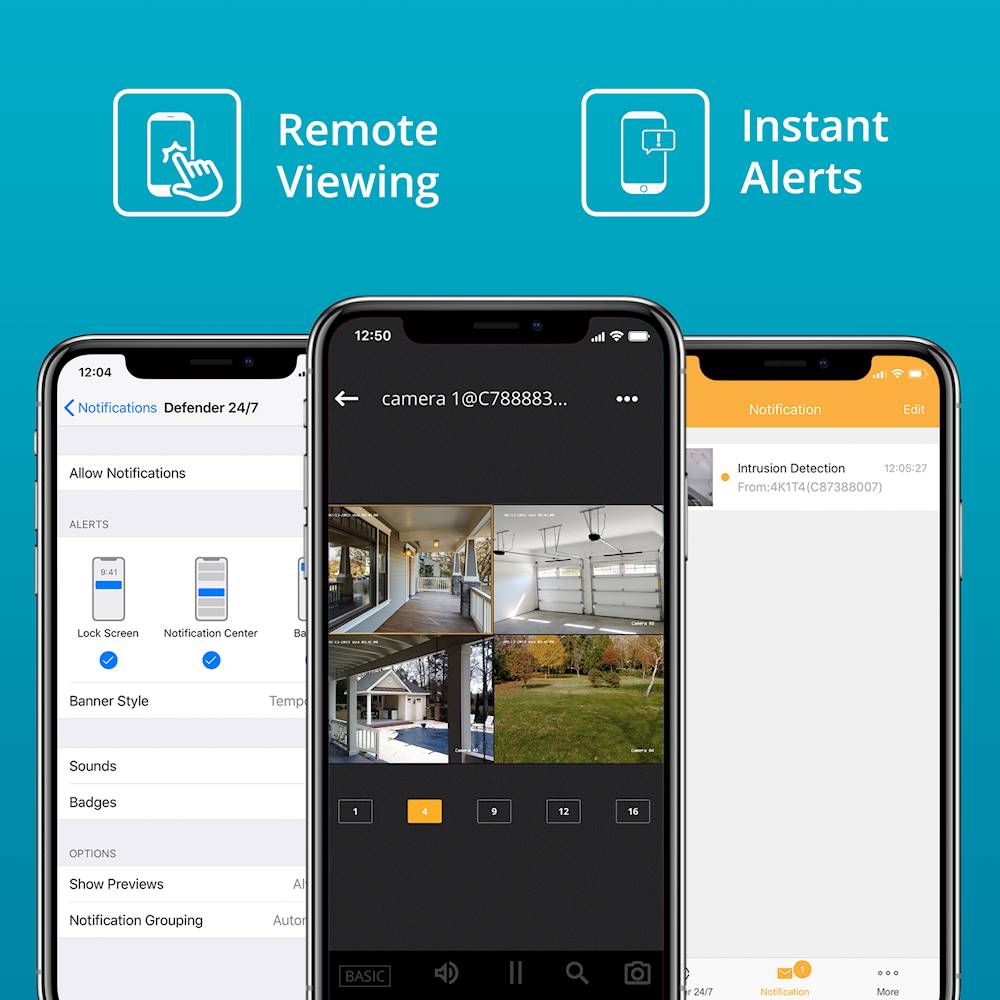
A:AnswerGreat question, Mick! There are many factors in determining how much footage can be stored. As this is a 4K system the footage does take up more space as it is higher quality. With the system recording 24/7 on all cameras you may get, up to 120 hours possibly more however this is an estimation.
Thank you for your interest in Defender!
Melissa C. | Defender Customer Experience Expert
Melissa
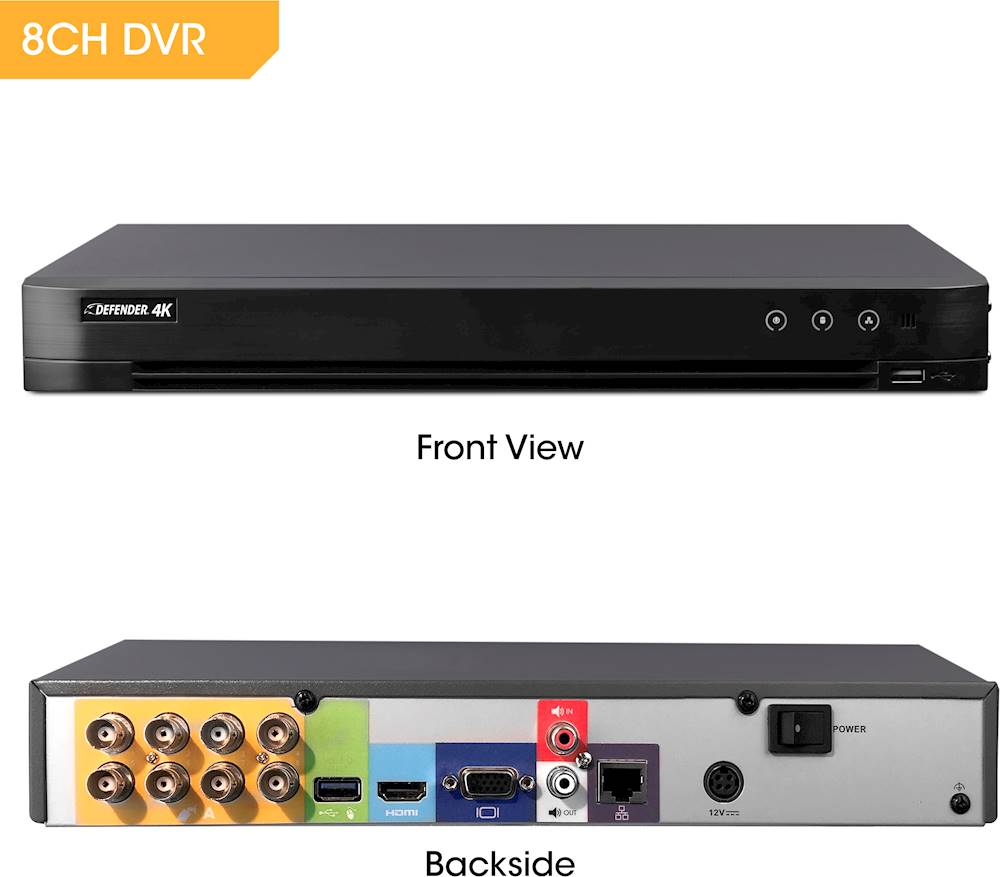
A:AnswerGreat question, Jason! You do not need the internet in order to view the camera live from a TV or stand alone computer monitor. Should you want to view the cameras from the Defender 24-7 app you will need to connect the DVR to an ethernet cable less thank 30 ft in length.
Thank you for your interest in Defender!
Melissa C. | Defender Customer Experience Expert
A:AnswerThank you for your question, FastTurtle! The Defender 4K can be viewed by connecting the DVR to your television or stand alone computer monitor, it can not be operated from a PC.
Melissa C. | Defender Customer Experience Expert
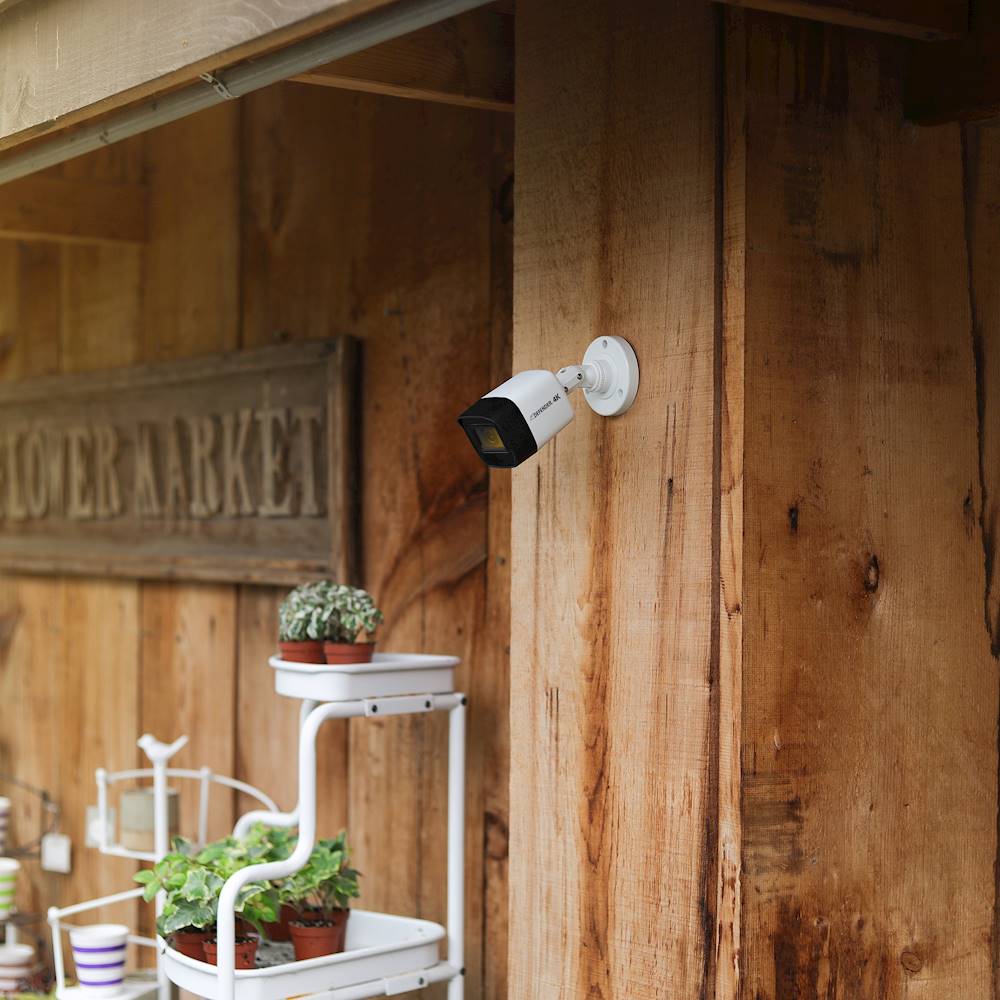
A:AnswerGreat question, workmanrob! You can definitely hide the cameras away but we do recommend proper ventilation to avoid any damage to the camera.
Melissa C. | Defender Customer Experience Expert
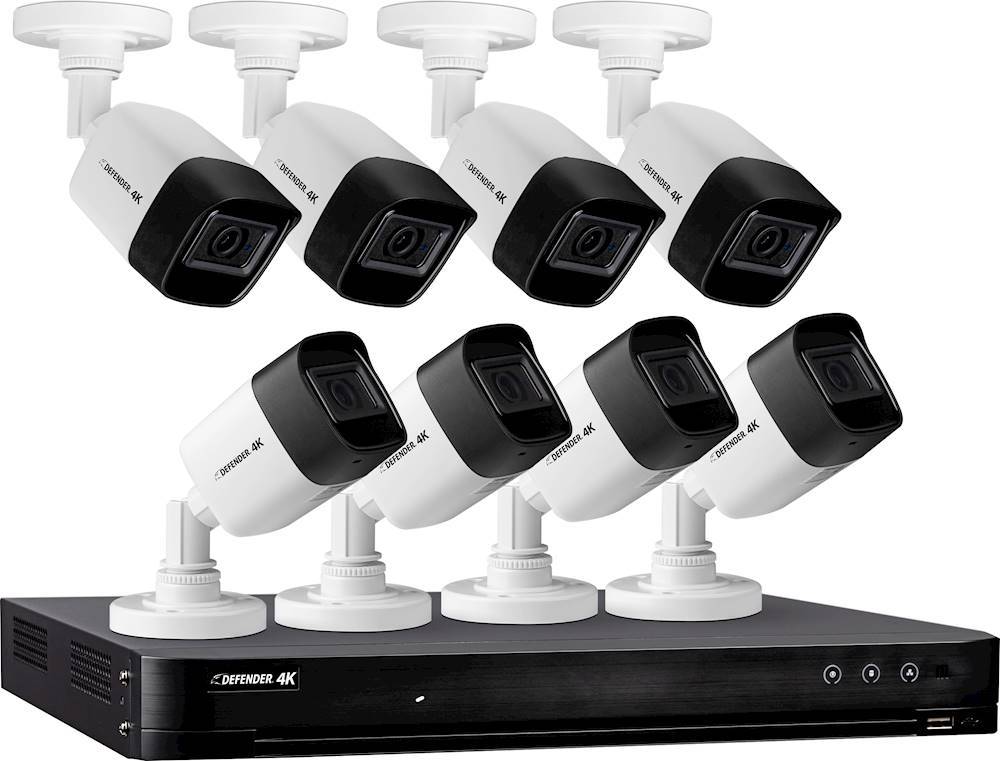
A:AnswerThank you for your question, workmanrob! The Defender 4K includes 60 ft of cable for each camera.
Melissa C. | Defender Customer Experience Expert
A:AnswerHi Cody, we are sorry to see this! Please reach out to Defender by email or Live Chat at defendercameras.com and we will be more than happy to assist with the power supplies!
Melissa C. | Defender Customer Experience Expert
A:AnswerThanks for the question AZDC, the Defender 4K system does not record audio. It does not have a built in microphone. You could use an external microphone if you are looking to record audio.
Defender Support
A:AnswerGreat question, each camera has its own power source, a standard power supply block. With regards to installation we offer do-it-yourself systems. If you require professional installation we recommend that you contact a local professional in your area.
Defender Support
A:AnswerThese cameras require a cable connection to the DVR unit to record (in addition the cable is paired with the power supply for the camera). Therefore you would only be capable of installing in one location. For your specific question, you would need to install one system in each rental property, set up the Ethernet connection to the internet for viewing remotely for monitoring. If you do not connect the Ethernet to the internet, then you would need to be physically on site, connected to a TV, to view live or previous days activities.
A:AnswerHelo KK, we are sorry that you are having difficulties with your unit. For your security we do require that you reach out to our support team to reset your password. We can be reached by phone, email or live chat from our website!
Defender Support
A:AnswerHello Soylentgreenz, thank you for the great question. The unit comes with all the cables that you need to set up each cameras. There is a 60ft cable for each camera. There is also adequate cables for the power supplies to reach an outlet.
Defender Support
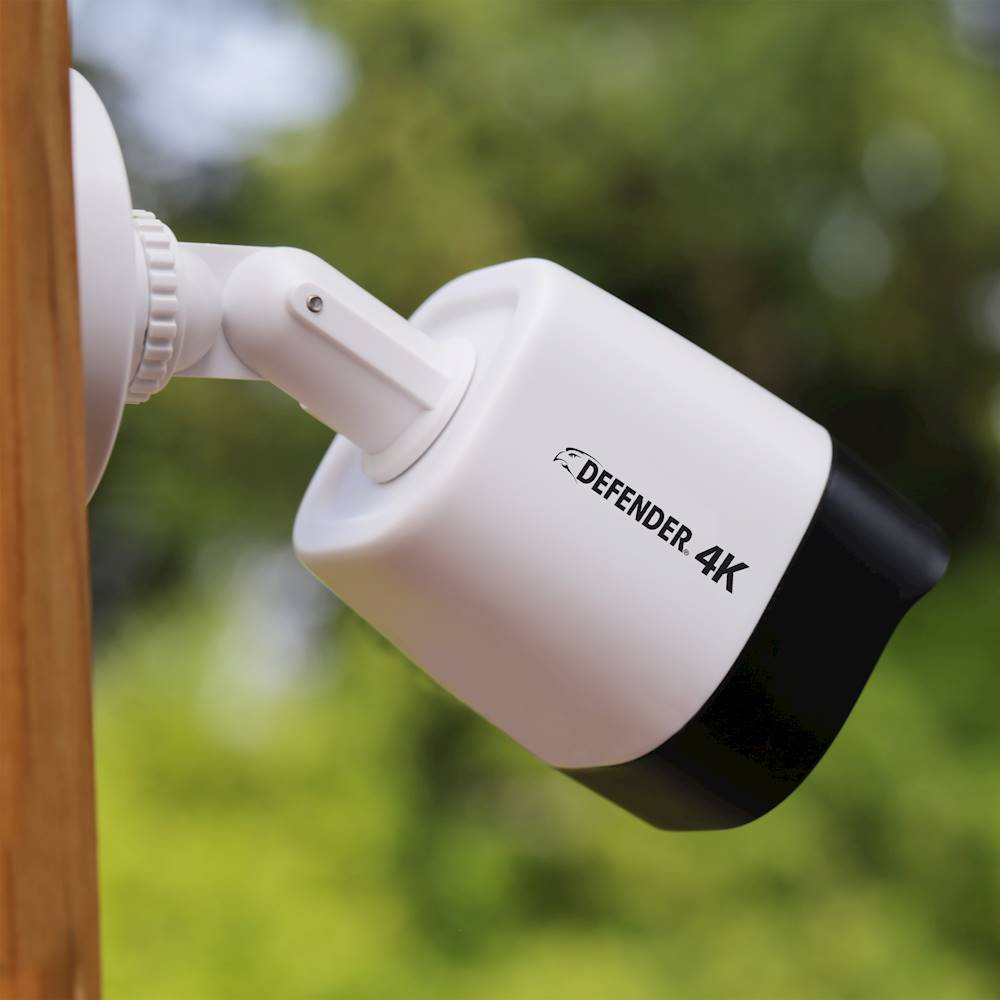
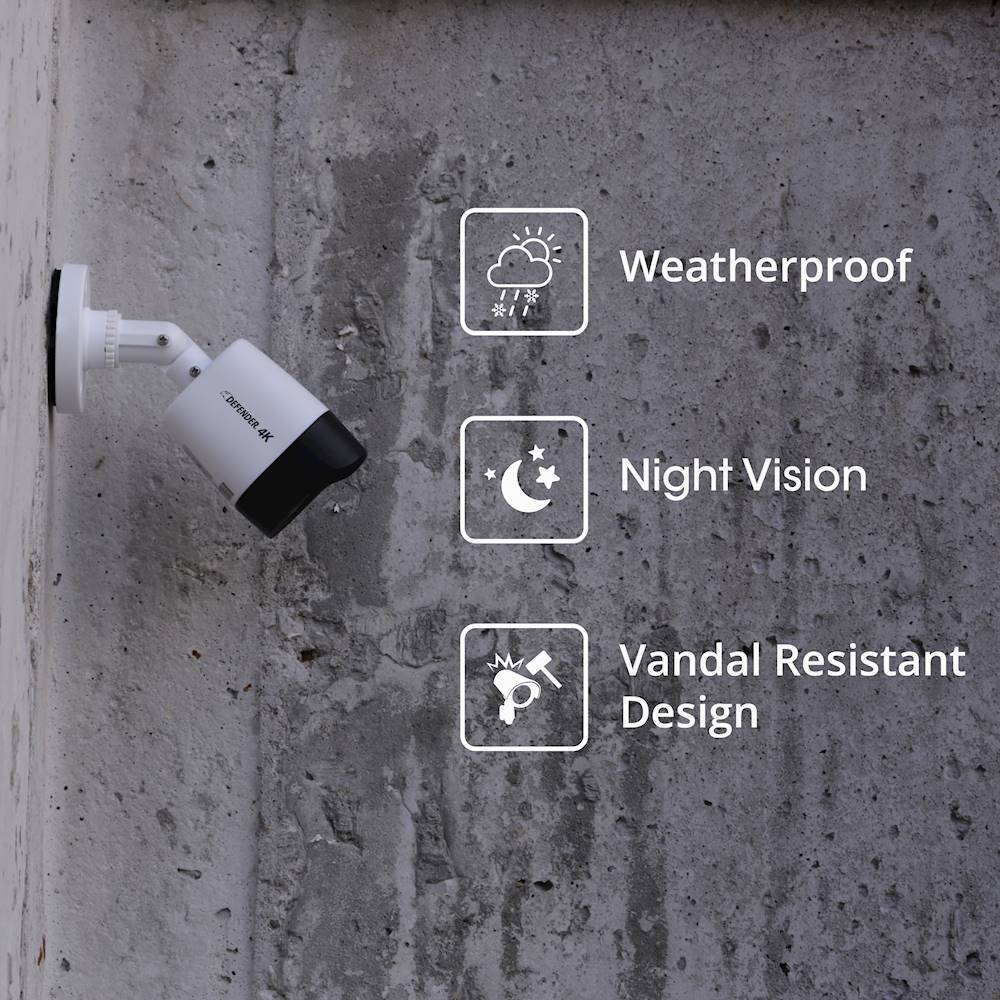
A:AnswerGreat question, Soylientgreens! The camera's outer body is black and white. During the day the cameras will record in colour and change to clack and white while in night vision. Thank you for your interest in Defender!
A:AnswerThank you for your question, CoffeeTime! The Defender 4K system does give you the ability to change your recording resolution!
Thank you for your interest in Defender!
Melissa C. | Defender Customer Experience Expert