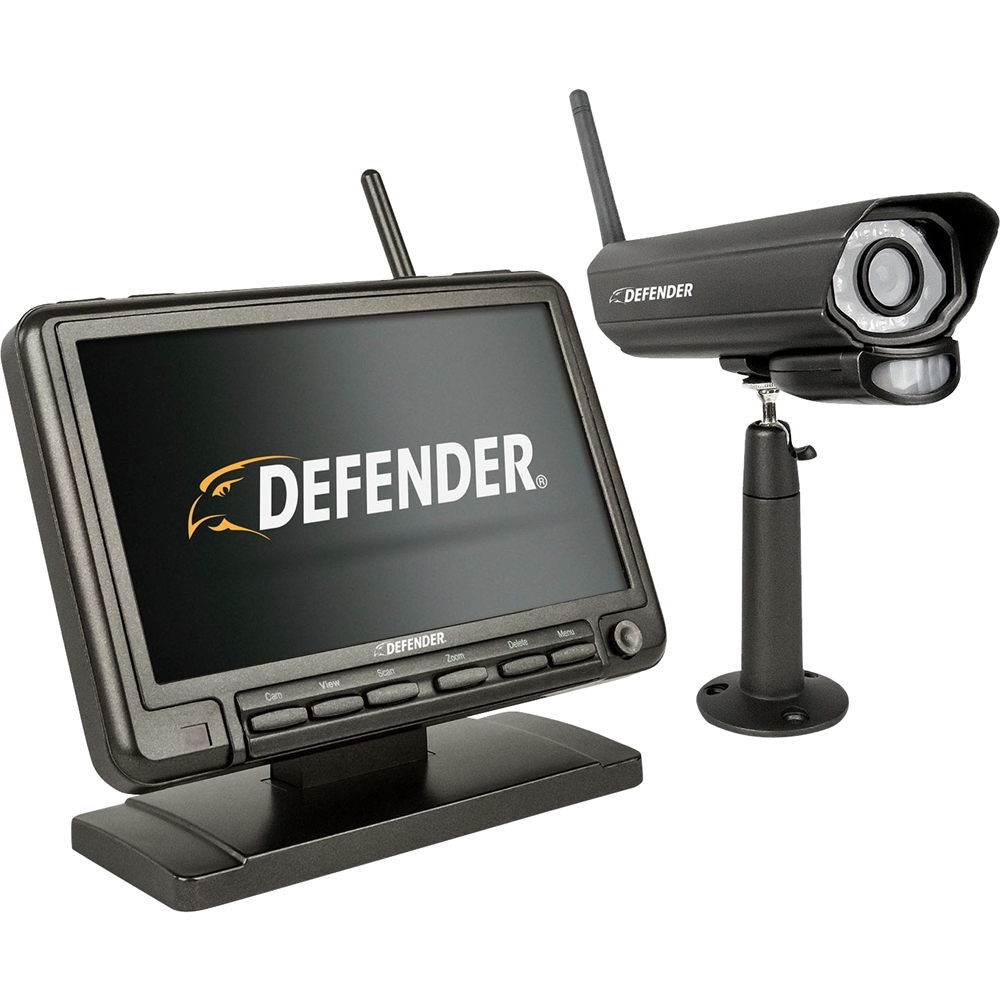
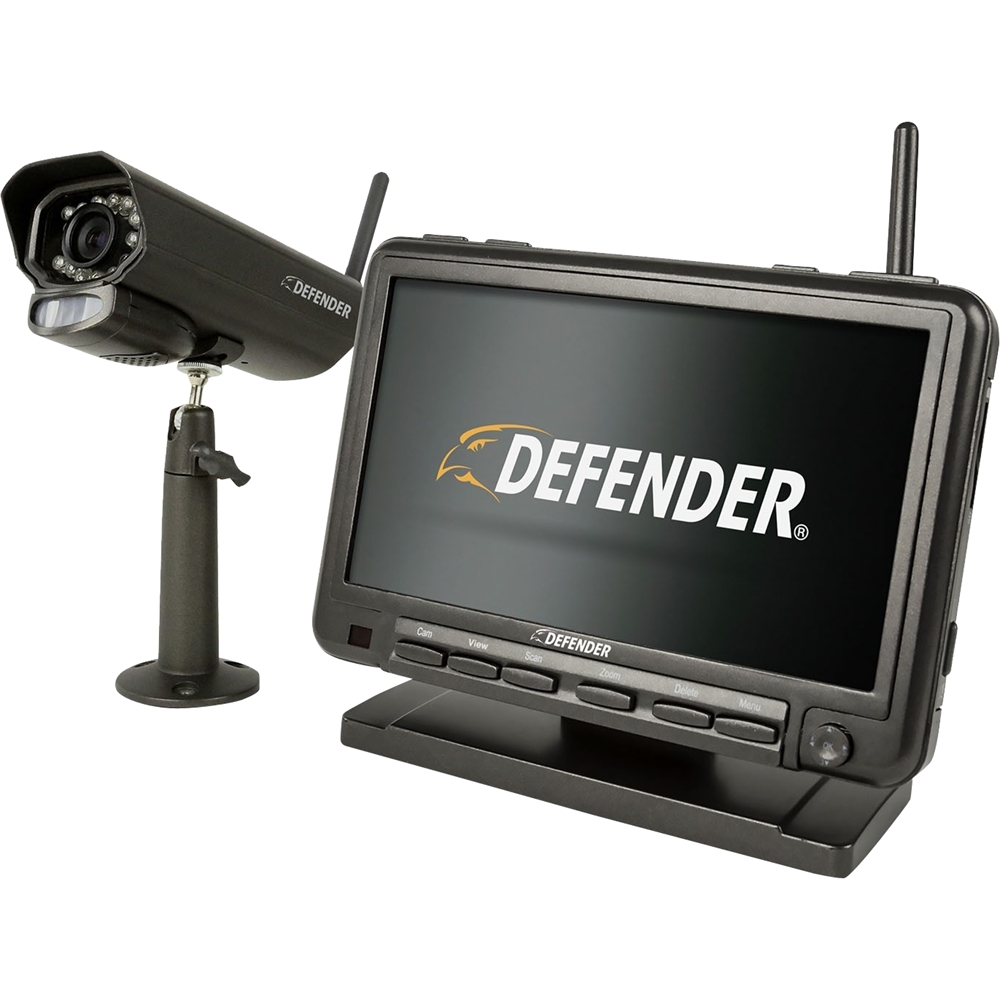
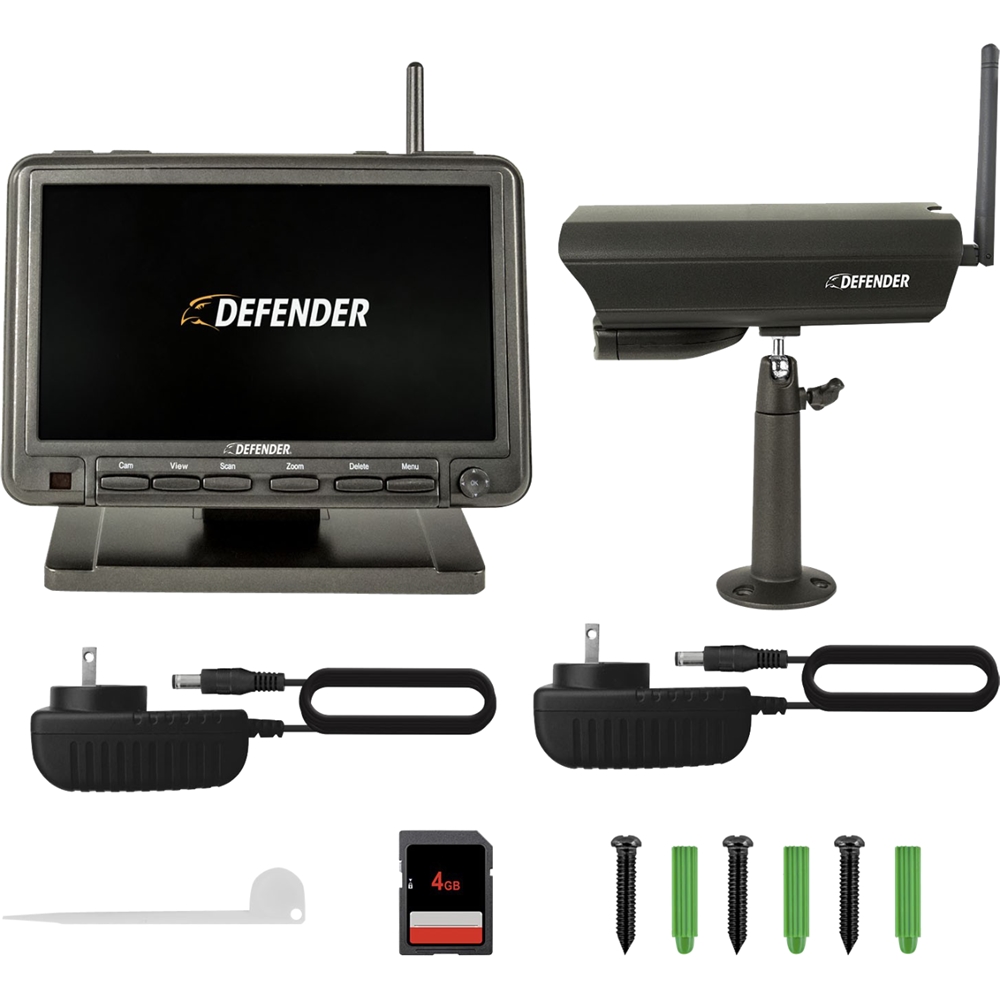
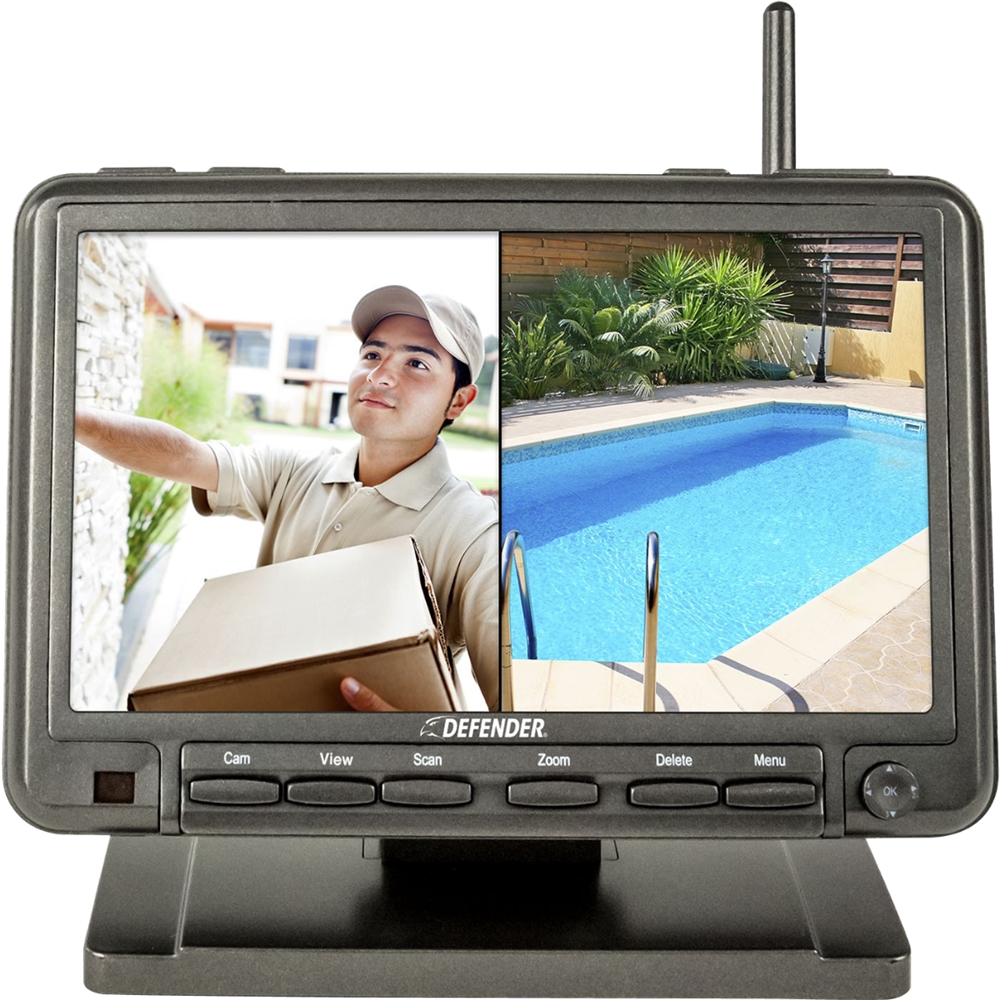
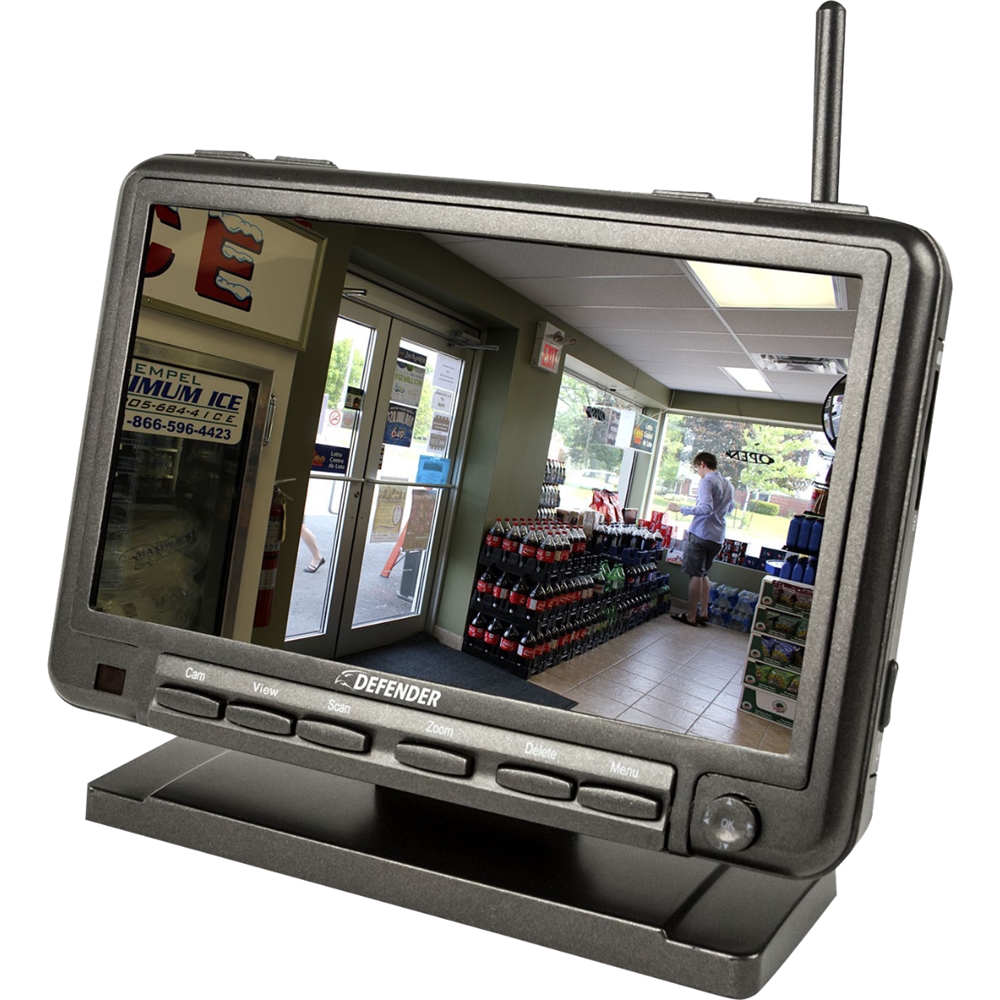
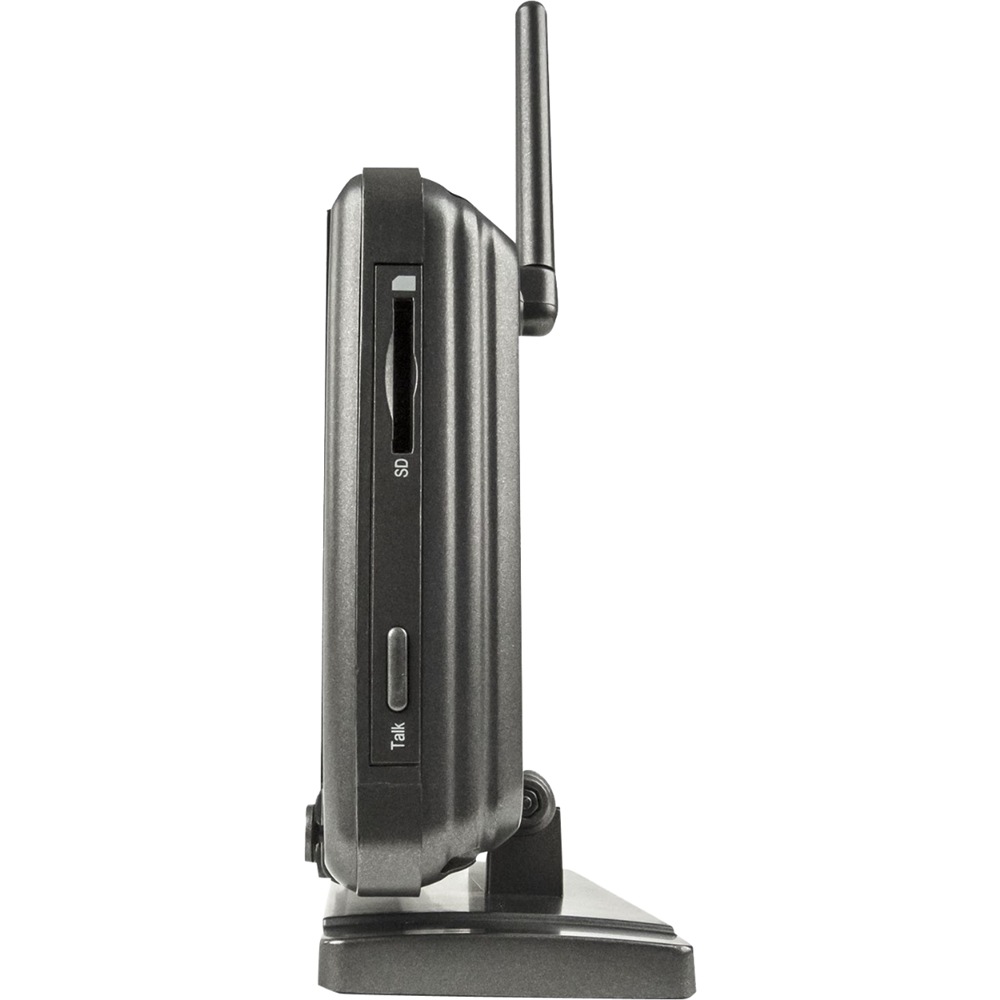
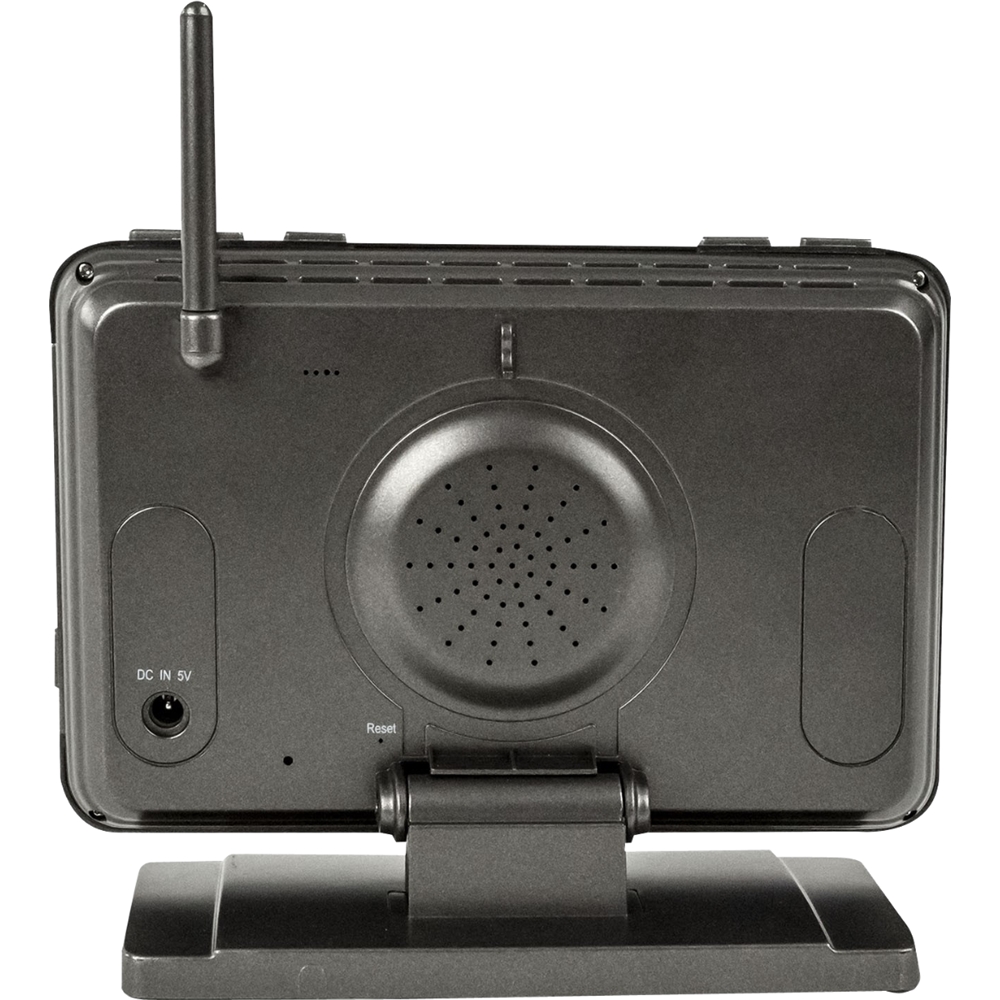
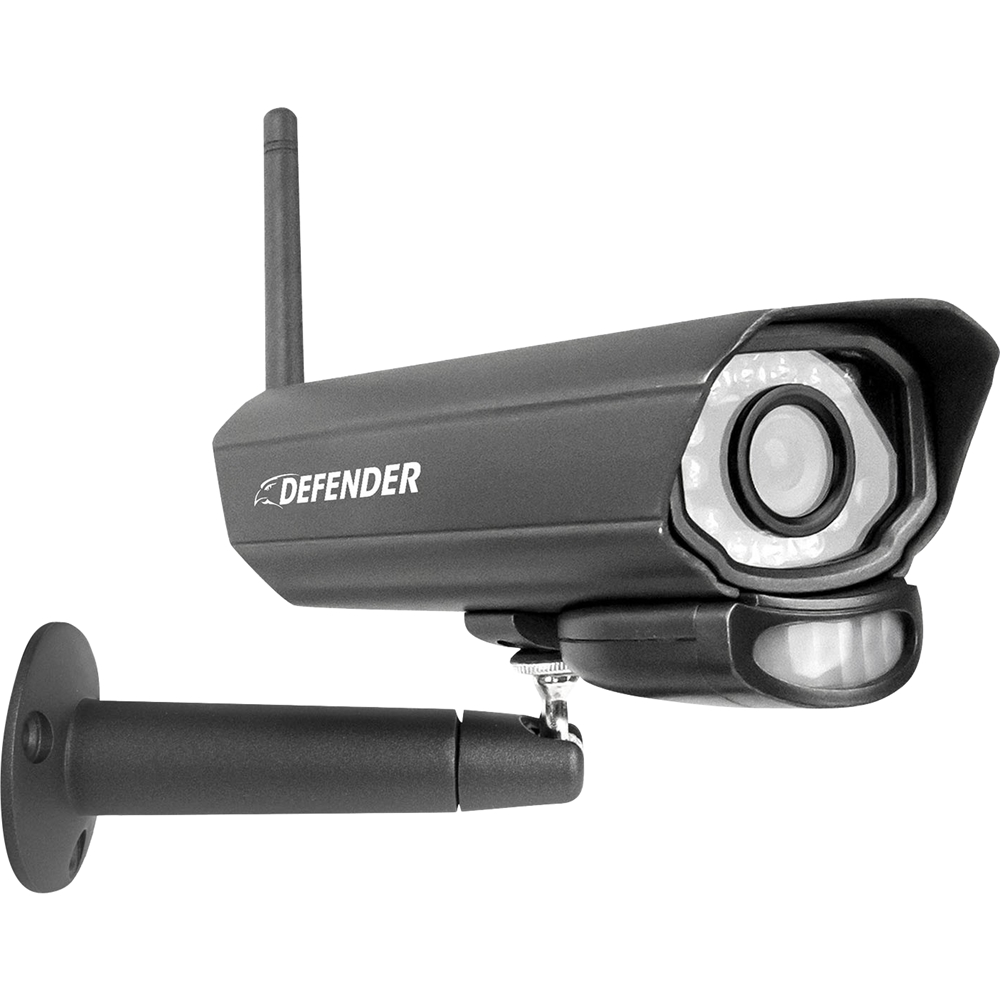
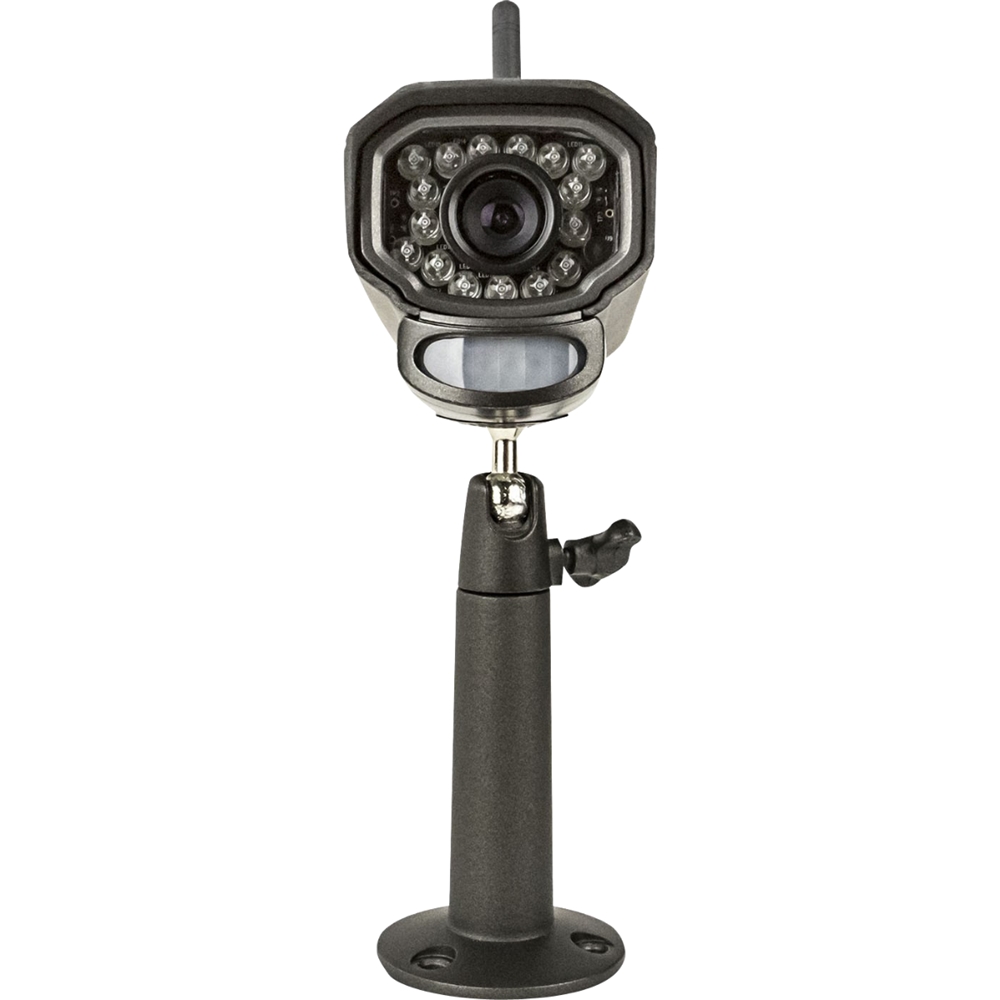
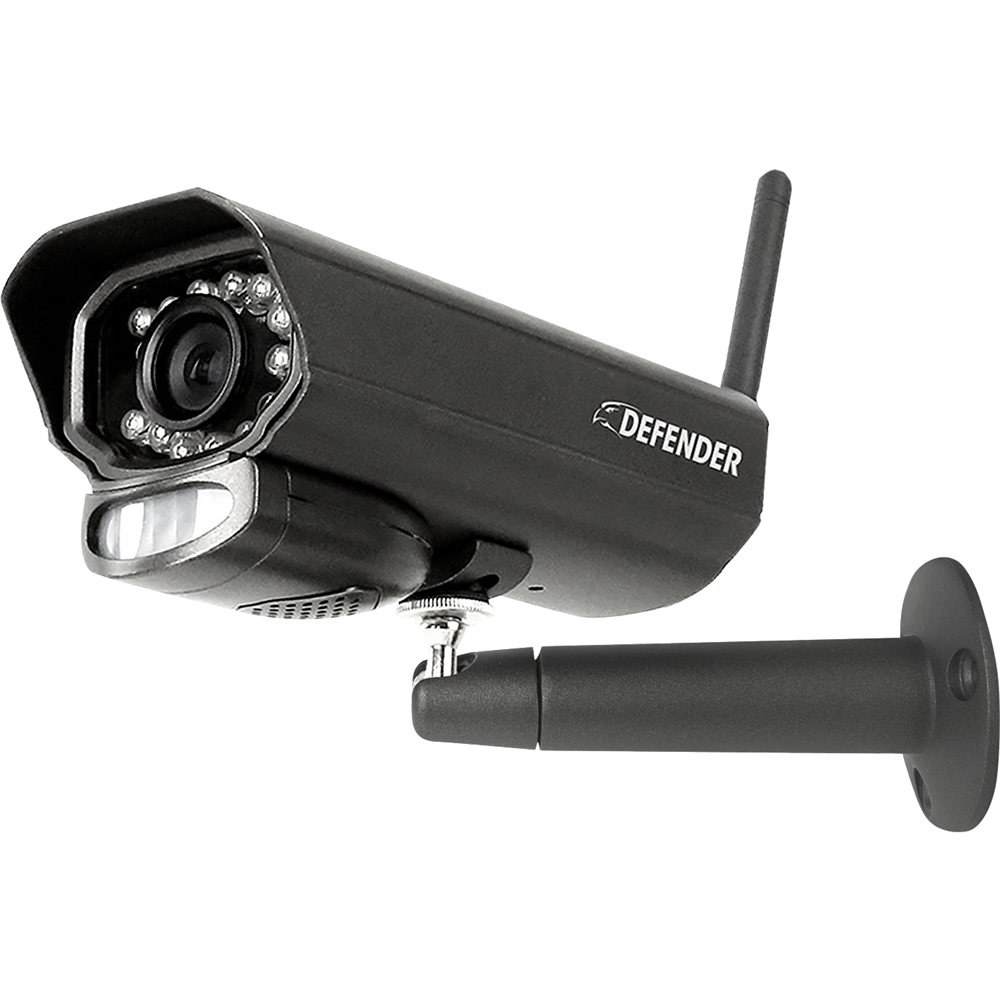
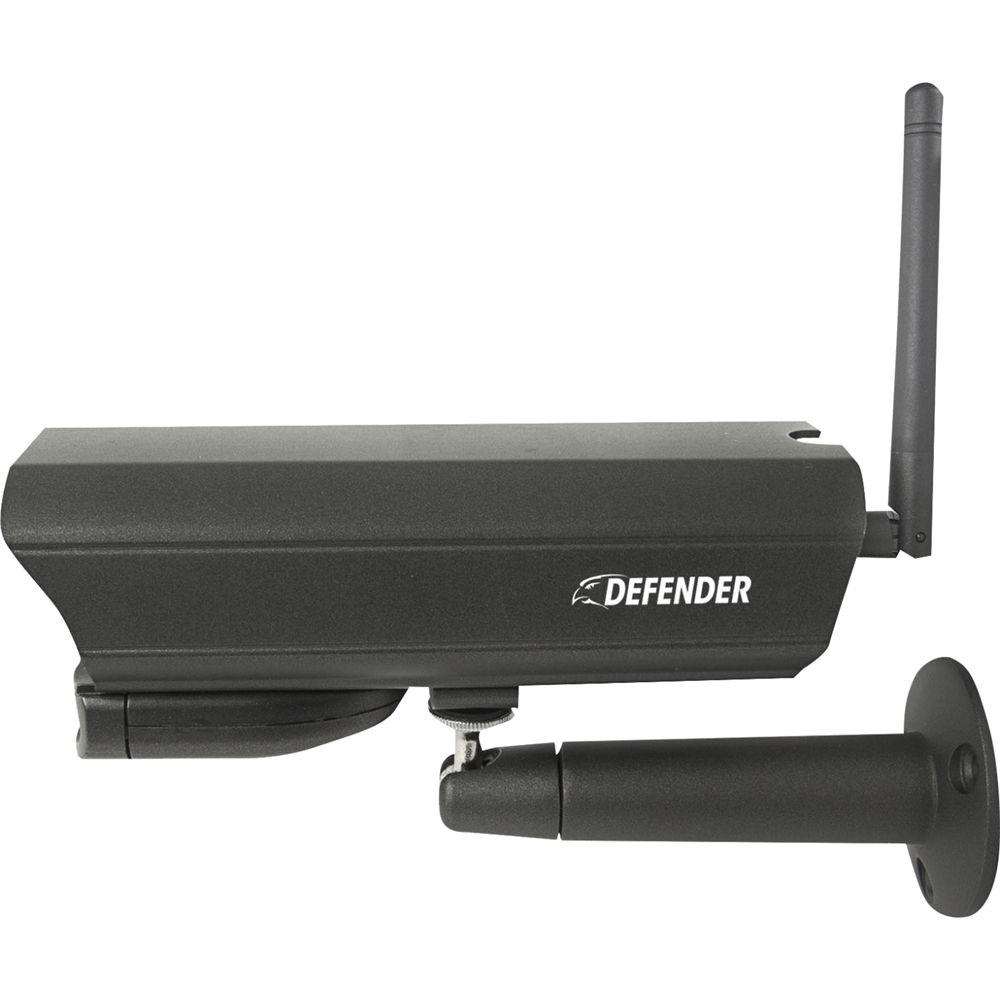
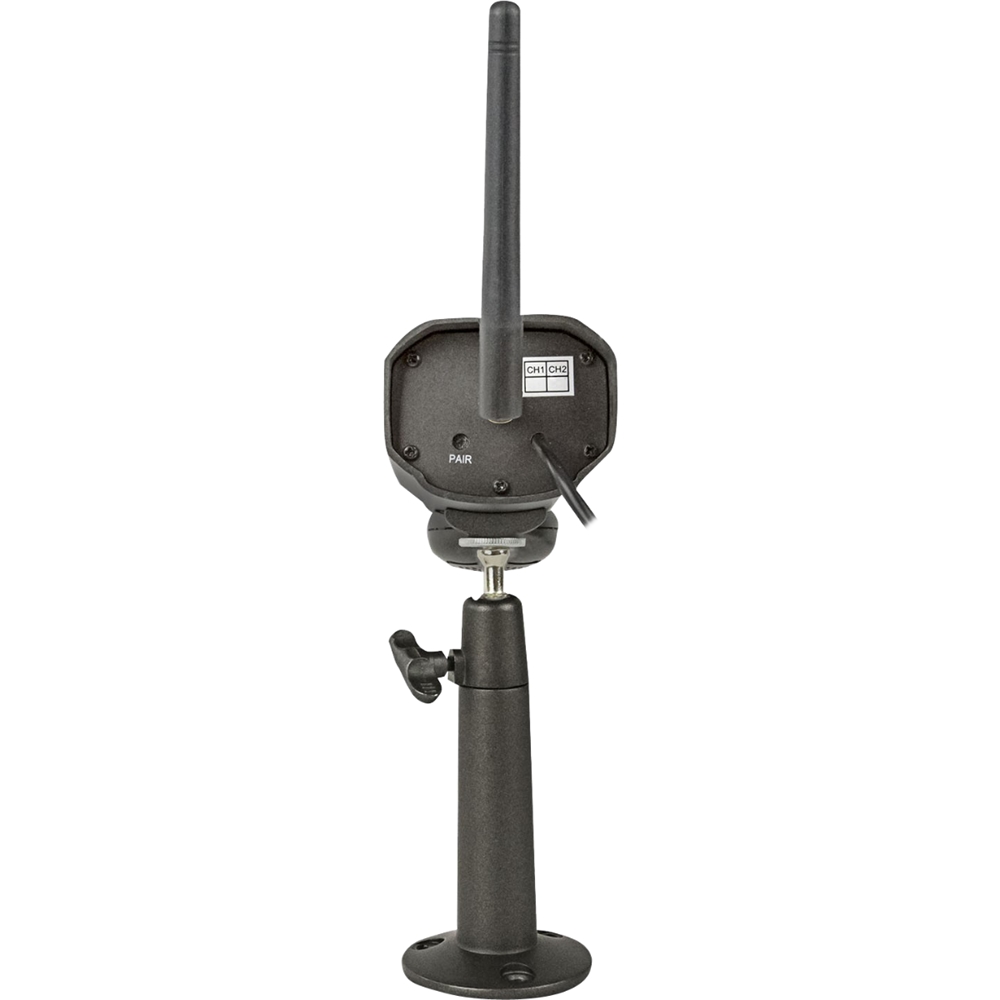
A:AnswerHello, that's a great question. Internet is not required or needed to operate the PhoenixM2 system.
Martin R. | Defender Customer Experience Expert
A:AnswerHello Jack, thank you for your question. Out of range can mean that the camera is too far from the receiver or there is interference. If you need assistance please contact our support team by email, phone or live chat!
Martin R. | Defender Customer Experience Expert
A:AnswerWilly, great question. It really depends on how thick the walls are. We have customers who have similar builds and have no issues. Some materials can become barriers to the performance of your wireless device. To ensure a fully functioning wireless system you may need to consider the placement of your system or receiver.
Martin R. | Defender Customer Experience Expert
A:AnswerThank for the question Potter. The optimal range for the cameras to have a strong connection to the monitor is 150ft. They can operate up to 450ft. Depending on how many walls and what they are made of will determine the signal strength reaching the monitor.
Defender Support
A:AnswerHello Wifi, thanks for the great question. You do not need Wi-Fi for the PhoenixM2. It creates its own private network to pair the cameras. If you have any questions please contact our support team by phone, email or live chat!
Defender Support
A:AnswerThank you for the question! The yellow folder indicates that there is footage available for you to view the second white icon is an SD card which indicates that the SD card is inserted properly.
Defender Support
A:AnswerThank you for this fantastic question. Your easiest option would be to take out the SD card and just bring that. The police can copy what they need and you can put the SD card back into your system.
Defender Support
A:AnswerHello Vic. Thank you for your inquiry. The amount of days worth of footage you can get from your SD card depends on the recording type (continuous or motion detection.) Approximate times would be 3 days of continuous, and 5-7 days of motion detection. You can purchase a larger SD card (up to 128gb) to capture more footage for a longer period of time.
A:AnswerHello Conrad, thanks for the great question. As long as the system is set to automatic overwrite it will record over the oldest footage first once the SD card is full. When recording in motion only the estimated time is hard to determine as it will be dependent on the amount of motion that is detected from the camera, to ensure that you are protected when you need it most you can add an SD card up to 128GB!
Defender Support
A:AnswerHello DUI1, thanks for the question. The optimum range from camera to monitor is 150ft. The camera can be up to 450ft with clear line of sight.
Defender Support
A:AnswerAll you need is an electric outlet for the camera to be plugged into, an the same for the monitor. Press motion if you only want it to record when something pass in front of it. Or press record if you want it to record all of the time. The sleep mode does the same thing as the motion button does except the monitor will go black an a green light will come on to let you know it is ready. If something pass in front of it it will record an the monitor will come on, but after recording it will go black again into sleep mode