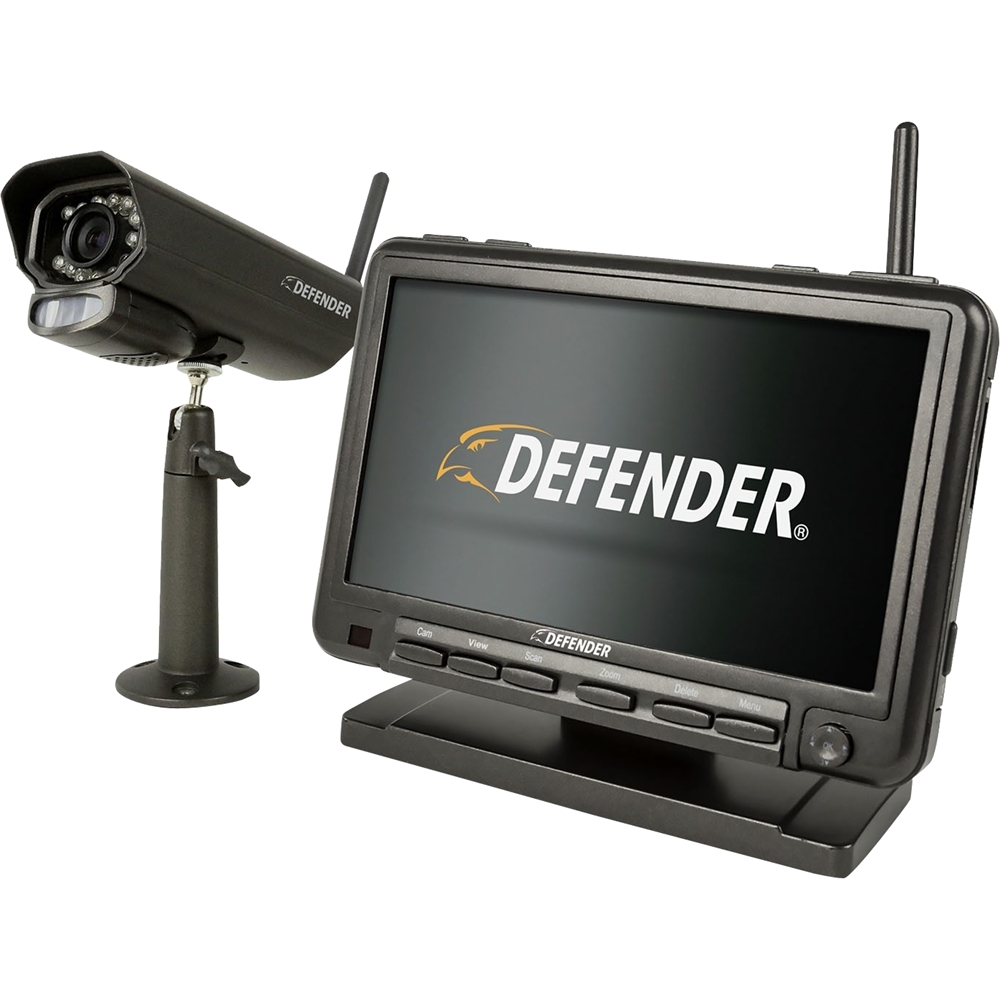
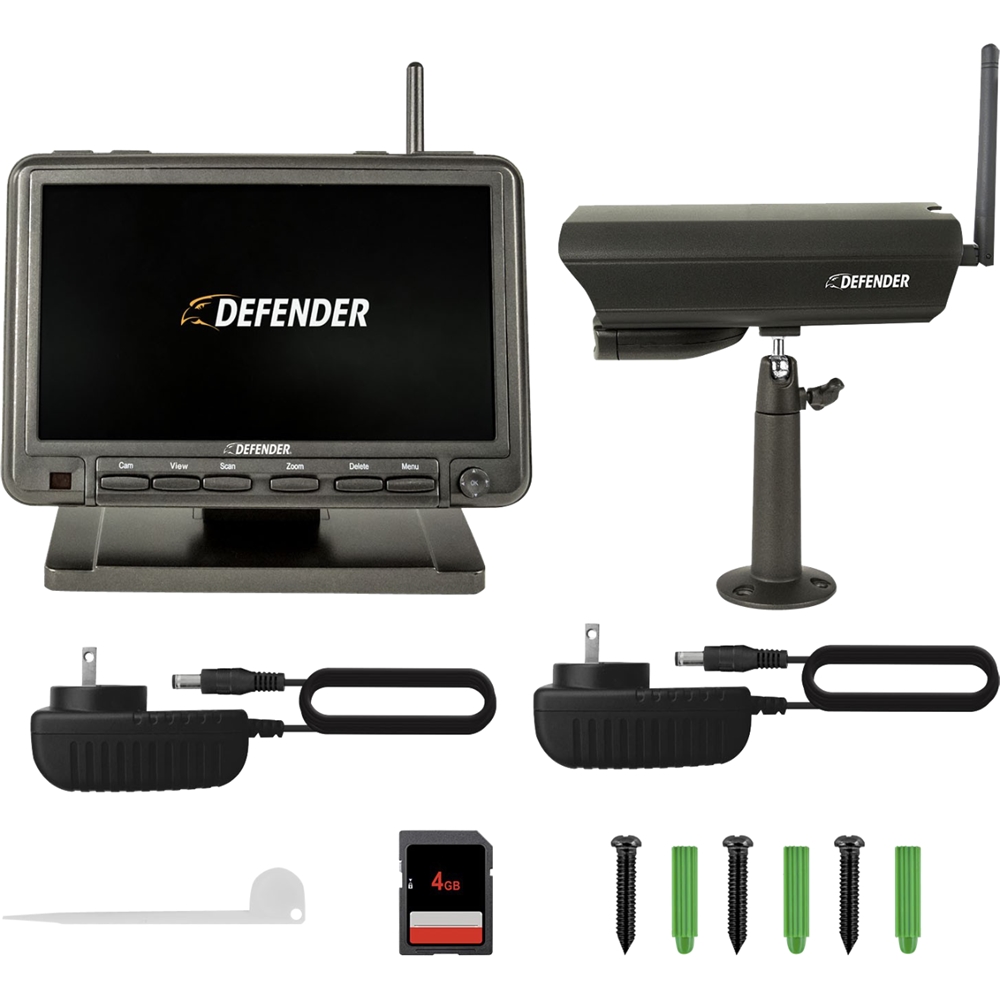
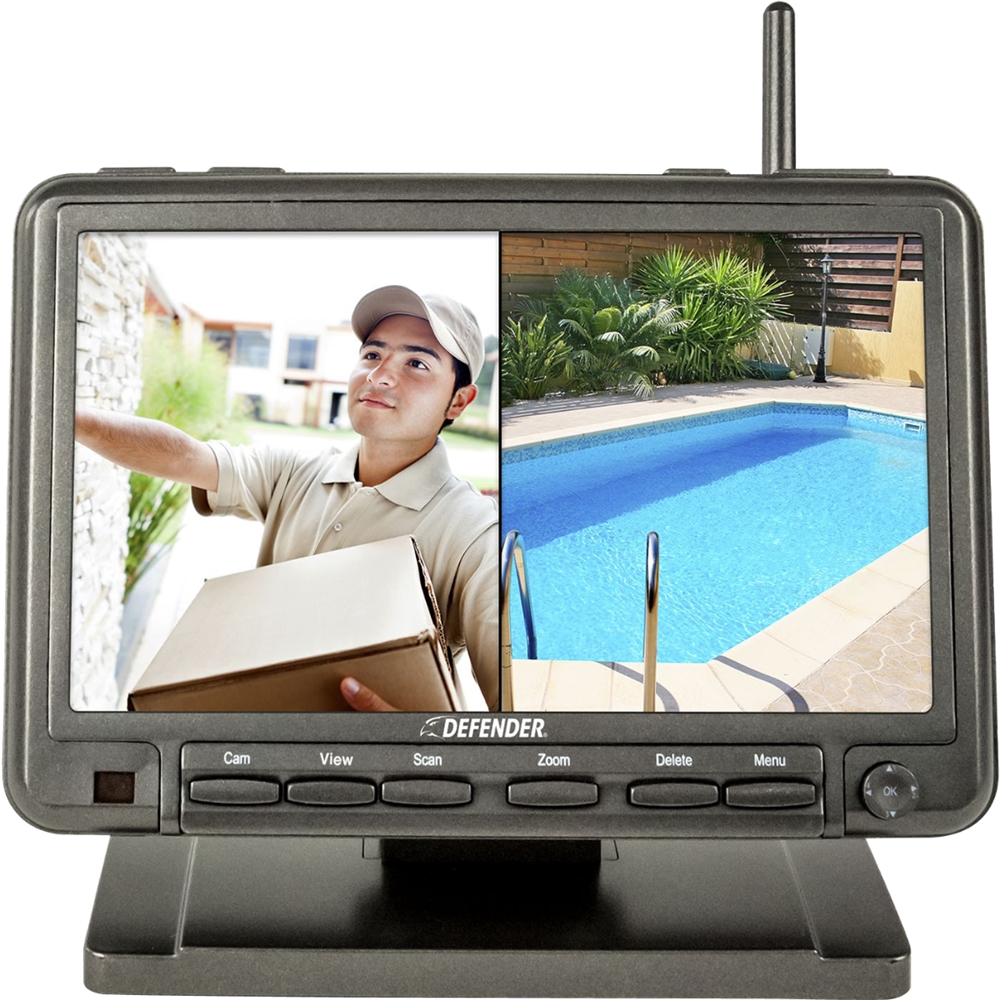
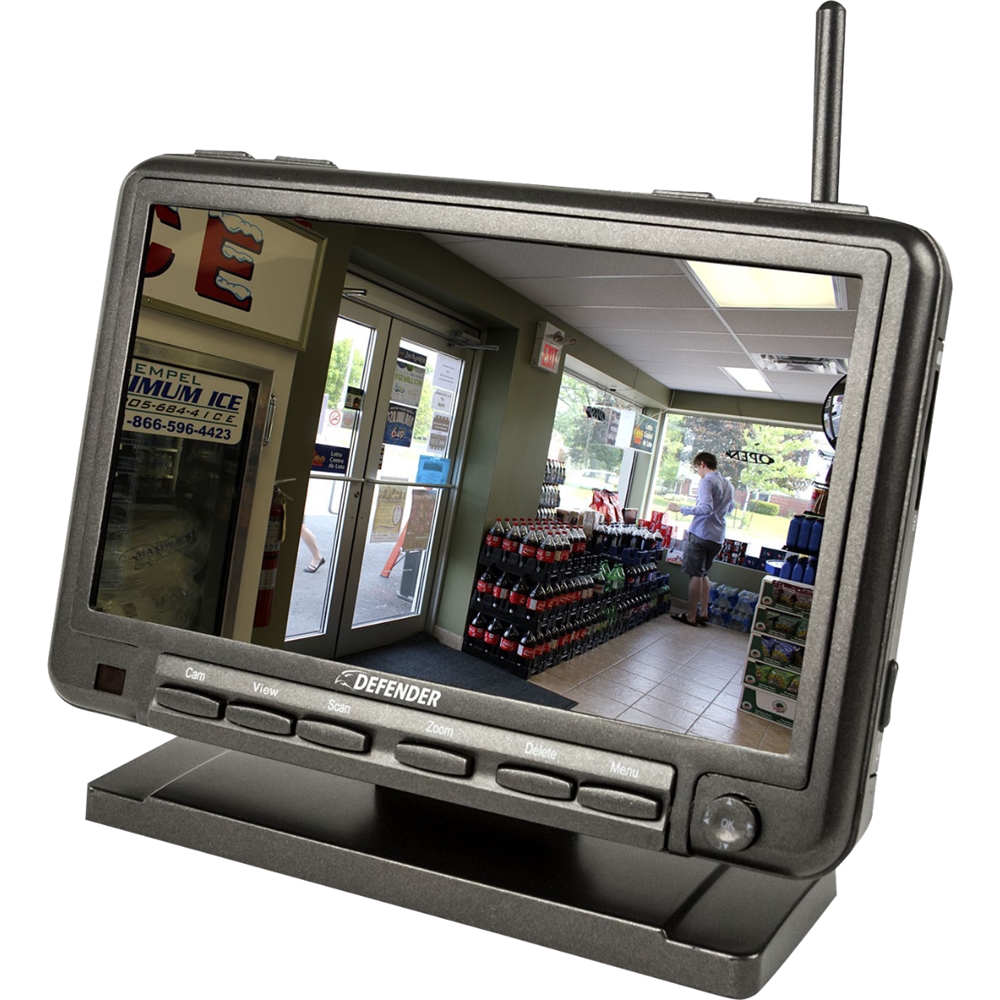
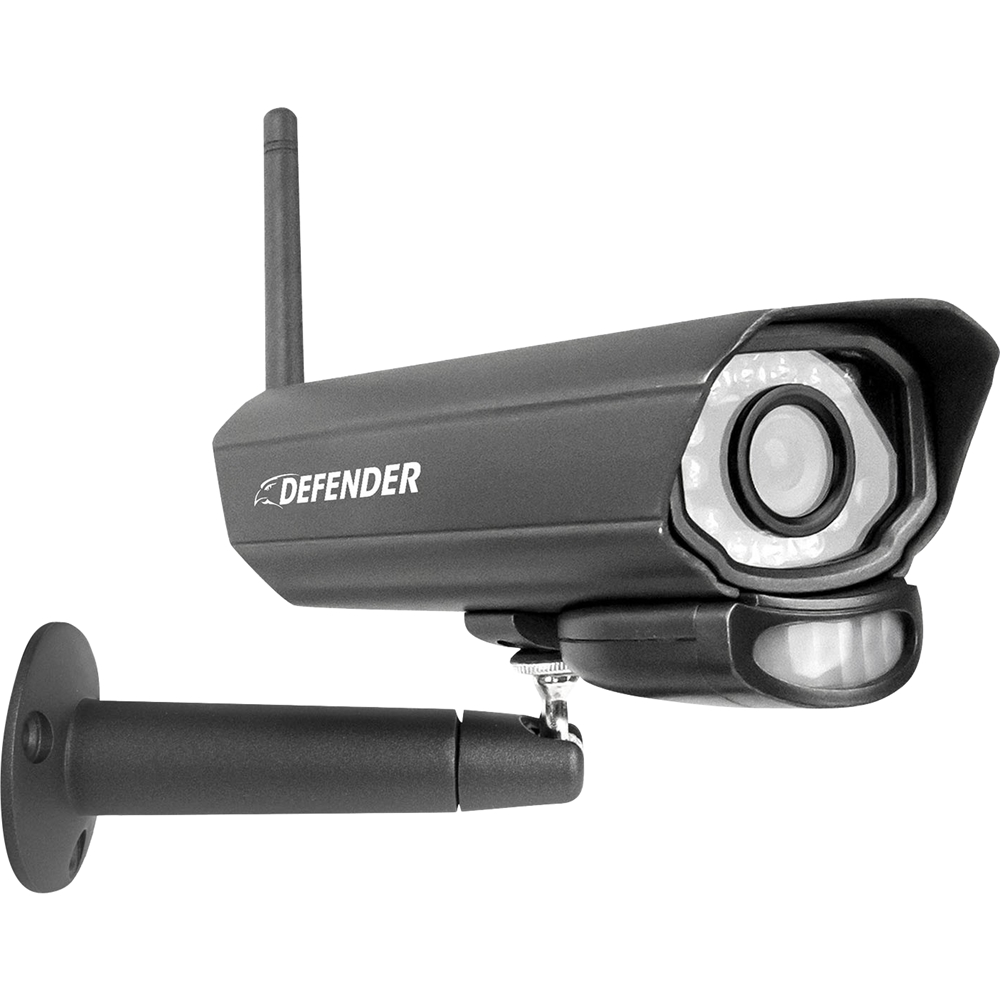
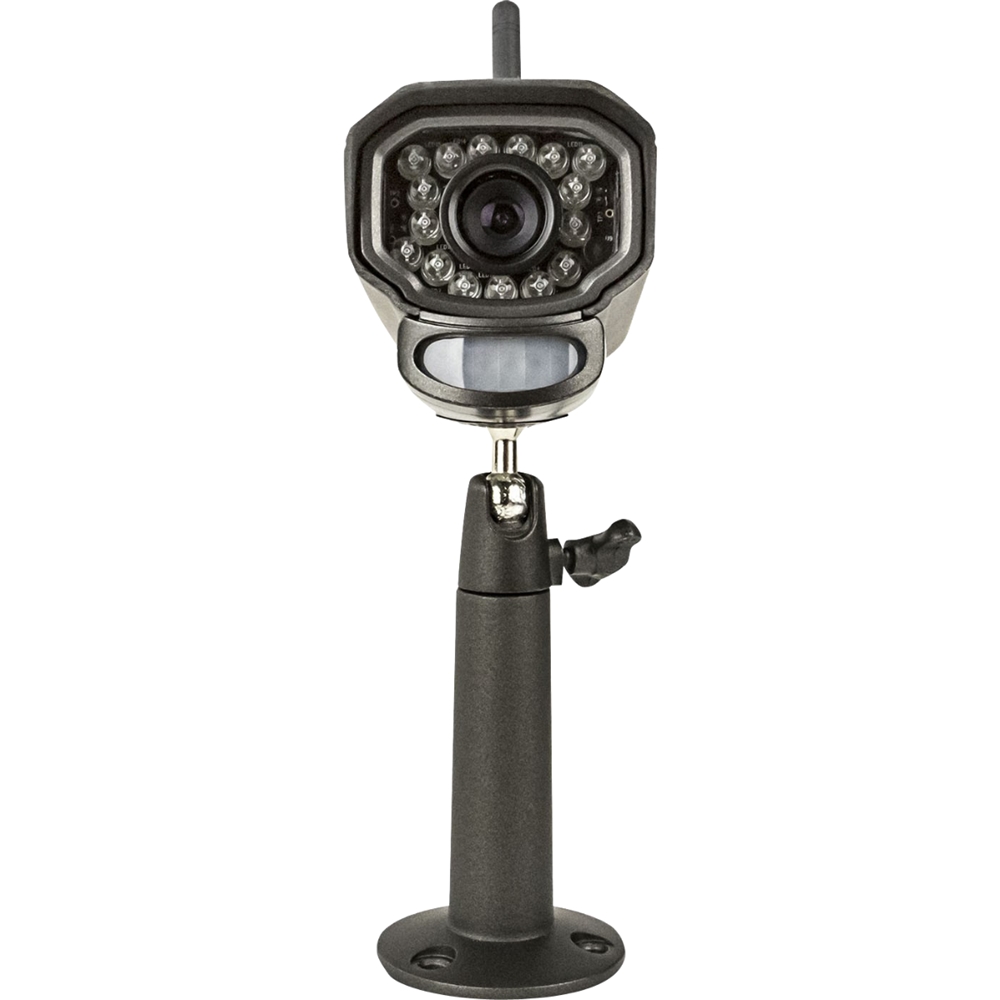
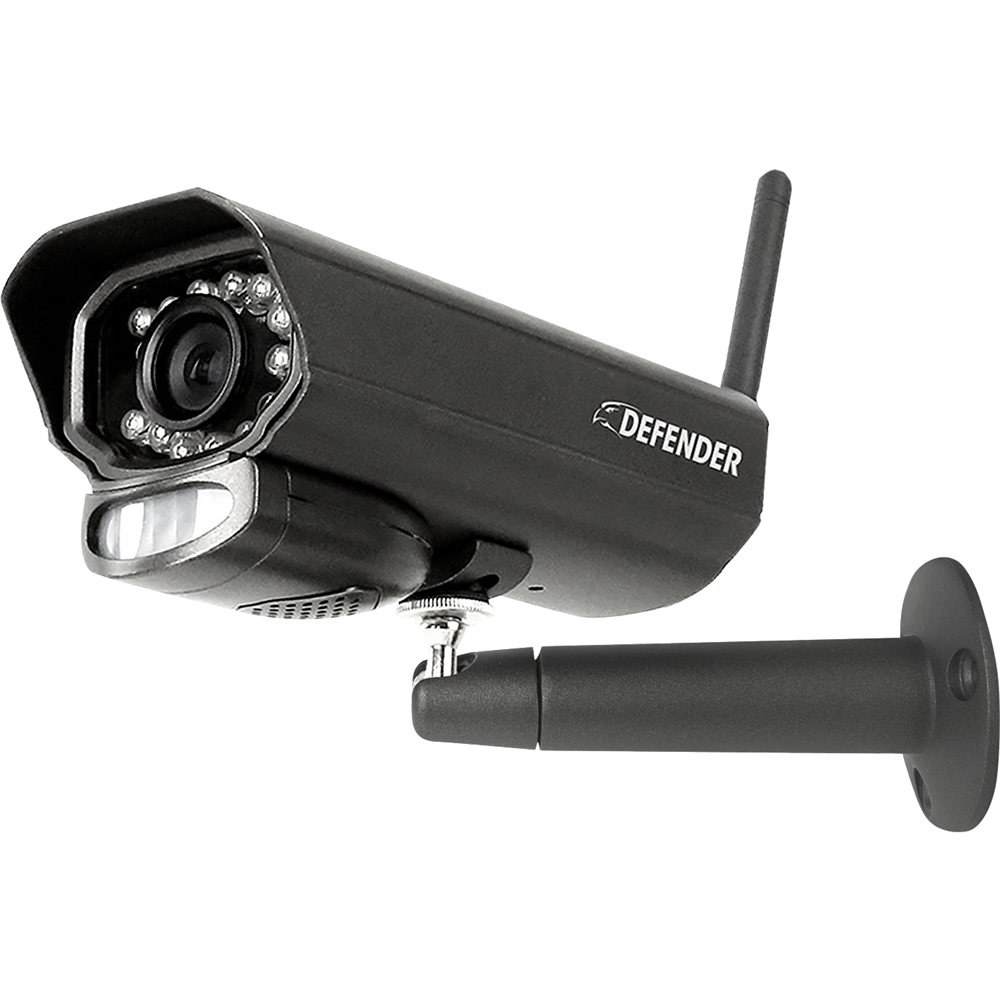
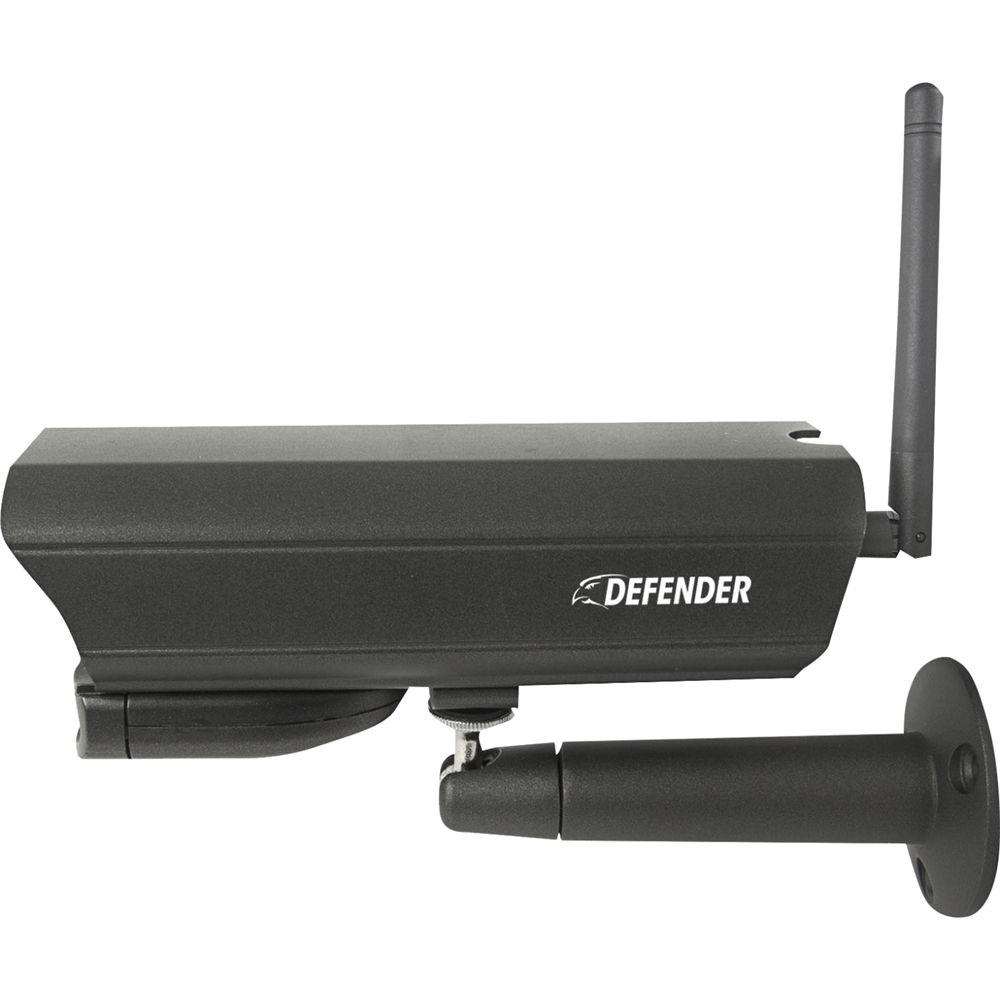
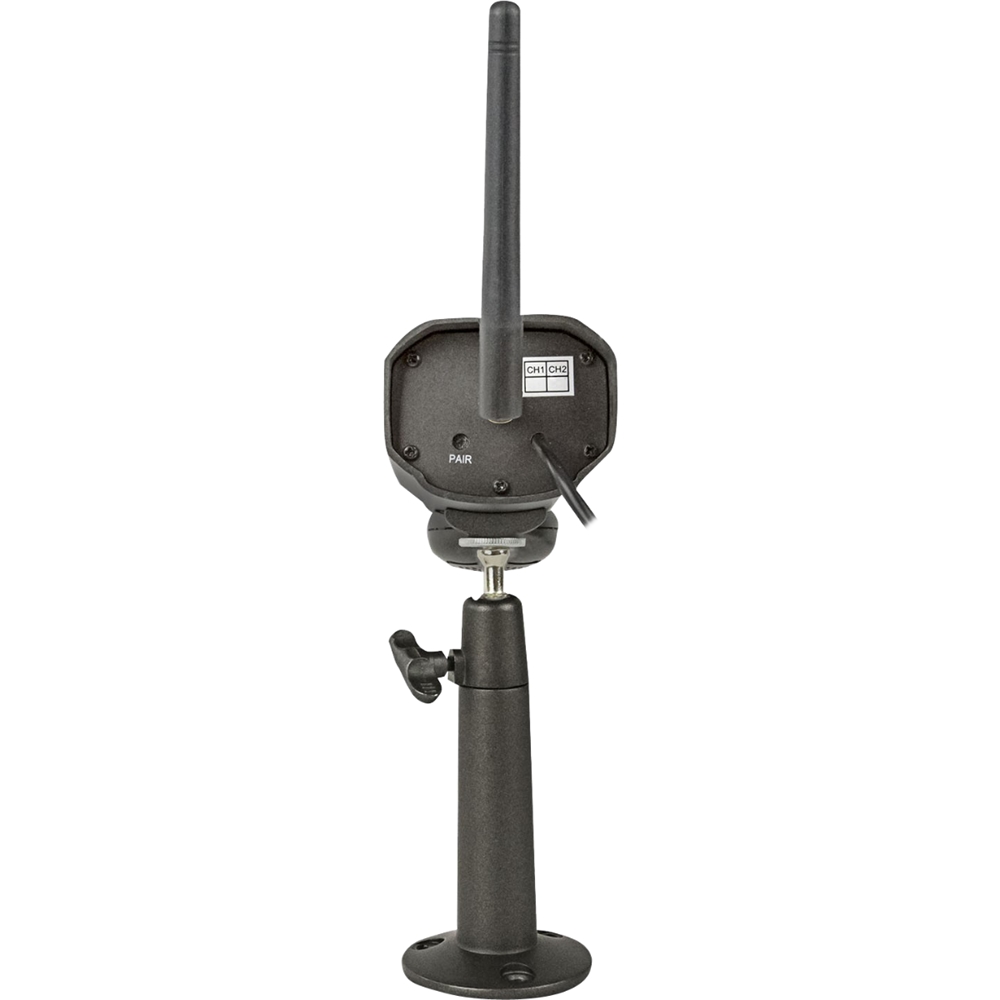
A:AnswerHello and thank you for your inquiry. The approximate ranges are as follows: Daytime Range is 12m with high sensitivity, 6m with medium sensitivity, and 4m with low sensitivity.
Night time, because the motion is detected with the IR lights in the front the distance is about 5 meters.
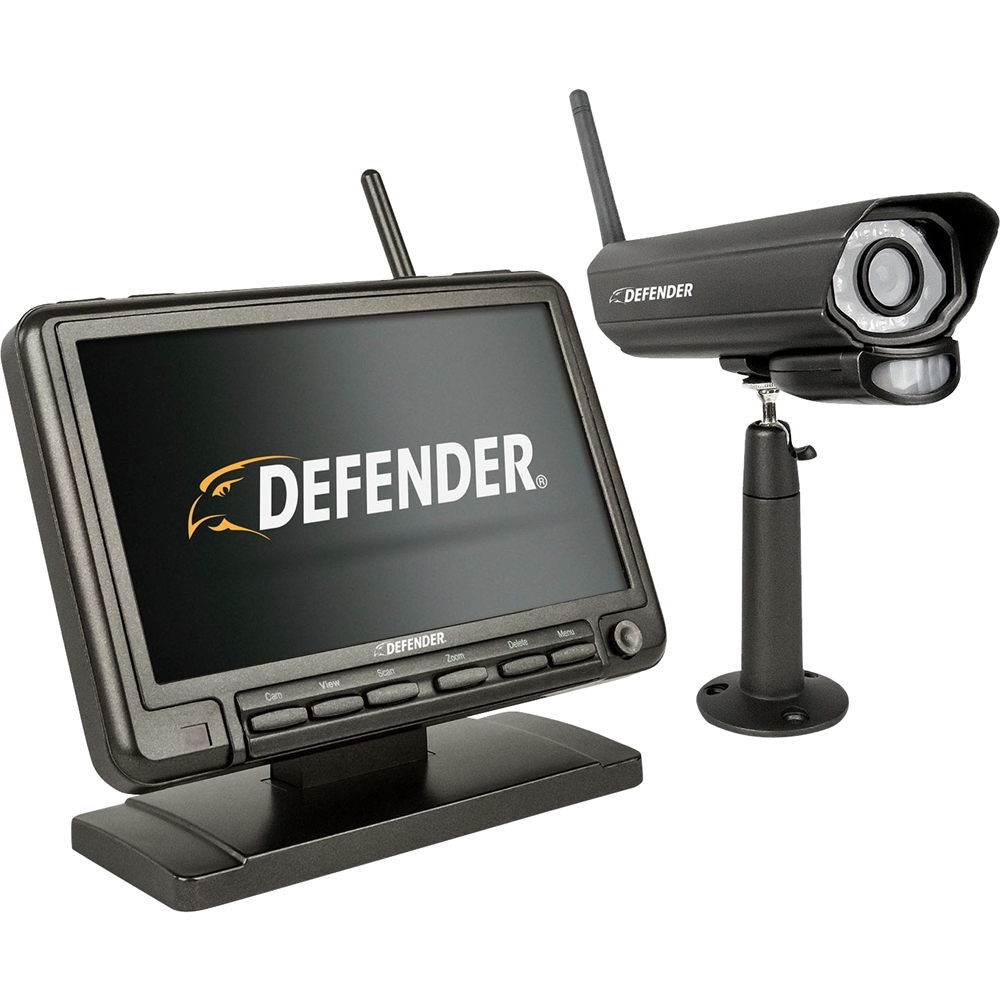
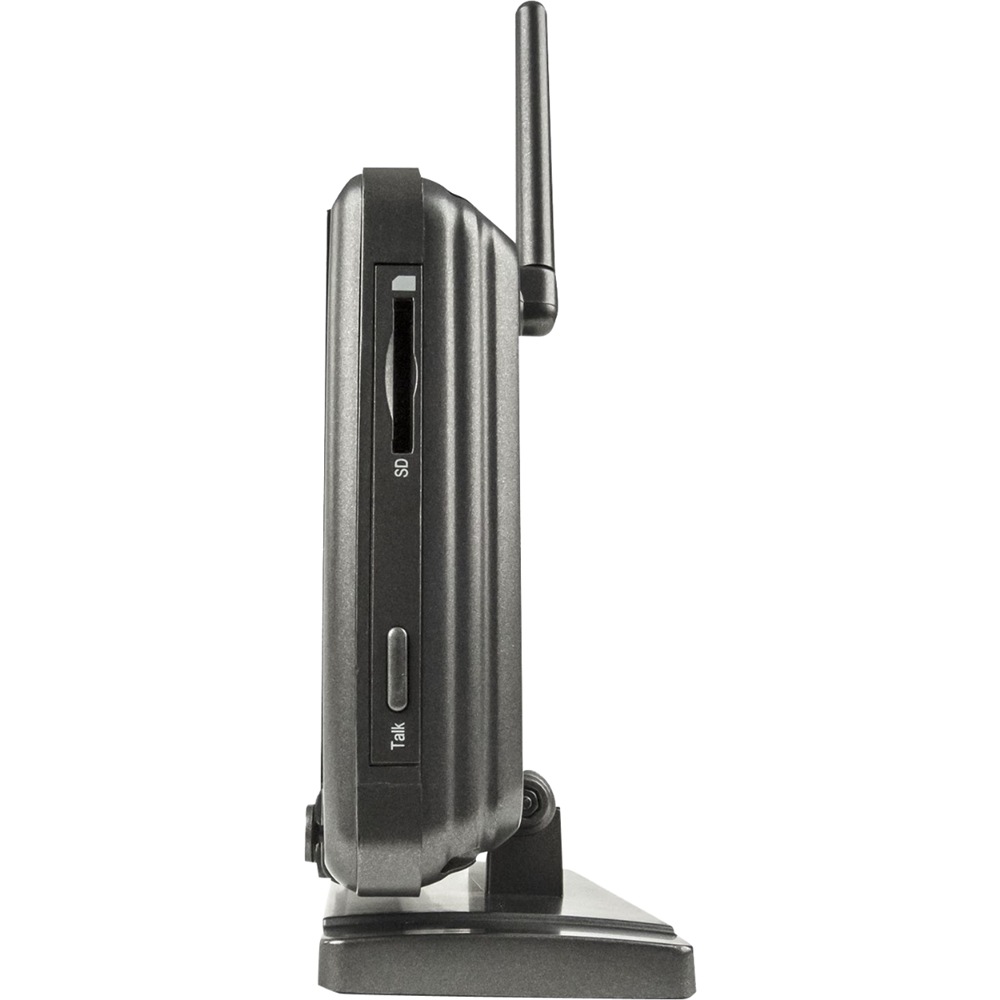
A:AnswerGreat question, Van! The PhoenixM2 does not have a hard drive but it records onto an SD card. If you are looking for a system with a hard drive please take a look at our Defender 4K System.
Thank you for your interest in Defender!
Melissa C. | Defender Customer Experience Expert
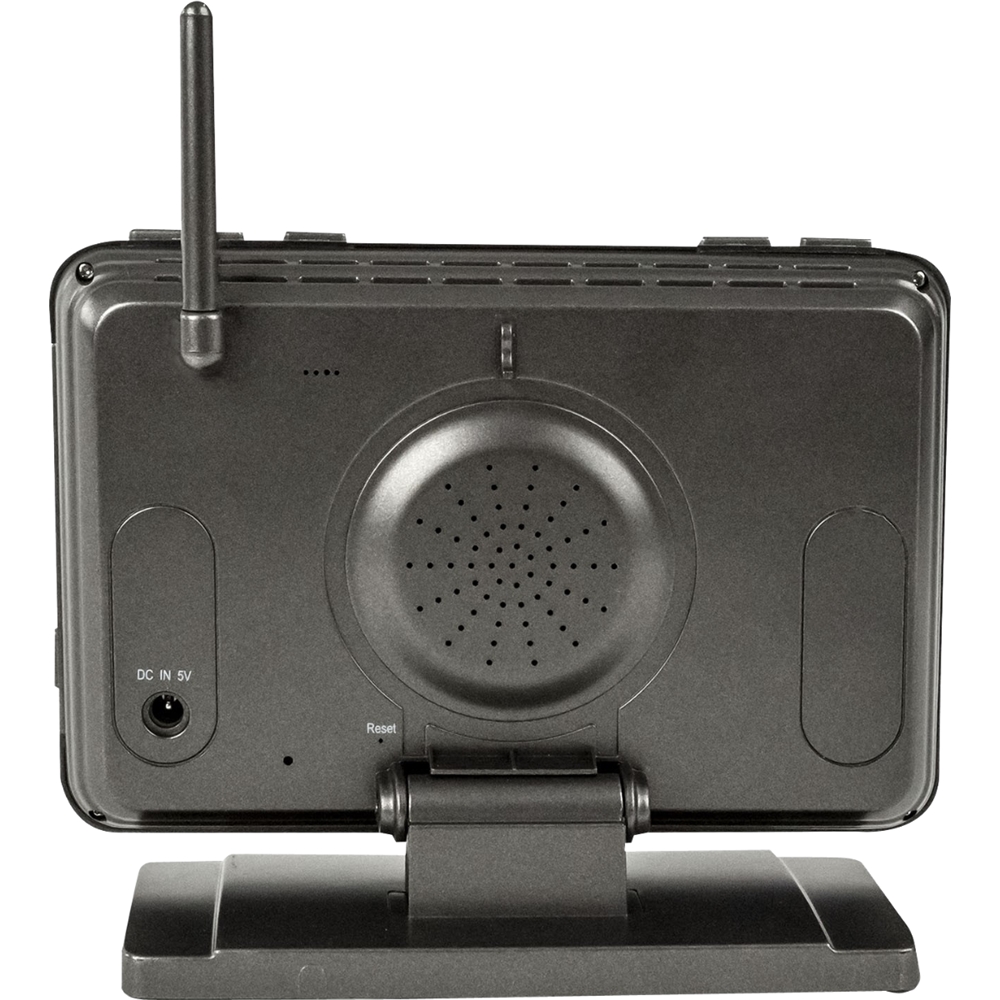
A:AnswerThank you for your question, Freddie! The power supply is AC 100~240V 50/60Hz. You can try using an adapter but as we do not test these we are unable to advise if this will work seamlessly!
Melissa C. | Defender Customer Experience Expert
A:AnswerPut a 32gb sd card in check at the end of month. the camera will only record when something walkes in front of it. Put it on motion. I have never just put it on record. But do your own test because everyone has different motion where they live
A:AnswerHello Swany1, We are sorry to hear that you are having difficulties pairing your camera with the monitor. If you would like to contact our support team they can be reached by phone, email or live chat!
Defender Support
A:AnswerButtheadxyzwalsyms, thanks for the question. We are sorry to hear you are having issues with your PhoenixM2 system. Please contact our support team by phone, email or live chat.
Defender Support
A:AnswerThank you for your question Vic! As this is a wireless system it is susceptible to interference from outside sources such as your wireless router. Repairing the camera to the monitor may also assist in strengthening the signal. For contact information please reach out to the retailer and they should be able to assist. Thank you for being a part of the Defender Family!
A:AnswerThank you for your question. This message will appear if the monitor cannot connect with the camera. Pairing the camera should restore your image, instructions to do so can be found on the quick start guide included with your PhoenixM2 System. If you continue to experience this, the product includes a one year manufacturer's warranty. We want to ensure you get the peace of mind you deserve.
A:AnswerGreat question.
The SD card should work just like the ones from your field cameras with no additional software required. It may be necessary to format the SD card (this will clear all data from the card) then use it to record once again. You will also want to confirm if you received a micro SD card and adapter or a full size SD card. For further assistance, please feel free to check our online support center for further information or our online how to videos.
A:AnswerThank you for your question.
It may be possible that the Mac does not recognize the file format or format of the SD card. You will also want to be sure the SD card is not locked. To check this, you will find a small switch on the side of the SD card or SD adapter.
A:AnswerThank you for your question Lee.
This may be a question best asked of the Defender Customer Experience Team. They will be happy to assist you with your PhoenixM2!