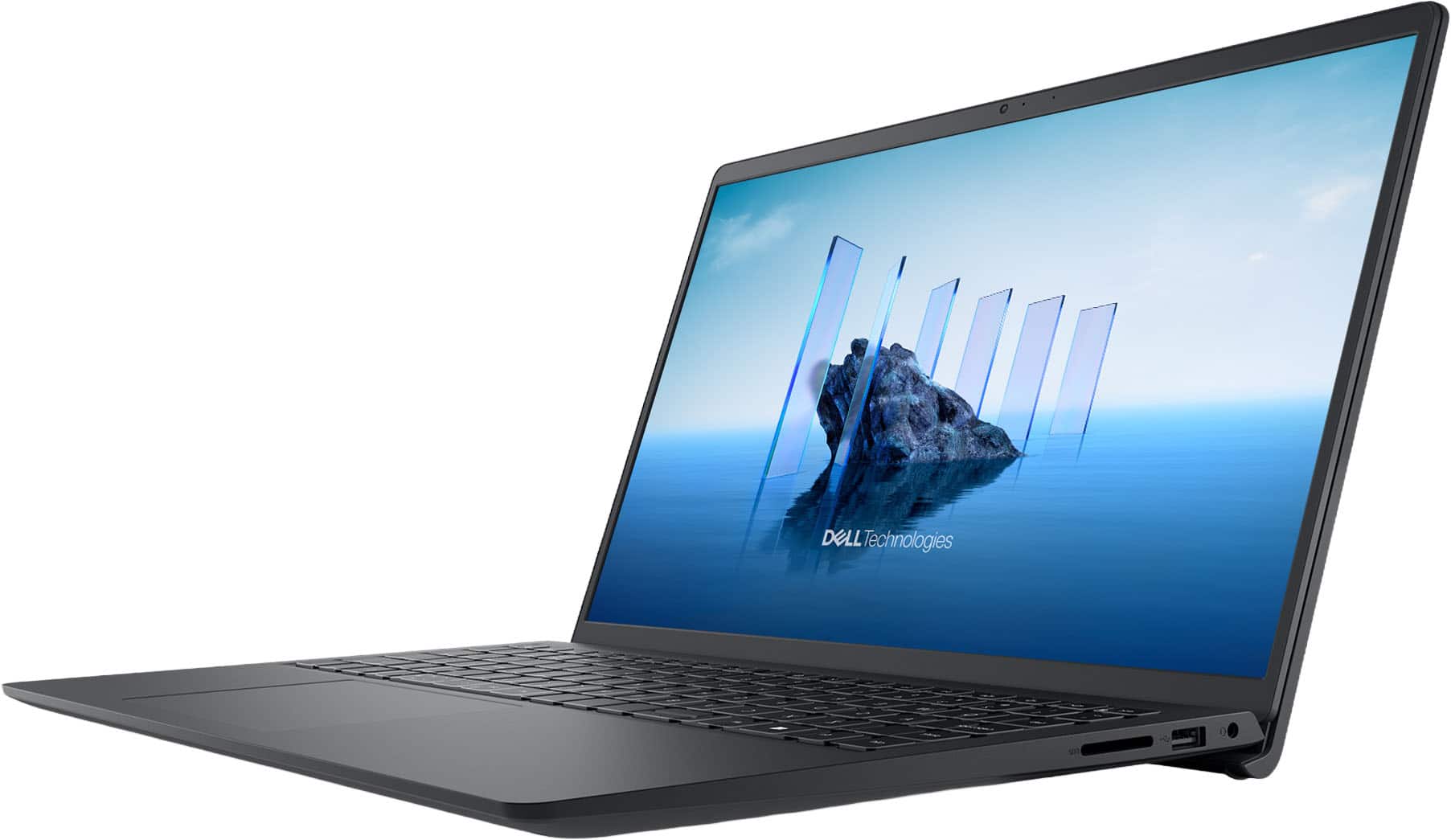


Questions & Answers
- Model:
- LDC15250-7292BLK-PUS
- |
- SKU:
- 6642210
Highly rated by customers for: Overall Performance, Processor Speed
$799.99Your price for this item is $799.99
Page Showing 1-20 of 74 questions
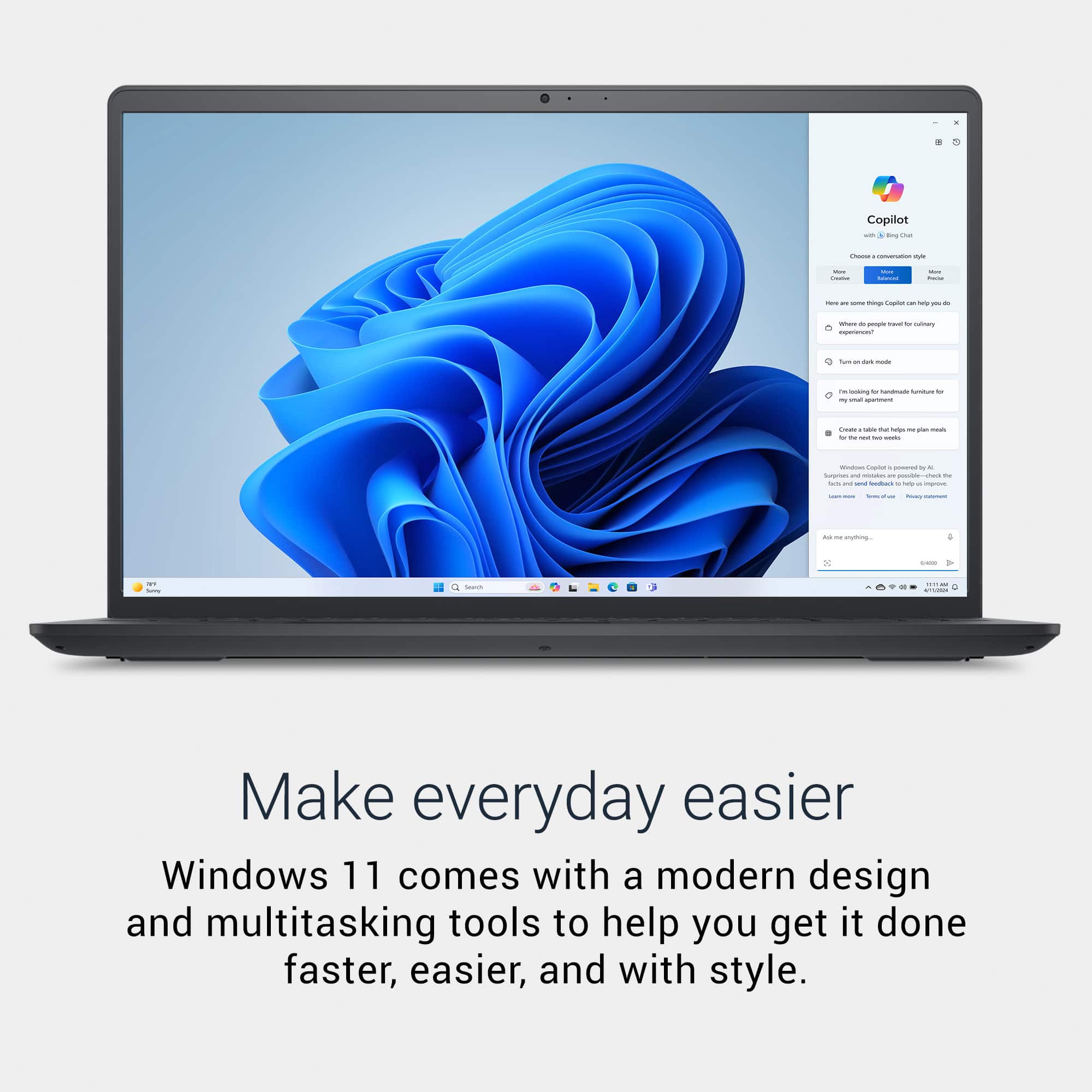
Q: QuestionIt says this has Windows 11 Home in S Mode. Can you take this out of S Mode? If so, what do you need to do to put it into full Windows 11 Home? Can the User do that? Does it cost more? Do I have to buy a Windows 11 Home license?
Asked by TheRoots.
- A:Answer Yes, you can switch your Dell DC15250 laptop from Windows 11 Home in S Mode to the full Windows 11 Home version, and it’s free. How to Switch Out of S Mode (Step-by-Step) Open Settings: Click the Start menu → Settings (gear icon). Go to Activation: Navigate to System → Activation. Find the “Switch to Windows 11 Home” Section: Look for a link that says “Switch to Windows 11 Home”. Click “Go to the Store” (important: don’t click “Upgrade your edition of Windows”). Open Microsoft Store: You’ll be taken to a page titled “Switch out of S mode”. Click “Get”: Press the Get button to confirm. The switch will begin and usually completes in under a minute. Done! You now have full Windows 11 Home. Important Notes One-way switch: Once you leave S Mode, you cannot go back. You cannot go back to S Mode just by changing a setting. To go back to Windows 11 in S Mode, you would need to: Reinstall Windows 11 Home in S Mode from scratch.
Answered by YourDellTeam
Q: QuestionWill Windows Home in S Mode allow me to run Google Chrome as a browser or will I only be able to use Microsoft products?
Asked by LMHoffice.
- A:Answer No, Windows 11 Home in S Mode will not allow you to install or run Google Chrome directly. To Use Chrome: You must switch out of S Mode: Go to Settings > System > Activation. Click “Switch out of S Mode” via the Microsoft Store. After switching, you can install Chrome from its official website. Please be informed the operating should be reinstalled if you wish to go back to S mode.
Answered by YourDellTeam
Q: QuestionIs this dual core or quad core
Asked by Red.
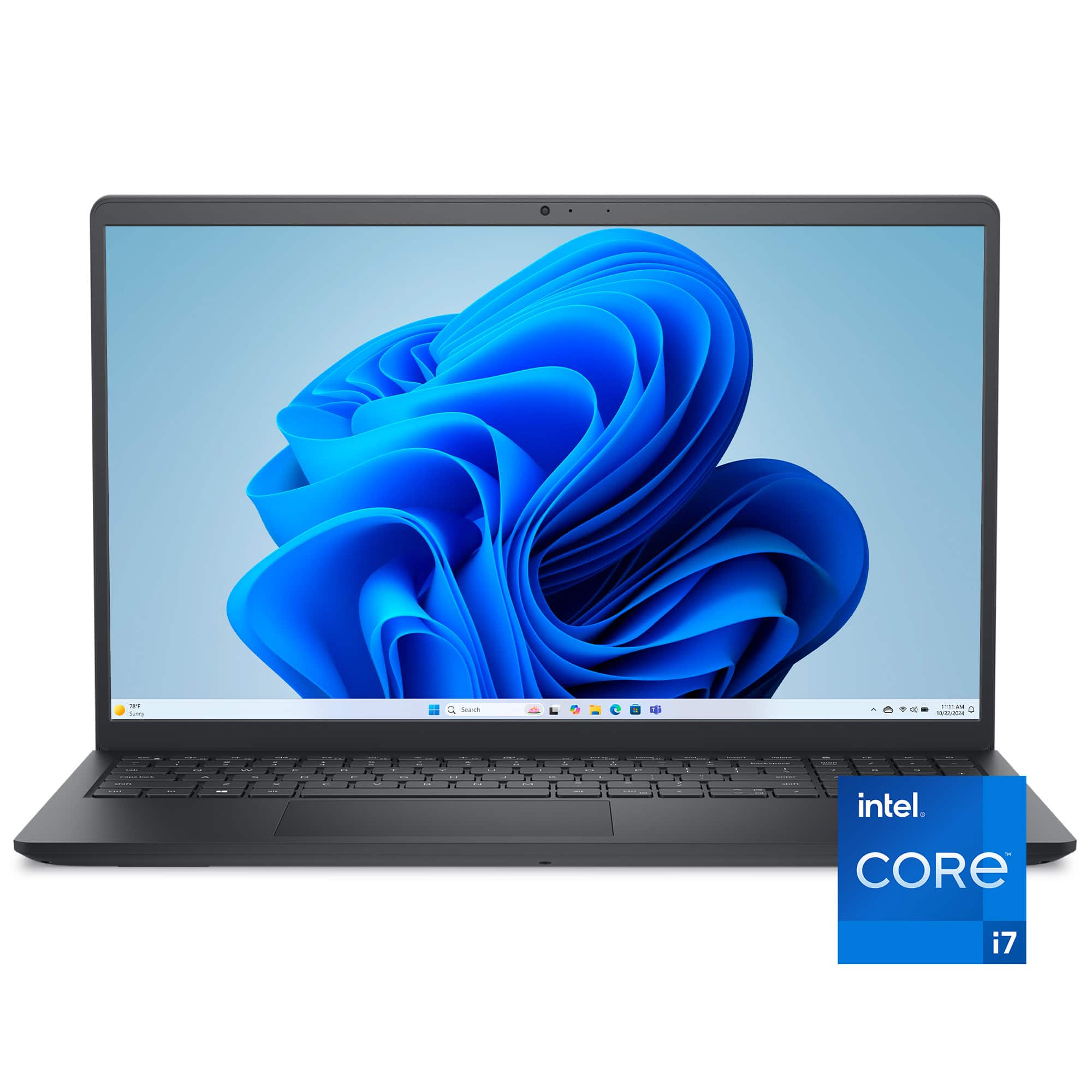
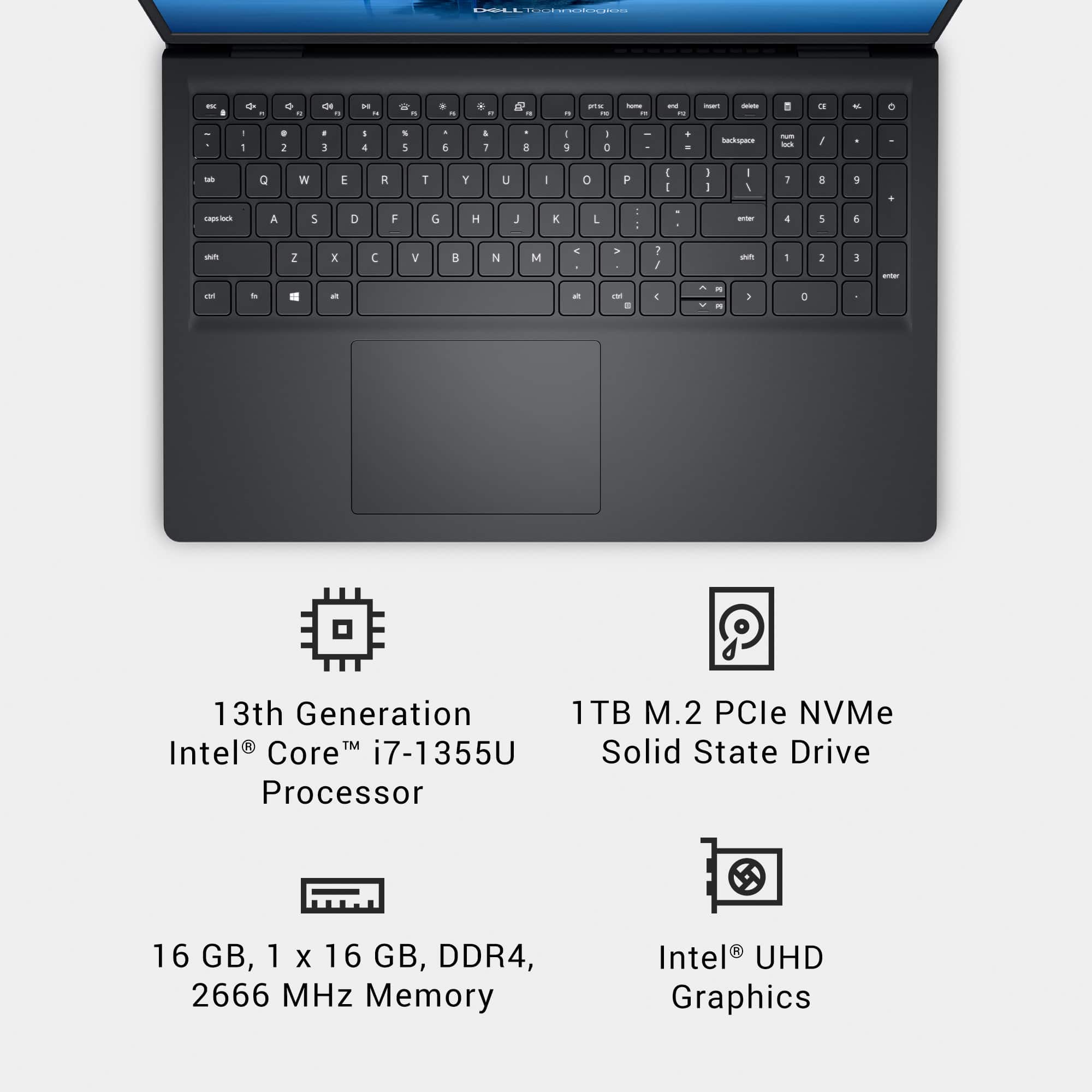
- A:Answer The laptop is neither dual-core nor quad-core, it’s a 10-core processor with a hybrid architecture: 2 Performance cores (P-cores). 8 Efficiency cores (E-cores). 12 threads total (thanks to Hyper-Threading on P-cores). So, it’s significantly more powerful than a traditional dual-core or quad-core CPU.
Answered by YourDellTeam
Q: QuestionDoes the model have MS office installed in it?
Asked by Johny.
- A:Answer Unless stated otherwise, you can get a free 30-day trial. There are also several subscription levels, including free, limited use of Word, Outlook and PowerPoint. Or you can get one of the free, compatible office suites.
Answered by luislast
Q: QuestionDoes this model have an ethernet port for connection to my router?
Asked by Jenny.
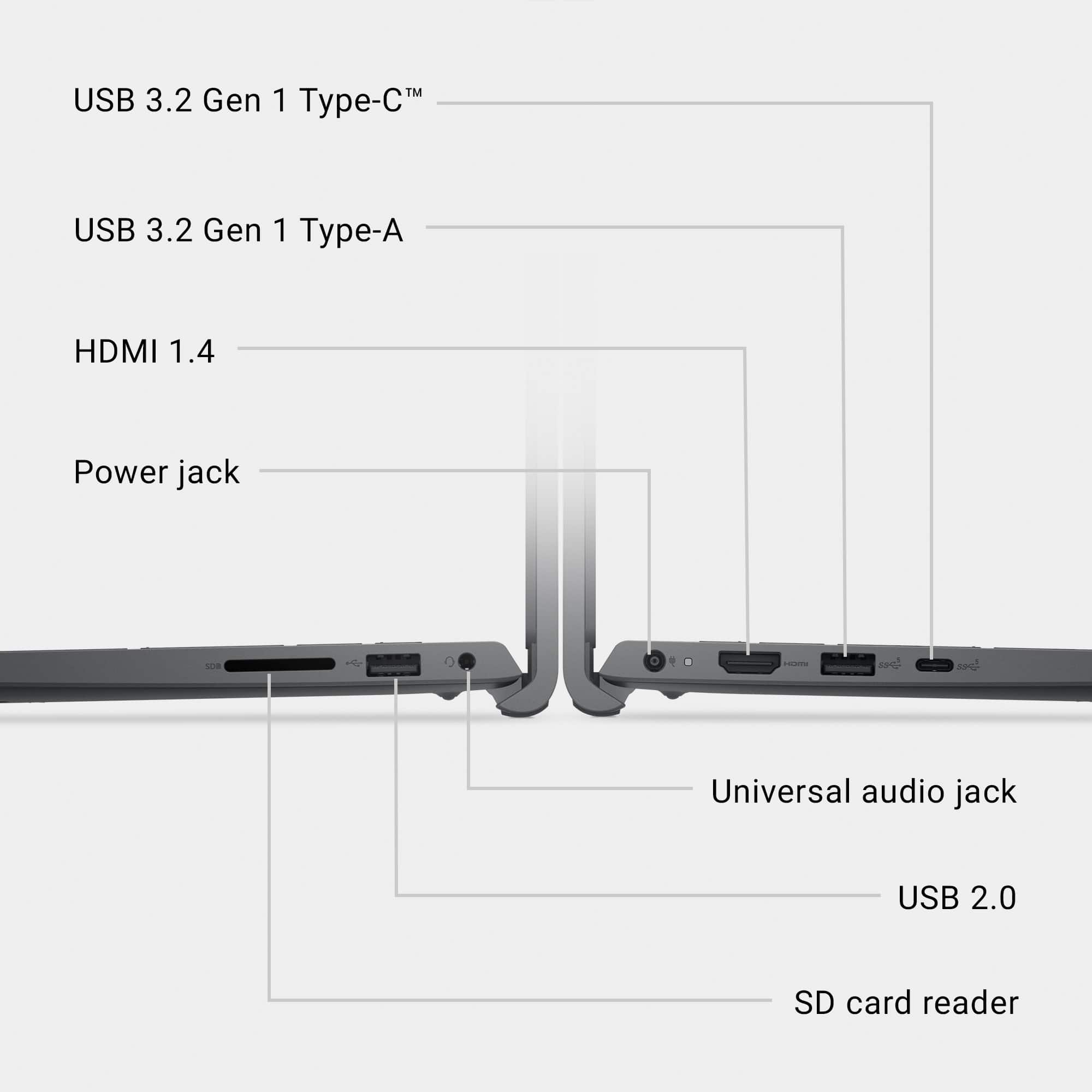
- A:Answer You will need a USB-to-Ethernet port adapter. Laptop manufacturers are trending to omit the Ethernet port, especially on lower priced models. This allows them to save some space and weight, as well as to lower prices. The exception is usually laptops aimed at business or gaming.
Answered by luislast
Q: QuestionWill Window Home in S Mode allow to download drivers updates from the site of the manufacturer?
Asked by Roddy.
- A:Answer Windows 11 S mode restricts you to installing apps from any site other than the Microsoft Store. Removing the S mode will give you the ability to install apps from any source.
Answered by AxeSlinger
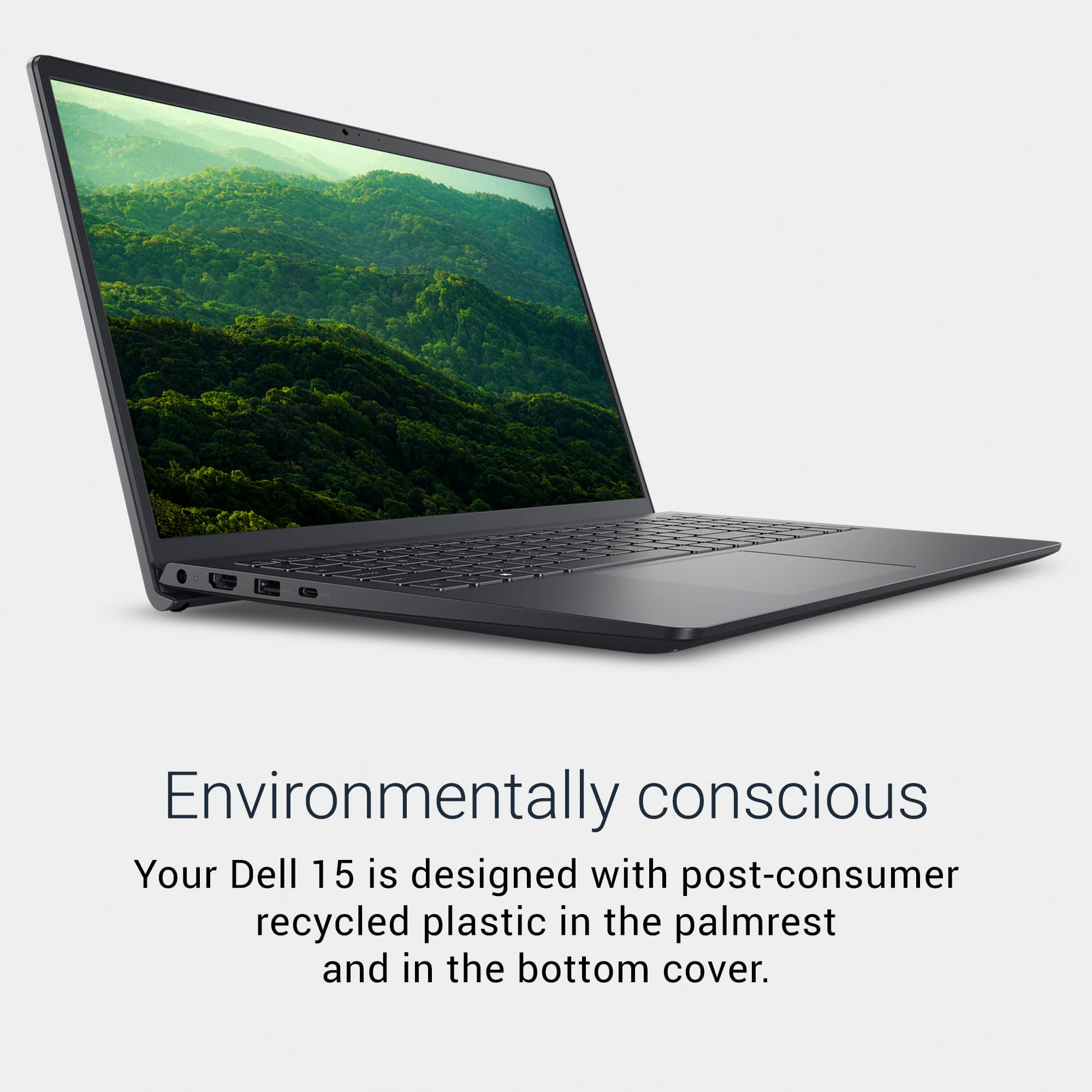
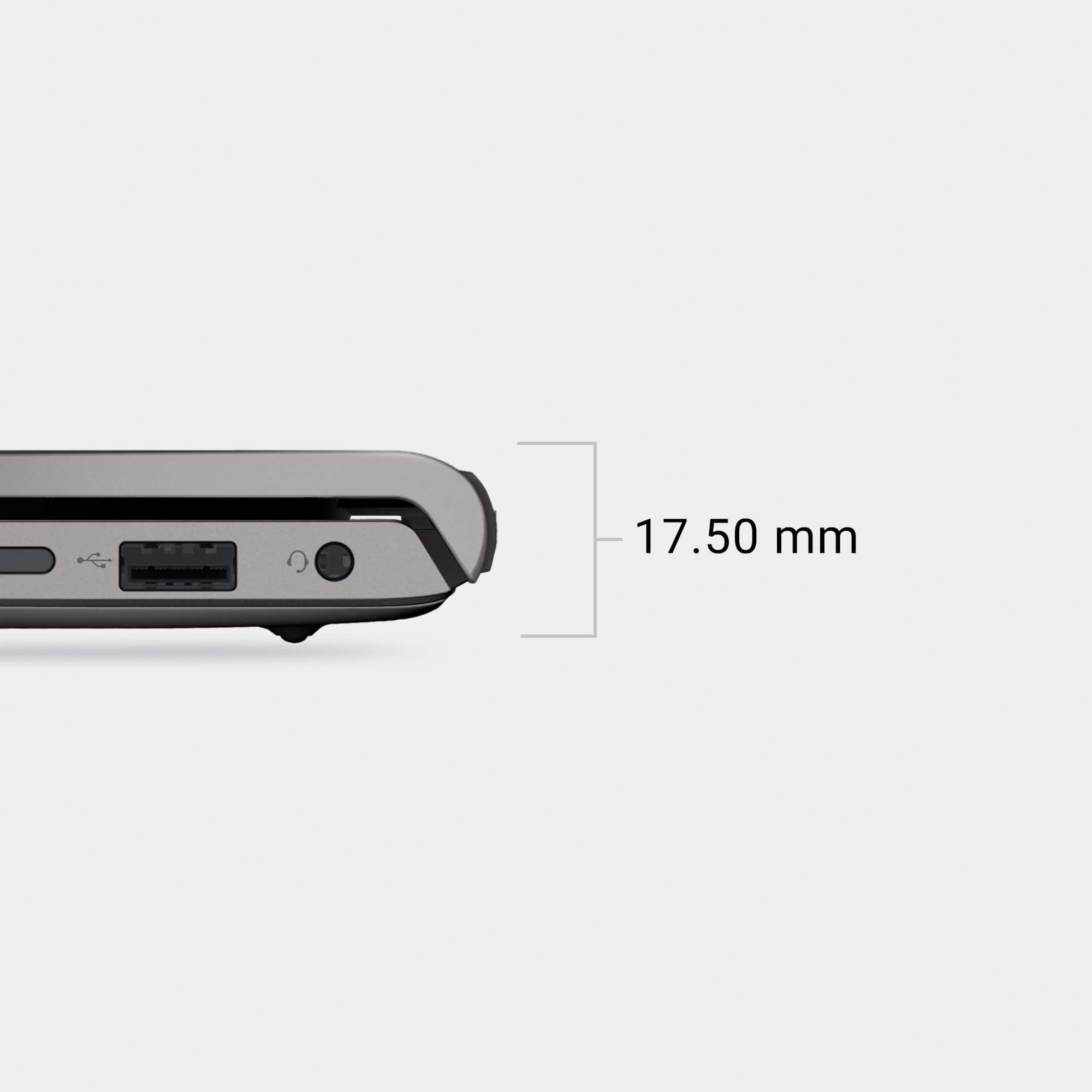
Q: QuestionWhich usb port connects to inernet C, A, so I know what adapter to buy
Asked by Anonymous.
- A:Answer You can use either: USB-C to Ethernet adapter (recommended for fastest speeds, up to 1Gbps or more). USB-A to Ethernet adapter (works fine but usually limited to 1Gbps).
Answered by YourDellTeam
Q: QuestionCan I add another SSD to it?
Asked by Torres.
- A:Answer No, but you can replace the internal one with a 2TB.
Answered by luislast
Q: QuestionWhat is S mode?
Asked by Robbo.
- A:Answer S mode is a Windows feature that runs only apps from the Microsoft Store and uses Microsoft Edge for browsing, providing better security and performance.
Answered by YourDellTeam
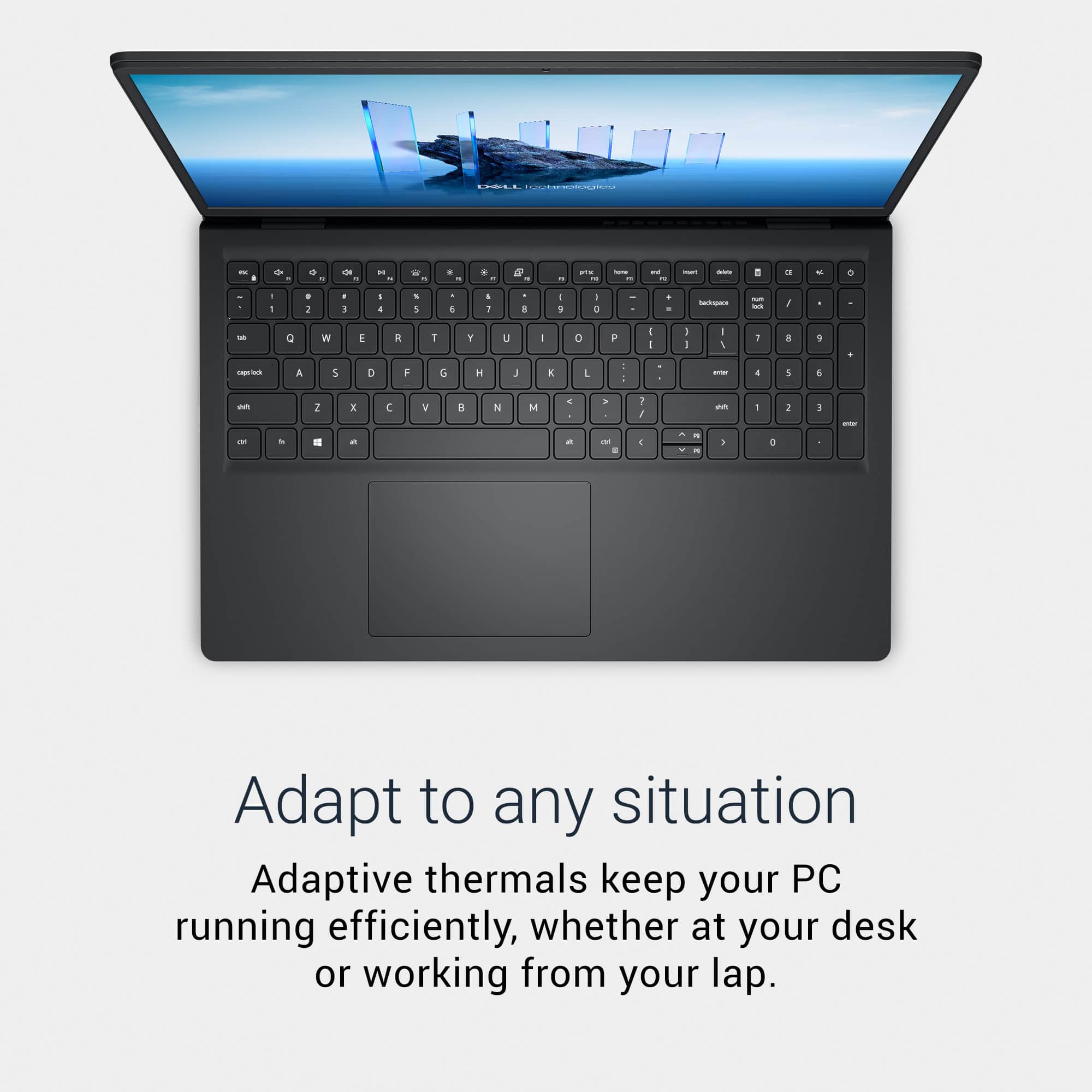
Q: QuestionDoes this have lighted keyboard?
Asked by Jim.
- A:Answer No, this laptop em features Non-Backlit Keyboard.
Answered by YourDellTeam
Q: QuestionIs the LCD a LED backlighting or a fluorescent backlighting?
Asked by Comp10Ray.
- A:Answer The laptop uses an LED backlit LCD display, not fluorescent backlighting.
Answered by YourDellTeam
Q: QuestionDoes this item have blue tooth.
Asked by DP.
- A:Answer Yes. Just like a real laptop computer (did I mention this is a real laptop computer?).
Answered by luislast
Q: QuestionI have the Dell WD19S 180W Docking Station. Will I be able to use this docking station with this laptop for power, ethernet and 2 additional monitors?
Asked by wmarcy.
- A:Answer Yes, your Dell WD19S 180W Docking Station is compatible with the Dell DC15250 laptop. The WD19S provides up to 130W of power delivery and also includes an Ethernet port and connect two external monitors via two external monitors via: 2 × DisplayPort, 1 × HDMI, 1 × USB-C with DisplayPort Alt Mode.
Answered by YourDellTeam
Q: QuestionIs this compatible with a ThinkPad docking station?
Asked by Dominic.
- A:Answer It depends upon the model of the ThinkPad docking station you are planning to use.
Answered by YourDellTeam
Q: QuestionThe title description says 2K touchscreen but the specifications tab says 1920x1080. Which does this model have?
Asked by Mitch.
- A:Answer Good question. I'm going to BB tomorrow to find out. I'm assuming it is 2K and the spec page is wrong.
Answered by Anonymous
Q: QuestionIs the computer Linux Mint compatible ?
Asked by 1Bienvenu.
- A:Answer Yes, the laptop is is compatible with Linux Mint.
Answered by YourDellTeam
Q: QuestionWill the USB C port on this laptop power a second monitor if I get a USB C to HDMI cable?
Asked by Pizzaman.
Q: QuestionHow to turn on backlite
Asked by Jitendra.
- A:Answer The keyboard backlight? I don't think that's an option
Answered by Techmaven
Best-selling PC laptops
- $189.00Your price for this item is $189.00$219.99The comparable value for this item is $219.99
- $249.99Your price for this item is $249.99$449.99The comparable value for this item is $449.99
- $289.00Your price for this item is $289.00$499.99The comparable value for this item is $499.99
- $279.99Your price for this item is $279.99$529.99The comparable value for this item is $529.99
- $249.99Your price for this item is $249.99$449.99The comparable value for this item is $449.99
- $199.99Your price for this item is $199.99
- $949.99Your price for this item is $949.99$1,099.99The comparable value for this item is $1,099.99
- $579.99Your price for this item is $579.99
- $429.99Your price for this item is $429.99$629.99The comparable value for this item is $629.99
- $897.00Your price for this item is $897.00$1,049.99The comparable value for this item is $1,049.99
- $1,299.00Your price for this item is $1,299.00$1,349.99The comparable value for this item is $1,349.99
- $998.99Your price for this item is $998.99$1,099.99The comparable value for this item is $1,099.99
- $599.99Your price for this item is $599.99$899.99The comparable value for this item is $899.99
- $849.99Your price for this item is $849.99$1,049.99The comparable value for this item is $1,049.99
- $1,099.99Your price for this item is $1,099.99$1,529.99The comparable value for this item is $1,529.99
- $628.00Your price for this item is $628.00$849.99The comparable value for this item is $849.99
- $799.99Your price for this item is $799.99$1,099.99The comparable value for this item is $1,099.99
- $349.99Your price for this item is $349.99$599.99The comparable value for this item is $599.99