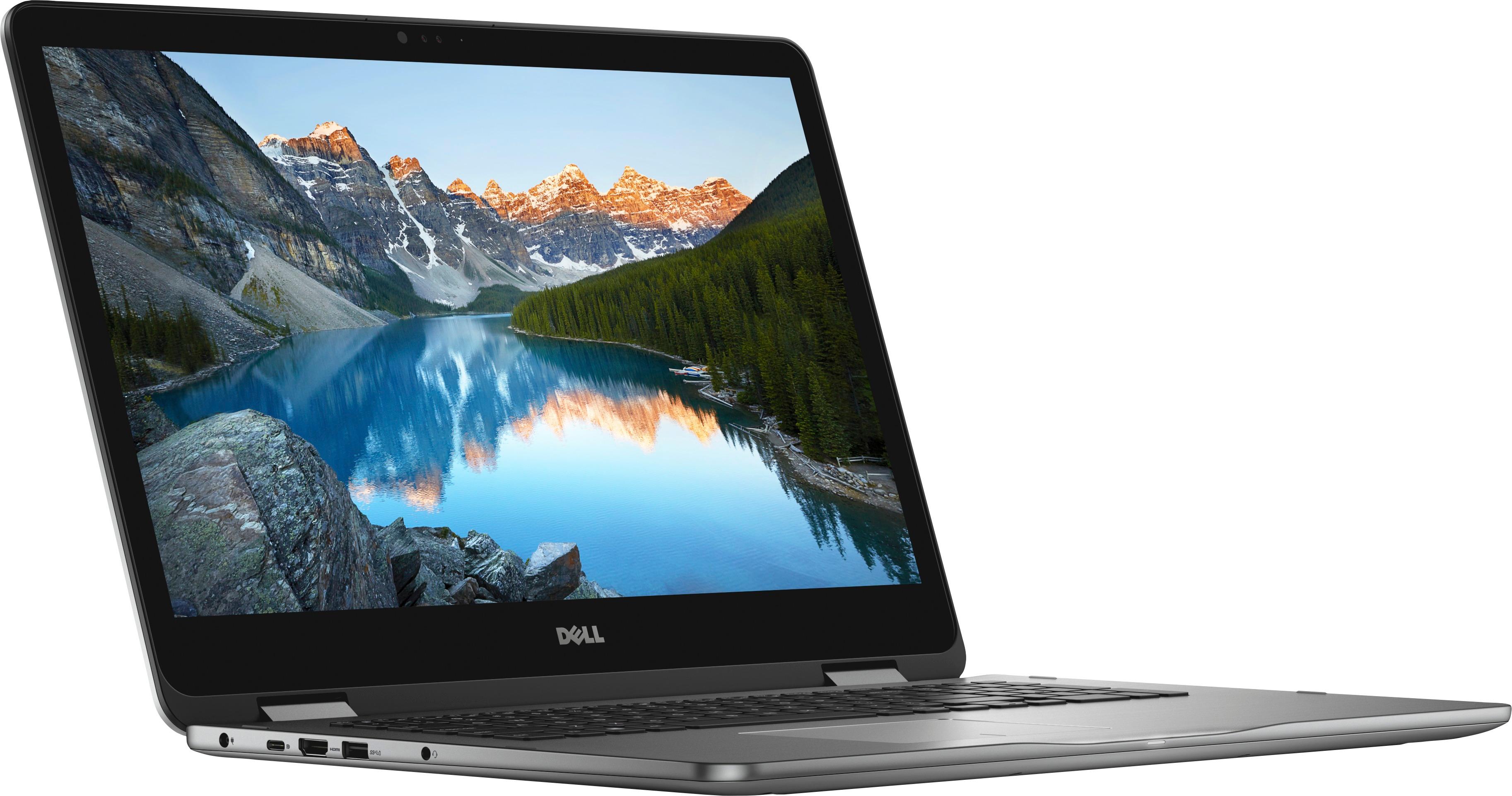
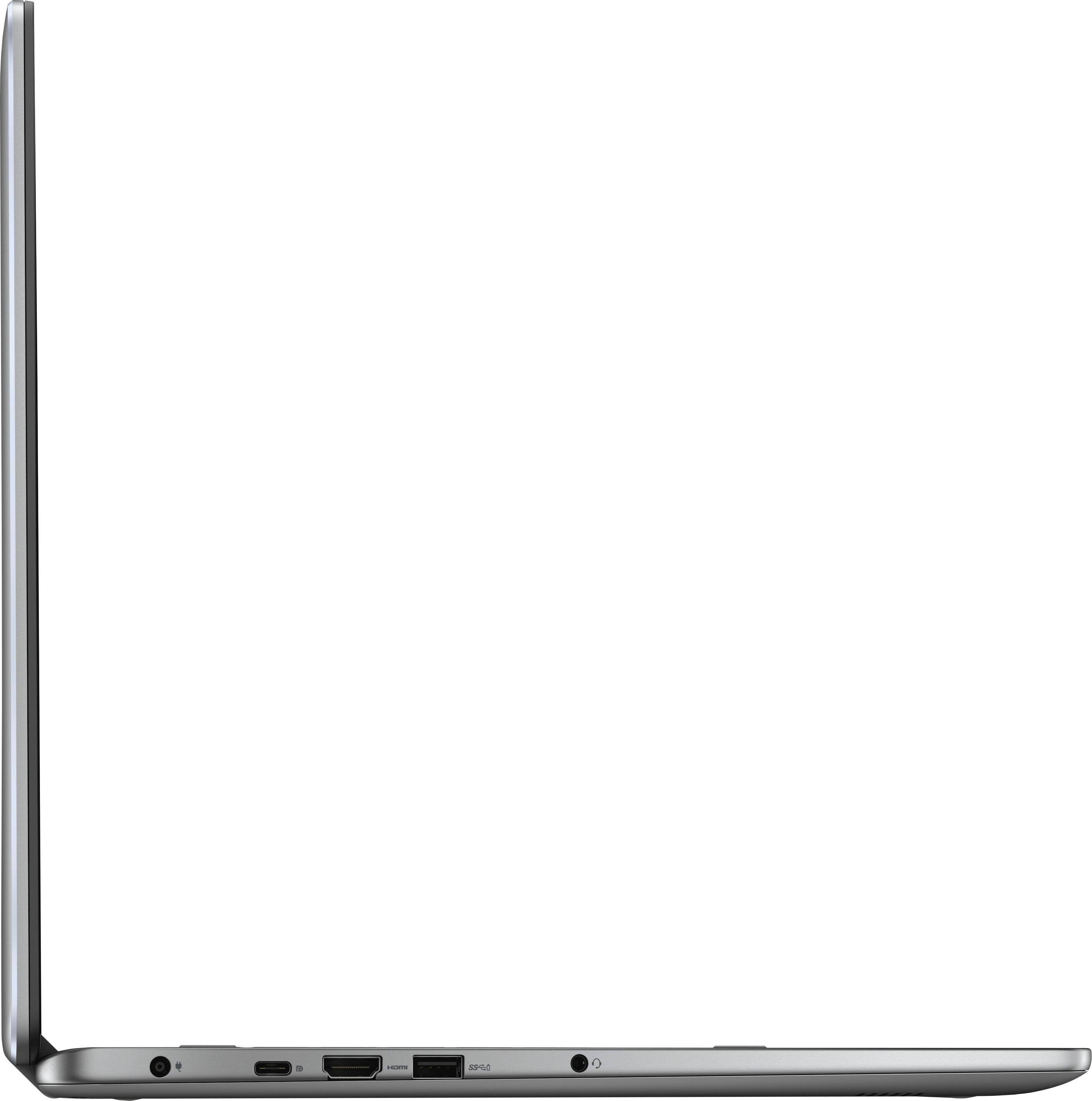
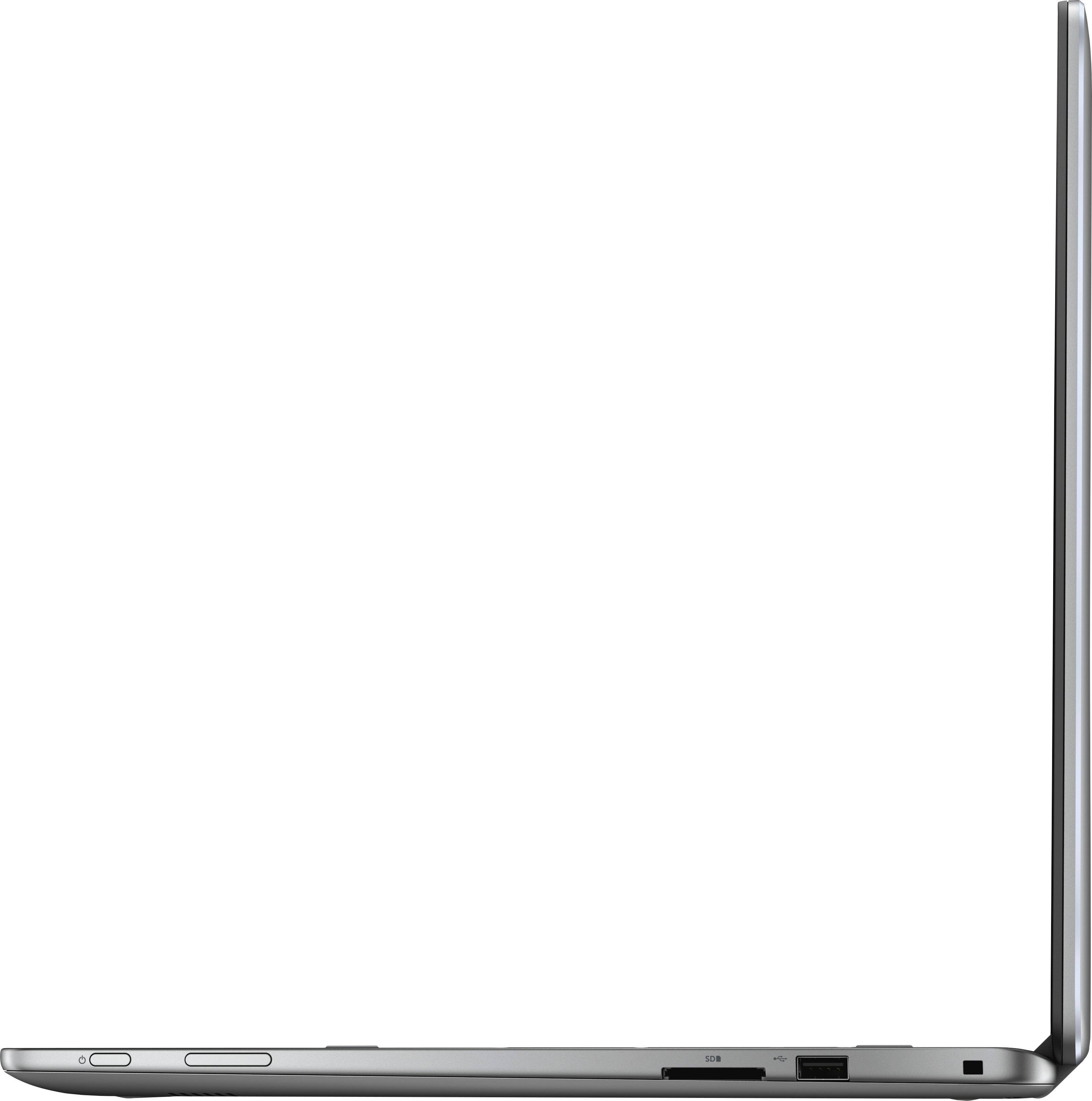
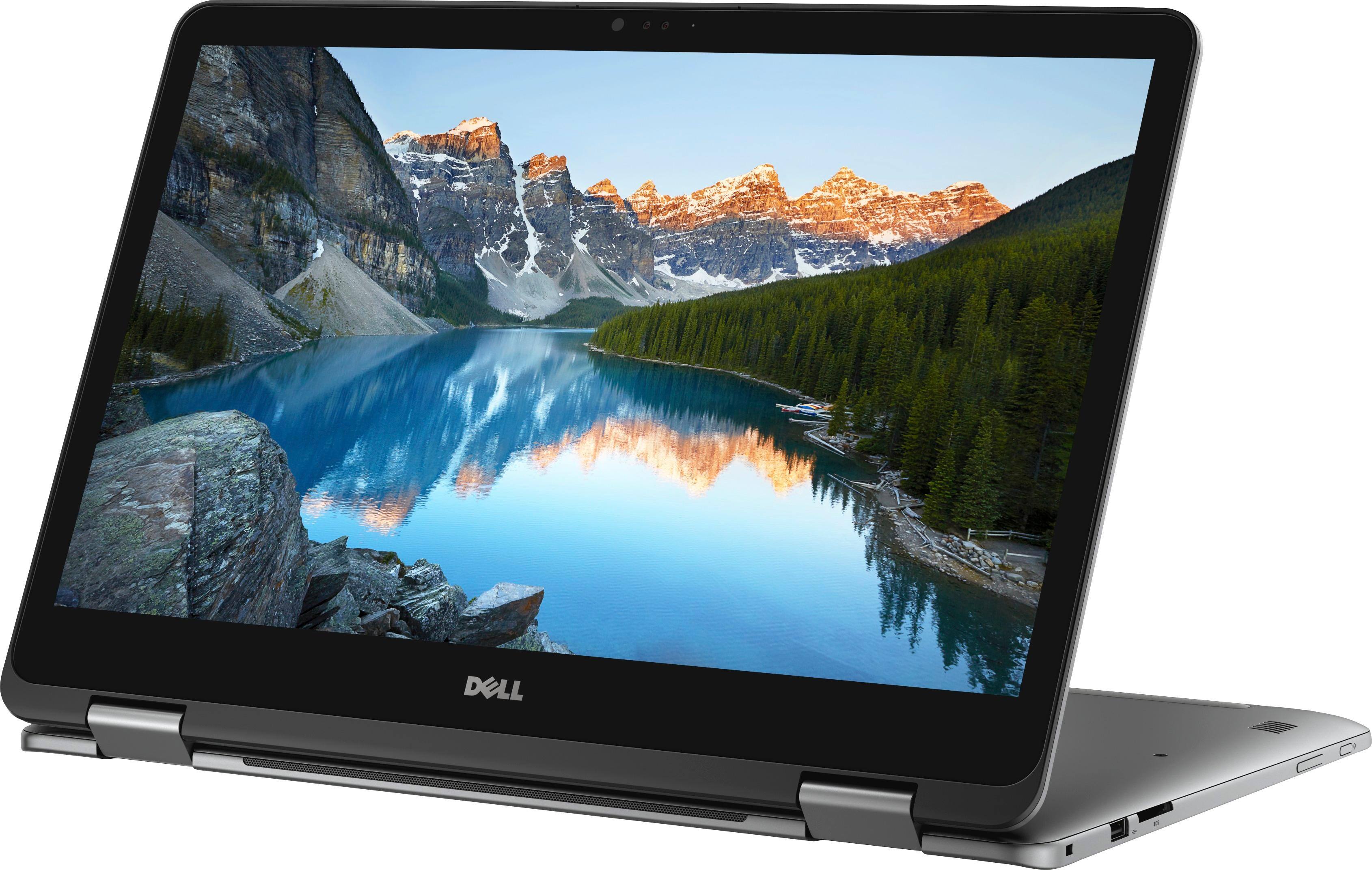
A:AnswerYes, there are two keyboard brightness settings (on and brighter), and there is also an option to turn the backlighting off. The backlight settings are changed using the F10 key.
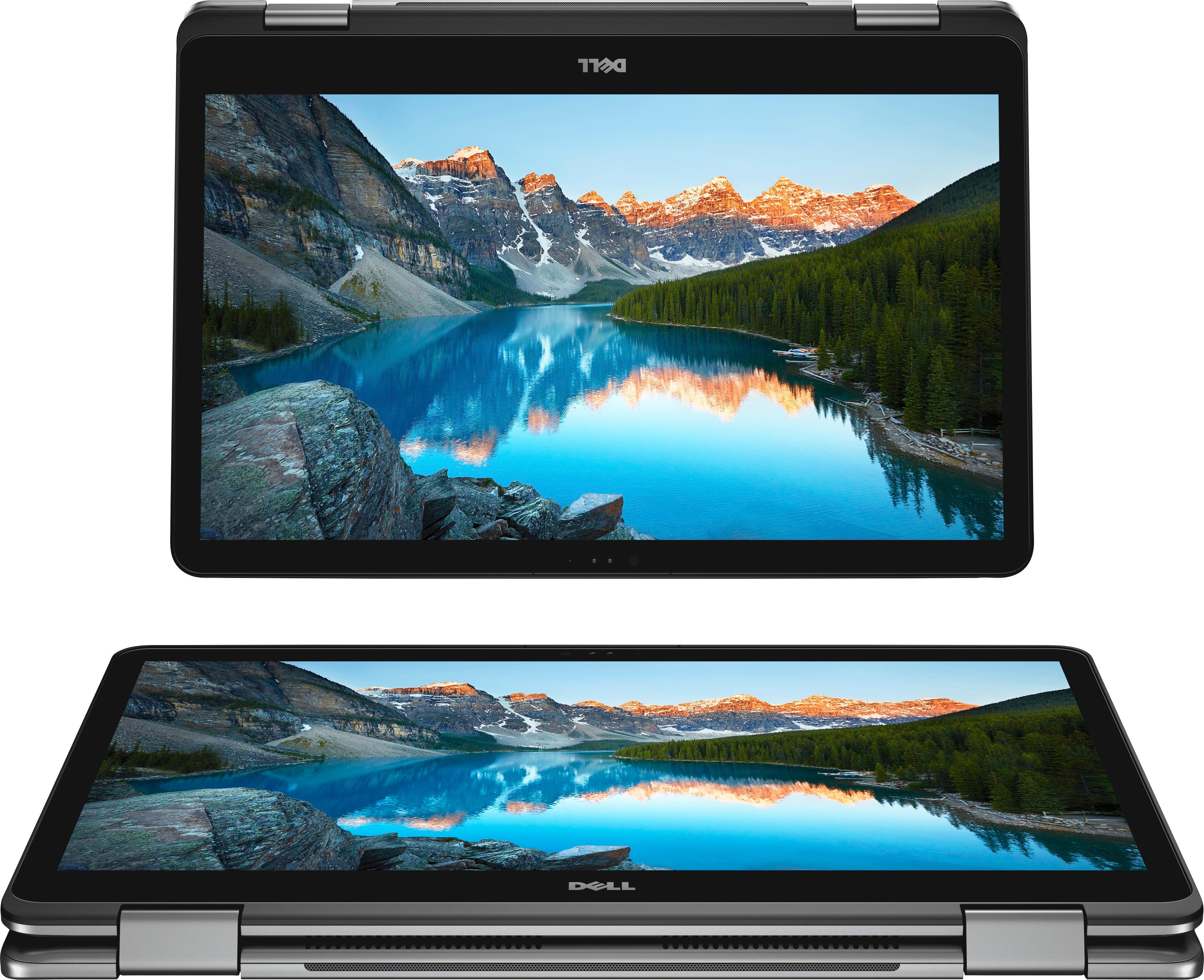
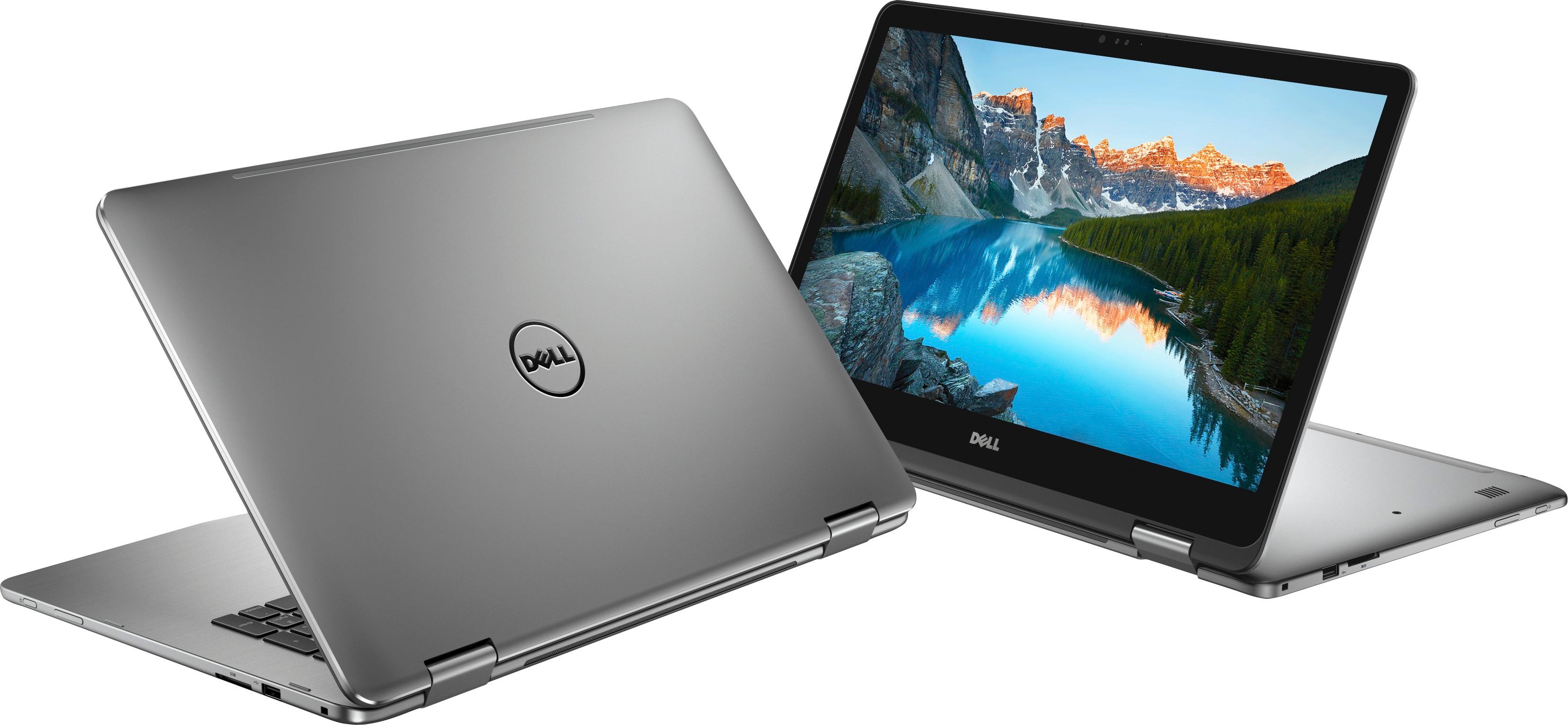
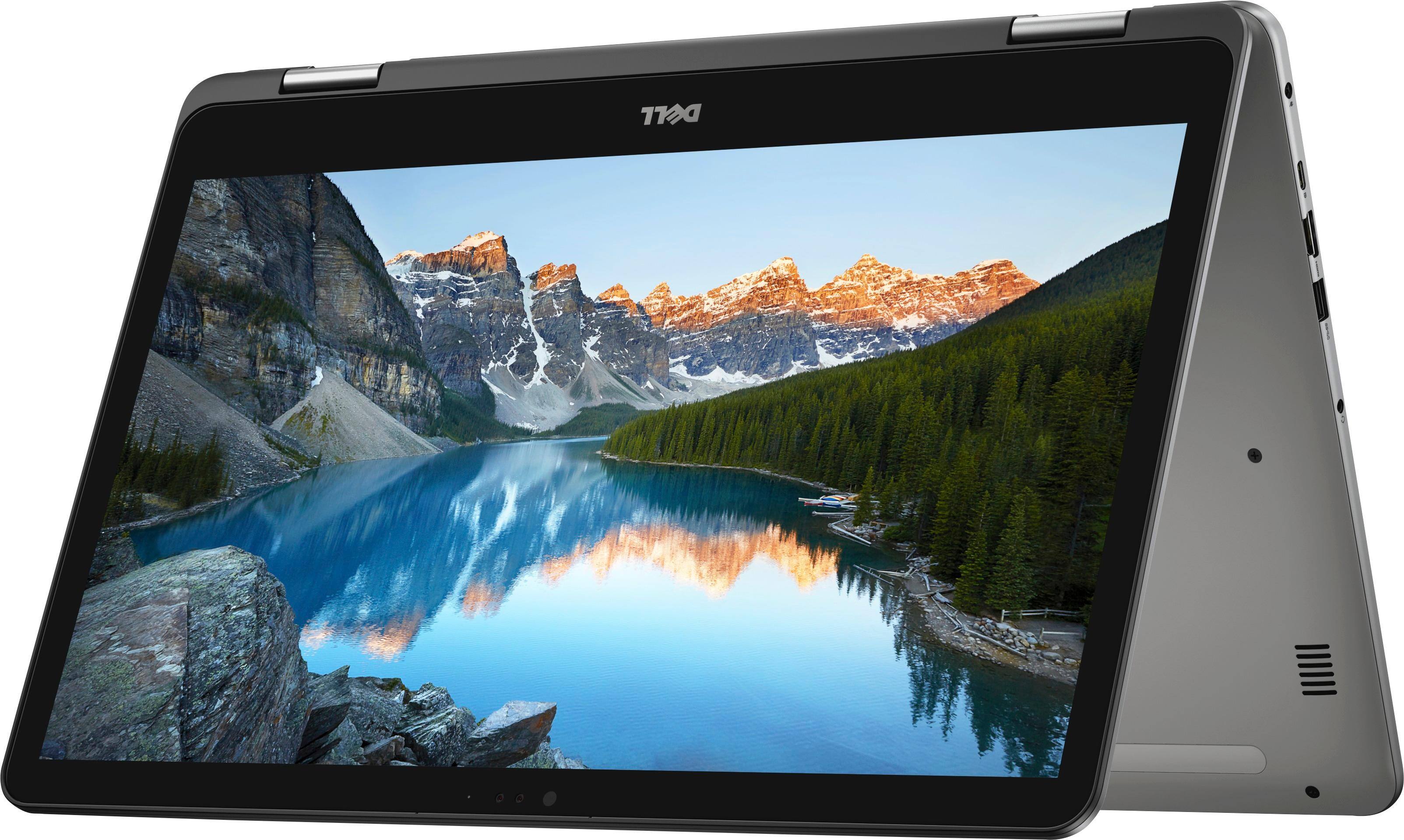
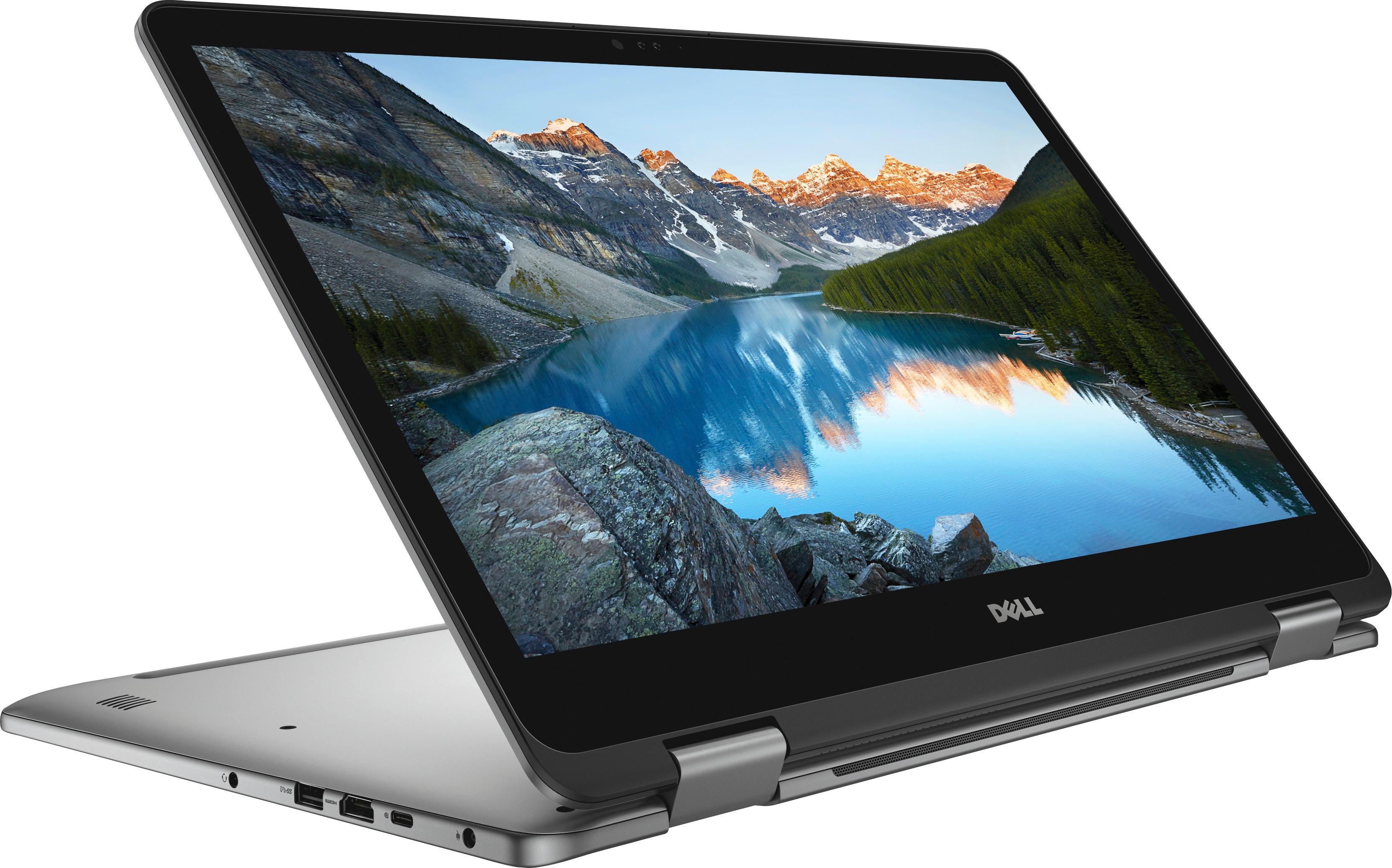
A:AnswerThis unit comes with an Intel Core i7 (8th Gen) 8550U 1.8 GHz CPU. The SSD capacity is 512 GB and the maximum display resolution is 1920 x 1080 Full HD.
A:AnswerWell, you can always add a USB connected hard drive, but not sure about internally. I personally would not want a noisy hard drive added internally, even if it could be added.
A:AnswerPretty much any laptop can be upgraded to a 512 or 1TB SSD. The drives are fairly inexpensive.
I’m going to have the geek squad remove the 512G SSD from my new Dell laptop and replace it with a 1T SSD.
what am I doing with the 512 SSD they removed? It’s going into my 8 year old Dell laptop that has a failed mechanical hard drive.
A:AnswerAll you need is a SPANISH LATIN TRANSPARENT KEYBOARD STICKER.
You attach clear stickers on top of your keyboard, so each key has two sets of letters. Windows 10 can be set up for an additional language easily.
The switch between the English and Spanish (or another language) settings will be in the right lower corner.
This way you save $$$ (it costs $1 on eBay ) and USB slot in your laptop, because any keyboard wireless or not has to be synchronized with PC.
A:AnswerYes, per Dell's website standard warranty is 1 year. You can purchase additional coverage, see link to information.
http://www.dell.com/en-us/shop/cty/pdp/spd/inspiron-17-7773-2-in-1-laptop/dncwscb6103hv2
A:AnswerProbably yes. You should be able to check the "system requirements" for the CAD software you want to use. This laptop has 16 GB RAM, which is great, and it's even expandable to 32 GB. The 512 GB Solid State Drive keeps the laptop cooler and speedier. Windows 10 64-bit system is probably good for any software you might want to use. The touchscreen may even come in handy for you.