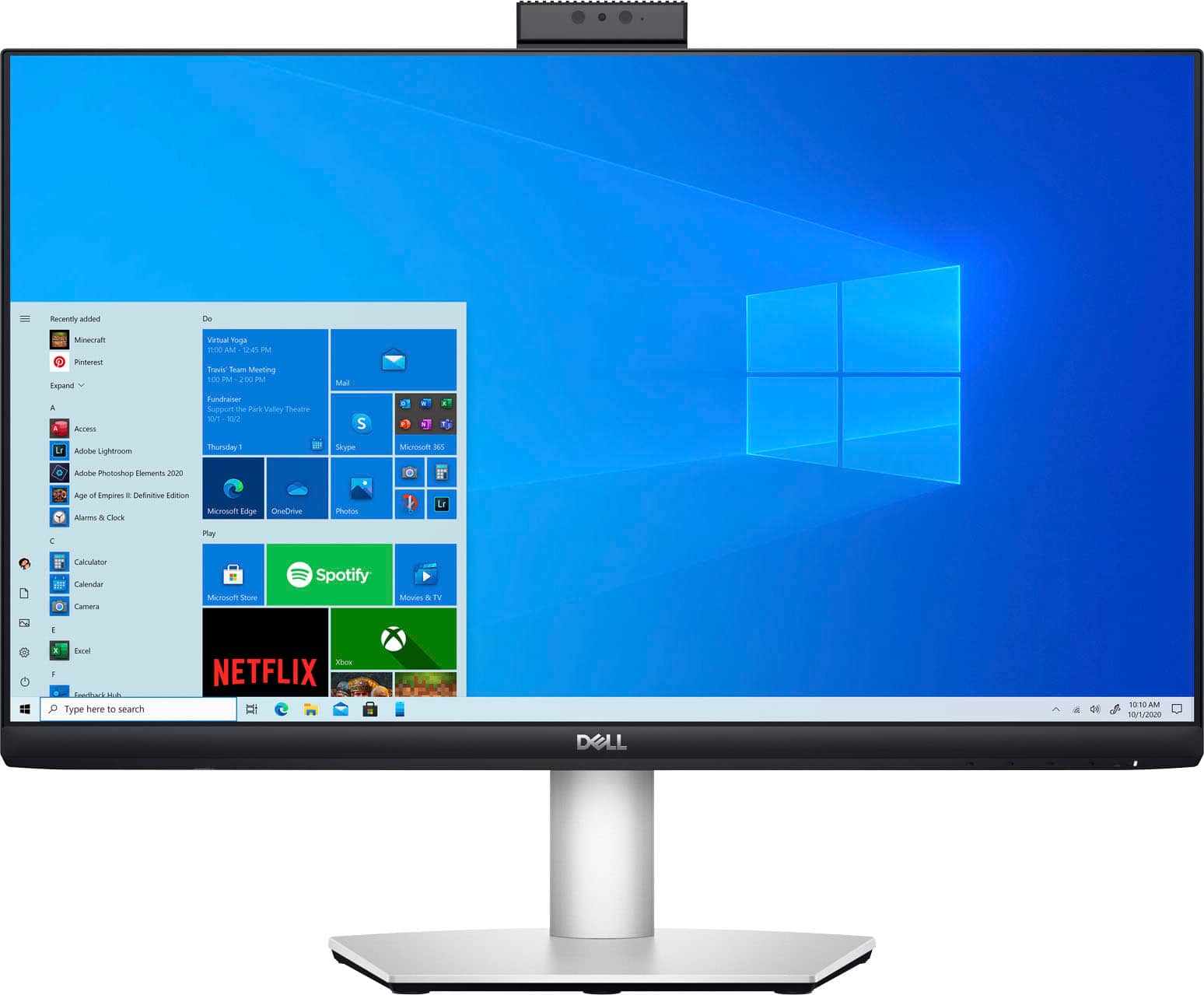
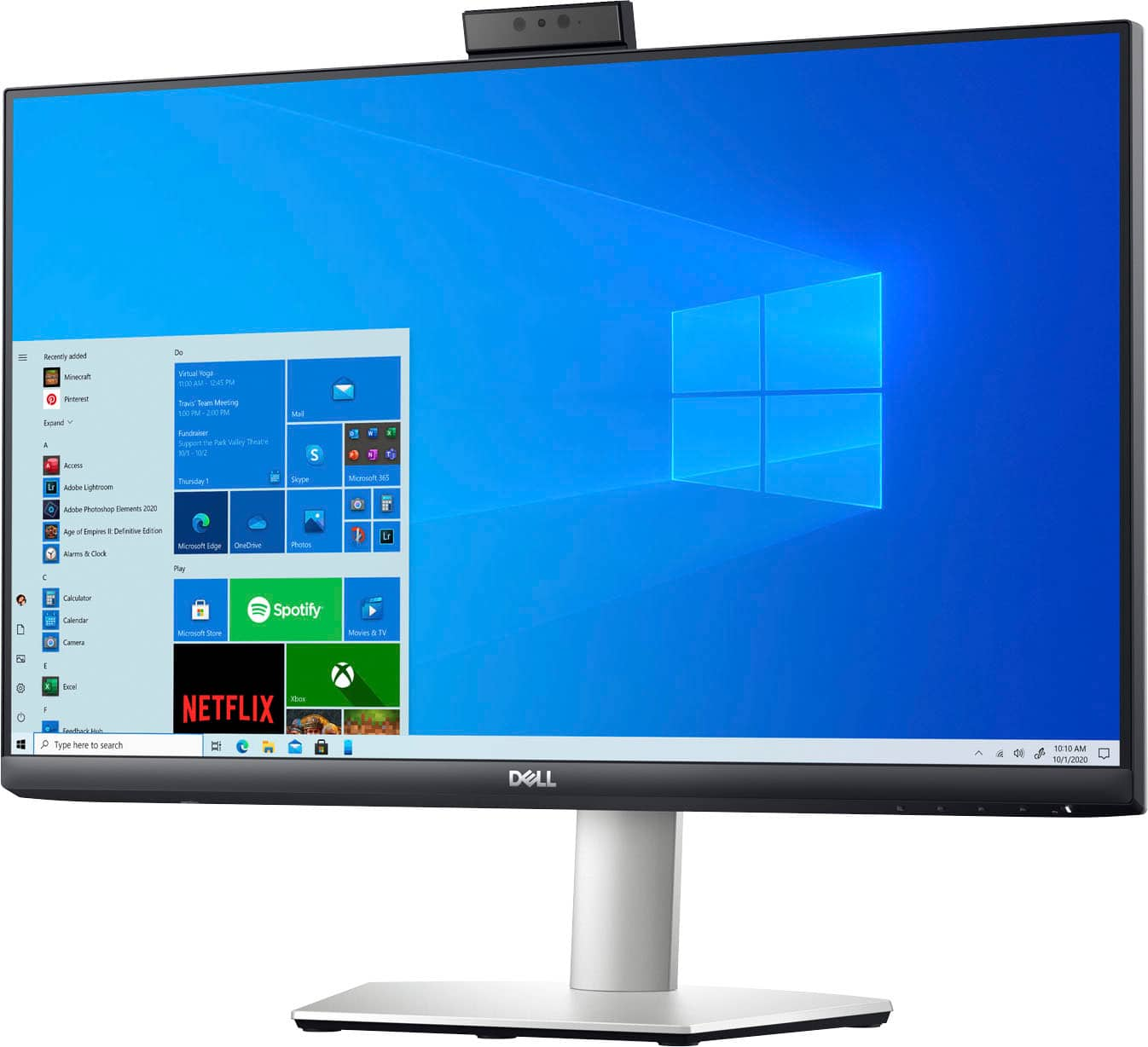
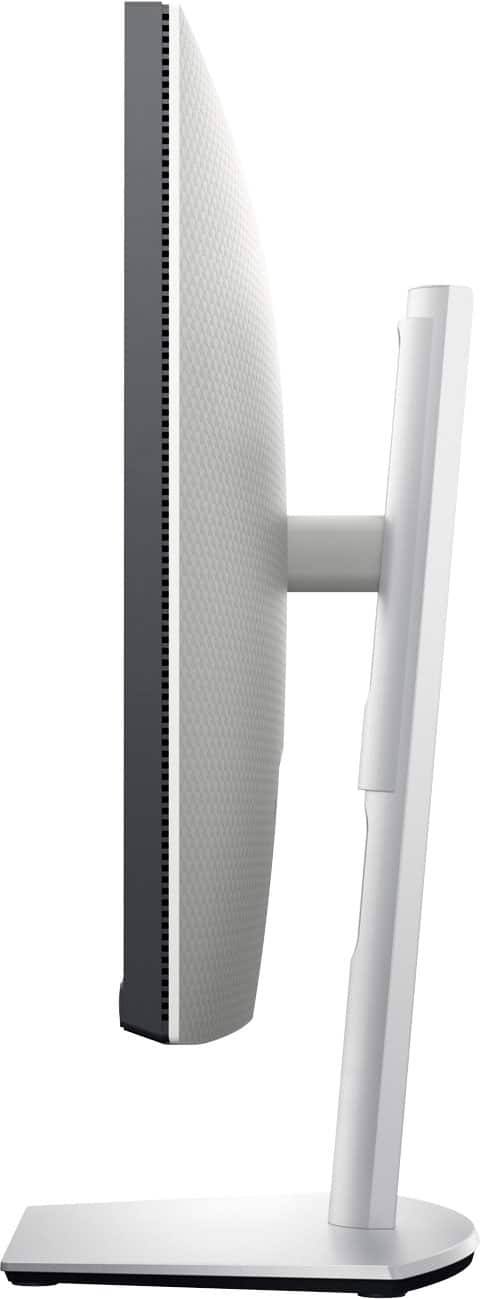
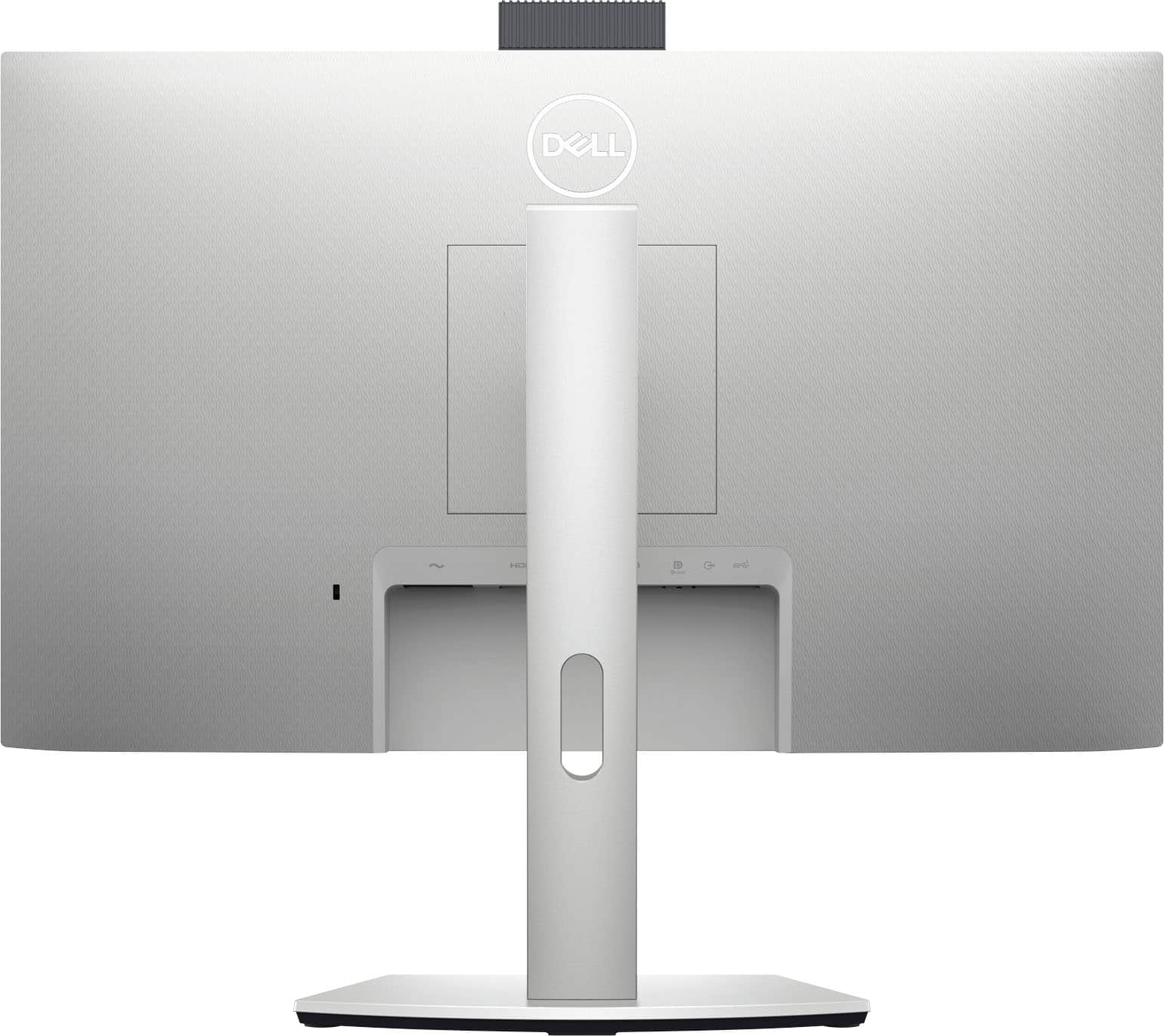
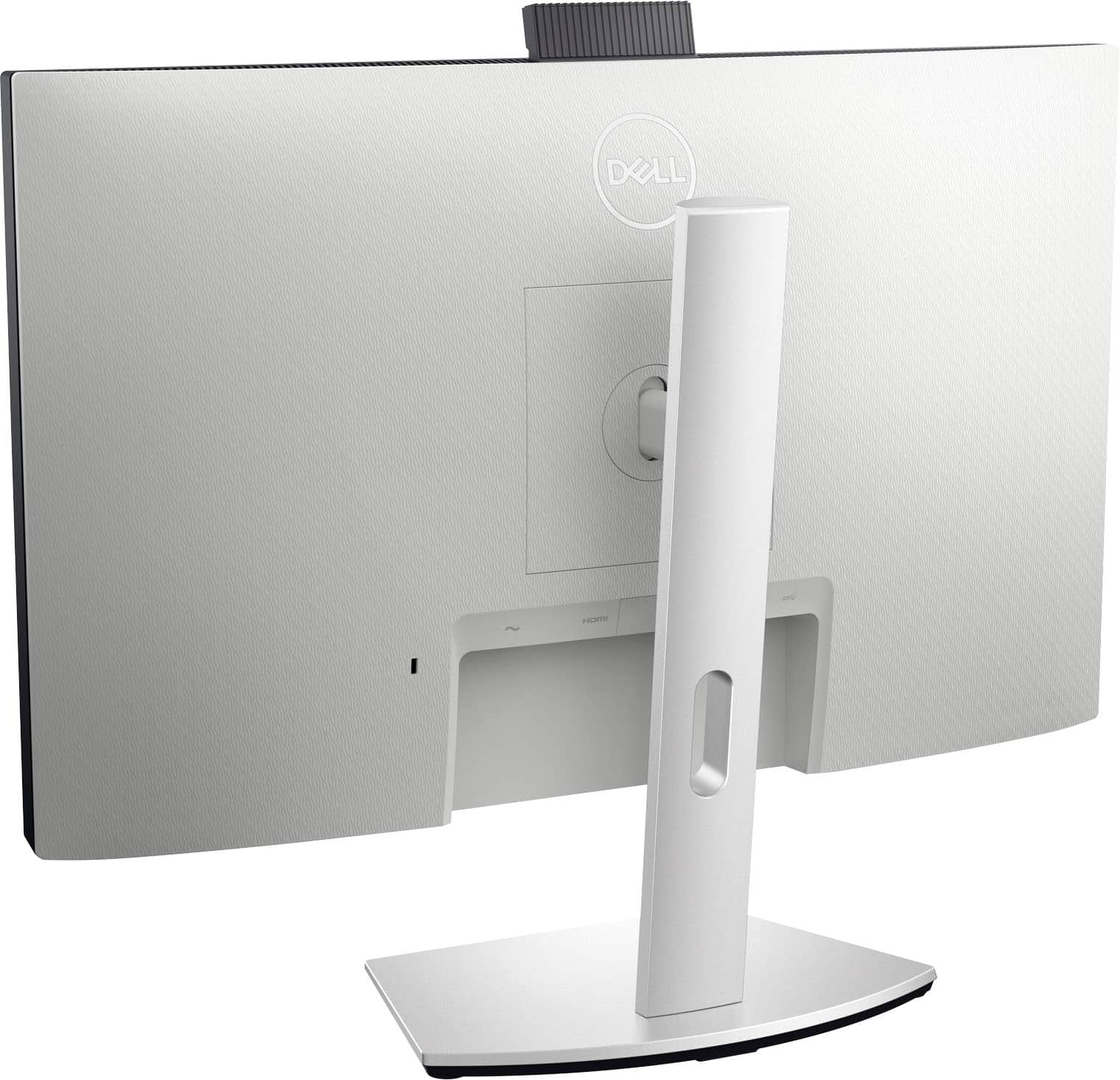
A:AnswerConnect the provided usb-c cable. Or get a usb-c to type-a adapter if needed for your connection. HDMI alone is only good for display and sound, not camera or microphone.
A:AnswerIt has a USB-C port for connectivity and a built in USB hub with Power Delivery and a USB-A connector at the bottom of the monitor to connect another USB device or power a small notebook
A:AnswerWe understand your call out and recommend reaching the Dell technical support team for assistance. They are available 24/7 on Facebook and Twitter(@Dellcares).
A:AnswerDell does not have any recommendation for a charing cable other than the cable provided with this monitor. Please reach out to the Best Buy support team to explore the further options.
A:AnswerI am running Windows 11. The USB-C can handle all of those resources. I would be very surprised if the MacBook cannot handle those resources correctly.