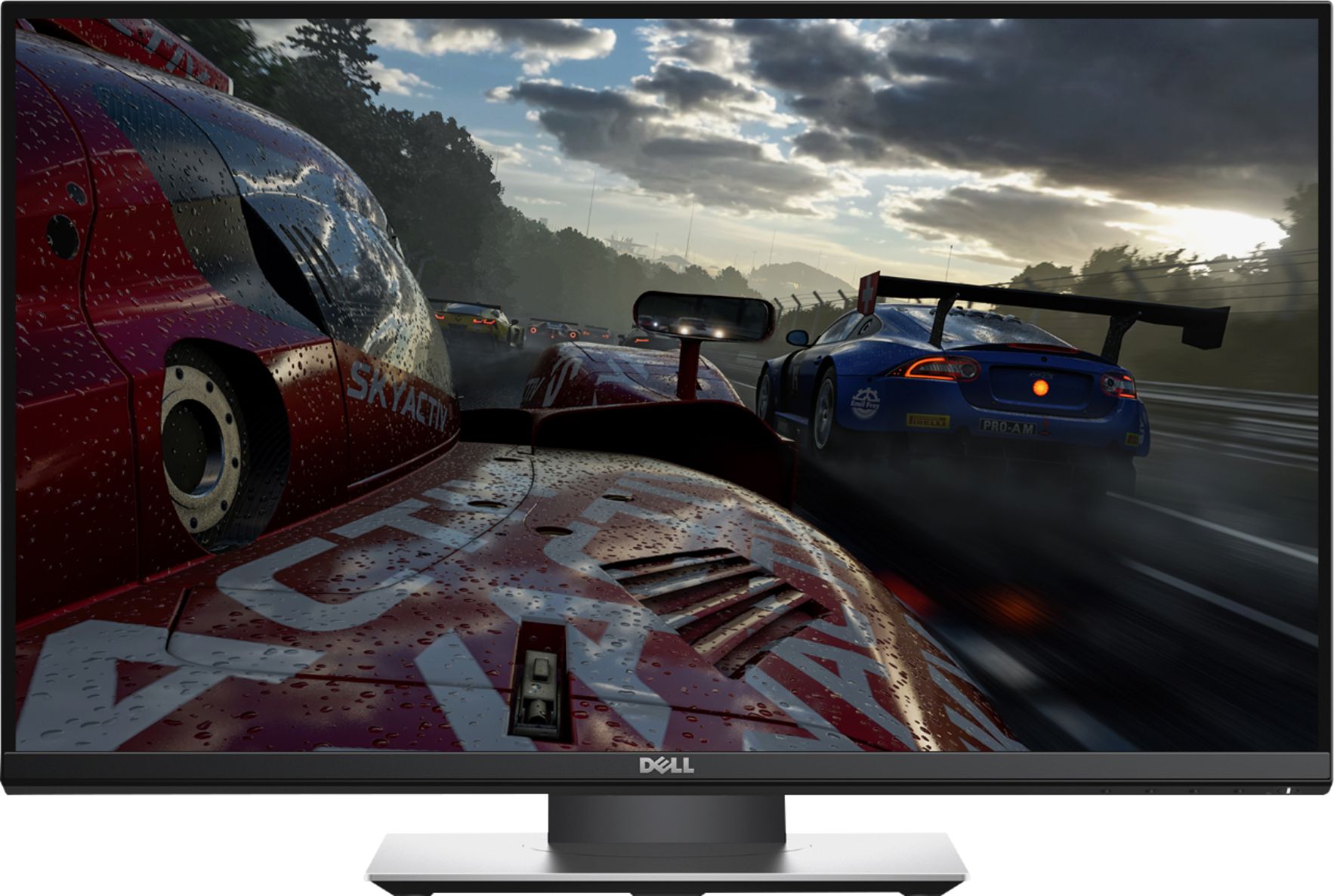
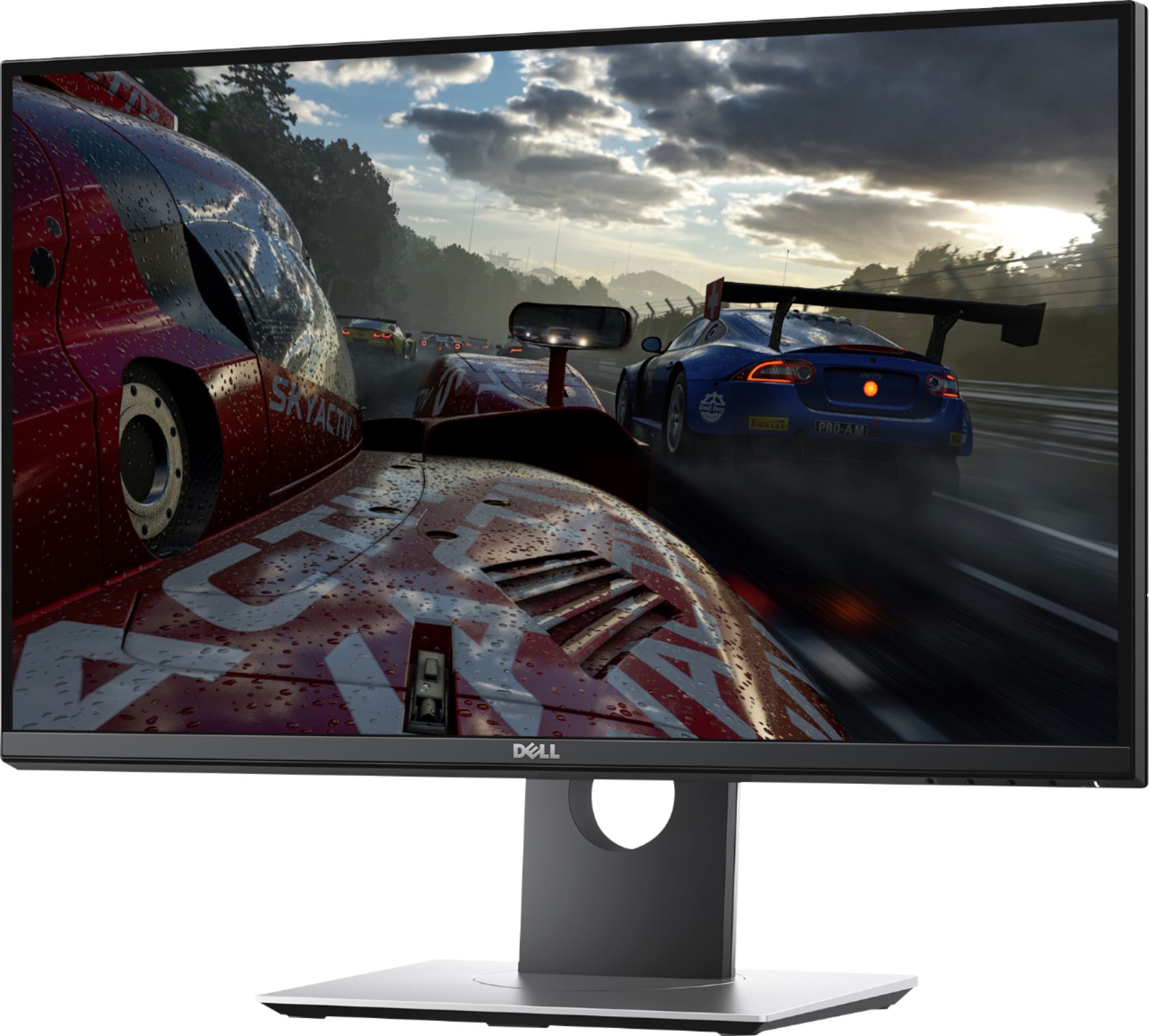
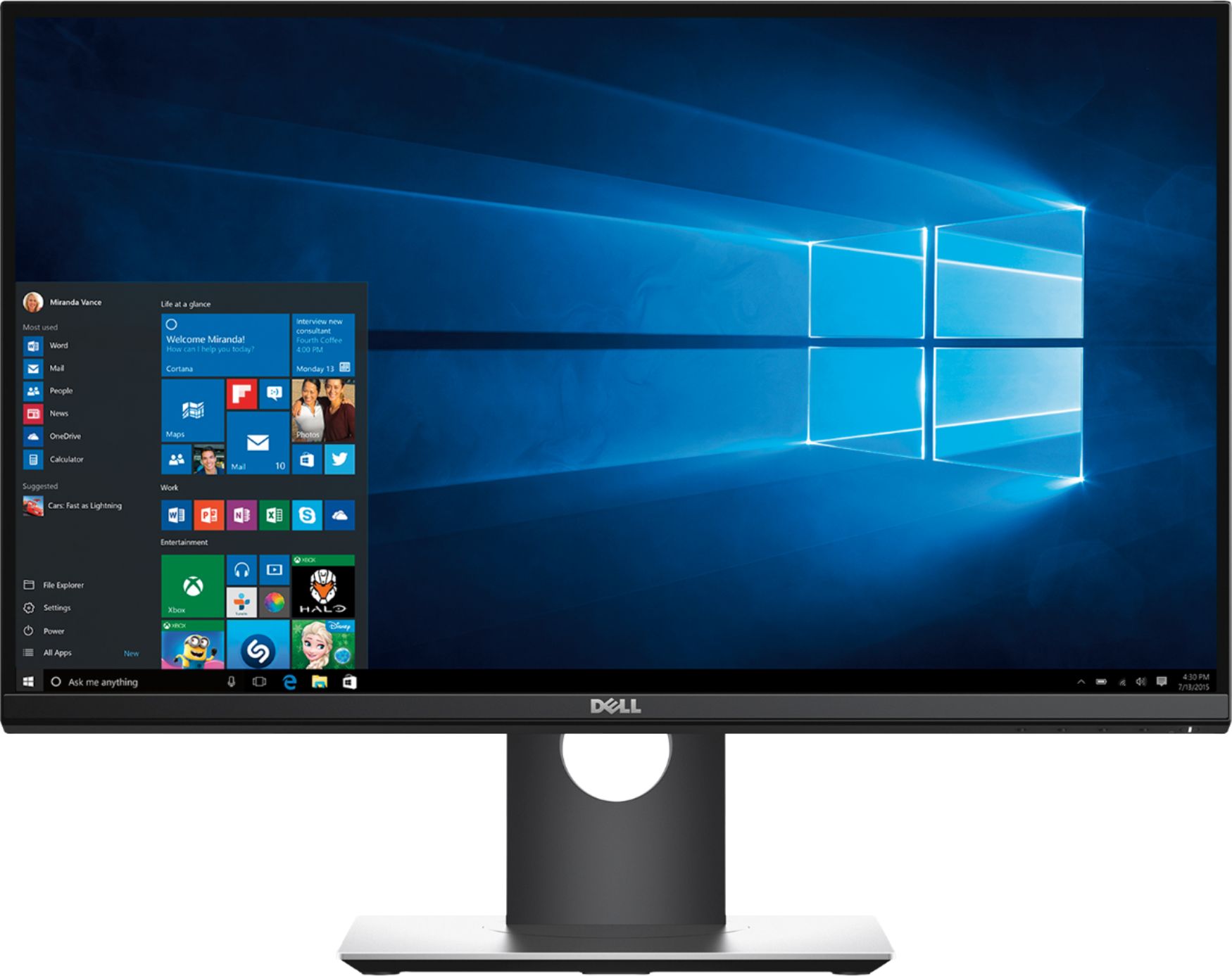
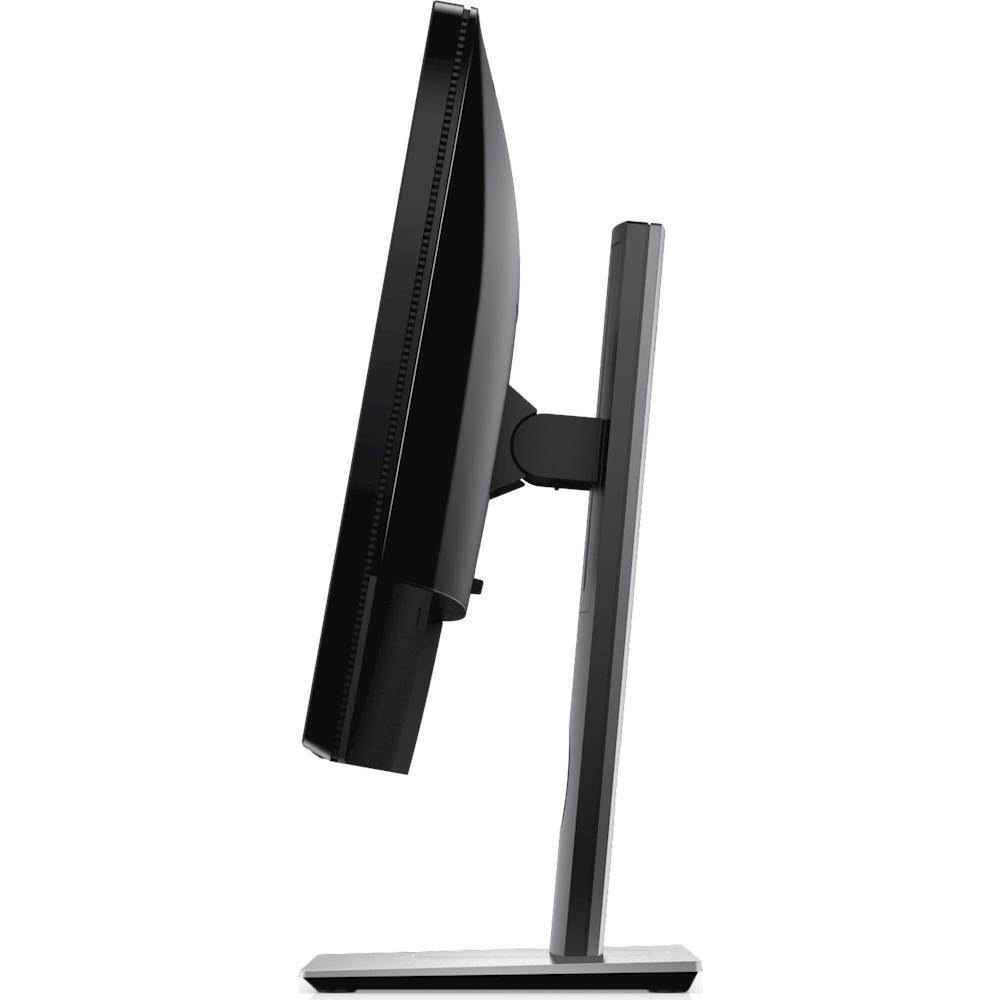
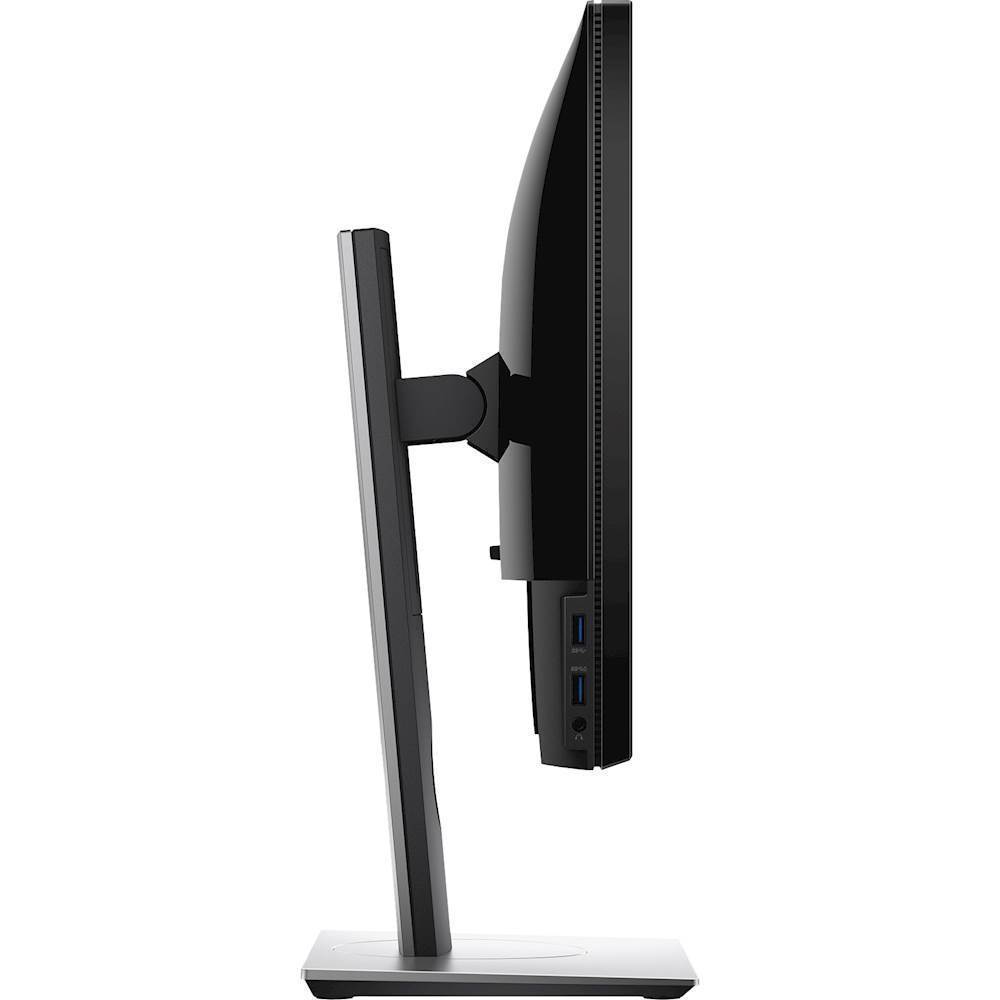
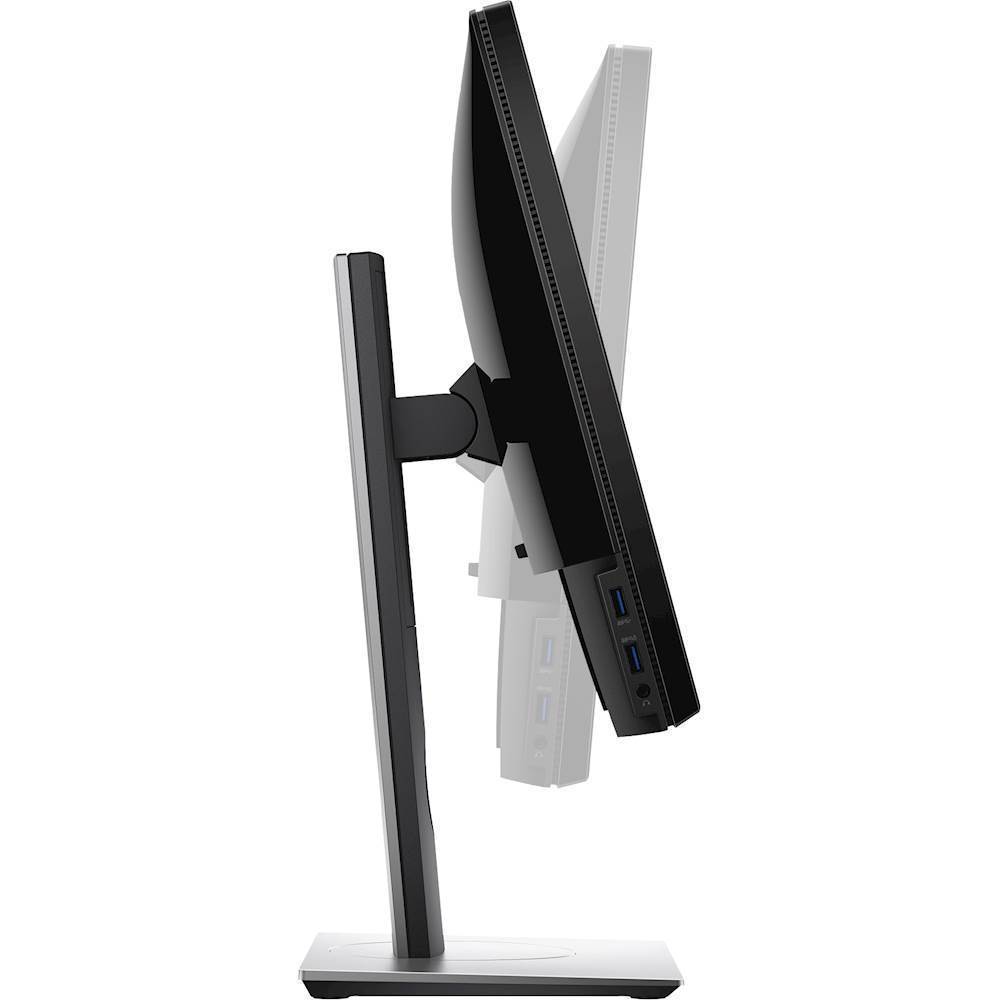
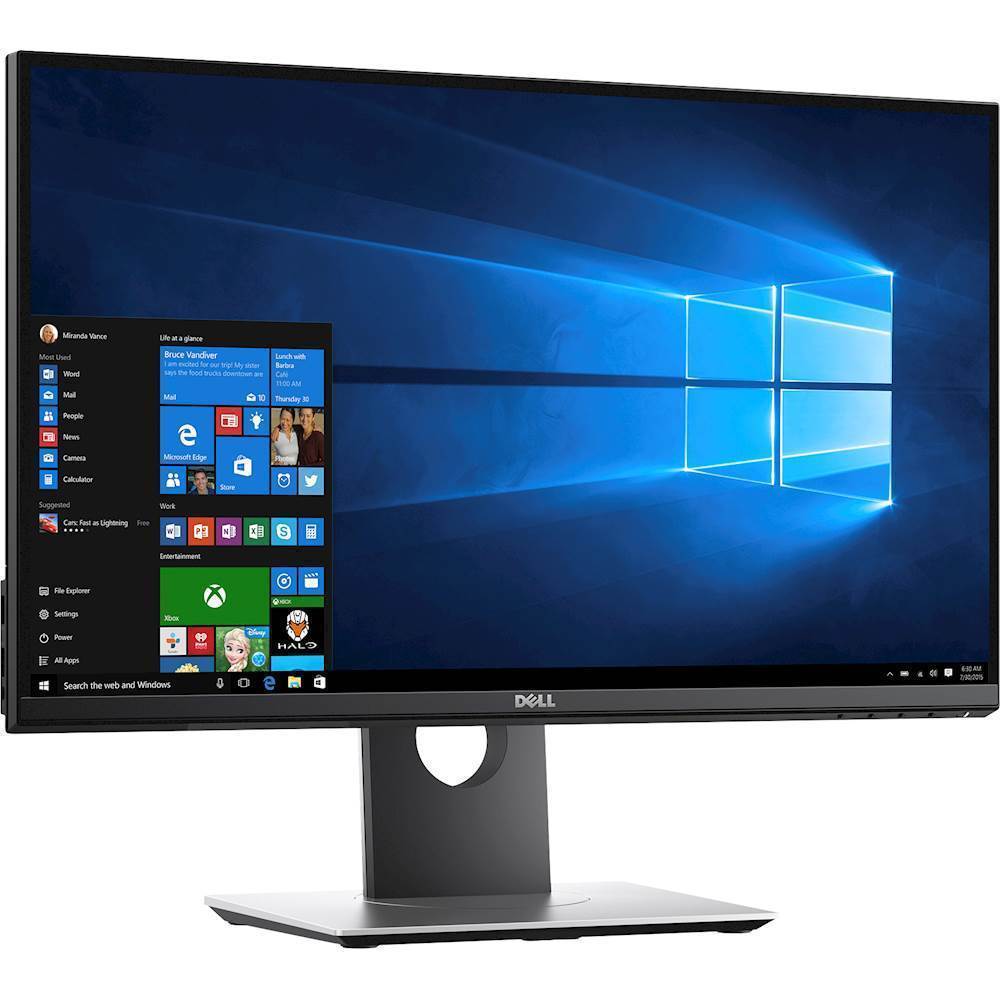
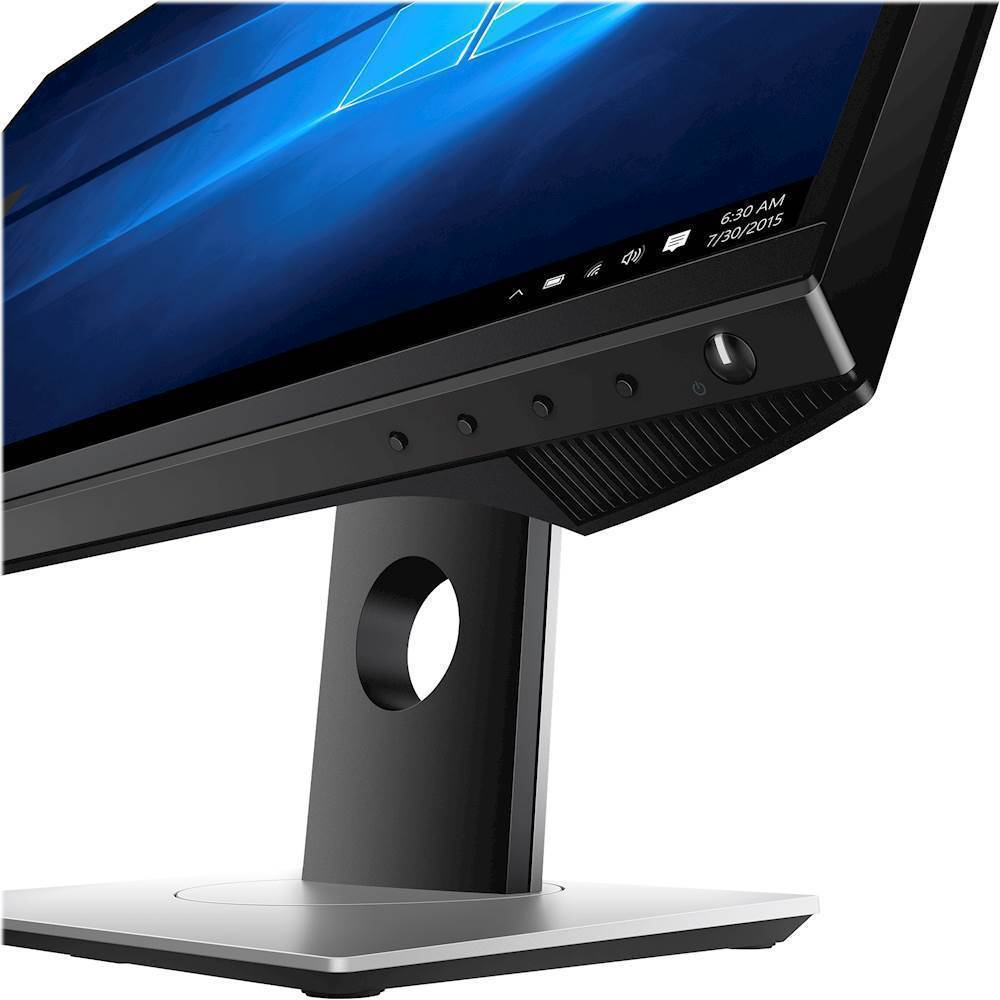
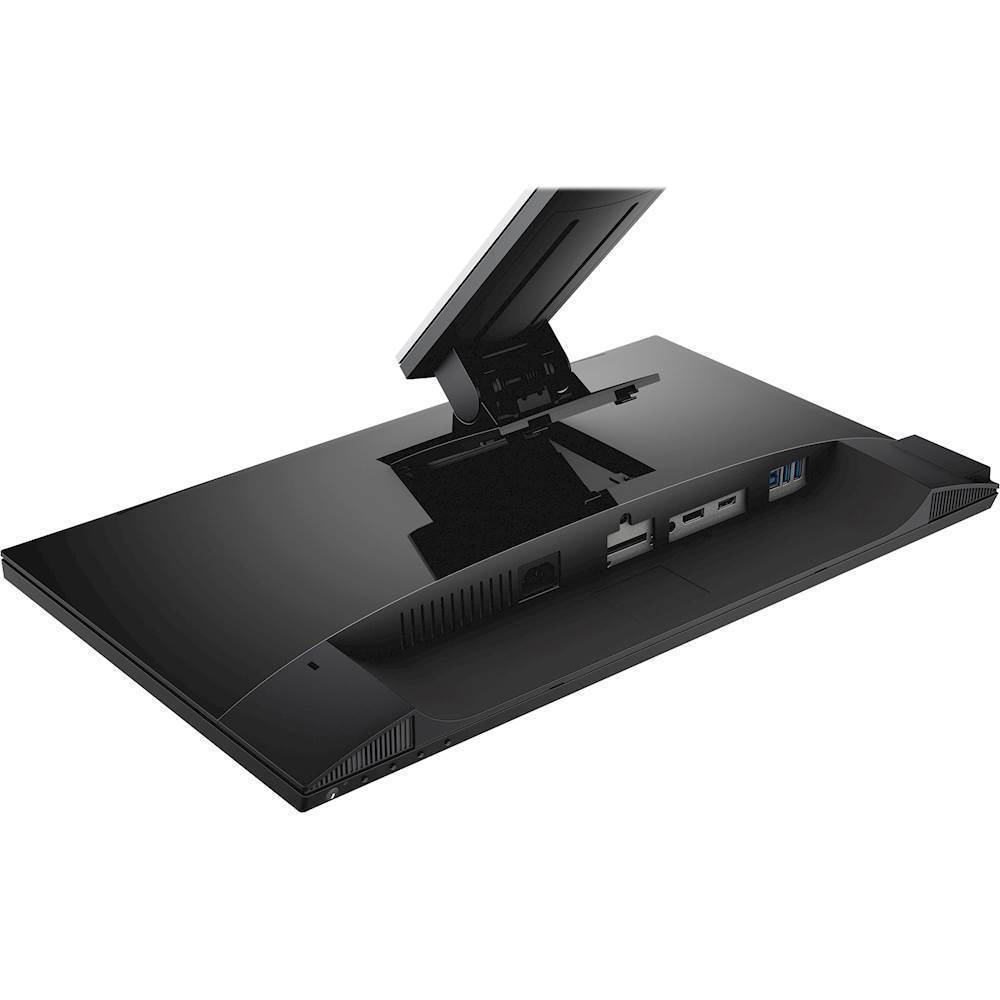
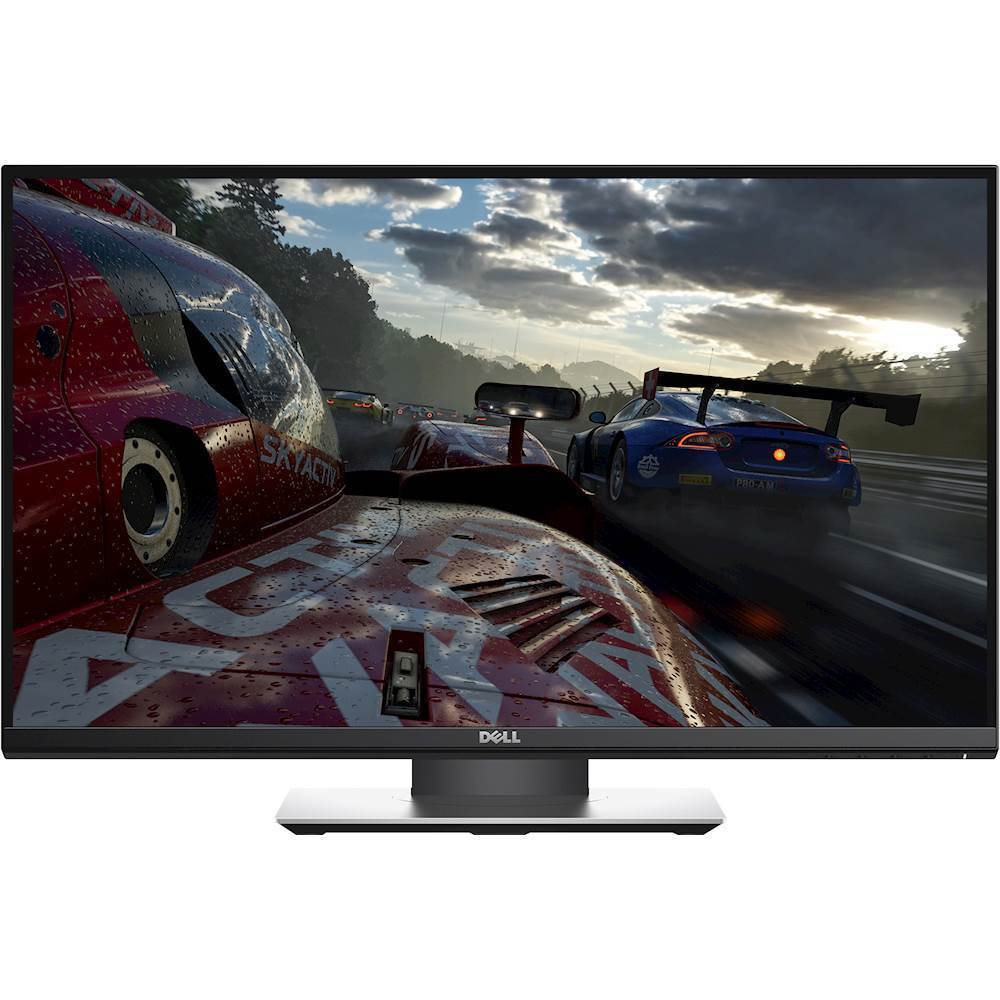
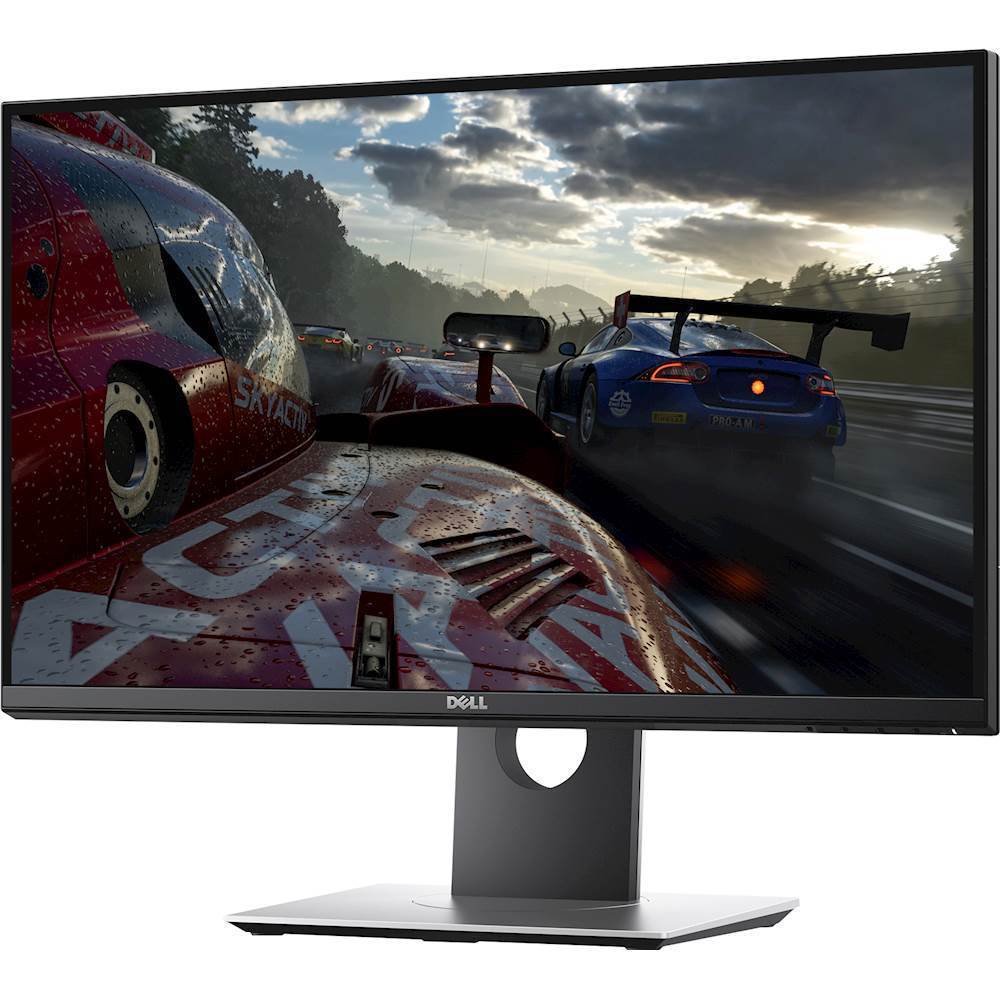
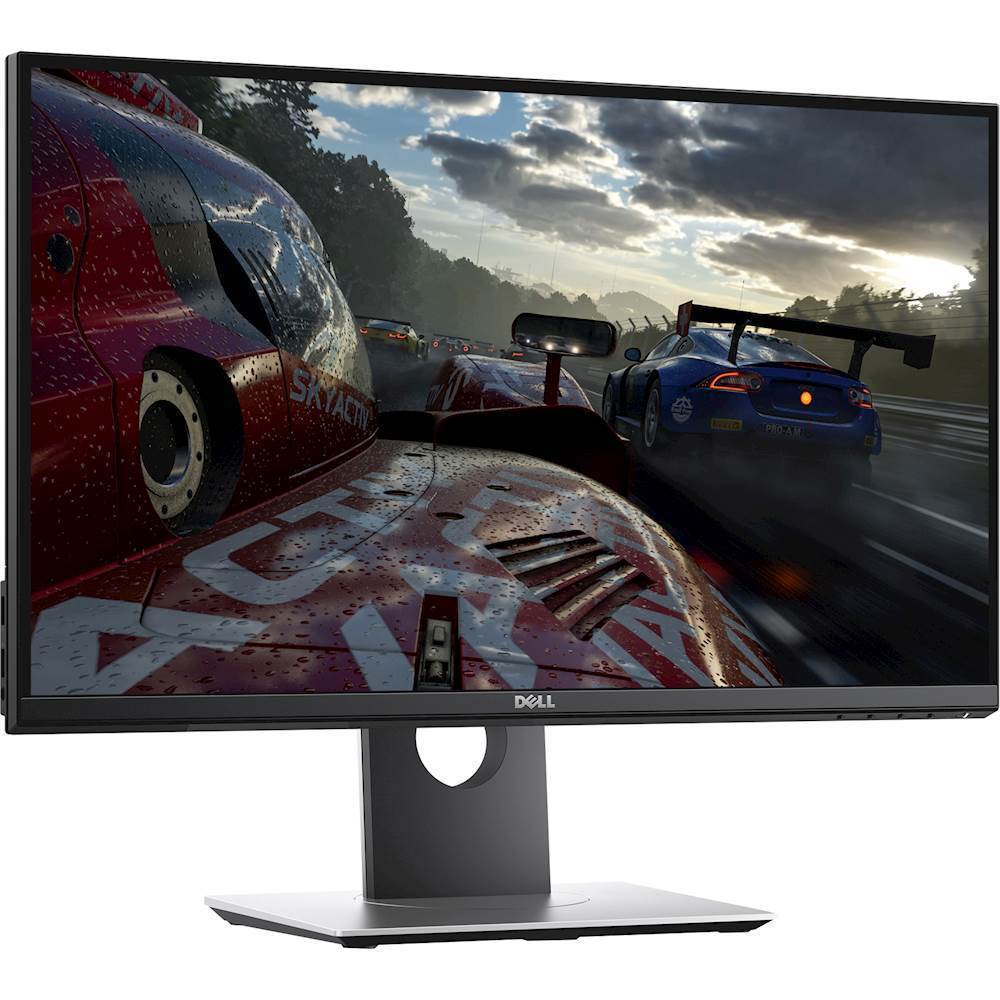
A:AnswerYou can use this monitor with a MacBook, but you won't get G-Sync features. G-Sync is only compatible with NVidia G-Sync compatible GPU's. It's also a monitor that is intended for gaming use. If you're gaming on a MacBook Pro you're probably not a serious enough gamer to warrant spending the extra money on this monitor. There are less expensive monitors (with arguably better displays - depending on your needs) available for less.
A:AnswerThis monitor would work perfectly fine for editing photos and using software such as Adobe Photoshop.
For additional resolution you may also want to consider other monitors which feature 4K displays.
This 24' Dell 1440p monitor will certainly work for most uses, but for serious use or professionals I might recommend going up to 4K.
A:AnswerYes, you can go through the monitors settings or through NVIDIA control panel to be able to adjust the resolution/refresh rate to whatever you'd like it to be.
A:Answeryes and no the Gsync will give you a good experience just know your limitations your gonna have to run games on med to low settings for Gsync to do its job with that card if you upgrade to a GTX1070 or better you can run games on high or ultra settings with Gsync depending on the title