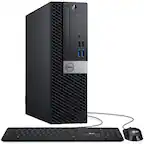
A:AnswerYou can use Dell Data Migration feature (Add-on paid service), any cloud storage options, external Hard drive to transfer data from one device to another.
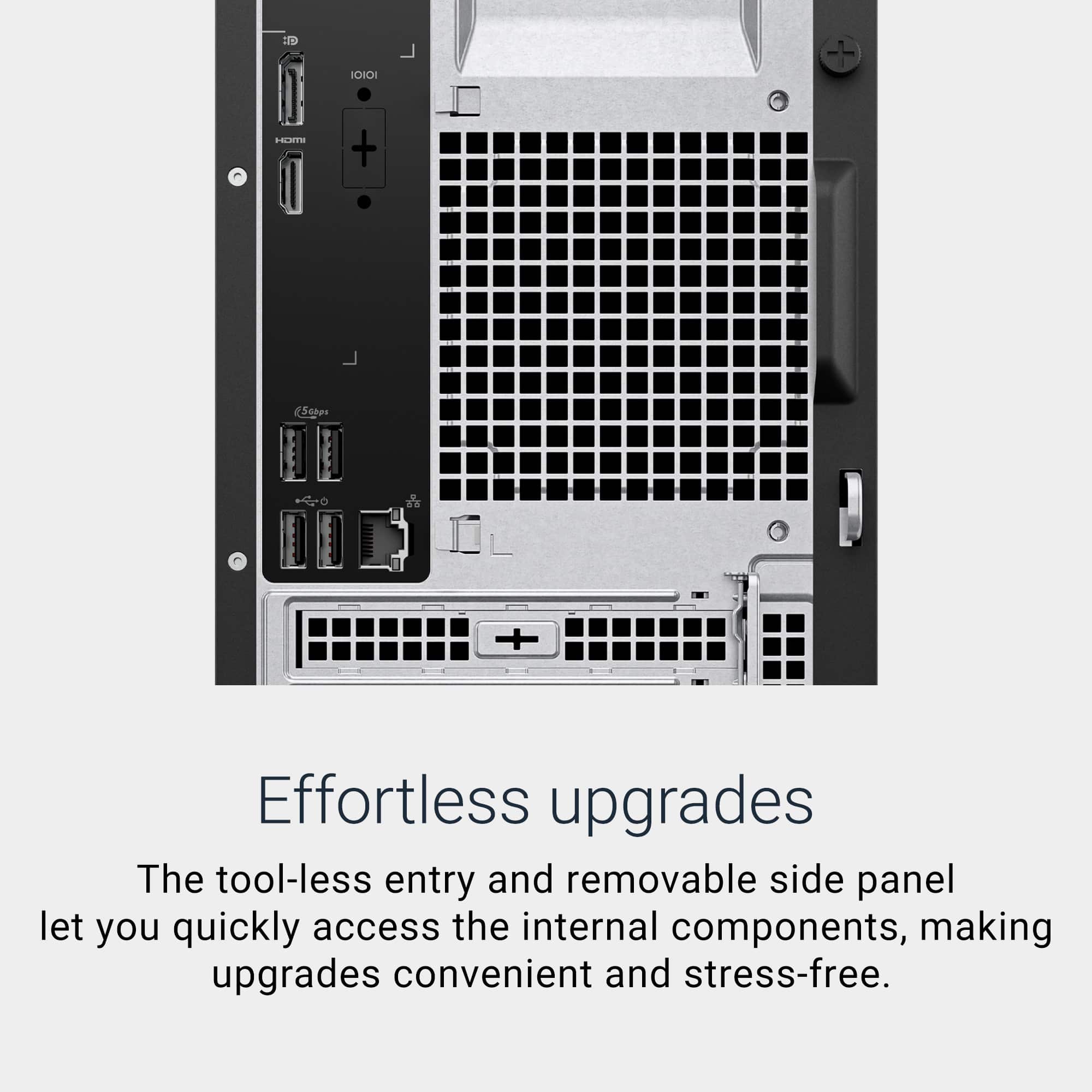
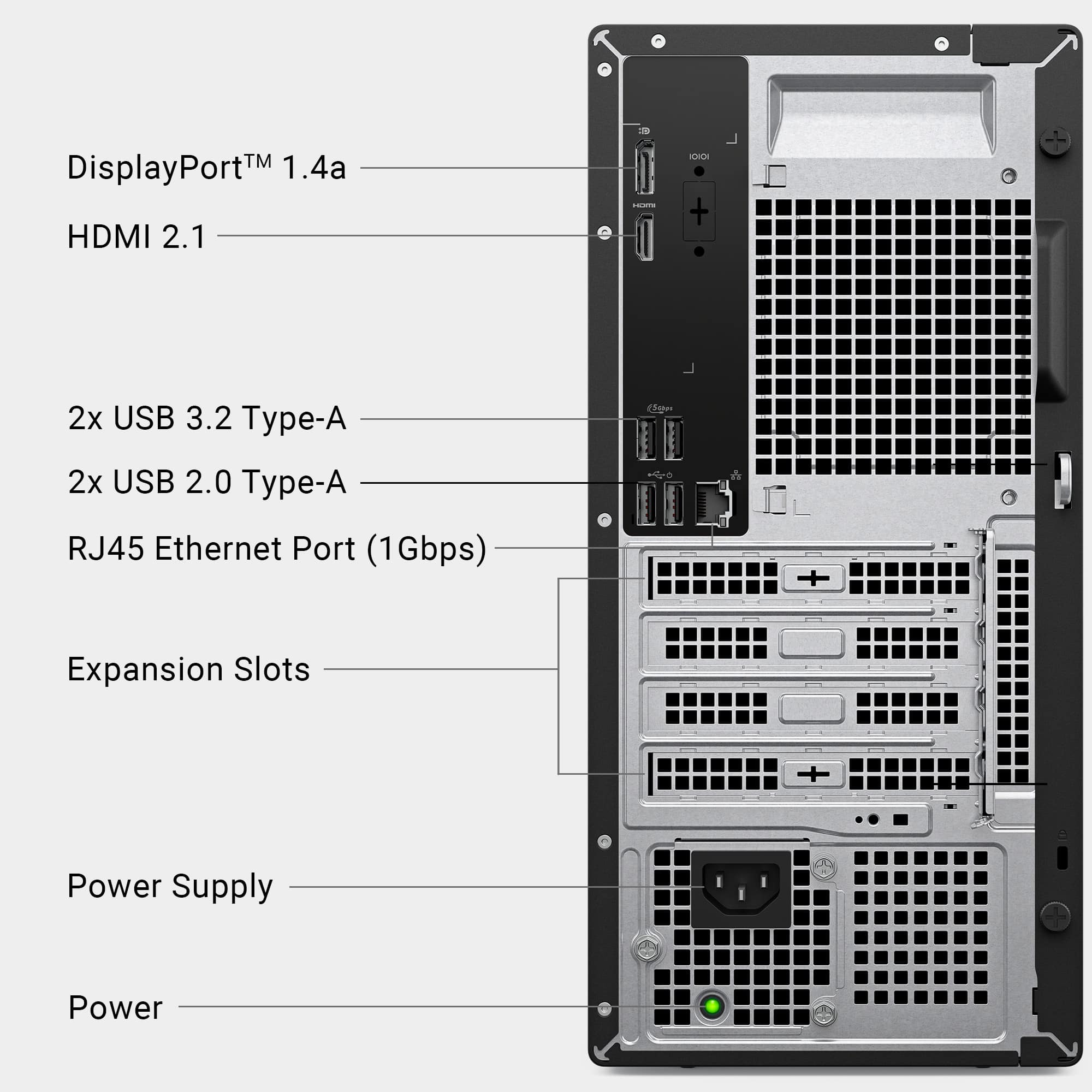
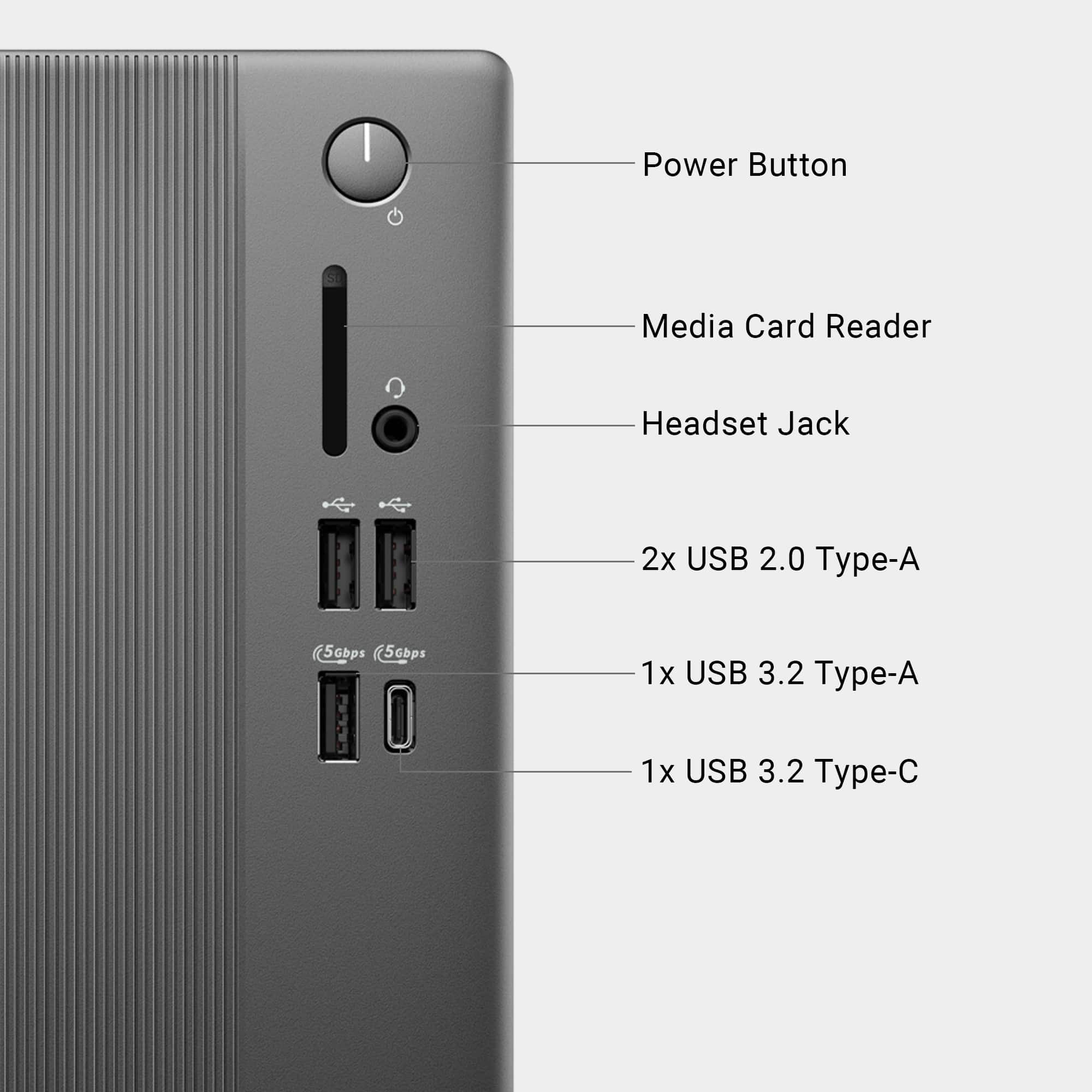
A:AnswerYes, you can connect using following options. Monitor 1 → HDMI,
Monitor 2 → DisplayPort.
Or adapters like HDMI→HDMI, DP→DP depending on your monitor ports.
A:AnswerThe desktop in its current configuration supports 2 monitors via 1× HDMI 2.1 and
1× DisplayPort 1.4. To get to 4 monitors, you must use DisplayPort Multi‑Stream Transport (MST) or daisy‑chainable DP monitors.
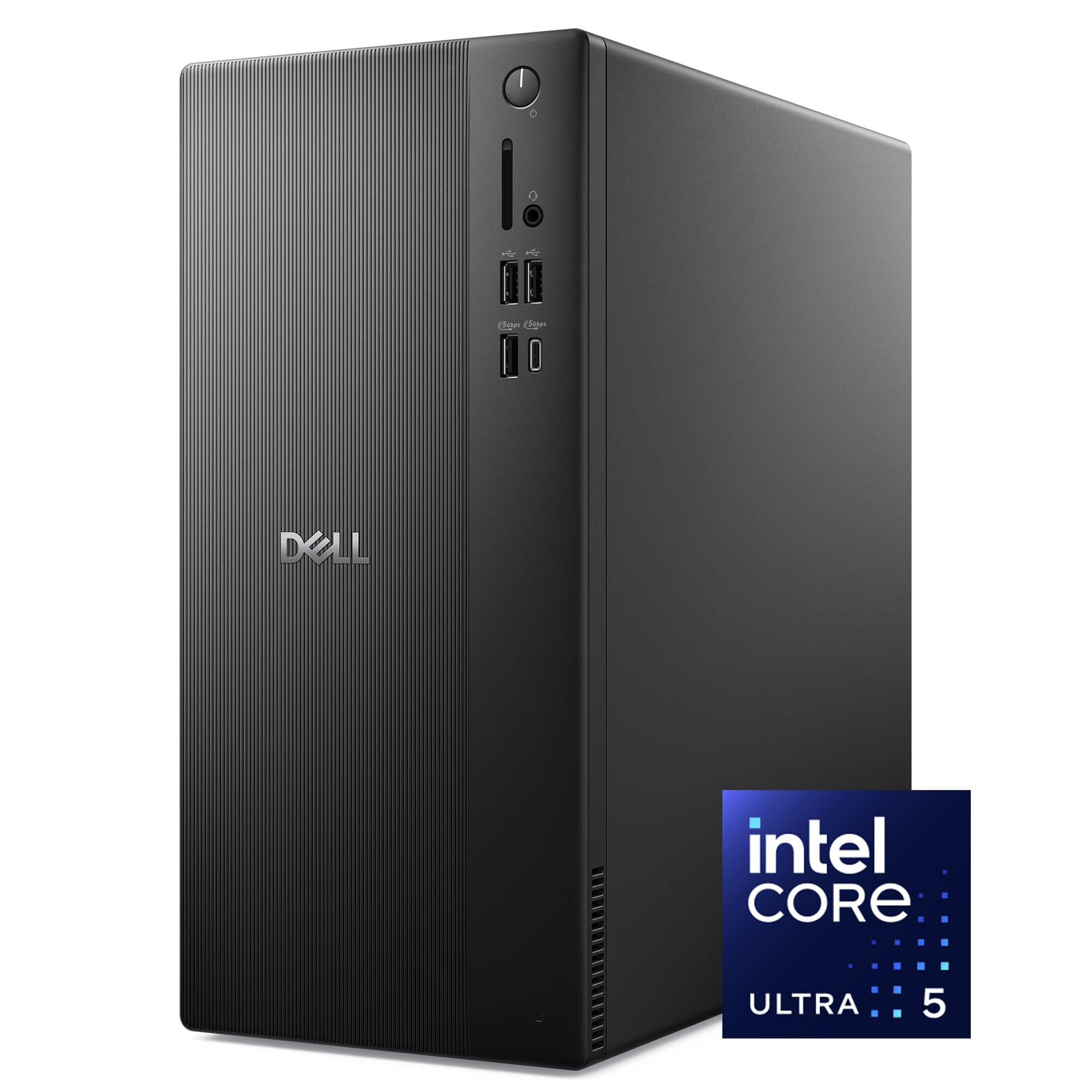
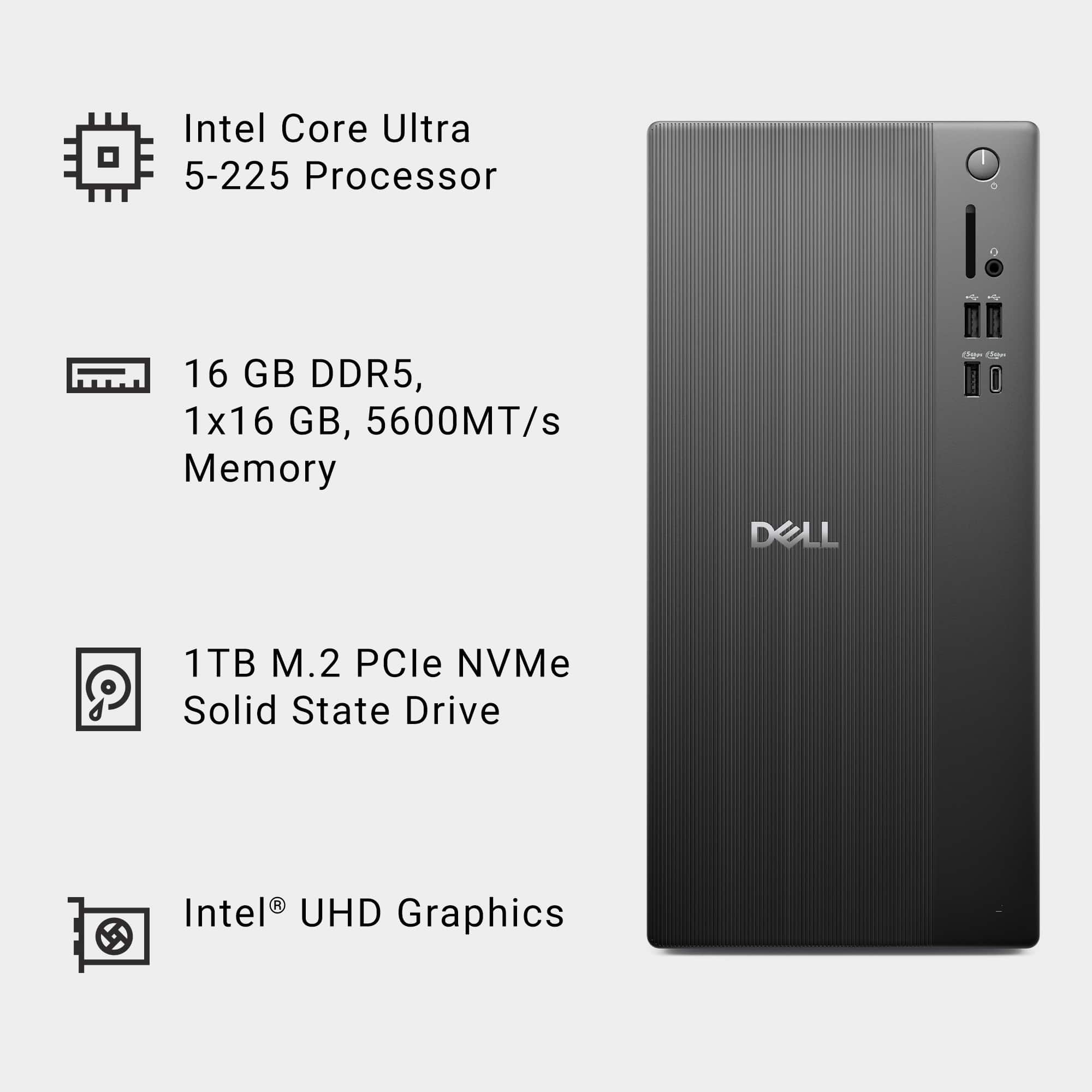
A:AnswerYou cannot add another SSD. Dell Tower ECT1250 supports a combination of the following storage configurations:
One 3.5-inch hard drive and
One M.2 2230/2280 solid-state drive.
A:AnswerYes, you can connect a VGA monitor to that Dell desktop, but you cannot plug it in directly. An adapter is required. There is no VGA port on this desktop.
You must use the HDMI port. You need an active HDMI‑to‑VGA adapter. A VGA‑to‑HDMI cable and a passive adapter will NOT work.
A:AnswerNo, what you’re describing sounds more like a power protection or PSU overload issue than a completely faulty power supply. We recommend you contact Dell Tech Support team to assist you with resolving the issue.
A:AnswerThis Desktop utilizes a Great CPU, memory, etc for fast performance where crisp vidio is not an issue.
Not a Gaming pc. This is a serious Office machine with Great speed minus the Perfect Video Clarity.
2 different worlds.....one has a GPU the other uses the chip set CPU to run your video.
I just purchased this ECT1250 because it's Fast and will not be used for gaming. Although it could run medium level games.
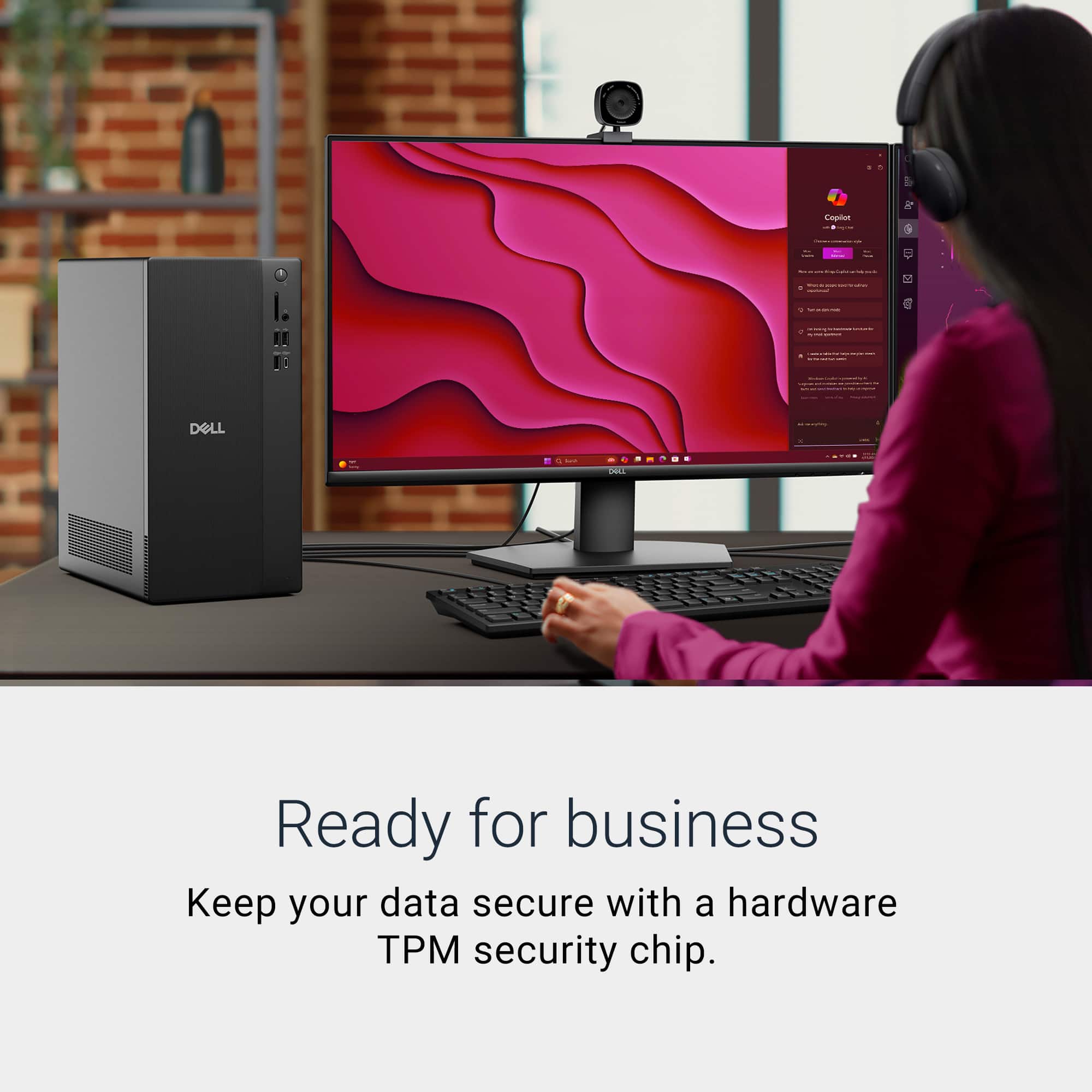
A:AnswerYes there is a TPM chip for security. To the best of my knowledge it's probably still version 2.0.
Not having it will not allow you to properly operate in a Win 11 environment.
Not required for Win 10. It does not check for it and boots up.
A:AnswerYes, it can connect. However, the karaoke machine must support Bluetooth A2DP (for audio streaming) or Bluetooth speaker mode. If it only supports Bluetooth for remote control or app pairing, it won’t stream audio.