A:AnswerI would go to the Corsair site and check their memory configurator for this model of Dell, or call Dell tech support. Worst case, throw that stick of RAM and see if magic happens!
A:AnswerI bought mine open-box, excellent condition, and it has full warranty for 1 year from the date I bough it. Just basic parts and labor warranty, you ship it in. Hope that helps.
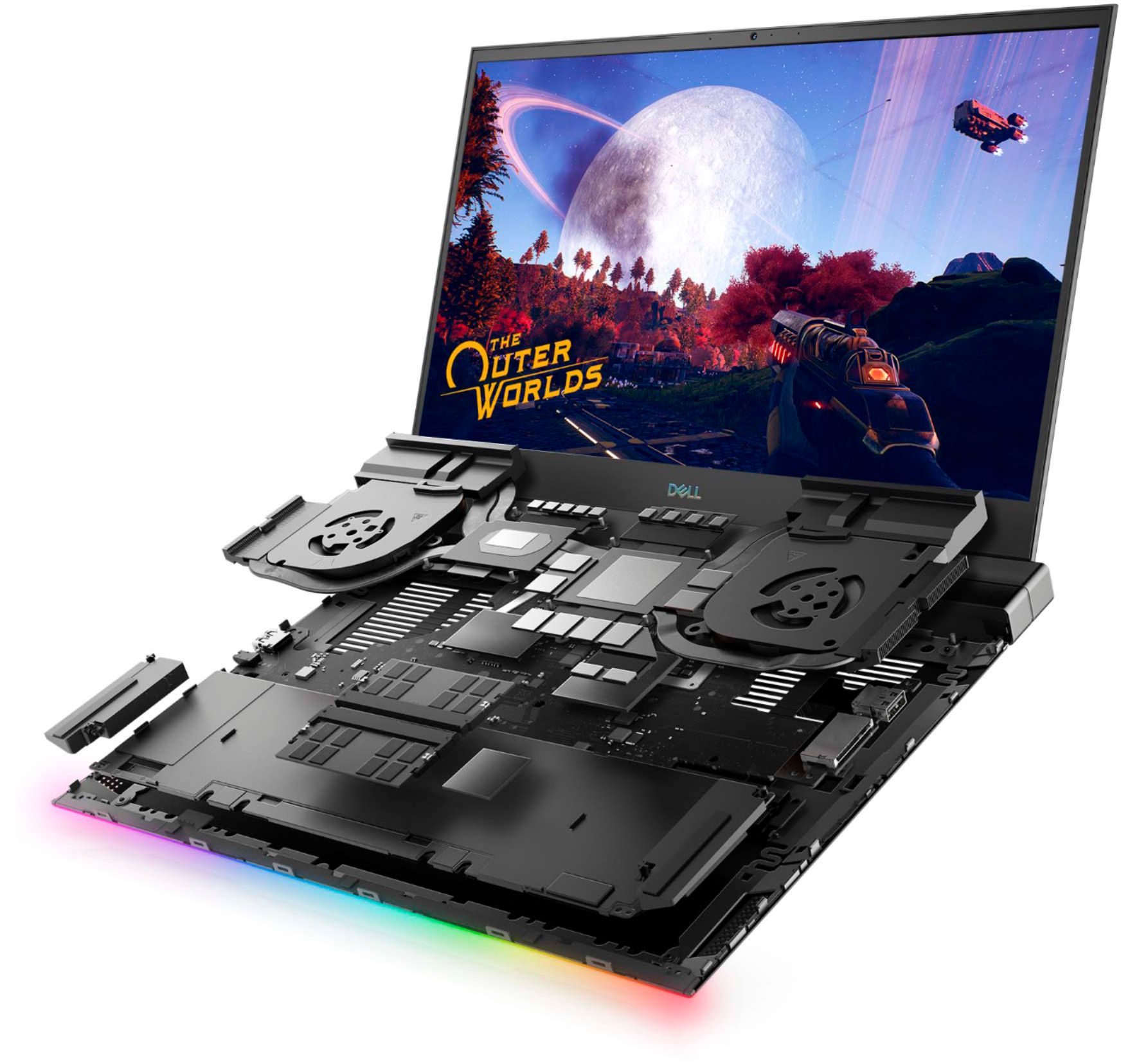
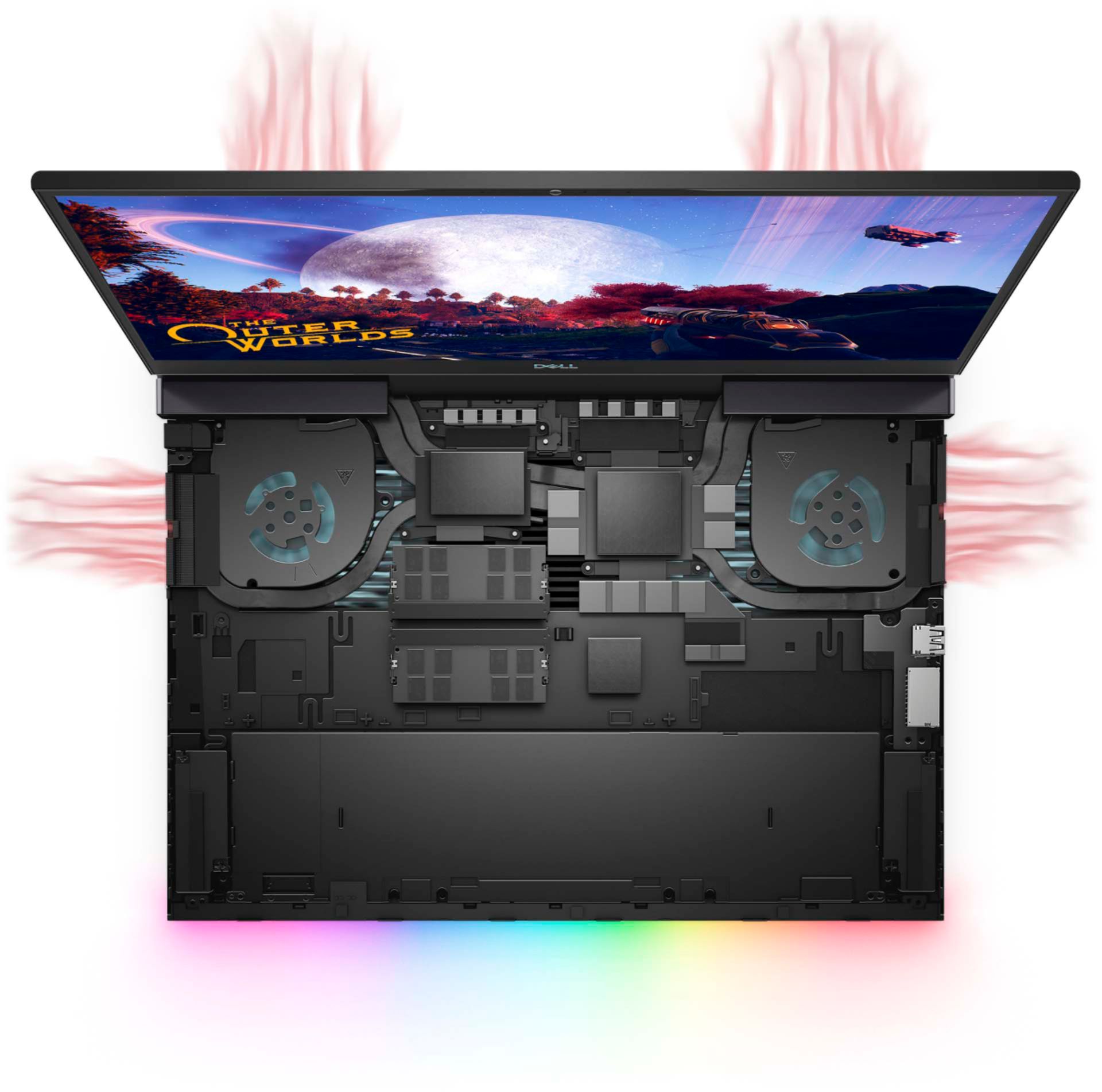
A:AnswerYes, the hardware on this system is built to take those high temperatures while you're gaming. However, we suggest you always have the drivers and firmware updated to the latest version from the Dell's support website.
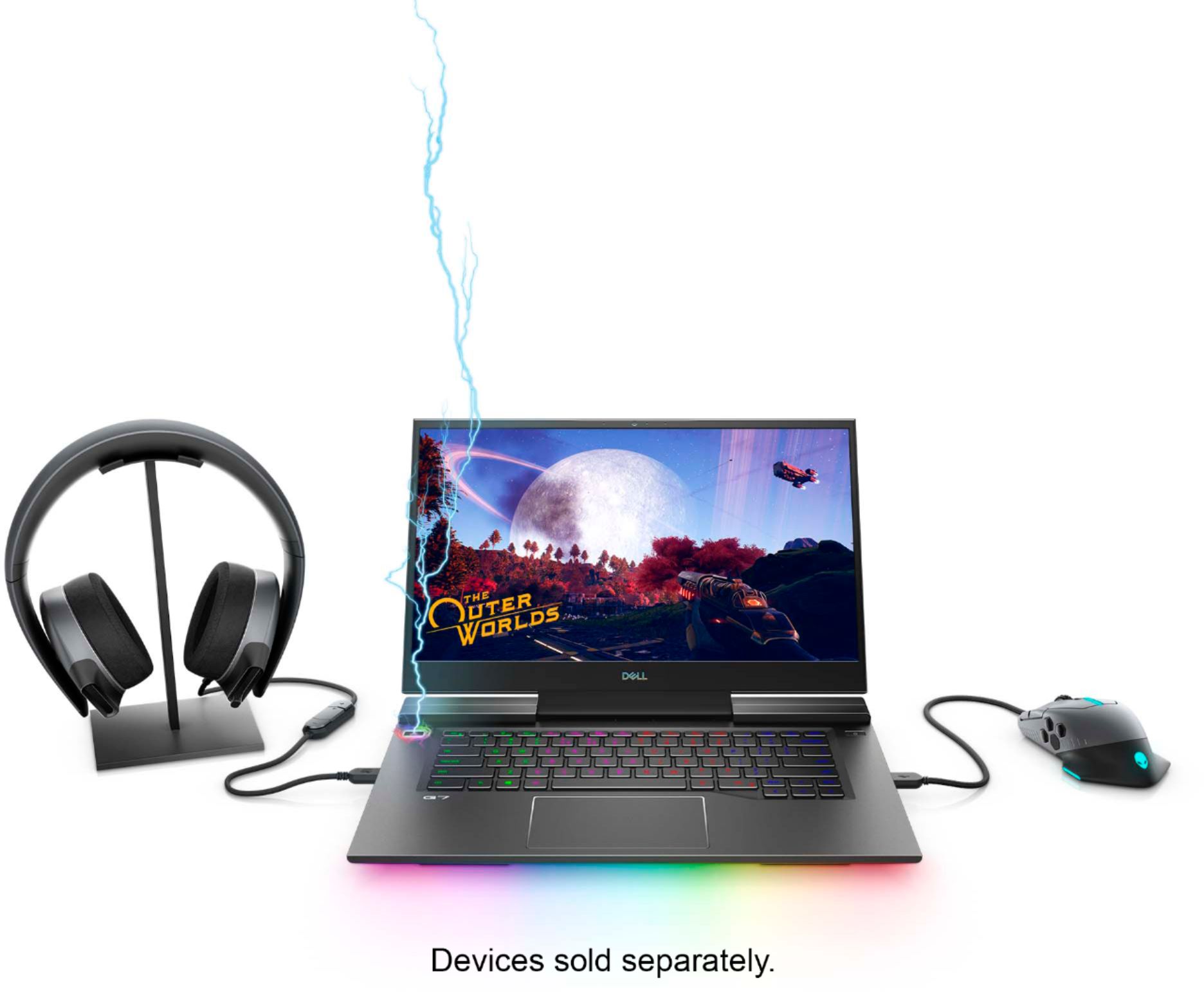
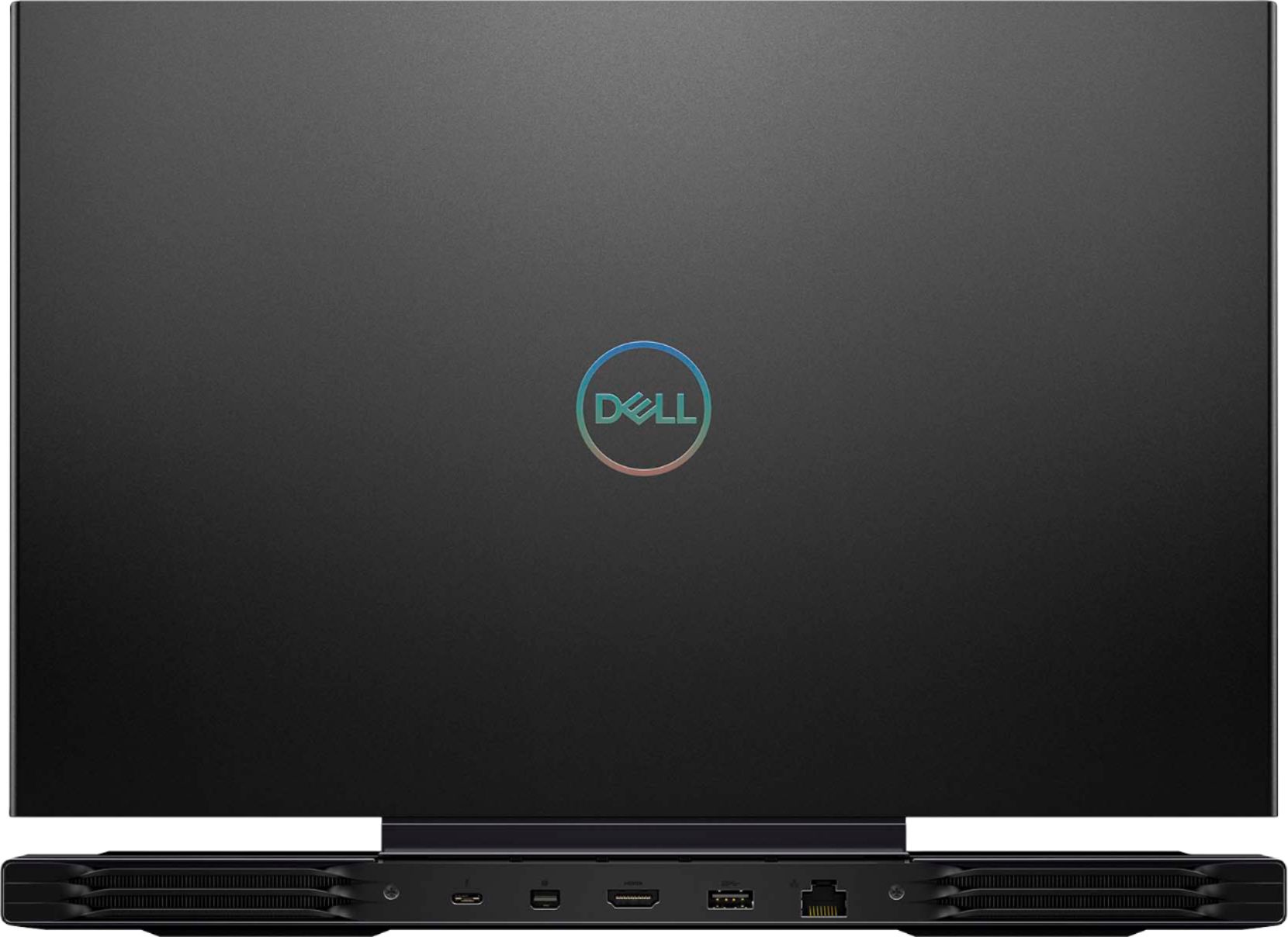
A:AnswerNo. It cannot. And if you plug in a thunderbolt cable that has power Dell has horrible software that pops up every time you reboot telling you it cannot charge off of thunderbolt. Even when you have power plugging into the laptop directly. You cannot disable it either. About to return this thing.
This is with using a Dell tb16 thunderbolt dock even. Very annoying and Dell support is worthless.
A:AnswerYou can. If you are referring to an office suite for school work, it does come with MS Office trial. LibreOffice is free and cross-compatible with MS Office files.
A:AnswerGo to your Windows Services and disable Nahimic service.
If you still have some issues, make sure that your default graphics driver is that RTX boi.
A:AnswerIt shows the ignorance of whoever is answering this question. If you are getting 2 hours battery life just skimming the net, you know this computer has to be plugged in when using and is useless when traveling on a plane or a long trip without power. They don't tell you this because no one in their right mind would ever buy this unit knowing this!