A:AnswerYou're right. I would only buy this computer if your going to run a Linux distro on it. I ditched Win10 for Lubuntu weeks after purchase and it's been great since. Linux does everything I need, taking up only 25% of the drive.
A:AnswerThe first thing I did was to boot from USB 3.0 64 gb flash drive with a full install of linux mint. Had to mess with the bios legacy mode. Ran fine test over! Played with Windows for a short time and it was pain full. There was so much to fix, reinstall windows (removes all bloatware), remove windows useless stuff xbox, people, 3d something and ect (shell script time). Updates to a separate hard drive. This would have taking a day and updates are so slow in Windows. I have done this before and it's a pain. Then I installed a number of Linux distros to the internal 32 gb drive. I stuck with MX Linux everything ran out of the box. With lots of stuff installed Chrome, firefox, some games, Vlc, Office. thunderbird, KDE connect and more. Then ran bleachbit there is 18gb free. Fast OS runs XCFE easy to update. I wouldn't waste my time with Windows big and slow. I don't see why you can't install to a micro sd card. I don't think there is a size limit. I would do the install on my desktop (virtualbox) then to the usb/sd. Then run it on the laptop.
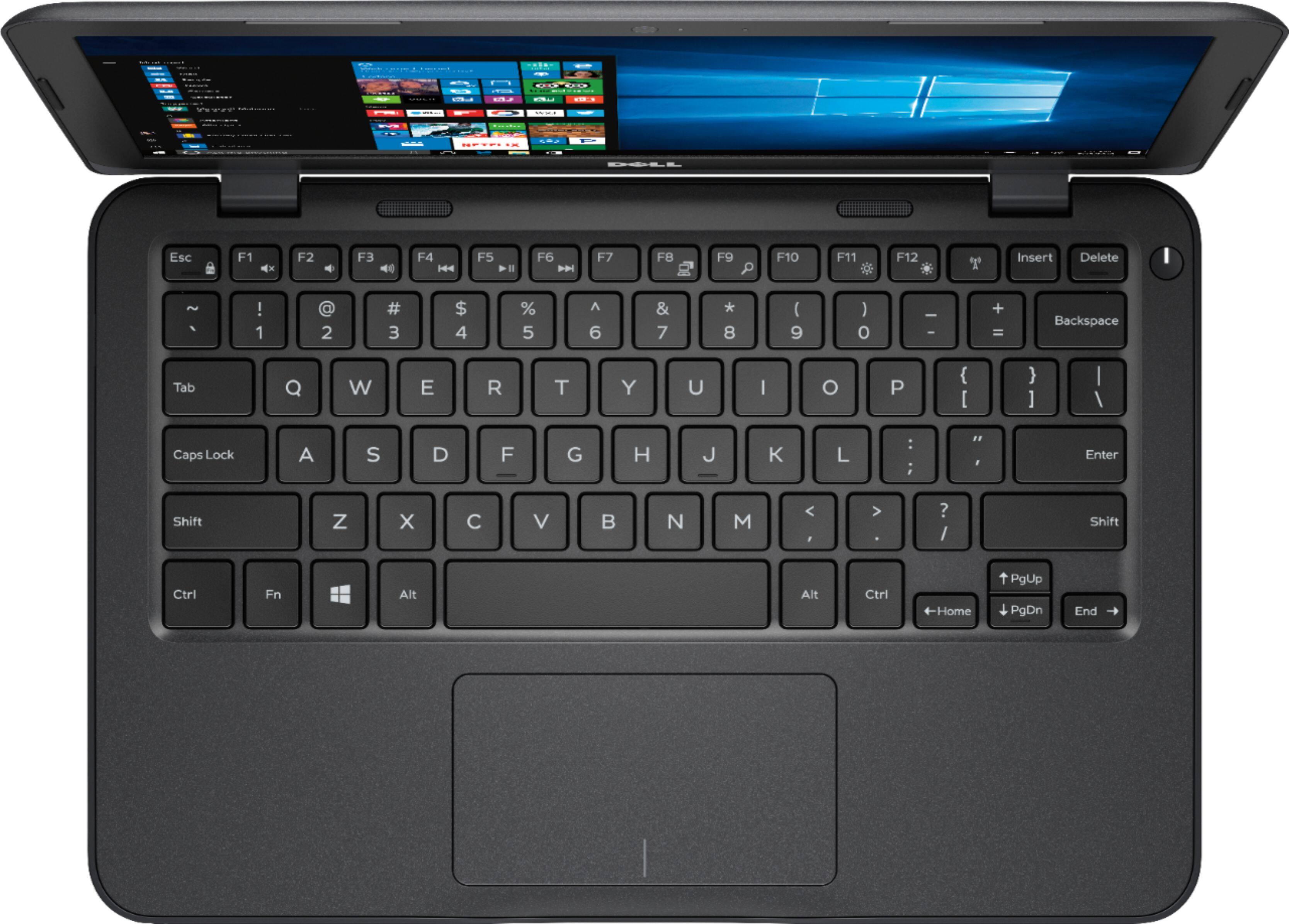
A:AnswerWhether or not you can use your keyboard depends on the requirements of your keyboard. If your keyboard is a plug and play, USB device; then yes it should work.
Assuming that your printer has drivers that are compatible with Windows 10, then it should work with this as well. If you bought your printer within the last five years or so, you should be fairly safe. If it's older than that, it could be hit or miss. I'd recommend checking the print manufacturer's site to see if Windows 10 drivers are available.
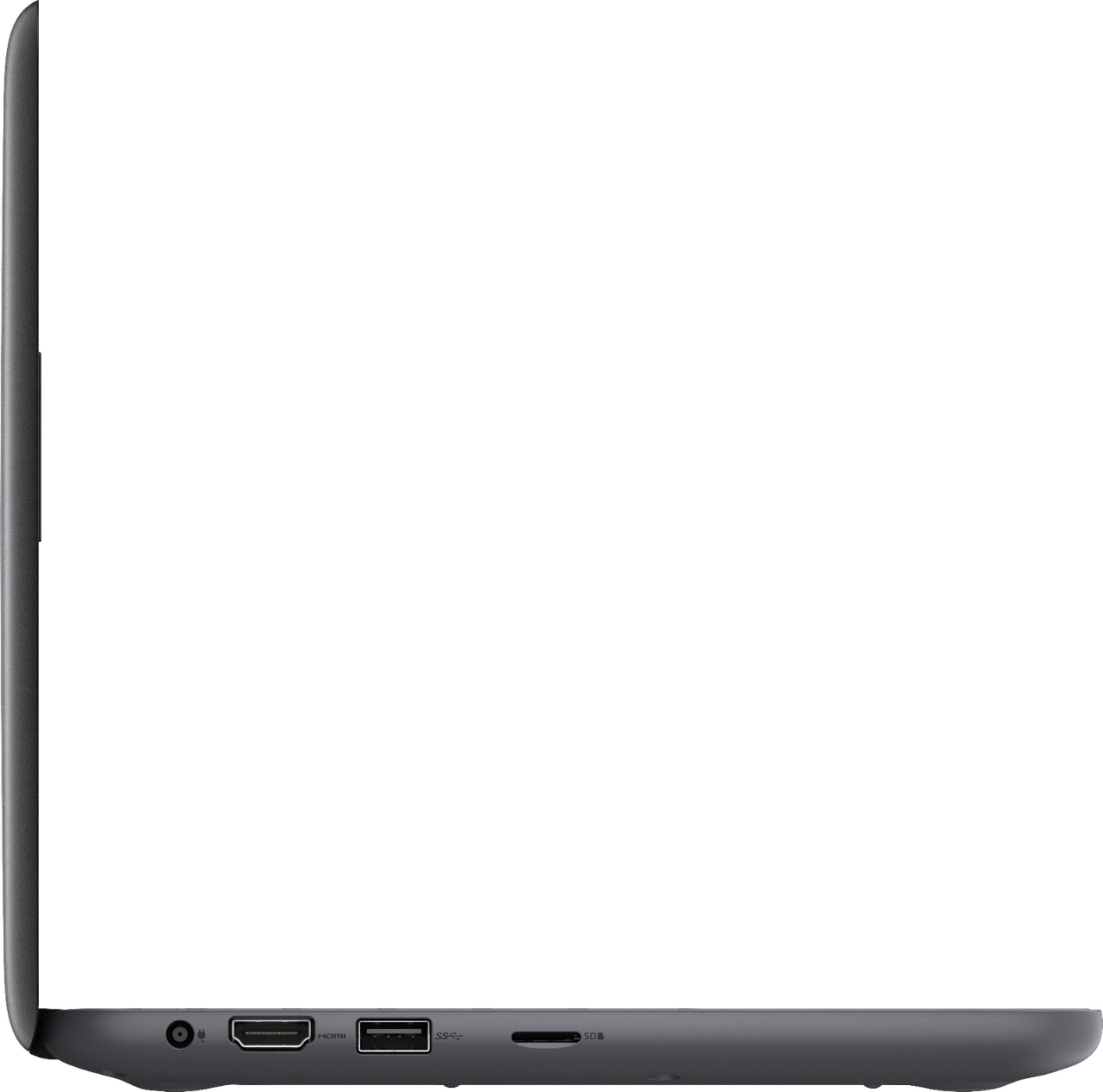
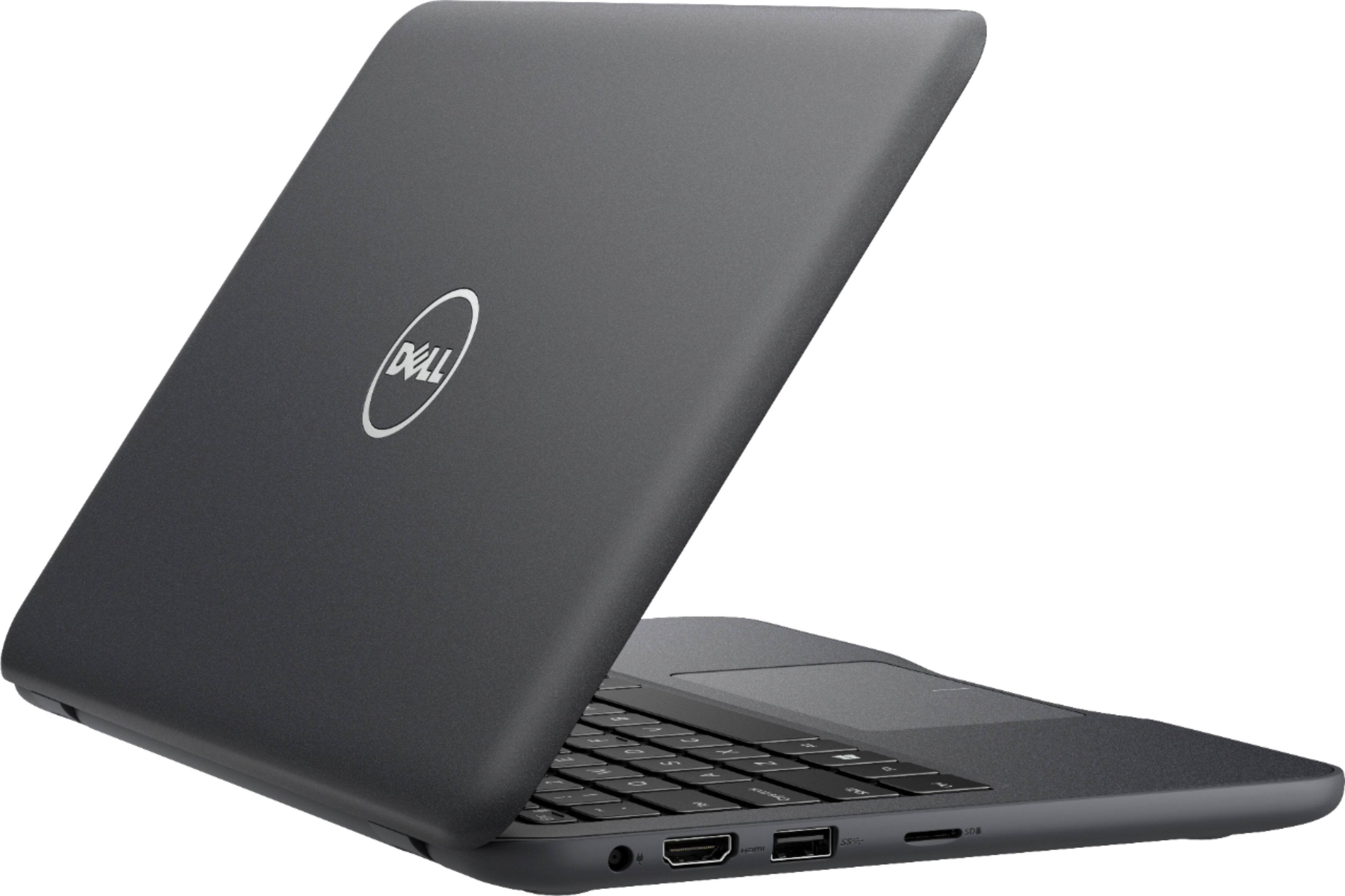
The laptop doesn't come with a DVD drive, but you can purchase external USB DVD drives that will work with this for playing and burning discs. Be warned that this doesn't come with a ton of USB ports, so you're likely to use them all up if you have your keyboard, a wired printer, and an external DVD drive all plugged in at once. You may want to purchase a USB hub as well to help free up some ports.
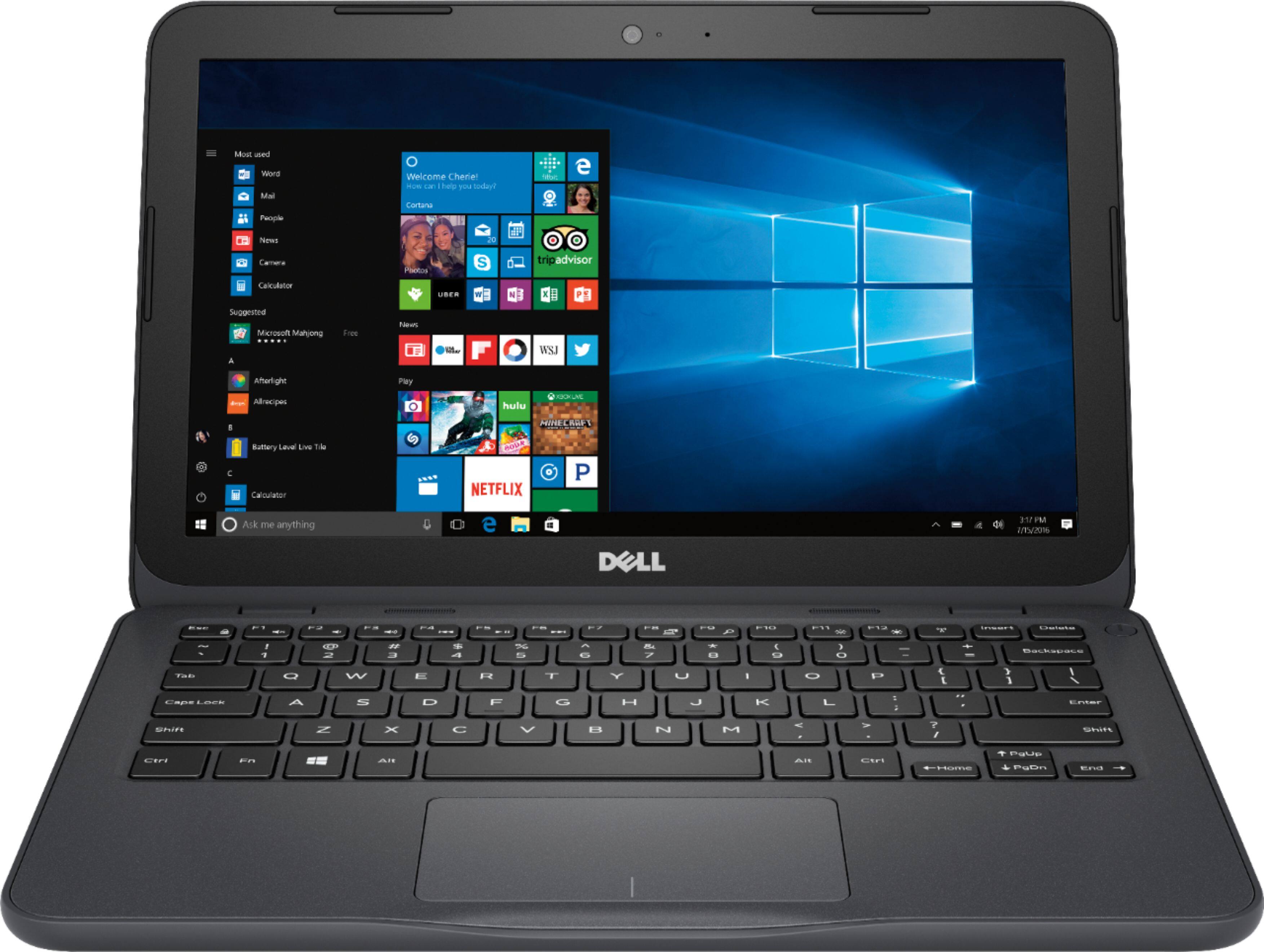
A:AnswerIs windows 10 on the p.c.
Yes it comes with windows 10
what is emmc flash memory?
That a type of "hard drive" to simplify a flash drive is used as a hard drive. This does meet windows 10 minimum requirements. The hard drive can fill with updates so,
I would try settings > storage and move everything to a Micro SD (purchased anywhere), use Power Shell to uninstall apps look for a how to, and turn off hibernation Also run Windows Defender and Malwarebytes. This should be smaller than another anti virus such as Mcafee. Remove all Bloatware you could just run "Rest this PC" That's if I wanted to run windows I don't to much work. I would still install a Linux distro. I run MX linux with lots of software (Vlc, Libre office, Firefox, Chrome,Gimp, kde connect) and 17 gb free. I would take me 6-8 hours to get Windows to work, 30 minutes to install MX Linux.
What accessories come with it?
Power Cable
A:AnswerThe laptop in question comes with 4 GB of RAM. It can be expanded to at least 6 GB, not sure if it can accept more or not, here is what the specs say about the memory for this laptop: "A minimum of 2GB is required for basic computing, but 6GB or more is recommended if you're into graphics and advanced photo or video editing."
A:AnswerDidn't do it because I bought this computer only for internet access so as to protect other computers. Their is only approx 6GB of additional space after the operating system and all it's peripherals, if you add too many more programs there wont be any space left unless you want to use the cloud.
But this computer is originally intended to be substantially used in the cloud which is where you can load your programs if that's what you want. When you set up user accounts this computer tries to directs you to the Microsoft cloud, that is when/where I discovered that the admin account was originally set up to be in the MS cloud and if that were to be where you set up your accounts including the admin account then I suspect (not tested) you will only be able to fully use your computer when it is online.
I am not an expert by any means but the above is what I found and suspect.
A:AnswerThe ram in this laptop is not soldered to the main board and can be upgraded to a maximum of 8gb, the ram slot is located underneath the heatsink over the Cpu. I'm not sure about the warranty but taking it apart might possibly void it? It runs Windows 10 home. A micro SD card can be used as a normal drive, I've installed all my applications to it.