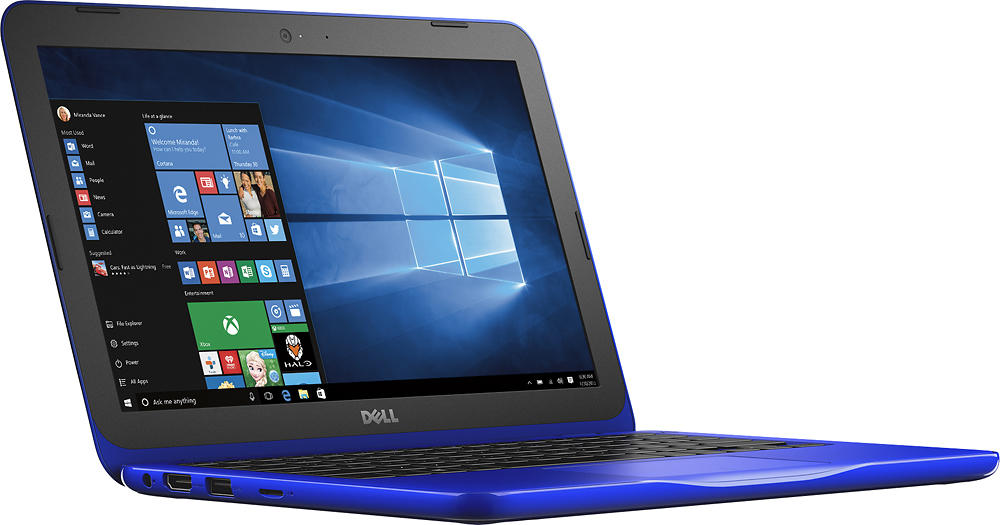
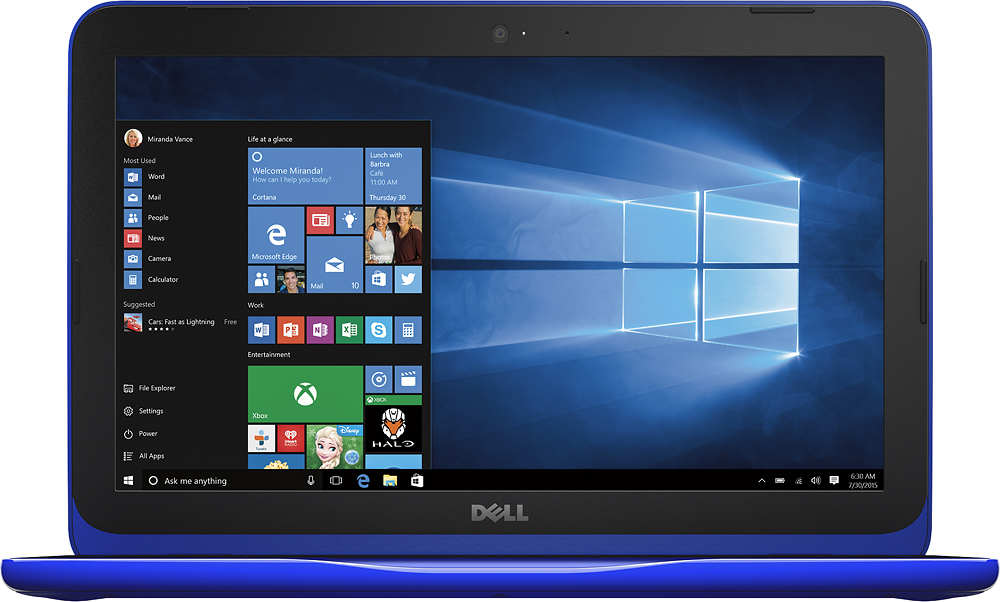
A:AnswerI use have used Netflix on mine. The sound and picture are ok. The picture resolution is a little dark but I'm sure there's a way to adjust that. I just tilt the screen until I can see it better. I have enjoyed the movies on it so far.
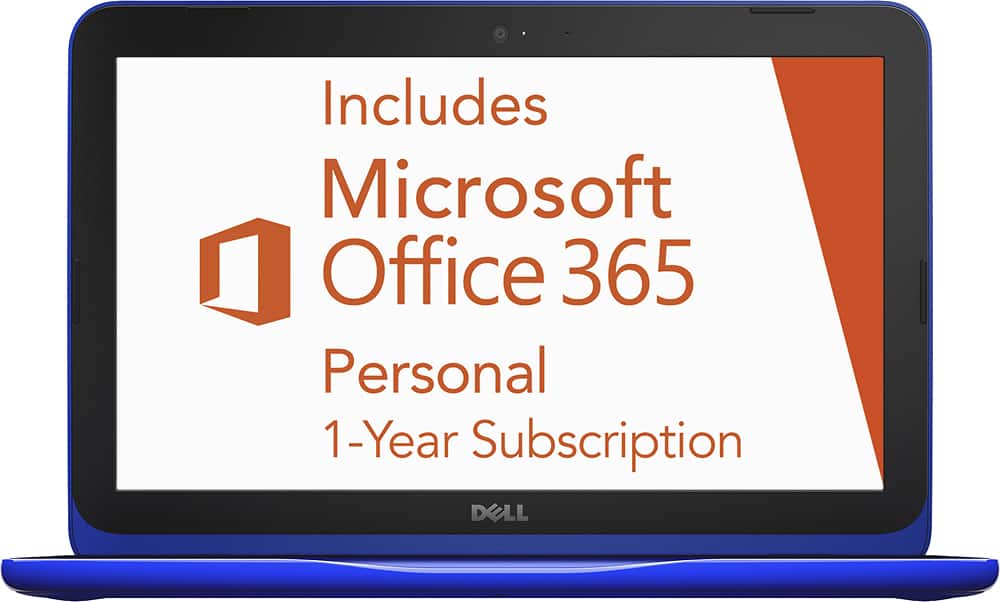
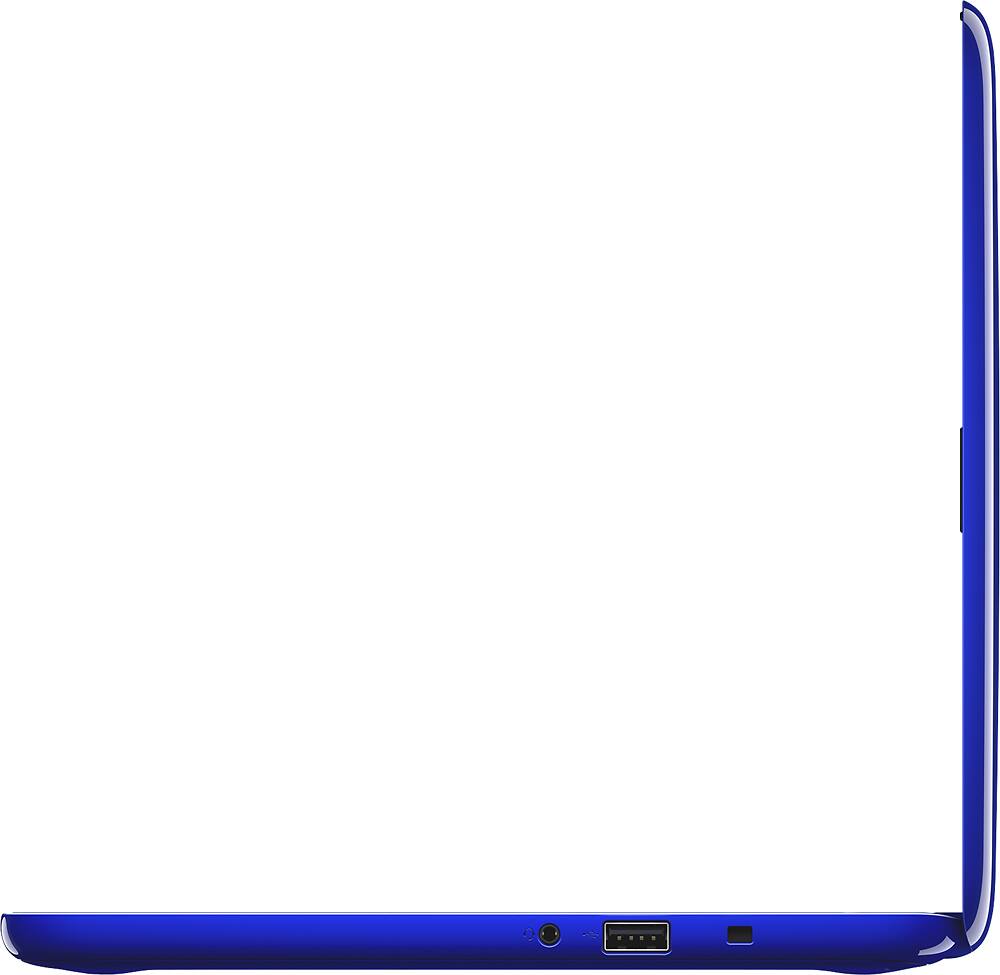
A:AnswerThis product does not come with a CD/DVD drive. You can purchase an optical CD/DVD that will connect to the laptop via USB. The laptop comes with 1 year of Microsoft Office, once that year is up, you can no longer use the product unless you pay for a subscription service through Microsoft's company website. Hope this helps.
A:AnswerI constantly get a pop up telling me to go to their webpage (link provided) to add my credit card so that it will automatically renew. I'm sure it is there when you choose it from the start menu.
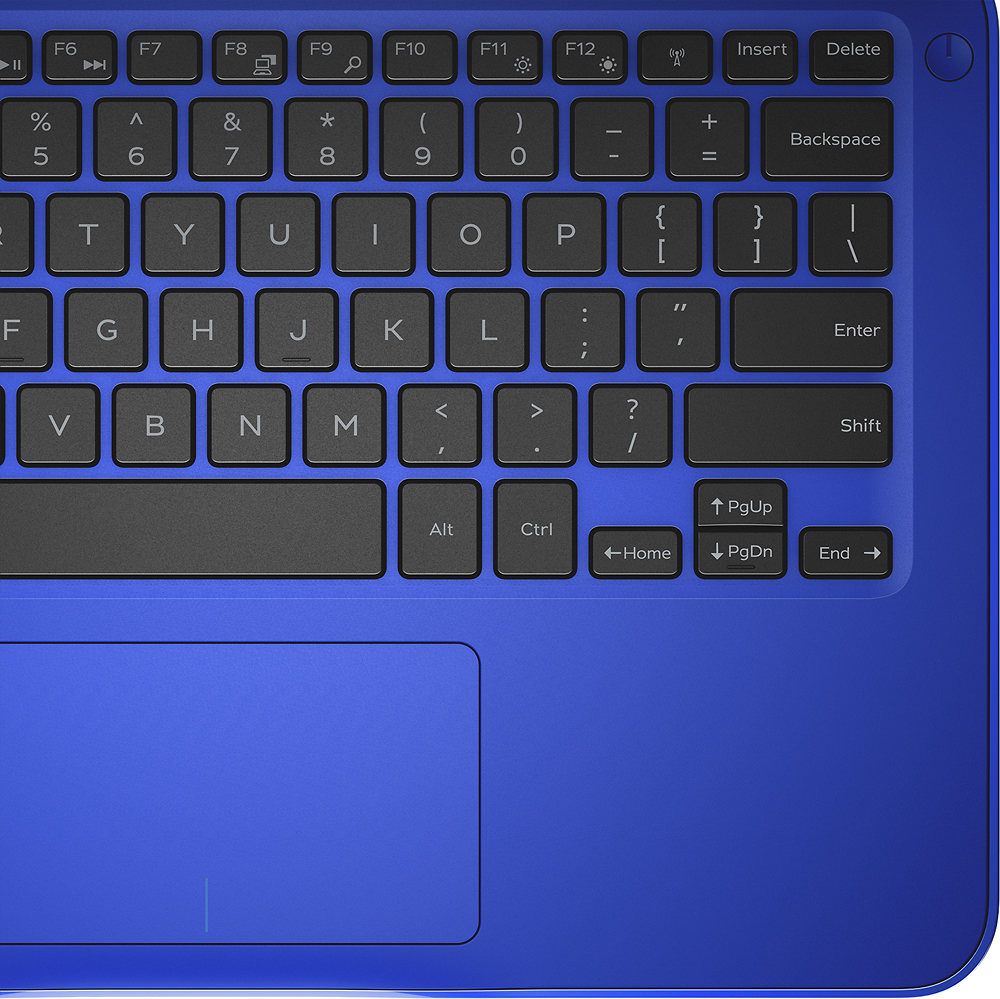
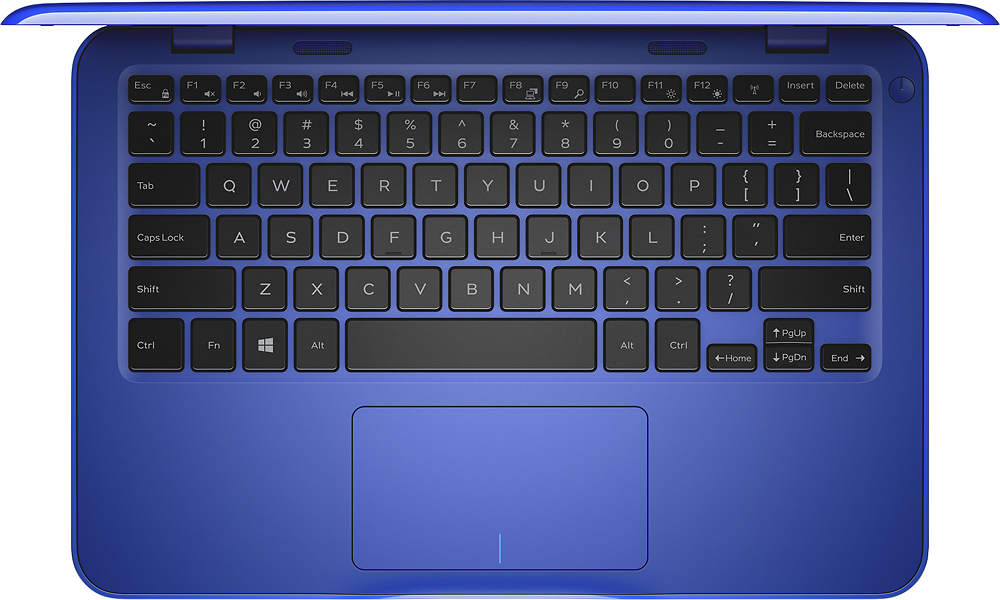
A:AnswerPut the laptop on charging and hold the blue "On" button which will be in the extreme right (By side of Delete). You will be prompted to setup the machine.
A:AnswerYes, you can store data using the Cloud storage or the internal SSD. Yes, you can write papers using MS Word in the 1-year subscription to Office 365 (you will need to re-subscribe to continue past 1 year, or replace with a stand-alone copy of Office.)