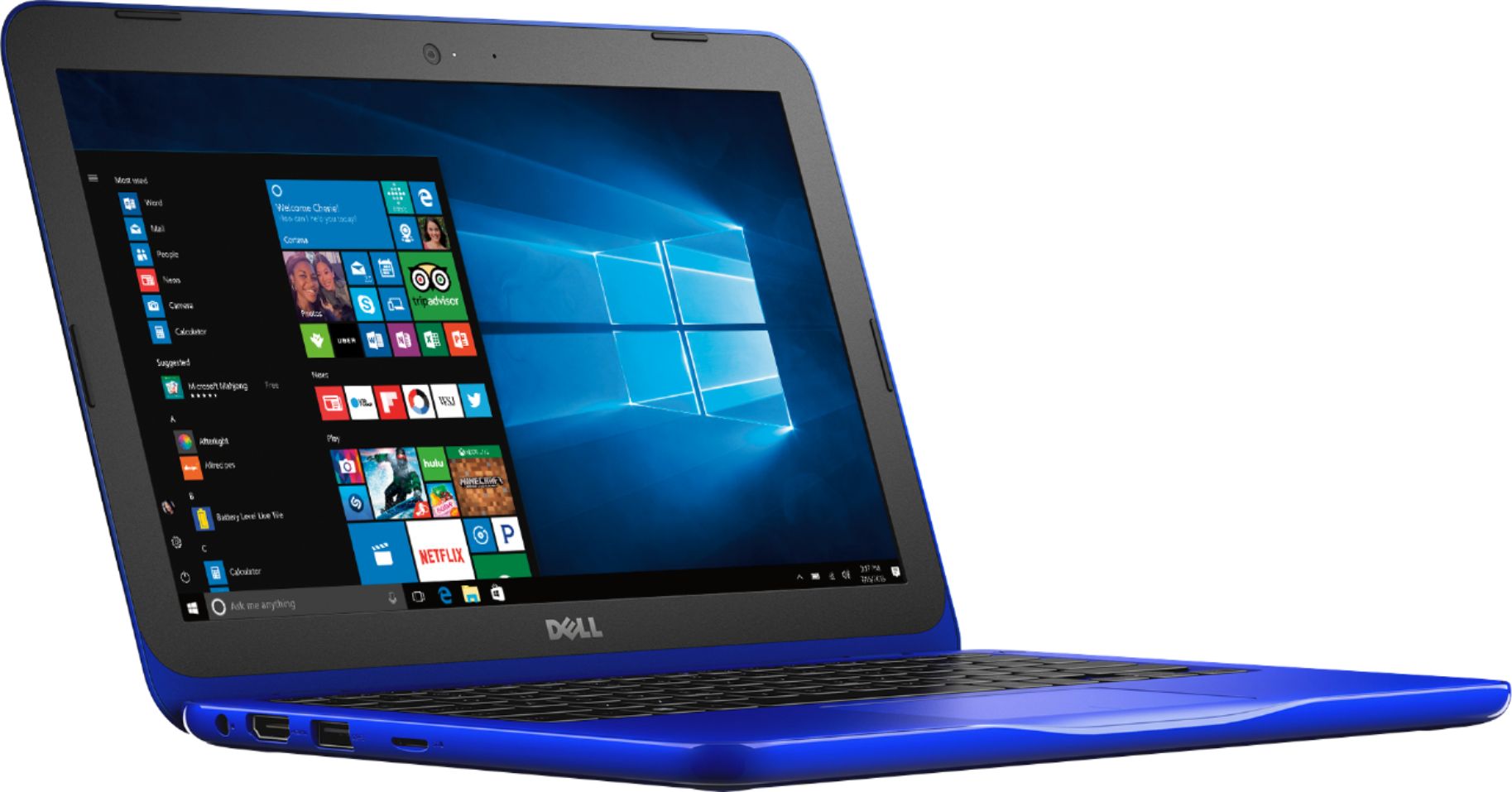
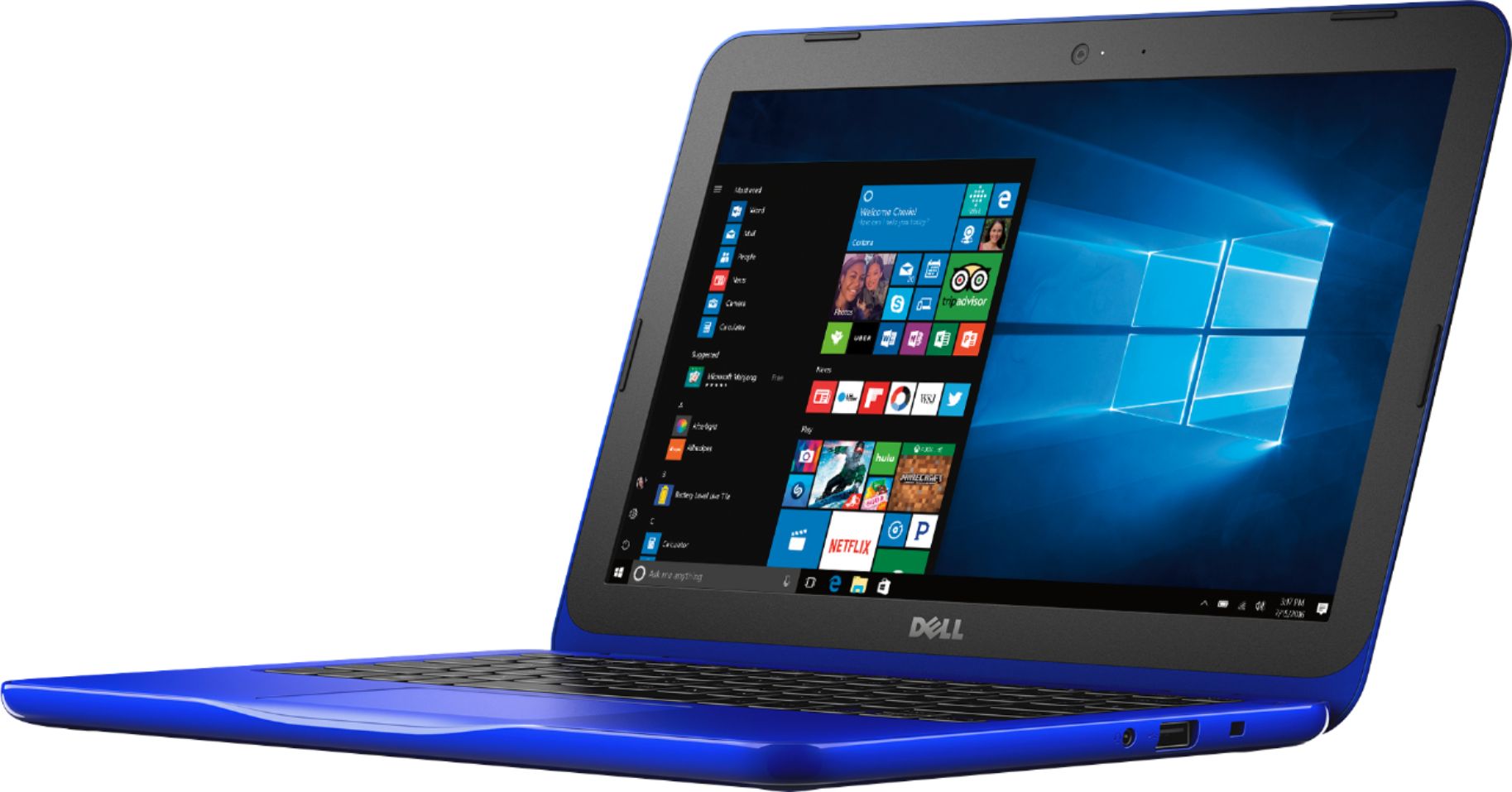
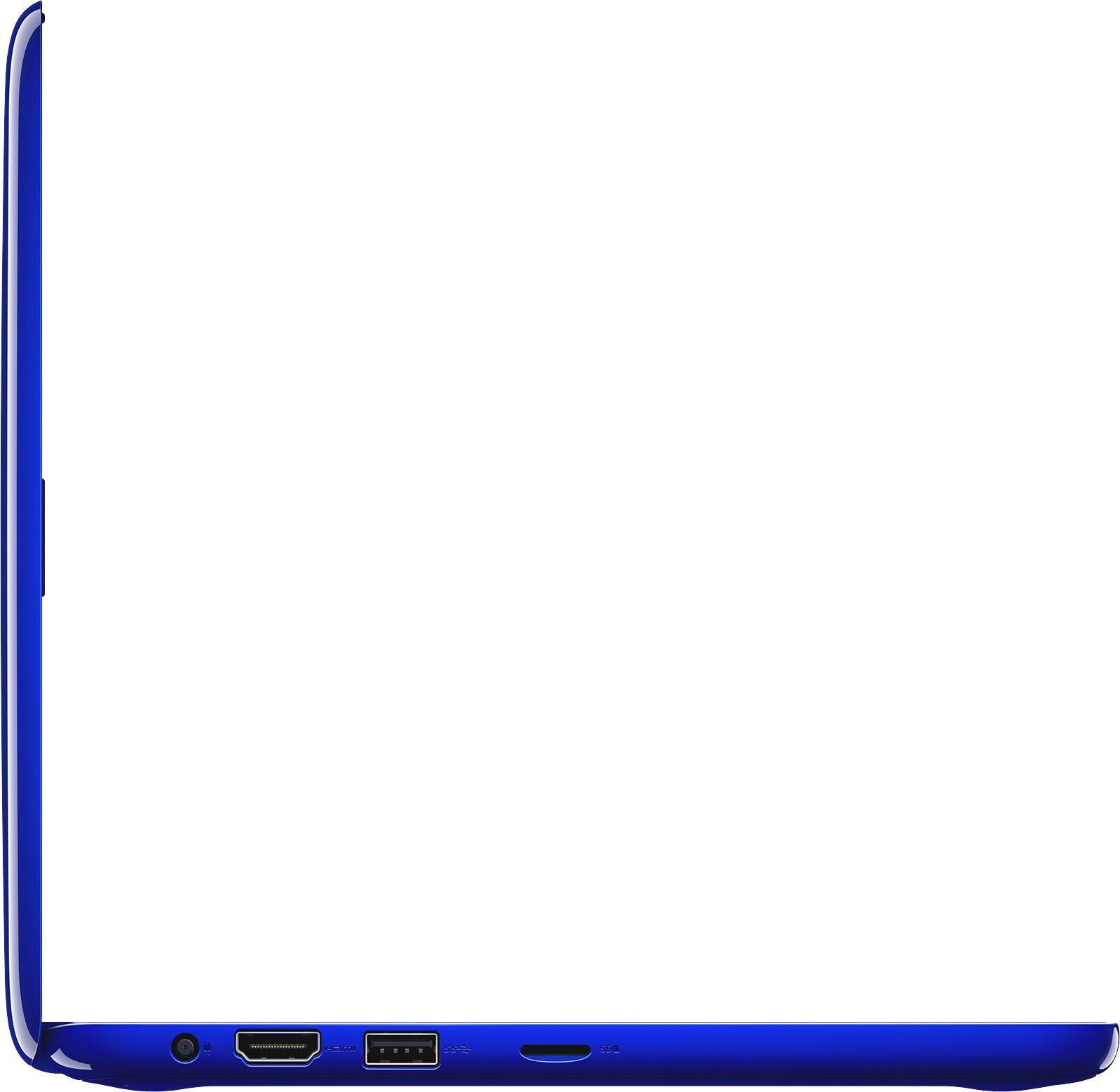
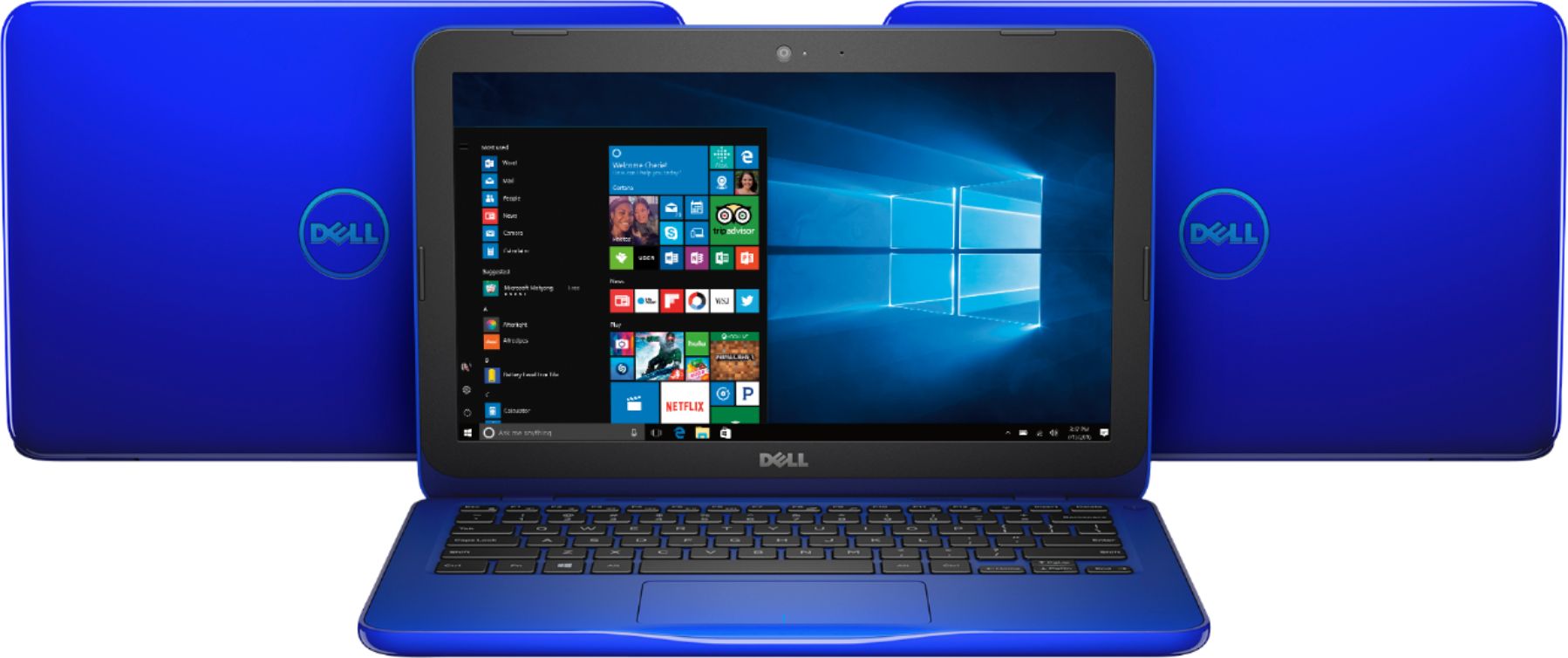
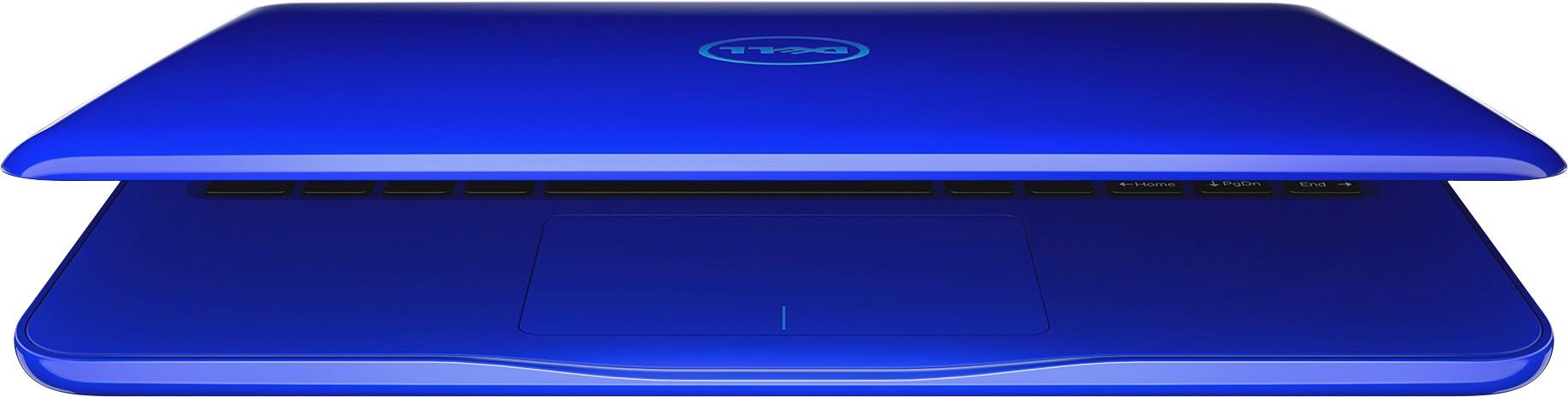
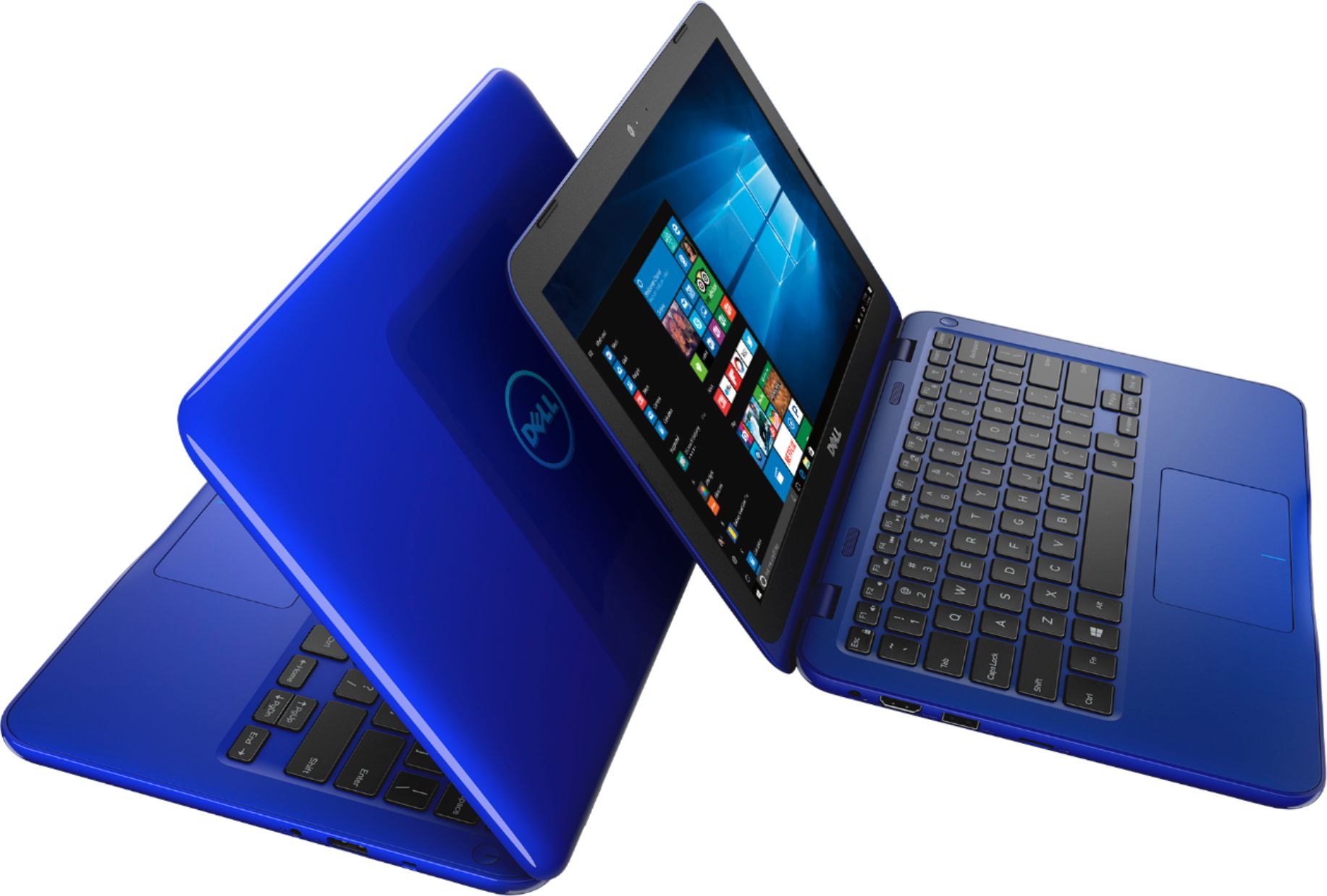
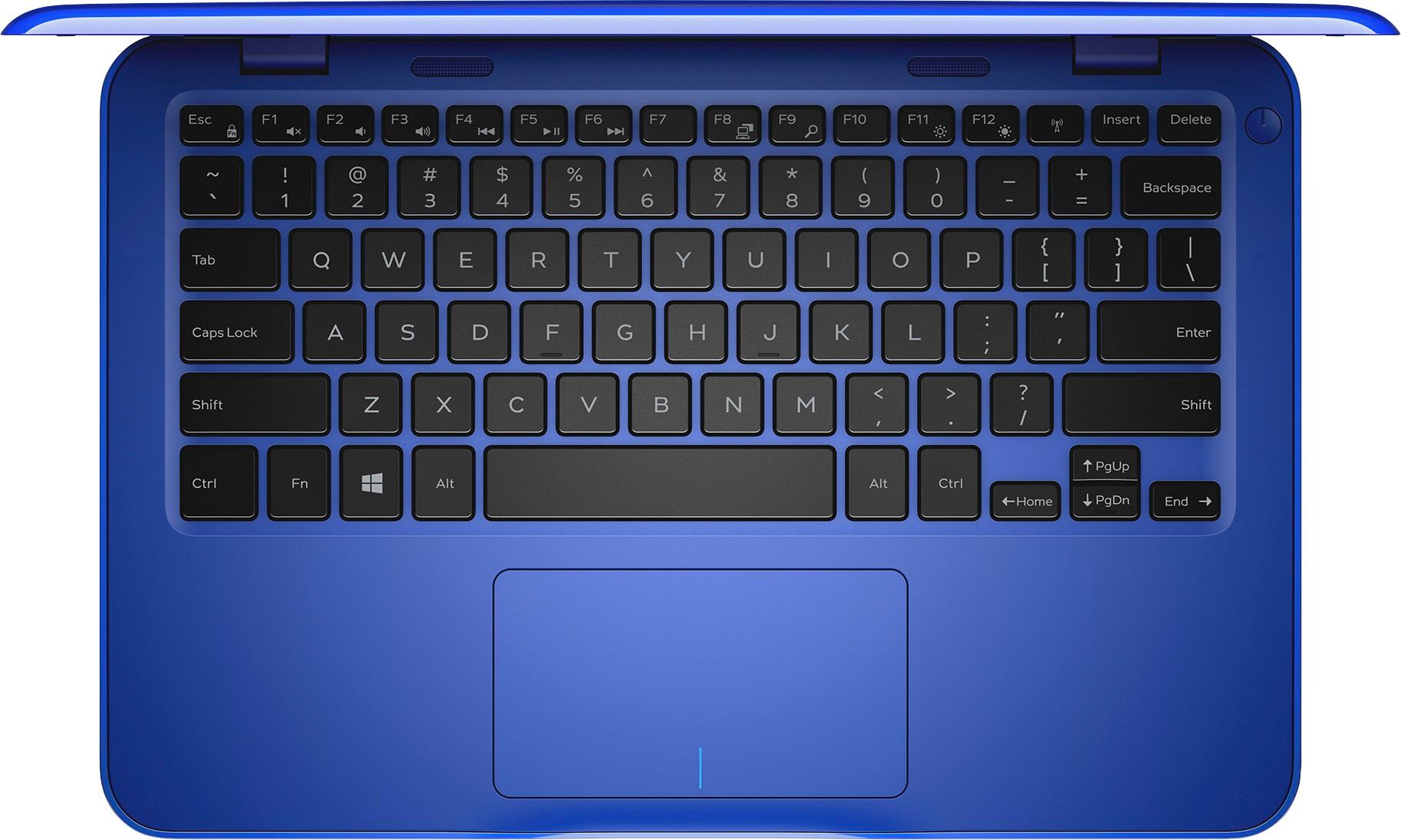
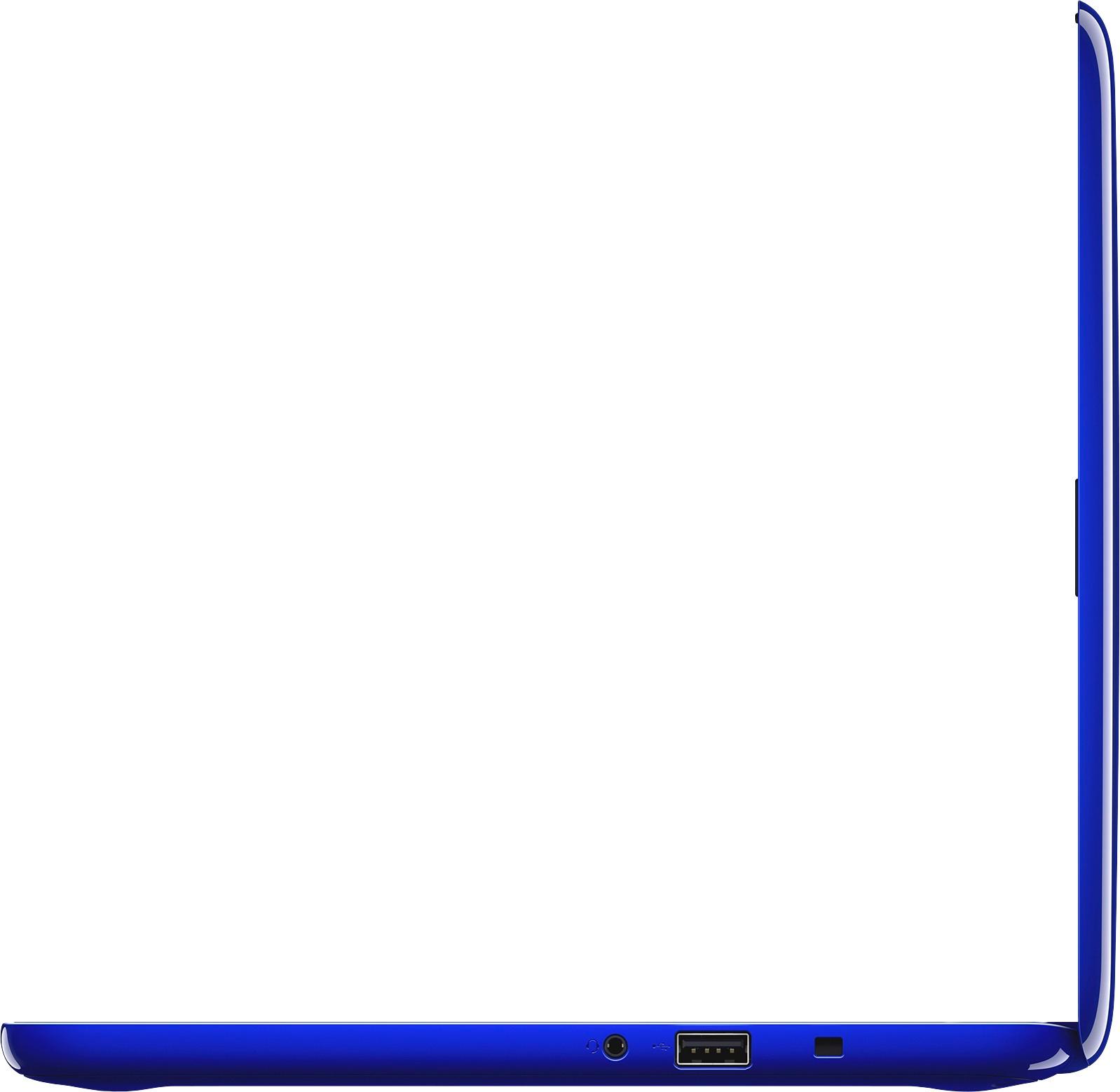
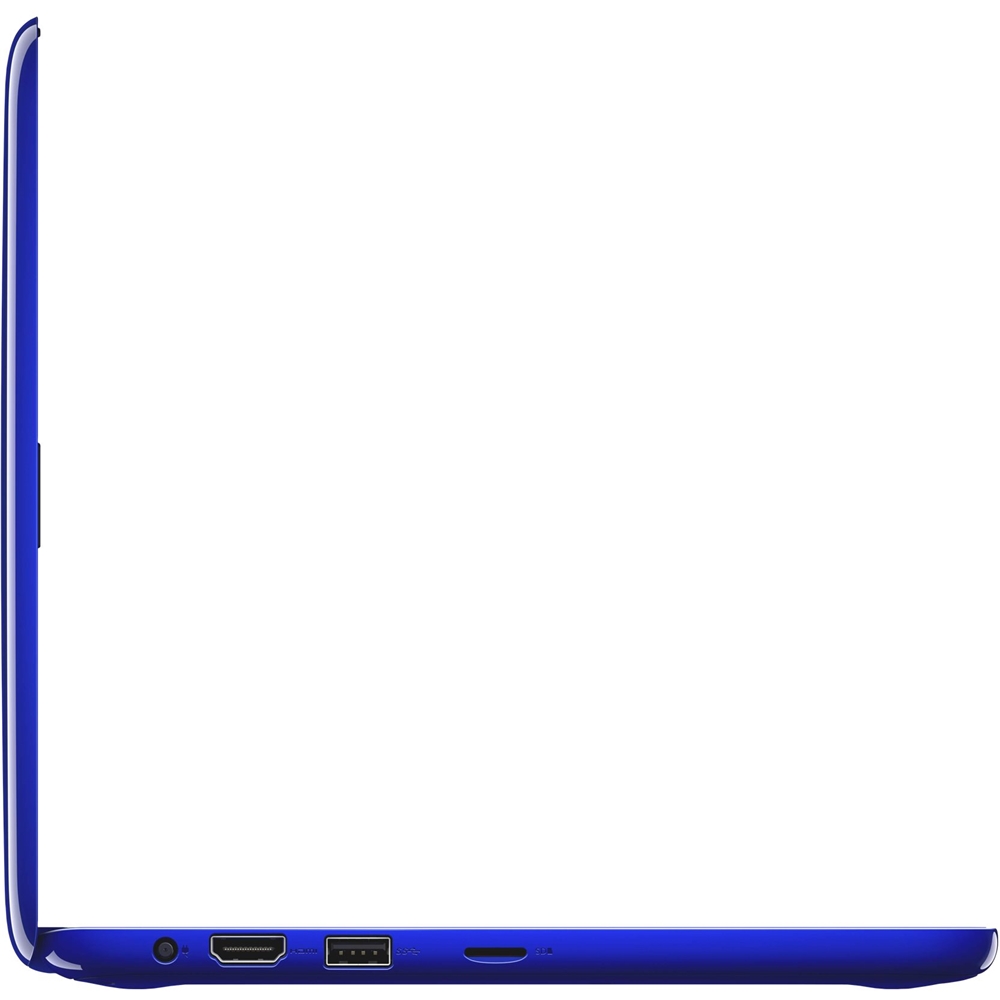
A:AnswerThe numpad (or lack there of) is just due to the size. You generally won't find a numpad on less than a 13" computer. This has all the power you need to do anything in a browser, and the hard drive won't store much but it is really fast. Also, you can buy a USB numpad for 10-20 bucks if you really need it. I can't think of any Chromebooks with numpad offhand, even at 14"
A:AnswerDepends. If your using Windows Movie Maker you might be able to but it will drag a bit, if you want to use Sony Vegas or Adobe Premier you'll need a beefier system.
A:AnswerNo, this would be terrible and most likely not run at all. If you want to do gaming you should look for at least 8 gig ram, 500gb or more storage (to install games), and a graphics card if possible. Laptops like this run on graphics integrated in the CPU, which have weak performance. Also I'd recommend 15.6" or bigger screen.
A:AnswerI would not even try as this is meant for lightweight usage and browsing and you realize this thing has an 11" screen, QuickBooks on 11" seems like torture....
A:AnswerThis laptop would be great for college. I am a college student myself, and use word, excel, power point, google docs, internet, and icloud on this. If your looking for a lightweight, affordable laptop, this would be great. The only thing is the screen is a little smaller, but you can enlarge the document pages when working on them. So the screen being a little smaller really isn't a big deal.