A:AnswerFrom the keyboard:
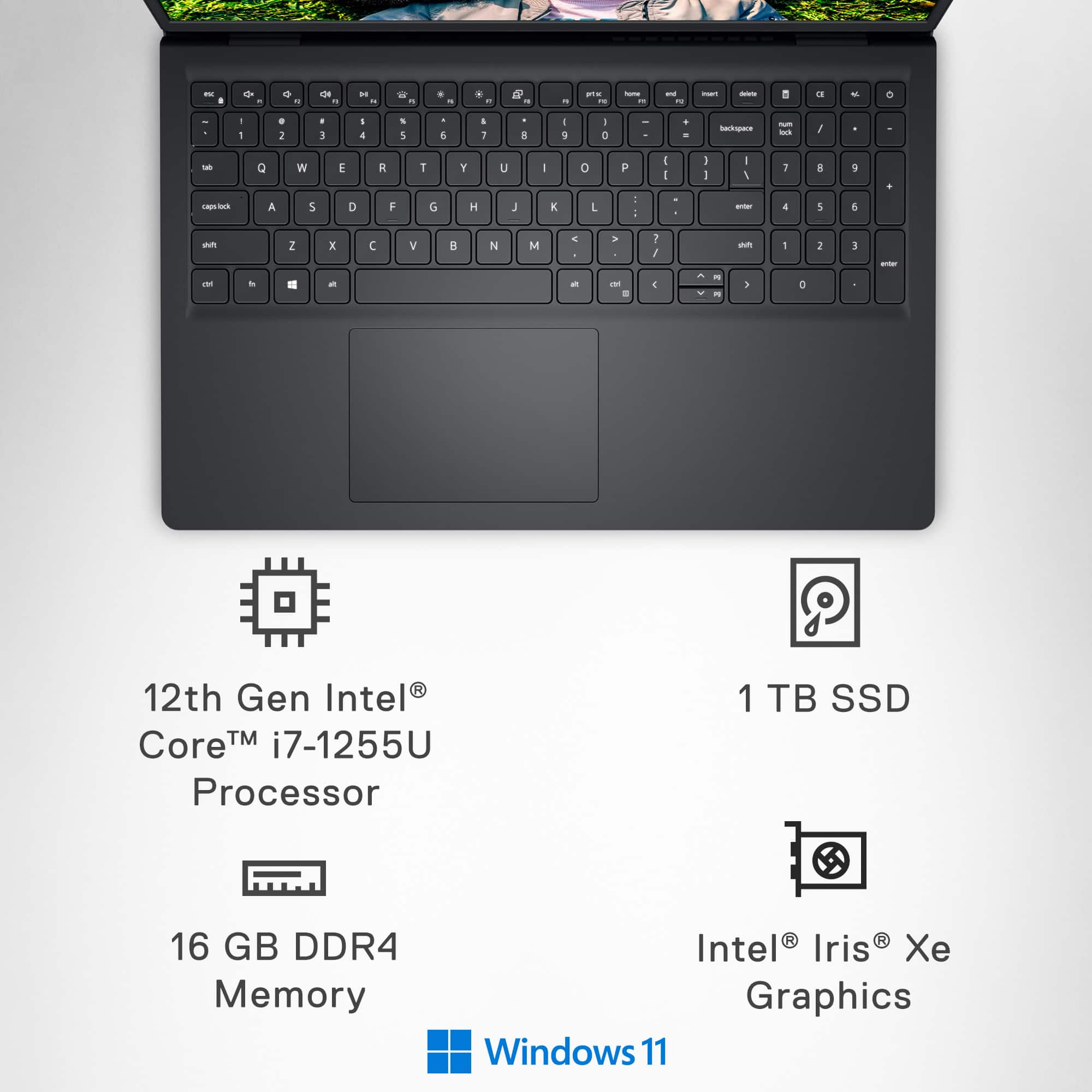
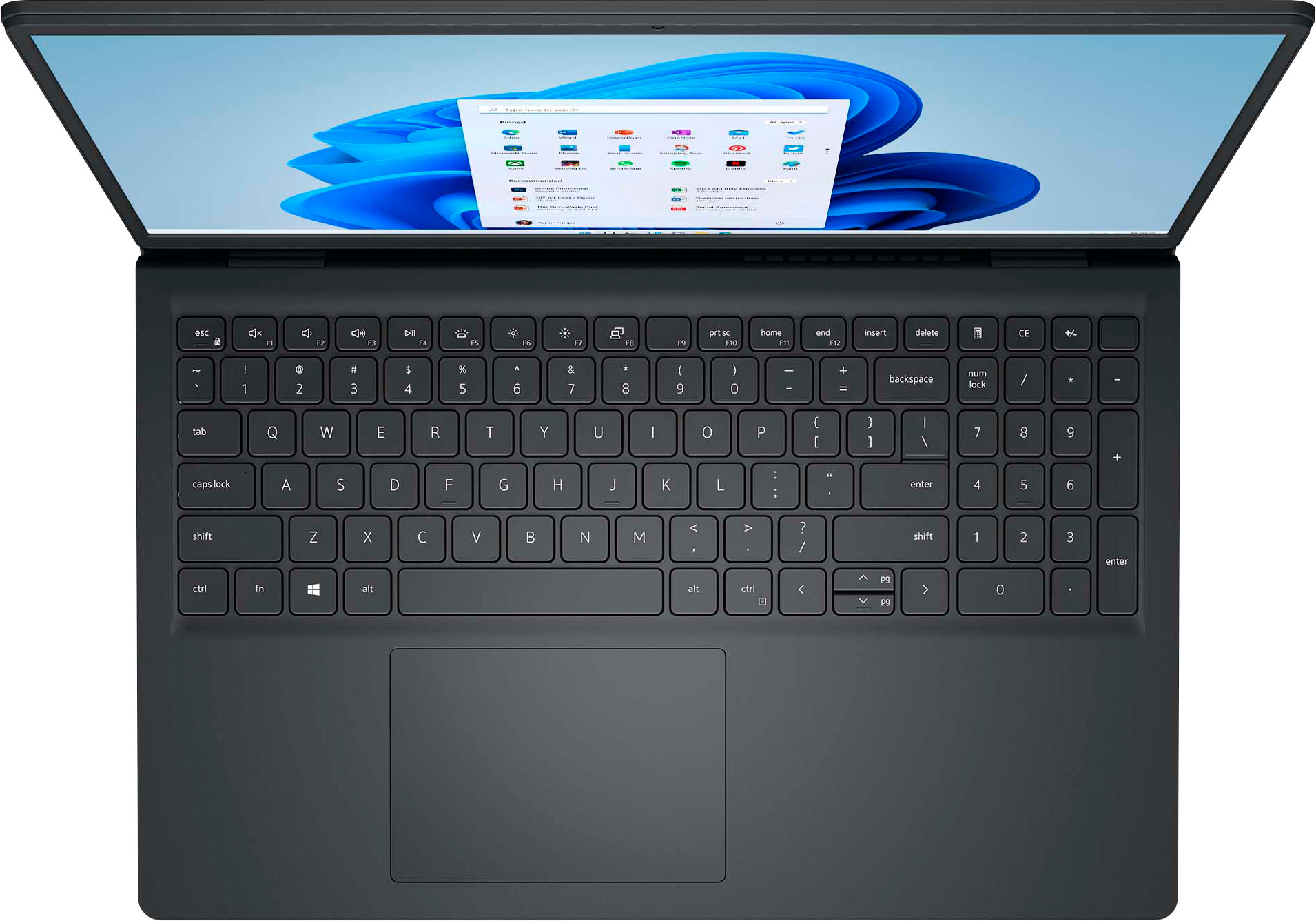
top row of keys (press the key directly, don't press fn and the key)
F1 = mute/unmute
F2 = decrease sound
F3 = increase sound
In Settings:
Click Start Window on bottom, then the Settings sprocket, then System, then Sound.
In Output check to see that your speakers are selected.
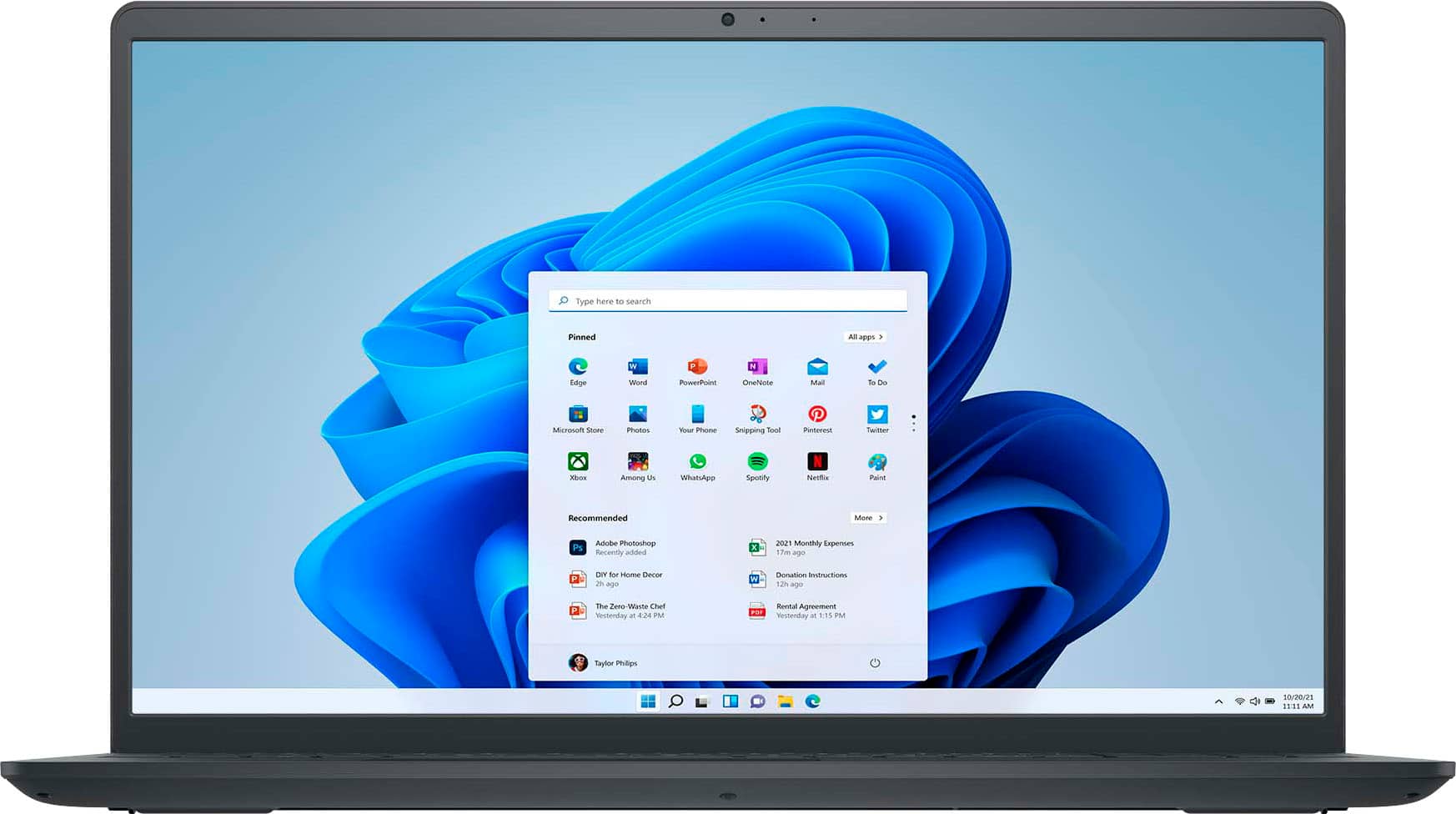
A:AnswerIf I understand your question correctly, the camera is located at the top of the screen. There are also indicator lights to tell when it's on. But there isn't a physical switch to disable the camera. Still trying to figure that out...
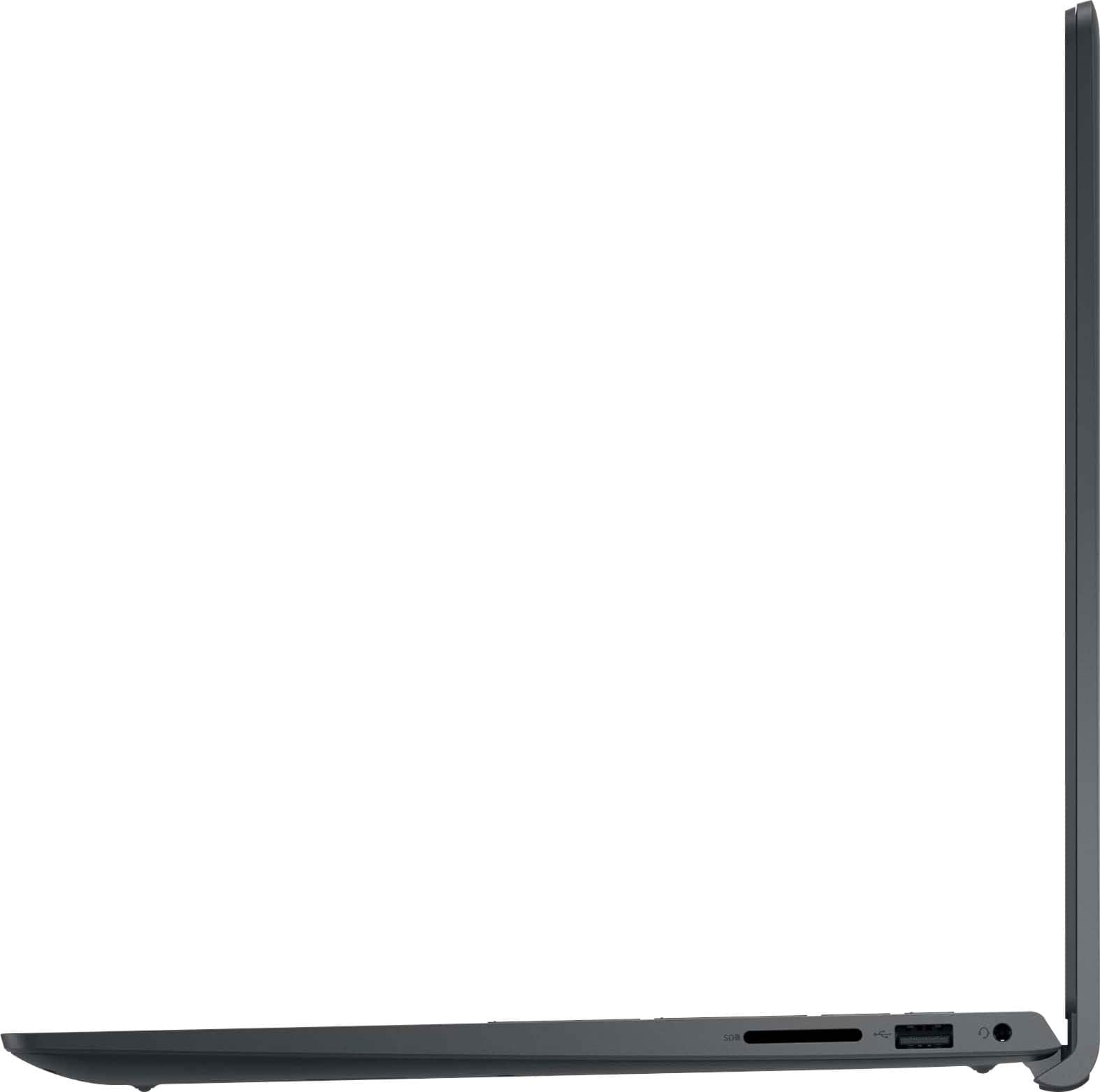
A:Answer1. Assuming that you are asking whether you can fold the screen completely back to duplicate the operation of a tablet, the answer is a resounding "No."
2. Unfortunately, there is no standard method of measuring battery life, the way there is, for example, CPU performance. This means it is impossible to compare one company’s computer’s battery use vs. another. Some manufacturers do provide details on how they measured it, but this is a rarity. The best way to find this information is to search out reviews by trusted tech publications, where they give detailed explanations of their procedures, as well as comparisons to comparable models.
A:AnswerBest Buy has a Price Match policy that is outlined on its website. The exact link is https://www.bestbuy.com/site/customer-service/price-match-guarantee/pcmcat290300050002.c?id=pcmcat290300050002