A:AnswerThis question has been asked and answered several times already.
Please use the search function available for Questions before creating a duplicate inquiry, which only serves to confuse and introduce a greater margin of error.
A:AnswerThis question has been asked and completely answered elsewhere on the Questions section. Please use the "Search" function to find your answers, and avoid duplication of the information.
A:AnswerAs stated elsewhere, to find out whether a specific computer build allows for the use of specific software, always go to the manufacturer's website and search for the application, where you will find a full list of system requirements.
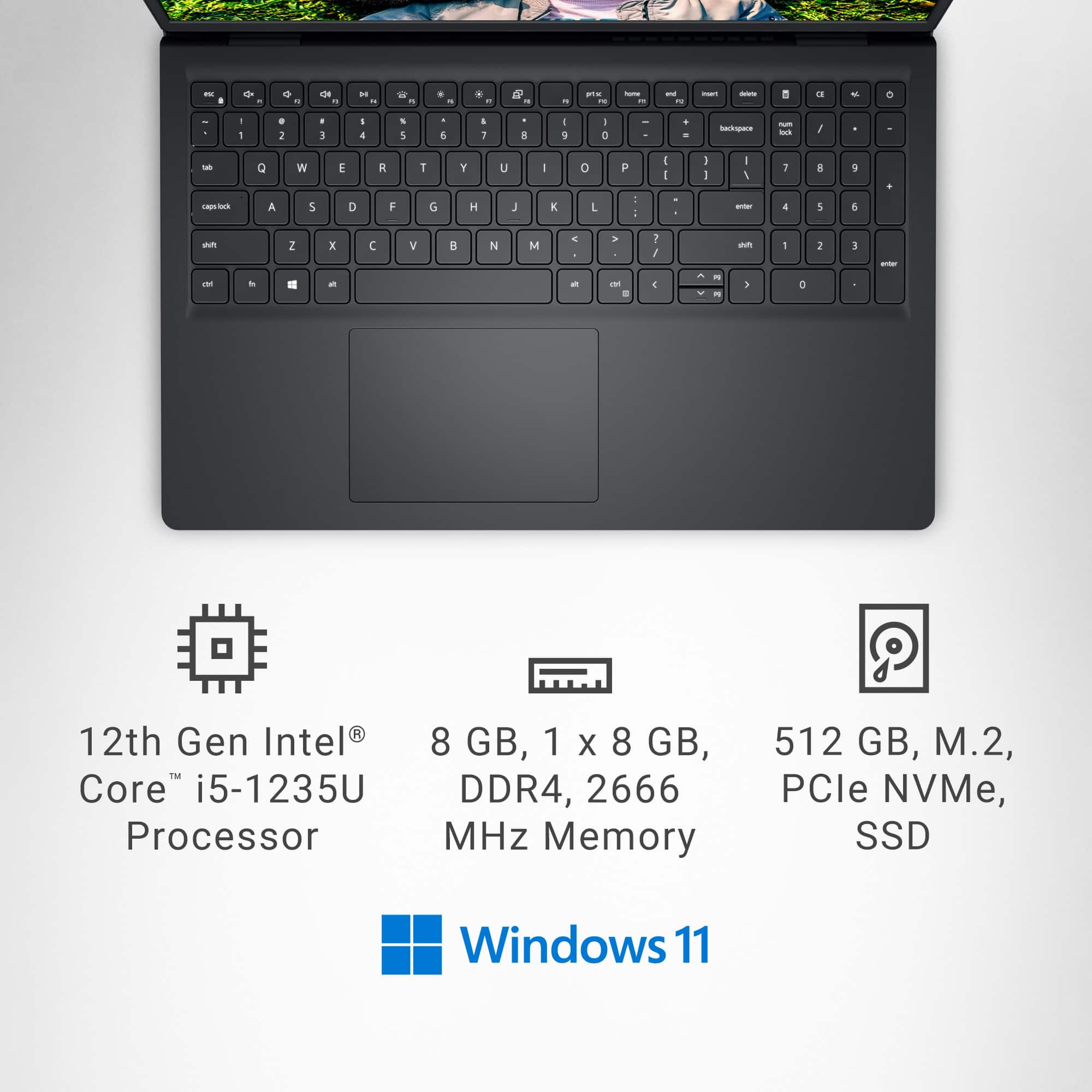
A:AnswerThis question was asked, in different forms, several times, and elicited completely different answers several times. So I researched it, and found that 16GB is the maximum it will hold.
A:AnswerMicrosoft's policy at this time is to provide any OS upgrades free, at least as far as the hardware limits go (which is why many machines running Windows 10 will not upgrade to Win11). Of course, like with any legal agreement with a major corporation, the corporation may change these terms at any time.
A:AnswerThere are a number of ways to purchase, or subscribe, to the MS Office Suite, and this is further complicated by the number of variants (Personal, Family, etc.), as well as special sales, bundling prices, etc. Your question is therefore too broad to be answered simply, and I suggest you do some research.
I will add that there are free alternatives, but since you didn't ask....
A:Answerto keep your battery healthy you want to unplug it when completely charged and not plug it back in until it is nearly drained if you can't let it drain completely. If you HAVE to keep it plugged in all of the time, you should consider replacing the battery if they are, in fact, replaceable