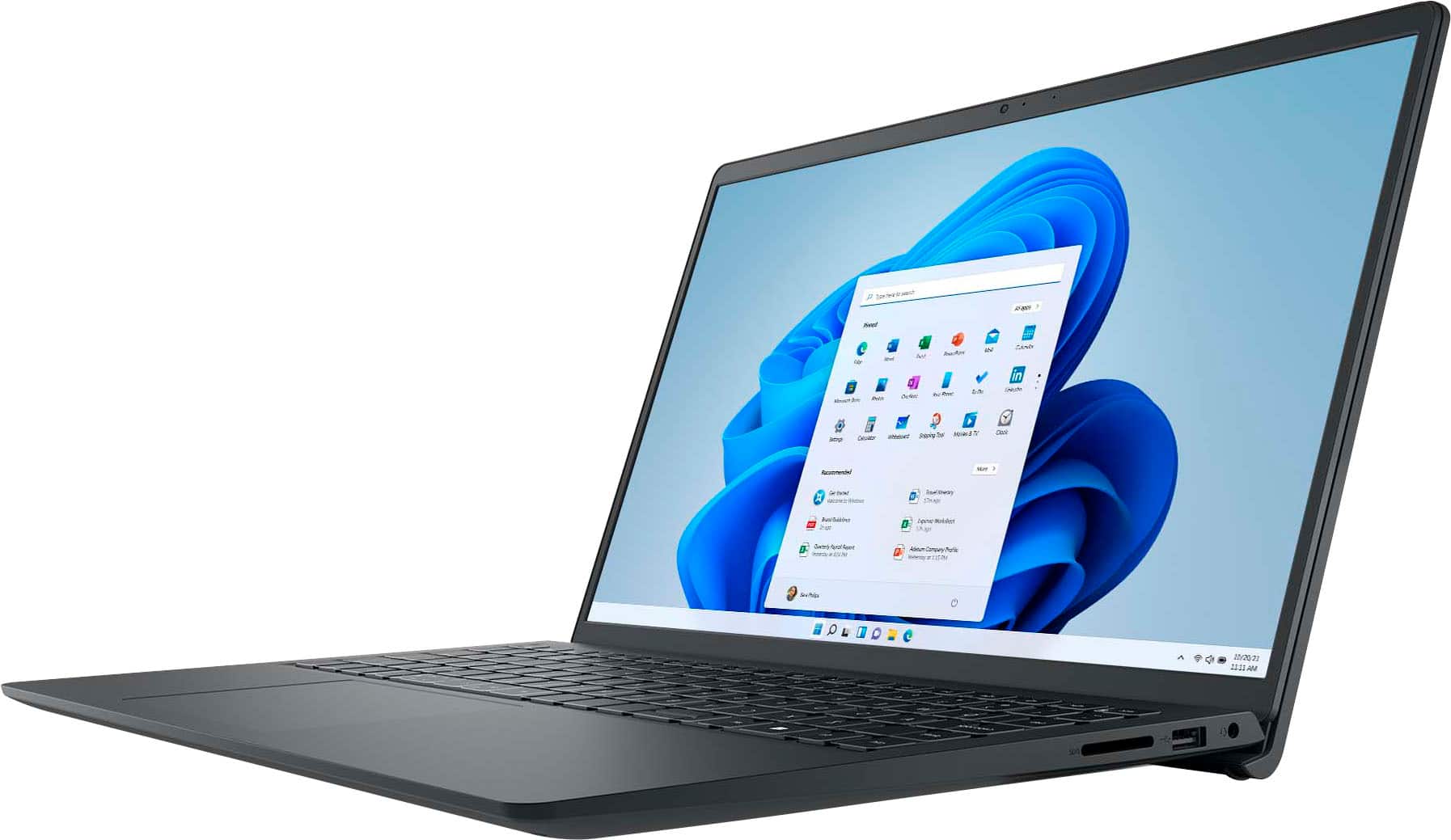
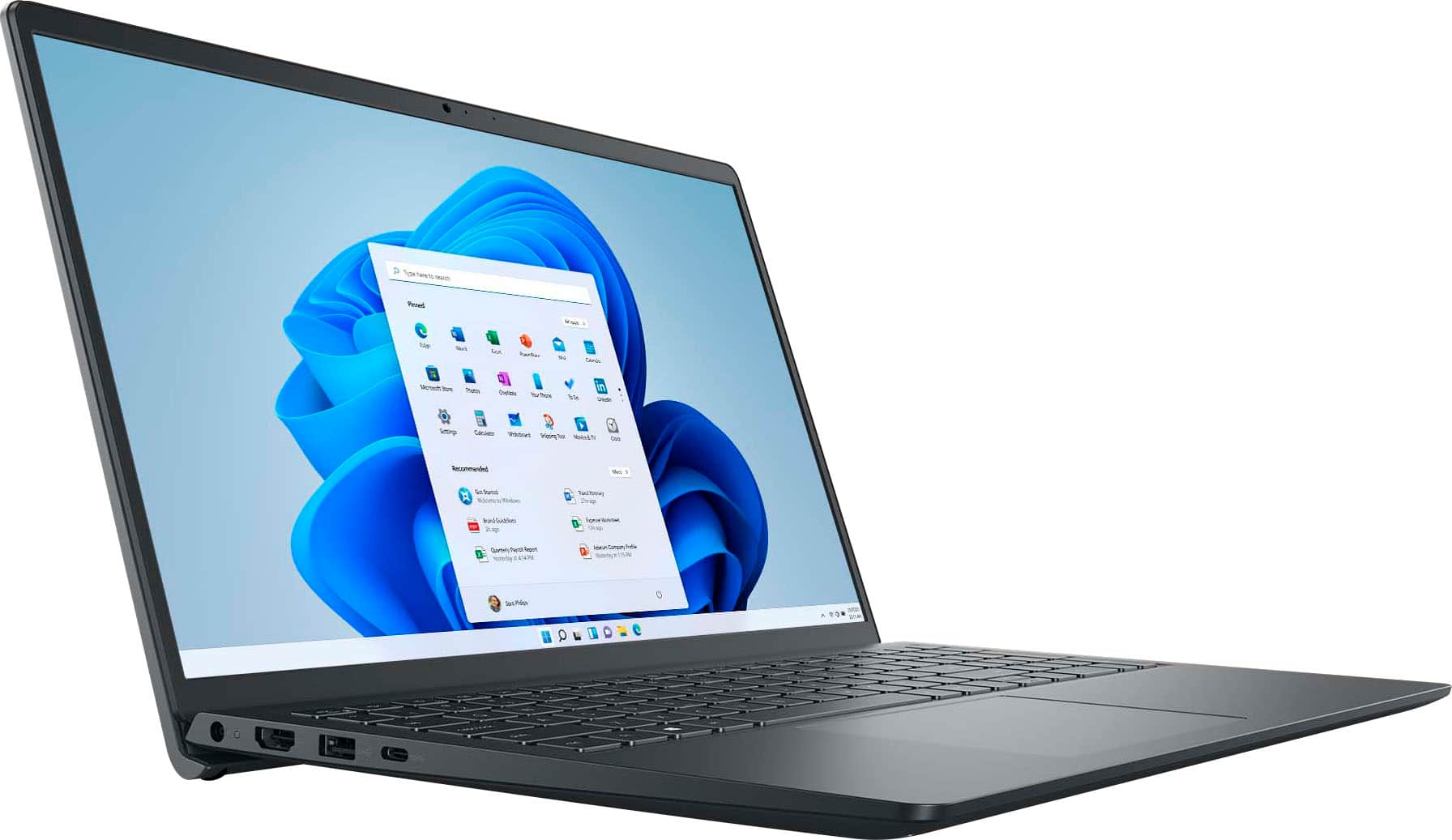
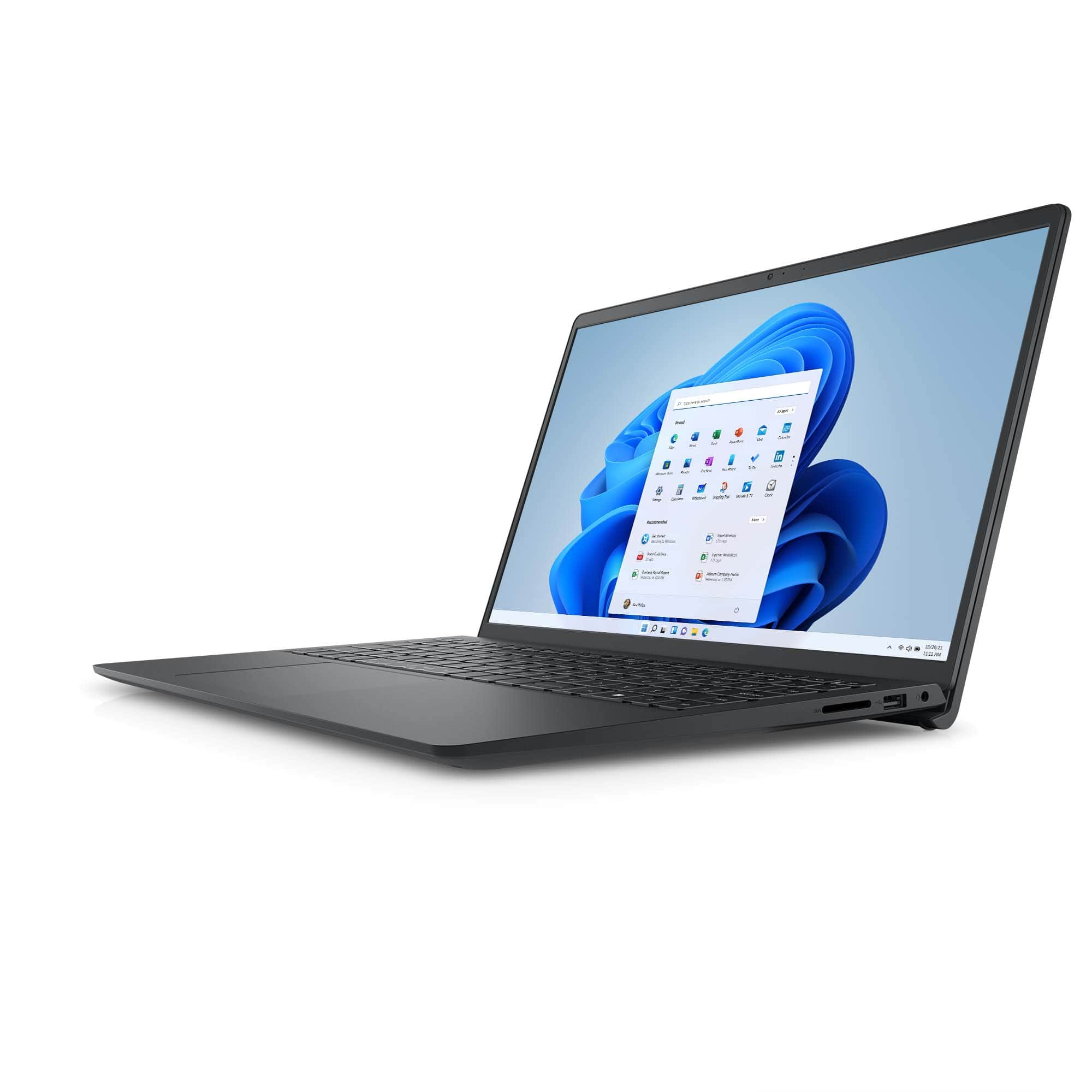
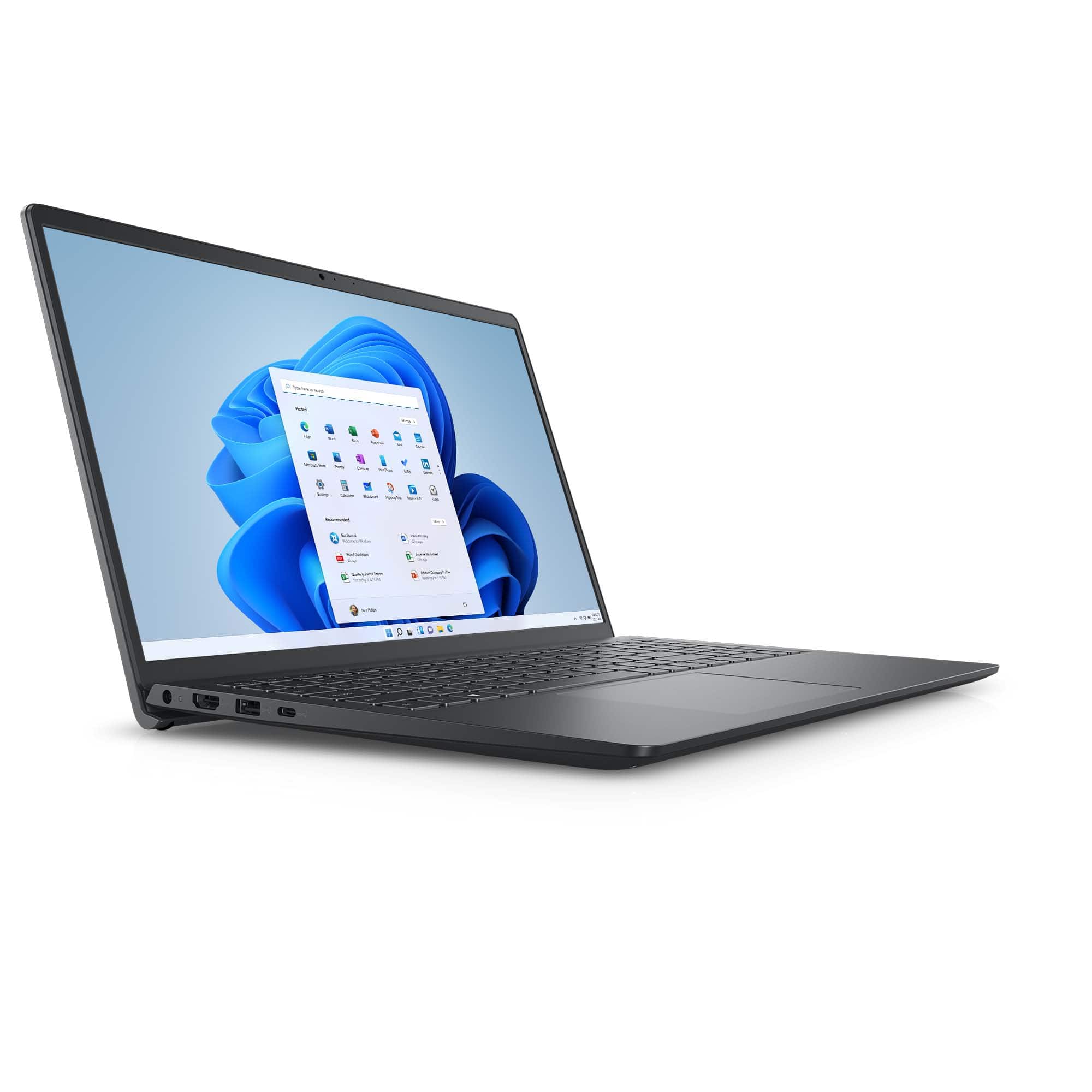
A:AnswerIt's the 2m (about 7½ feet) 4.5mm adapter that uses a C5 three-prong (1-15P) cable, so you can make it longer if you need by switching out the AC cord that goes into the transformer pack.
A:AnswerUpdate: Yes, it appears that this is Dell's "Option 3" display for the i3535: IPS, 193.54mm × 344.23mm 1920×1200 22 nit with 700:1 contrast ratio, 35ms response, 60Hz refresh rate, 80° horizontal and vertical viewing angle.
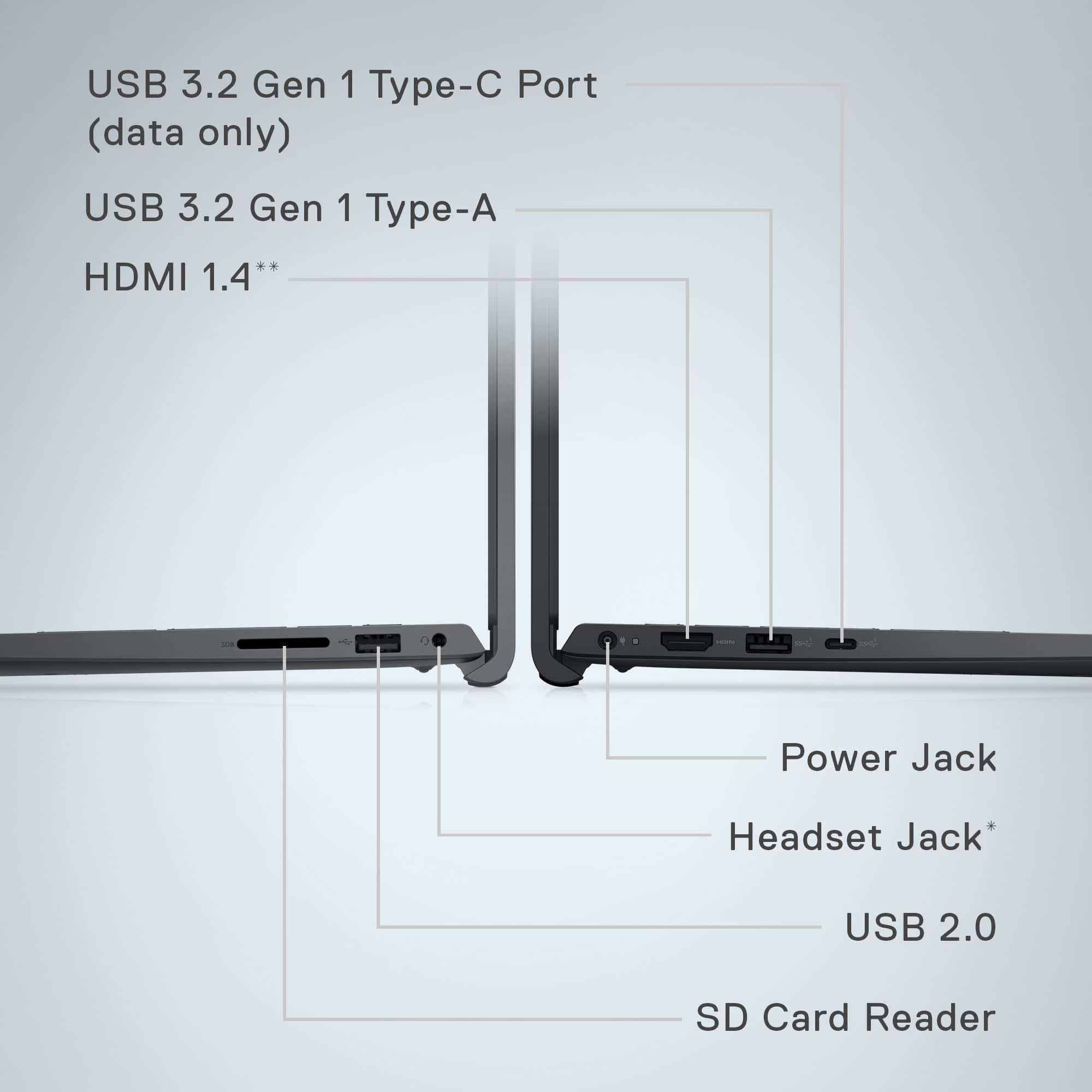
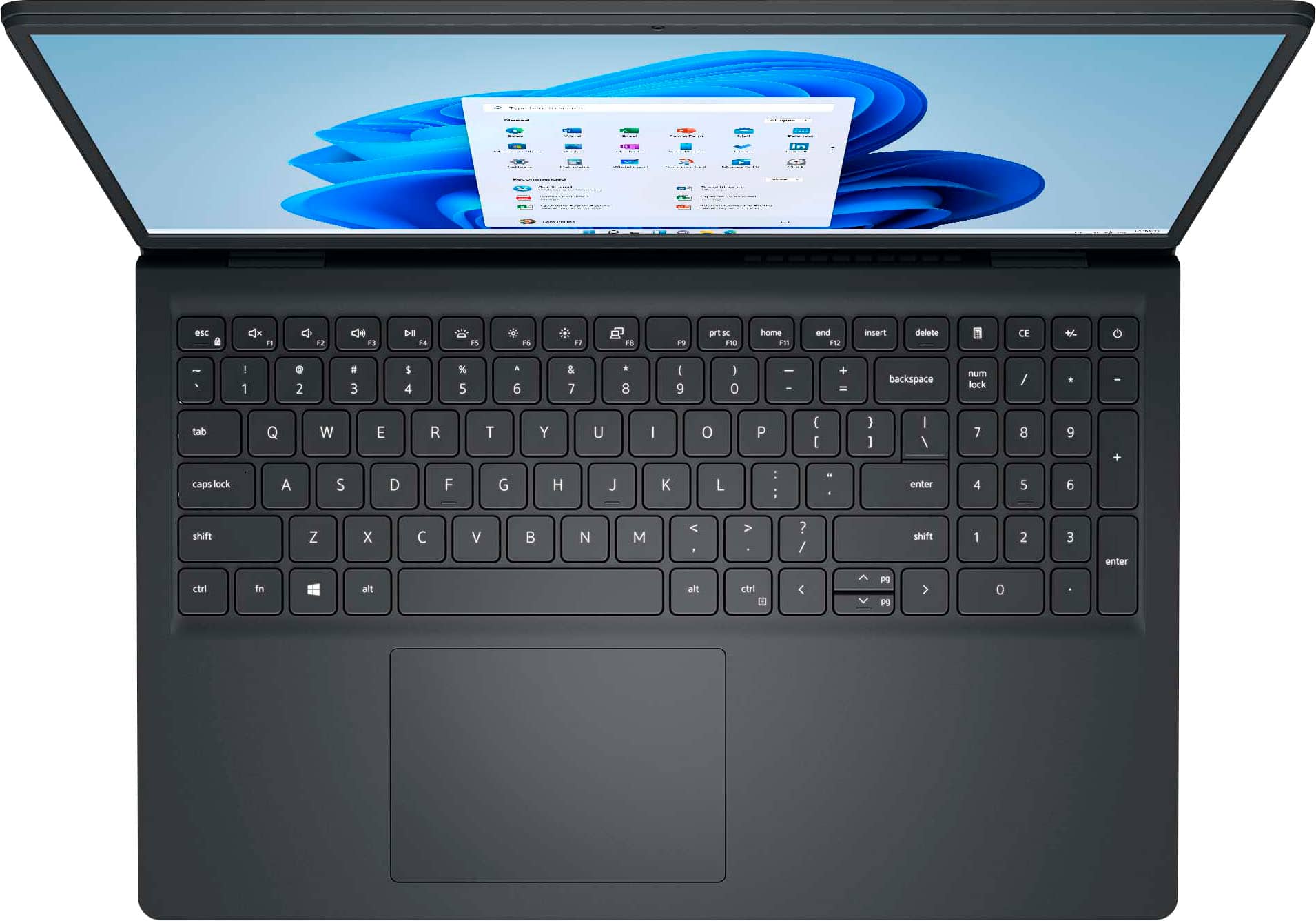
A:AnswerNo, most Inspirons do not bother with Ethernet. However, since it does have Type A and Type C USB-3.2, you shouldn't have any trouble finding a dock or ethernet-only adapter to add this functionality. I doubt that it would be able to handle much more than 5Gbps anyway, so USB wouldn't really choke it down.
A:AnswerWindows offers its own speech-to-text option, which works relatively decent if you are dictating in a quiet area and not trying to catch a more relaxed conversation in a meeting. Dell doesn't have anything of its own as far as I know.
A:AnswerAbsolutely - however, if you are scanning high-resolution photographs, this is going to be less powerful for video editing. Despite having a decent processor with upgradable RAM, it does not have a dedicated graphics card with its own VRAM. So if you just want to scan photos and display them, it would be suitable - but it won't be fantastic if you need to do anything else with those photos.